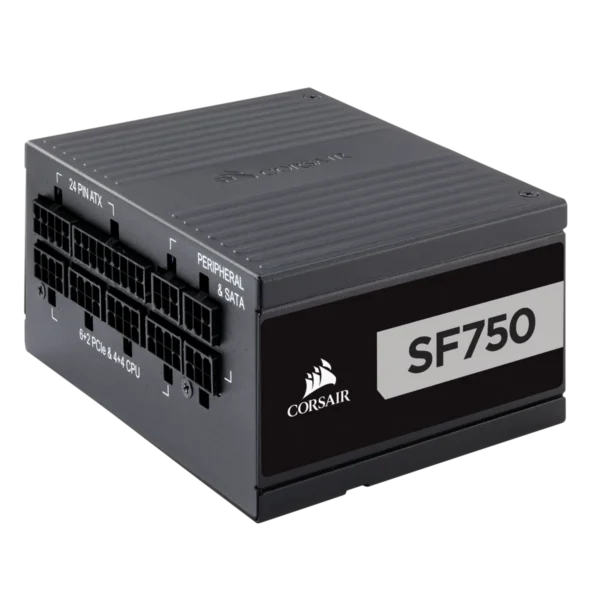
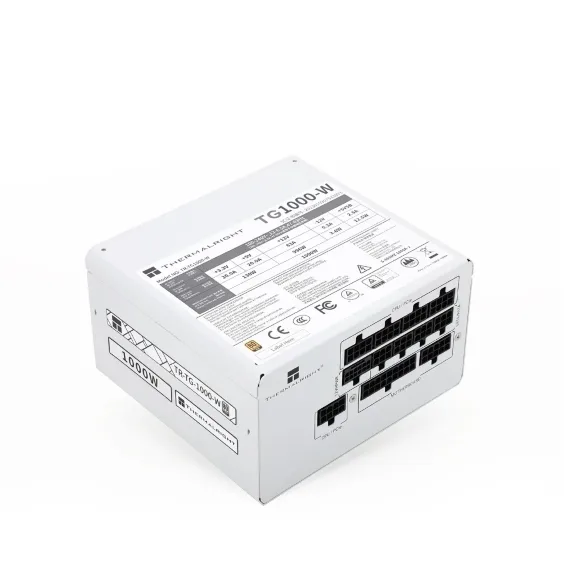
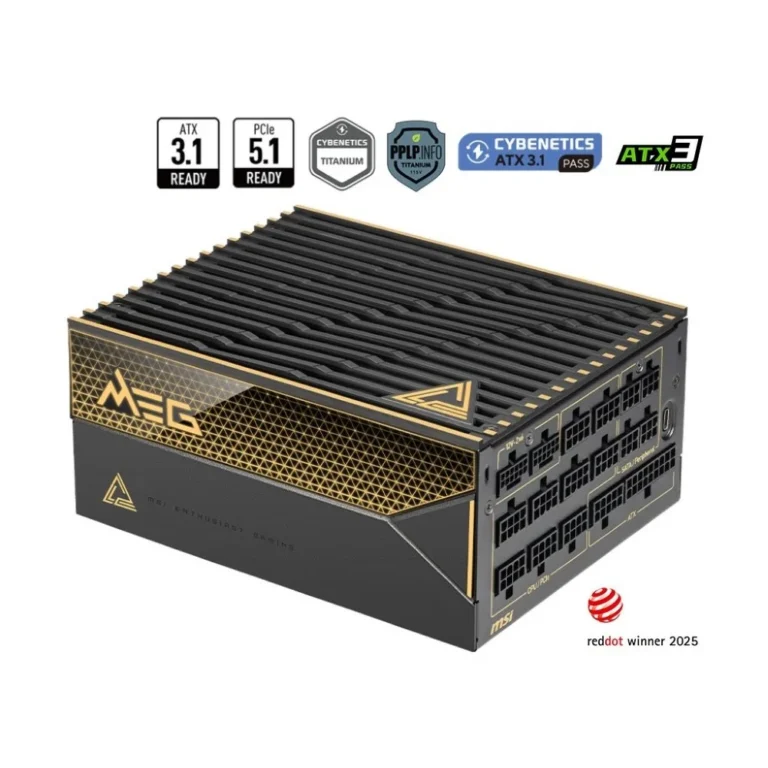
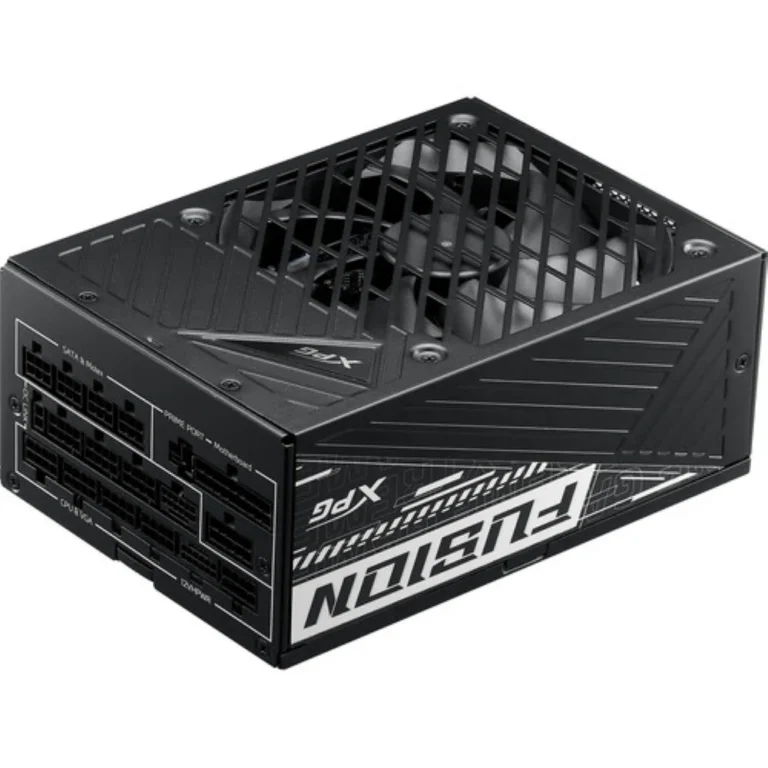
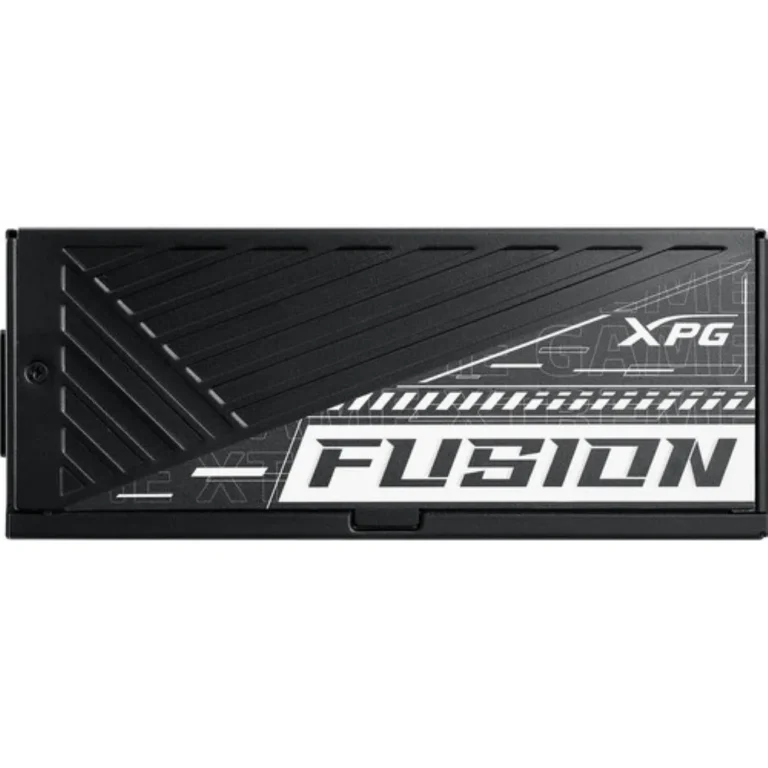
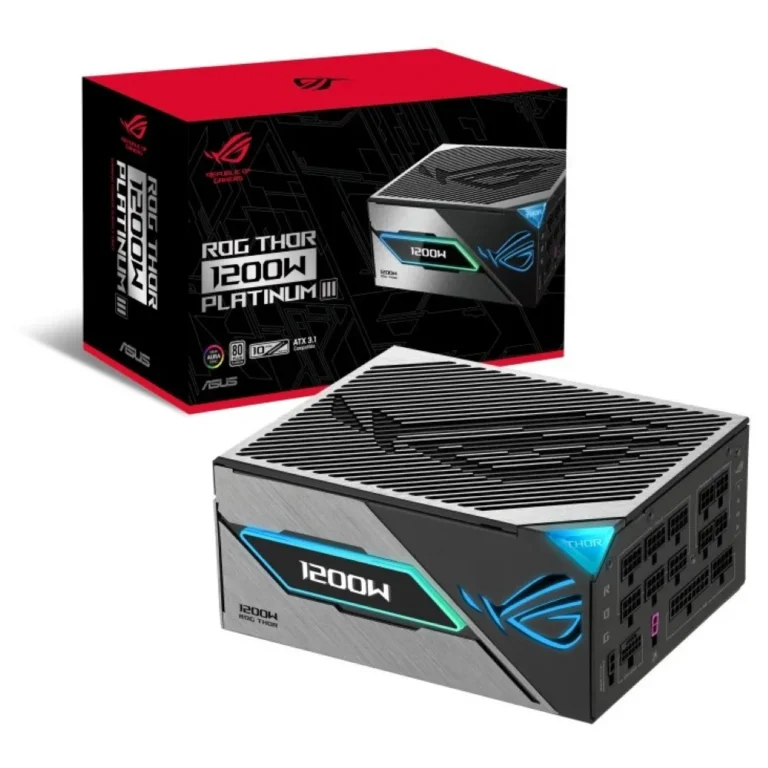
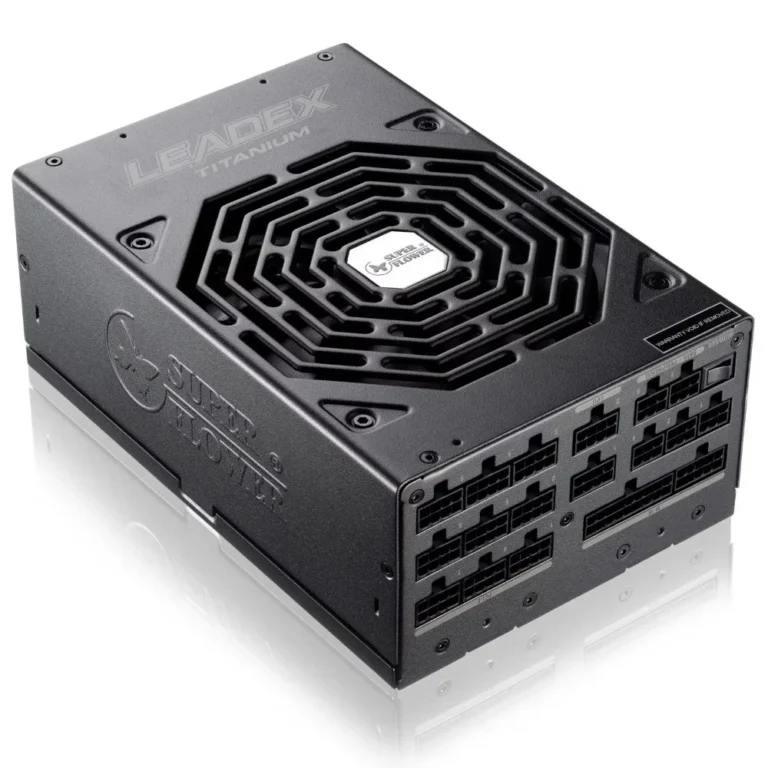
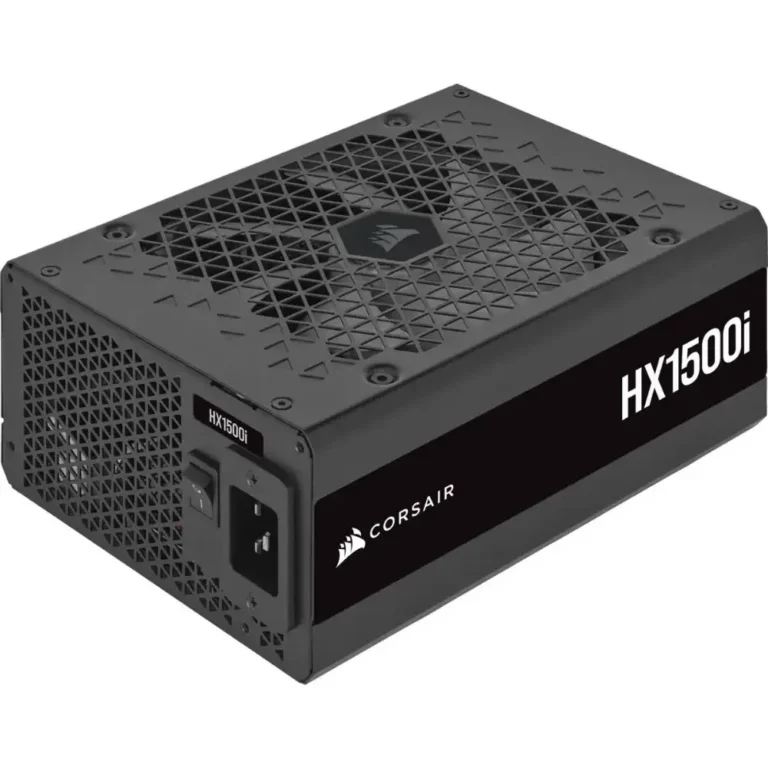
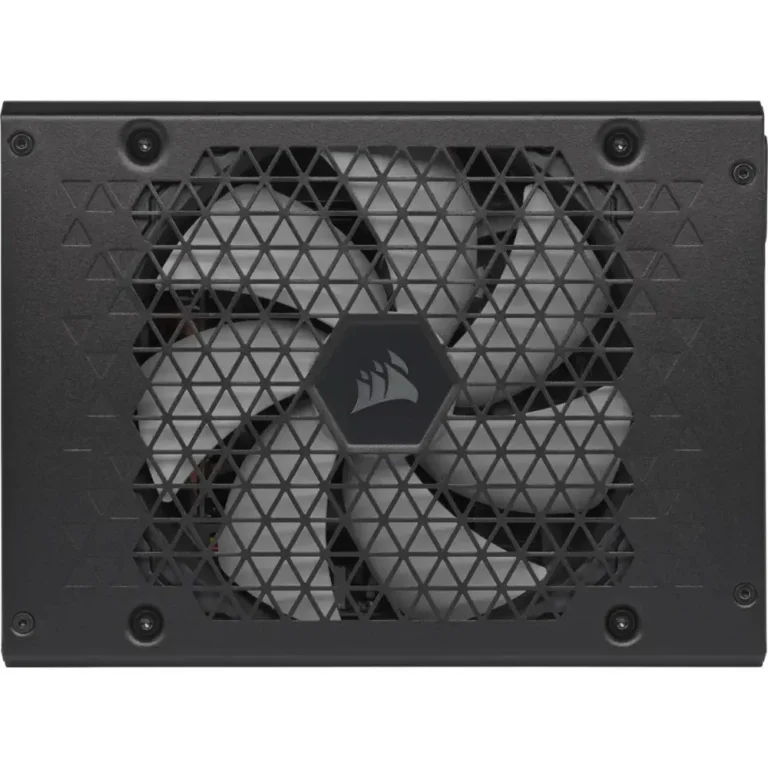
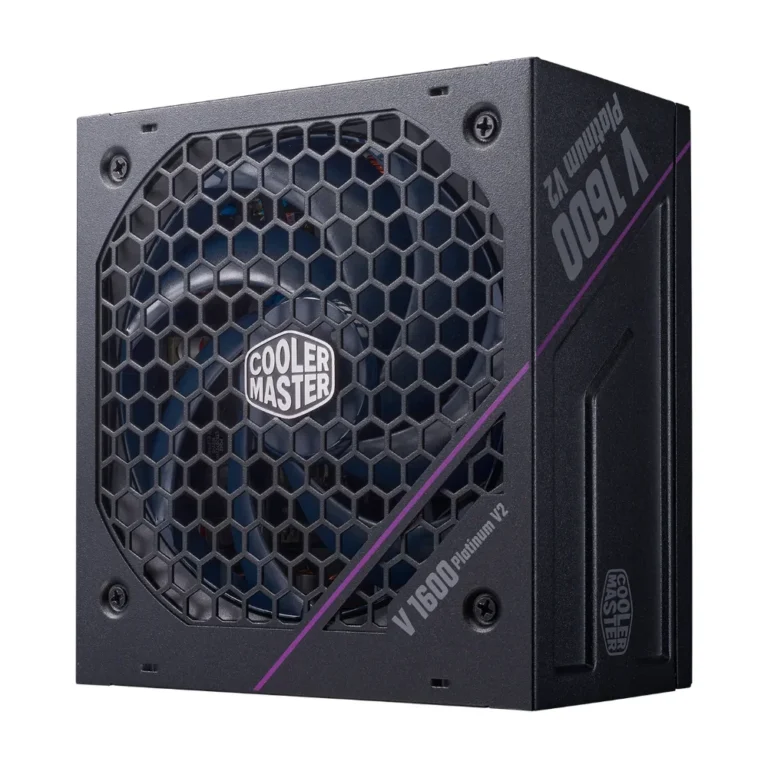
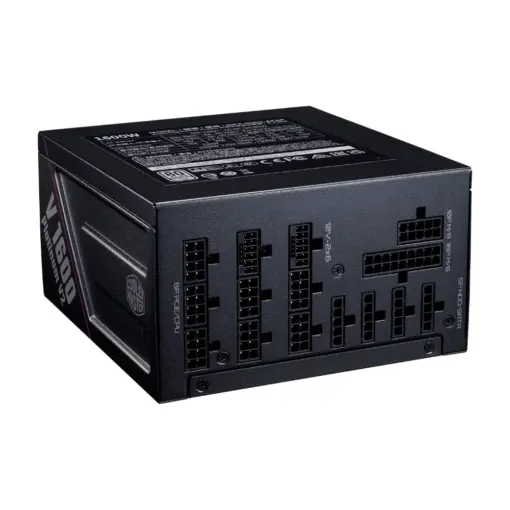
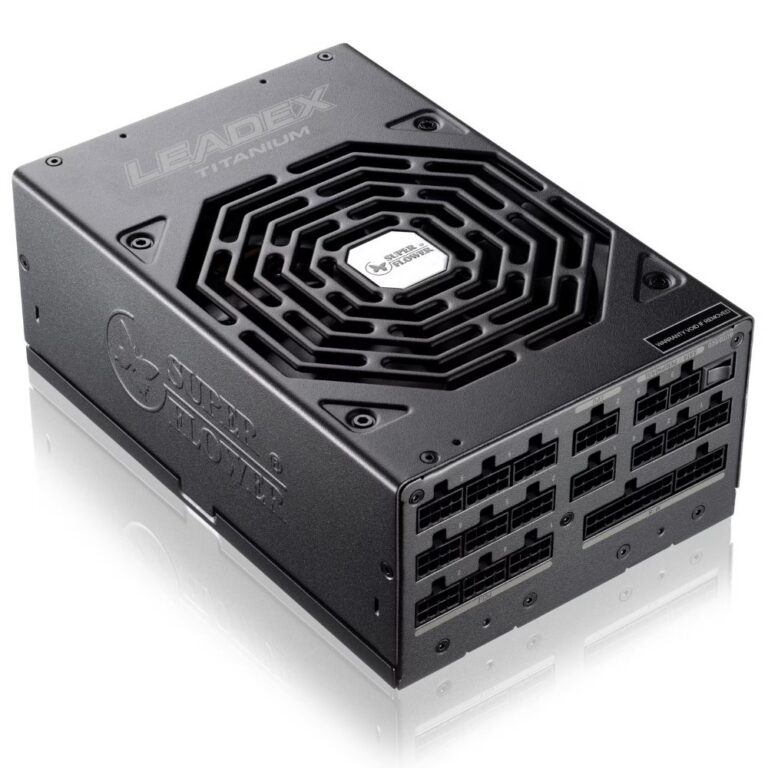
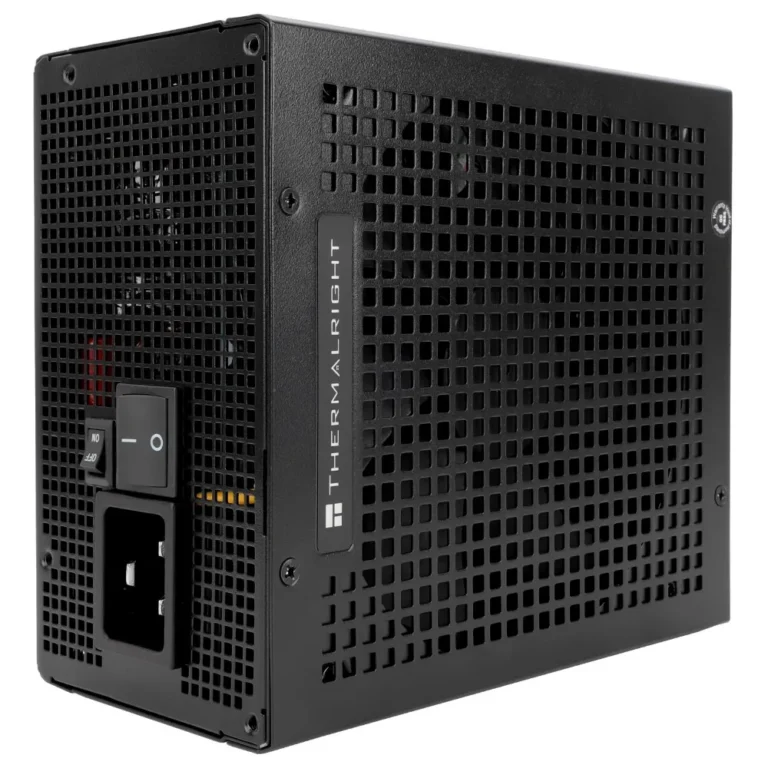
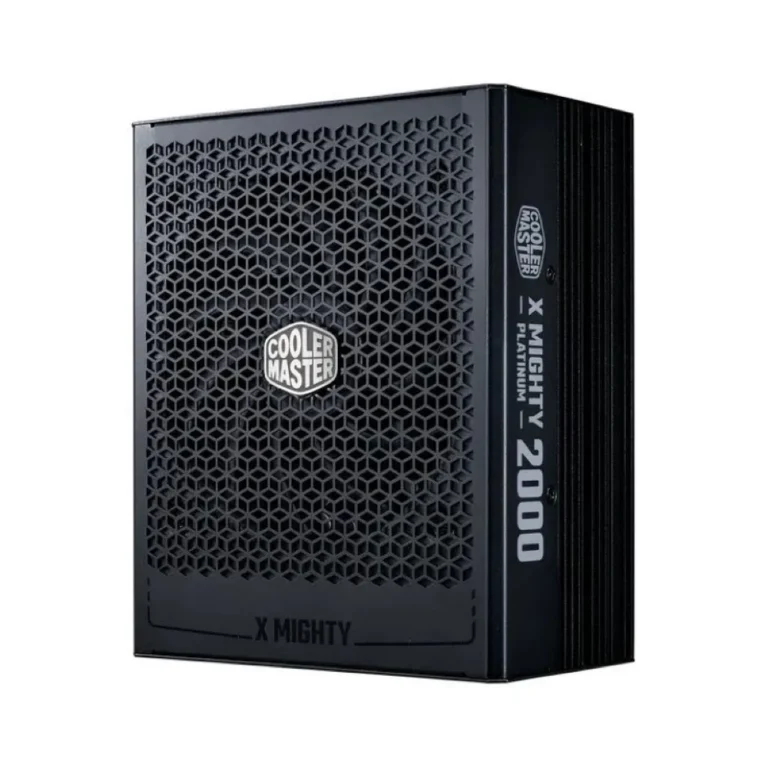
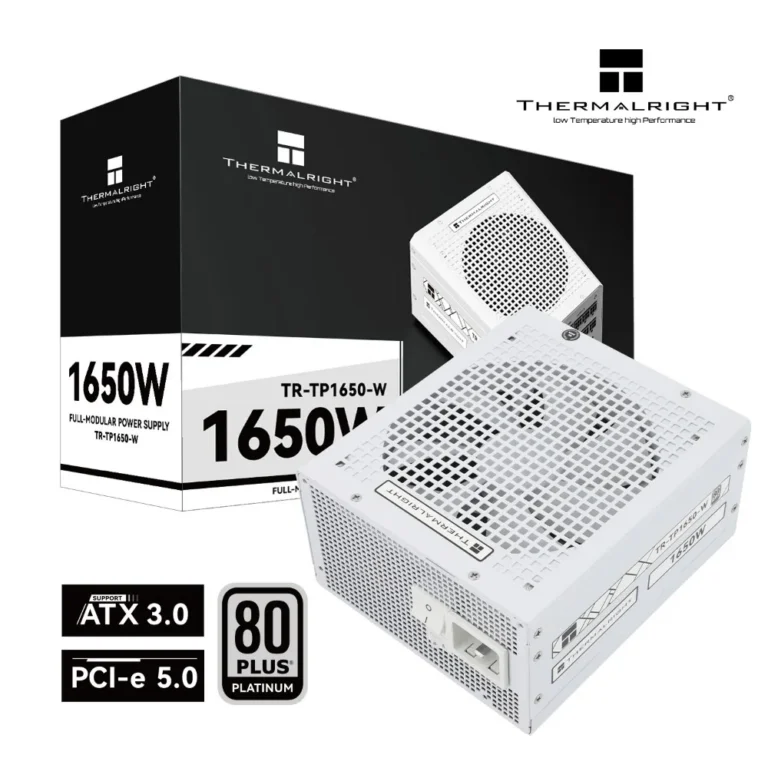
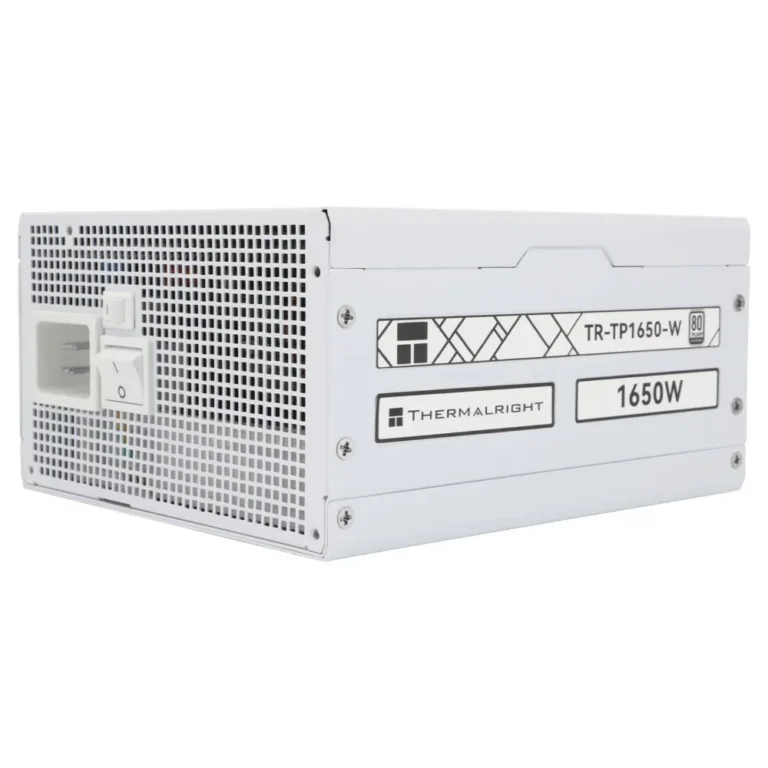
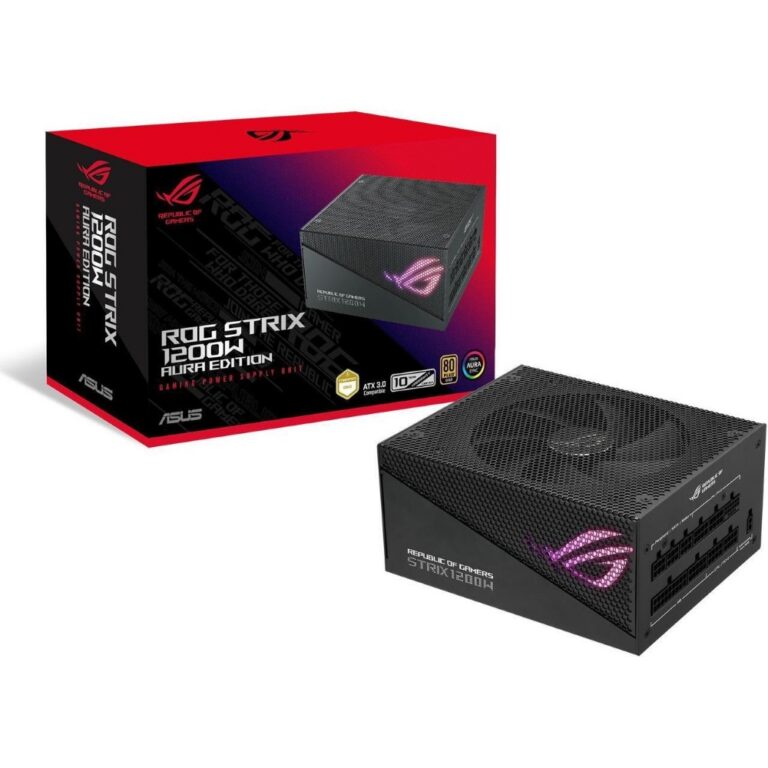
Every wattage band of desktop PSU in one place, sorted into four tiers so builders can jump straight to the range their components actually draw.
Power Supplies (PSU) for Desktop and Gaming Builds
Power supplies (PSU) carry the whole build. The unit converts mains power into the rails that feed the motherboard, CPU and graphics card, and it is the one part that can take other components with it when it fails. Builders shopping this section fall into two groups: people finishing a fresh build who need the wattage matched to a parts list, and people replacing a unit that stopped holding up a newer graphics card.
This section groups stock into four wattage bands rather than listing everything on one page. Up to 550W PSU covers office machines and builds running on integrated graphics. 600W-750W PSU is where most mid-range gaming builds land. 800W-1000W PSU and 1000W & Above PSU hold the units built for higher draw systems. Boost is among the brands stocked here, and pricing runs from entry-level units through to premium ones, so the wattage you need does not lock you into one budget.
How to Pick the Right Unit
Three decisions do the work.
- Start with total draw: add the graphics card and processor requirements, then leave headroom on top so the unit is not sitting at full load whenever a game runs.
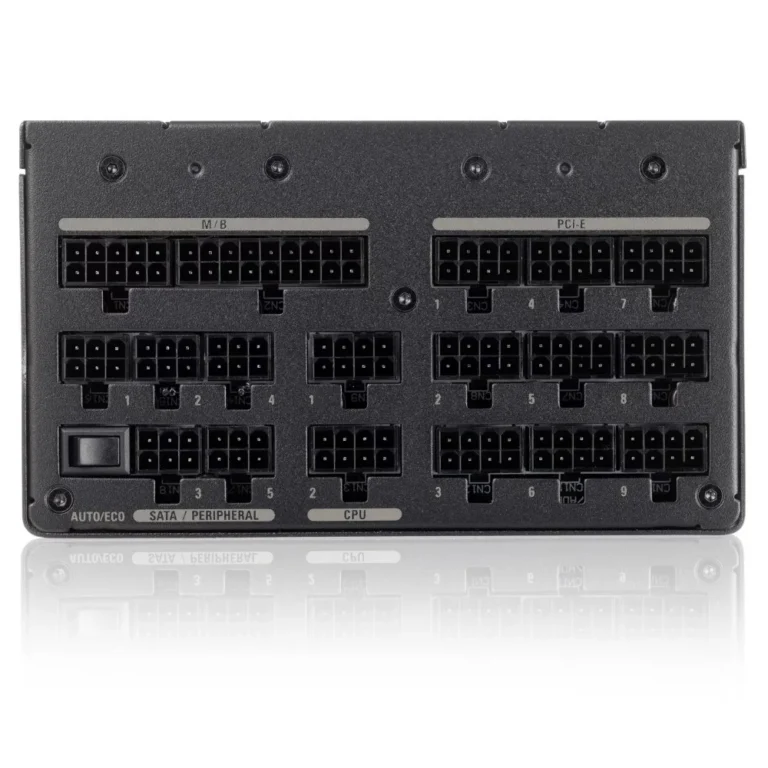
- Second, check the connectors against your parts, because a PSU with enough wattage still fails you if it lacks the graphics card power connectors your GPU expects.
- Third, look at the cabling arrangement. Fixed cables cost less and work in a roomy case. Detachable cabling keeps a small chassis clear and improves airflow behind the motherboard tray.
A machine used for spreadsheets, browsing and a point of sale terminal draws little and belongs in the lowest band. A build pairing a mid-range graphics card with a six or eight core processor sits in the 600W-750W range. Anyone running a high draw graphics card, or planning to drop one in later, should shop the 800W-1000W band and buy the headroom now rather than replacing the unit twice. Workstations with several drives, capture hardware and long render sessions belong in 1000W & Above.
Buying in Pakistan
Mega Computer keeps a showroom in Karachi where you can see a unit before you commit. Orders ship with nationwide delivery across Pakistan. You can pay cash on delivery or settle online. Units carry manufacturer warranty, so keep your invoice, and contact us with your build list if you want the wattage checked before you order.
One compatibility note worth checking before you buy: measure the depth your case allows for the power supply, since a higher wattage unit is often physically longer and can crowd a drive cage in a compact chassis. Cable length matters too. Cases that mount the PSU at the bottom with a routed cable path need enough reach for the processor power cable to make it to the top of the board.

 1stplayer1stplayer 12
 AerocoolAerocool 5
 AntecAntec 3
 DarkflashDarkflash 7
 DeepcoolDeepcool 28
 FSPFSP 17
 GamdiasGamdias 5
 GameMaxGameMax 3
 NZXTNZXT 3
 SilverStoneSilverStone 14
 Super FlowerSuper Flower 18
 ThermalrightThermalright 31
 AcerAcer 3
 AigoAigo 4
 BoostBoost 5
 Cooler MasterCooler Master 17
 CorsairCorsair 31
 CougarCougar 19
 EaseEase 12
 GigabyteGigabyte 22
 RedragonRedragon 7
 ThermaltakeThermaltake 14
 ThunderThunder 3
 XPGXPG 23