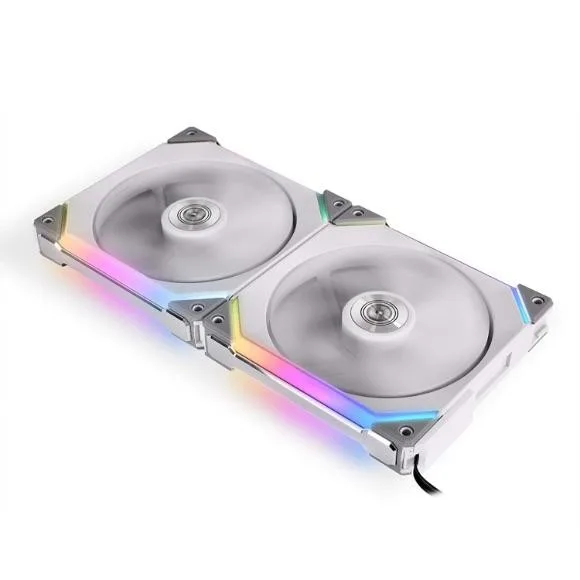
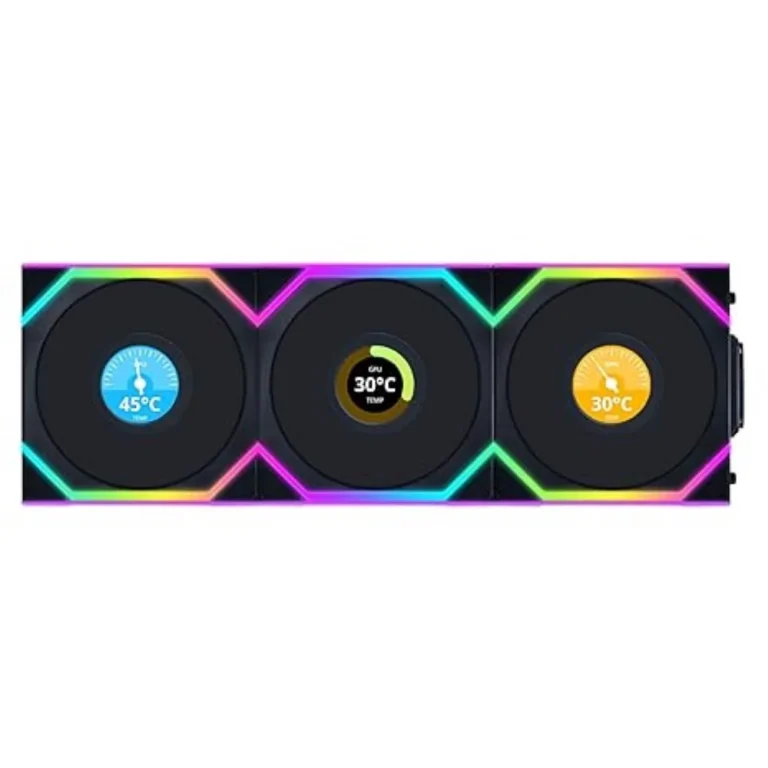
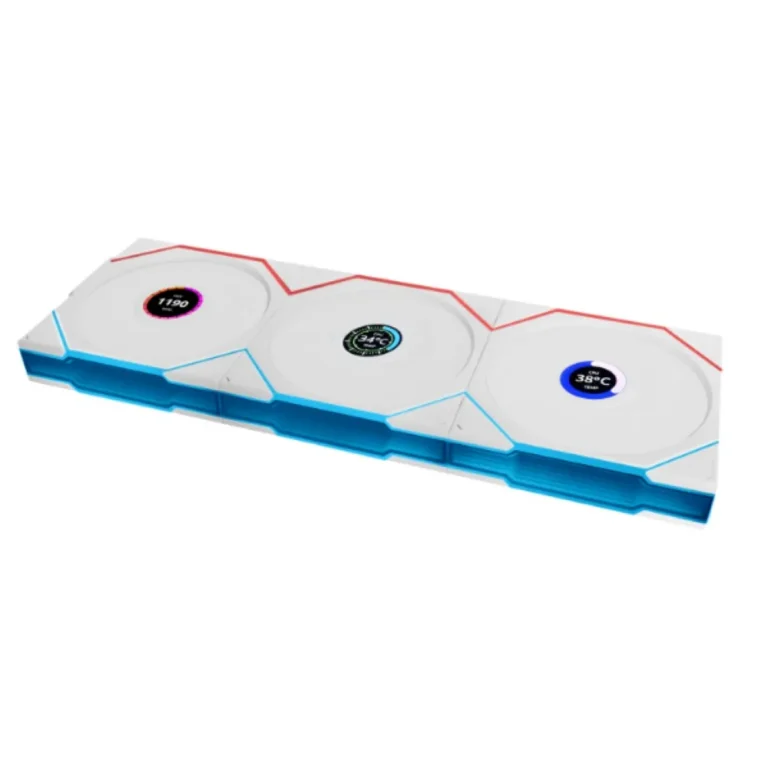
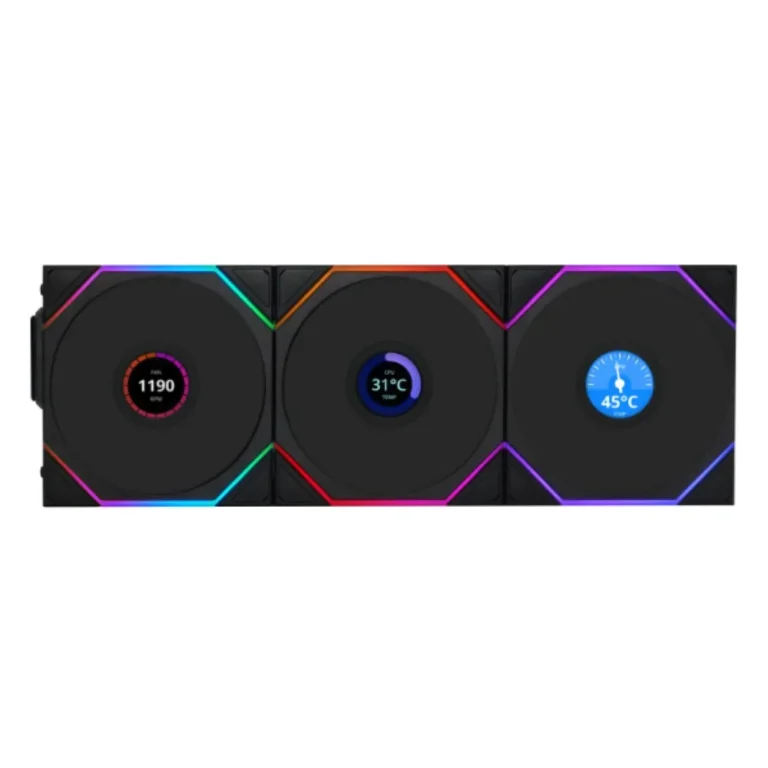
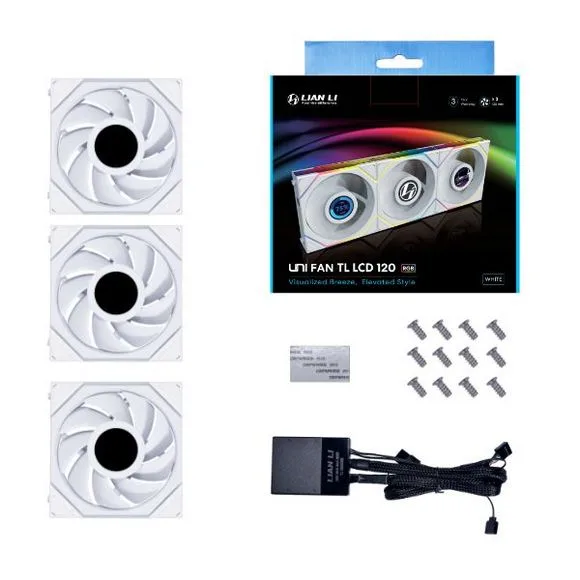
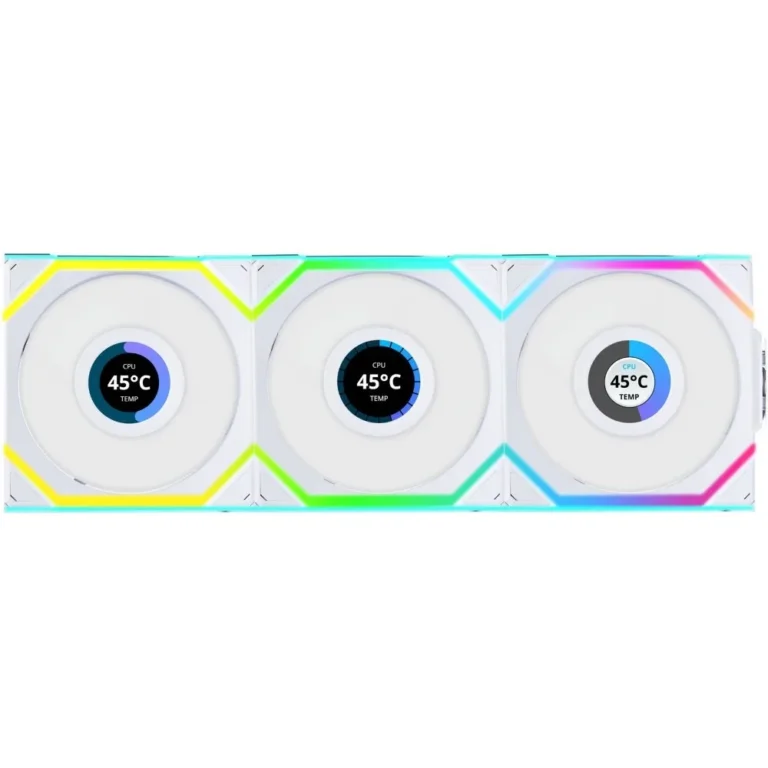
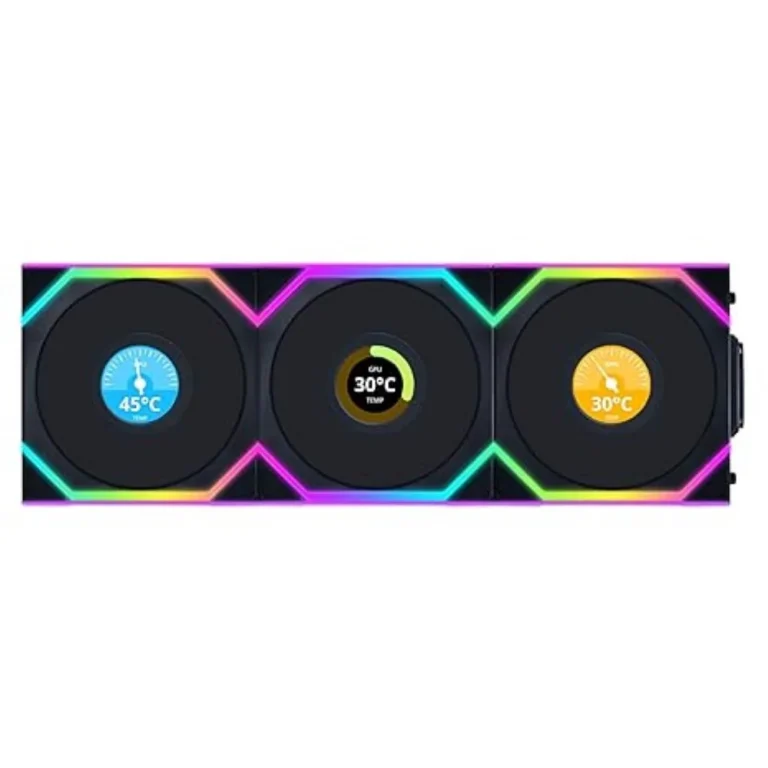
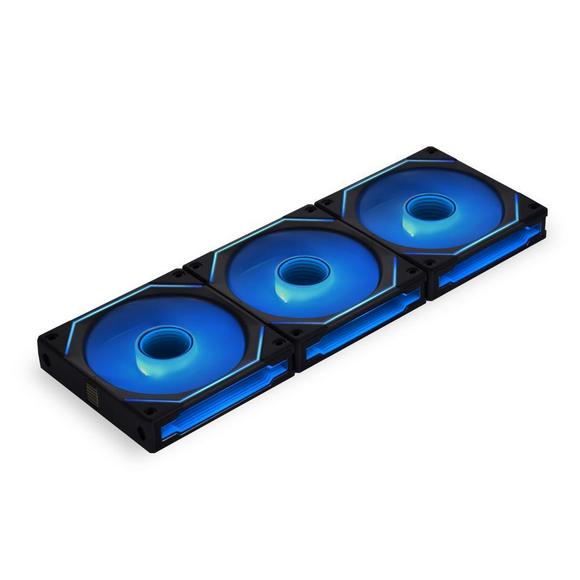
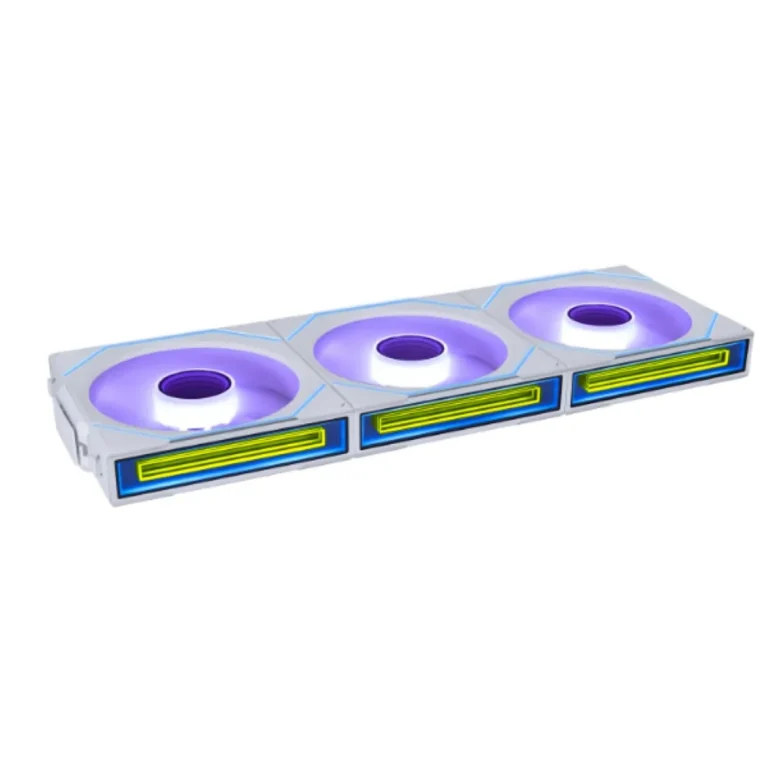
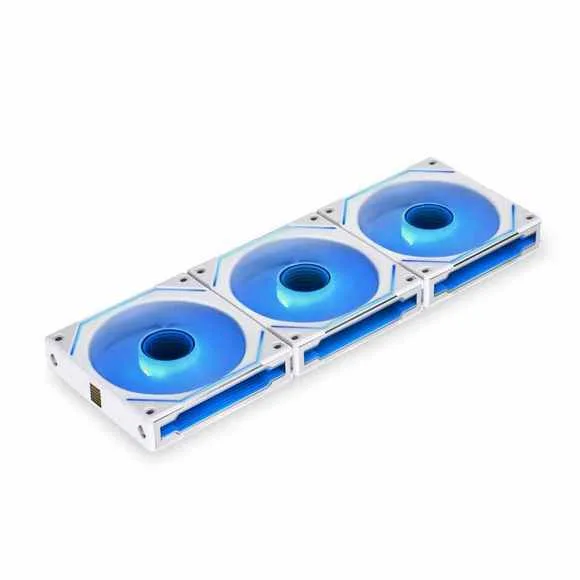
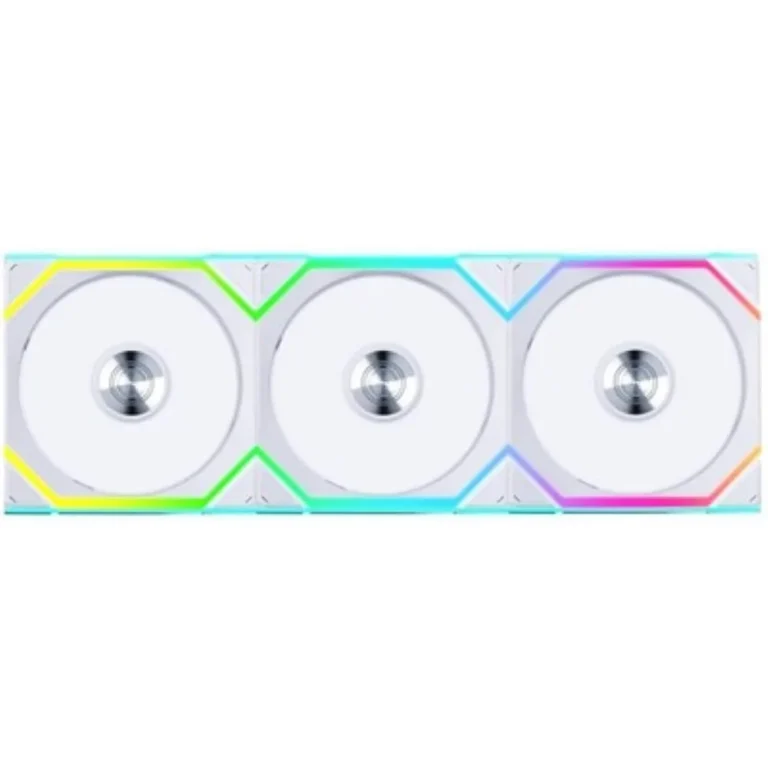
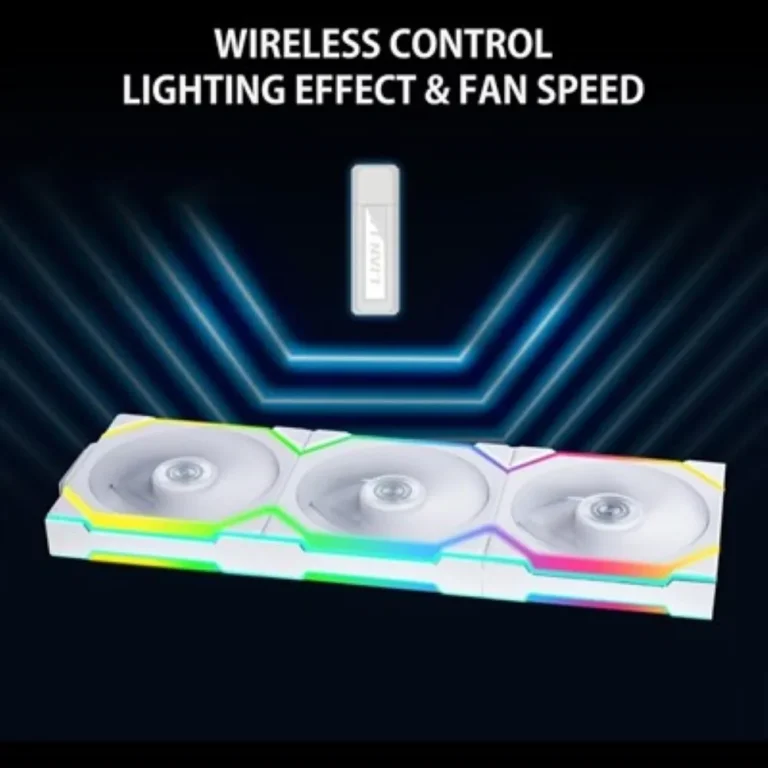
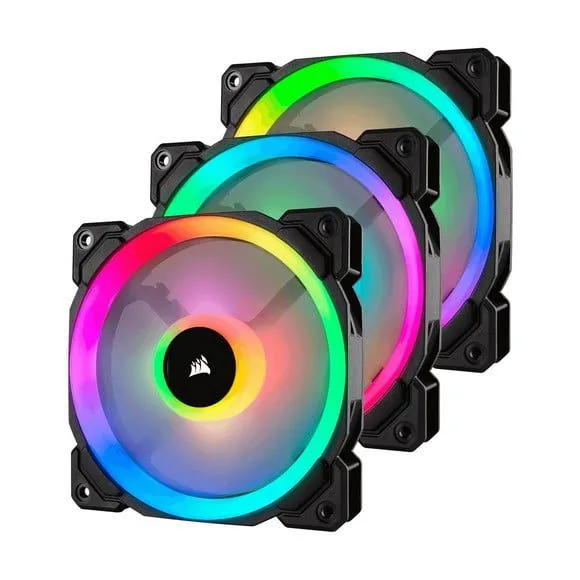
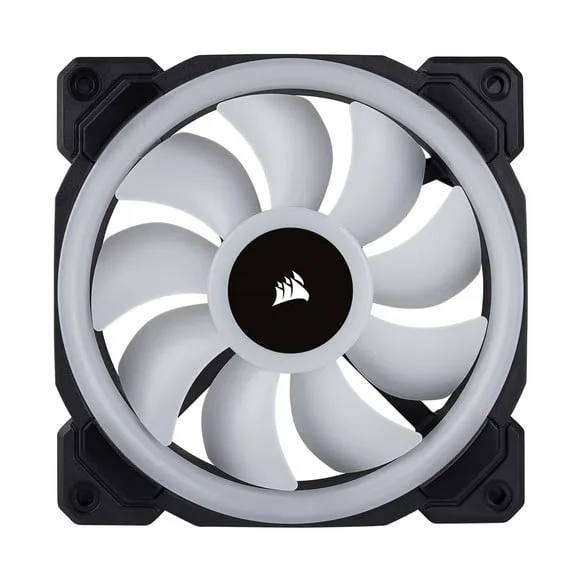
Airflow and lighting fans for desktop builds, sorted by mounting size across 120mm, 140mm and 240mm, with ARGB kits and plain fans from Boost and Thunder.
Case Fans and RGB
Case fans, RGB and plain alike, keep a desktop build from cooking itself under load. This section groups them by mounting size, so you can match a fan to the holes your case or radiator bracket already has. The people shopping here range from someone swapping out one rattling stock fan to someone kitting out a full tower with matched lighting on every panel.
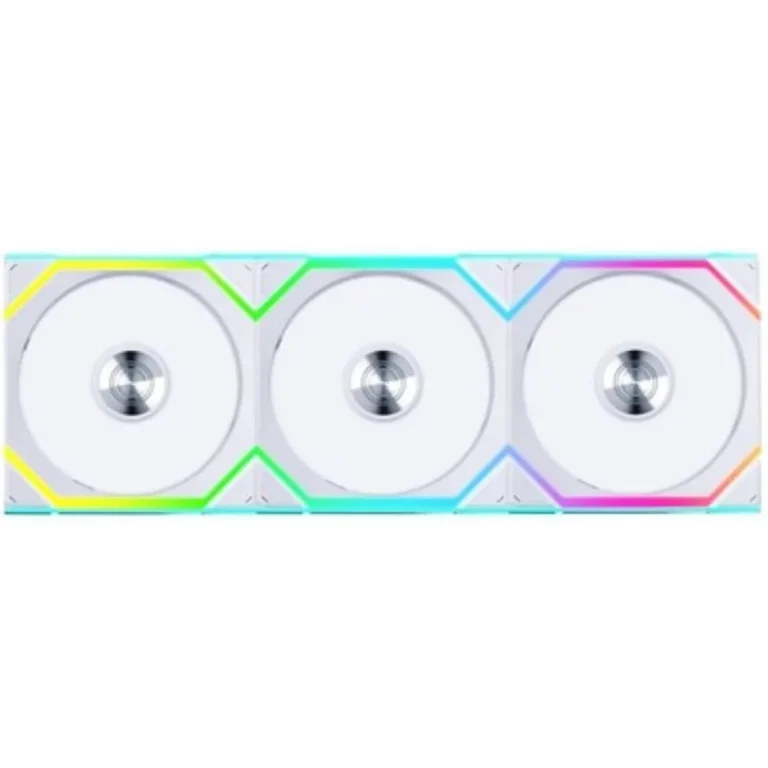
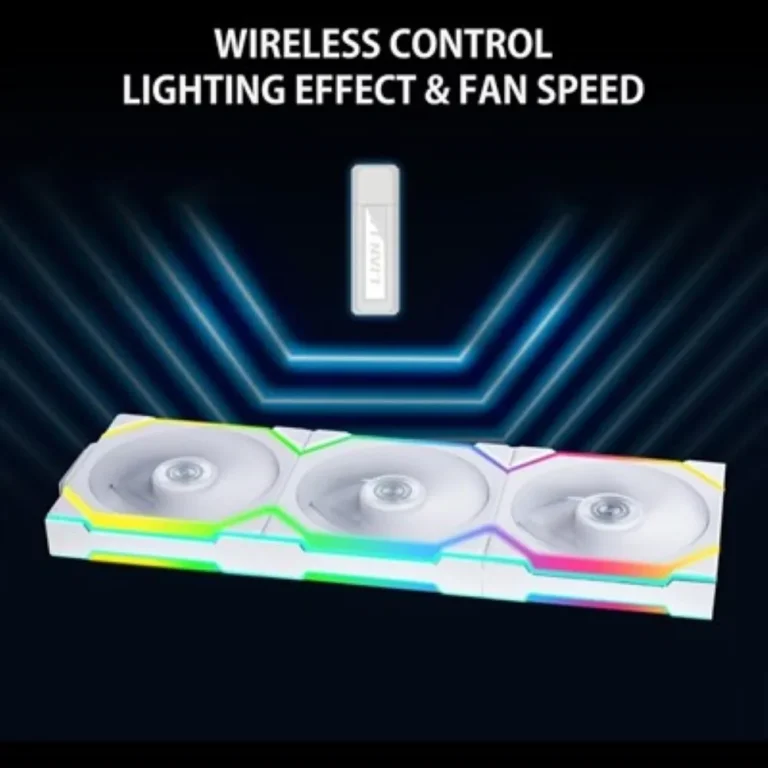
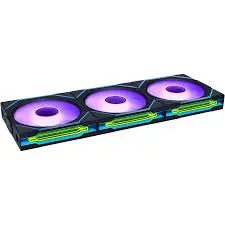
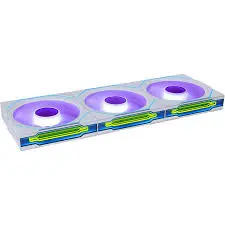
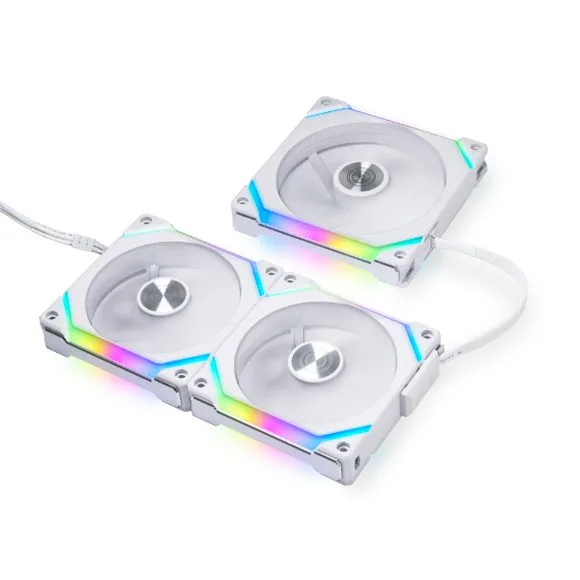
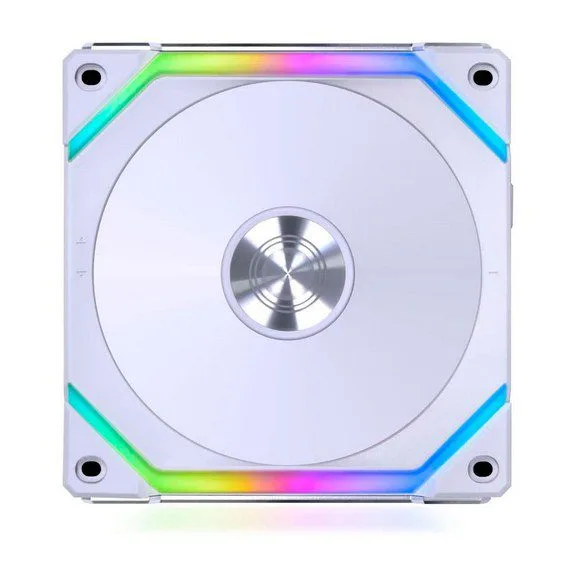
Two brands carry this section. Boost supplies the Squirrel line, sold both as a plain PC case fan and as a Squirrel Pro ARGB version of the same fan. Thunder supplies its Marin case fans with ARGB, sold as a kit rather than one fan at a time. The spread runs from entry level fans that stand in for a failed unit through to premium lighting kits, so a single quiet replacement and a full lit set both live on the same page.
Three decisions do most of the work.
- Size comes first: measure the mounting holes before you order, because a 140mm fan will not drop into a 120mm bracket, and the 240mm section covers fans sized to a 240mm radiator mount rather than a case panel.
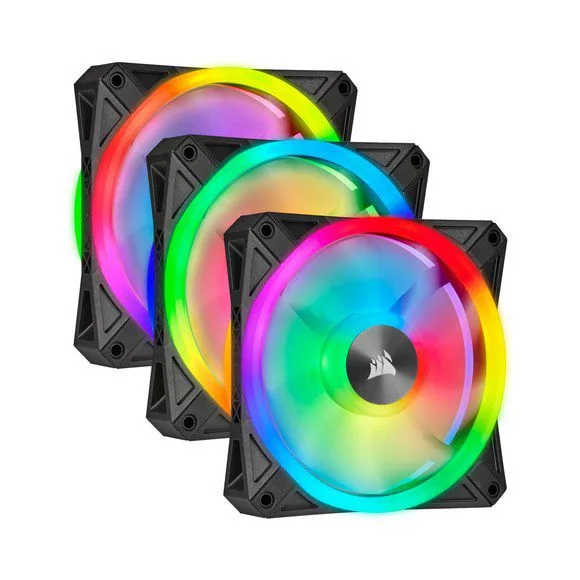
- Lighting comes second. An ARGB fan needs a header on your motherboard or a controller to drive it, and a plain fan skips that wiring.
- Third, buy fans for one panel as a set, since mixing models leaves you with units that spin at different speeds and glow in different tones next to each other.
Which fans suit your build
Replacing a dead intake fan on a mid tower points you at 120mm Case Fans, the size most prebuilt chassis ship with. Moving more air at lower fan speed in a wider tower points you at 140mm Case Fans. Fitting fans to a liquid cooler bracket points you at 240mm Case Fans. A first gaming PC on a tight budget can take a plain Boost Squirrel fan and skip lighting, while a build that already runs lit RAM and a lit cooler can take a Thunder ARGB kit and light a whole panel from one box.
Mega Computer has sold computer hardware in Pakistan since 1986, and you can see fans in the hand at the Karachi showroom before you commit to a set. Orders ship nationwide across Pakistan. You can pay cash on delivery or pay online, which matters when you are ordering three or four fans for a build you are assembling at home.
One setup point catches builders out. Fans have a direction, marked by an arrow on the frame, and a fan mounted the wrong way round fights the rest of the airflow path instead of helping it. Plan intake at the front and bottom and exhaust at the rear and top, then count the fan and ARGB headers on your motherboard before you decide how many fans to run.

 1stplayer1stplayer 6
 DarkflashDarkflash 8
 DeepcoolDeepcool 3
 GameMaxGameMax 12
 HYTEHYTE 1
 ID-COOLINGID-COOLING 13
 NZXTNZXT 8
 SAMASAMA 4
 SNOWMANSNOWMAN 4
 ThermalrightThermalright 23
 ZalmanZalman 1
 AlseyeAlseye 7
 BoostBoost 6
 Cooler MasterCooler Master 12
 CorsairCorsair 21
 CougarCougar 3
 EaseEase 2
 GigabyteGigabyte 2
 RedragonRedragon 1
 ThermaltakeThermaltake 13
 ThunderThunder 5
 XPGXPG 6