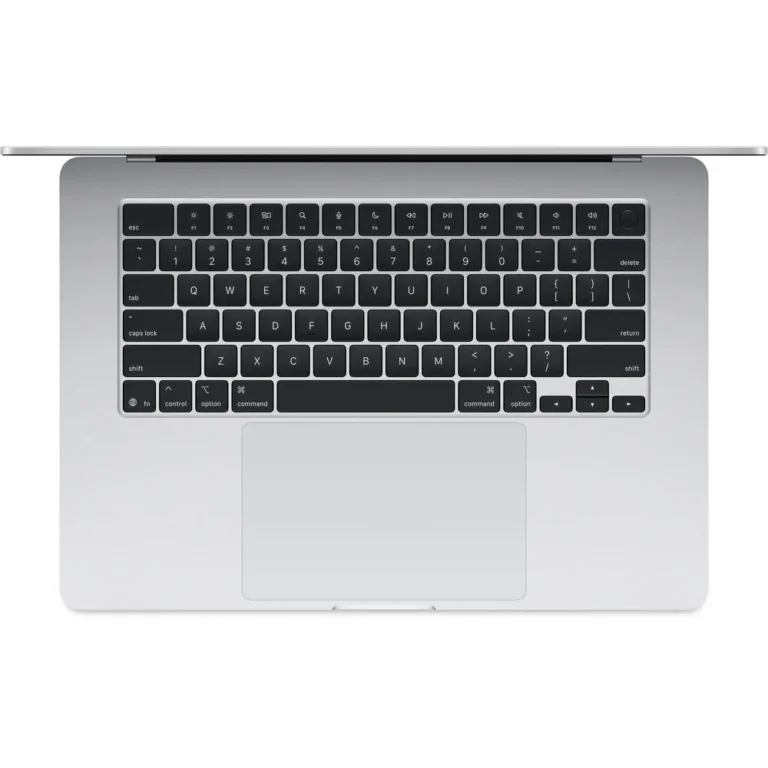
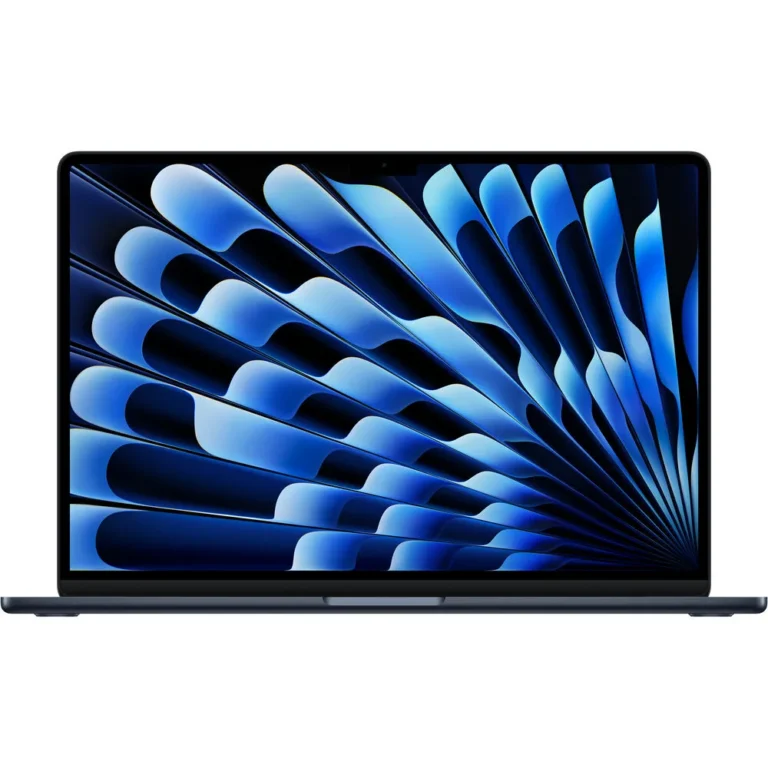
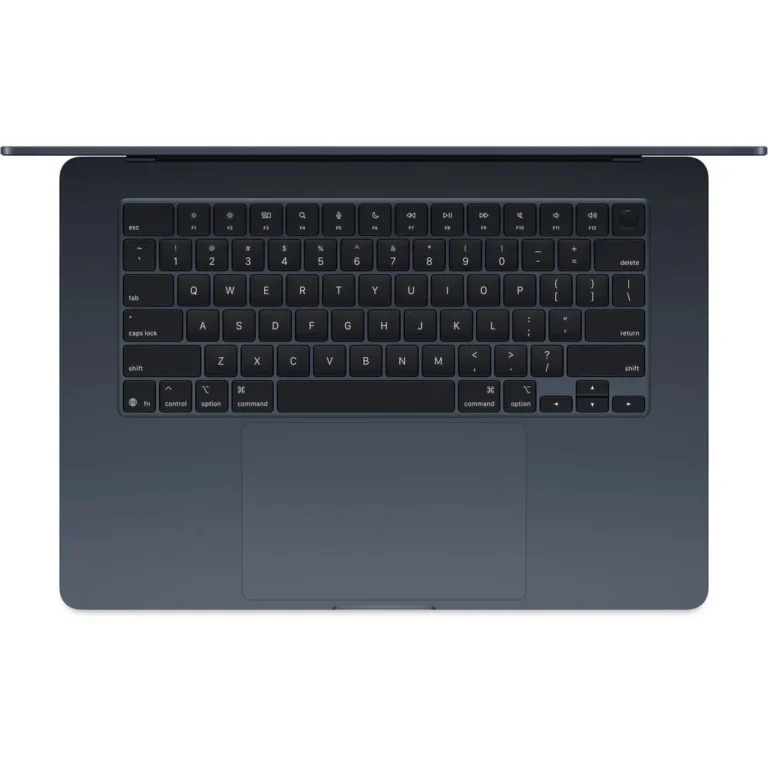
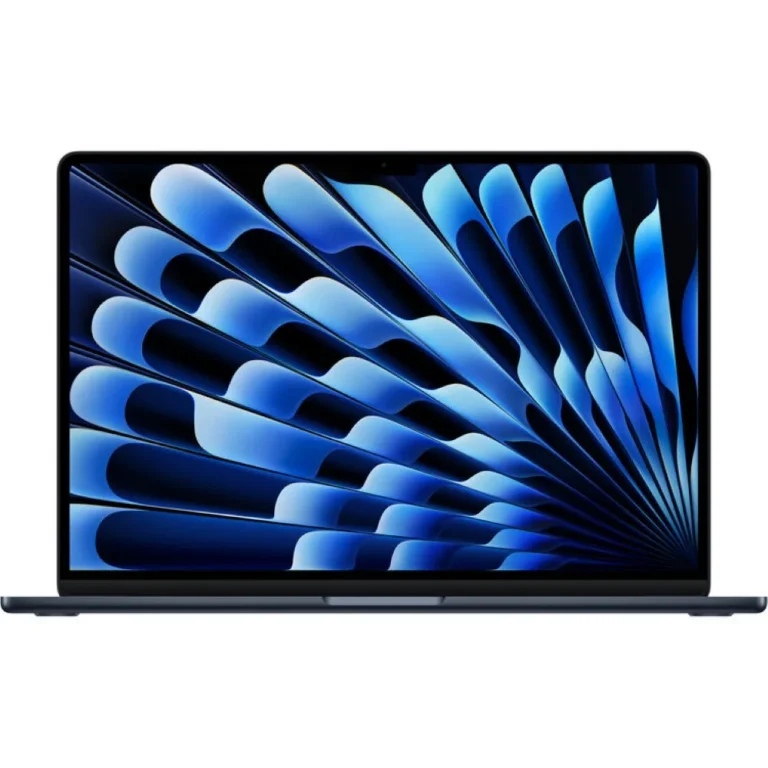
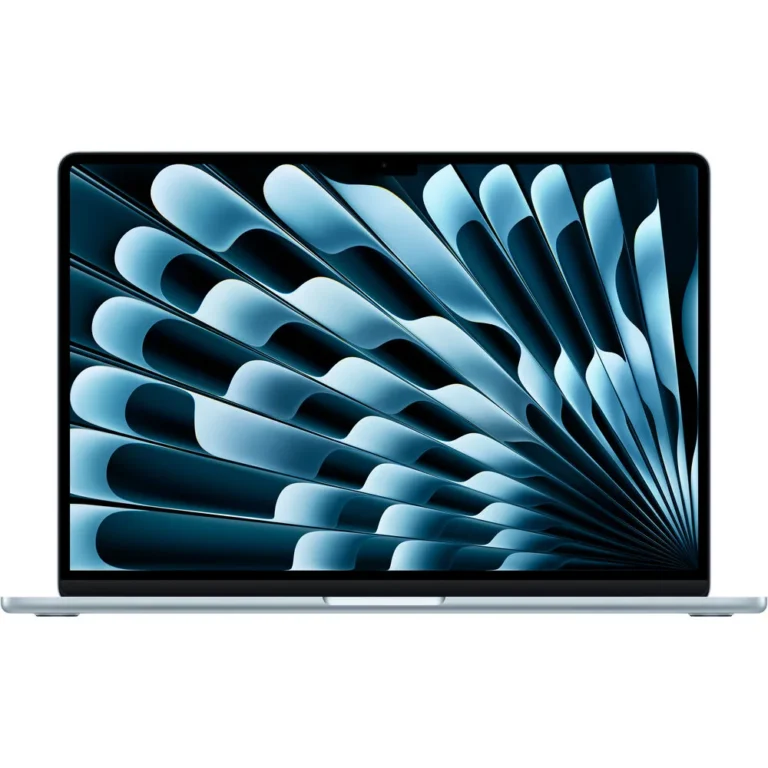
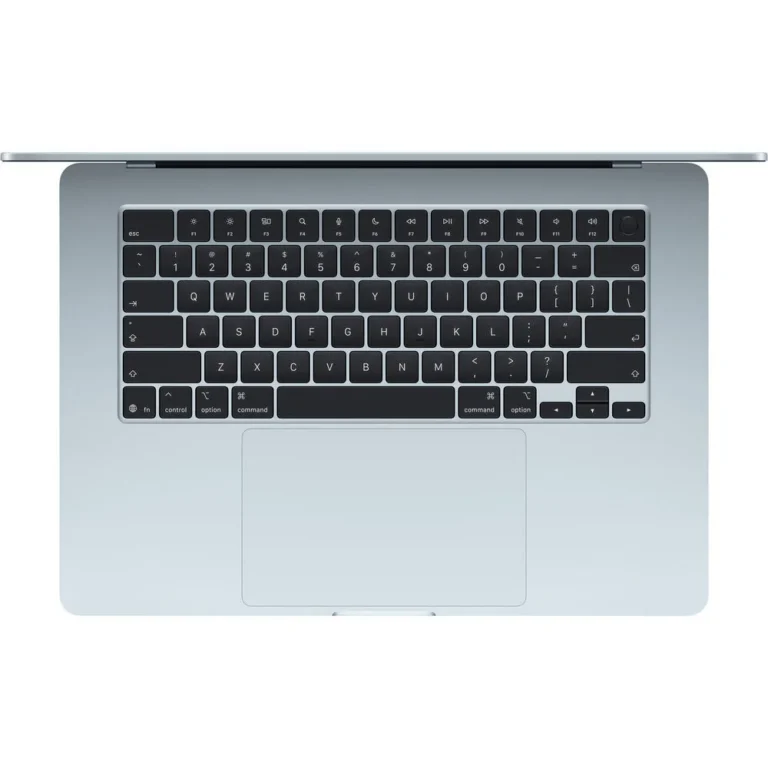
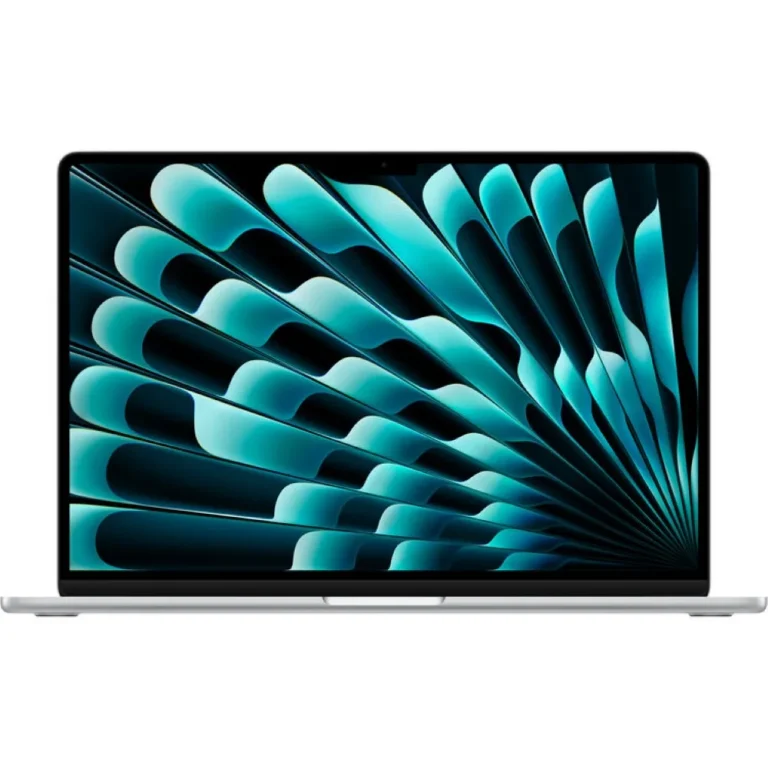
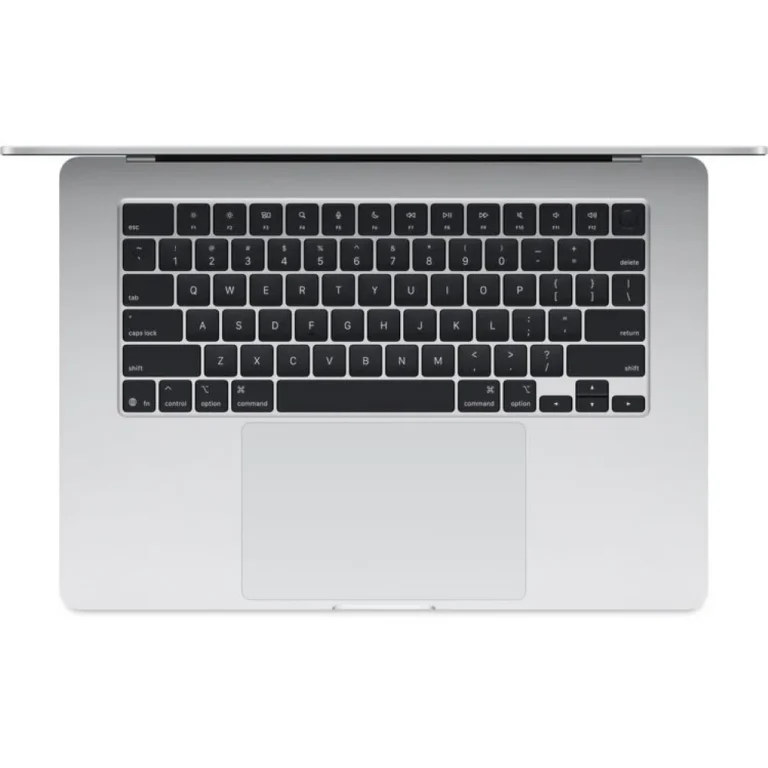
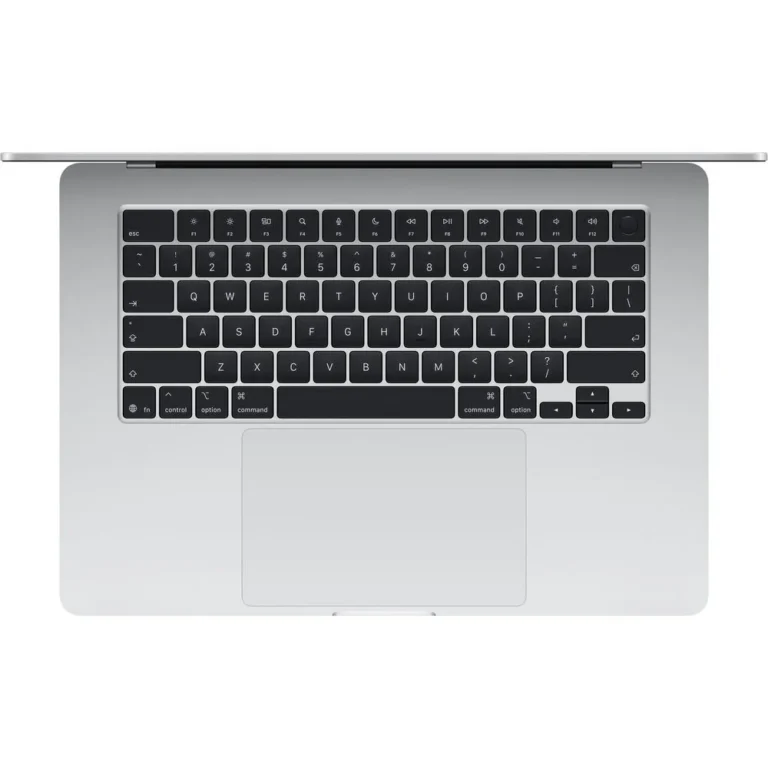
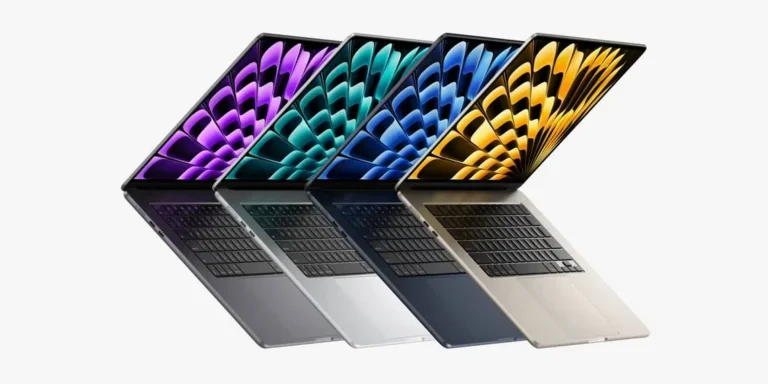
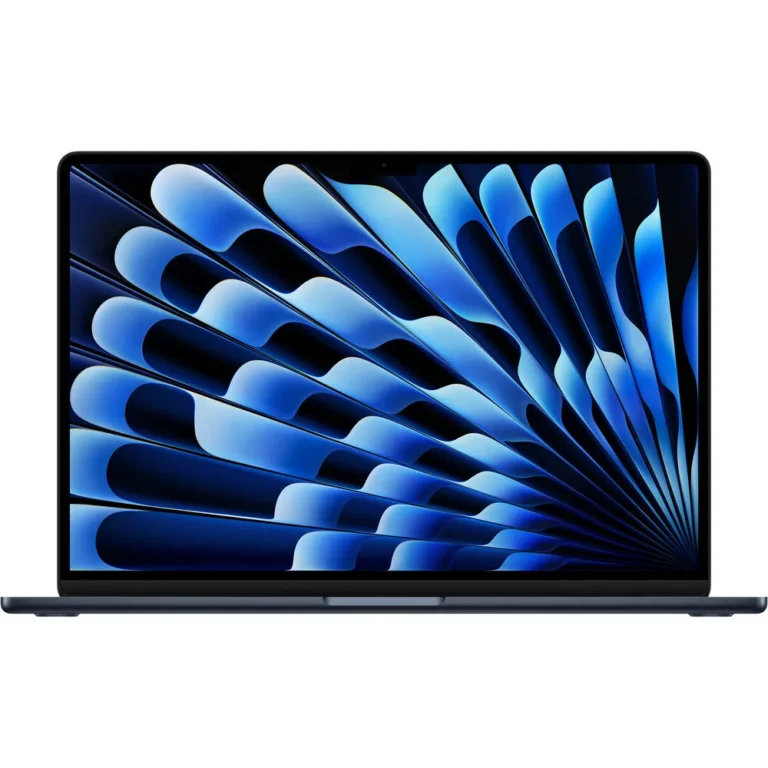
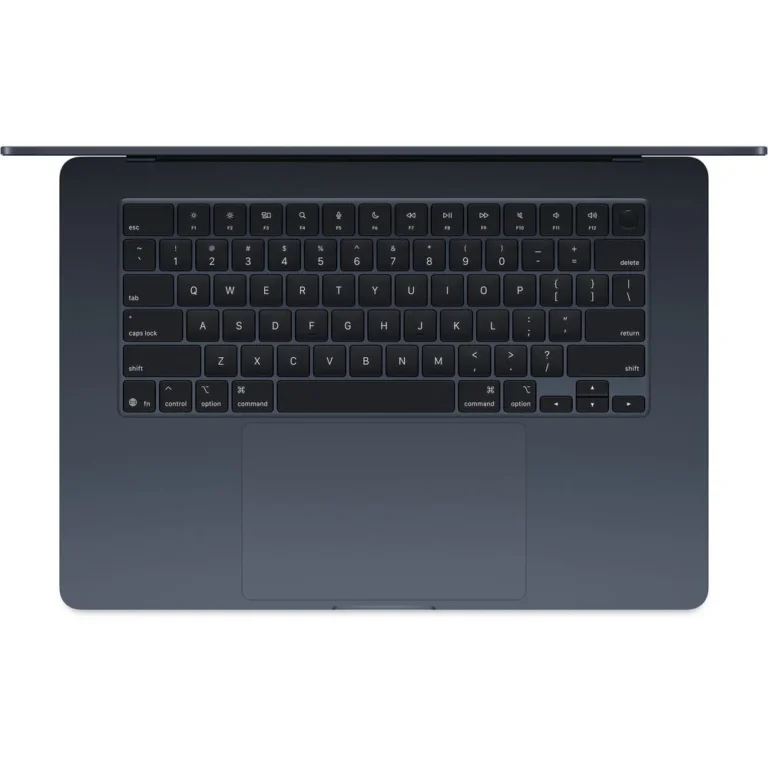
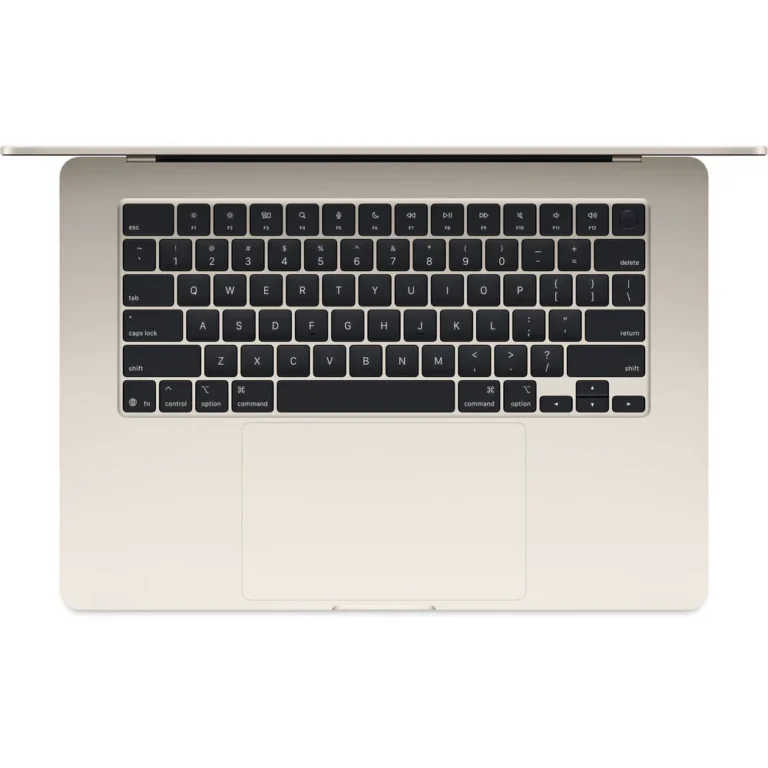
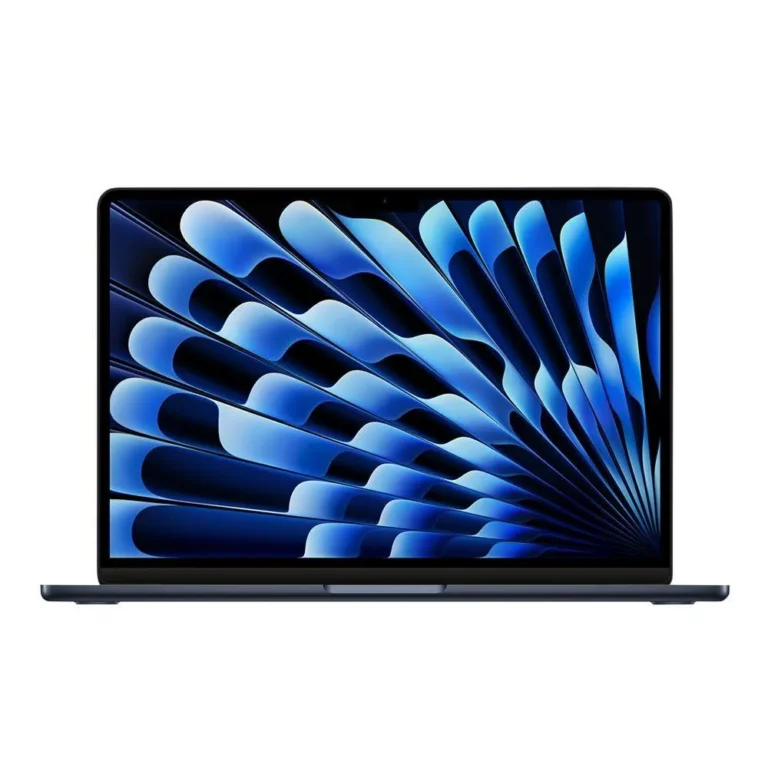
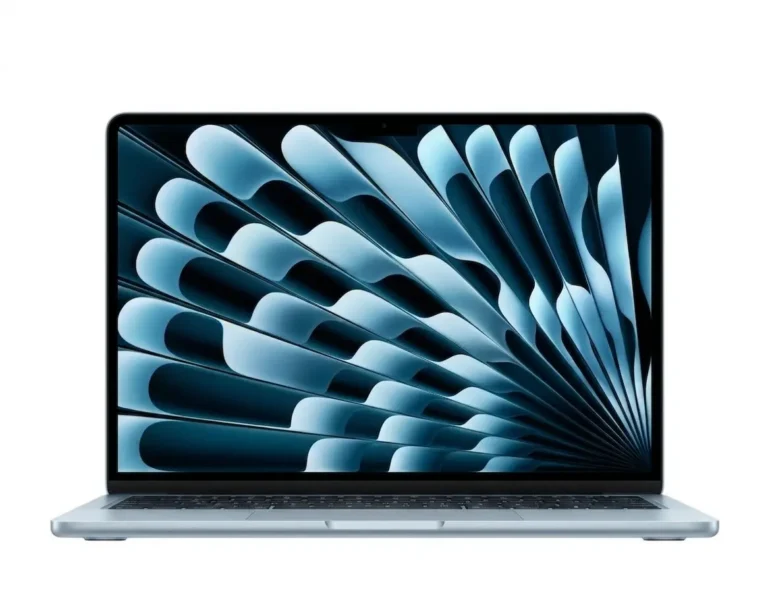
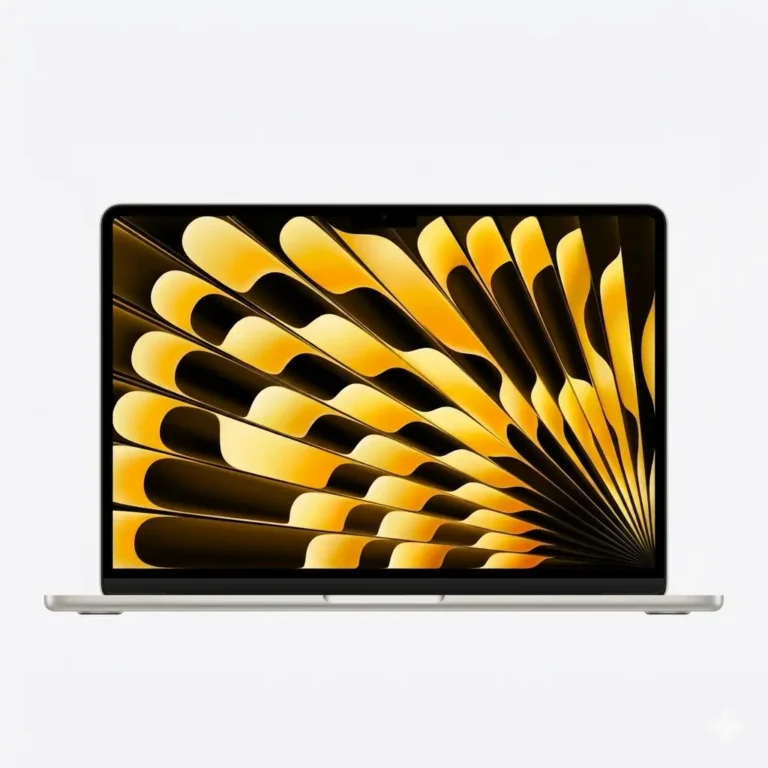
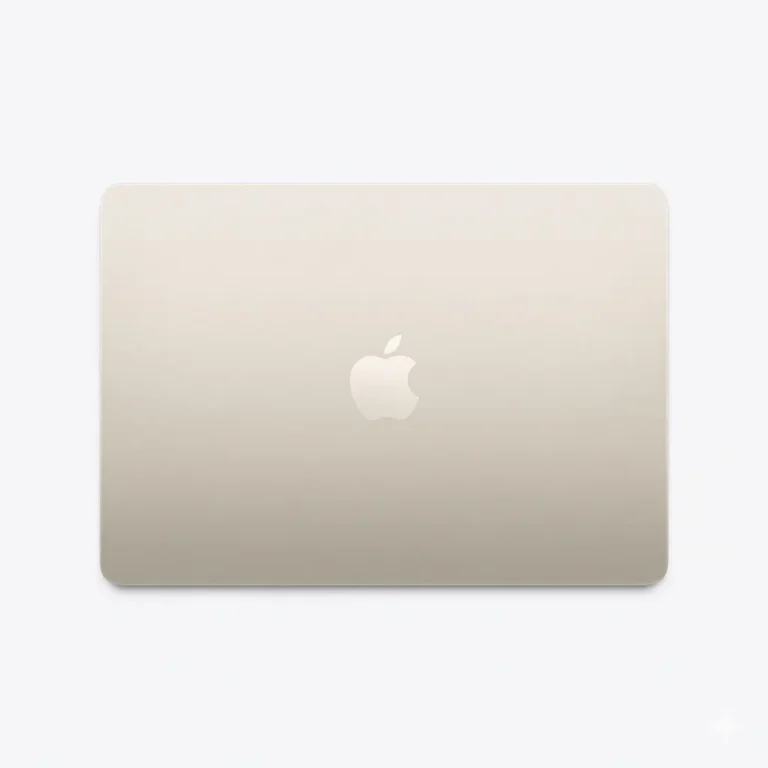
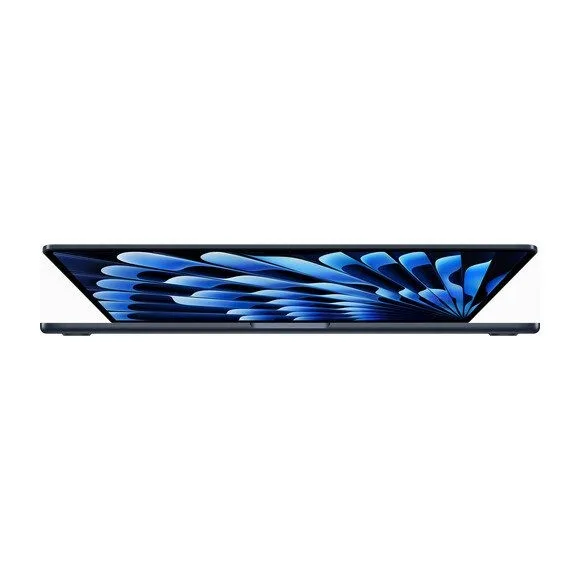
Apple MacBook Air 15 inch laptops in 16GB and 24GB memory with 512GB or 1TB SSD storage, stocked in Karachi and delivered nationwide across Pakistan.
MacBook Air 15 Inch Laptops
MacBook Air 15 inch laptops put a larger Apple display into a body that still fits a daily commute. Students, office staff and freelancers choose this size when a smaller screen feels tight for two documents side by side, and when a heavier machine is not an option for the bag.
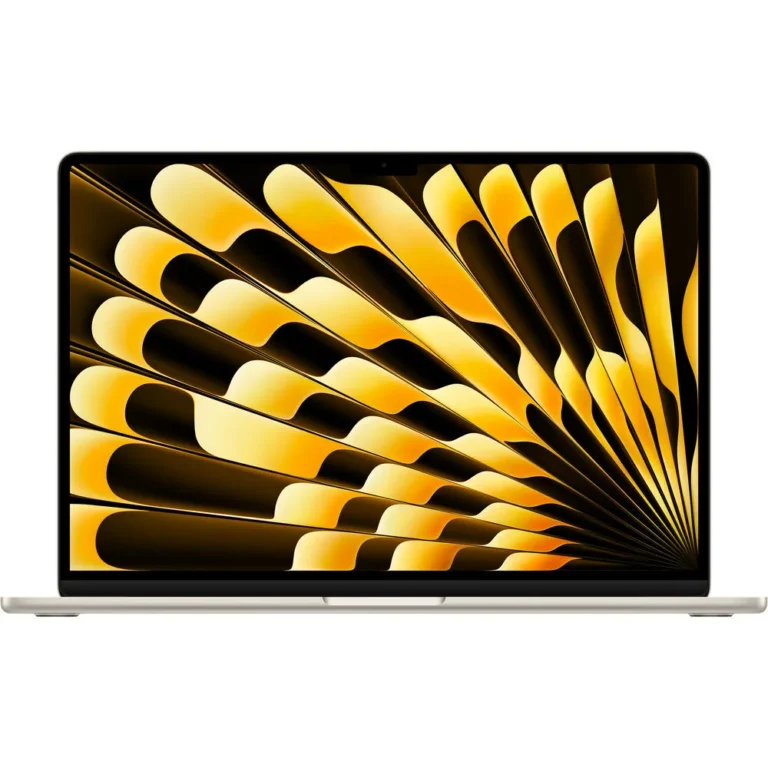
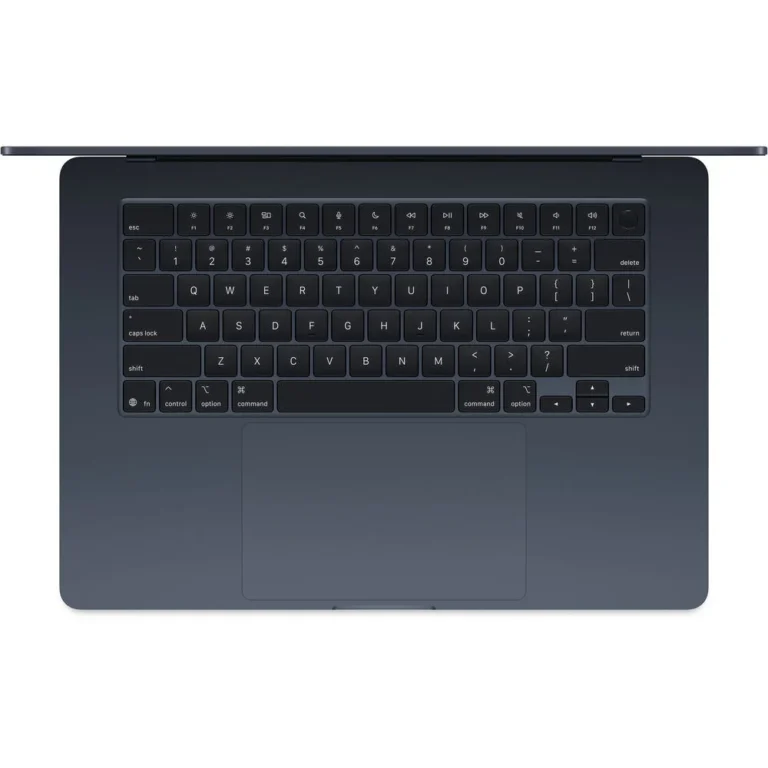
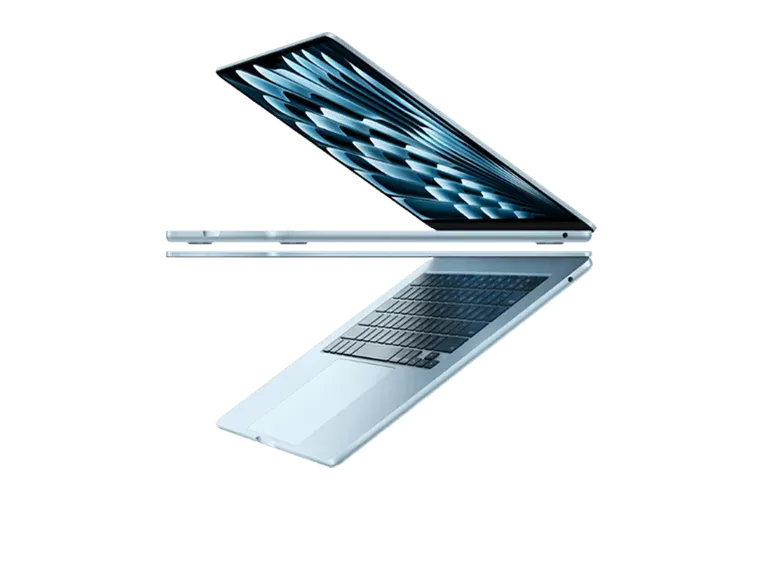
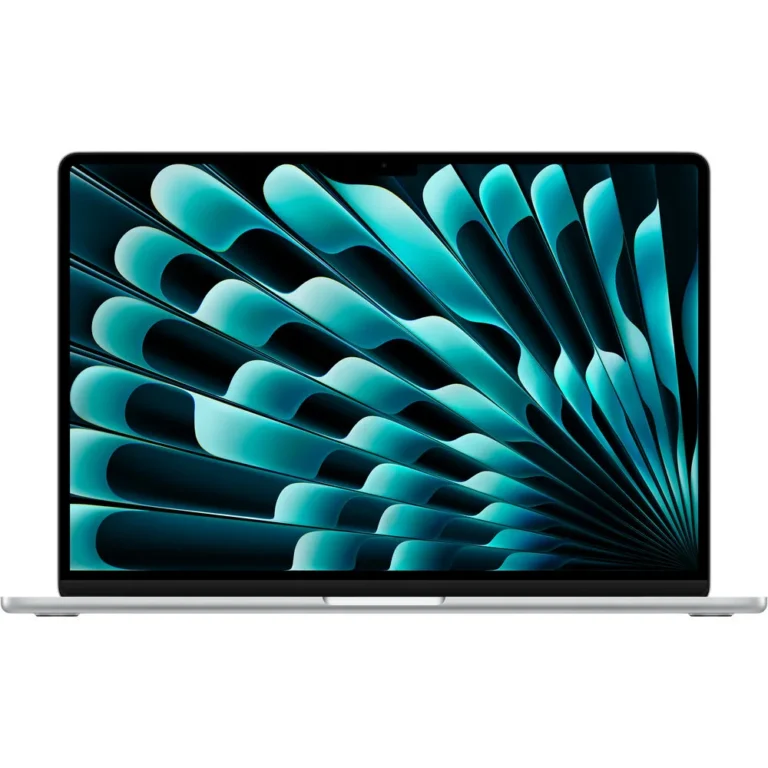
Every unit in this category is an Apple MacBook Air, so the decision moves to memory, storage and finish rather than brand. Memory comes in 16GB and 24GB. Storage comes in 512GB SSD and 1TB SSD. Finishes cover Silver, Midnight, Starlight and Sky Blue. The price spread across the range stays narrow, running from entry-level configurations through to premium ones, which means stepping up one tier costs far less than moving to a different class of laptop.
Two choices carry the weight here.
- Memory comes first: 16GB copes with browsers, office documents and light photo work, while 24GB leaves headroom for large photo libraries, virtual machines and a video export running behind a full set of tabs.
- Storage comes second: 512GB SSD suits people who keep most files in cloud storage, and 1TB SSD suits anyone holding video projects, sample libraries or years of local archives.
Both are fixed at the time the machine is built, so pick for the work you expect to do, not the work sitting on your desk today.
Who the 15 Inch Air Suits
A student writing assignments, joining lectures and keeping a music library will sit fine on 16GB memory with a 512GB SSD. Someone in spreadsheets and video calls all day gets more from 24GB memory paired with a 512GB SSD, since the extra memory keeps things moving without paying for storage that stays empty. A photo or video editor handling client footage should take the 24GB memory and 1TB SSD configuration, because both the working set and the finished exports live on the same drive.
Mega Computer keeps this range at its Karachi showroom and ships nationwide across Pakistan. Payment works by cash on delivery or online payment, so buyers in other cities order the same configurations that sit on the showroom shelf. Our team can confirm which memory and storage combination fits your budget before you place an order, and can walk you through the differences between the 15 inch models over the phone.

 AppleApple 20