Categories
- DDR3 RAM 2
- DDR4 RAM 190
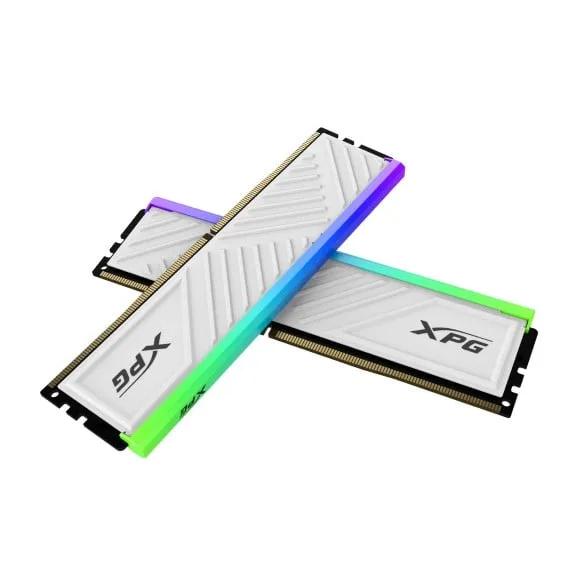
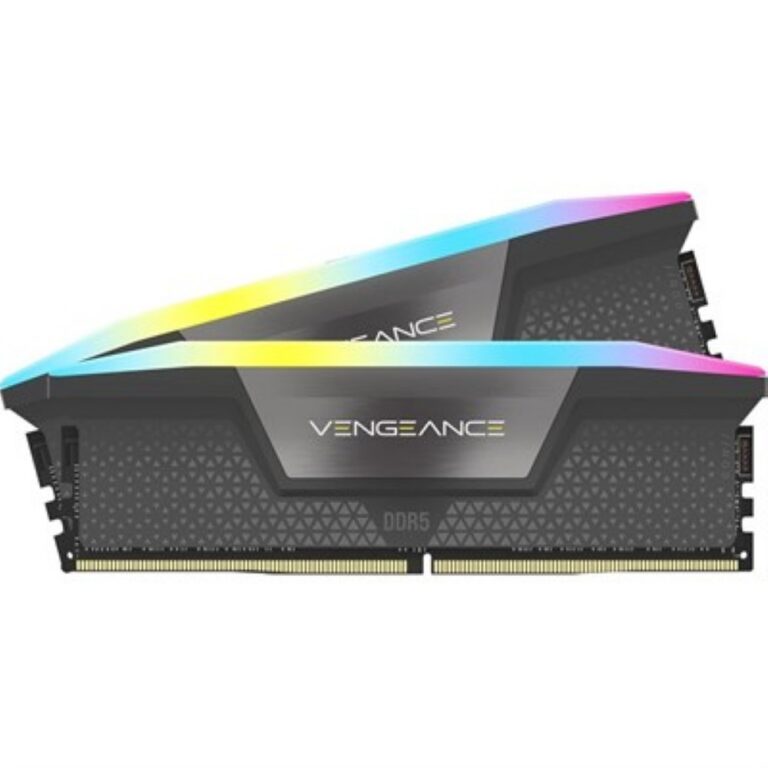
- DDR5 RAM 142
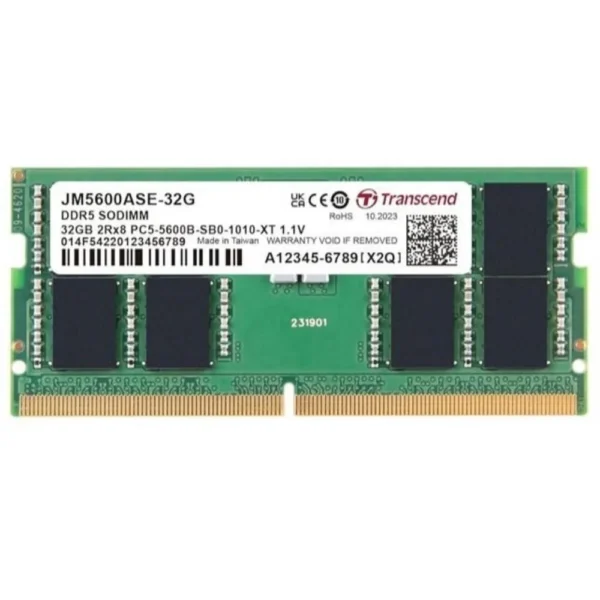
- Laptop RAM (SO-DIMM) 59
Filter by price
Brand
ApacerApacer 7
Blue TechBlue Tech 1
HikSemiHikSemi 7
NetacNetac 2
OLOYOLOY 10
T-ForceT-Force 16
TwinMOSTwinMOS 1
V-ColorV-Color 31
AcerAcer 2
ADATAADATA 21
ColorfulColorful 1
CorsairCorsair 71
CrucialCrucial 13
EaseEase 11
G.SkillG.Skill 51
HikvisionHikvision 1
KingstonKingston 4
LexarLexar 24
PNYPNY 4
Silicon PowerSilicon Power 1
TeamGroupTeamGroup 18
TranscendTranscend 19
XPGXPG 67
Capacity
Condition
- Used 3
Frequently Asked Questions
What types of RAM does Mega Computer sell in Pakistan?
This category is split into DDR3, DDR4 and DDR5 desktop memory plus SO-DIMM memory for laptops, so you can go straight to the generation and form factor your machine needs.
What is the difference between desktop RAM and laptop RAM?
Desktop RAM uses the standard DIMM form factor for towers and full size motherboards, while laptop RAM uses the smaller SO-DIMM format. The two are not interchangeable, which is why laptop memory has its own category here.
Does Mega Computer deliver RAM across Pakistan?
Yes. Mega Computer ships nationwide across Pakistan from its Karachi showroom, with cash on delivery and online payment both available at checkout.
RAM and memory upgrades for desktops and laptops, organised into DDR3, DDR4, DDR5 and SO-DIMM categories, with nationwide delivery across Pakistan.
RAM & Memory in Pakistan
RAM and memory shopping in Pakistan starts here, split across four categories: DDR4, DDR5, DDR3 desktop modules and SO-DIMM laptop memory. This page sits above all four and exists to point a buyer to the right one rather than to list stock itself.
This hub holds no products of its own; every module lives in one of four subcategories: DDR4 RAM, DDR5 RAM, DDR3 RAM and Laptop RAM (SO-DIMM). DDR4 and DDR5 cover current desktop platforms, DDR3 serves older desktop builds still in service, and SO-DIMM modules fit laptops rather than desktop towers.
Two decisions determine which subcategory to open.
- First, the motherboard: DDR3, DDR4 and DDR5 modules are not interchangeable, so check which generation the board supports before adding memory.
- Second, the machine: desktop towers take standard DIMM modules while laptops need the smaller SO-DIMM format, kept in its own category so the wrong shape never gets ordered by mistake.
Which Category Fits You
Desktop builders and upgraders working on DDR4 or DDR5 platforms have two dedicated categories to choose between. Anyone running an older machine that still takes DDR3 has a dedicated category rather than being left to guess. Laptop owners looking to add memory or replace a faulty stick belong in the SO-DIMM category, not in the desktop listings above it.
Mega Computer maintains a showroom in Karachi and ships RAM nationwide across Pakistan, with cash on delivery and online payment both available at checkout.
Match the module to the motherboard’s supported generation and maximum capacity before ordering; installing the wrong DDR type will not power on. Mixing modules of different speeds or generations in the same system is not recommended, so pairing modules within one subcategory keeps a build stable.