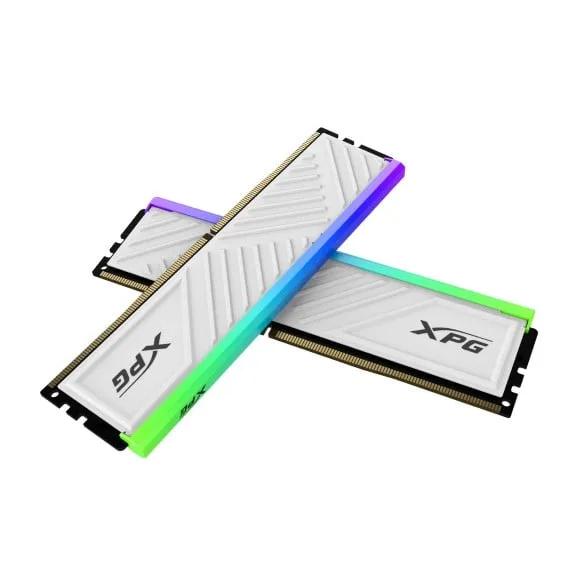
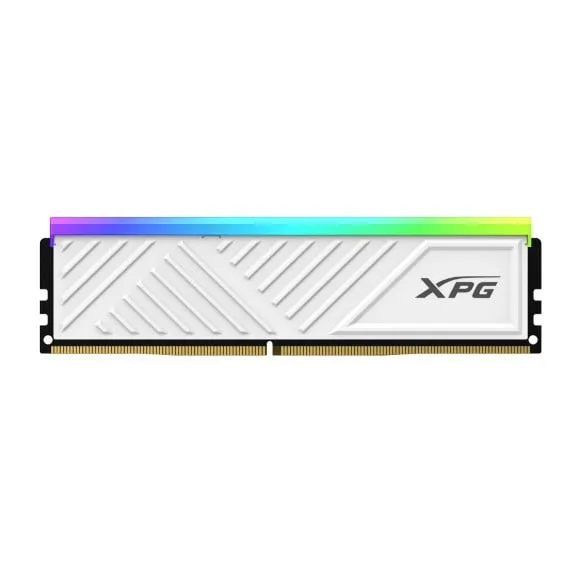
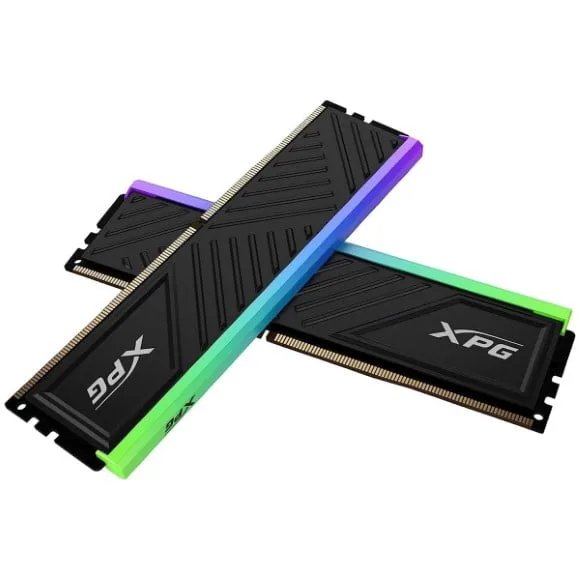
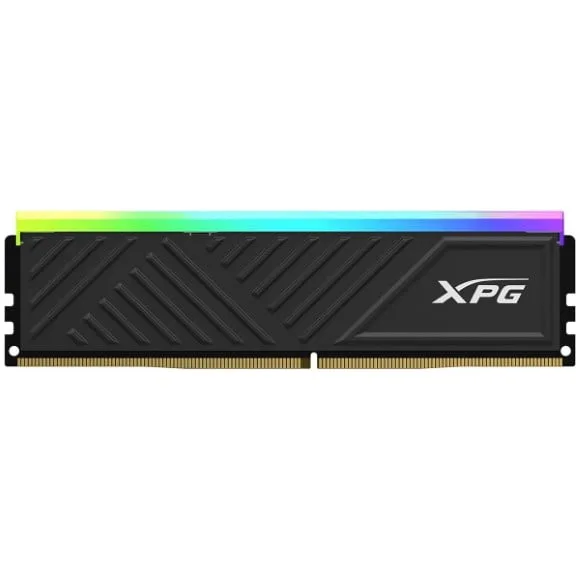
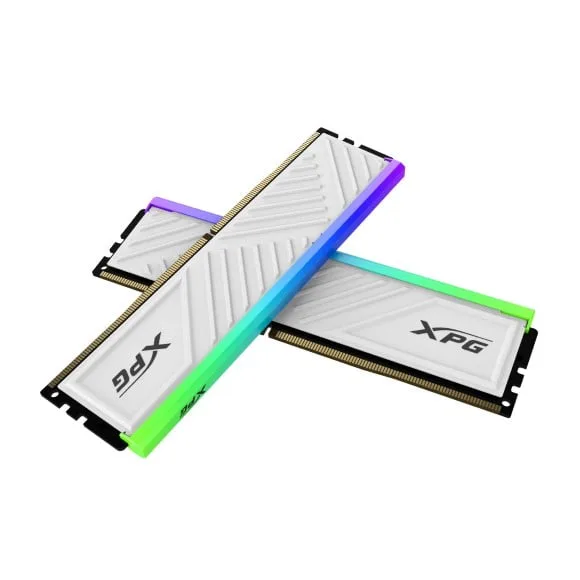
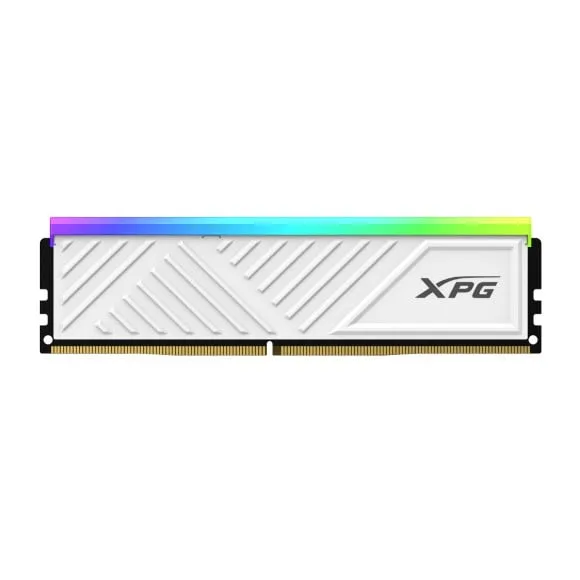
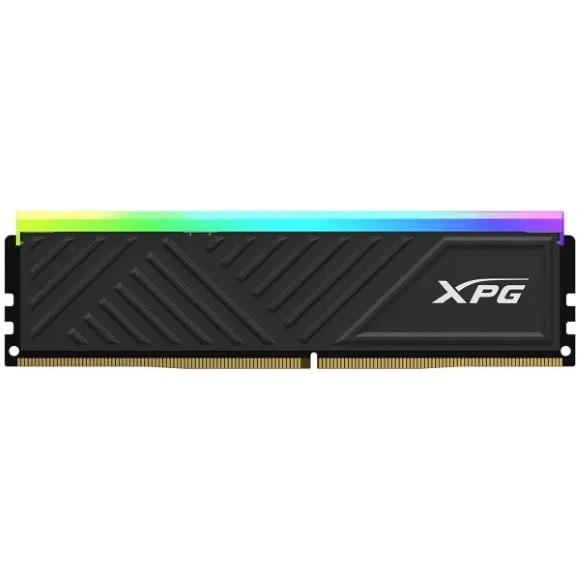
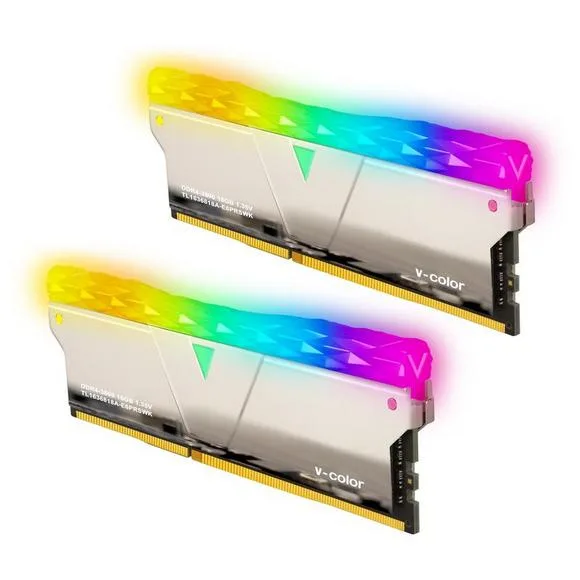
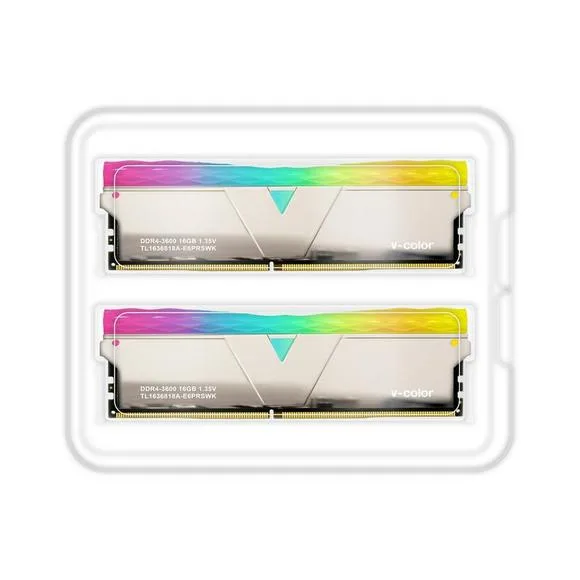
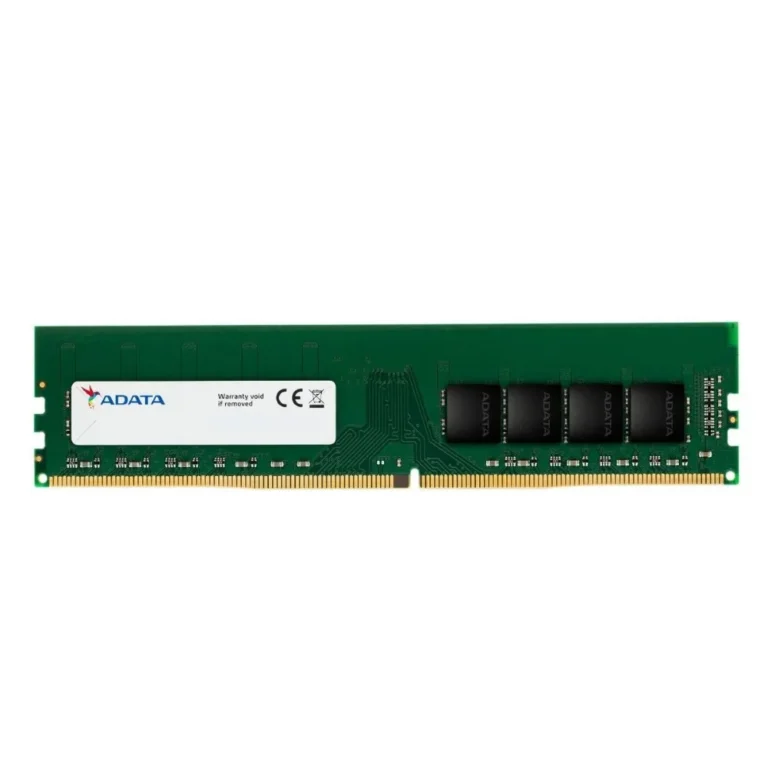
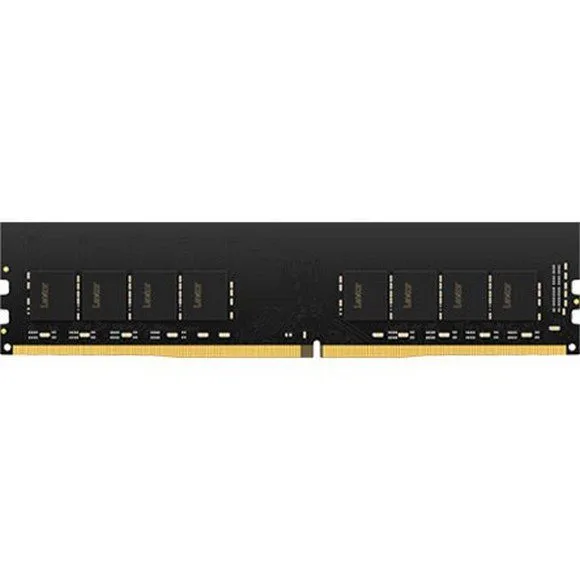
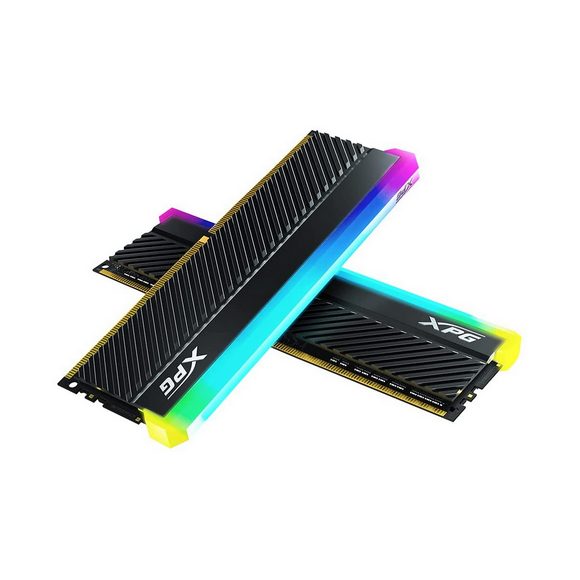
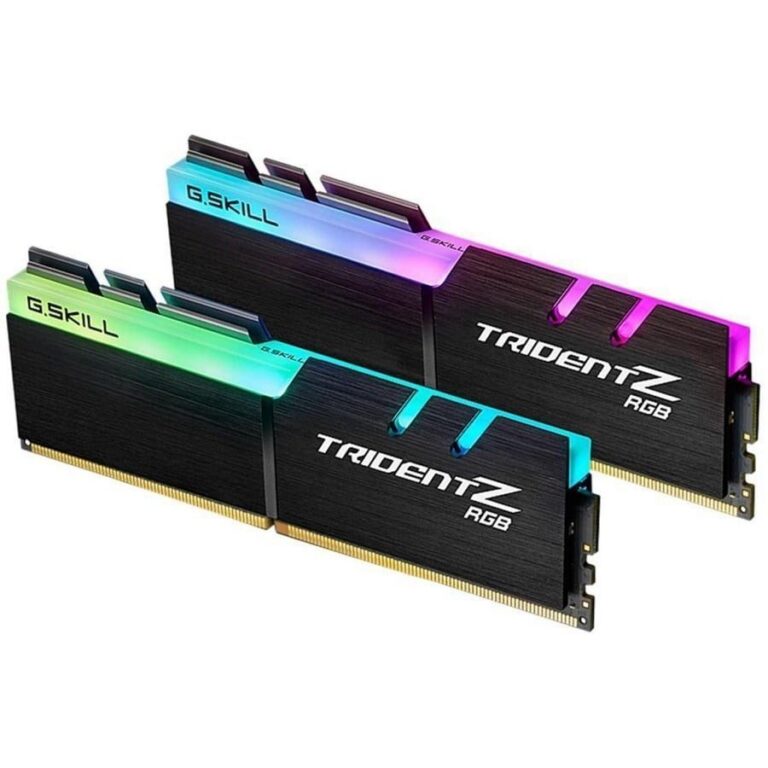
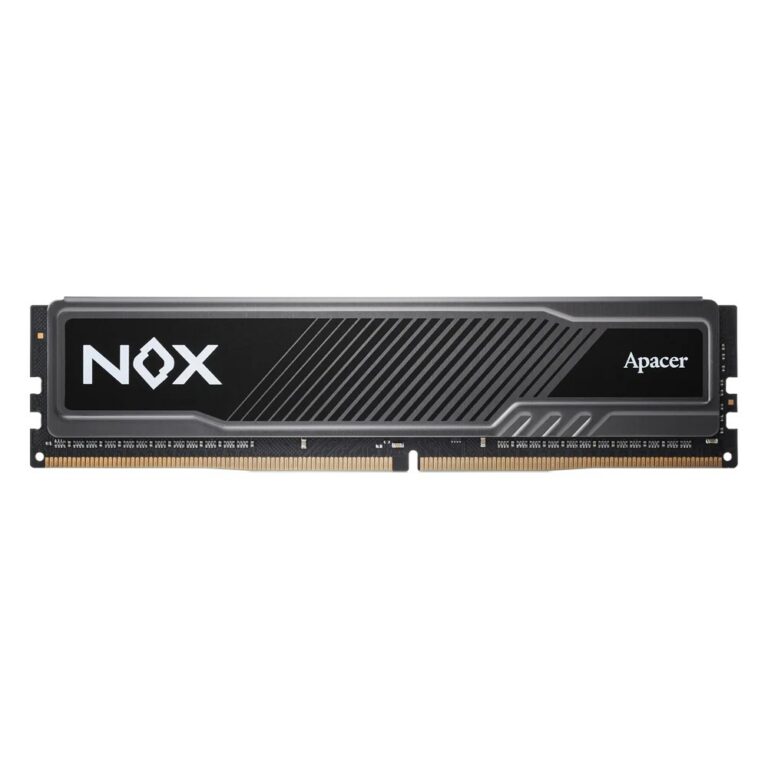
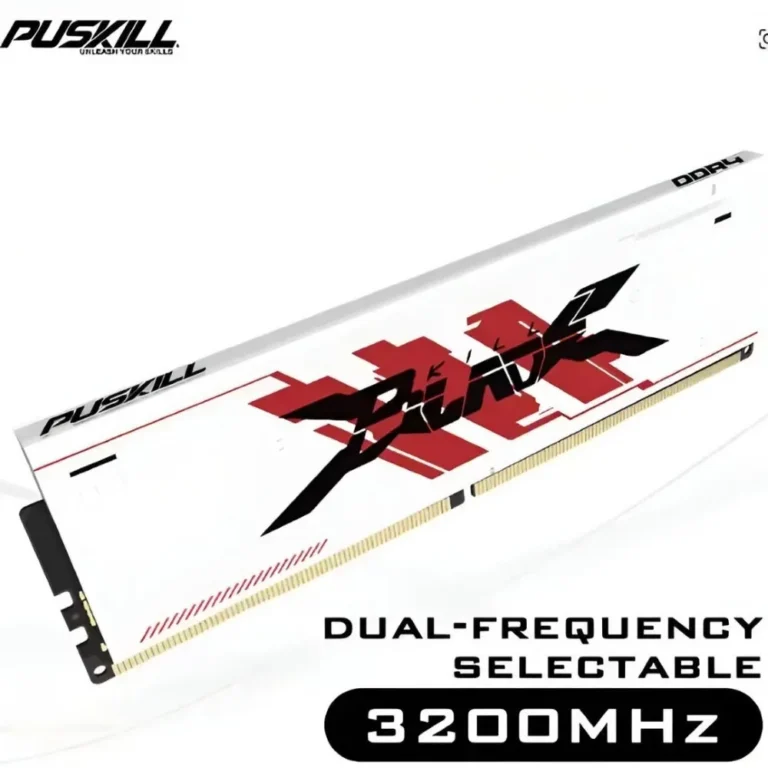
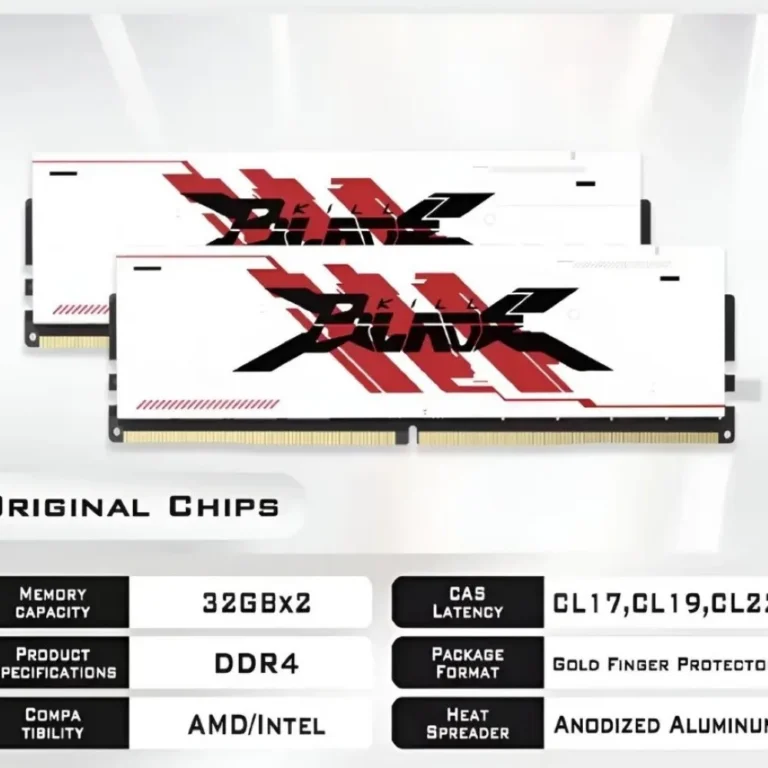
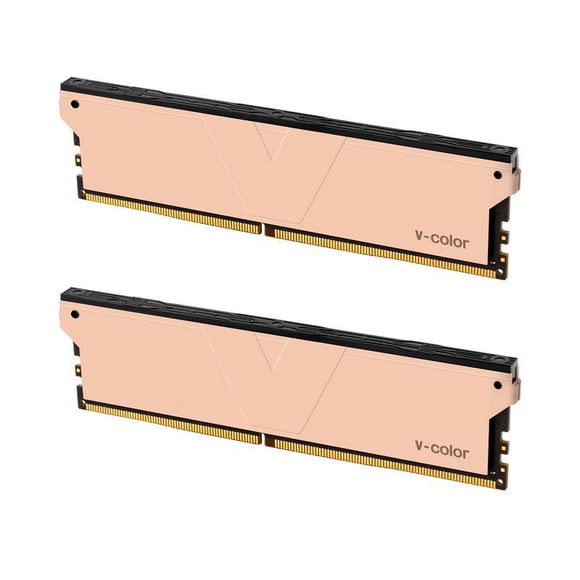
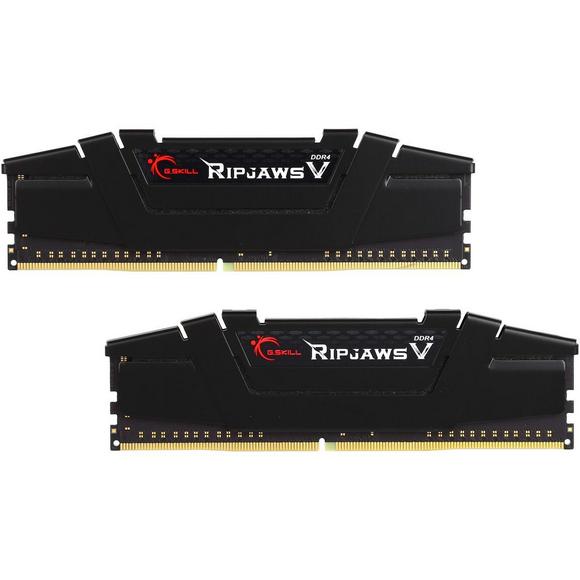
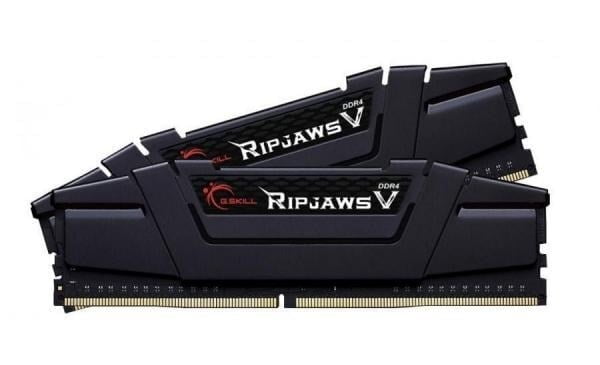
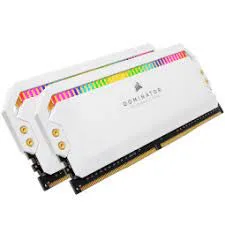
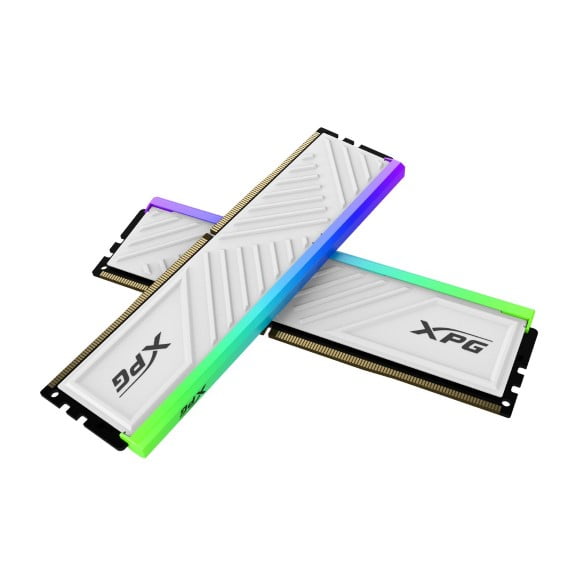
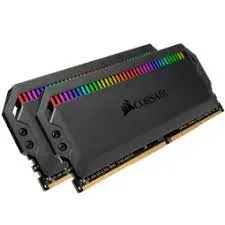
Desktop DDR4 memory kits from Corsair, XPG and V-Color in 32GB and 64GB capacities, with RGB lighting and black, white or silver finishes to match a build.
DDR4 RAM for Desktop Builds and Upgrades
DDR4 RAM covers the desktop memory kits that go into gaming PCs, workstations and office machines built around a DDR4 motherboard. Buyers on this page fall into two groups: people adding capacity to a system that already runs DDR4, and people finishing a fresh build who want a matched kit instead of loose sticks.
Corsair, XPG and V-Color account for the DDR4 stock here, across close to 190 listings. Capacity centres on 32GB kits, with 64GB kits above them for workloads that need the headroom. RGB lighting runs through all three brands, and finishes extend to black, white and silver so the modules match the rest of the interior. Pricing spans entry-level DDR4 through to premium RGB kits, which means the same capacity can land at two different budgets.
Capacity is the first decision. A 32GB kit carries gaming, browser-heavy work and photo editing, while 64GB earns its cost on video timelines, virtual machines and large datasets. The second decision is the kit itself: buy both modules together rather than adding one stick to what a machine already holds, since modules from different production runs can refuse to run together. Third, if you pick an RGB kit, measure the clearance under your CPU cooler, because lit modules carry taller heatspreaders and a wide tower cooler can foul them.
Which kit suits your machine
A 32GB DDR4 kit suits gaming builds running current titles alongside a browser and a voice client. Editors cutting long video projects, engineers running simulations and anyone keeping several virtual machines resident should start at 64GB. Builders with a tempered glass side panel tend toward the RGB kits from XPG, Corsair or V-Color and match the module colour to the board. Anyone expanding an older office desktop should read the motherboard manual for supported capacity per slot before ordering.
Buying DDR4 RAM in Pakistan
The Karachi showroom lets you handle a kit and check module height against your cooler before you commit. Orders ship nationwide across Pakistan. Payment runs through cash on delivery or online payment. Warranty cover differs by brand and by kit, so read the warranty note on the product listing before you order.
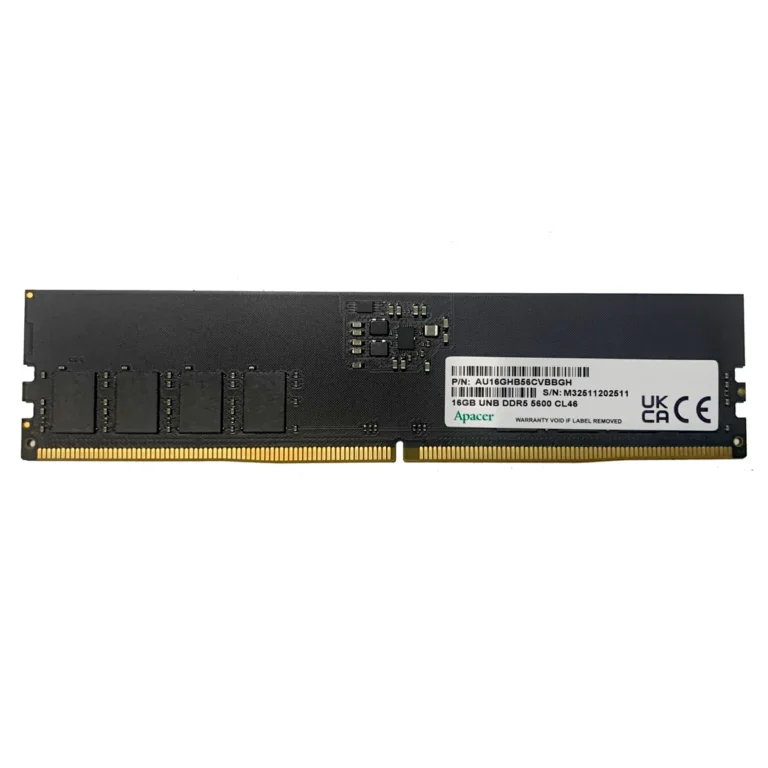
DDR4 and DDR5 modules use different notch positions and different slot keying, so a DDR4 kit will not seat in a DDR5 board and the reverse holds too. Check what your motherboard takes before ordering. Boards with four slots can hold two of these kits, though a full set of four modules can force the memory to run at a lower speed than a two-module kit reaches.