Internal 2.5 inch SATA drives from ADATA, Samsung and WD in 1TB, 2TB and 4TB, sized for laptop bays and desktop builds with no free NVMe slot.
2.5 Inch SATA SSDs
A 2.5 inch SATA SSD slots into the same drive bay and the same data cable that a mechanical hard disk already occupies, so it upgrades machines that have no free NVMe slot at all. People shopping this category tend to be reviving an older desktop, replacing the spinning drive in a laptop, or adding a second drive next to a boot SSD they already own.
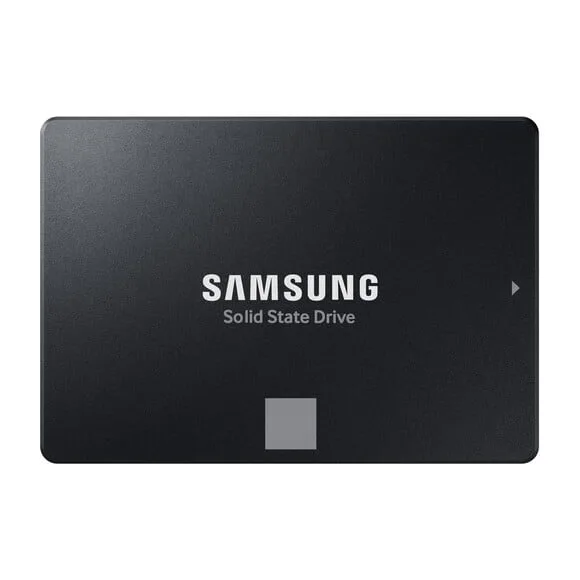
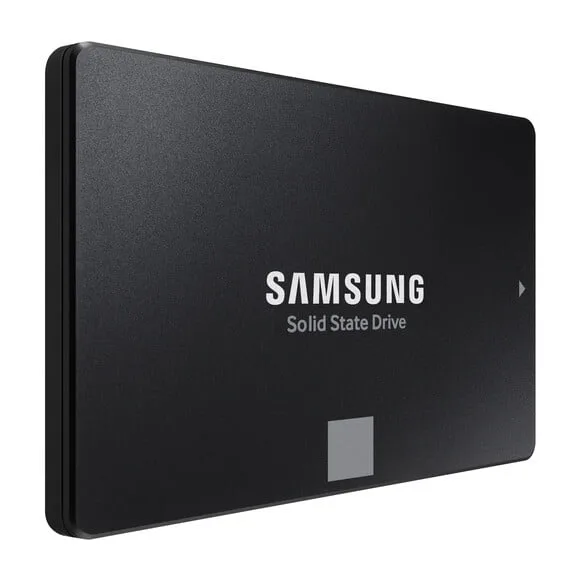
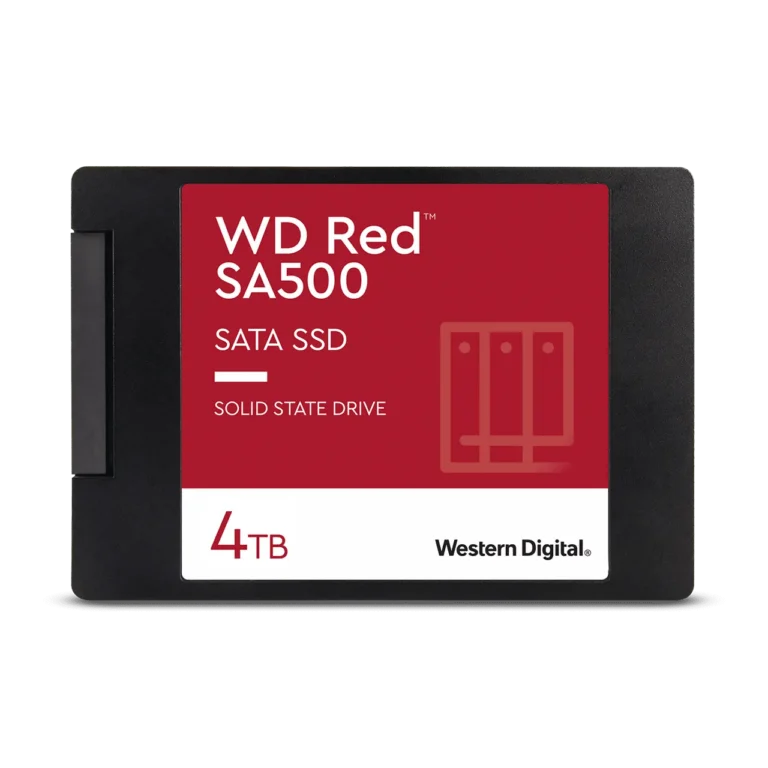
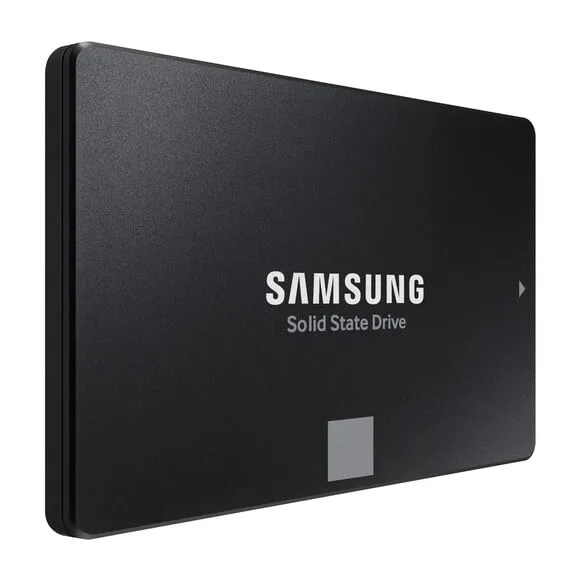
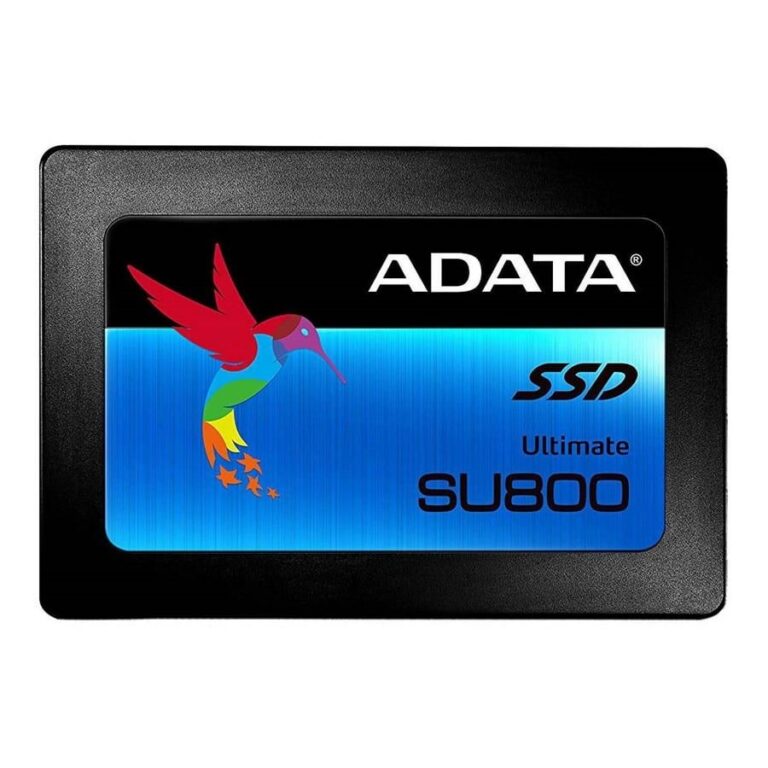
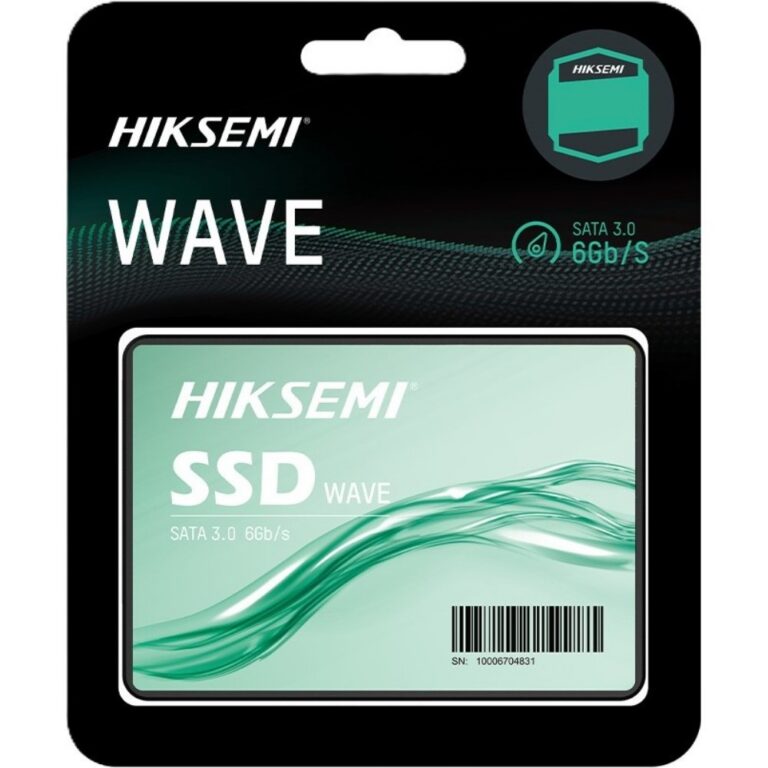
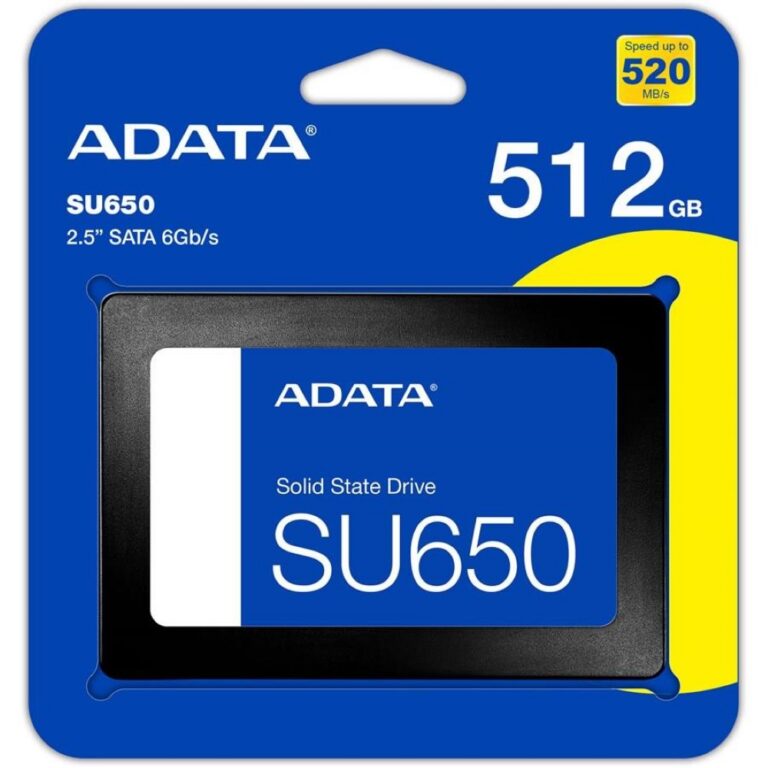
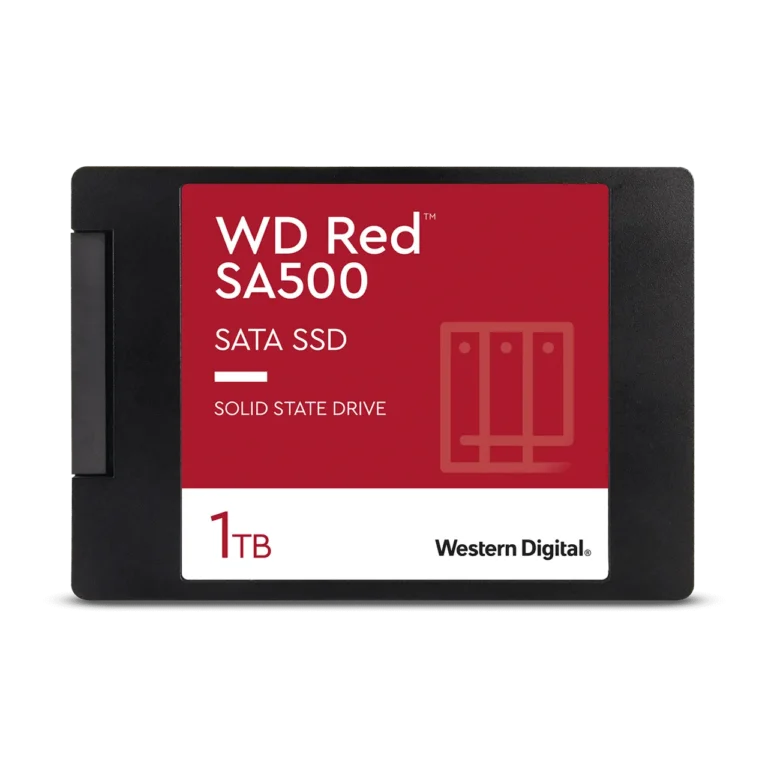
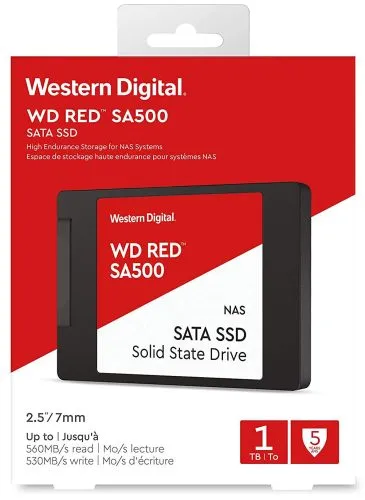
The shelf here runs across ADATA, Samsung and WD. Samsung covers the full capacity ladder in this form factor, with 1TB, 2TB and 4TB versions of its 870 EVO SATA III 2.5 inch drives. ADATA sits alongside it with the Ultimate SU650 at 1TB and the 3D NAND Ultimate SU800 at 2TB, and WD brings a 4TB RED SATA SSD. Prices spread wide, from entry level capacities that suit a straight hard disk swap through to premium 4TB drives for buyers who want one large flash volume instead of several small ones.
Two decisions carry most of the weight.
- The first is capacity, because SATA III fixes the interface ceiling for every drive in this category, so a 4TB model gains you room rather than sequential speed over a 1TB model on the same bus.
- The second is the job the drive does. A boot and application drive rewards endurance and a controller that holds steady under sustained writes, while a bulk library drive rewards capacity for the money. Count your free bays and SATA ports first, since a laptop offers one 2.5 inch bay at most and a tower may offer several.
Matching the drive to the machine
Someone rebuilding an aging office desktop gets the biggest jump from a 1TB drive in place of the original hard disk. A workstation that already boots from an NVMe drive suits a 2TB or 4TB SATA drive as the project and media volume, which keeps the fast slot free. Editors and photographers holding large working files lean towards the 4TB end, while a laptop owner who wants a quiet machine and faster load times can stay at 1TB and spend the difference elsewhere.
Everything listed here is new product covered by the brand warranty that applies to that model, and the terms sit on the product page rather than in a blanket claim. Customers in Karachi can inspect drives at our showroom, and we ship nationwide across Pakistan. Payment works by cash on delivery or online payment, whichever suits the order.
Fitting one takes minutes. A 2.5 inch drive needs a SATA data cable and a SATA power lead from the PSU, and most tower cases either take the drive in a dedicated bay or accept a bracket that adapts it to a 3.5 inch mount. Clone the old disk or run a clean install of the operating system, then keep the original hard disk in place as archive storage if the case has room for it.