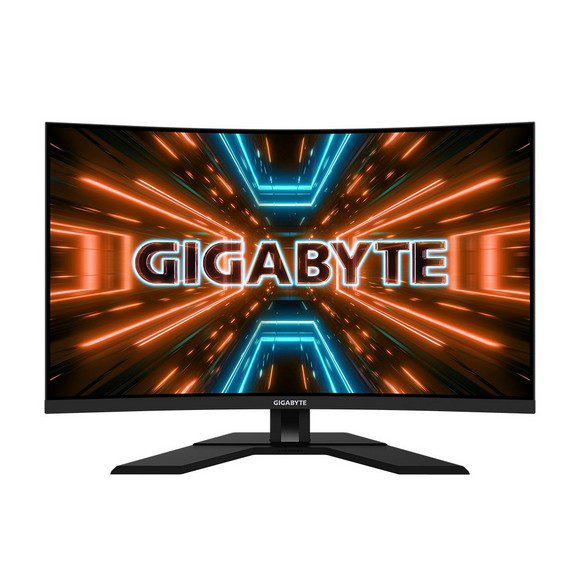
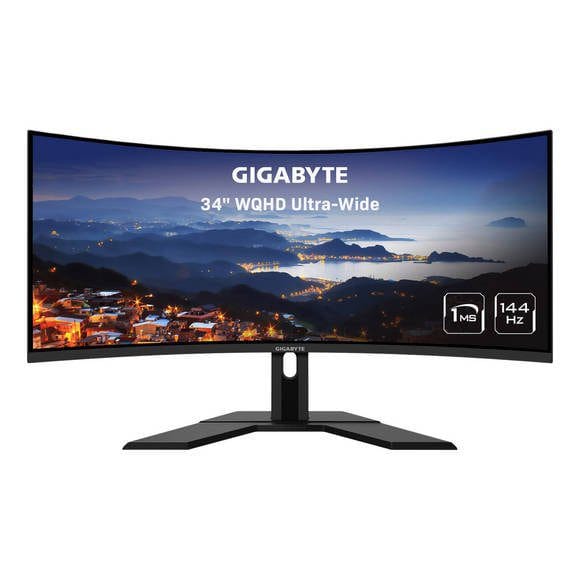
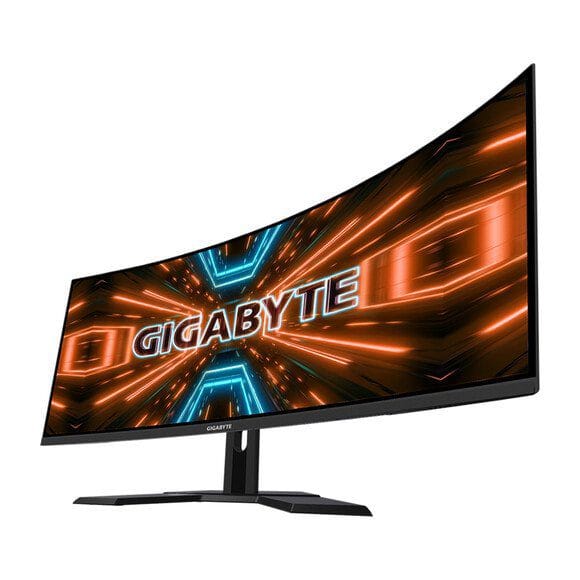
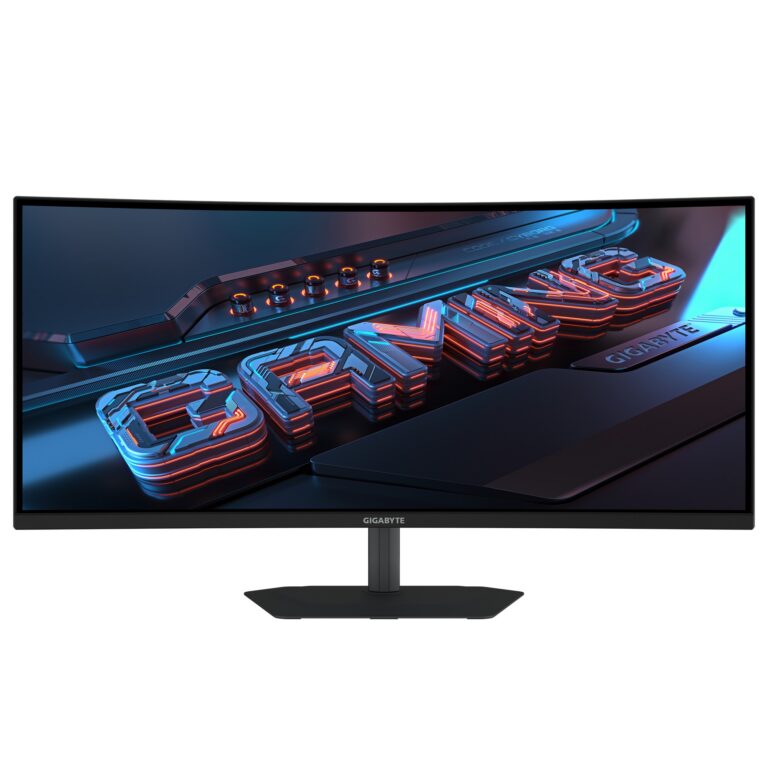
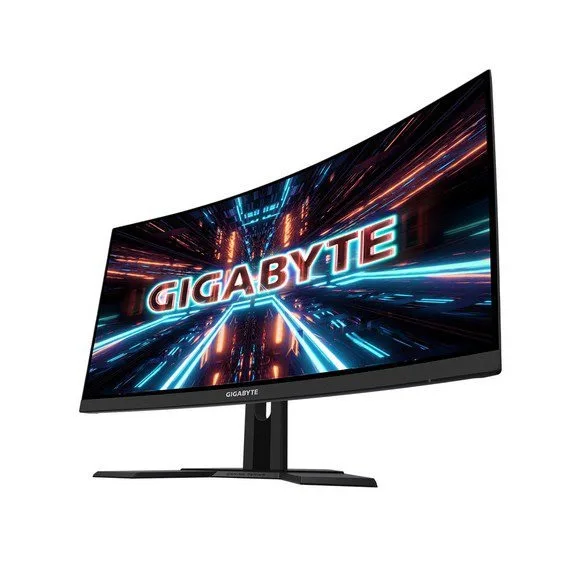
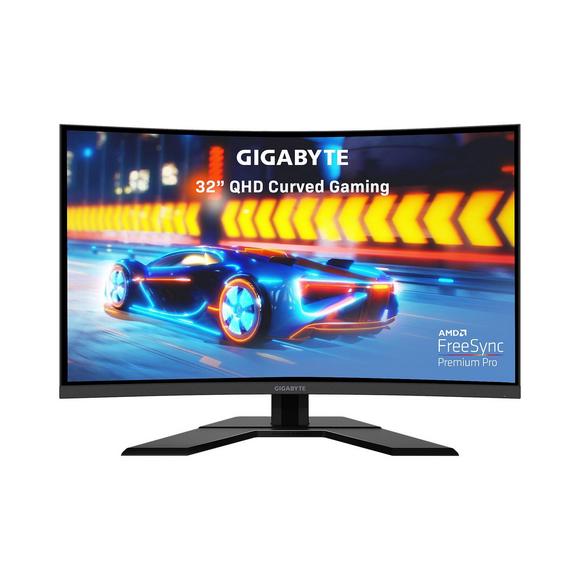
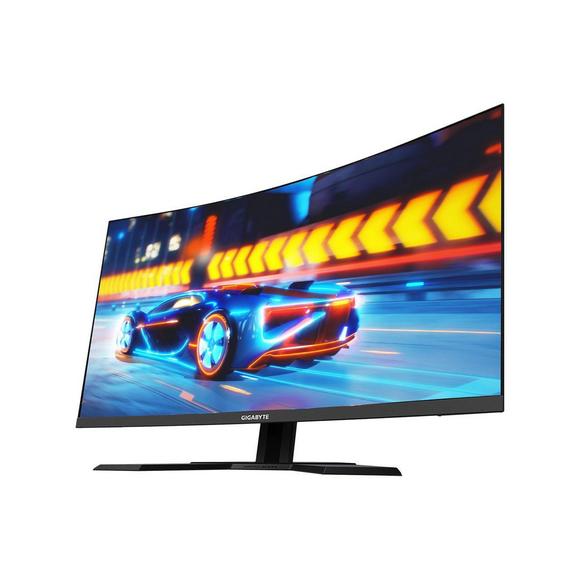
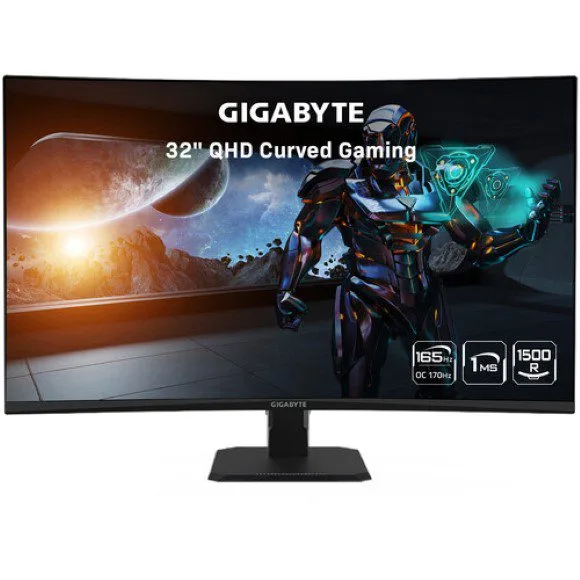
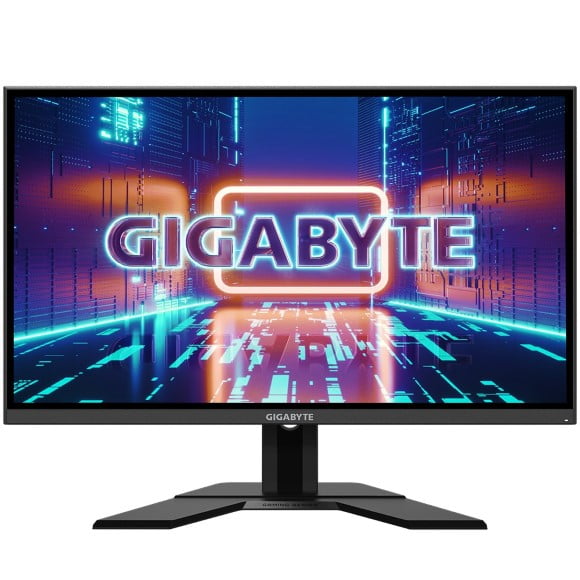
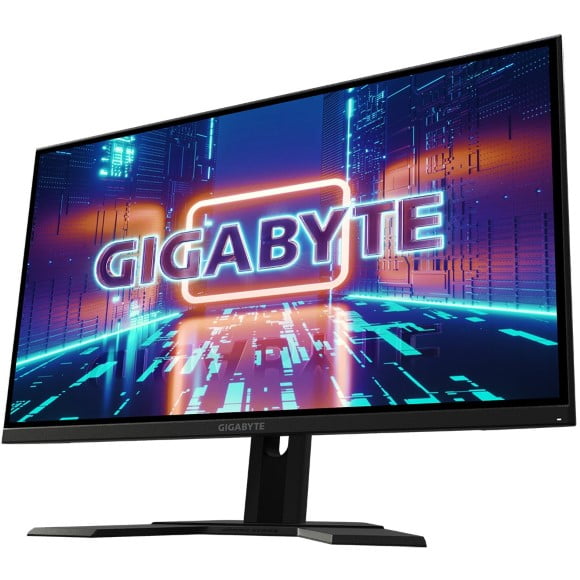
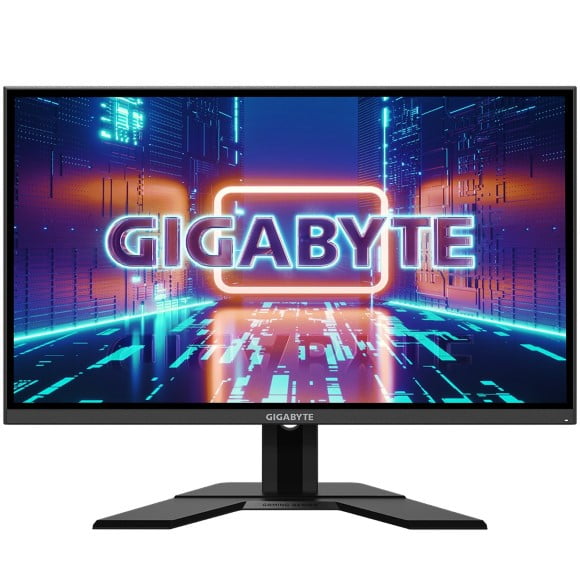
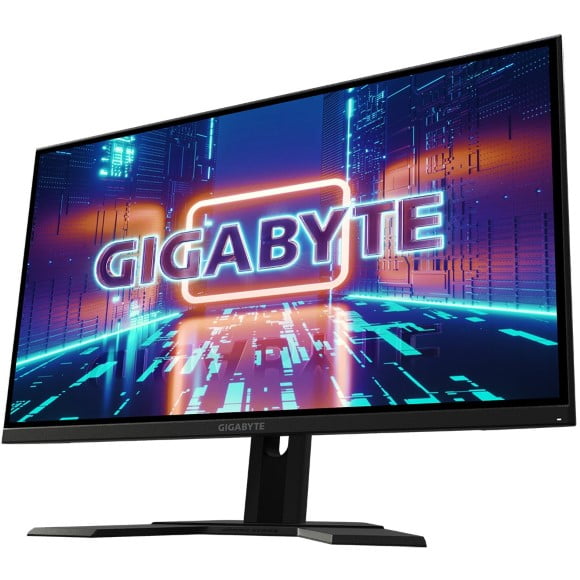
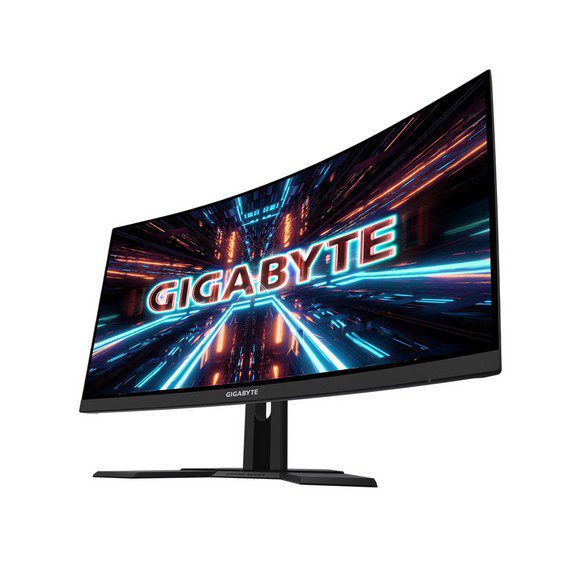
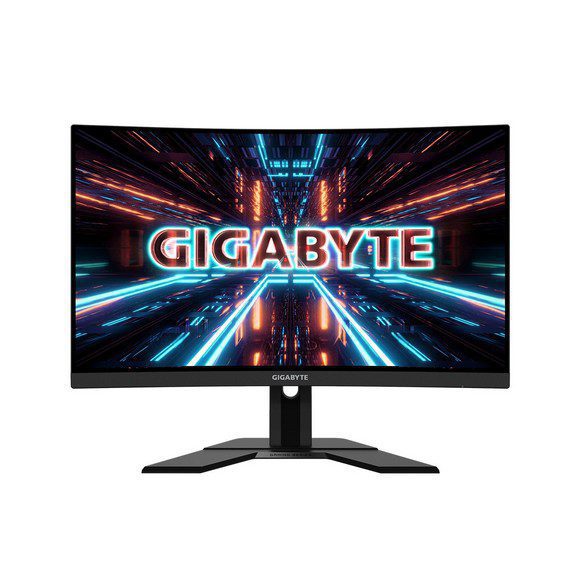
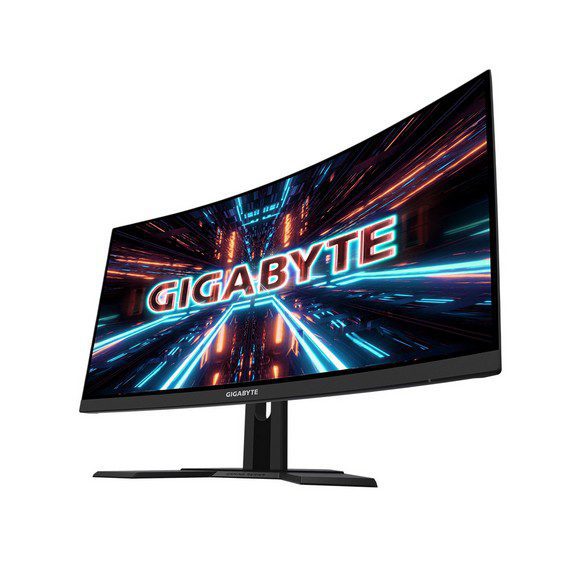
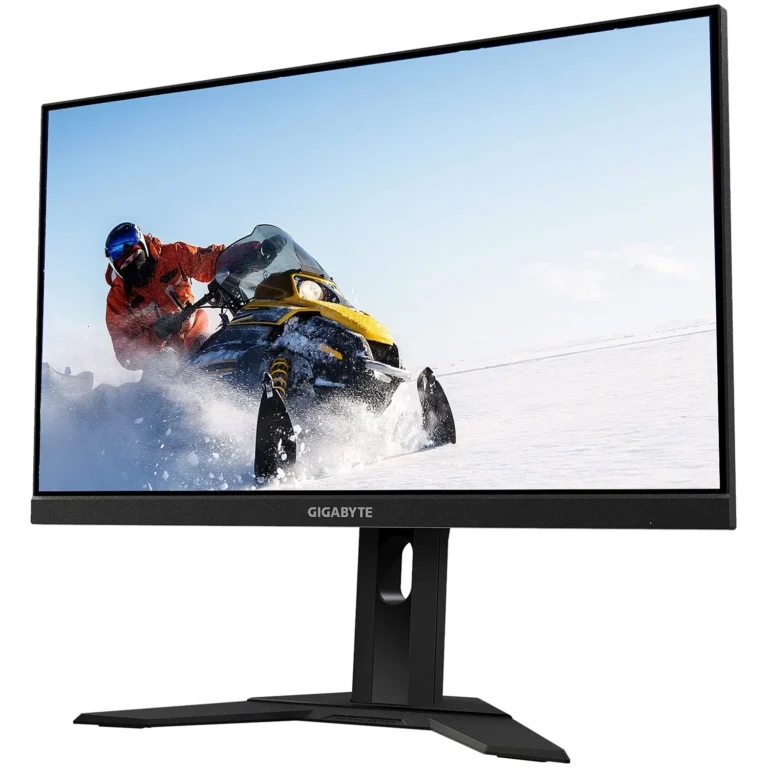
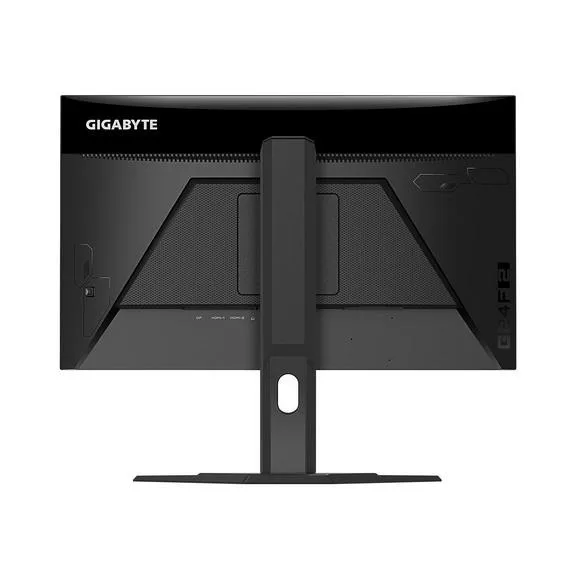
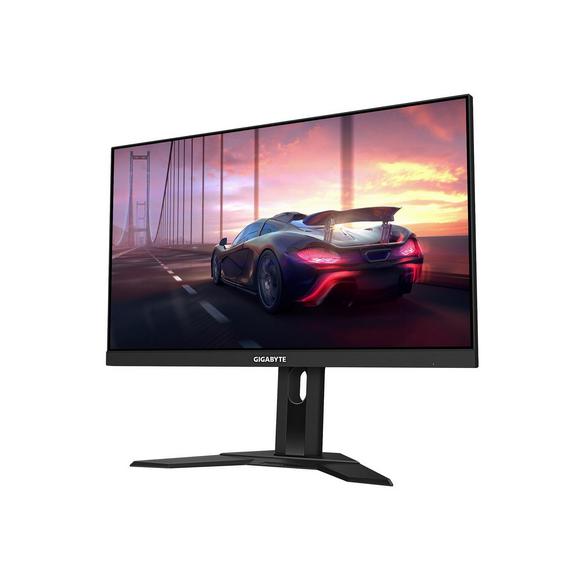
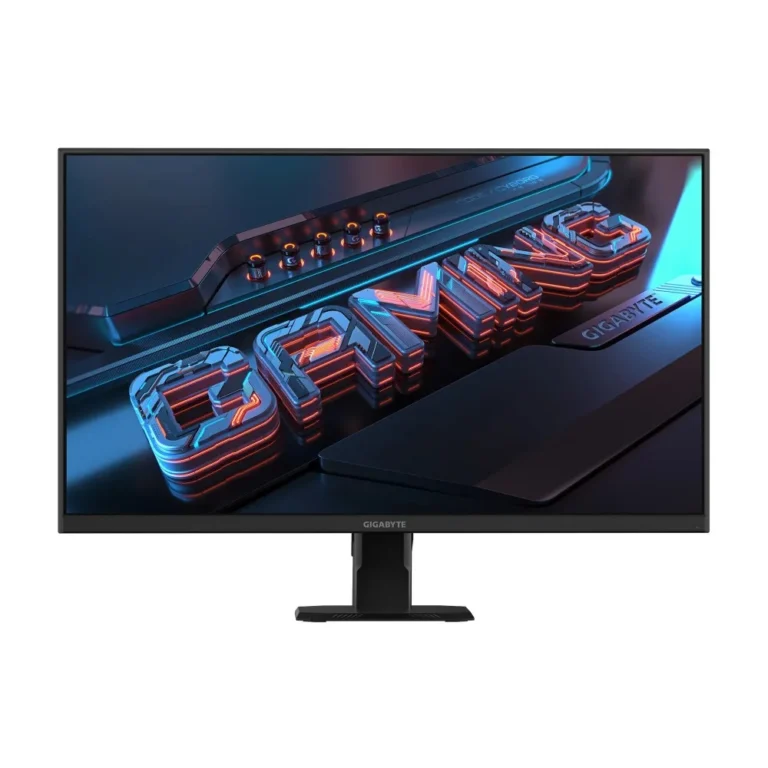
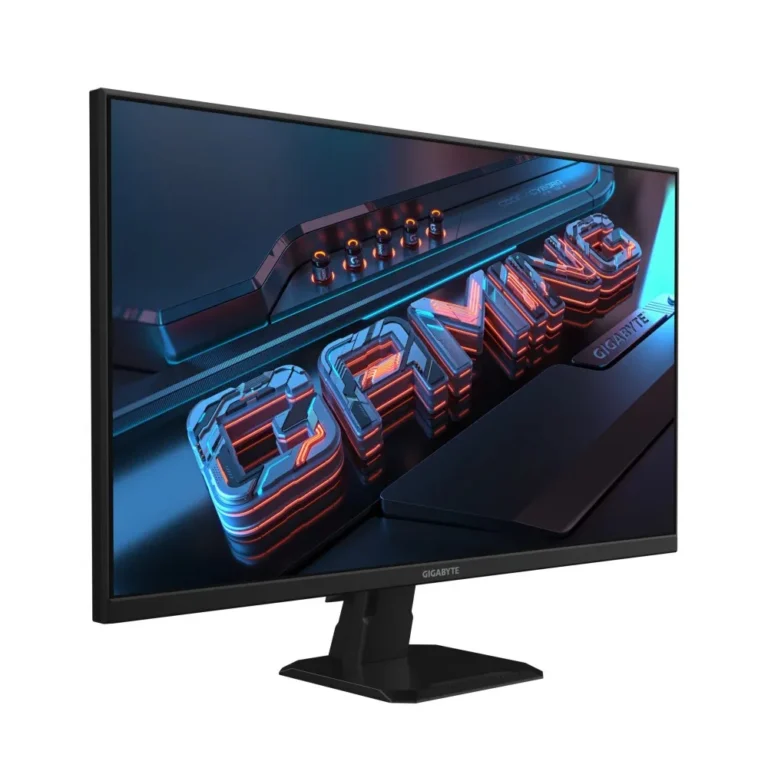
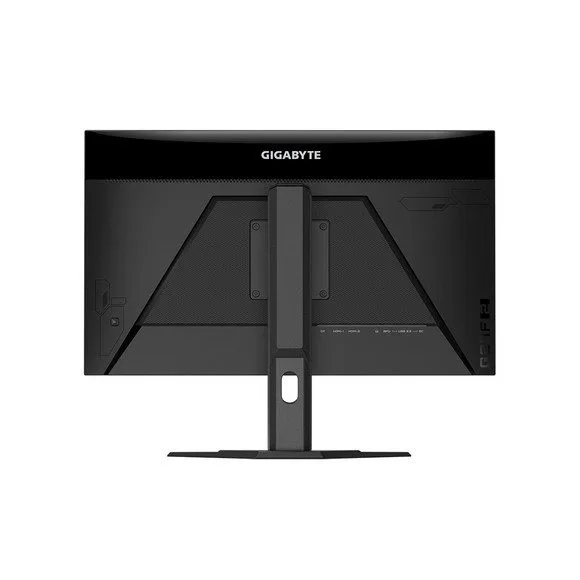
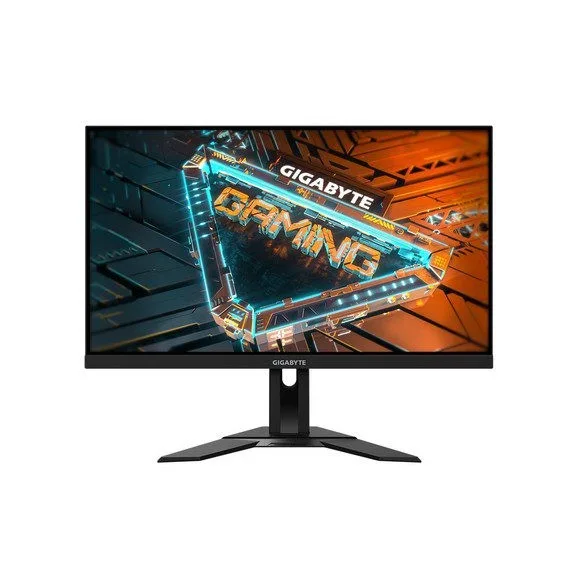
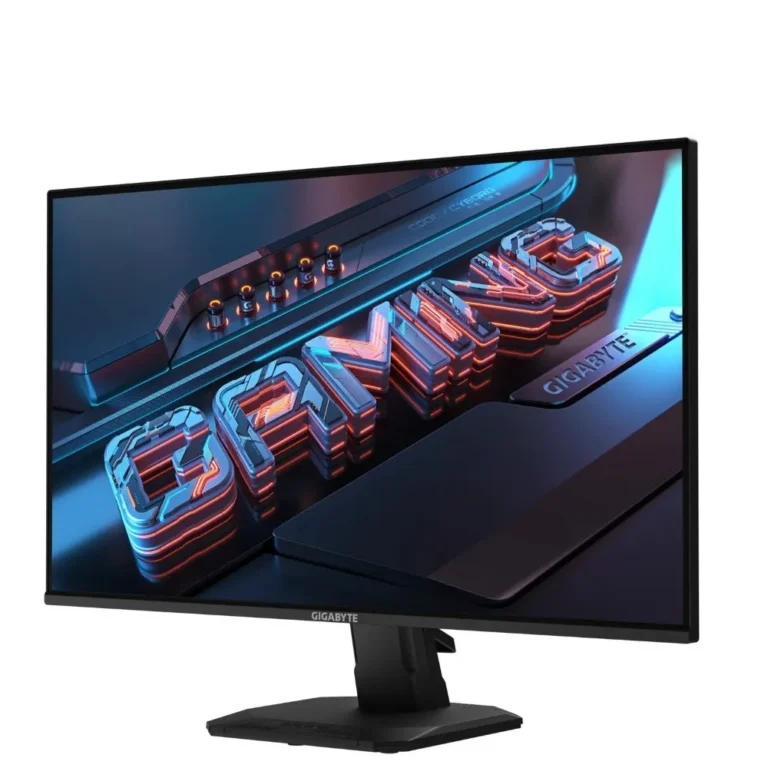
Gigabyte gaming monitors from 144Hz to 240Hz in QHD and 4K UHD, with IPS and VA panels. Karachi showroom, nationwide delivery, cash on delivery.
Gigabyte Monitors
Gigabyte monitors in this section are gaming panels first, built around high refresh rates, 1ms response figures and screen widths that stretch past the standard 16:9 desk setup. Two groups buy them. Competitive players who count frames, and people who keep a spreadsheet and a browser open side by side on one screen instead of two.
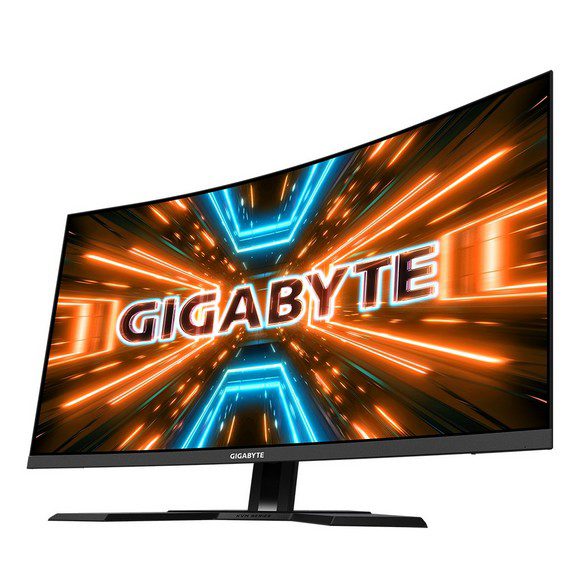
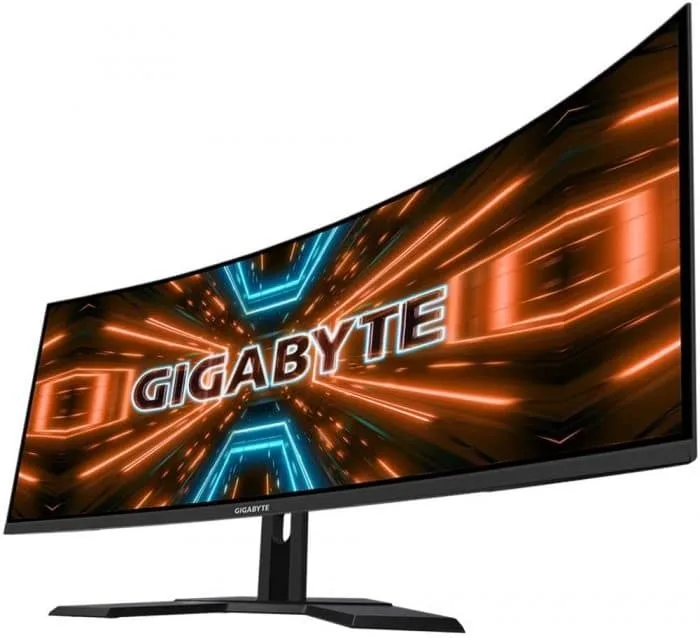
The range holds 25 models. Refresh rates run 144Hz, 200Hz and 240Hz. Resolutions cover 2K QHD at 1440p and go up to 4K UHD at 3840×2160. Panel technology splits into two camps: VA on the curved ultrawide screens and on the larger 4K models, IPS on the 240Hz 1440p side. Sizes reach 43 inches at the top of the 4K group and 34 inches across the ultrawides. Pricing spans entry level through to premium, so the section covers a first gaming screen and a flagship desk upgrade in the same list.
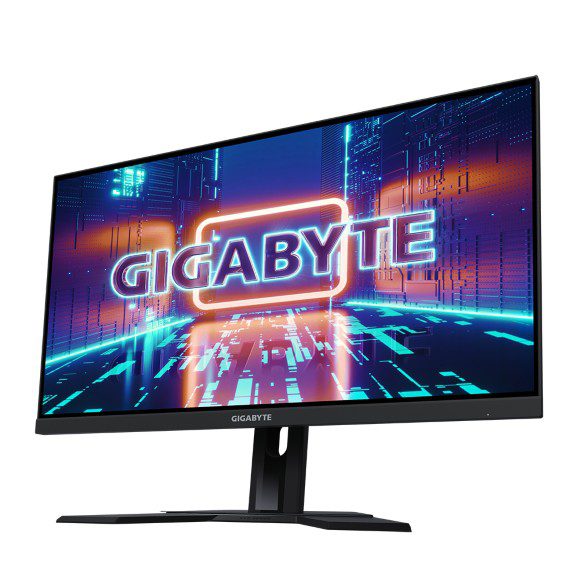
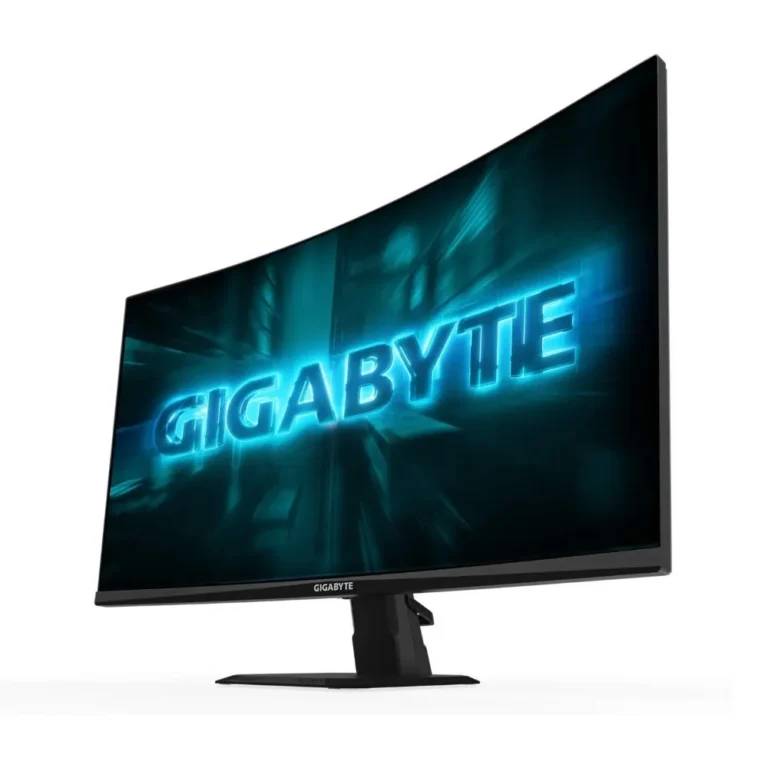
Panel type is the first decision. VA holds deeper blacks and bends well into a curve, which is why the ultrawide models use it. IPS keeps colour steadier when you view the screen from an angle, worth having if the monitor sits off to one side of a wide desk. The second decision is refresh against resolution. A 240Hz 1440p IPS screen pays off in shooters if your GPU can push those frames. A 4K UHD panel at 144Hz spends the same money on pixel count instead, better for detail work and slower titles. Check your graphics card outputs before you commit, since the higher modes need DisplayPort or HDMI 2.1 rather than an older HDMI port.
Matching a screen to your desk
Ranked play in shooters and fast esports titles points at the 240Hz IPS group with its 1ms figure. Photo editing, video work and strategy games benefit more from a 4K UHD panel, where the extra pixels stay useful at close viewing distance. If you run two or three applications at once, a 34 inch curved ultrawide at 144Hz or 200Hz QHD replaces a dual monitor arm and removes the bezel down the middle. For a first build on a tight budget, the 144Hz QHD models give the biggest jump for the least outlay.
Mega Computer carries Gigabyte monitors at the Karachi showroom, with nationwide delivery across Pakistan. You can pay cash on delivery or settle online before dispatch. Monitors ship as large fragile items, so inspect the panel for dead pixels when it arrives and confirm the warranty terms with our team at the time of purchase. If you want to compare a curved VA screen against a flat IPS one before deciding, the showroom is the faster way to judge it.