Seagate BarraCuda and SkyHawk drives from 2TB up to 20TB, covering desktop bulk storage and round the clock CCTV recording, with nationwide delivery.
Internal Hard Drives for Desktops and Surveillance Recorders
Internal hard drives carry the bulk storage load inside a desktop tower or a camera recorder, holding the game libraries, project files and video footage that a small SSD has no room for. The buyers on this page are home users adding a second drive to a working PC, system builders specifying storage for a new tower, and installers fitting recorders for shops, warehouses and offices. Capacity per rupee is the reason a spinning drive still earns its bay.
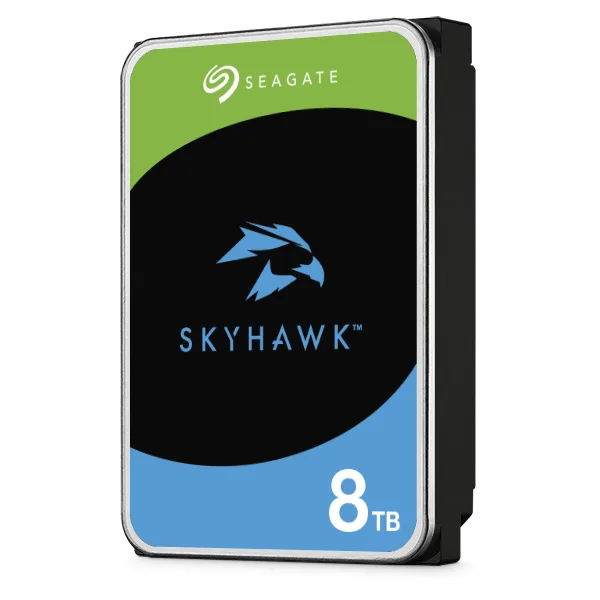
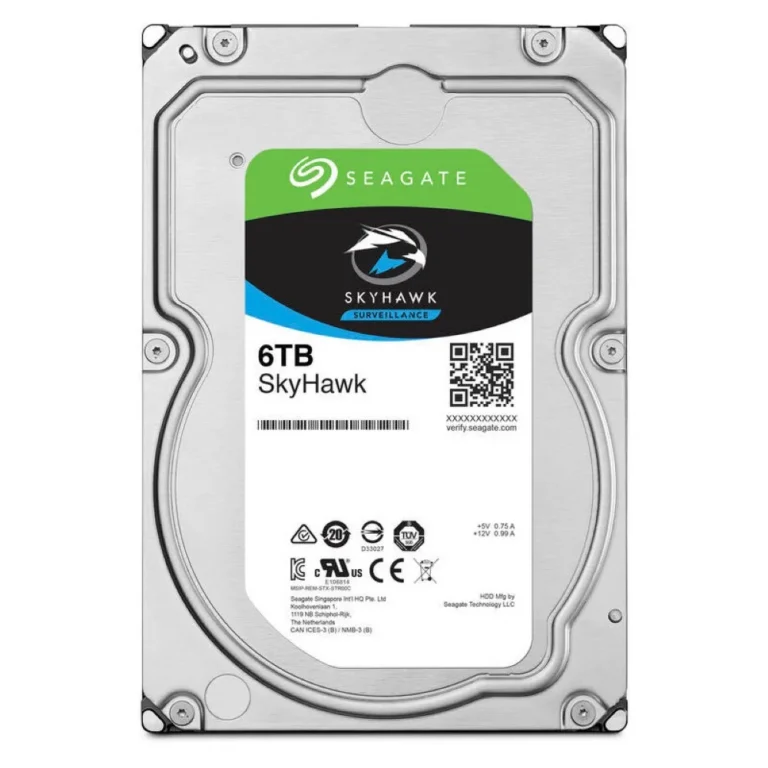
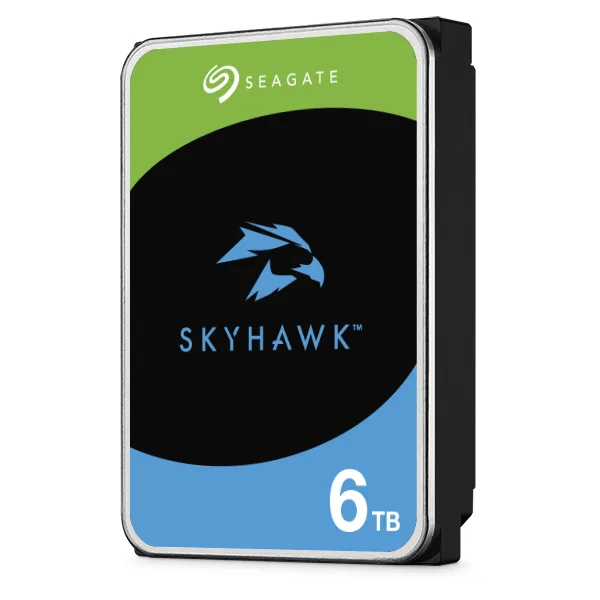
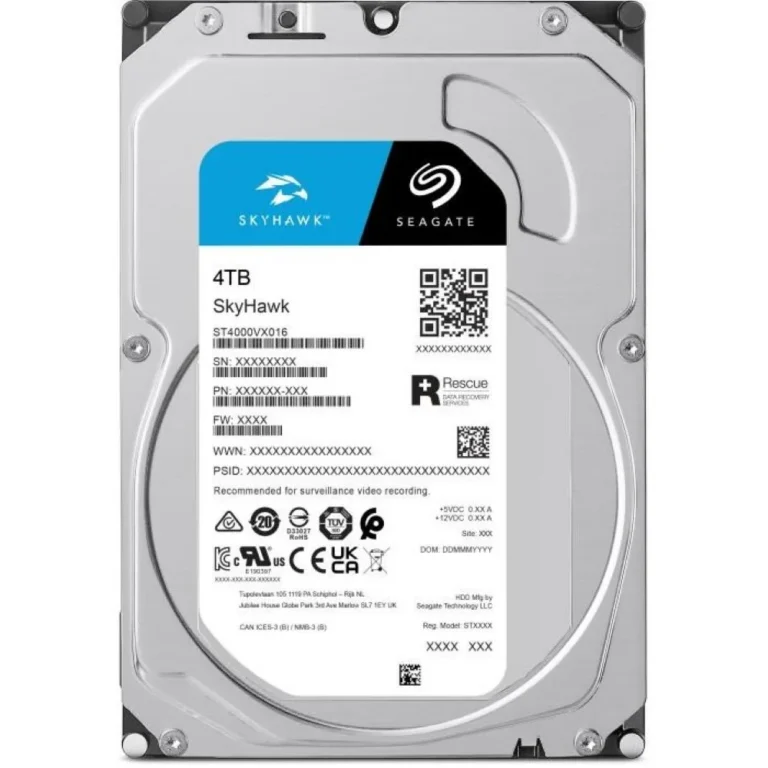
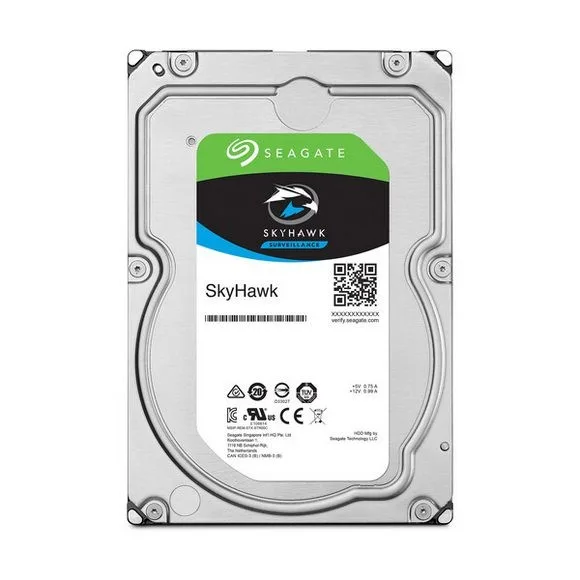
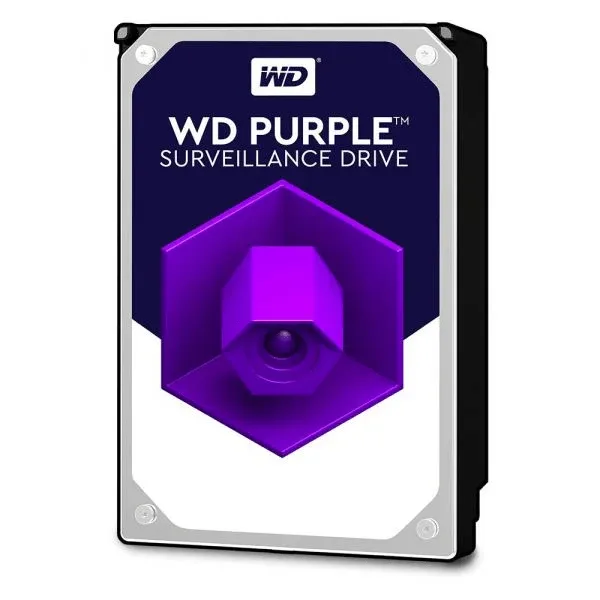
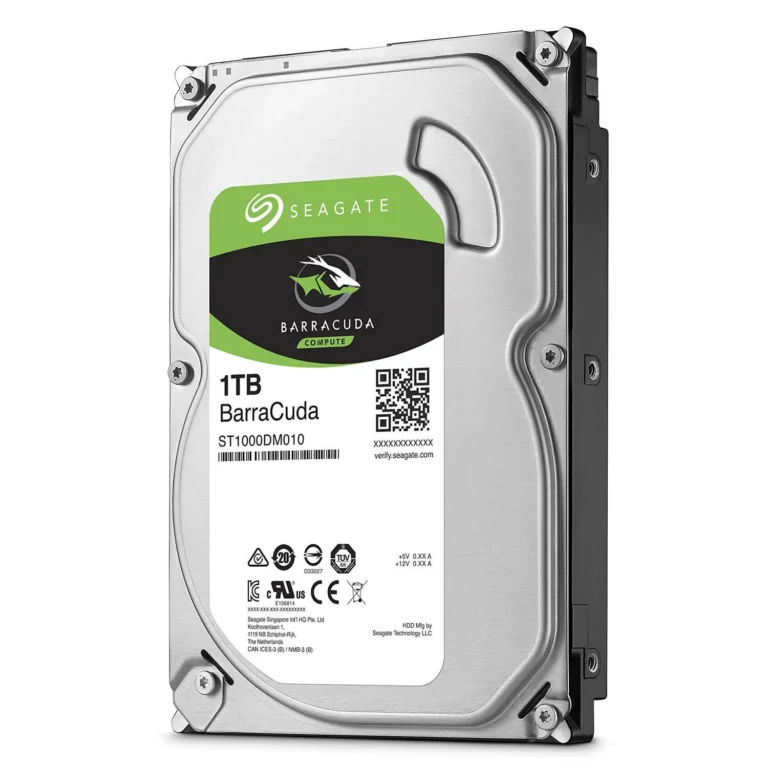
Everything stocked here is Seagate, split across two families that do different jobs. BarraCuda covers general desktop storage and runs from a 2TB SATA drive at the affordable end to a 20TB model with a 512MB cache at the top. SkyHawk is the surveillance line, stocked at 4TB, 6TB and 8TB, all SATA. The price spread across the page is wide, from entry level capacities that suit a second drive in a home build through to premium high capacity units for archive and multi camera work.
Two decisions settle most purchases. The first is the workload the drive was designed for. A BarraCuda expects a desktop duty cycle, with writes happening while someone uses the machine, and a SkyHawk expects a steady write stream from several camera channels running day and night. Putting a desktop drive into a recorder that never stops writing shortens its service life. The second decision is capacity headroom. Surveillance footage consumes space at a predictable rate per channel, so work out how many days of retention you need before choosing between 4TB, 6TB and 8TB. For desktop use, cache size affects sustained transfers, and the 20TB BarraCuda carries 512MB for that reason.
Which Drive Suits Your Setup
Someone adding storage to a gaming PC that already boots from an SSD usually lands on a 2TB BarraCuda and keeps the SSD for the operating system. Video editors and photographers holding finished projects tend to move up the BarraCuda range, where the 20TB drive replaces a stack of smaller disks in one bay. A shop owner running four or eight cameras on a DVR or NVR should be looking at SkyHawk, with 4TB covering a modest camera count and 6TB or 8TB giving longer retention before the recorder overwrites old footage. Offices that keep footage for compliance reasons buy the larger SkyHawk capacities for the same reason.
Our Karachi showroom holds the range so you can confirm the exact drive before you commit, and we ship nationwide across Pakistan. Payment works by cash on delivery or online payment. Warranty terms vary by drive family and capacity, so ask our team to confirm the cover on the specific model you have chosen before the order goes out.
Before ordering, check two things inside your machine. Your motherboard needs a free SATA data port and your power supply a spare SATA power connector, and your case needs an empty bay to mount the drive in. A fresh drive arrives bare, so Windows users initialise and format it in Disk Management before it shows up in File Explorer. Recorders handle this themselves, though most NVR and DVR units want the drive fitted before the retention settings are configured.