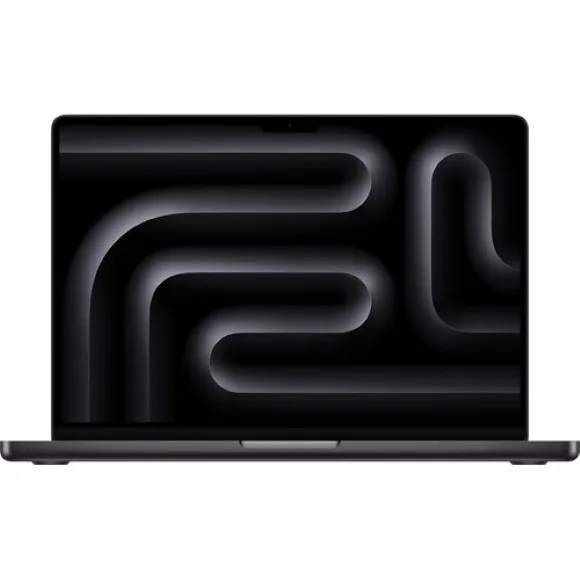
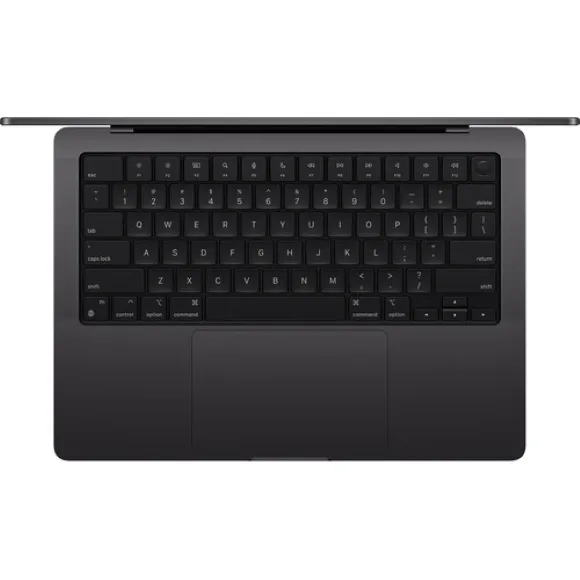
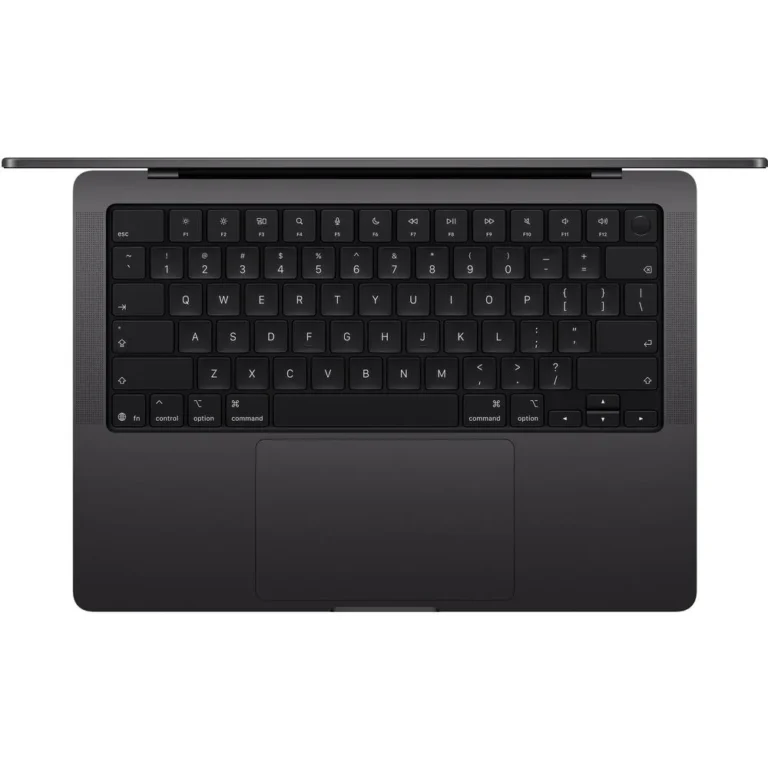
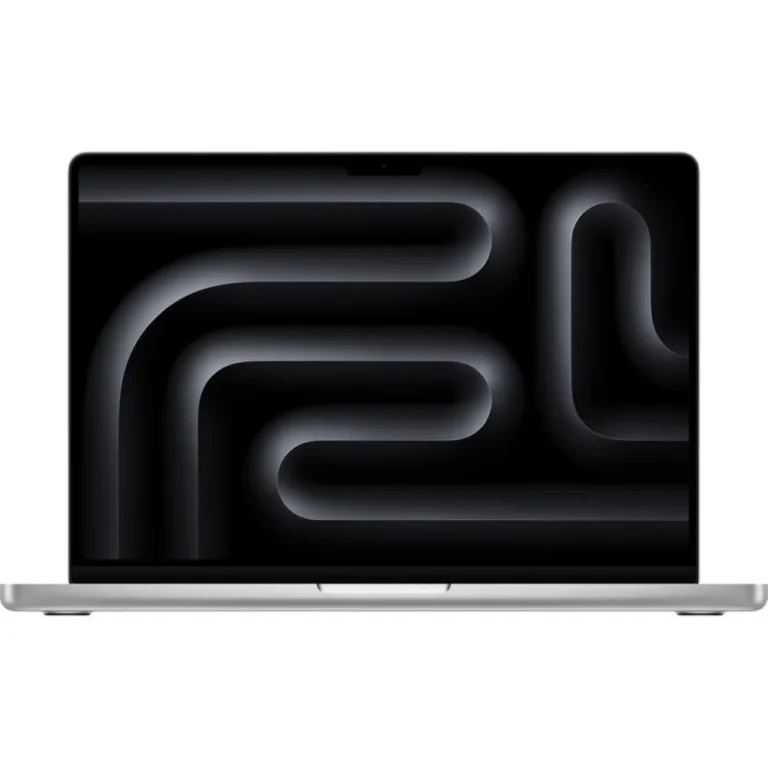
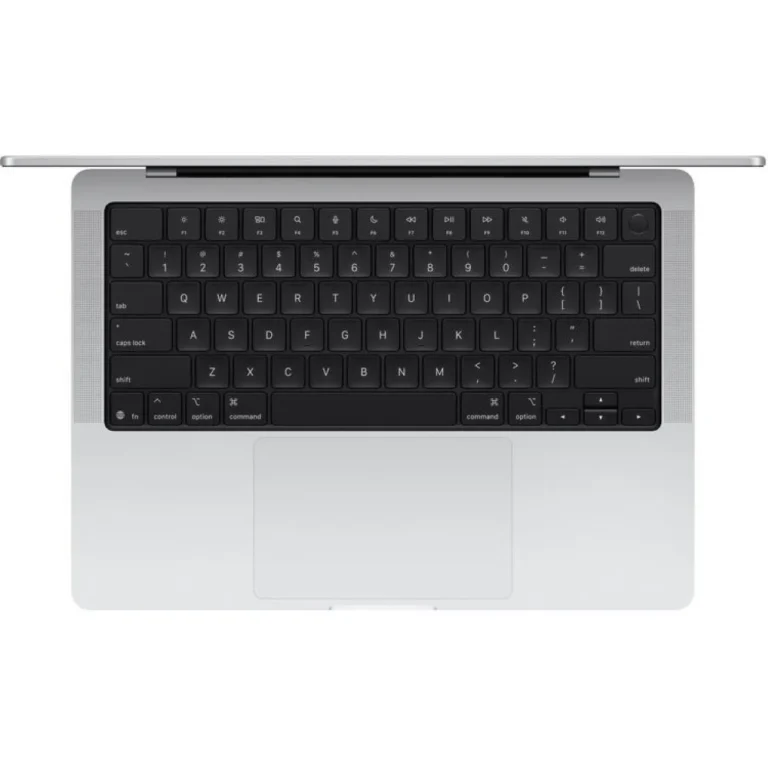
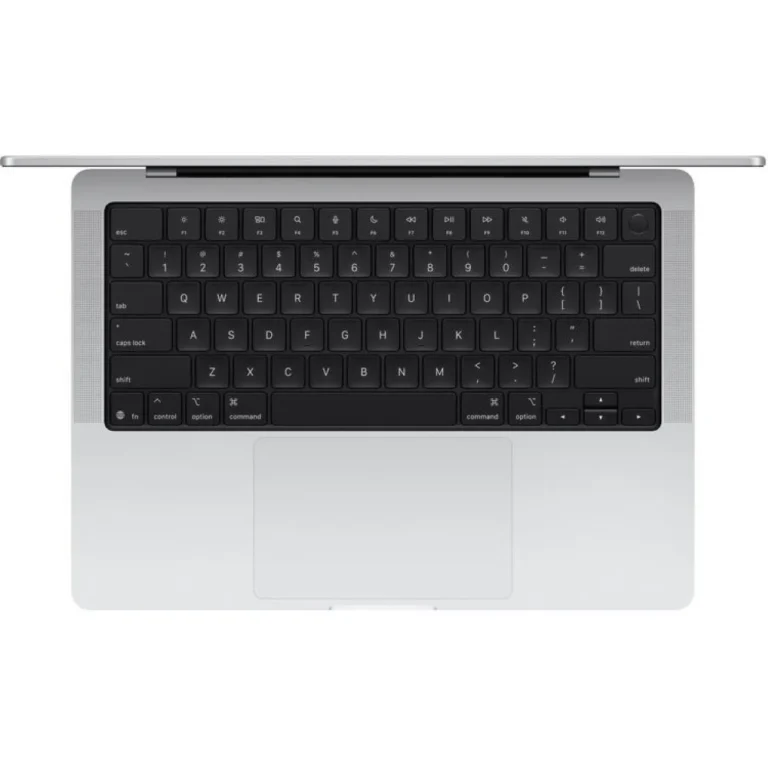
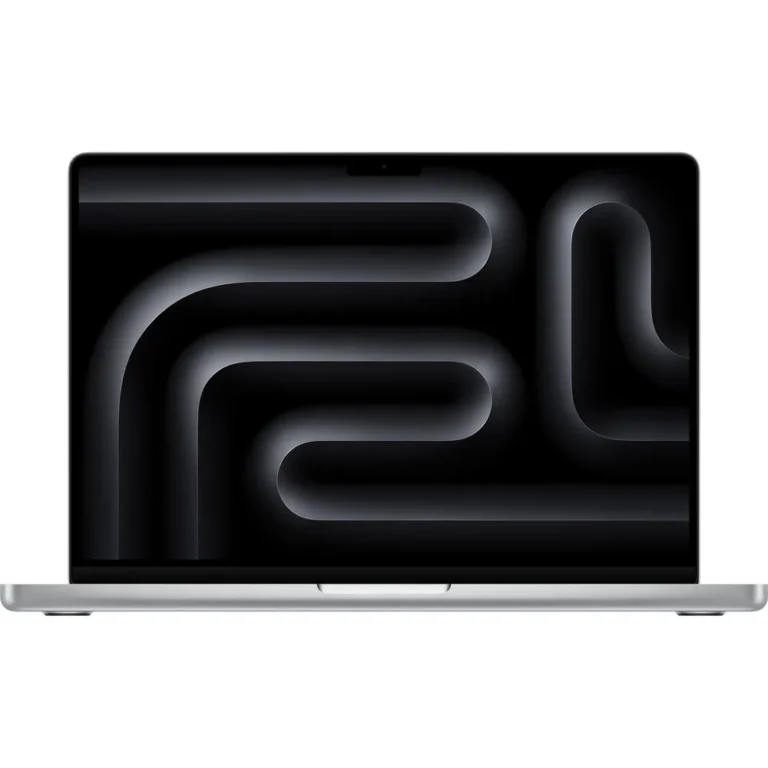
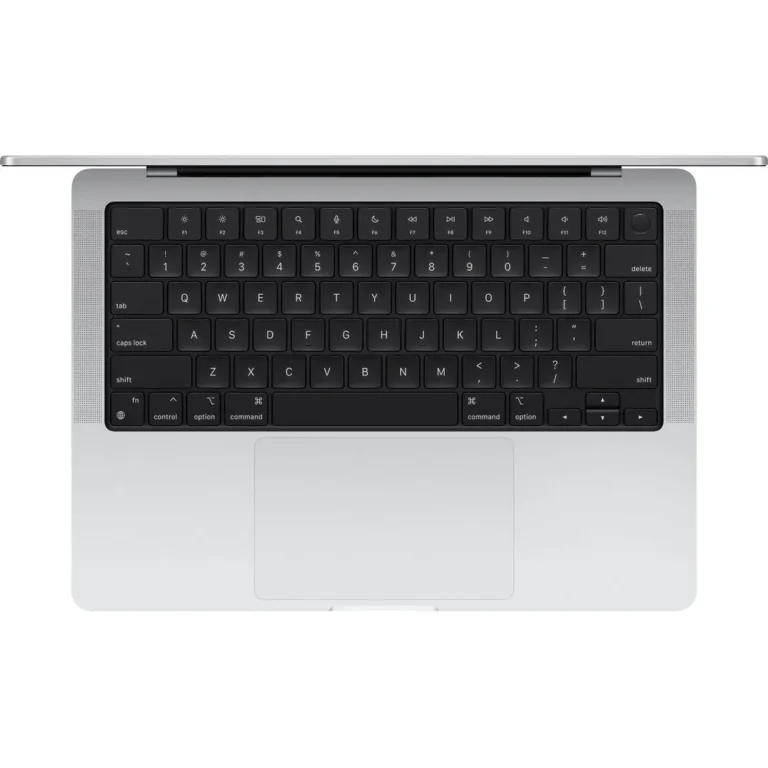
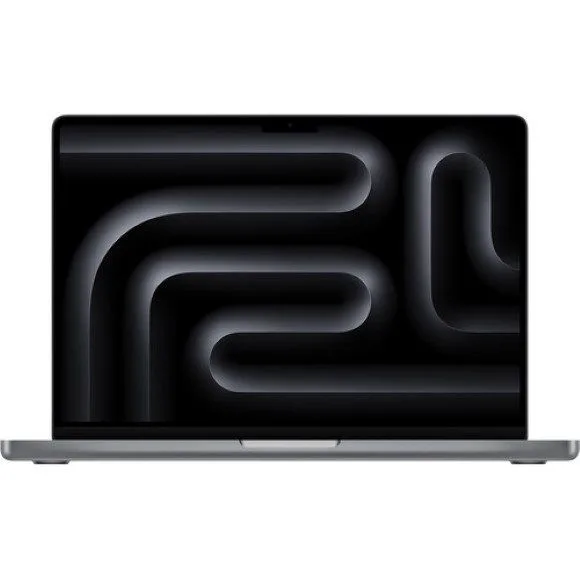
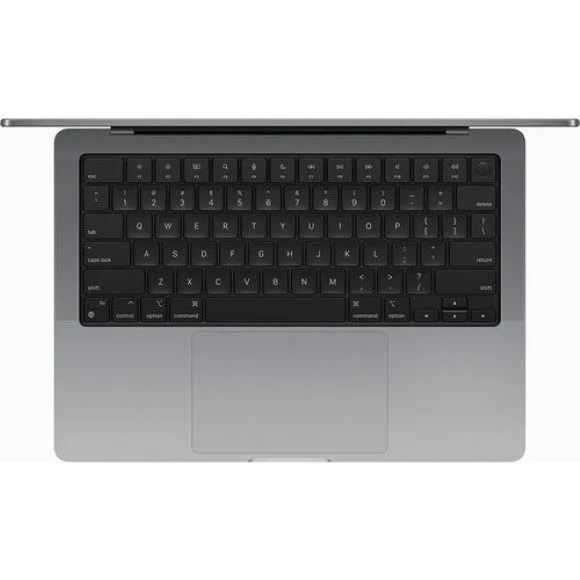
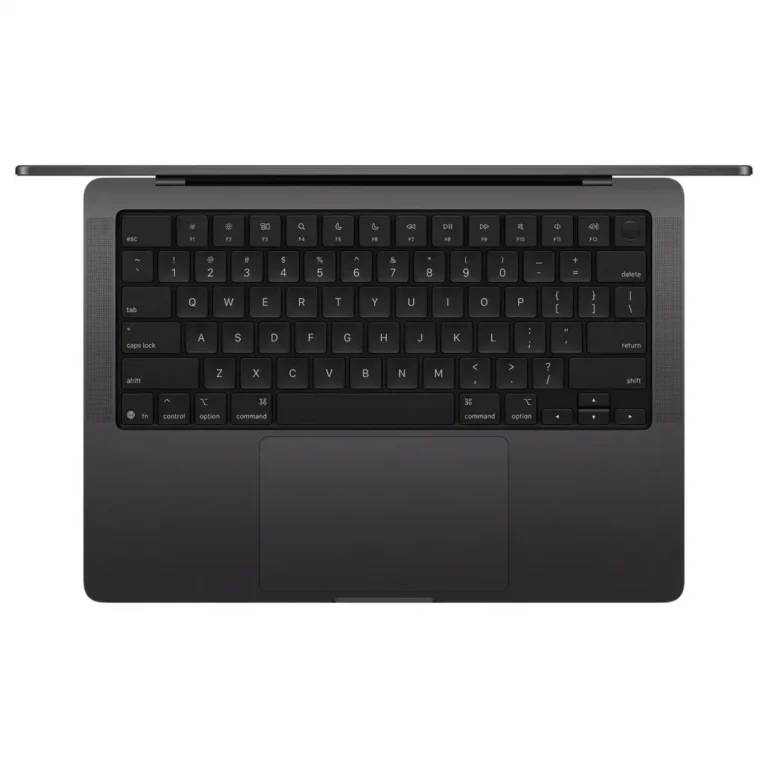
Apple MacBook Pro 14 laptops in 24GB, 32GB and 36GB unified RAM builds with 512GB or 1TB SSD storage, stocked in Karachi with nationwide delivery.
MacBook Pro 14 Laptops in Pakistan
The MacBook Pro 14 sits in the range where a portable machine still has to hold a heavy load for hours, which is why buyers pick it over a thinner Apple laptop. Editors, developers, photographers and design students choose this size when they want a 14 inch screen they can carry to a client and still run a full project on. Every unit in this category is a new Apple machine running macOS.
Apple is the only brand here, and the spread sits in the configurations rather than the badge. Unified RAM runs from 24GB through 32GB and up to 36GB, and storage comes in 512GB and 1TB SSD builds. Several units carry 10 core chips, and finishes include Space Black and Silver. Pricing moves from the entry level configurations to the premium high memory builds, so the same 14 inch body covers a wide budget band.
Three decisions separate these units.
- Unified RAM is the first, since it is shared between the CPU and GPU and is fixed at the time of purchase, so a 24GB build suits code, documents and photo work while 32GB or 36GB carries large timelines and heavy multitasking.
- Storage is the second: a 512GB SSD fills fast once raw video or virtual machines land on it, and 1TB gives you room to keep projects local.
- Core count is the third, and a 10 core chip covers most professional workloads without paying for headroom you never touch.
Matching a Configuration to Your Work
A student running Xcode, Figma and a browser full of tabs gets through the day on a 24GB, 512GB build. Someone cutting multi camera video or working in 3D wants the 36GB unified RAM and 1TB SSD end of the range, because scratch files and cached previews eat both memory and disk. Office and finance users who want the 14 inch chassis for travel rather than for render times can stay at the lower memory tier and put the saving into storage. If portability matters more than sustained load, compare against the MacBook Air pages before you commit.
You can see these machines at our Karachi showroom, and we ship nationwide delivery across Pakistan. Payment works through cash on delivery or online payment. Mega Computer has retailed computer hardware since 1986, and each MacBook Pro 14 arrives sealed with its standard Apple warranty, so keep the invoice for any service claim.
One point catches buyers out on this model. Neither the unified RAM nor the SSD can be changed after purchase, so the configuration you pick is the one you keep for the life of the machine. Buy the memory you will need in two years and treat external storage as the part you can add later.

 AppleApple 12