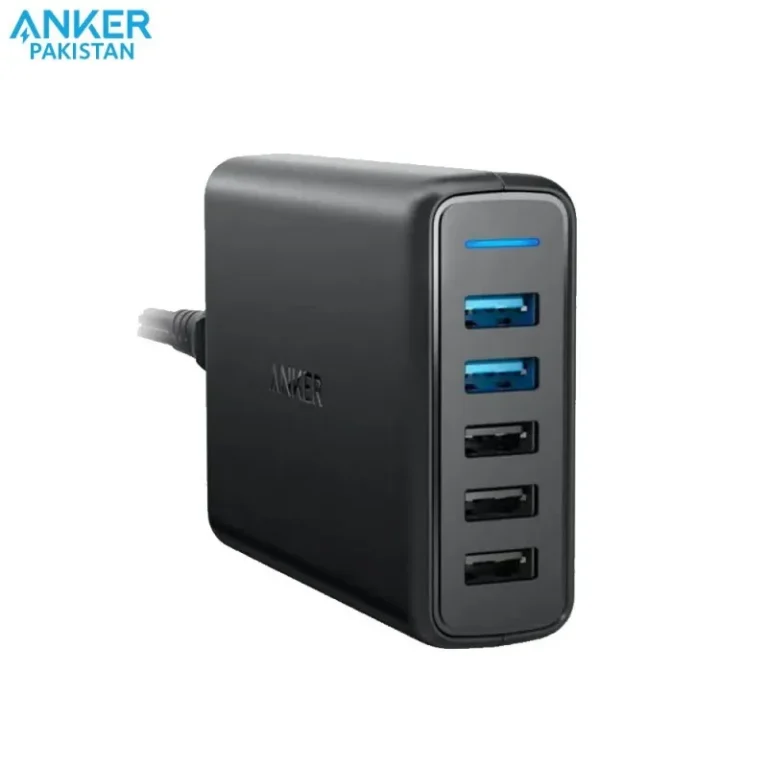
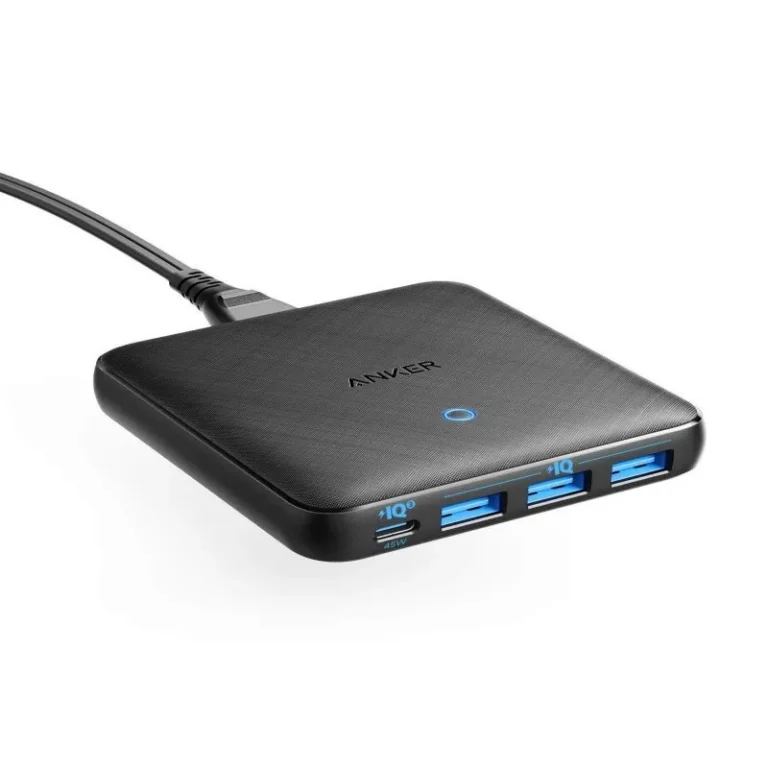
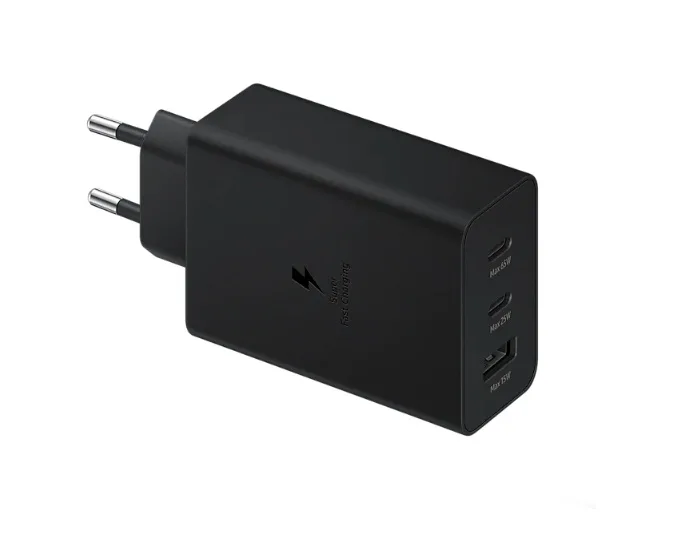
Power adapters and PSU extension cables from GravaStar, XPG and GameMax, covering desk charging and in-case cable routing, with delivery across Pakistan.
Cables and Adapters
Cables and adapters in Pakistan cover two jobs that sit at opposite ends of a desk. On one side sit wall chargers that feed a phone, a tablet or a thin laptop from a single socket. On the other sit extension cables that run power from a PSU to the motherboard and graphics card inside a case, so the visible runs look tidy behind a glass panel. Buyers land here either because something stopped charging or because a new build needs cabling that reaches.
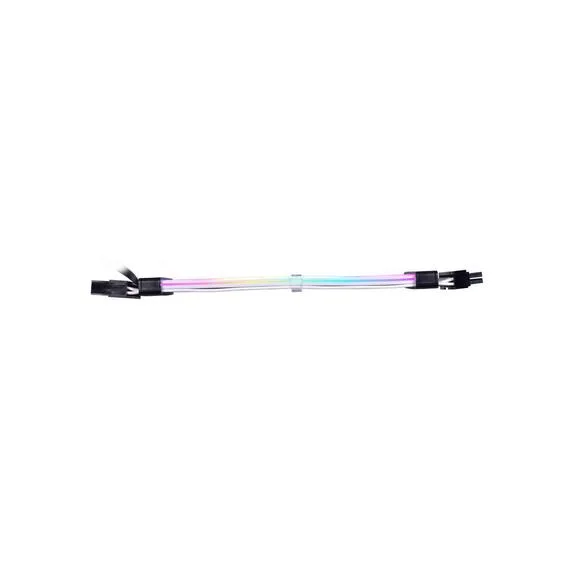
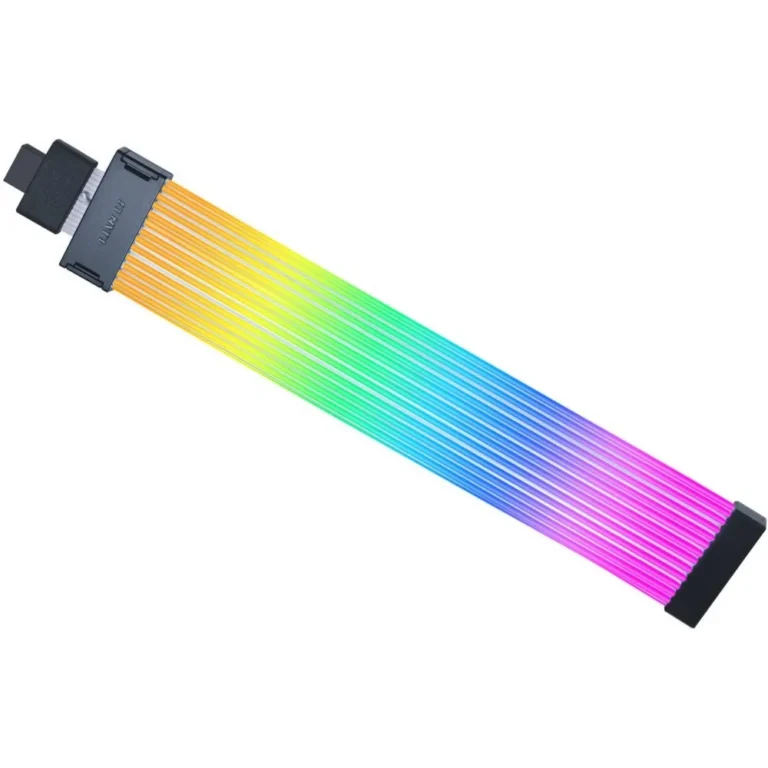
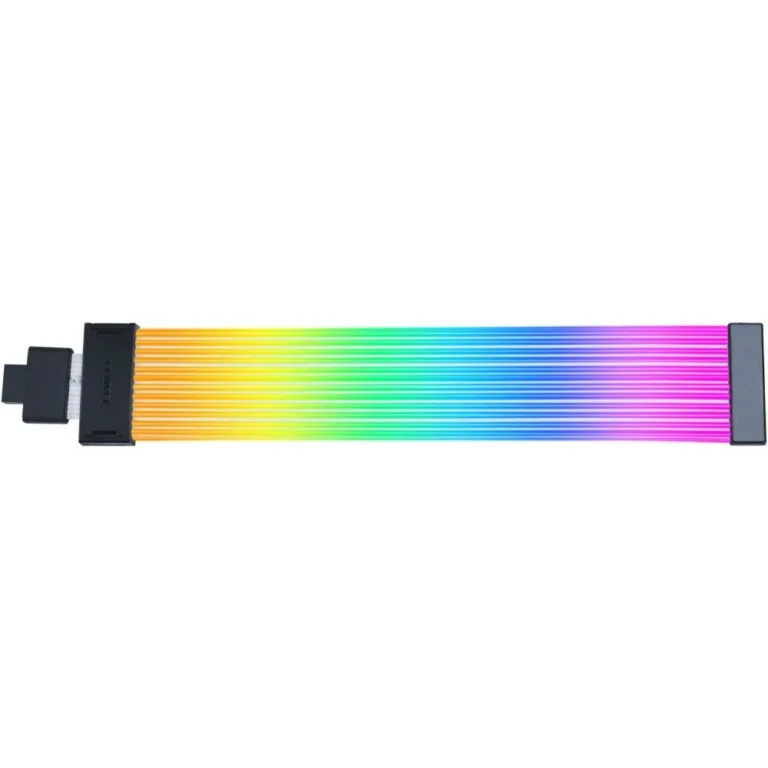
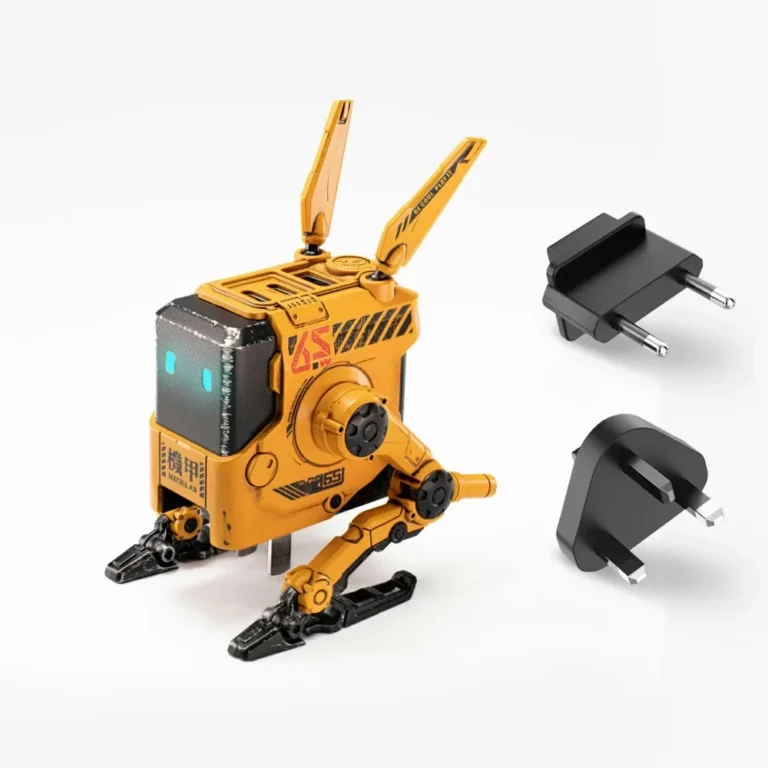
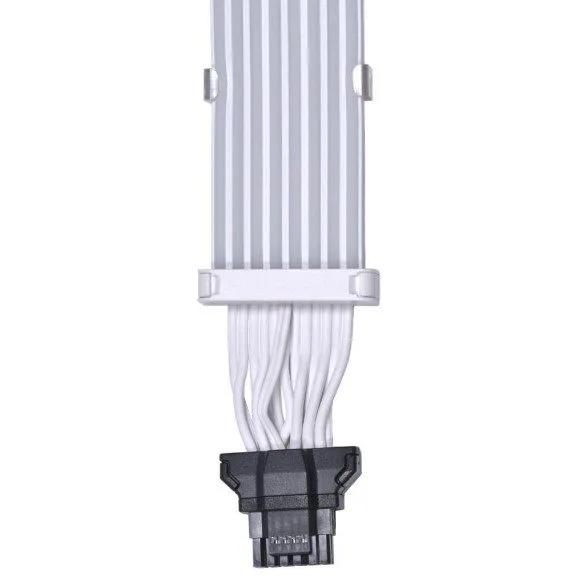
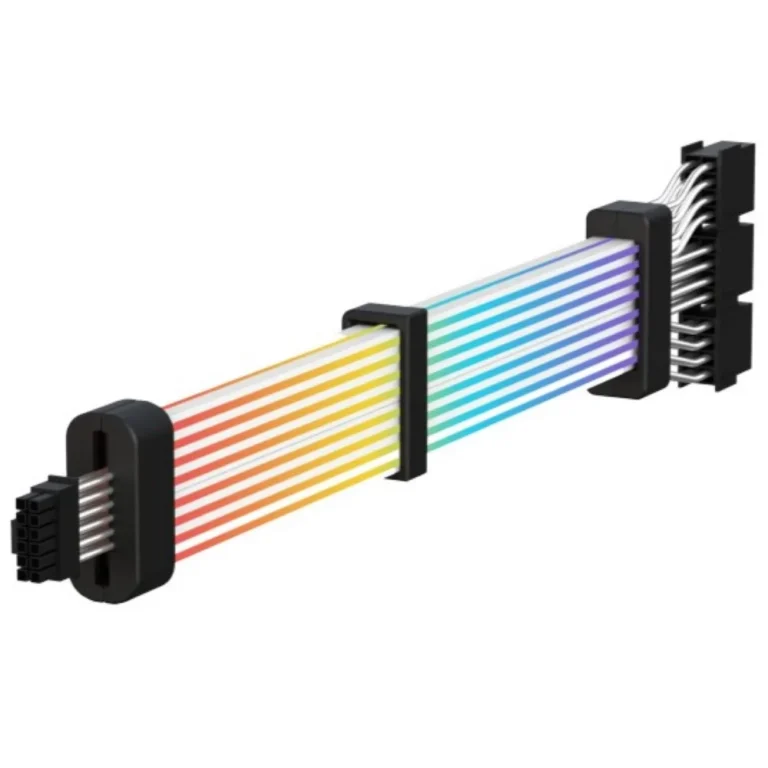
The range here spans GravaStar, XPG and GameMax. GravaStar covers the charging side with 65W wall chargers in several finishes, enough output for a phone and a compact notebook from one brick. XPG and GameMax cover the internal side with PSU extension cables built for standard desktop power runs. Pricing runs wide, from entry-level parts you add to an order without thinking about it through to premium pieces bought for how they look in a windowed build.
Two decisions settle most purchases.
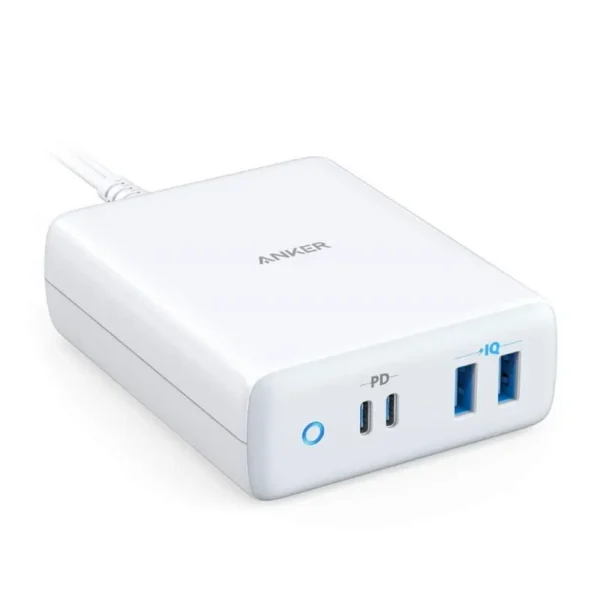
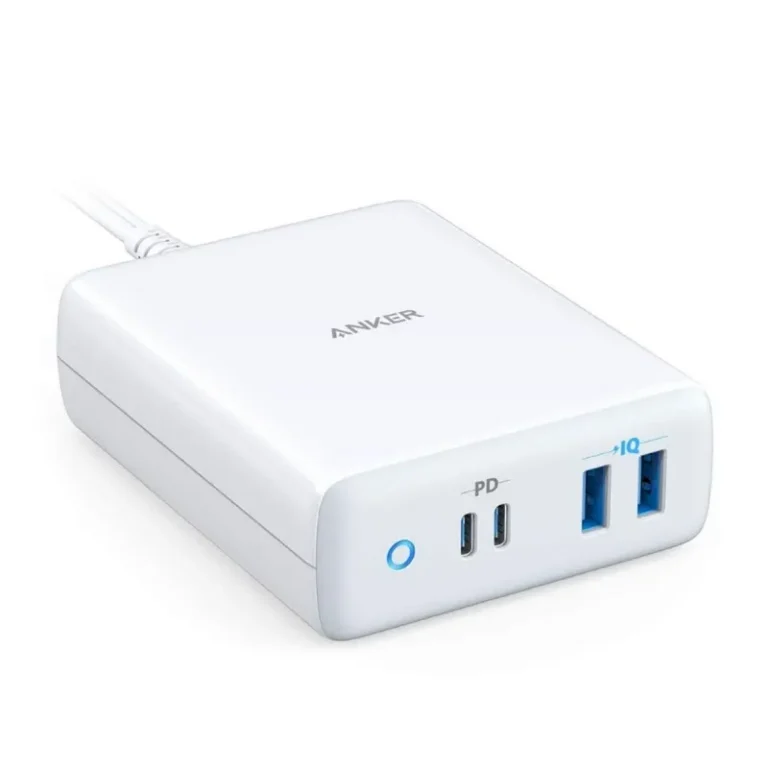
- For a charger, start with the wattage your device asks for: a 65W adapter carries a phone and a small laptop, while a heavier gaming notebook wants its own supply.
- For an internal cable, match the connector on your PSU before you look at anything else, because an extension only mirrors the plug already on the unit. Length matters after that. A run that is too short forces a diagonal across the motherboard tray, and a run that is too long bunches up behind it.
Who buys what
Someone charging a phone and a work laptop from one socket at home or in a hotel room wants a single 65W adapter rather than two bricks. Someone assembling a build in a case with a side window buys XPG or GameMax extension cables to replace the bundled leads and keep the runs straight. Someone repairing a desk setup usually needs one specific replacement part, in which case check the connector against the hardware you already own before ordering.
Mega Computer stocks these parts at its Karachi showroom and ships nationwide across Pakistan. You can pay cash on delivery or settle online, and small accessories like these travel well, so ordering a cable alongside a larger component costs you little. Bring the device or the PSU to the counter if you are unsure which connector you need, and the team can check it against the part.
One compatibility note worth keeping in mind: an extension cable adds reach and appearance, nothing else. It draws no extra power from the PSU and changes no rating on it. If a build trips or shuts down under load, the supply itself is the place to look, not the cable running from it.

 AmazeAmaze 30
 ATTACK SHARKATTACK SHARK 4
 AukeyAukey 1
 EPZEPZ 2
 GameMaxGameMax 1
 GravaStarGravaStar 4
 HOCOHOCO 35
 KineraKinera 1
 OntenOnten 1
 RoninRonin 1
 UGREENUGREEN 124
 WiWUWiWU 5
 AnkerAnker 7
 CorsairCorsair 1
 Lian LiLian Li 7
 LogitechLogitech 1
 PhilipsPhilips 1
 RedragonRedragon 2
 SamsungSamsung 4