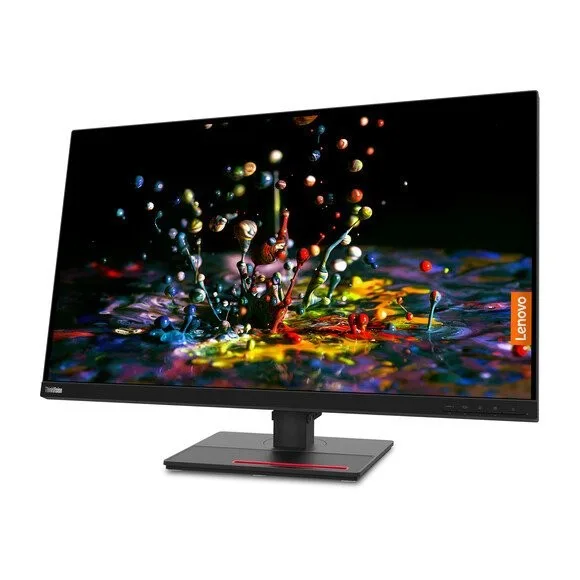
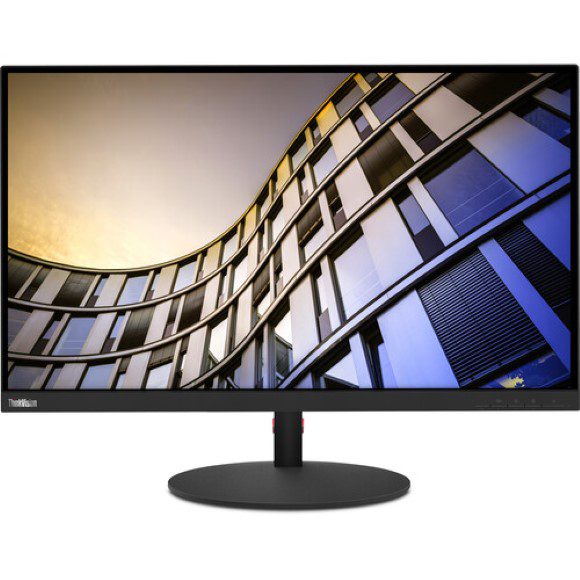
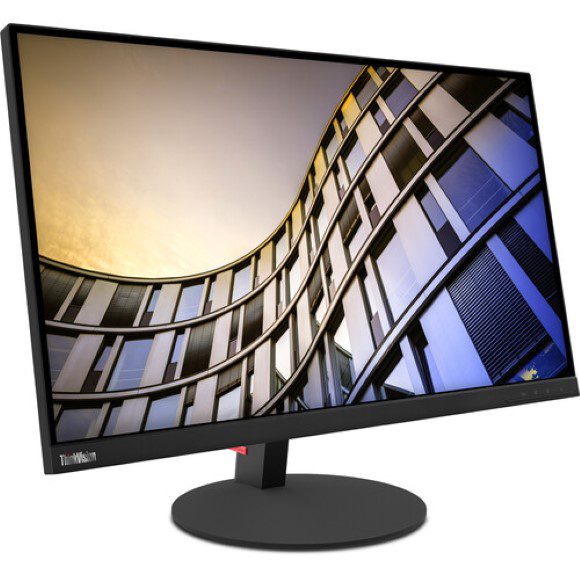
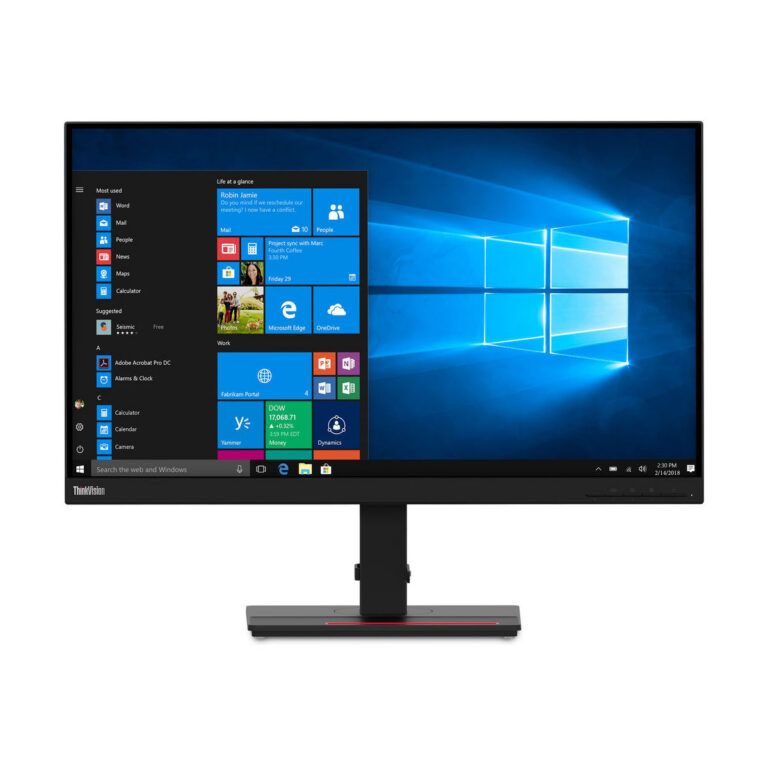
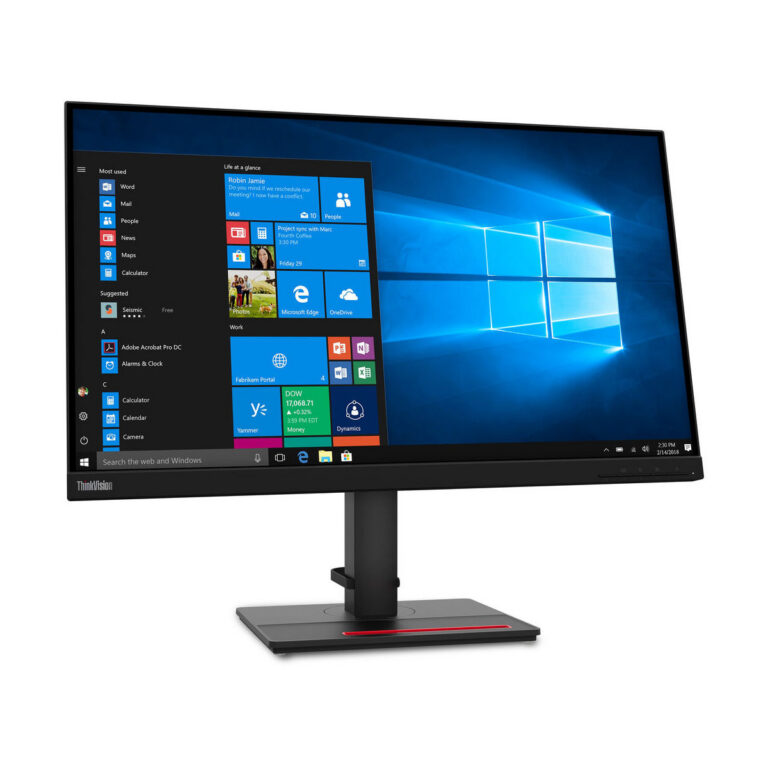
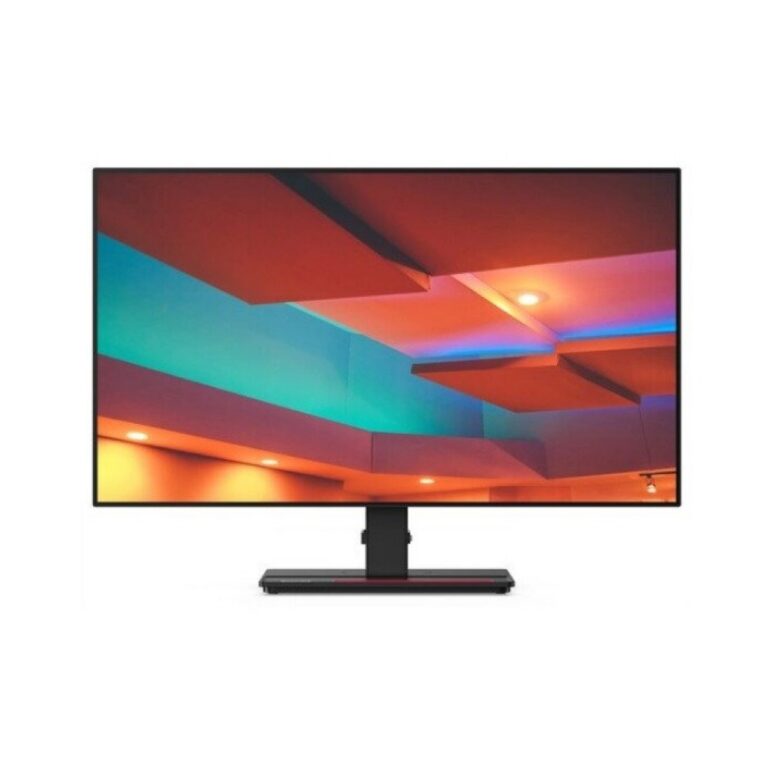
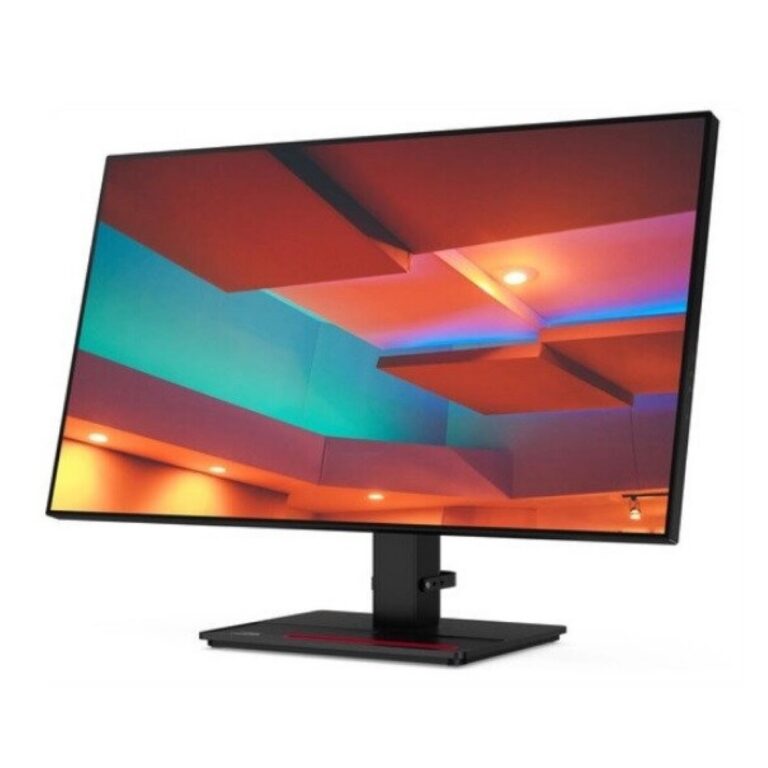
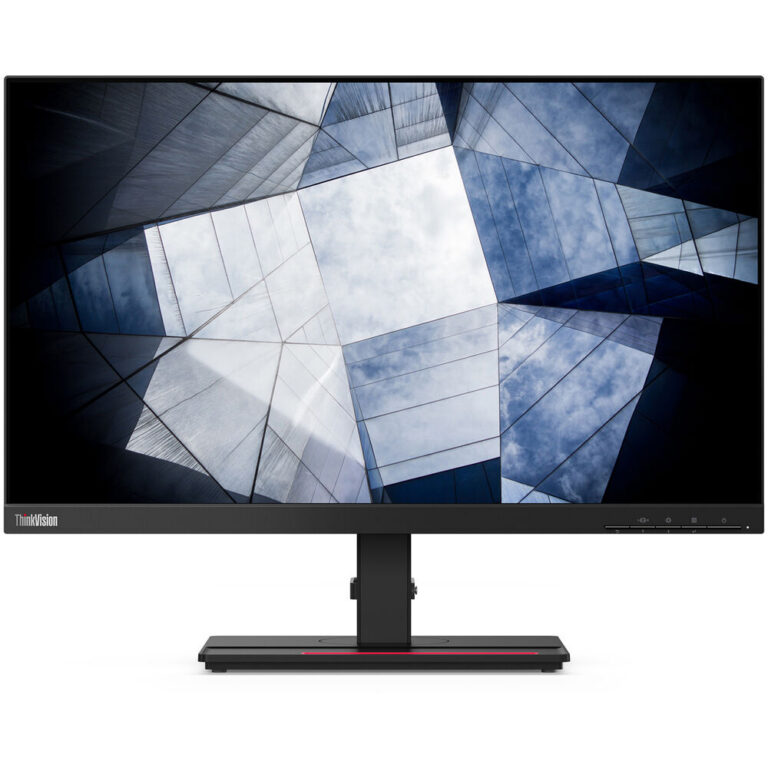
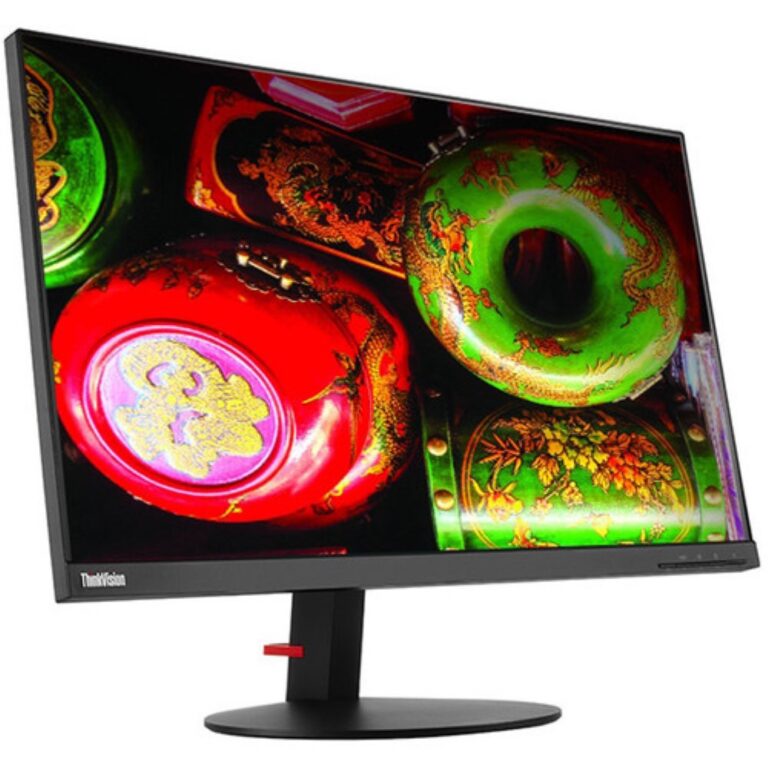
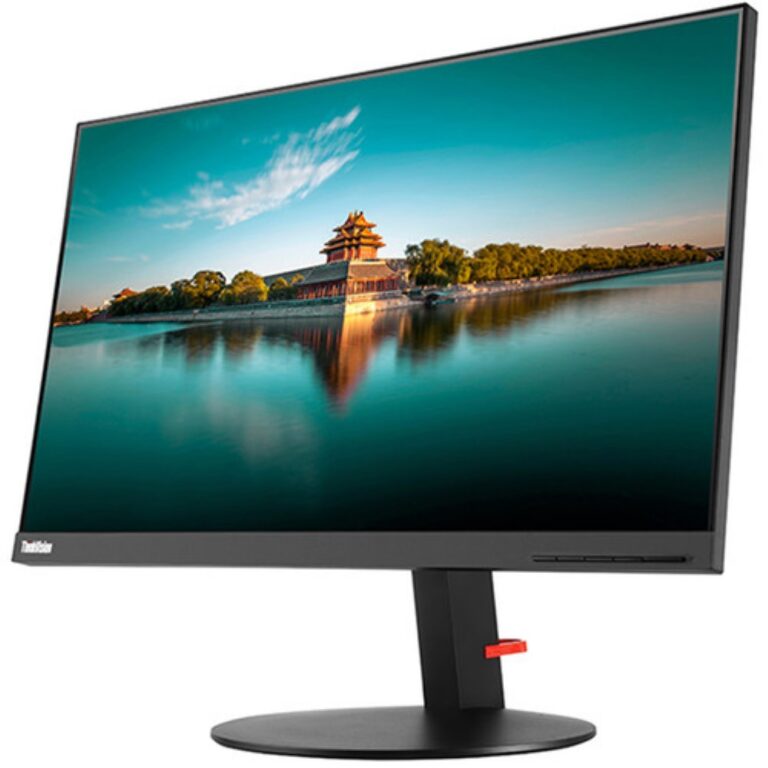
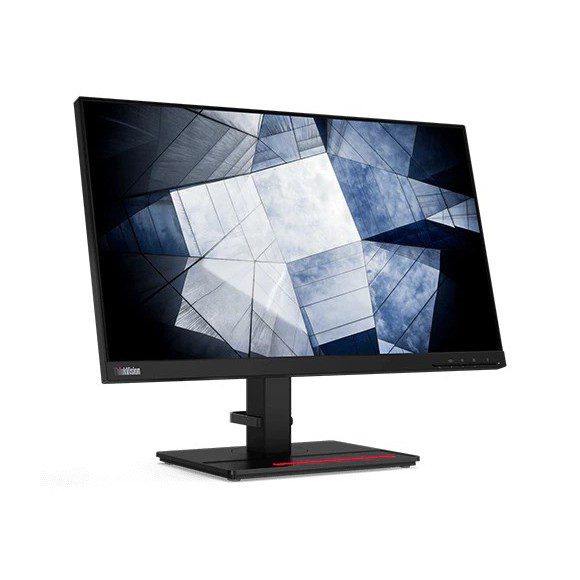
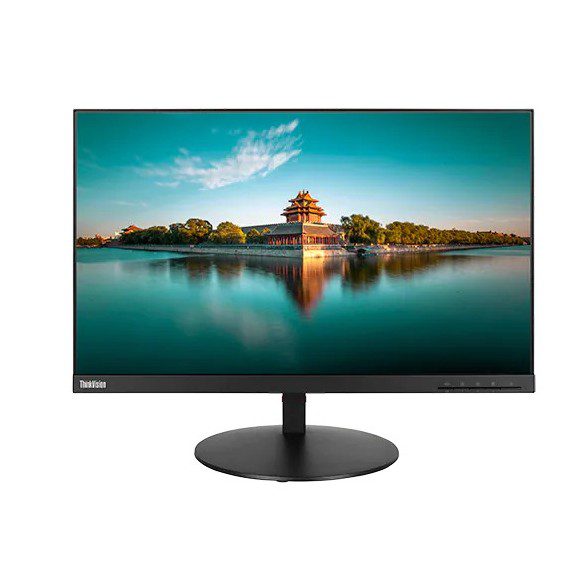
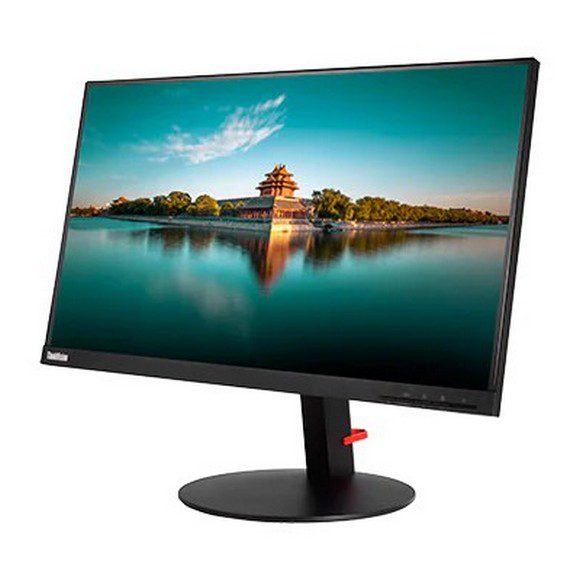
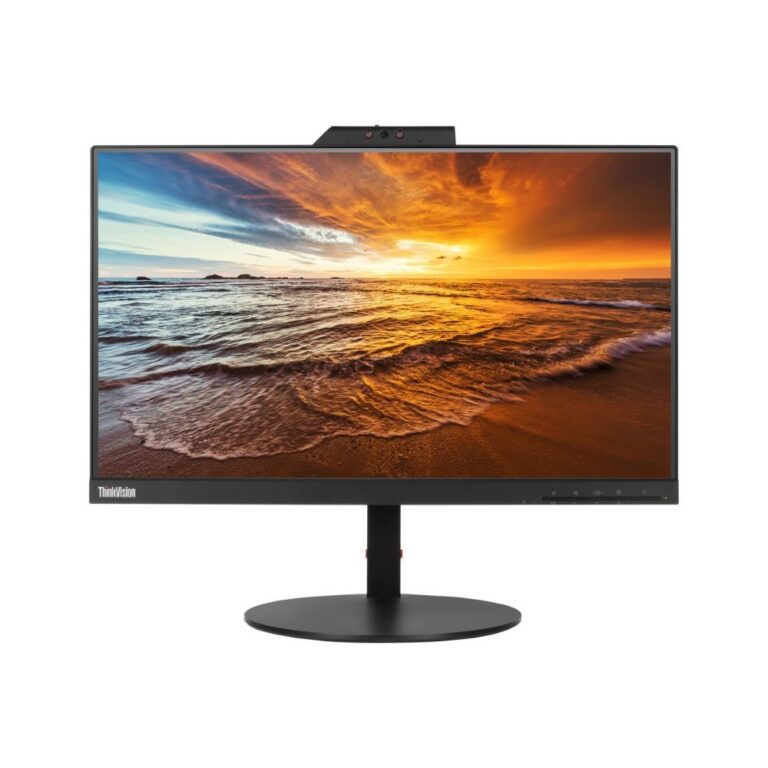
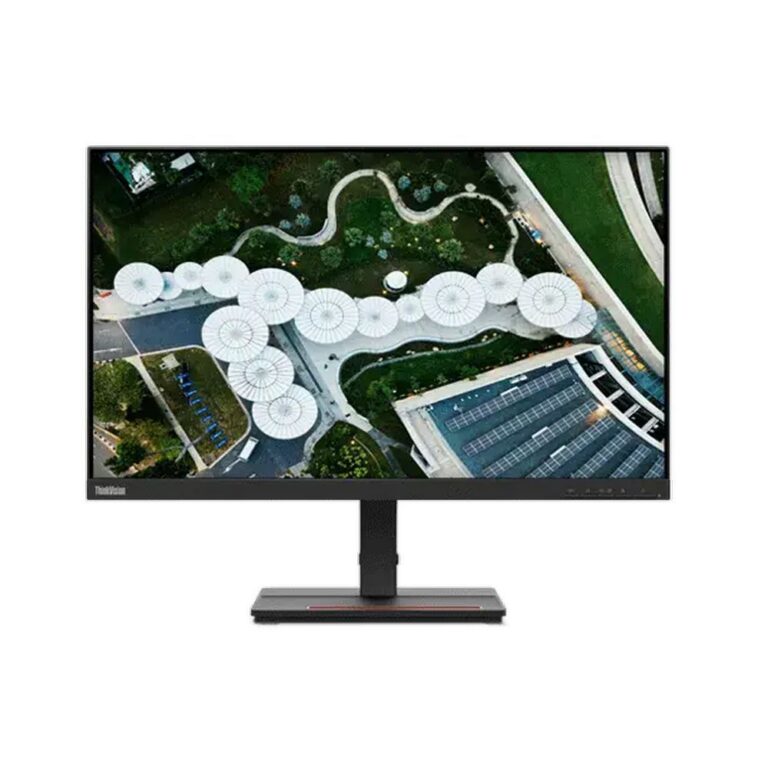
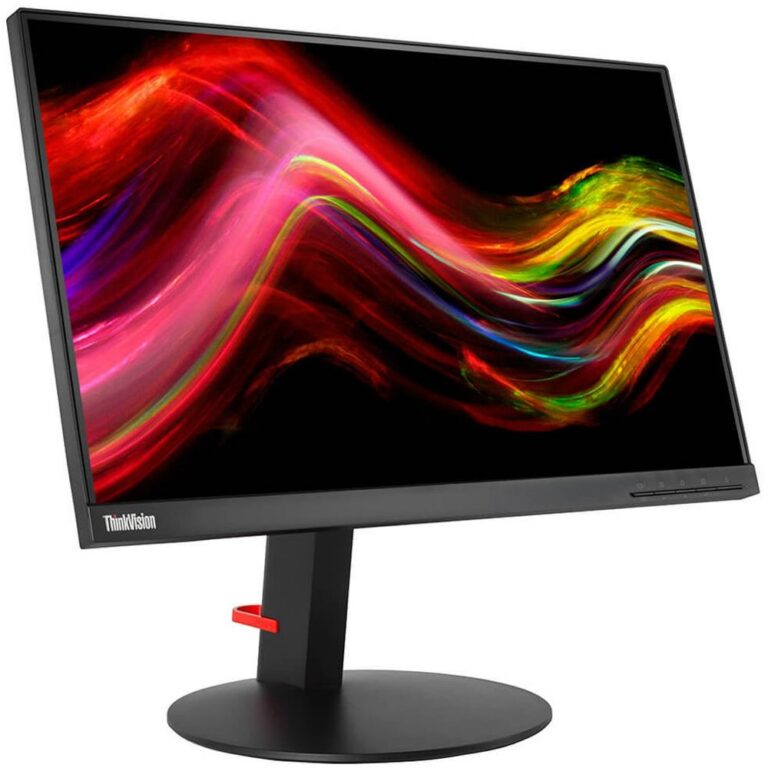
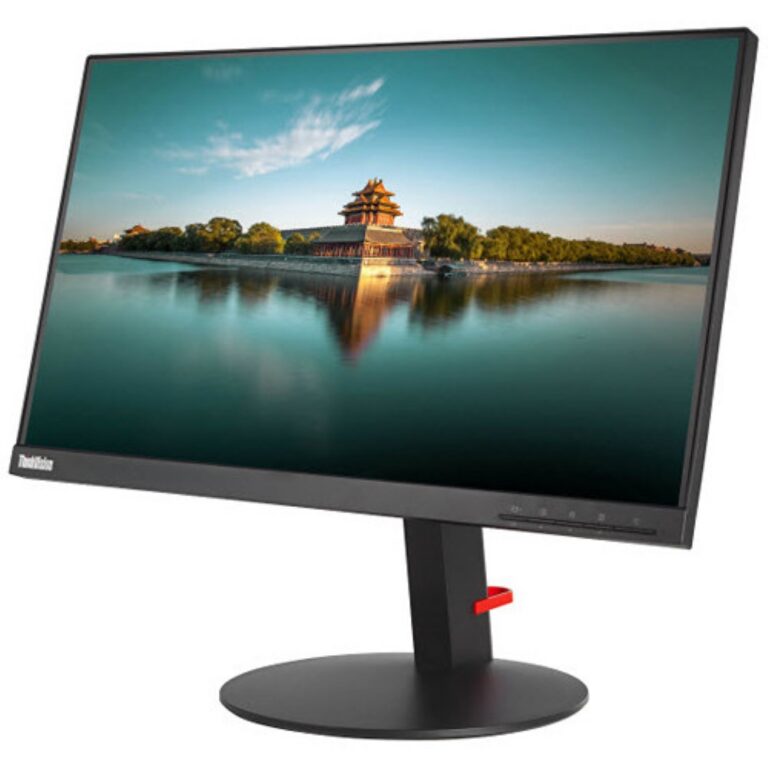
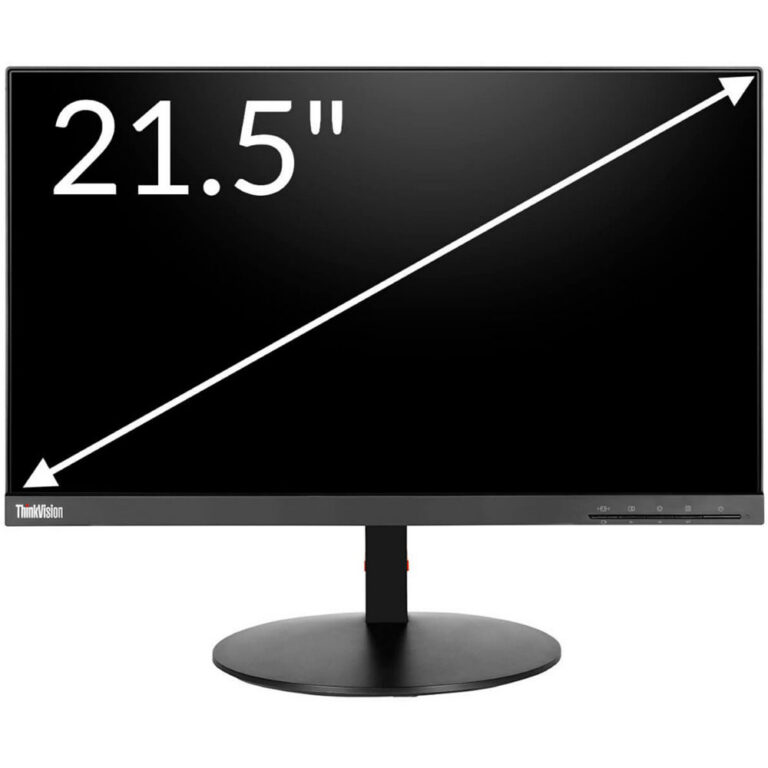
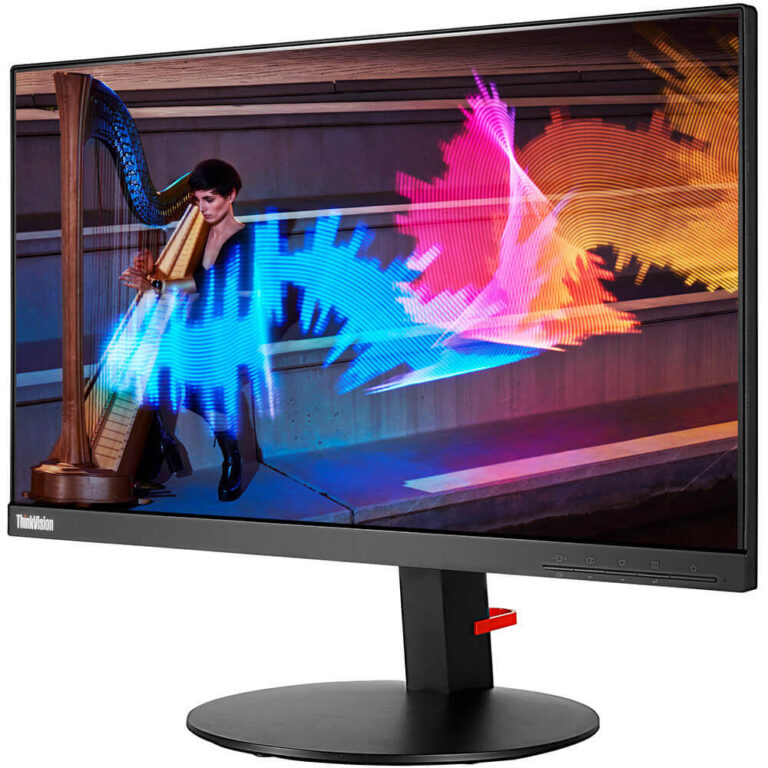
ThinkVision desktop panels in 4K UHD and WQHD IPS, sold in used condition, with a spread that runs from entry level through to premium screens.
Used Lenovo Monitors
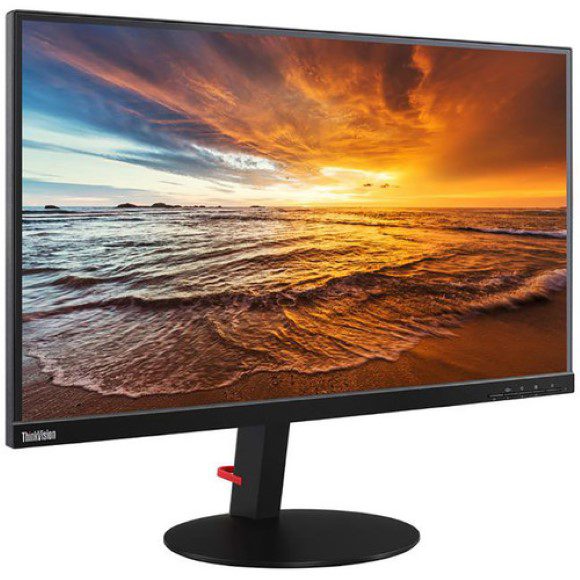
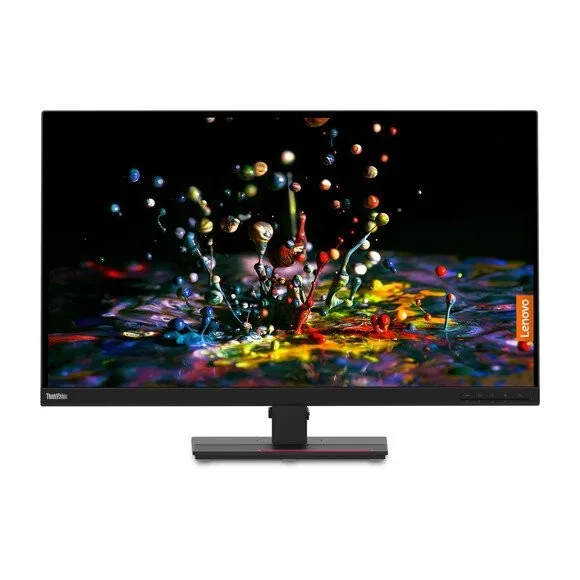
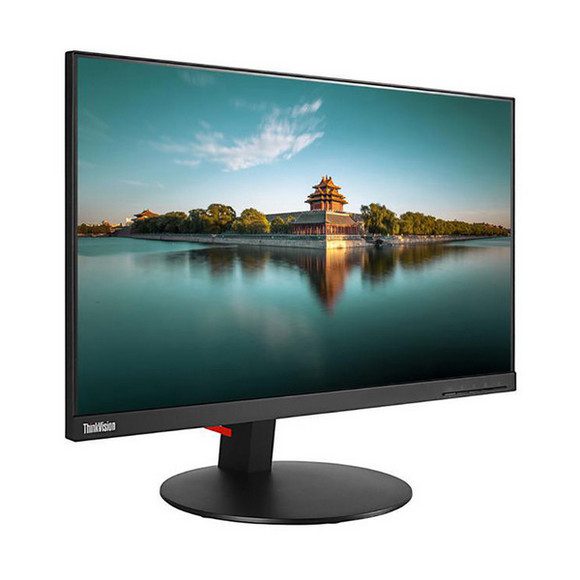
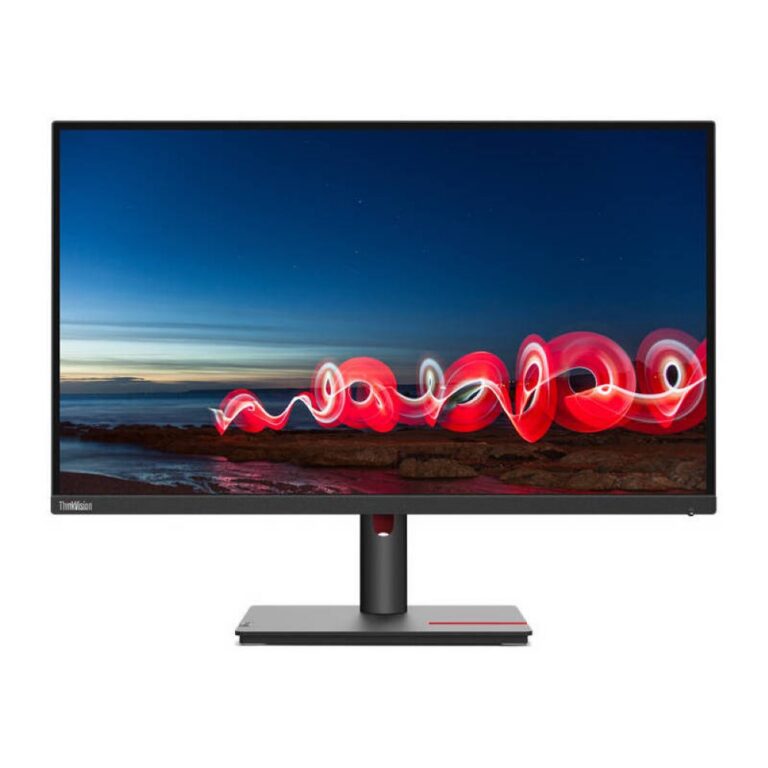
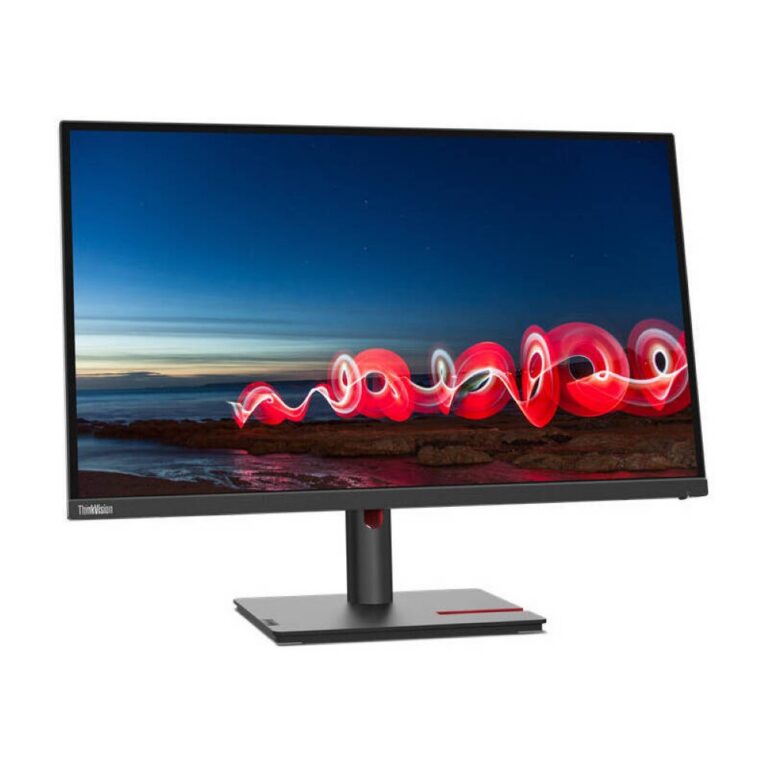
Used Lenovo monitors are the ThinkVision desktop panels that leave corporate desks in working order and reach buyers who want a large IPS screen without paying new-panel money. Most of the stock in this section carries the ThinkVision name, the line Lenovo builds for offices and studios rather than for gaming. Buyers here tend to know the panel they want and care more about image quality than about box freshness.
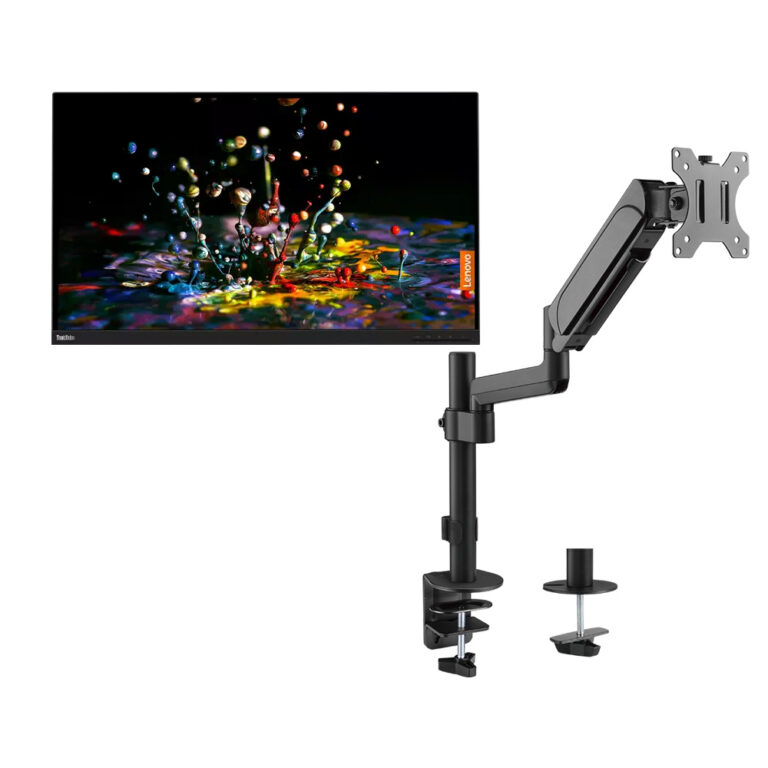
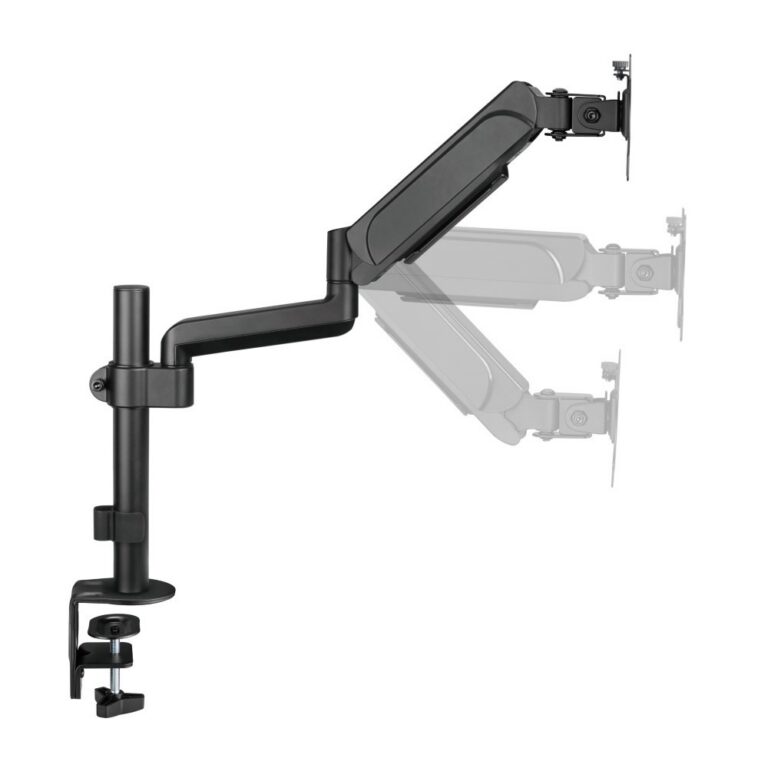
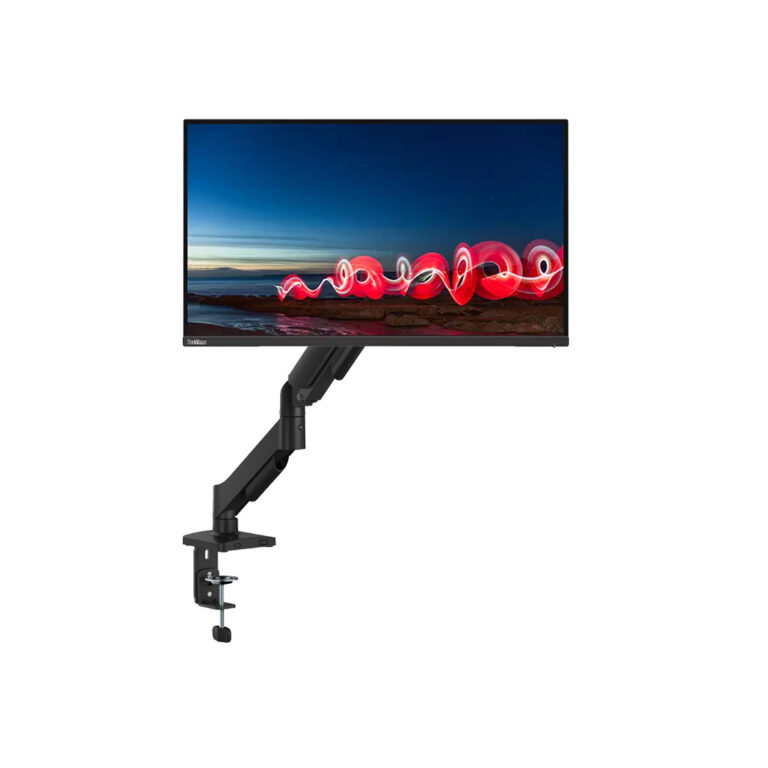
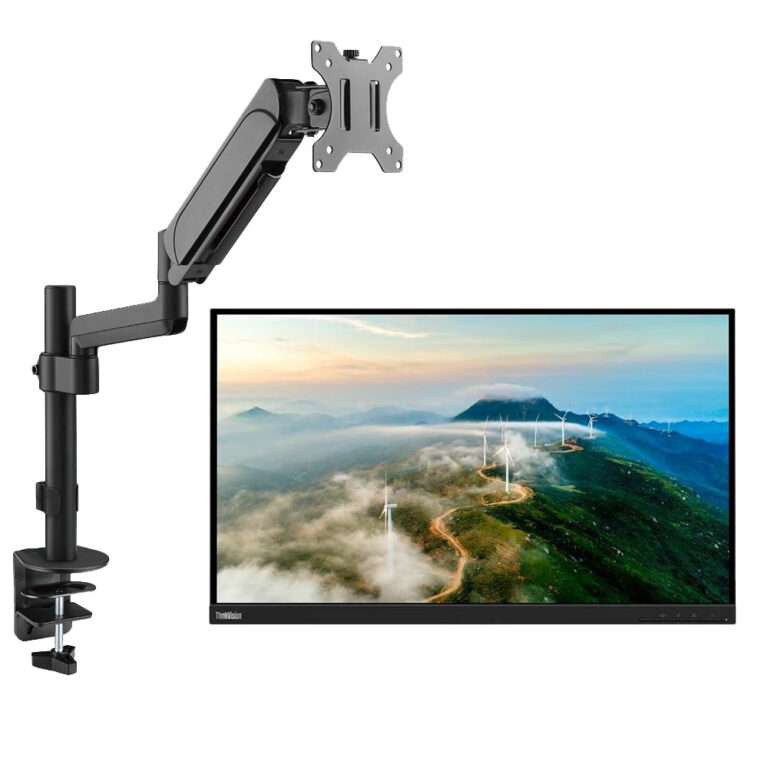
The range holds Lenovo and ThinkVision panels in two resolution tiers. One tier runs 4K UHD IPS at 60Hz, the sharper option for people who keep several windows open at once. The other runs WQHD IPS at 60Hz with a 4ms response, which asks less of the graphics card while keeping the same panel family. Some Lenovo units add 90W power delivery, so a laptop charges from the screen. A few listings arrive paired with a spring assisted mechanical monitor arm. Prices stretch from entry level through to premium, so a first desk monitor and a colour-critical panel both sit in the same list.
Three decisions matter.
- Resolution comes first: 4K UHD gives more desktop area and finer text, while WQHD asks less of an older machine and still holds the IPS colour and viewing angles.
- Refresh and response come second, and both tiers here sit at 60Hz, which suits office work, photo editing and code rather than fast action games.
- Third, check whether the unit offers 90W power delivery, because that decides whether your laptop runs on one cable or needs a separate charger and a second video lead.
Who each option suits
Someone editing photos or drawing plans gains the most from a 4K UHD IPS panel, since the extra pixels hold detail at full zoom. A developer running two code windows side by side finds WQHD IPS enough and saves the difference. A laptop user who docks at a desk each morning should hunt for the 90W power delivery models. Anyone short on desk space can look at the listings bundled with a mechanical spring monitor arm, which lifts the panel off the desktop and frees the area under it.
Buying in Pakistan
Mega Computer keeps a showroom in Karachi where you can switch a panel on and judge the backlight before you buy. Orders ship with nationwide delivery across Pakistan. You can pay cash on delivery or settle online. Cover on used panels varies by unit, so read the condition note on the product page and ask our team before you order if anything is unclear.