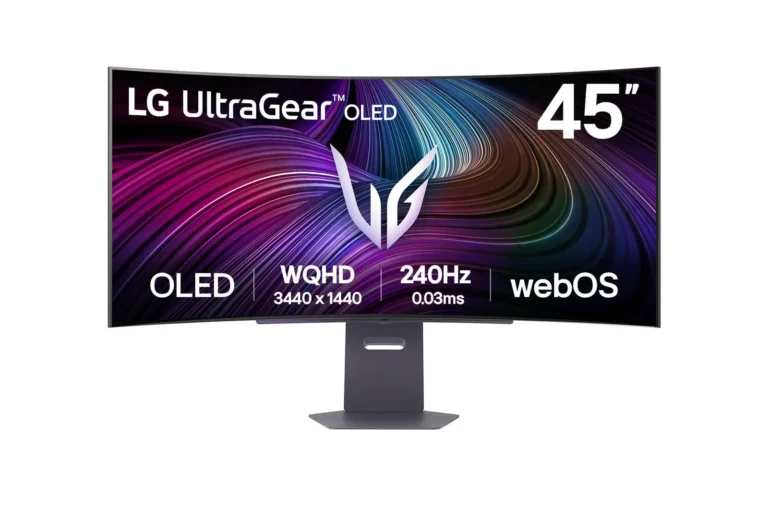
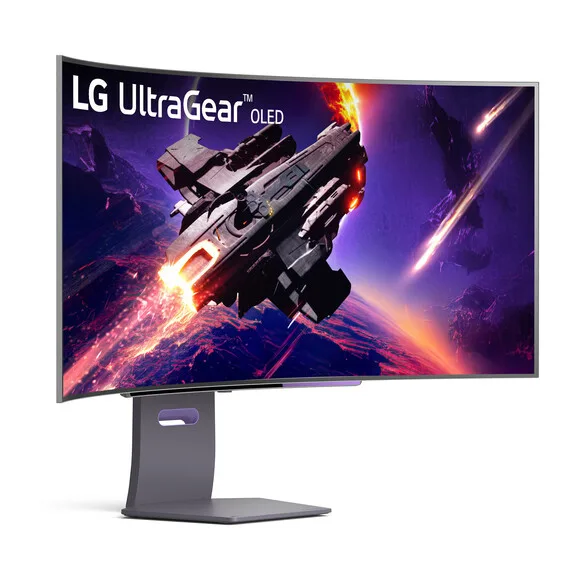
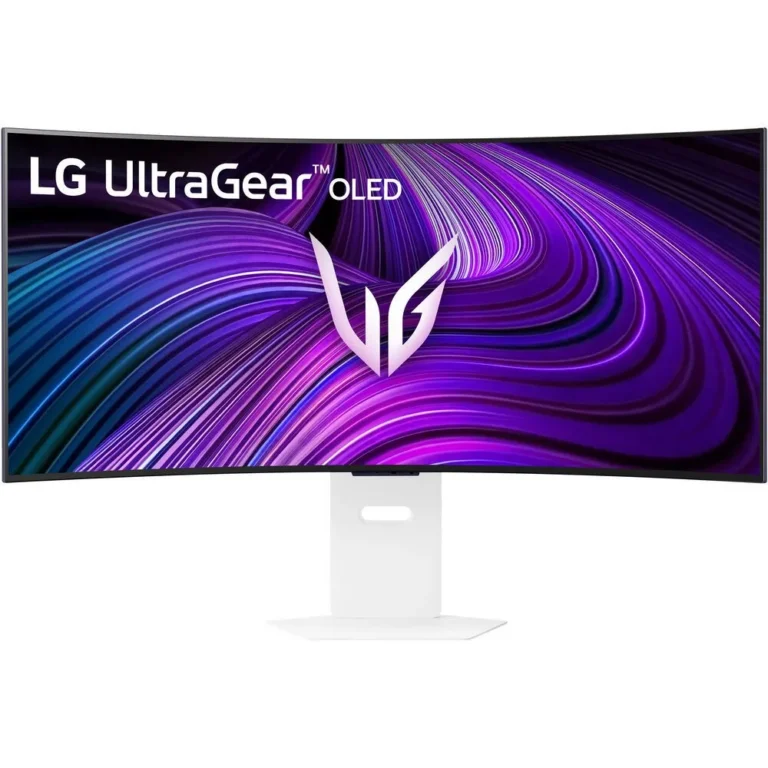
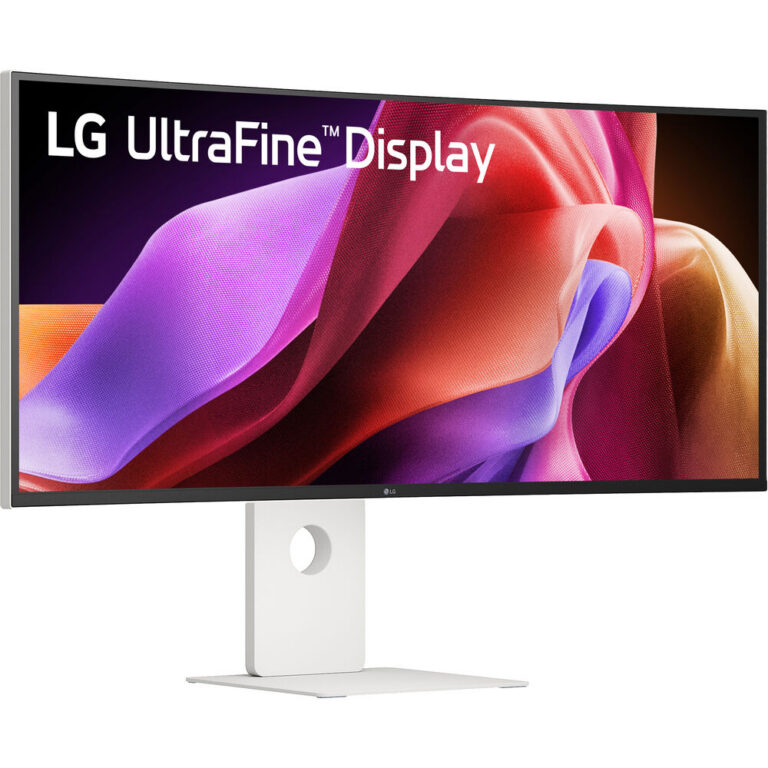
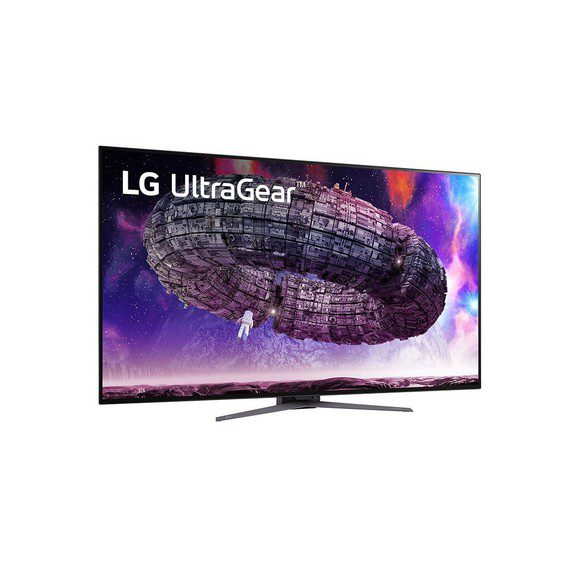
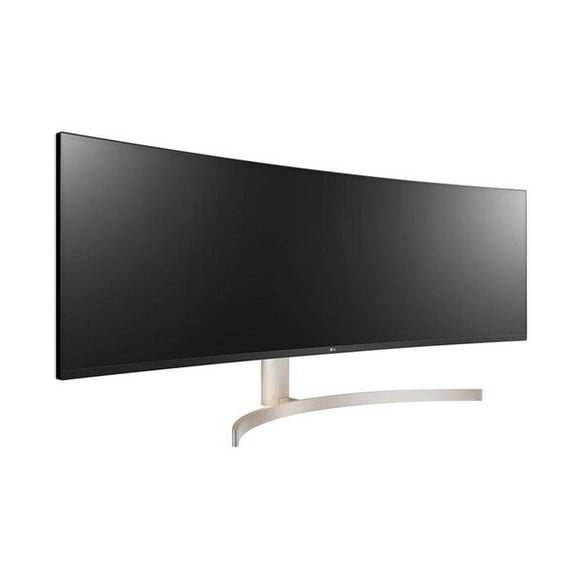
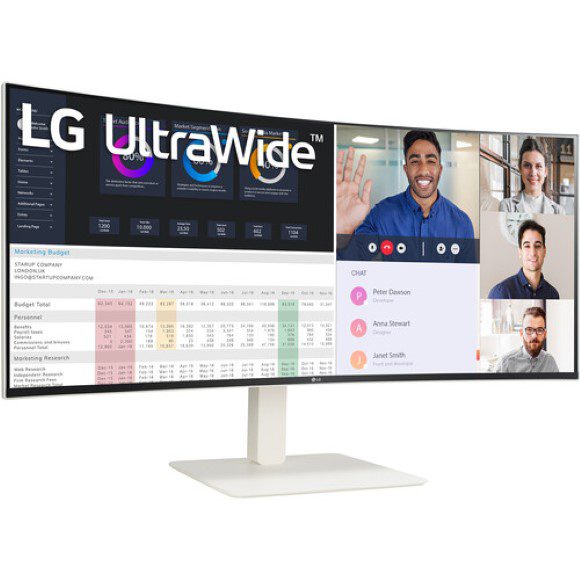
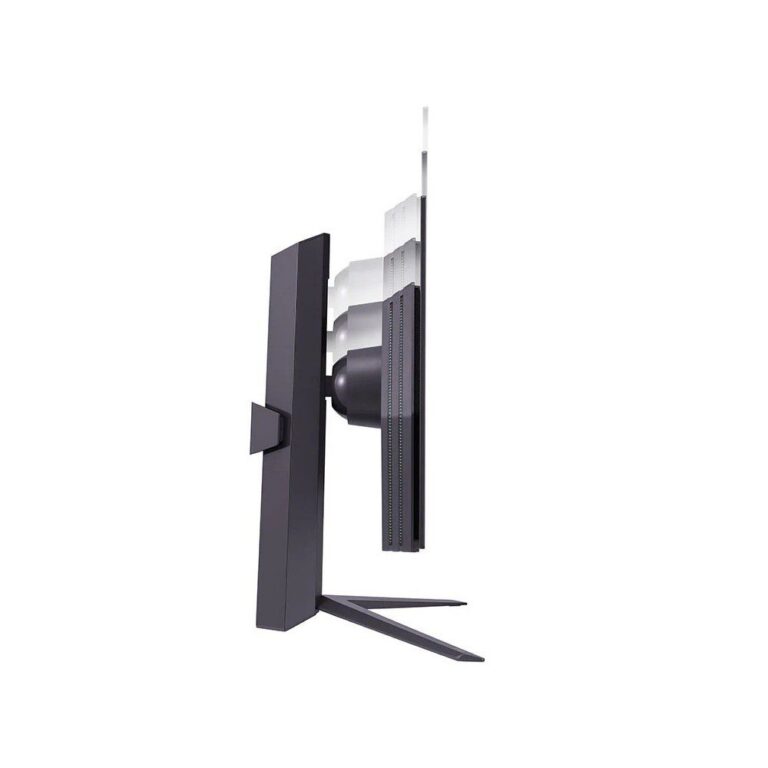
LG monitors at Mega Computer span IPS ultrawide, curved and 144Hz gaming panels, including USB C models that charge a laptop over the video cable.
LG Monitors in Pakistan
LG monitors sit at the wide and curved end of the desktop display market, and the buyers who choose them tend to want one large panel instead of two smaller ones. Editors, traders, developers and gamers all end up in this section for different reasons. The pull is the panel: LG builds most of these screens on IPS, which holds colour steady when you look at the edges of a wide display.
The range covers curved ultrawide models from 38 inch upward, with QHD and WQHD resolutions across most of the line. Refresh rates split between 120Hz on the wider productivity panels and 144Hz on the gaming focused WQHD screens. Several models take video and 96W power delivery over a single USB C connection, and some carry 10W stereo speakers so the desk stays free of separate audio. Prices run from entry level LG monitors through to premium curved flagships.
Three decisions settle most of these purchases.
- Width comes first, because a 38 inch curved panel takes the place of a two monitor setup and changes how much desk depth you need.
- Refresh rate comes second: 144Hz earns its cost in fast shooters and racing titles, while 120Hz suits people who mix work and play on one screen.
- Connection type decides the rest, since a USB C input with 96W charging means a laptop runs off the same cable that carries the picture, while other models need a separate charger.
Matching the screen to the work
Photo and video work benefits from the IPS panels, where colour stays consistent across a wide surface. People who keep several documents, terminals or charts open at once get more from a WQHD ultrawide than from two separate screens with a bezel down the middle. Gamers who play competitively should filter for the 144Hz models. Anyone working from a laptop on a shared desk should look at the USB C options with 96W power delivery, and buyers who want sound without extra hardware can check which models list 10W speakers.
Our Karachi showroom keeps monitors running so you can judge curve, size and panel behaviour before you commit, which matters more with a 38 inch curved screen than with a standard display. We ship nationwide across Pakistan and take cash on delivery or online payment. Warranty terms differ by model, so read the details on the product page before you order.
One thing to check before buying: a WQHD ultrawide asks more of a graphics card than a standard QHD screen, and driving one at 144Hz asks more again. Confirm what your GPU and its outputs support, and use a cable rated for the refresh rate you paid for.

 LGLG 72