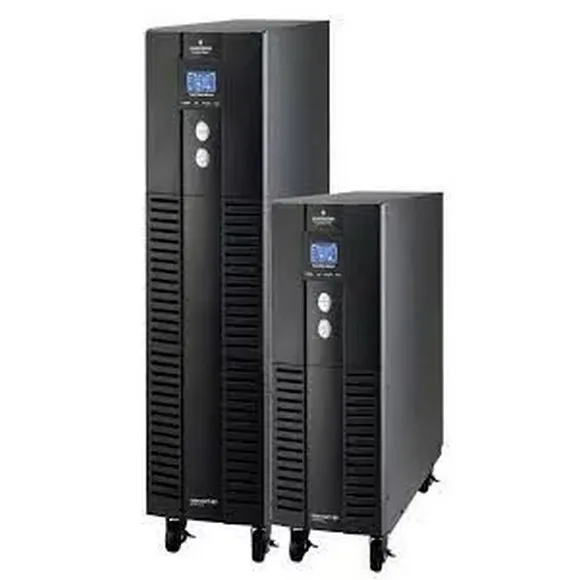
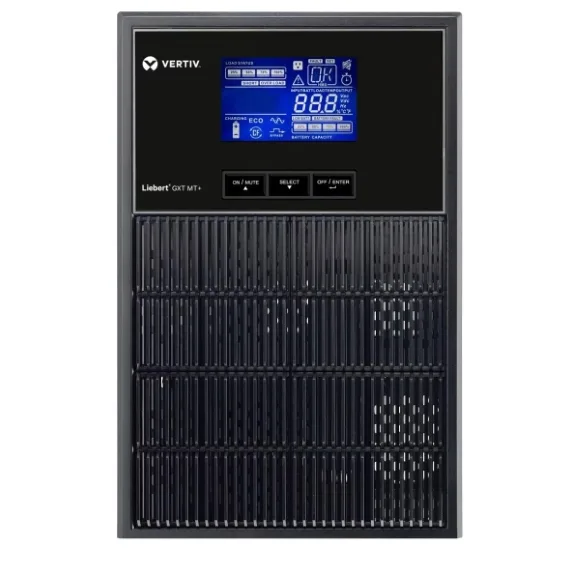
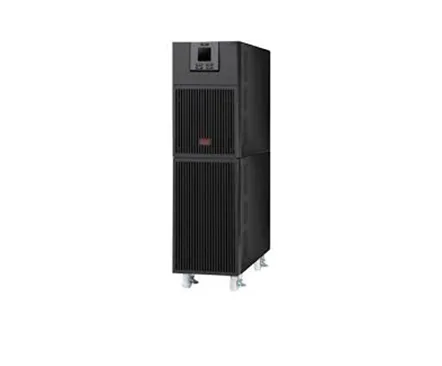
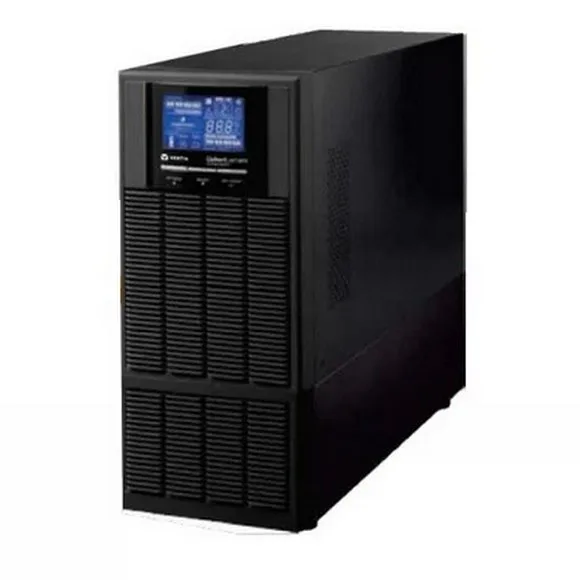
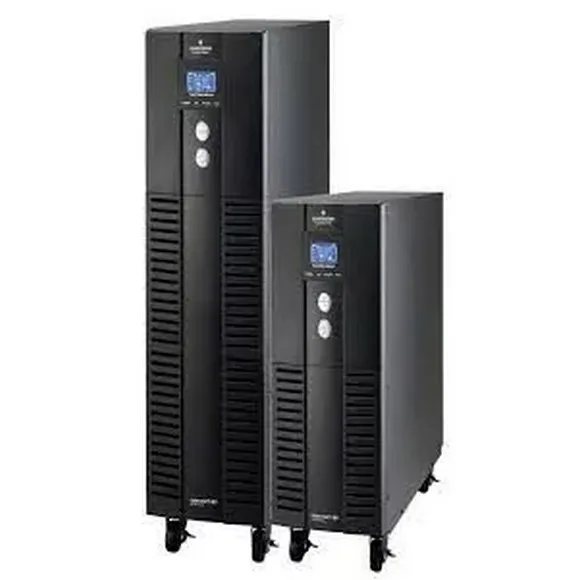
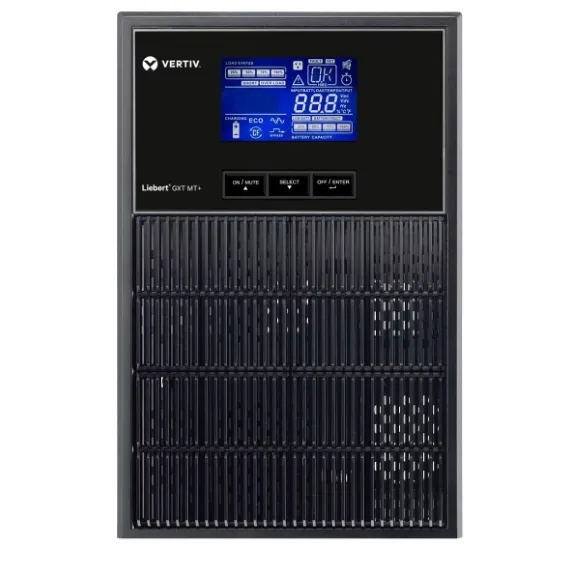
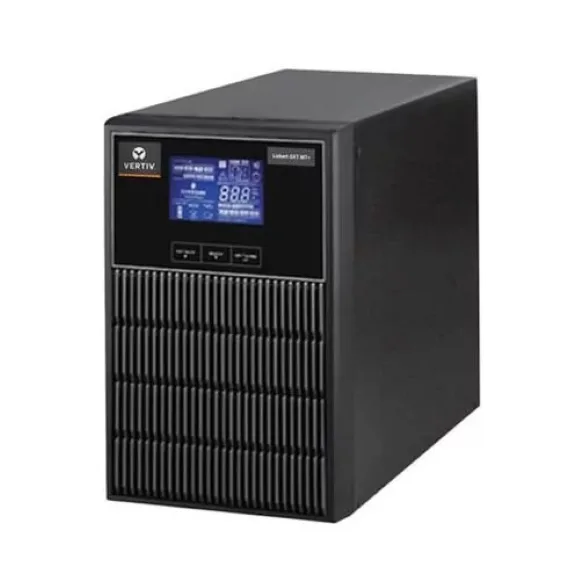
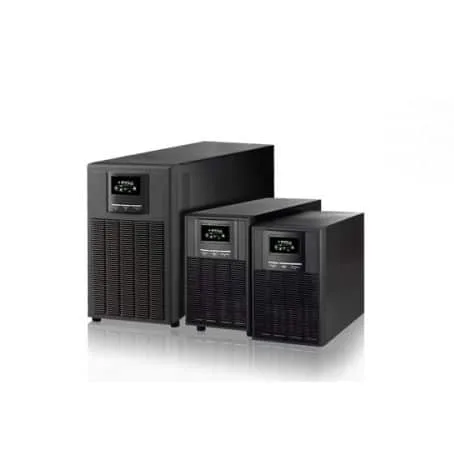
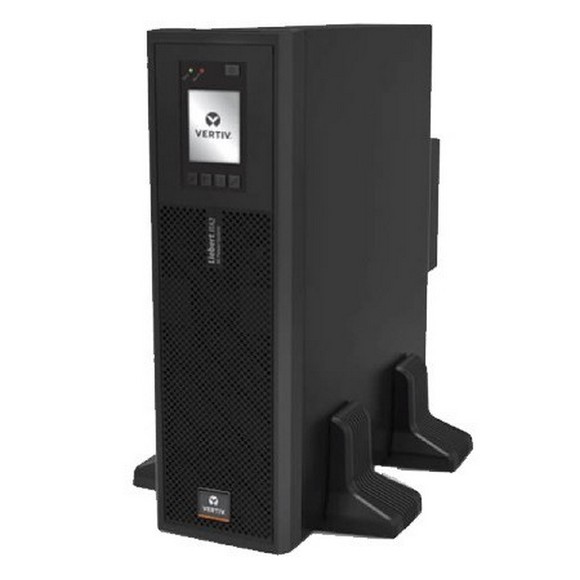
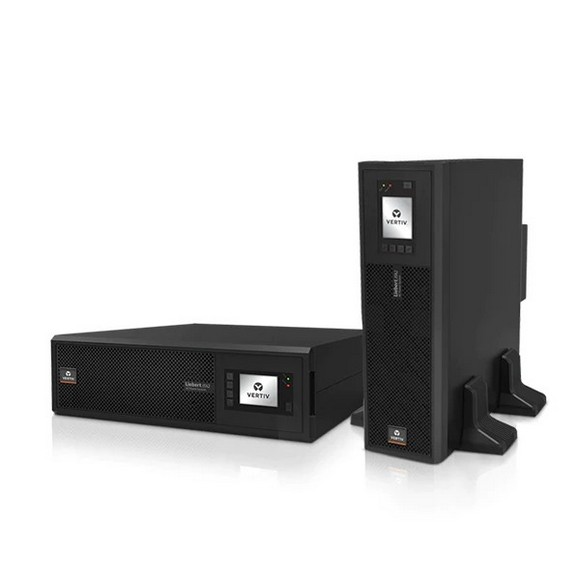
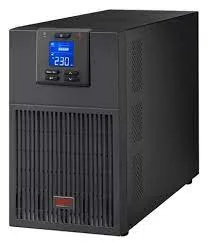
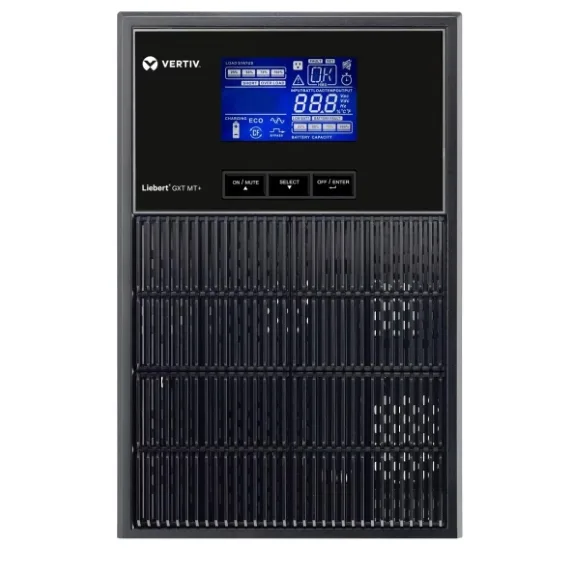
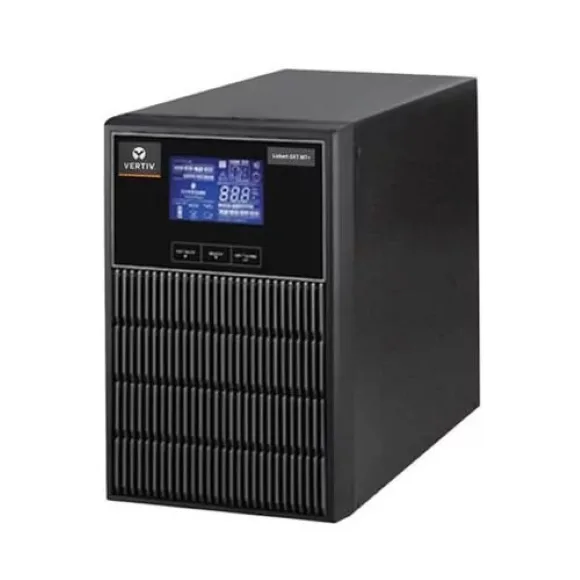
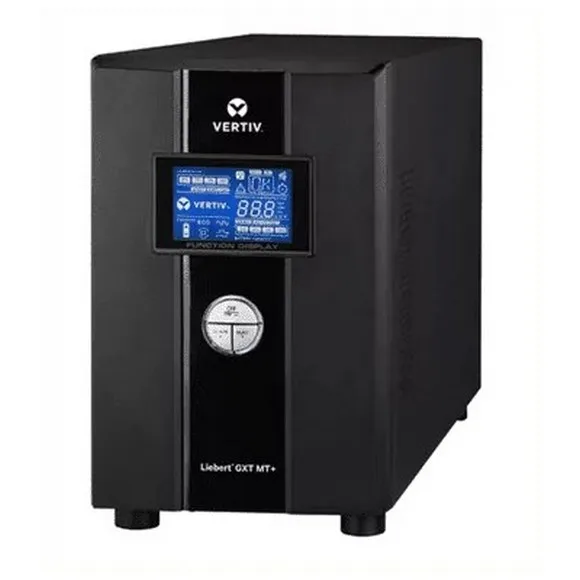
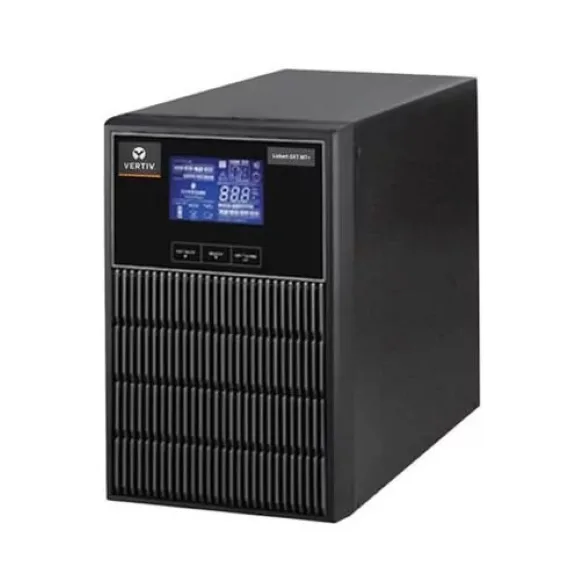
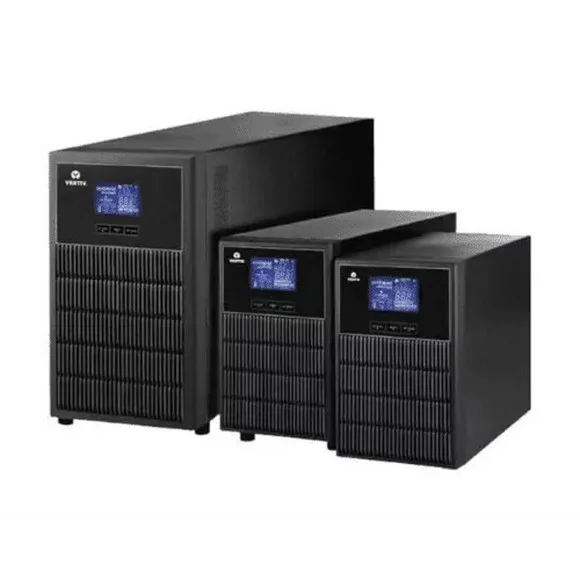
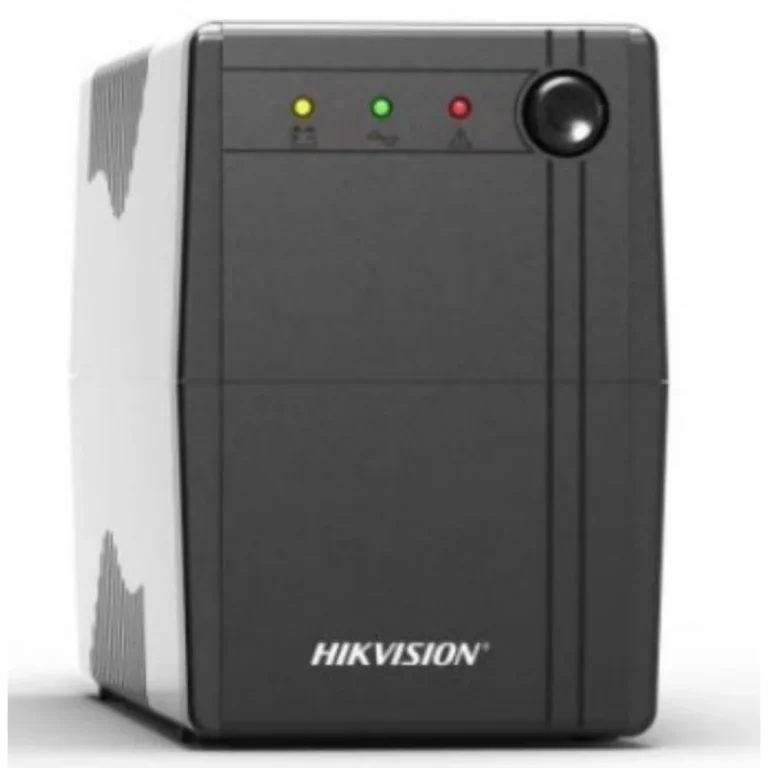
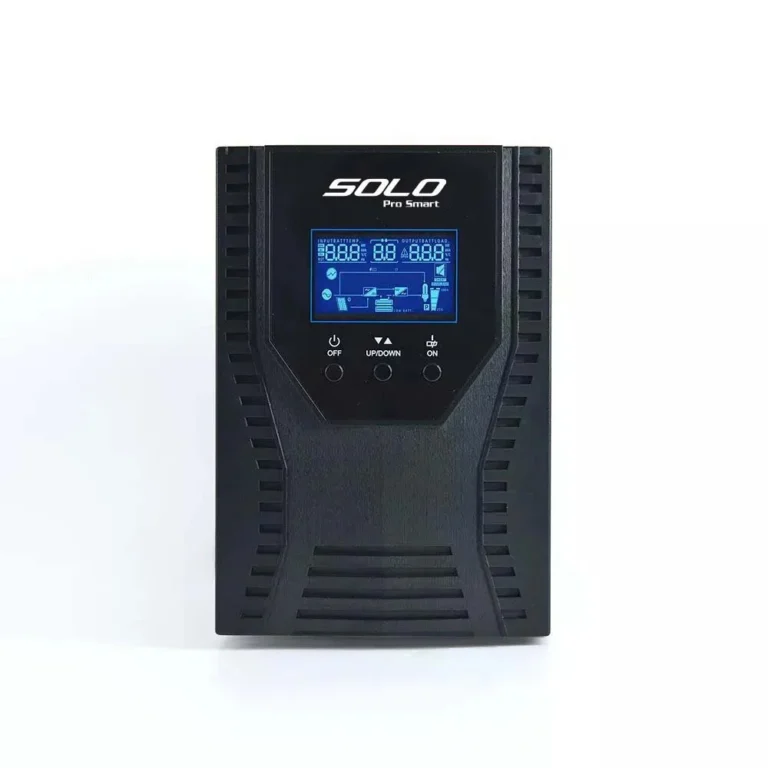
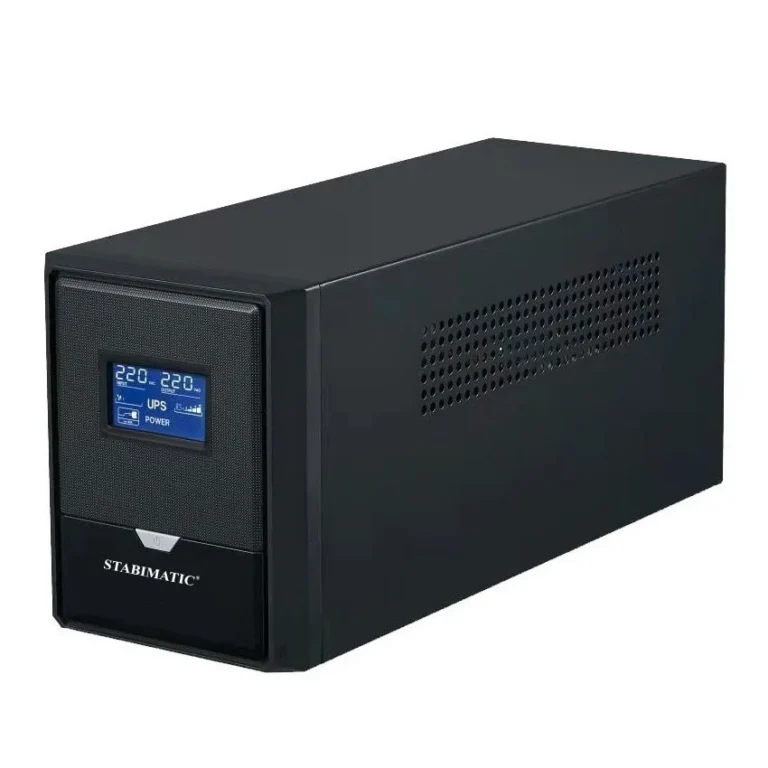
Battery backup for desktops, workstations and server racks, grouped by kVA rating so you can match a UPS to the load it has to carry through an outage.
Computer and Server UPS
A computer server UPS sits between the wall socket and the machines that cannot take a hard shutdown. Offices in Pakistan buy these for the same two reasons: an unsaved file lost to a load shedding slot, and a file server or NAS that corrupts its volume when the power drops mid write. This section groups the whole range by capacity so you can start from the load you need to carry rather than from a model list.
Crown is the brand represented here, and the range runs from entry level units meant for one desktop through to premium capacity built for a rack. The four capacity bands do the sorting. Up to 1kVA UPS covers a single machine and its monitor. 1-2 kVA UPS covers a workstation with more attached to it. 2 kVA and Above UPS covers multiple machines or heavier equipment, and UPS for Servers holds the units intended to sit under continuous load rather than occasional use.
Capacity is the first decision, and buyers get it wrong in both directions. Add up the wattage of everything you intend to plug in, then leave headroom, because a UPS running at the edge of its rating gives you a shorter hold time and a shorter battery life. Runtime is the second decision. A UPS is not a generator, and the honest question is how many minutes you need to save your work and shut down in order, versus how many minutes you need to keep a service running until the mains return. Count your sockets last. A tower with two monitors and a router fills a small unit faster than people expect, and a printer or a laser device should stay off the UPS entirely.
Matching a unit to your setup
Someone running one desktop at home during load shedding wants the Up to 1kVA band and nothing larger. A design or accounts workstation with dual monitors and an external drive belongs in the 1-2 kVA range. Small offices protecting a file server, a switch and a couple of workstations from the same unit should look at 2 kVA and Above. Anything sitting in a rack and expected to stay up while unattended belongs in UPS for Servers, where the units are built for that duty rather than adapted to it.
Mega Computer has served the Pakistani hardware market since 1986 and keeps a showroom in Karachi where you can see units before you buy. Orders ship with nationwide delivery across Pakistan, and you can pay cash on delivery or online. Bring your load list or your rack details when you visit and the counter staff will size the unit with you.
Two setup points save trouble later. UPS batteries want ventilation and a stable ambient temperature, so a sealed cabinet under a desk shortens their life. Also check the plug type and the cable run before you order, because a unit placed on the floor beside a rack needs different lead lengths from one sitting on a desk.