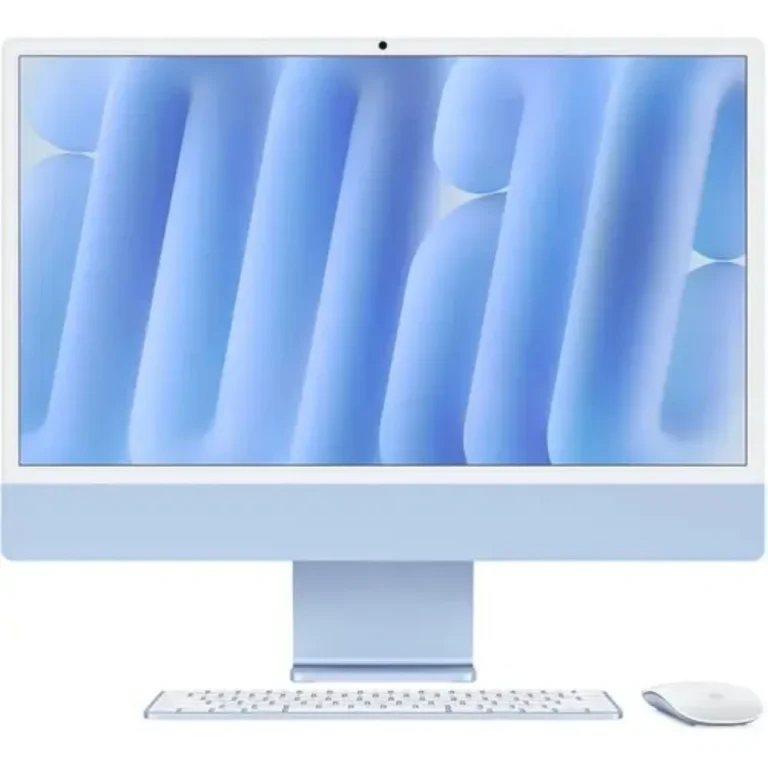
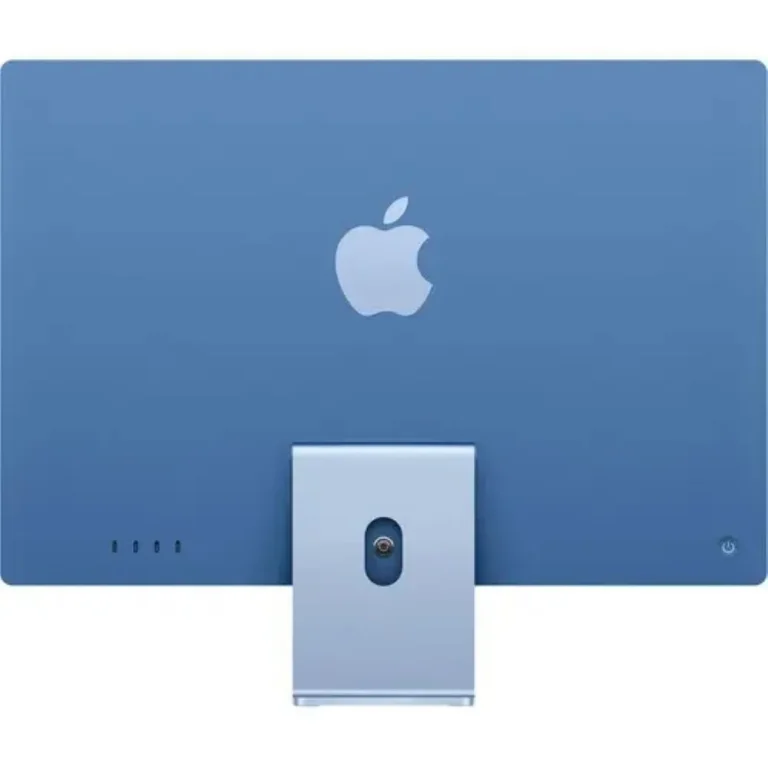
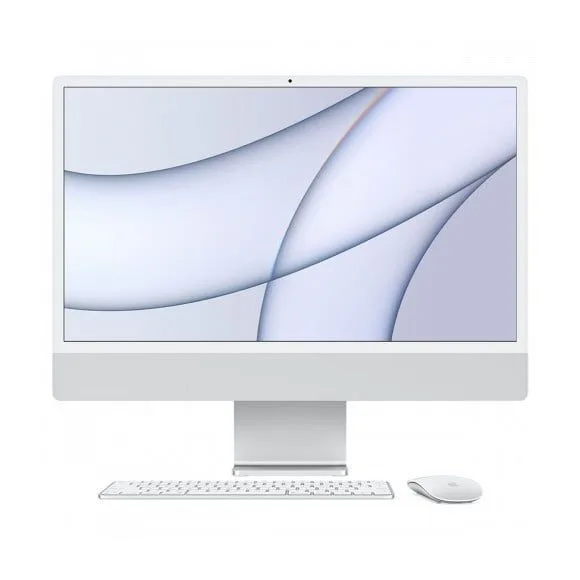
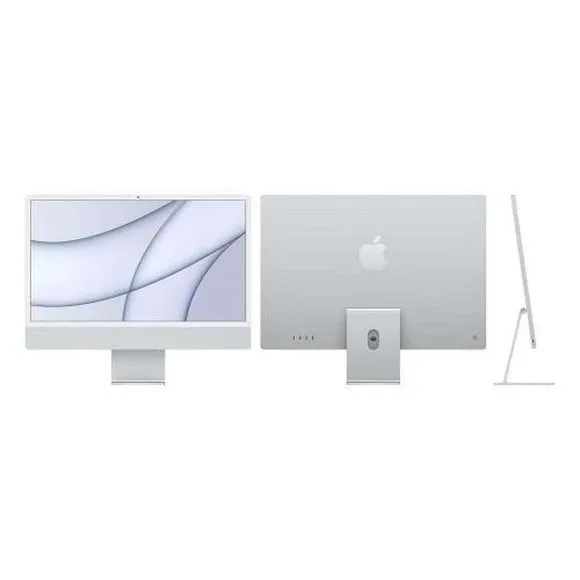
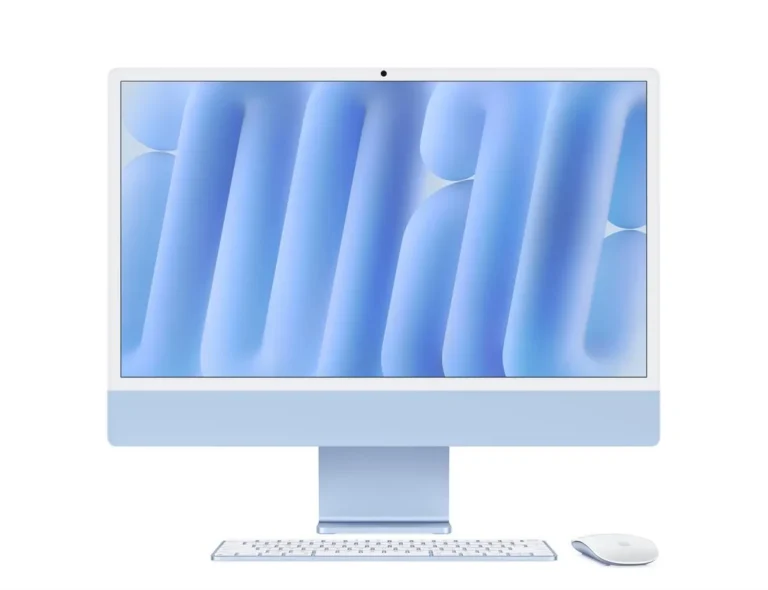
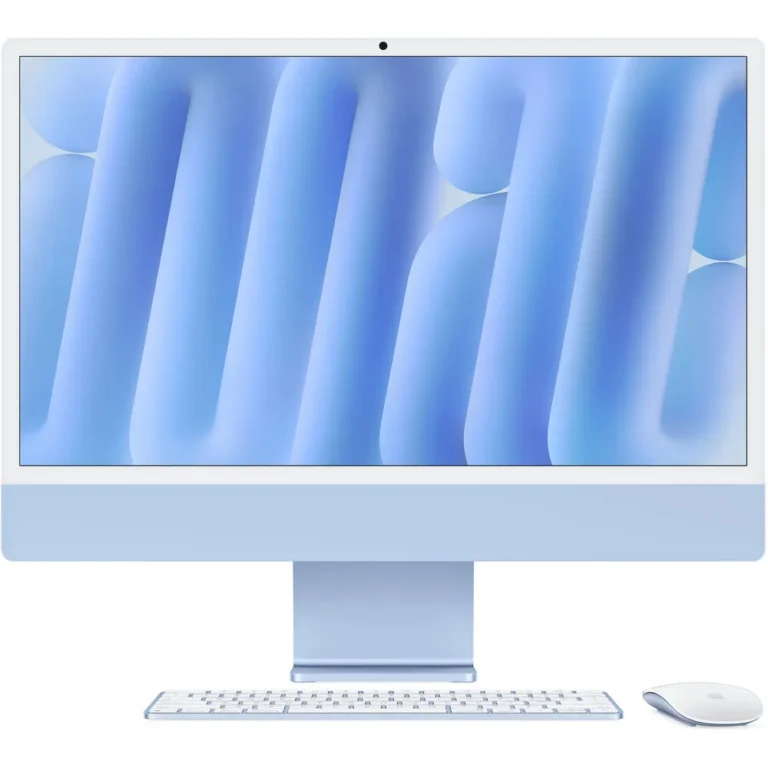
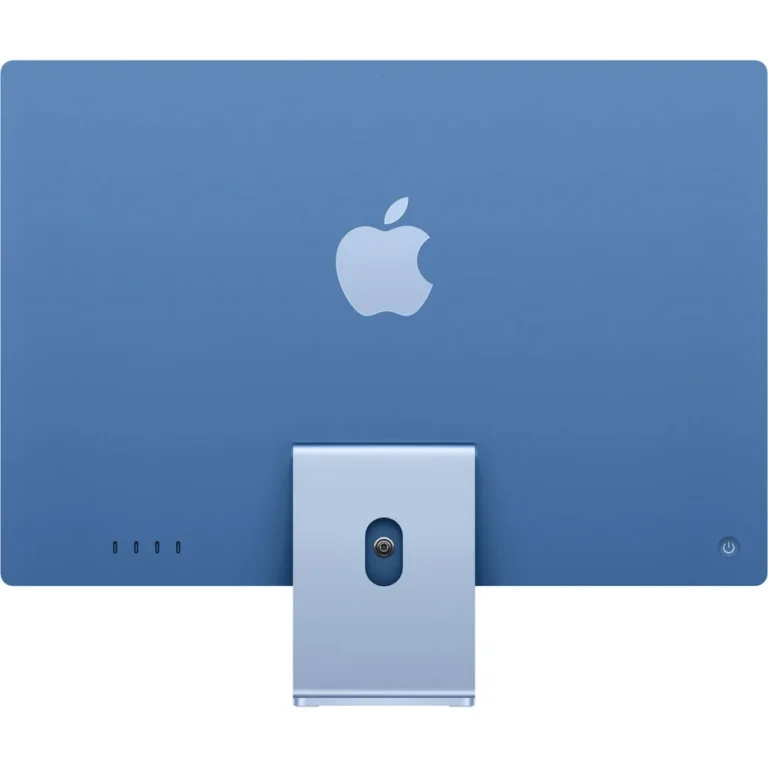
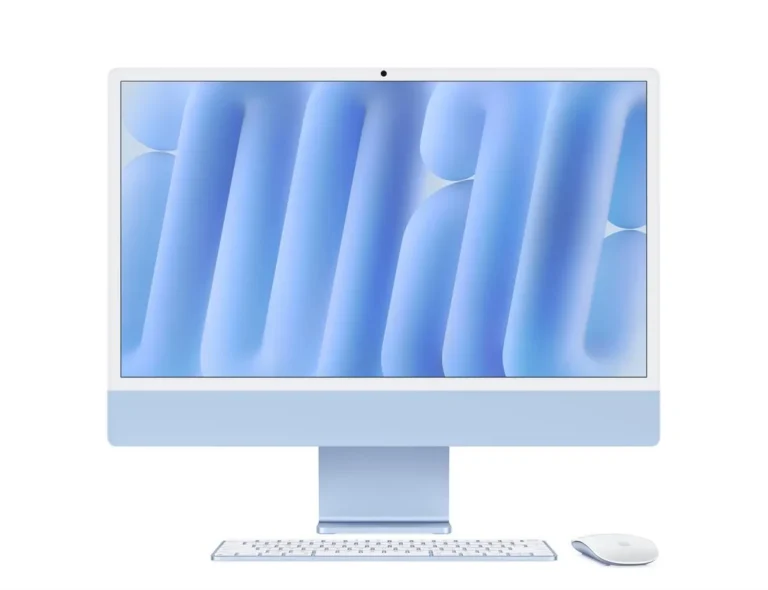
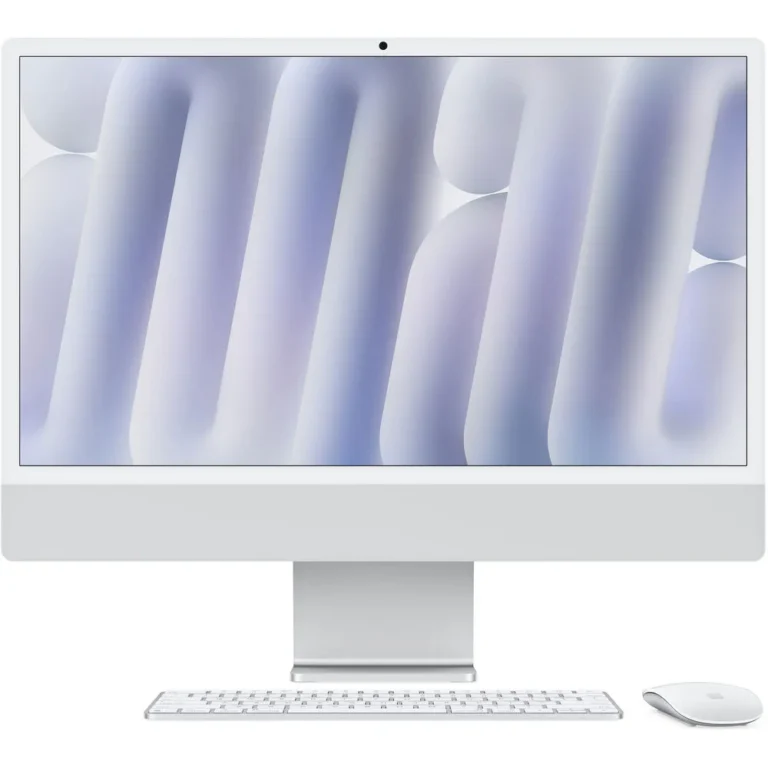
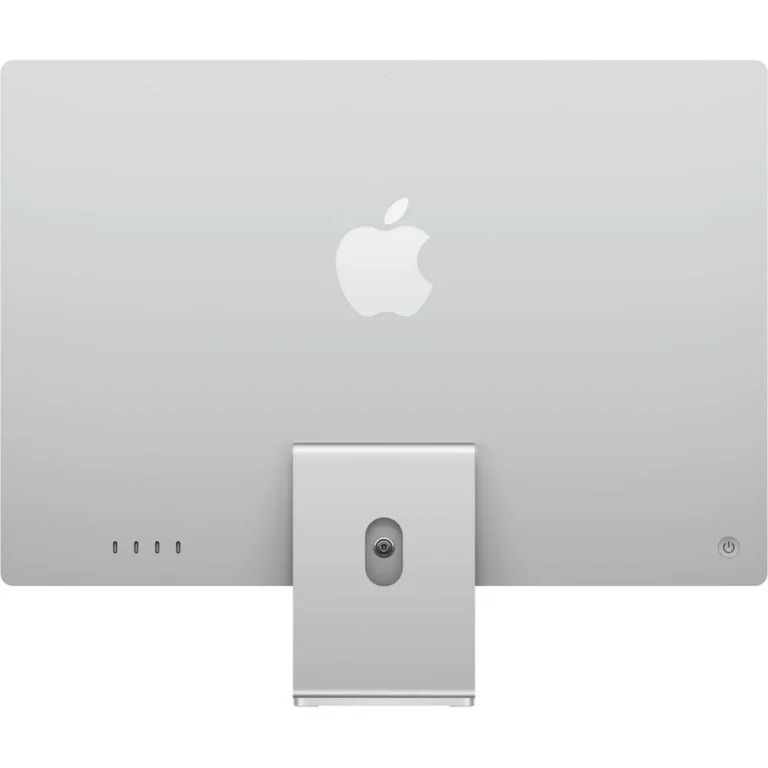
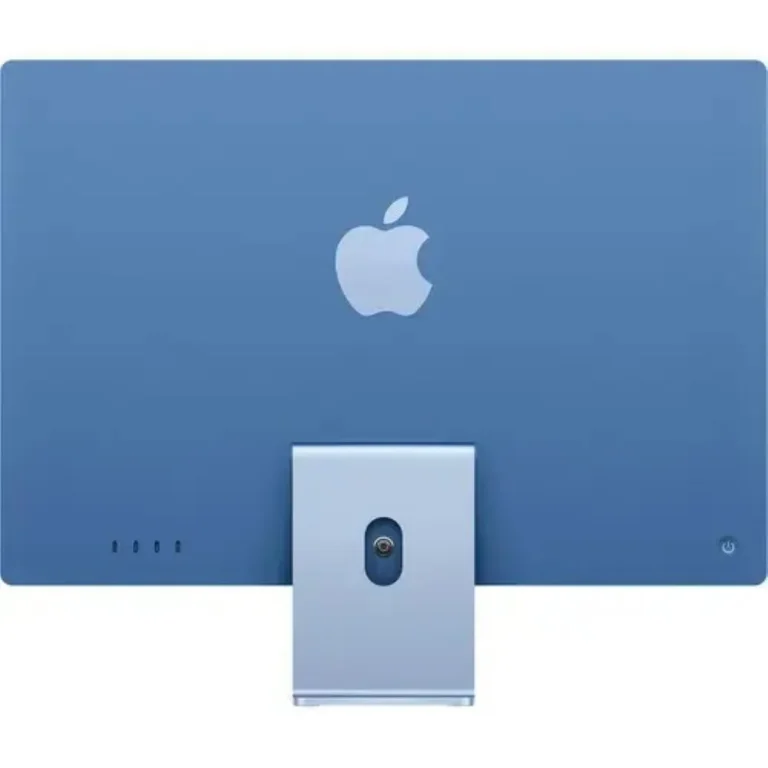
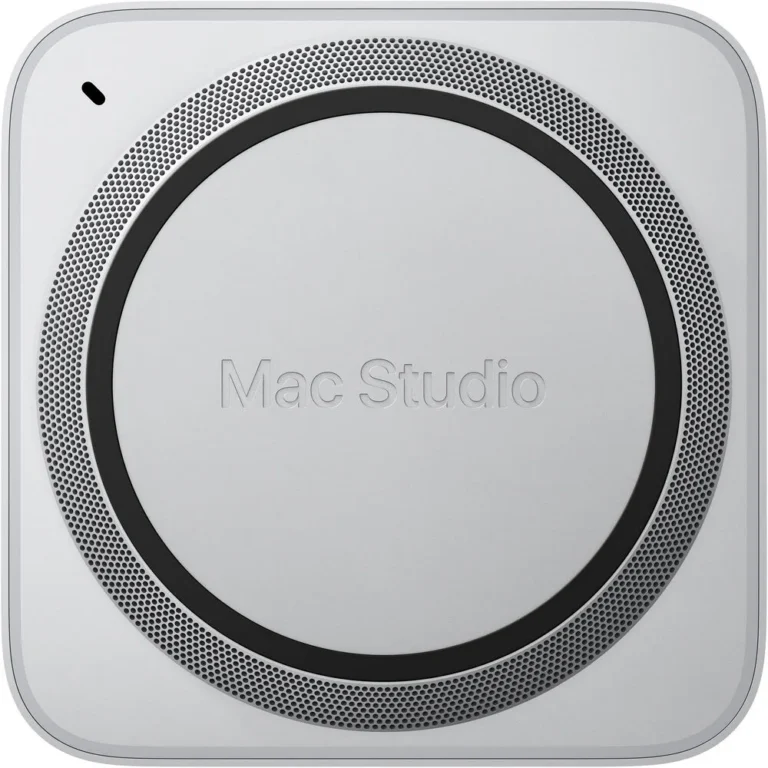
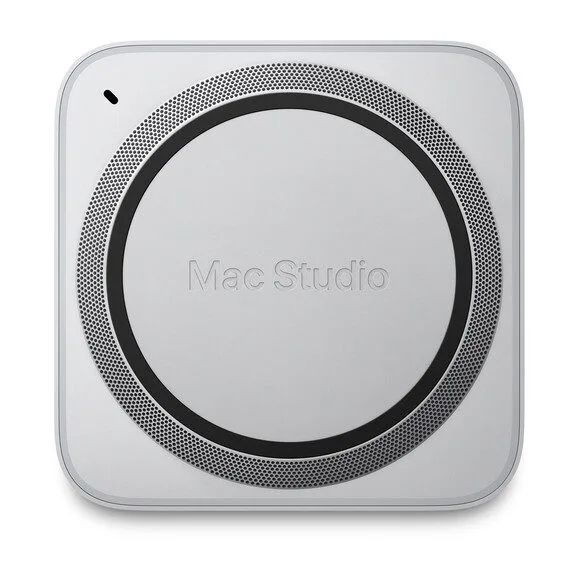
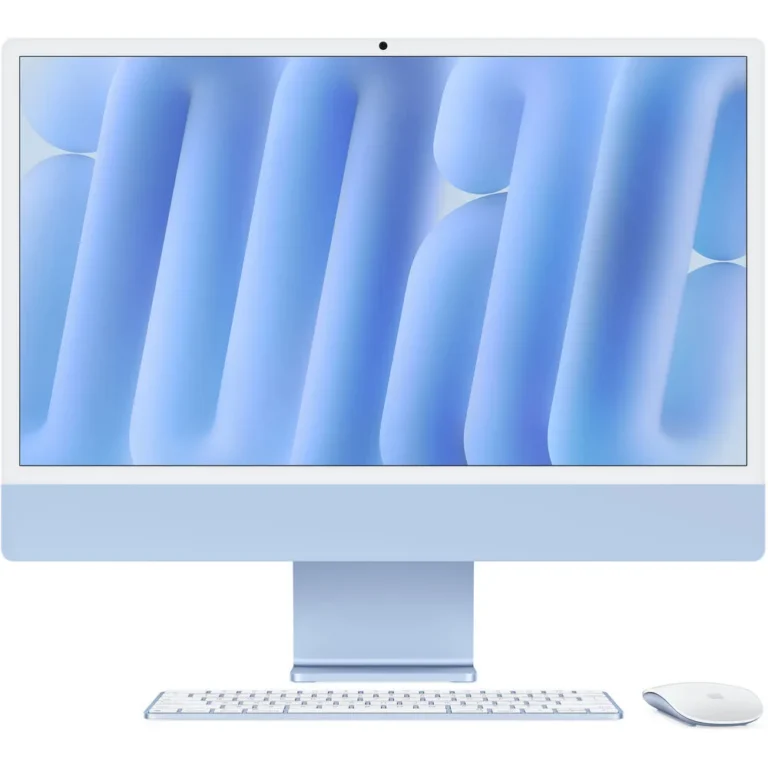
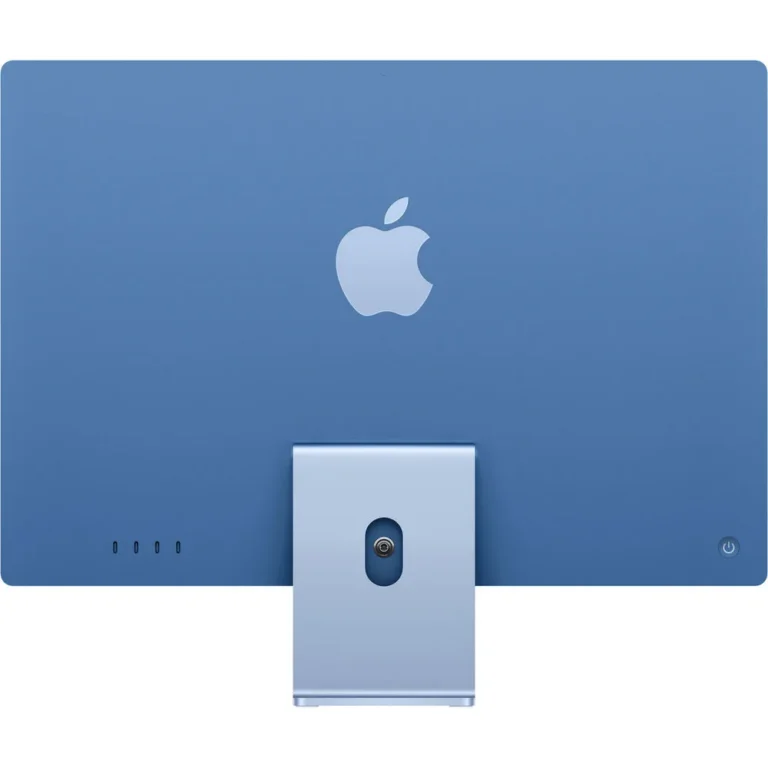
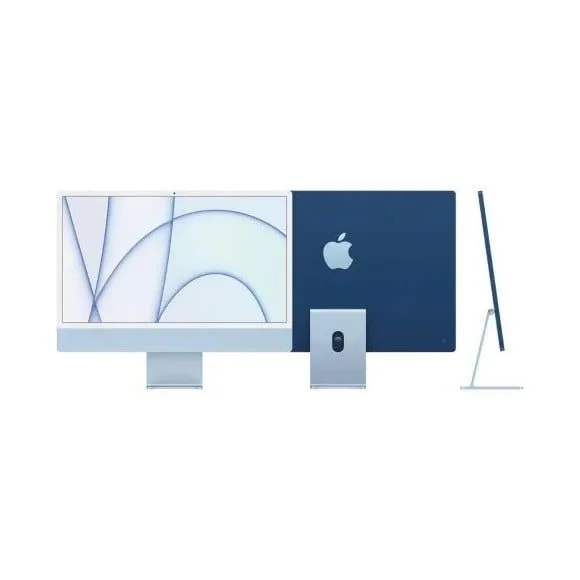
Mac desktop computers for home desks, creative studios and office workstations, spanning the iMac, Mac Mini, Mac Studio and Mac Pro subcategories.
Mac Desktops in Pakistan
Mac desktops in Pakistan come down to four machines built for four different kinds of desk: the iMac, the Mac Mini, the Mac Studio and the Mac Pro. The people buying them range from a single user setting up one tidy workstation at home to studios and offices standardising a whole room on the same platform. This page exists to point you at the right one of the four before you start comparing configurations.
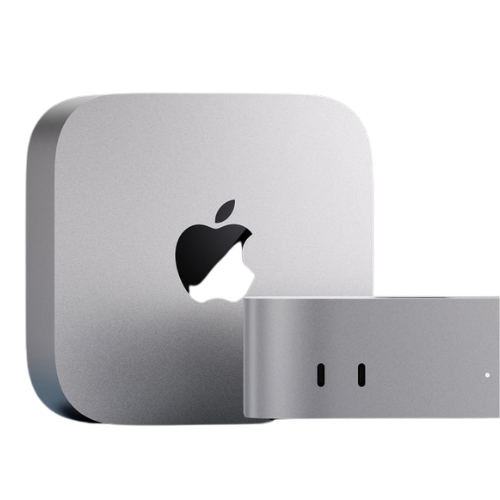
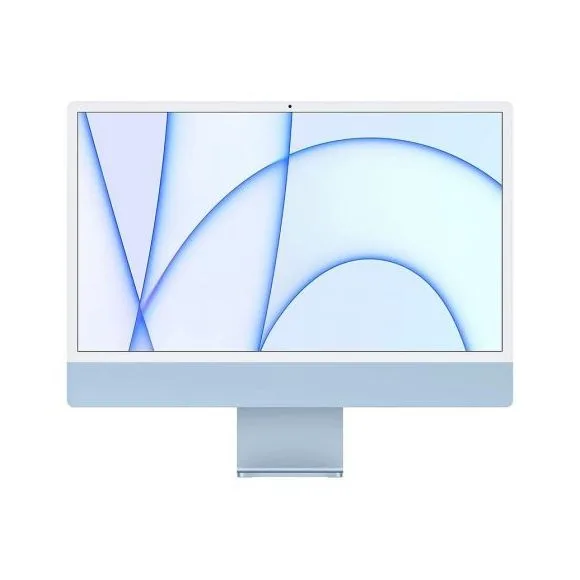
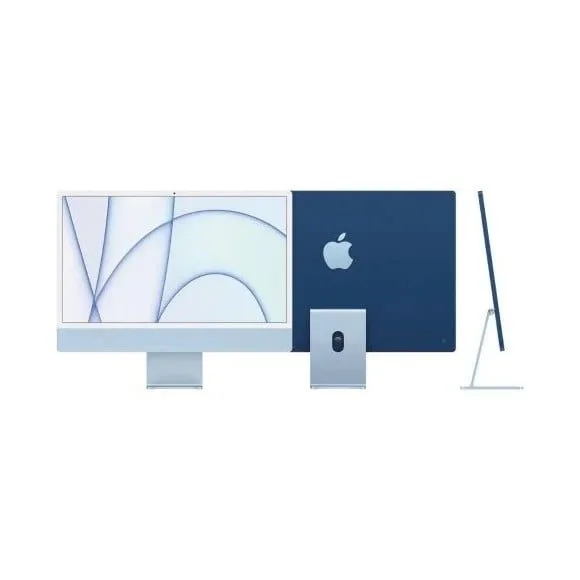
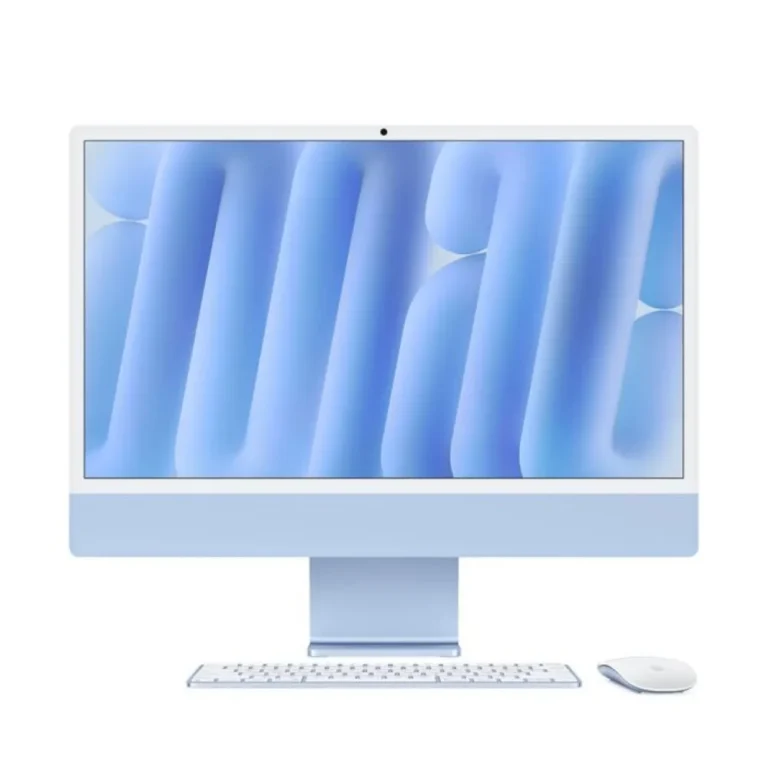
The range splits across four subcategories. The iMac arrives as one unit with the computer built into the display, so the box you open is the finished desk. The Mac Mini is a small body you pair with a monitor, keyboard and mouse you already own. The Mac Studio holds the same compact footprint but sits above the Mini for sustained creative work. The Mac Pro is the tower, and it is the only body in the range that opens up for internal expansion. Each subcategory carries its own configurations, so the shortlist starts with the body and moves to the specification inside it.
Three decisions settle most of these purchases.
- The first is whether you want the display bundled or separate: an iMac takes the monitor choice off the table, while a Mini or a Studio lets you pick your own screen and carry it into the next machine.
- The second is how much of your work is sustained load. Editing, rendering and compiling hold a machine at full effort for hours, and the Studio and Pro tiers exist for that pattern rather than for email and spreadsheets.
- The third is expansion. Only the Mac Pro accepts internal cards and drives, so with the other three you order the memory and storage you will still want years from now, because that choice is fixed at purchase.
Matching a Mac desktop to the work
A home desk or a study that needs one clean surface tends to land on the iMac. Small businesses buying several units at once, and anyone running a quiet machine for accounts, point of sale or email, tend to go to the Mac Mini. Video editors, photographers and 3D artists working to client deadlines look at the Mac Studio. Post production houses and labs that need to add internal storage or specialist cards make up the small group the Mac Pro is built for.
Our team in Karachi can talk through the configuration with you before you commit, and you are welcome to see the machines side by side in the showroom. Ask us about the warranty terms that apply to the model you pick. We ship nationwide across Pakistan, and you can pay online or choose cash on delivery when the machine reaches you.
Three of the four bodies here arrive without a screen, so plan the desk around that. A Mac Mini, Mac Studio or Mac Pro needs a monitor, keyboard and mouse of your own, and the monitor you choose sets the resolution and colour accuracy you work with day to day. Check the ports on the model you pick against the drives, capture devices and displays already on your desk. Adapters are the part most buyers think about last.

 AppleApple 42