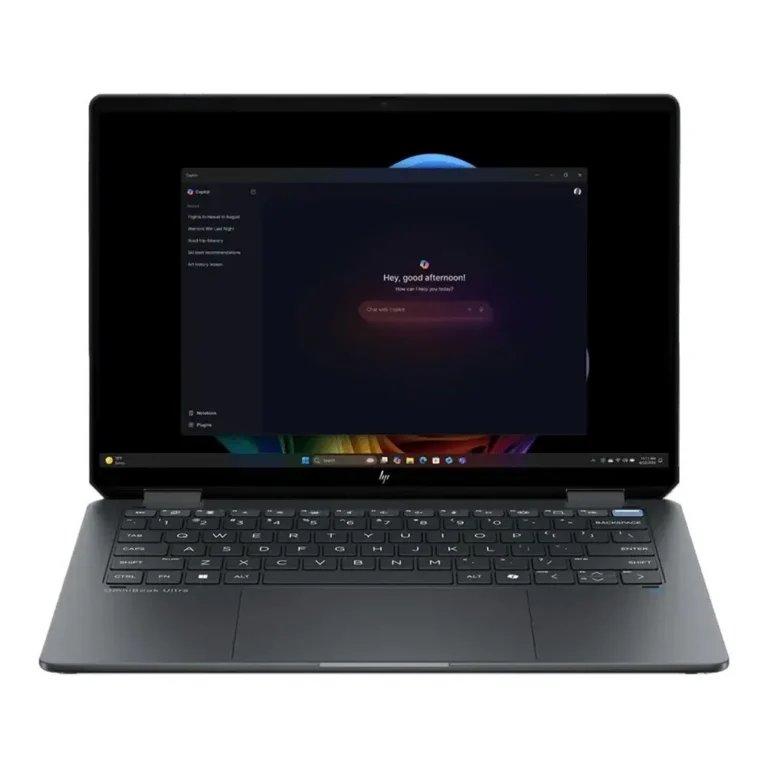
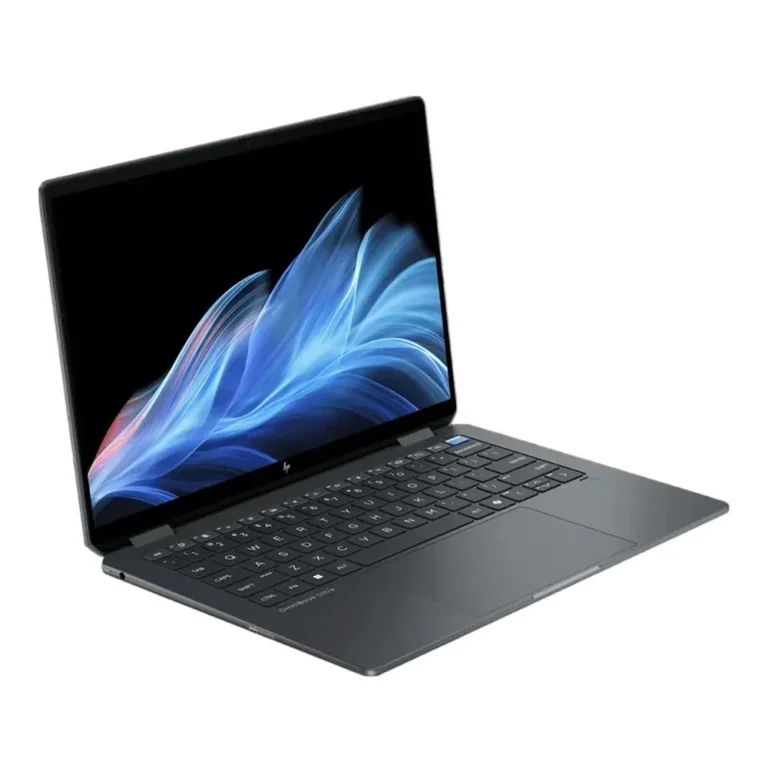
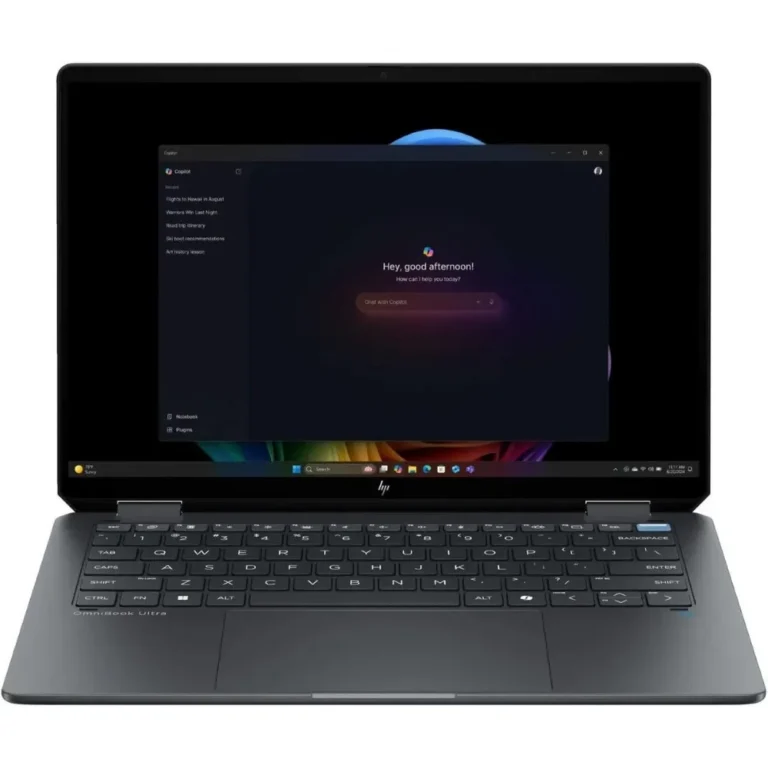
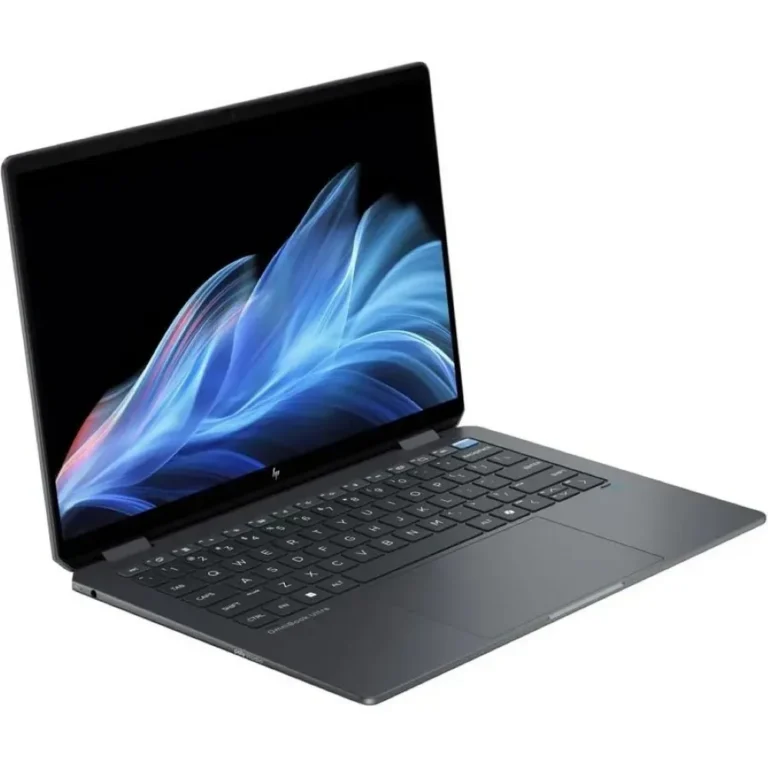
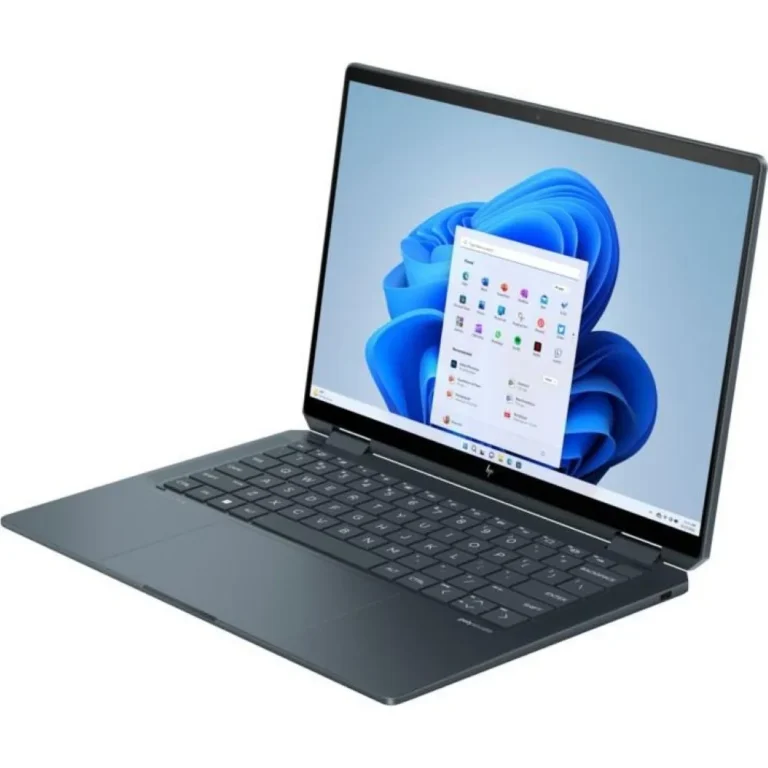
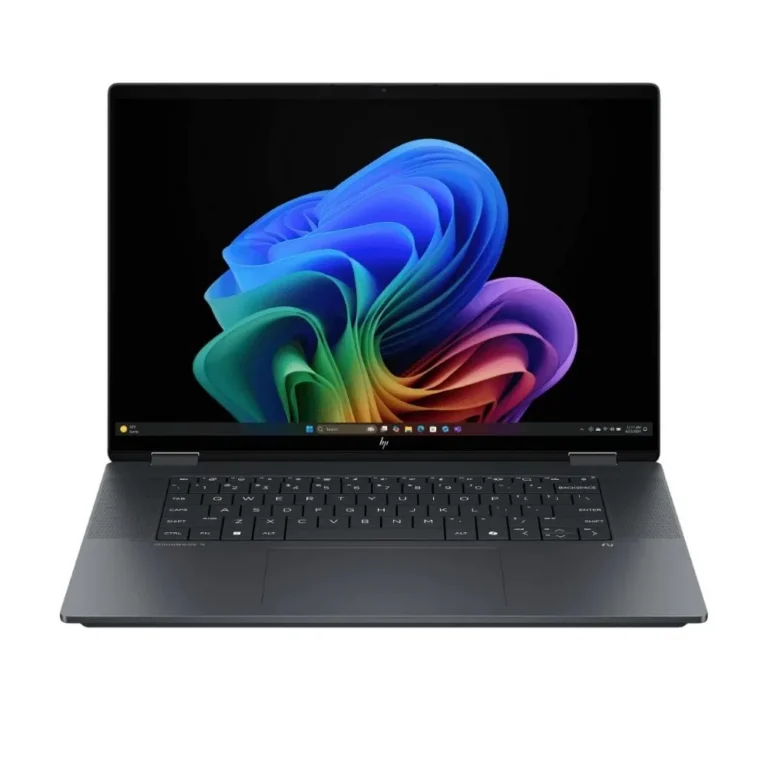
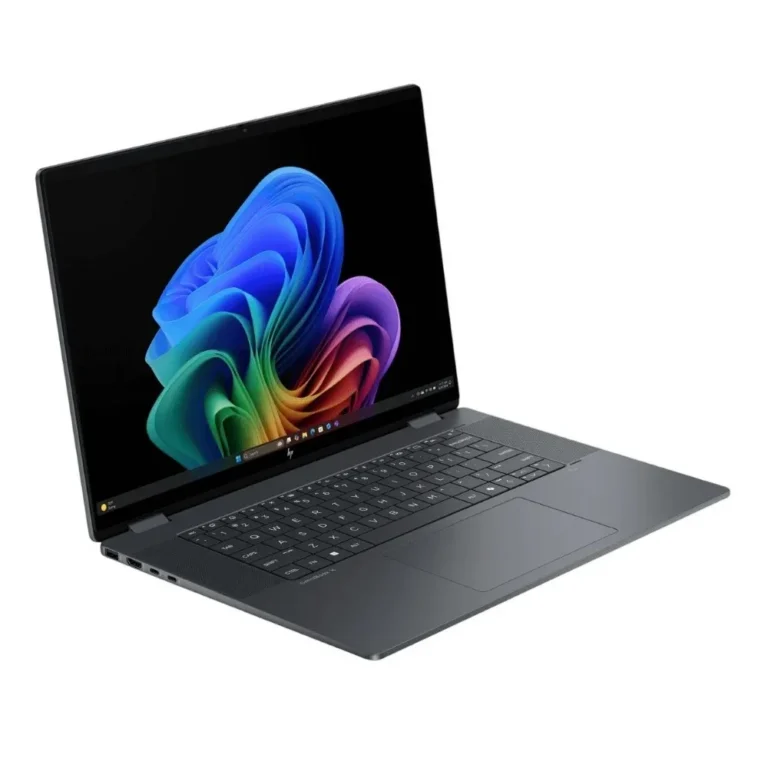
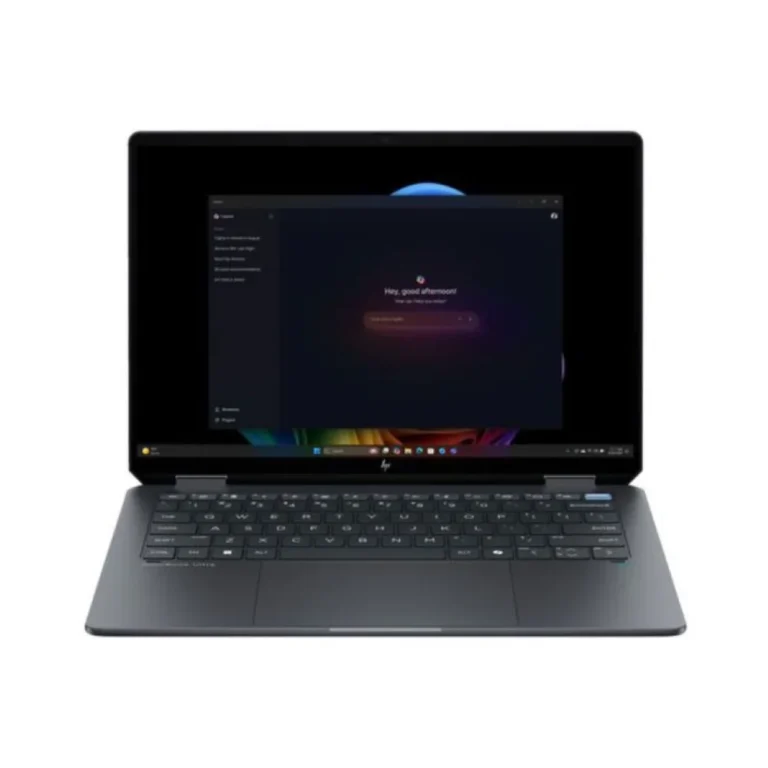
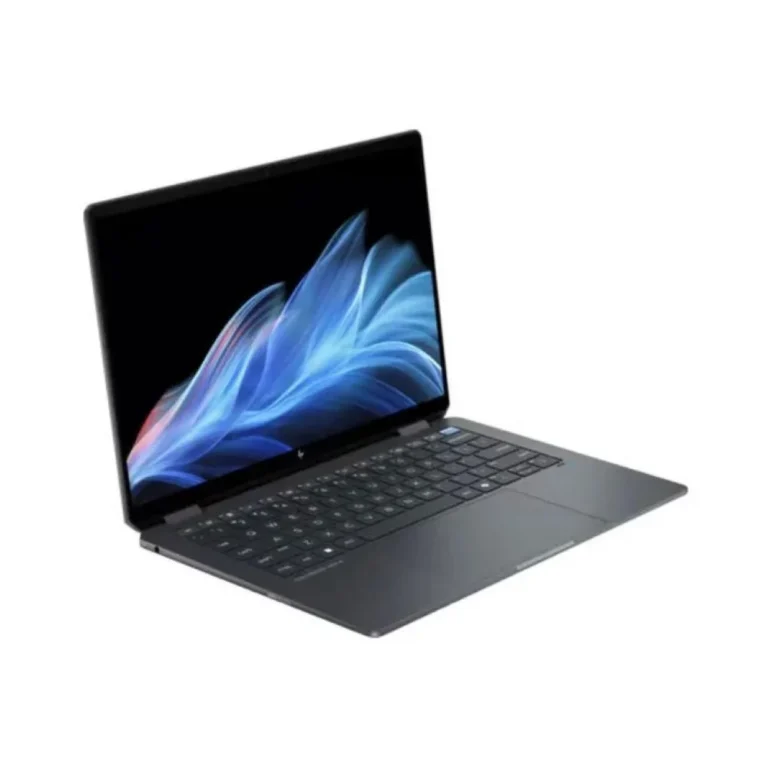
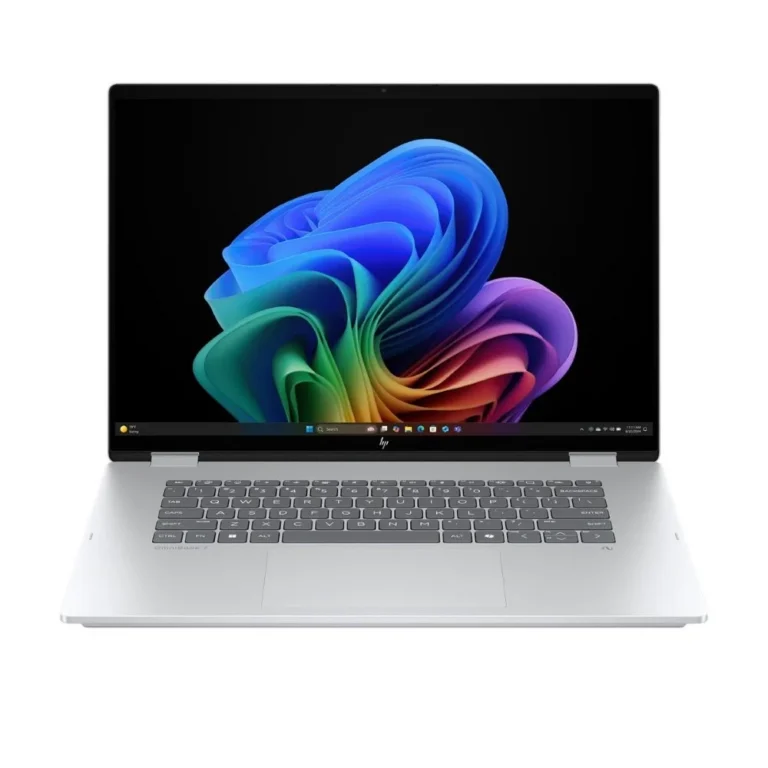
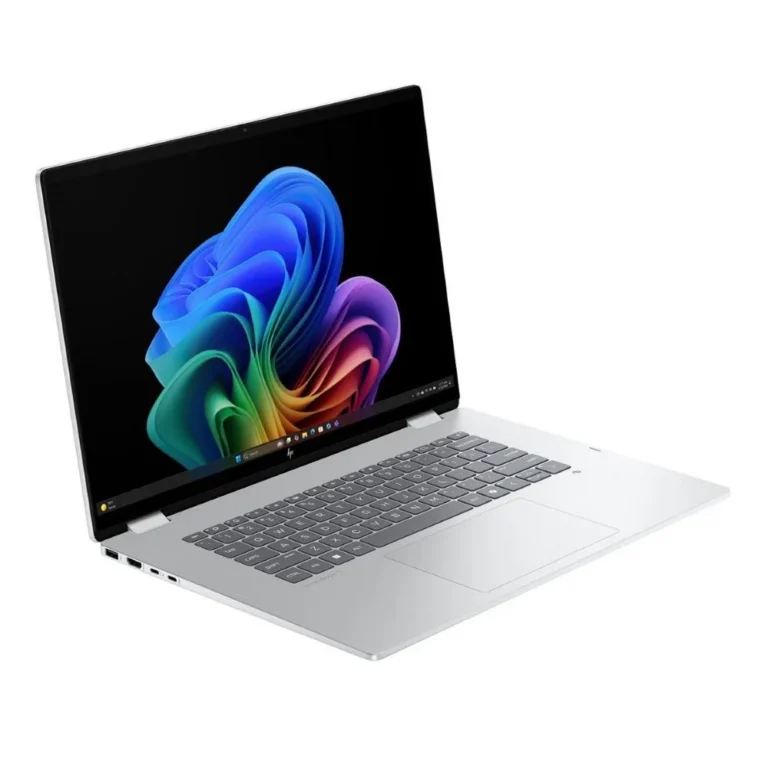
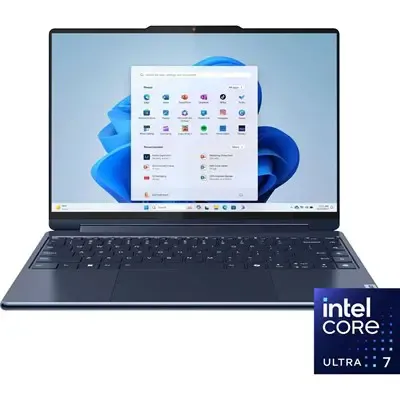
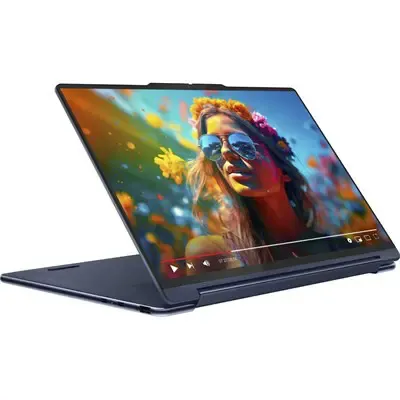
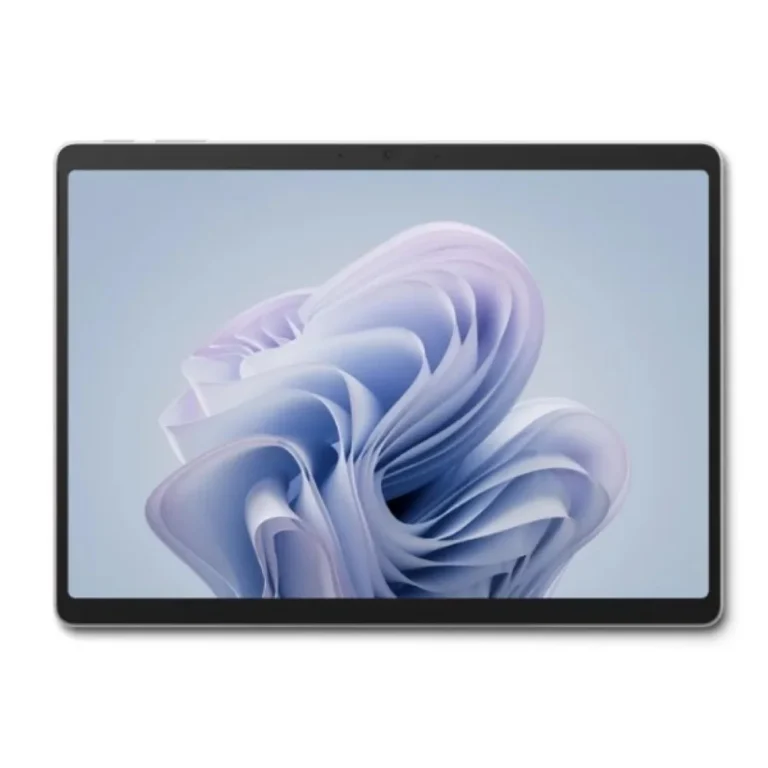
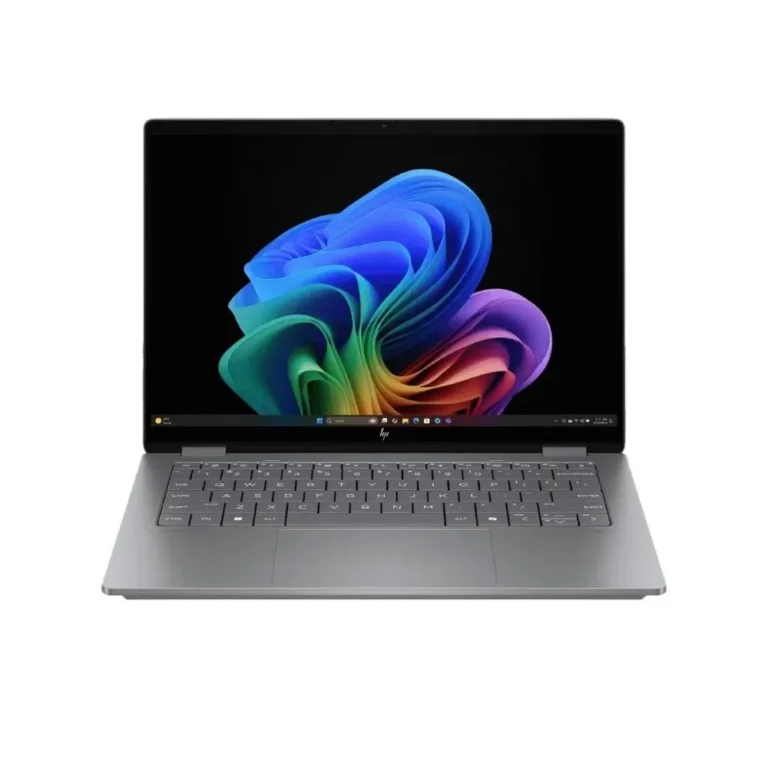
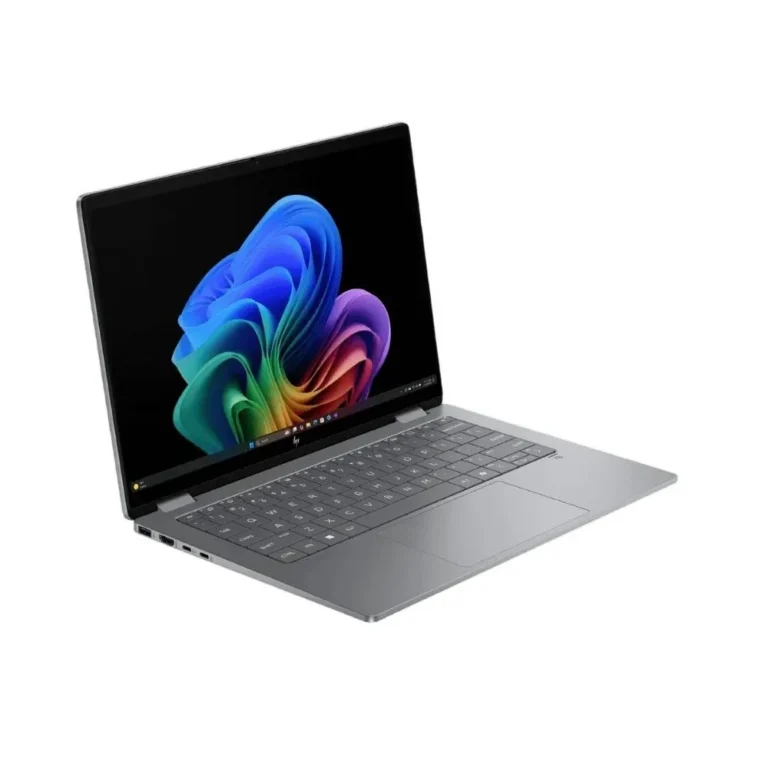
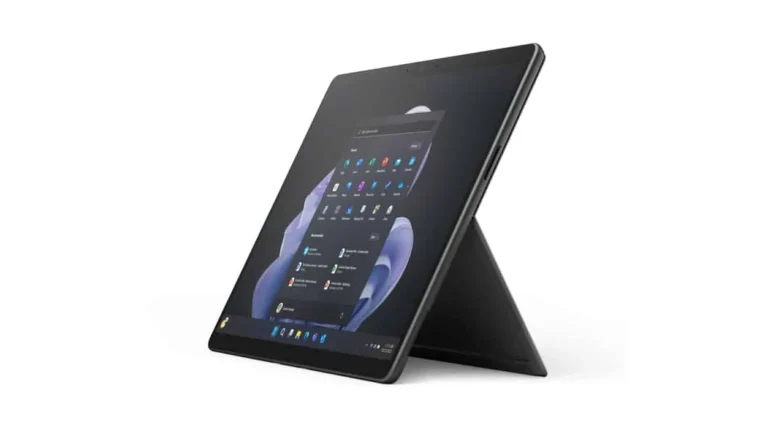
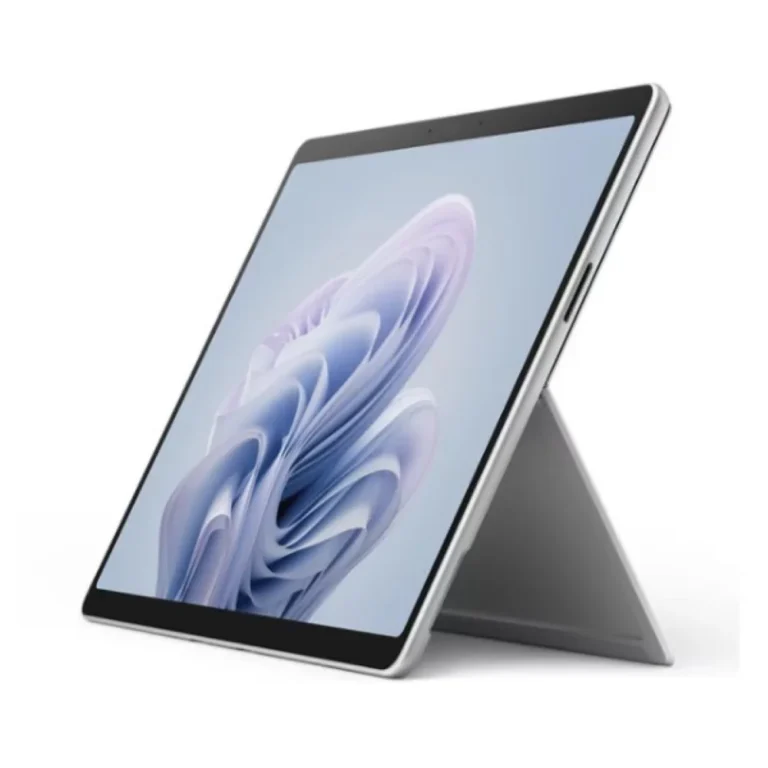
Convertible and touch panel notebooks from Asus and Lenovo, covering flip hinge Yoga models, dual screen Zenbook Duo, and OLED or IPS touchscreens.
2-in-1 and Touchscreen Laptops
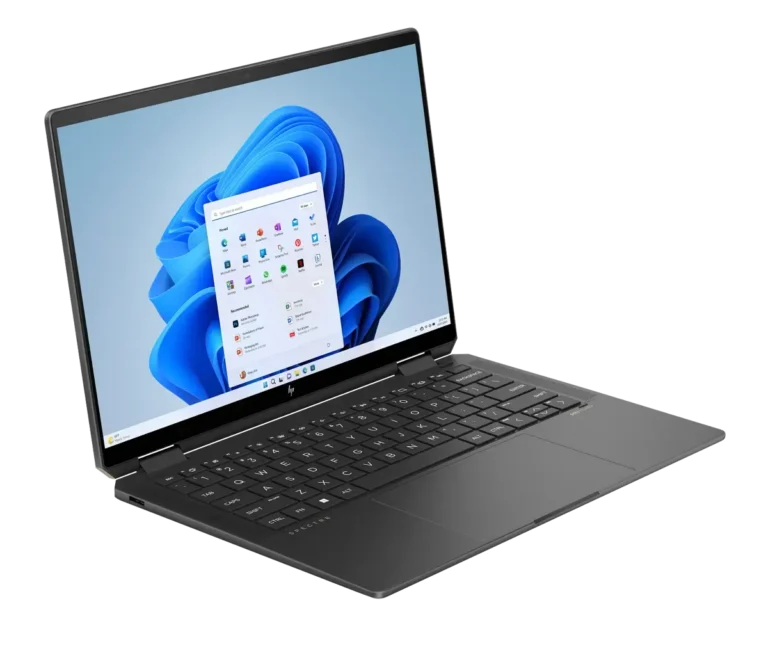
2-in-1 touchscreen laptops fold flat, flip round or open into two panels, so one machine handles typing, sketching and reading without a second device. Buyers pick them when a fixed clamshell gets in the way: marking up a document by hand, presenting across a table, or reading long PDFs in portrait. Every model in this category takes direct touch input on the display.
Two brands carry this range. Lenovo covers it with the Yoga line, the Yoga Book with its 13.3 inch twin panels, and the ThinkPad X13 2-in-1 Gen 5 for buyers who want a business chassis with a touch screen. Asus covers it with Zenbook, including the Zenbook Duo, which pairs two 14 inch panels in one body. Memory runs 16GB and 32GB, storage runs 512GB, 1TB and 2TB on M.2 NVMe SSDs over PCIe 4.0, and displays split between OLED and IPS, with 60Hz touch panels through the range. Prices start at entry level and climb to premium.
Three decisions matter here.
- The first is the panel: OLED gives deeper blacks for photo and video work, while IPS holds up better under bright office light and tends to cost less.
- The second is the format: a flip hinge keeps one screen and folds it back to tablet position, a dual panel design like the Zenbook Duo or Yoga Book gives you a second display but adds weight and drains more battery.
- The third is storage, since 512GB fills fast once design files and a Windows install sit on it, and 1TB or 2TB on PCIe 4.0 NVMe leaves room to work from the drive rather than from cloud folders.
Matching the machine to the work
Students who write by hand on slides want a flip hinge with pen support and 16GB of memory. Field staff who collect signatures or fill forms on site want a touch panel and a chassis built for travel, which is where the ThinkPad X13 2-in-1 sits. Photo and video editors want an OLED panel with 32GB of memory and 1TB or 2TB of storage. Anyone who keeps a reference document open beside their work all day gets more from a dual screen Zenbook Duo or Yoga Book than from a single folding display.
Mega Computer stocks these at its Karachi showroom and sends orders nationwide across Pakistan. Warranty cover varies by model and by the specific configuration, so check the terms listed on the product page before you order. Payment works by cash on delivery or online payment, and staff can walk you through the difference between two configurations of the same series before you commit.
Hinge design decides how the machine behaves day to day. A 360 degree hinge lets the keyboard sit flat under the screen in tablet mode, which suits handwriting but leaves the keys exposed. Dual panel models keep both displays facing you and rely on a separate keyboard, so plan desk space for them. Pen support also differs by model, with some Lenovo Yoga units supplied with a pen and others not, so confirm what is in the box.