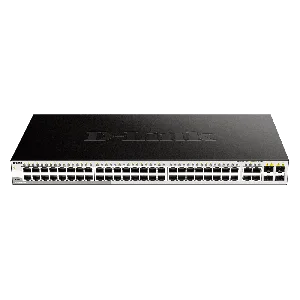
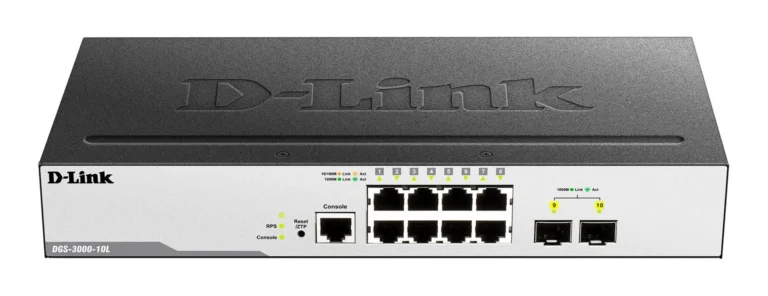
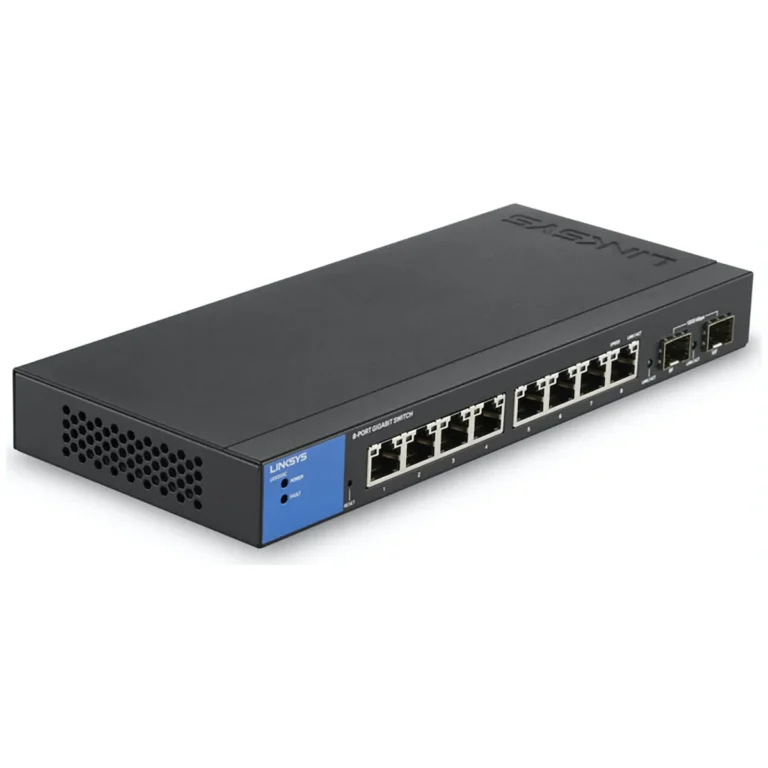
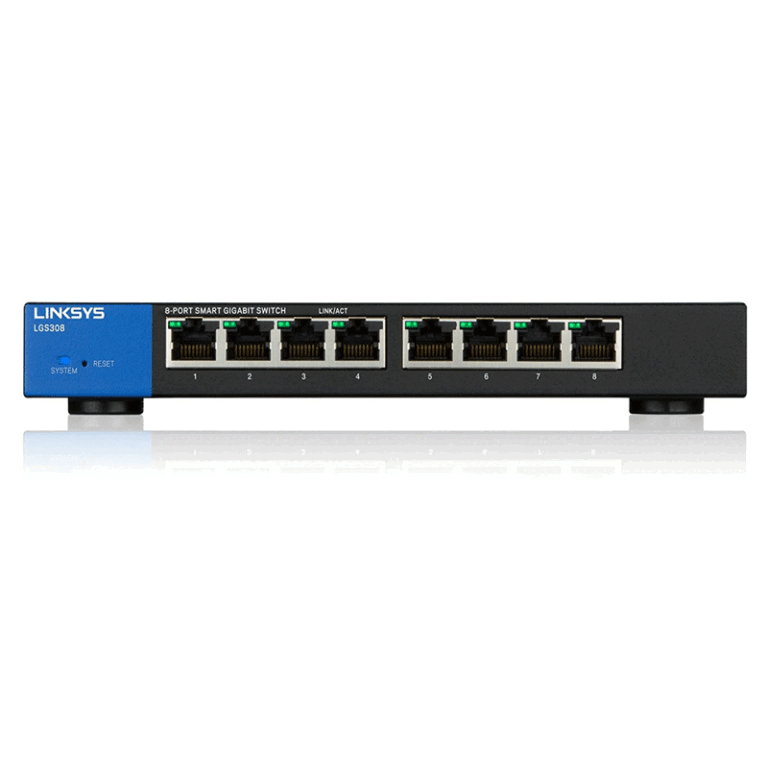
Configurable switches from TP-Link, D-Link and Linksys for VLAN segmentation, link aggregation and traffic control, priced from entry level to premium.
Managed Switches in Pakistan
Managed switches hand the person running the network control over every port, which is the line that separates them from plug and play unmanaged units. Network administrators, IT contractors and system integrators come to this category once a flat office network has grown past the point where every device should see every other device. The switch stops being a box that forwards packets and becomes something you configure, monitor and troubleshoot.
Three brands cover the range on this page: TP-Link, D-Link and Linksys. The units differ in port count, in the uplink options they carry for reaching another rack or another floor, and in how deep the management feature set runs. Price follows those three things, so the spread here starts at entry level for a single office cabinet and rises to premium for switches built to sit at the core of a larger deployment. Read the port and uplink detail on each product page, because two switches from the same brand can look alike and serve different roles.
Three decisions settle most purchases.
- Port count comes first, and the honest answer is to count the ports you need today, then add room for the access points, IP cameras and printers that arrive later, because a switch you outgrow costs more than one you oversized.
- The management feature set comes second: VLAN segmentation to split traffic, link aggregation to bond ports into a thicker path, port mirroring for packet capture, and QoS to protect voice and video from bulk transfers.
- Uplink type comes third. Copper uplinks are fine inside one cabinet, while a run between floors or buildings needs fibre capable ports, and that requirement narrows the shortlist fast.
Matching a switch to the job
An office that keeps staff, guest and VoIP traffic on separate VLANs needs management at the access layer, so every switch touching a desk should be a managed unit. CCTV installers use these to isolate camera traffic from the rest of the network and to keep recorder bandwidth predictable. Schools, hotels and shared workspaces put one at the aggregation point where several floor switches meet. A small business still running a single unmanaged switch moves here when it needs to see which port is flooding the network rather than guessing.
You can see these switches at the Mega Computer showroom in Karachi, and buyers elsewhere order with nationwide delivery across Pakistan. Payment works as cash on delivery or online payment. Warranty terms differ between brands and models, so check the warranty note on the product page before you order.
Plan for setup time. A managed switch arrives with a default configuration and needs a web interface or console session before it does anything an unmanaged unit does not, so allow an evening for VLAN planning, IP addressing and firmware. Save a copy of the running configuration once it works, and label the ports in the interface. The next person to open that cabinet, including you in a year, will need it.