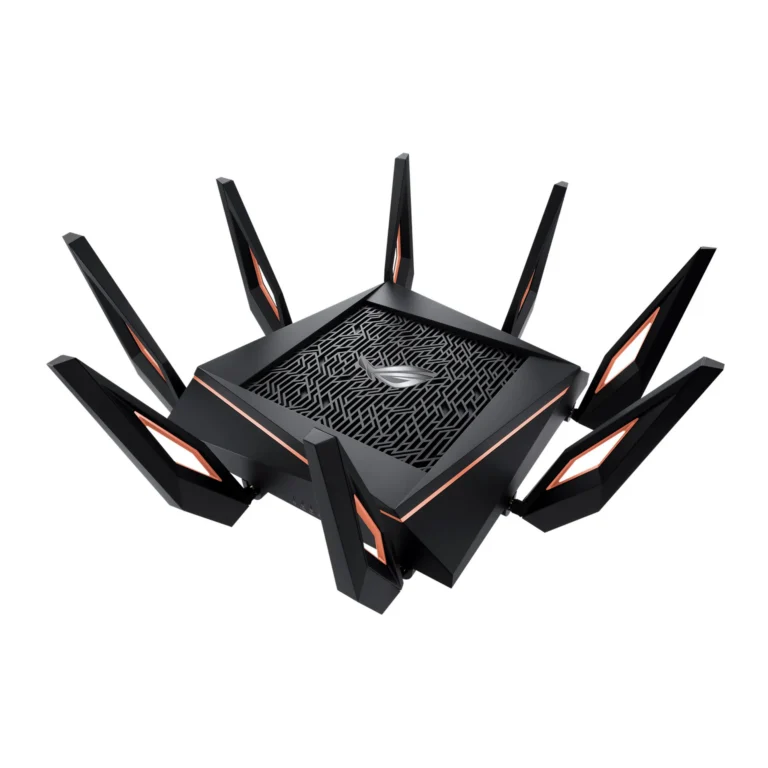
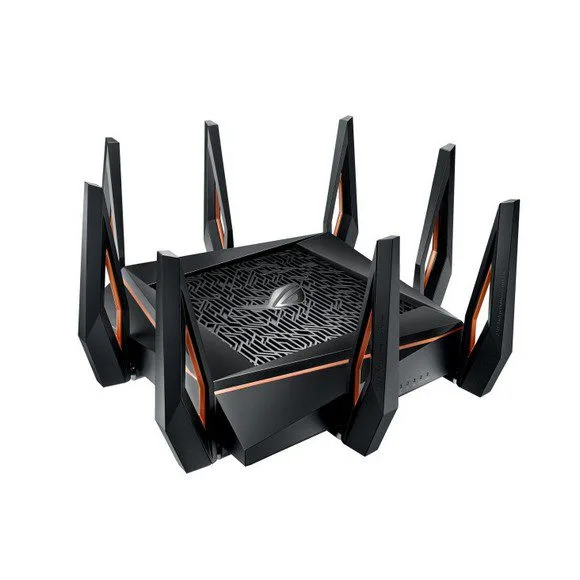
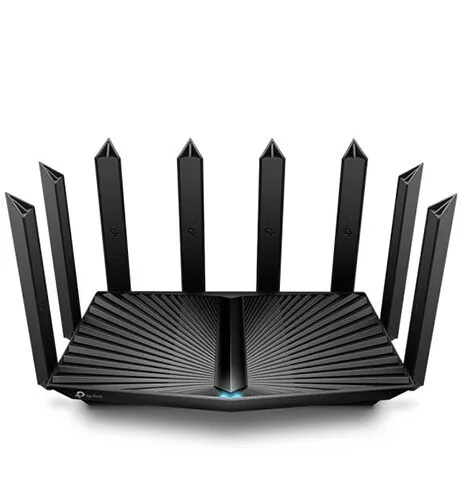
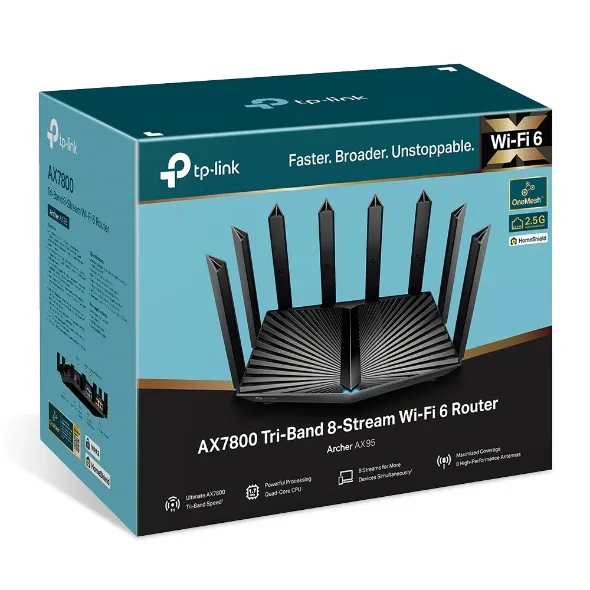
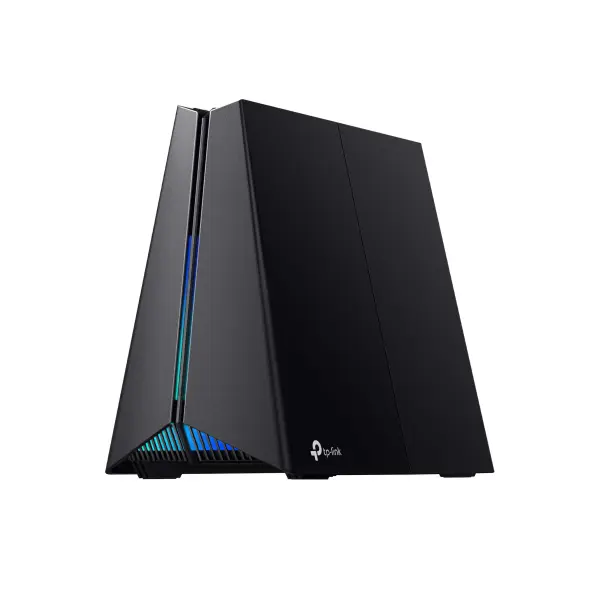
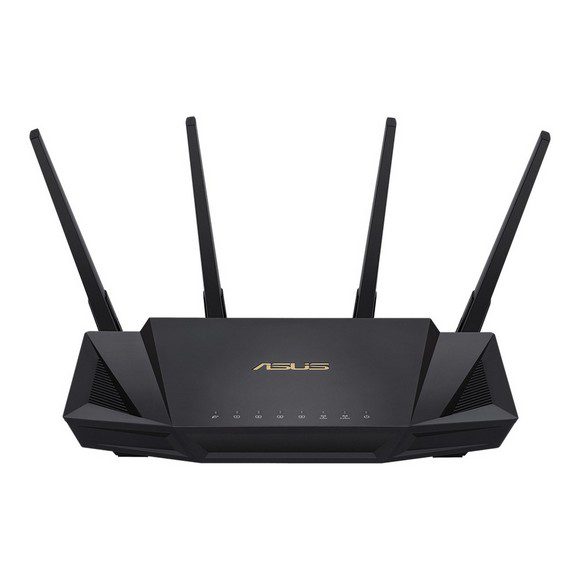
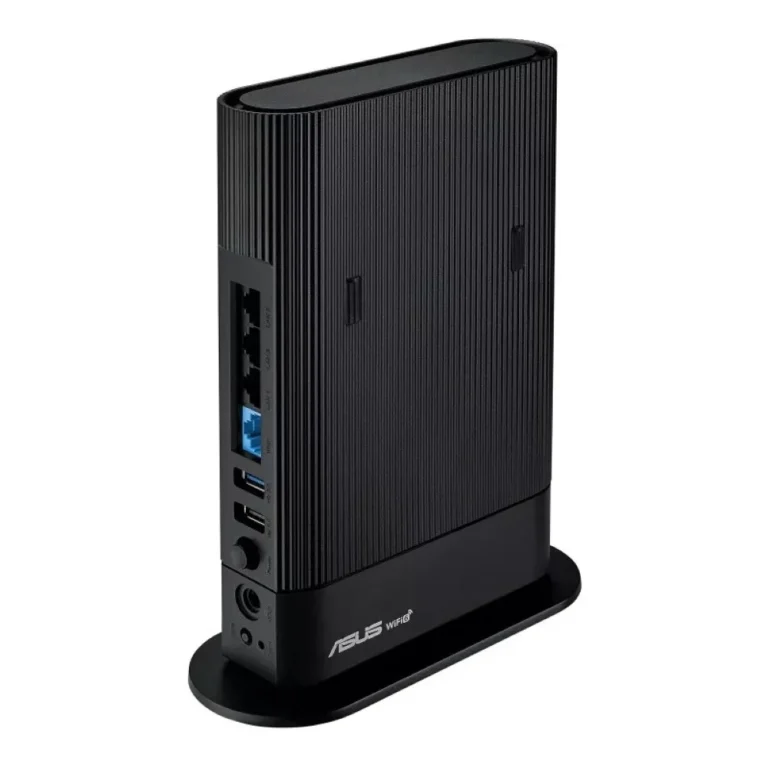
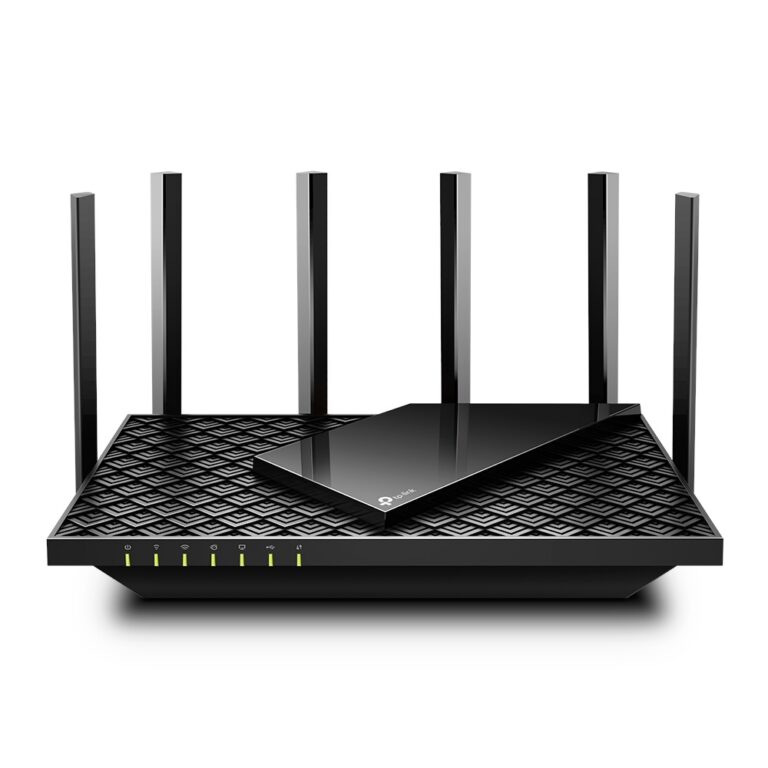
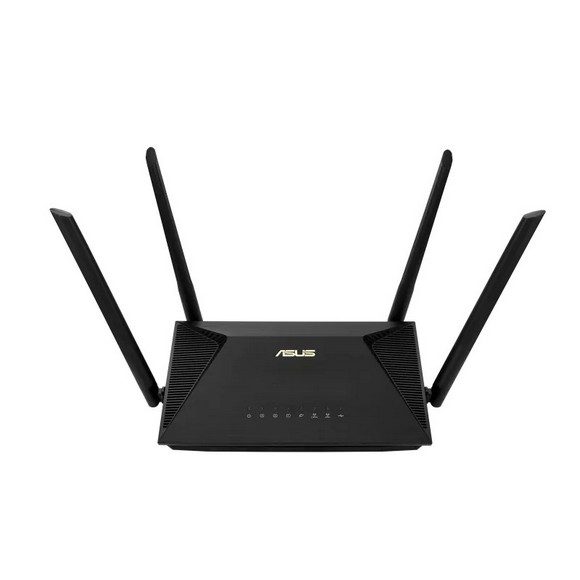
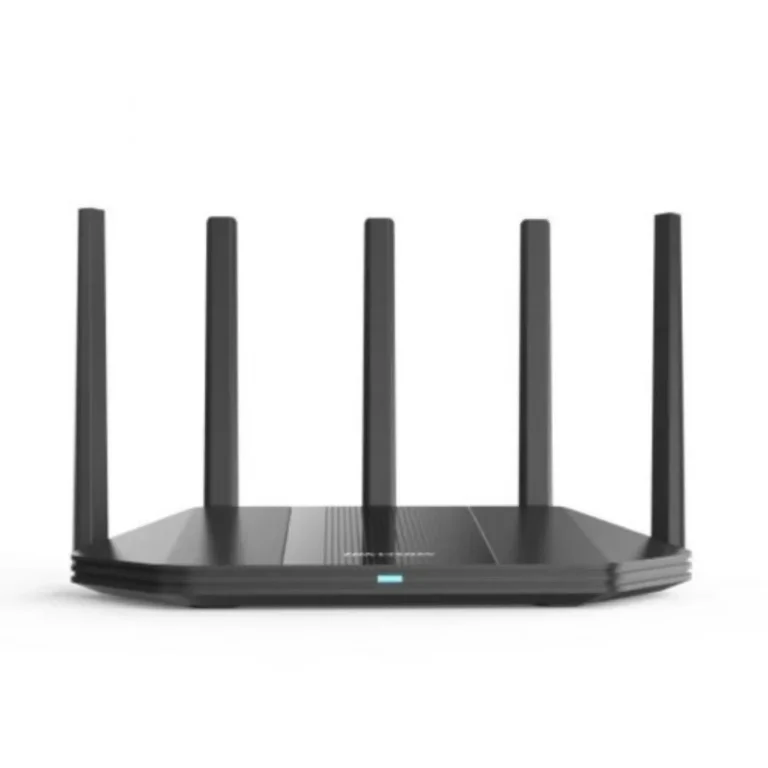
WiFi 6 and WiFi 6E routers from Asus and TP-Link, covering gaming models and standard home units, with entry level through to premium options.
WiFi 6 and WiFi 6E Routers
WiFi 6 routers suit homes and offices where a dozen or more devices share one internet connection at the same time. Most buyers on this page are replacing a router that slows down once the house fills up in the evening, or setting up a workspace where video calls, downloads and cloud backups run together. The gain comes from how the router splits its attention across many clients rather than from any single headline speed figure.
Two brands carry this category: Asus and TP-Link. Asus supplies both its gaming routers and its standard desktop WiFi 6 models, including WiFi 6E units that add a further band on top of the WiFi 6 feature set. TP-Link contributes gaming routers to the same shelf. The price spread is wide, so an apartment owner buying a first WiFi 6 router and a gamer specifying a premium unit both find something here without moving to another category.
Three decisions settle the choice.
- First, check whether your phones, laptops and consoles support WiFi 6, because the standard pays off when the client devices speak it too; older devices still connect at their own speed.
- Second, match the router to the floor plan, since a single unit in a concrete multi storey house covers less than the same unit in a flat, and a mesh set may serve you better than a stronger single router.
- Third, decide whether you need a gaming router at all: the gaming models from Asus and TP-Link cost more than the plain WiFi 6 units and earn that difference in a house with steady online play, not in one that mostly streams.
Which router fits your setup
A two bedroom flat with a handful of phones and one laptop runs well on an entry level WiFi 6 router. A family house with several floors, a smart TV per room and constant streaming needs more radio capacity, and this is where the WiFi 6E and gaming models from Asus earn their place. Small offices with shared printers, cloud storage and daily video meetings sit between the two. Anyone chasing coverage rather than raw capacity should look at the mesh systems in the parent Wi-Fi Routers section instead.
Mega Computer has sold networking hardware in Pakistan for decades and keeps a showroom in Karachi where you can see the units before buying. Orders ship nationwide across Pakistan, and you can pay by cash on delivery or online payment. Warranty terms follow each brand’s own policy, so confirm the coverage on the model you pick at the point of purchase.
One setup note worth knowing: WiFi 6 is backward compatible, so your existing phones and laptops keep working the day you swap the router. Placement matters more than most buyers expect. A router shut inside a TV cabinet or pushed against an exterior wall loses much of what you paid for, so plan a central, open spot before you order.