SSDs

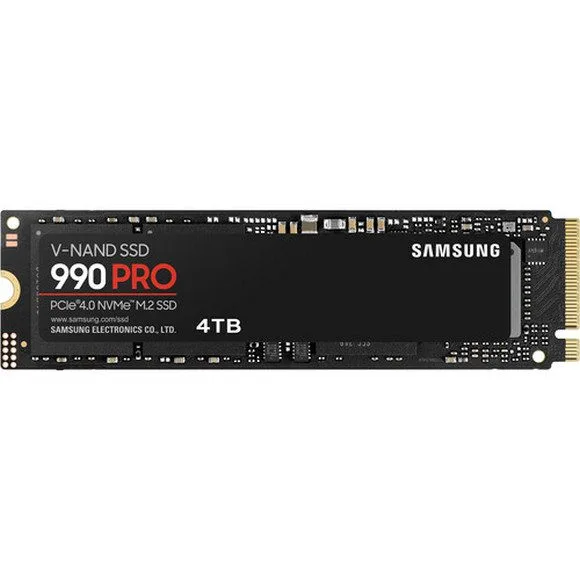
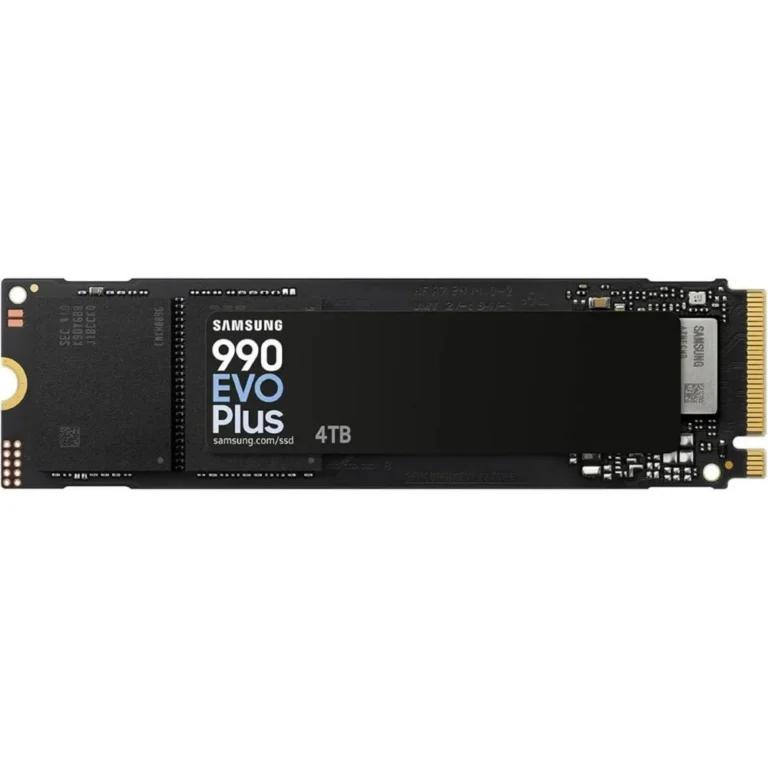
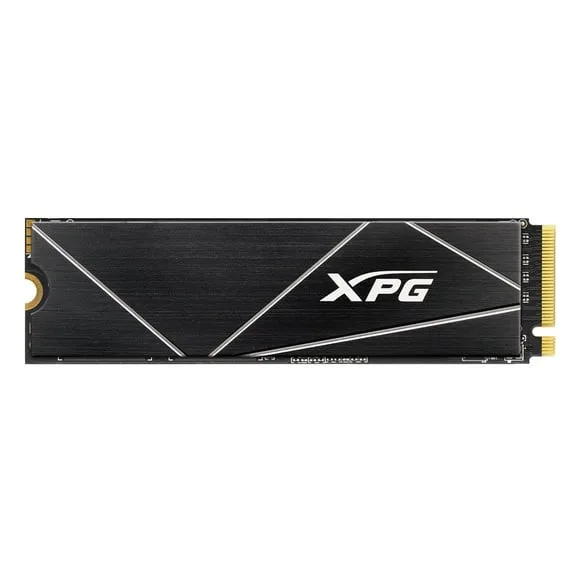
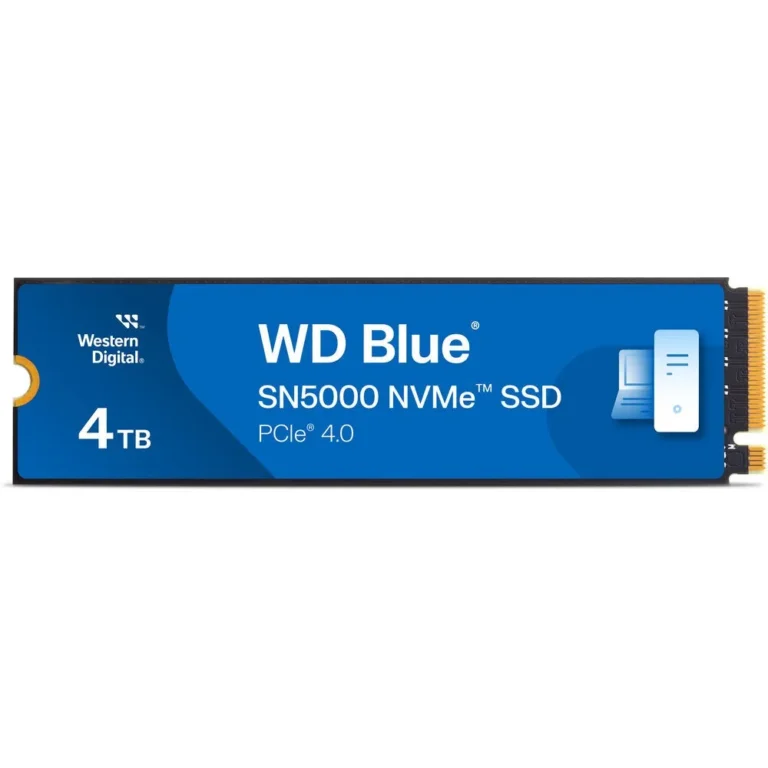
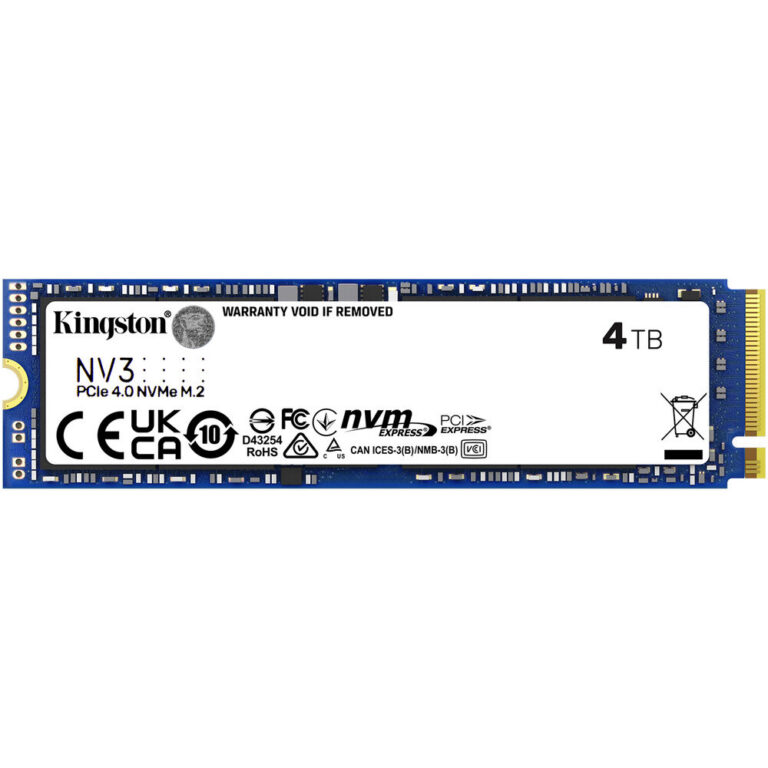
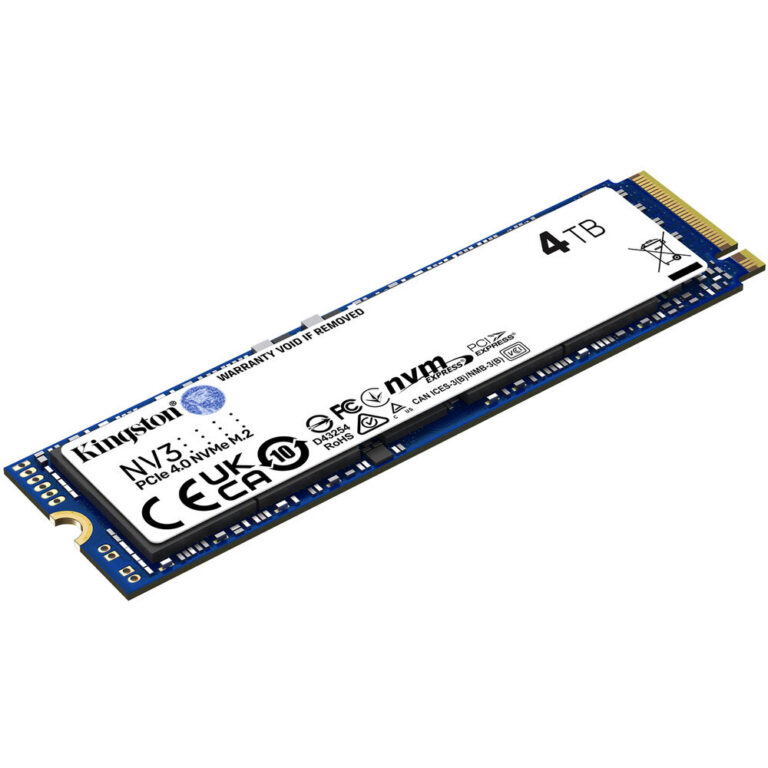
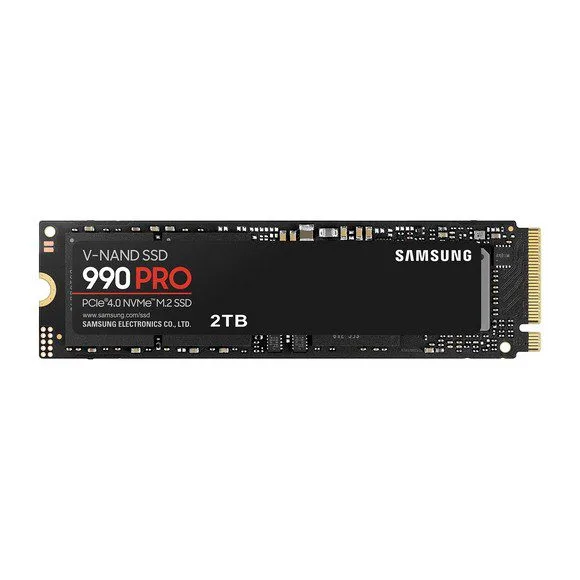
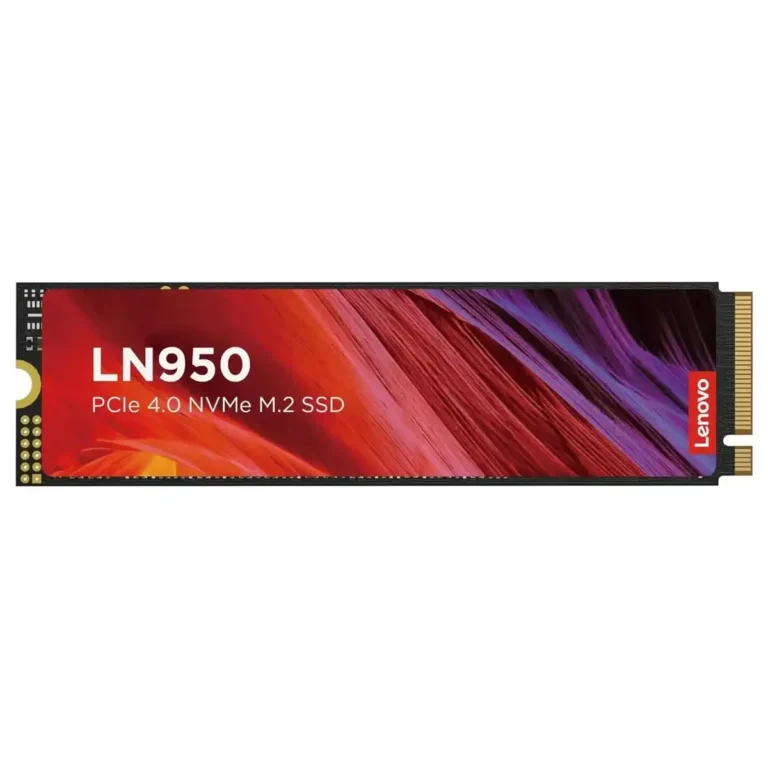
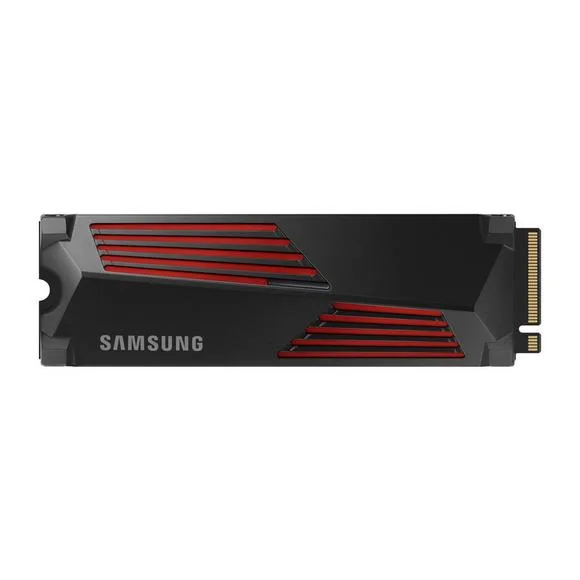
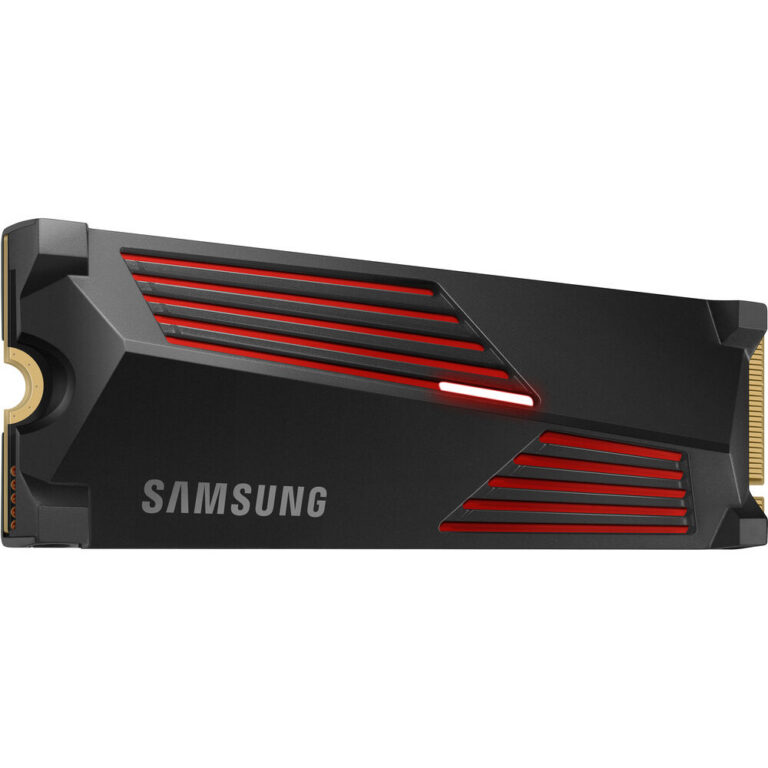
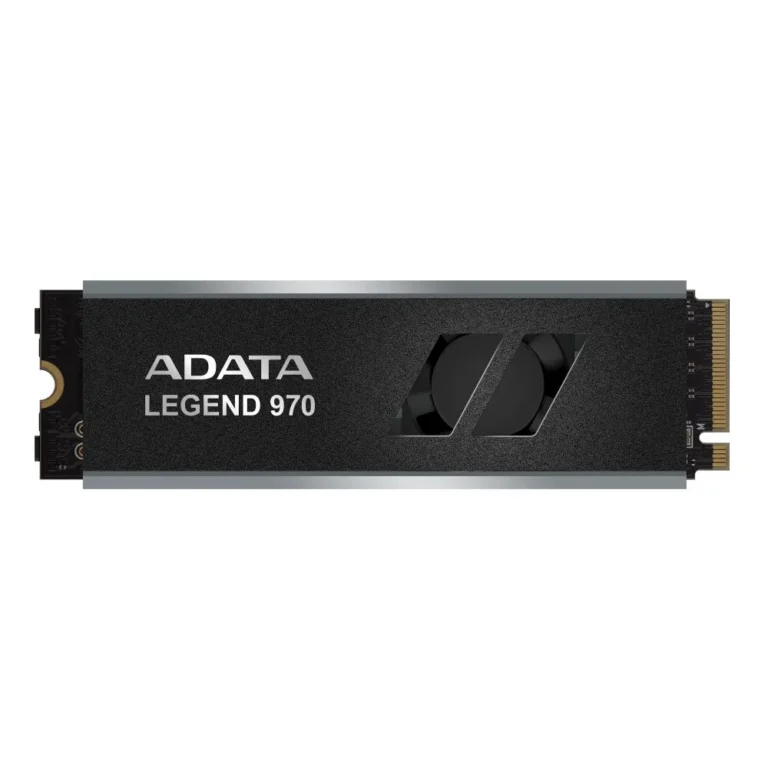
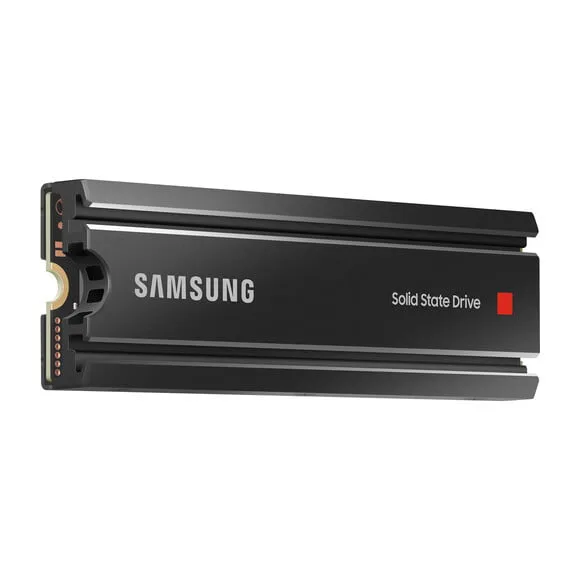
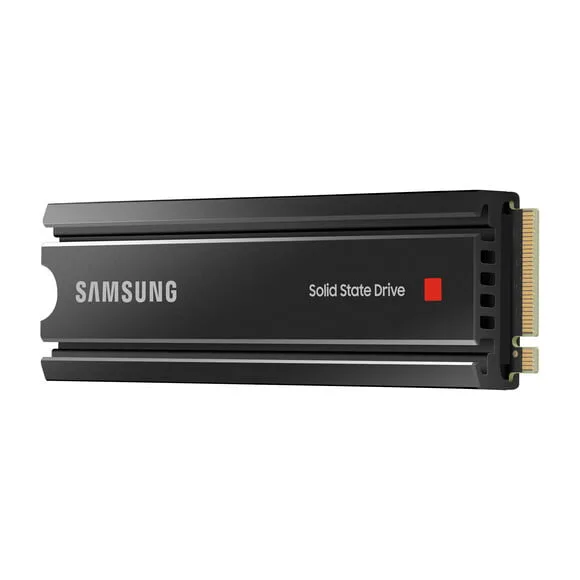
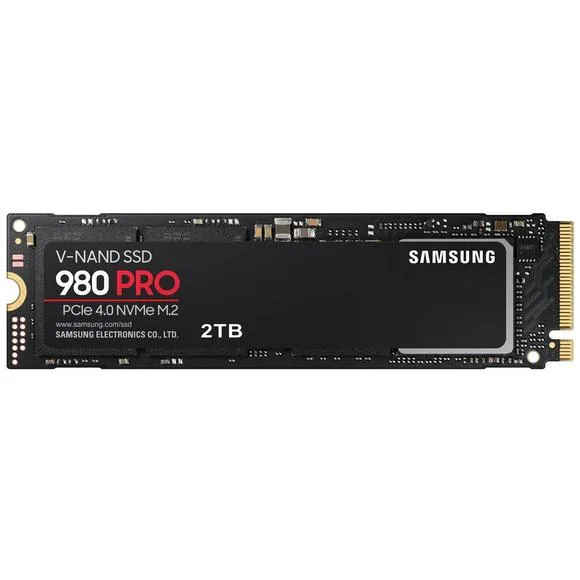
NVMe Gen 4 SSDs

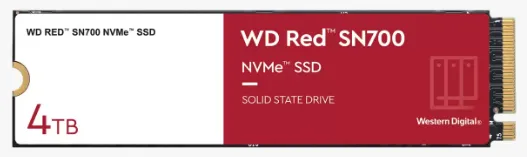
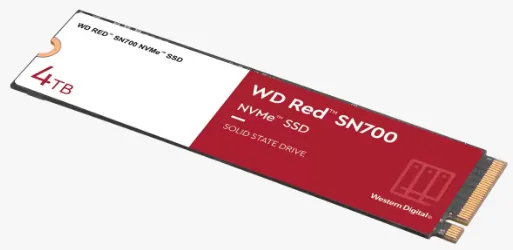
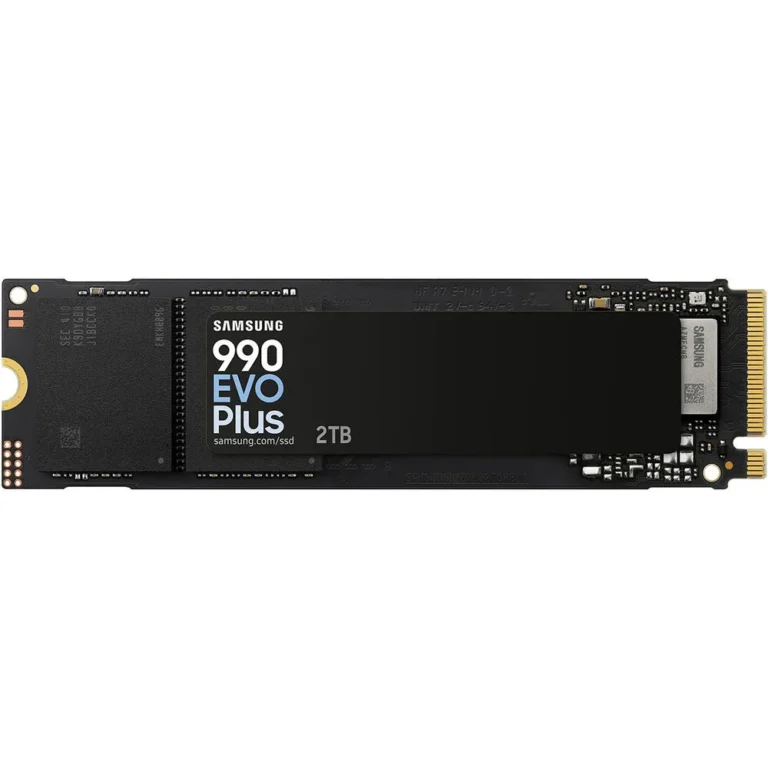
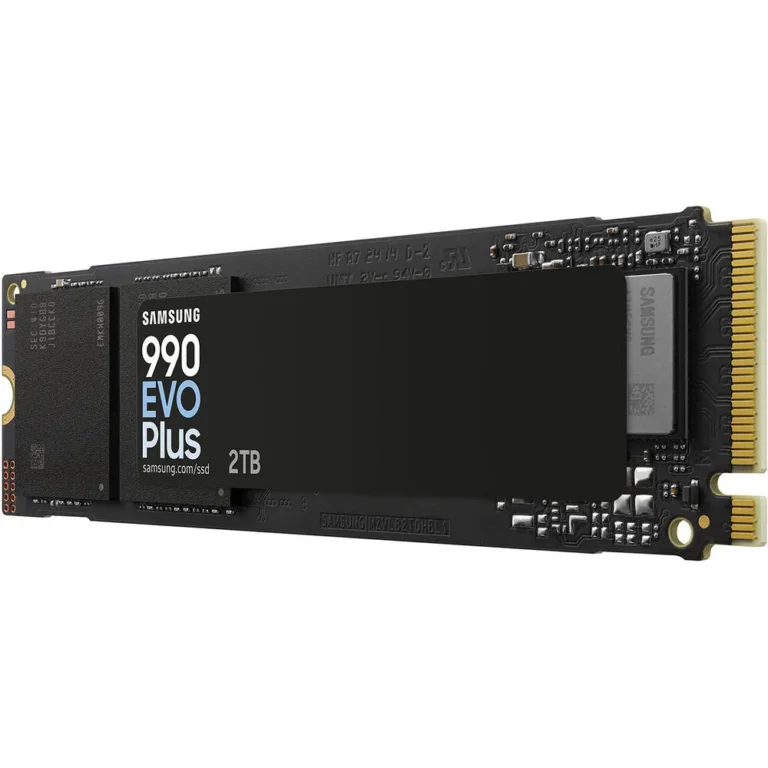
NVMe Gen 3 SSDs

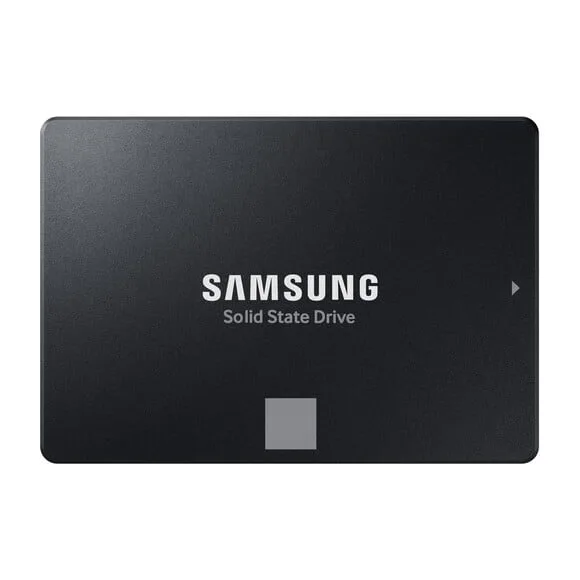
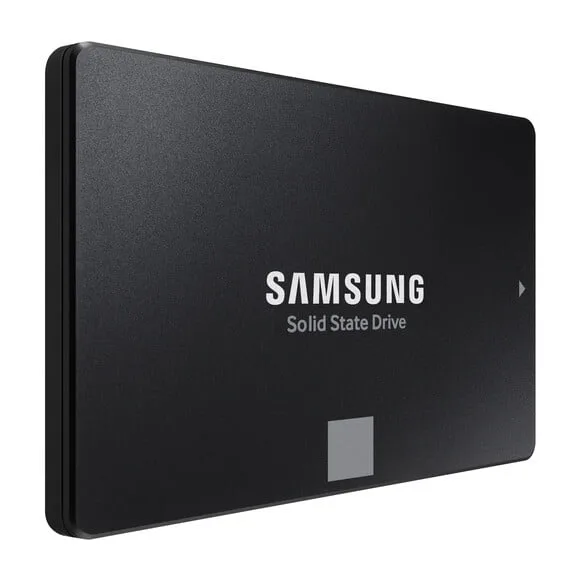
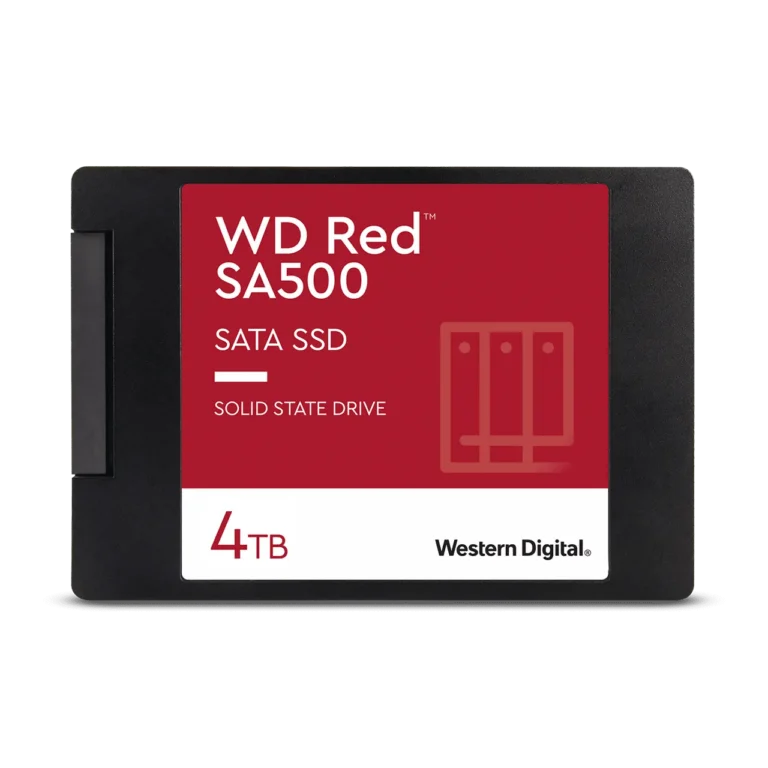
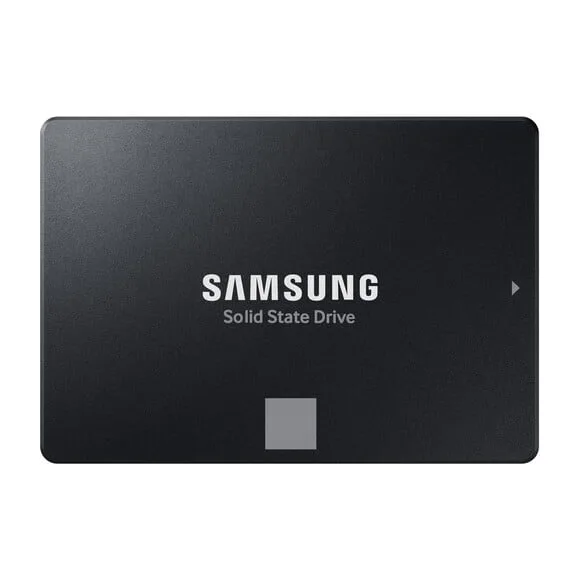
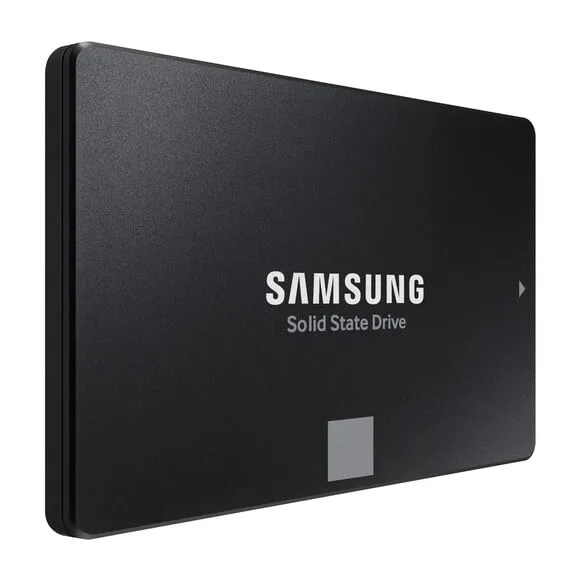
SATA SSDs (2.5")

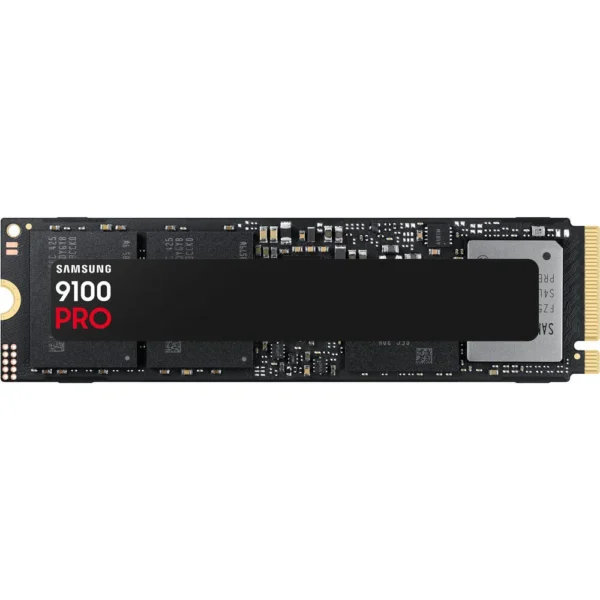
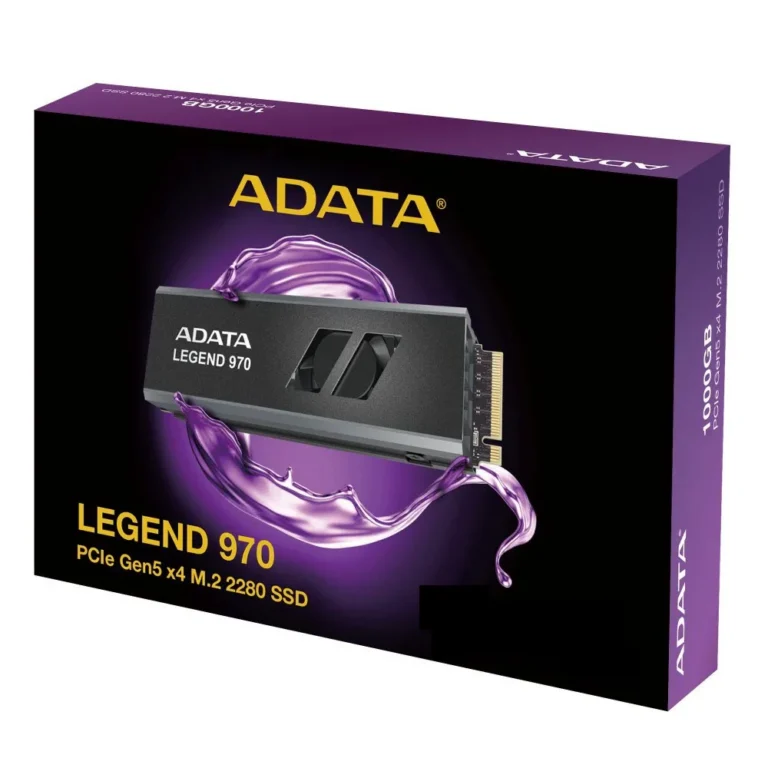
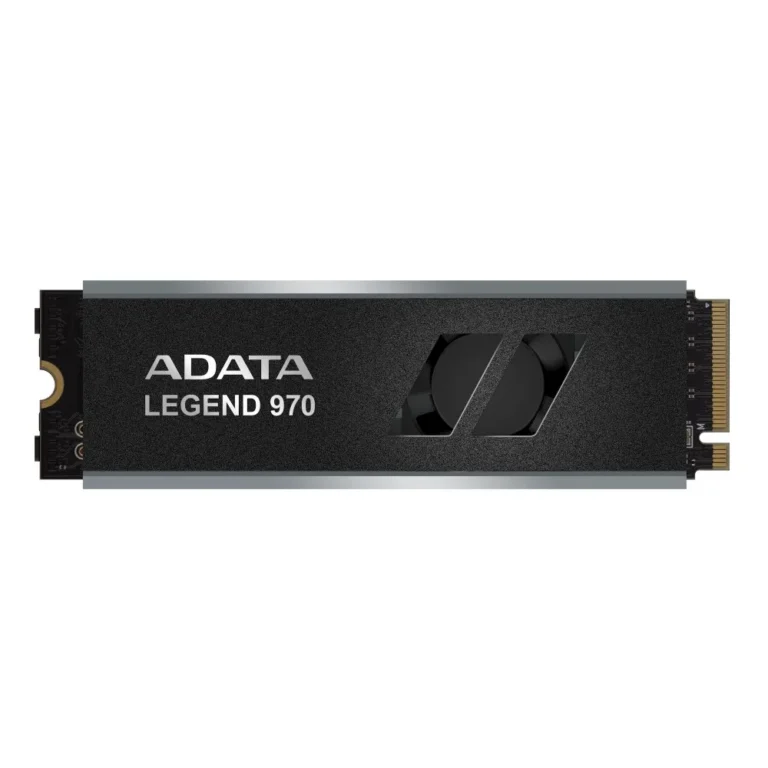
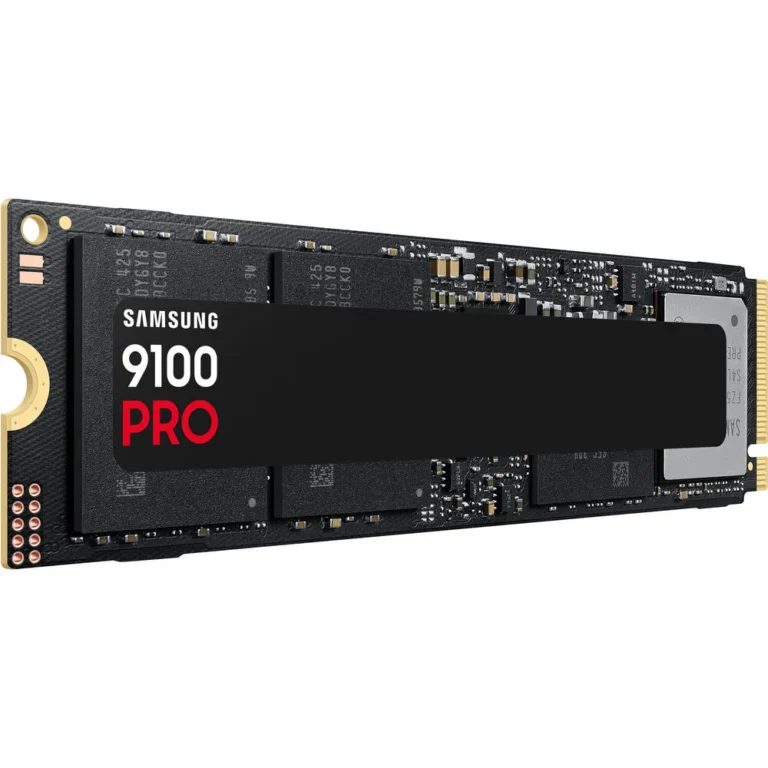
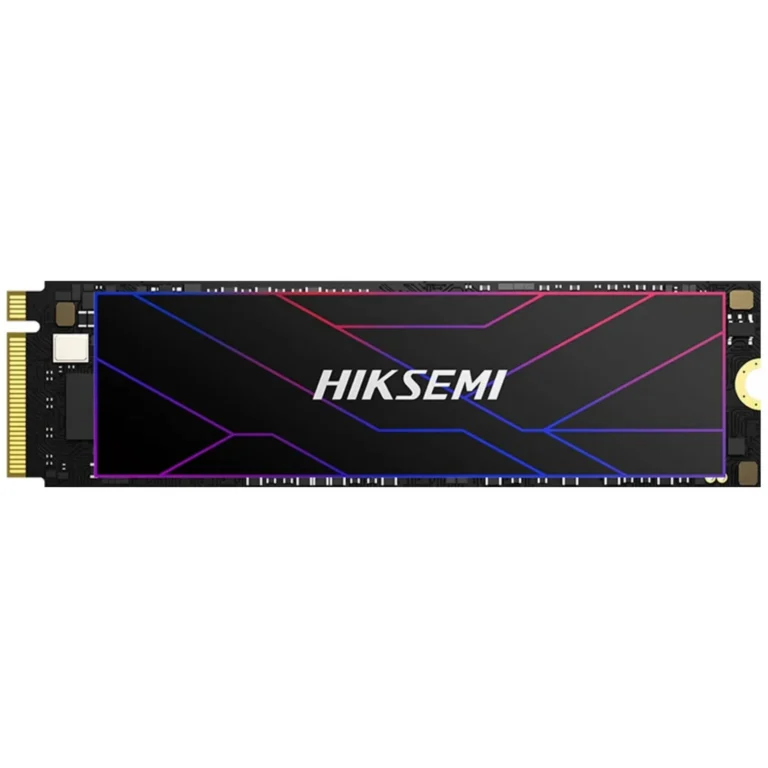
NVMe Gen 5 SSDs

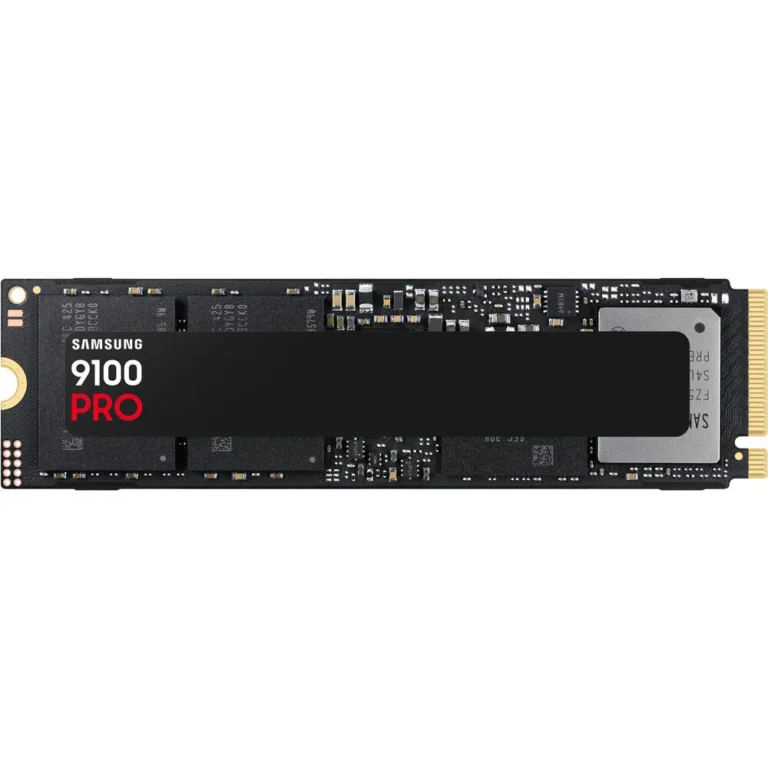
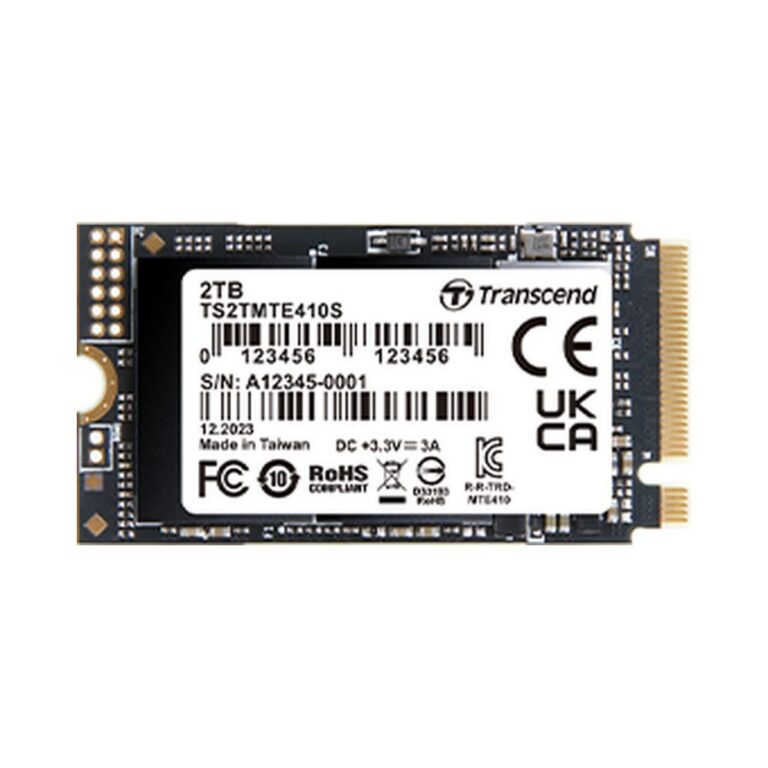
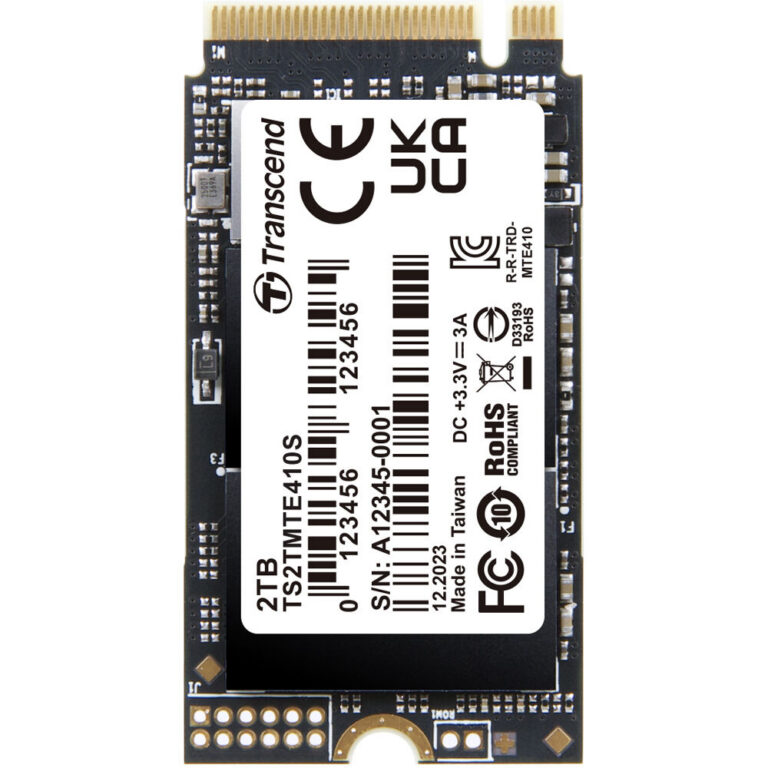
Laptop SSDs (M.2 Upgrade)

 240,000
 205,000
 198,000
 170,000
 162,999
 161,999
 140,000
 128,000
 127,500
 127,000
 123,000
 118,000
 110,000
 102,000
 100,000
 99,990
 99,499
 99,000
 95,999
 95,000
 95,000
 95,000
 86,000
 85,999

Frequently Asked Questions

What is the difference between NVMe and SATA SSDs?

NVMe SSDs connect via the M.2 slot and offer much higher read and write speeds than SATA SSDs, which use the older SATA interface. NVMe is ideal for gaming and heavy workloads, while SATA is a cost-effective upgrade for older systems.

Can I use an NVMe SSD in any laptop?

Not all laptops have an M.2 slot that supports NVMe. Check your laptop's specifications to see if it has an M.2 slot and whether it supports NVMe or only SATA. Some older laptops may only accept 2.5-inch SATA SSDs.

Do you deliver SSDs across Pakistan?

Yes, Mega Computer provides nationwide delivery across Pakistan. You can also visit our showroom in Karachi. Payment can be made via cash on delivery or online payment.

Browse SSDs from NVMe Gen 3 to Gen 5, SATA, and laptop M.2 upgrades. Fast storage for every build with nationwide delivery in Pakistan.

SSDs for Every Build in Pakistan

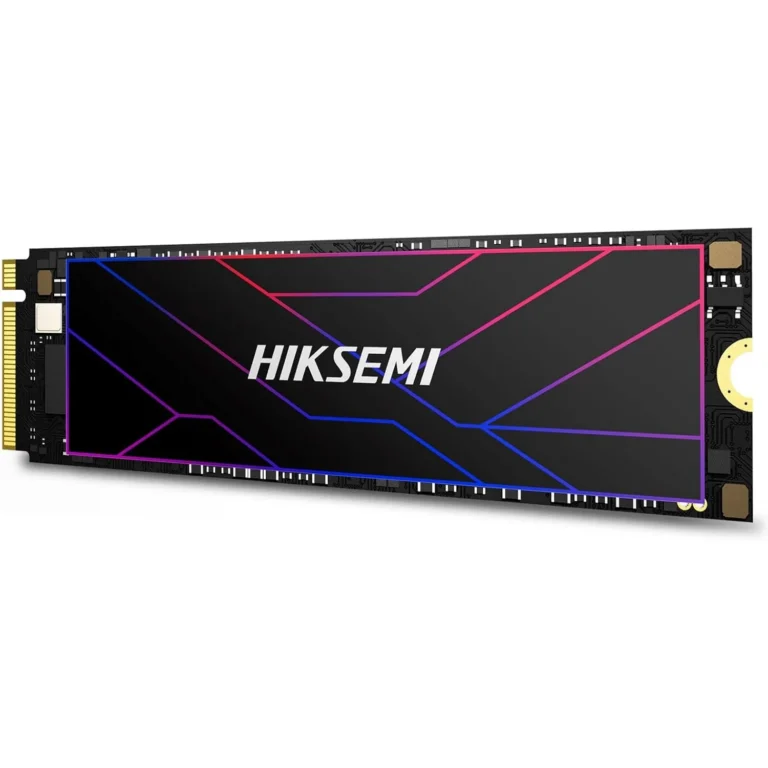
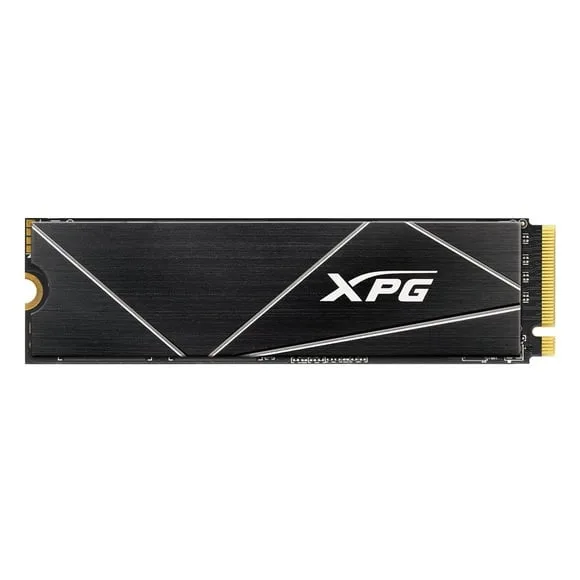
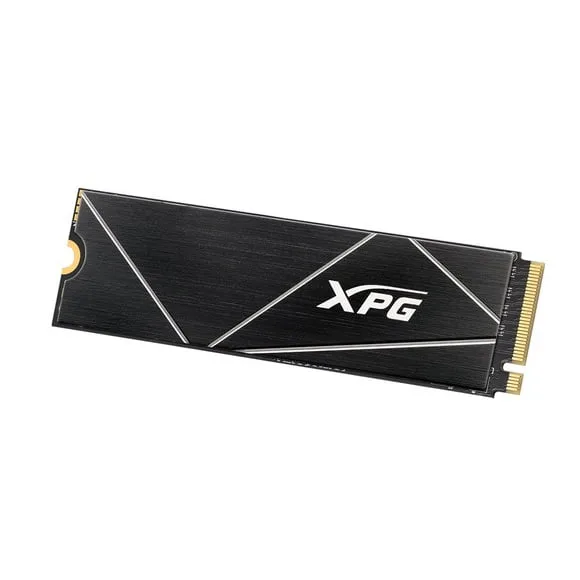
SSDs are the standard for modern storage, offering faster boot times, quicker application loading, and improved system responsiveness compared to traditional hard drives. This category covers the full range of internal solid state drives, from NVMe to SATA, for desktops and laptops. Buyers upgrading their system or building a new PC will find the right interface and form factor here.

The selection spans NVMe Gen 3, Gen 4, and Gen 5 drives for high-speed data transfer, alongside SATA SSDs in the 2.5-inch form factor for broad compatibility. Laptop SSDs in M.2 form factor are available for notebook upgrades. Prices range from entry-level SATA options to premium Gen 5 NVMe drives. All drives are new and come with manufacturer warranty.

Choosing the right SSD depends on your motherboard’s interface and your performance needs.

  • NVMe drives connect via M.2 slots and offer much higher read and write speeds than SATA.
  • Gen 4 and Gen 5 NVMe SSDs provide the fastest speeds but require compatible chipsets.
  • SATA SSDs work with any system that has a SATA port and are a cost-effective upgrade for older computers.

Who Each SSD Type Suits

Gamers and content creators benefit from NVMe Gen 4 or Gen 5 drives for fast level loading and large file transfers. General users and office workers can rely on SATA SSDs or NVMe Gen 3 drives for a smooth daily experience. Laptop owners should choose M.2 NVMe or SATA drives based on their device’s available slot and interface.

Mega Computer offers nationwide delivery across Pakistan. Payment options include cash on delivery and online payment. Visit our showroom in Karachi to see the range in person. All SSDs come with a warranty from the manufacturer; contact our team for details on specific models.

When installing an M.2 SSD, ensure your motherboard has the correct key (M key for NVMe, B+M key for SATA). Some older laptops may require a 2.5-inch SATA SSD instead. For the fastest speeds, pair a Gen 4 or Gen 5 NVMe SSD with a compatible motherboard and ensure adequate cooling for sustained performance.