
Brand
 AmazeAmaze 47
 CoolBellCoolBell 1
- COOSKY 1
 DarkflashDarkflash 1
 EPCEPC 4
 HavitHavit 1
 HOCOHOCO 2
 MeetionMeetion 4
 Microsoft SurfaceMicrosoft Surface 22
 NVIDIANVIDIA 1
 RyzenRyzen 4
 SteelSeriesSteelSeries 1
 UGREENUGREEN 10
- WiWUWiWU 67
 AcerAcer 55
 AppleApple 5
 AsusAsus 153
 CentermCenterm 6
 Cooler MasterCooler Master 2
- DellDell 139
 EaseEase 24
 GigabyteGigabyte 1
- HPHP 349
- HuaweiHuawei 1
 InfinixInfinix 1
 IntelIntel 2
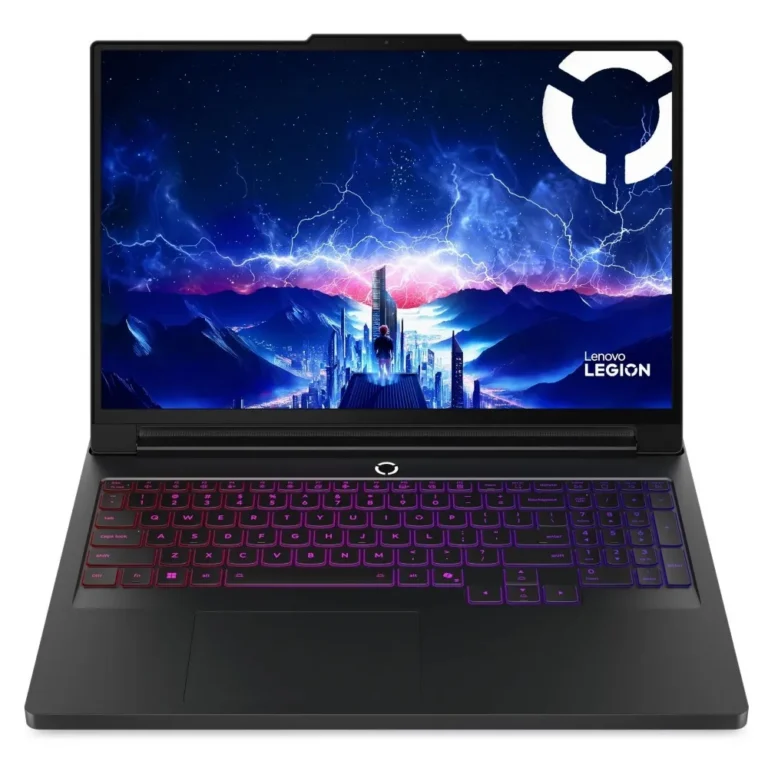
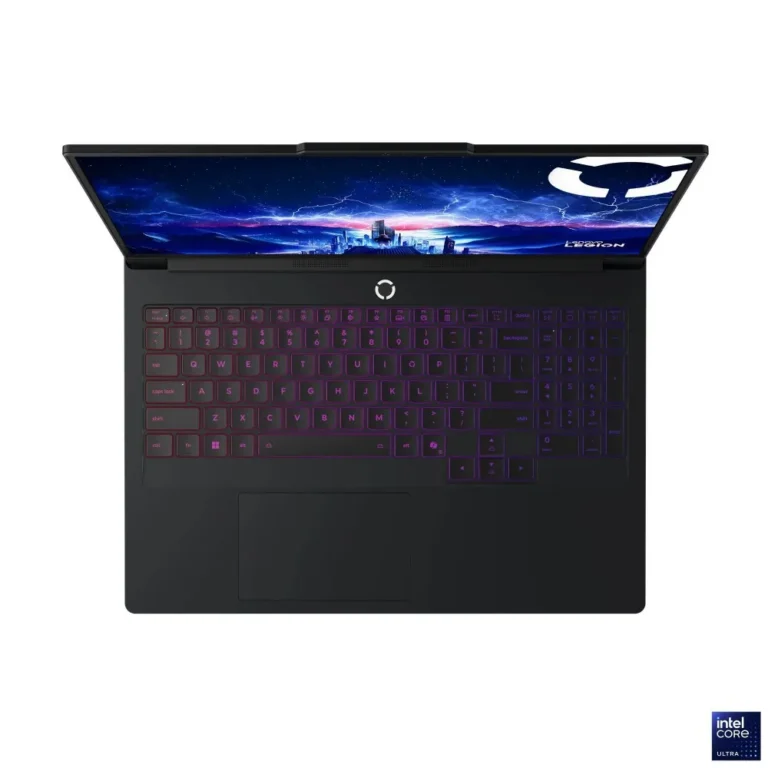
 LenovoLenovo 267
 LogitechLogitech 1
 MicrosoftMicrosoft 18
 MSIMSI 23
 RazerRazer 1
 RedragonRedragon 1
 ViewSonicViewSonic 1
- XPGXPG 2
 ZotacZotac 1
















































Frequently Asked Questions
Should I buy a laptop or a desktop for home use?
A laptop makes sense if the machine has to move between rooms, a campus or an office, since everything is built into one unit. A desktop suits a fixed workspace and lets you replace memory, storage and other parts later. Both branches sit under this category, so compare the two before you decide.
Is 8GB of RAM with a 512GB SSD enough for study and office work?
That configuration covers document work, browsing with several tabs open, online classes and general office software. The 512GB SSD gives room for files and applications before you need external storage. Heavier workloads such as large media projects benefit from more memory, which is easier to add on a desktop.
Do you deliver outside Karachi, and how can I pay?
The showroom is in Karachi, and orders ship nationwide across Pakistan. You can pay by cash on delivery or through online payment. HP machines are sold with official warranty cover, so retain your invoice for any service claim.