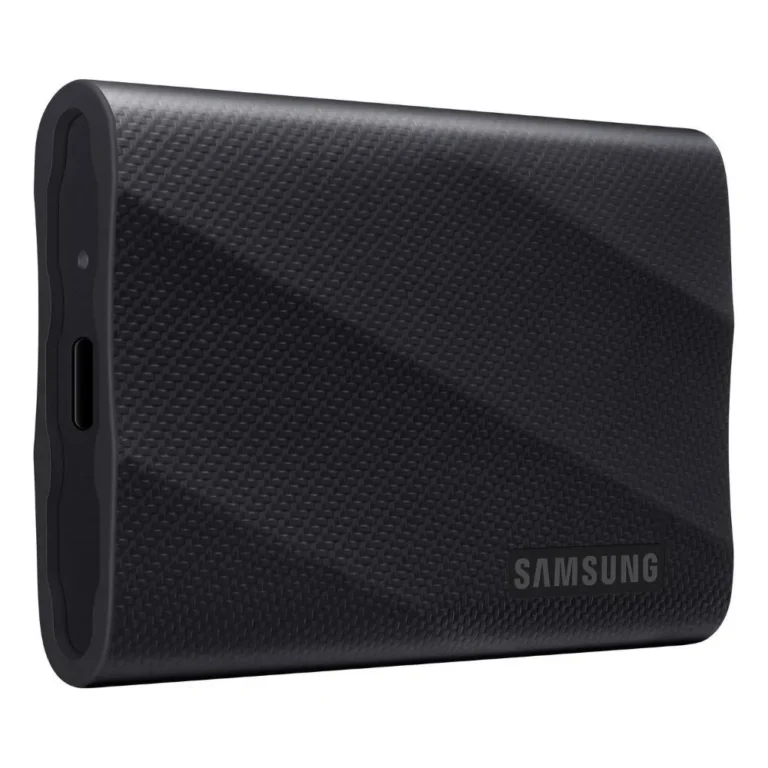
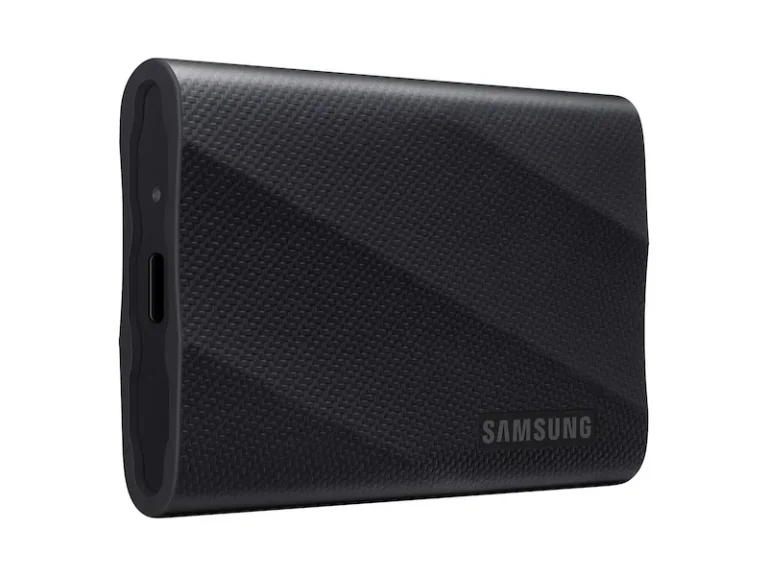
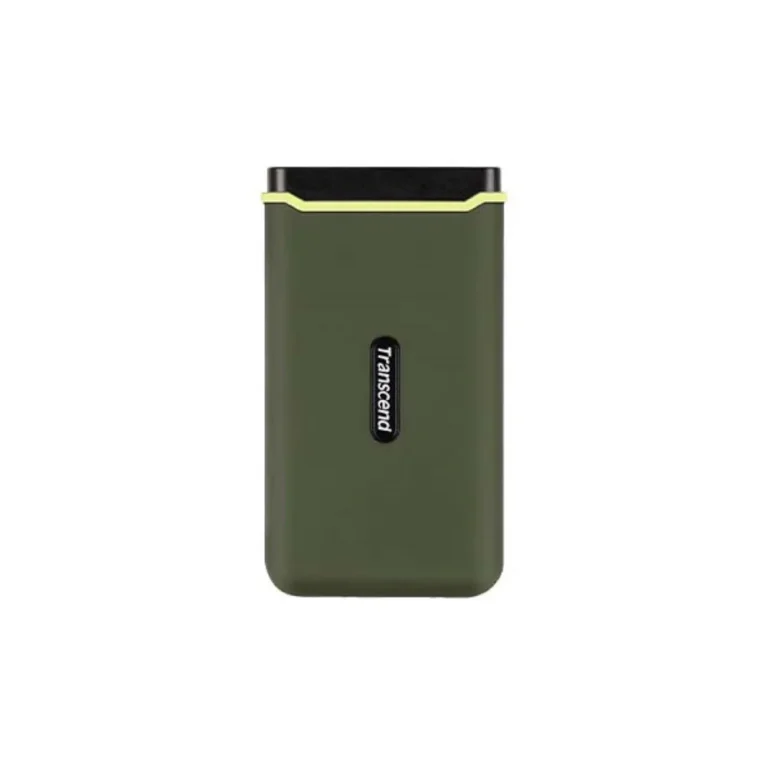
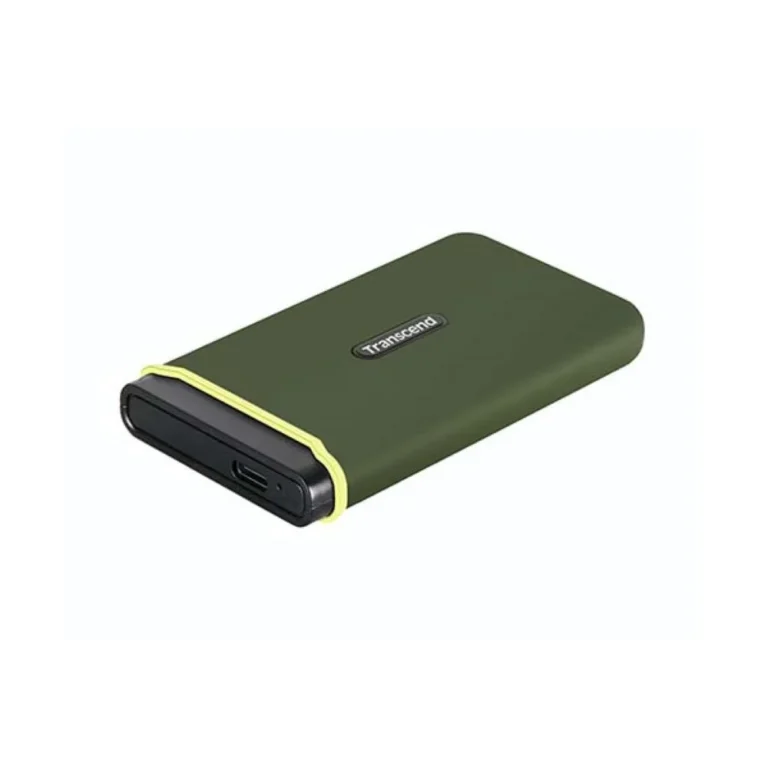
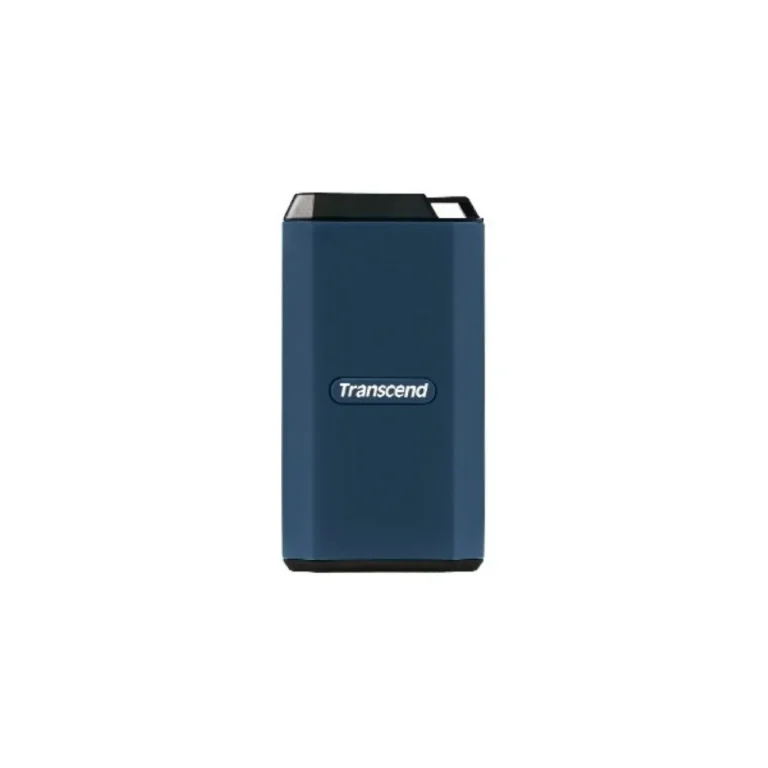
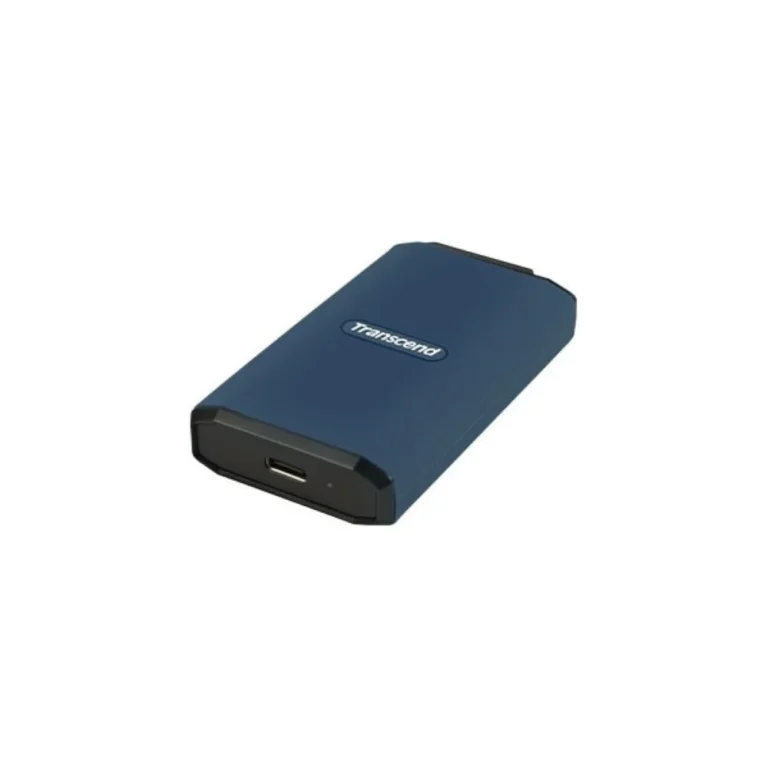
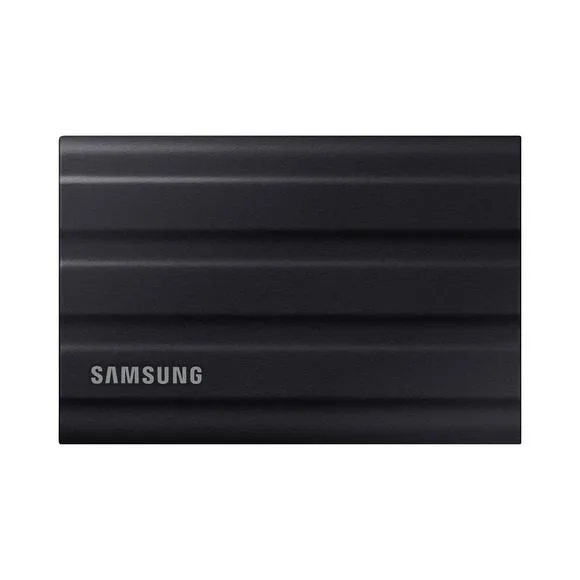
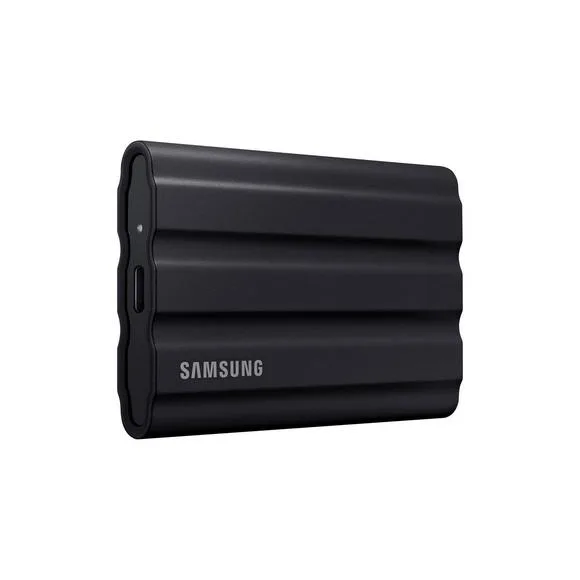
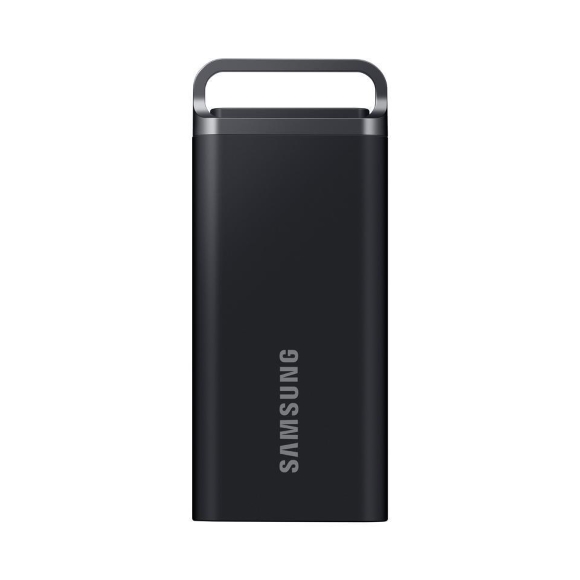
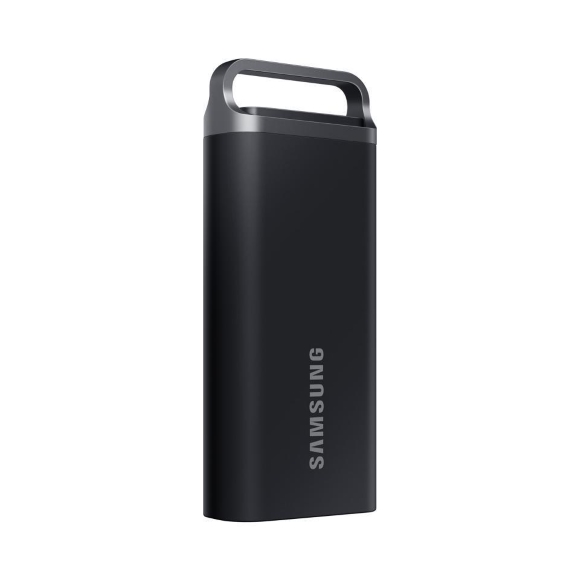
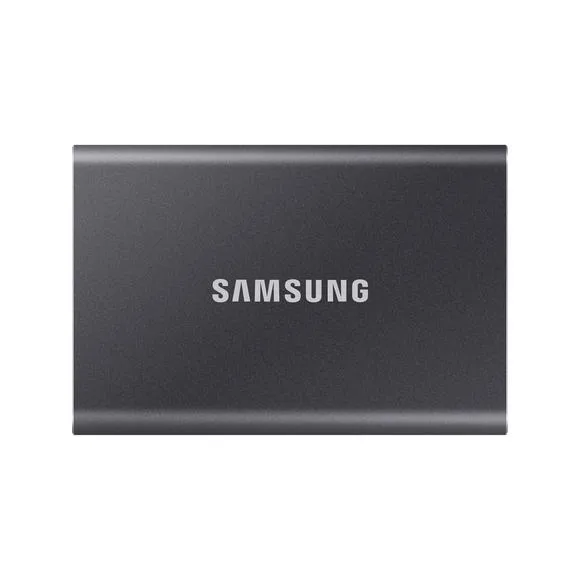
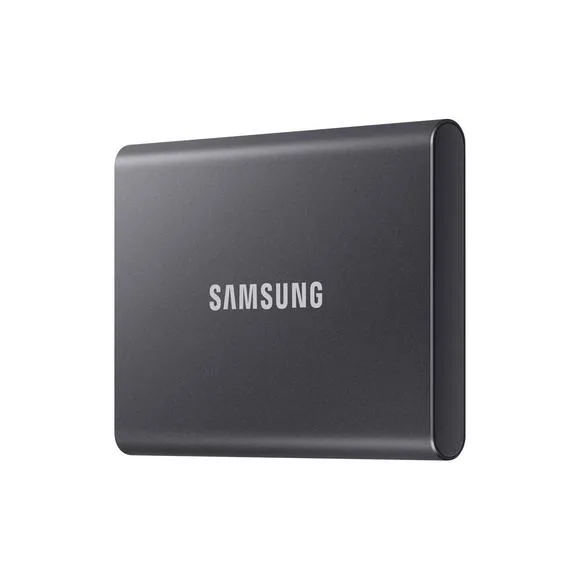
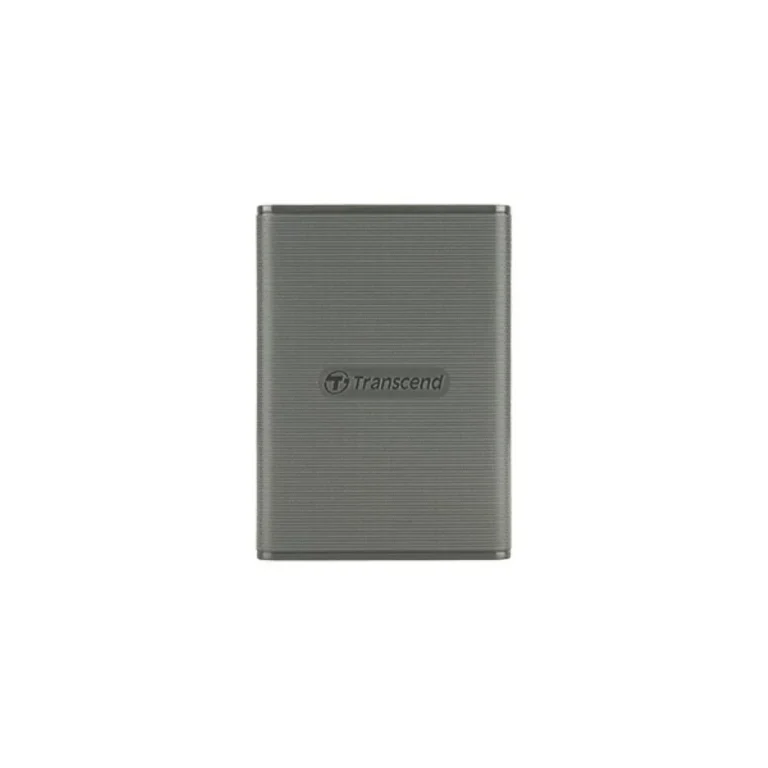
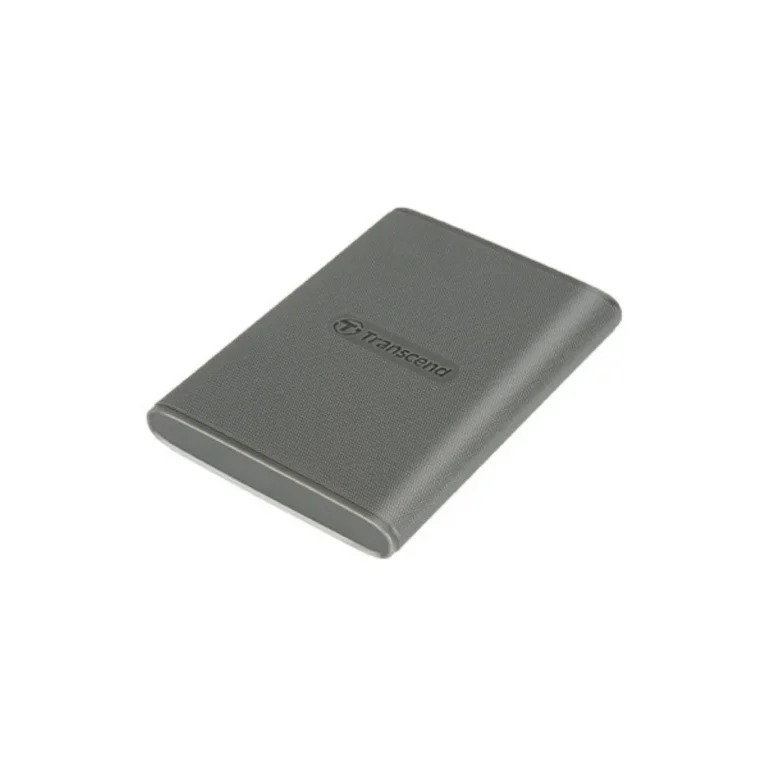
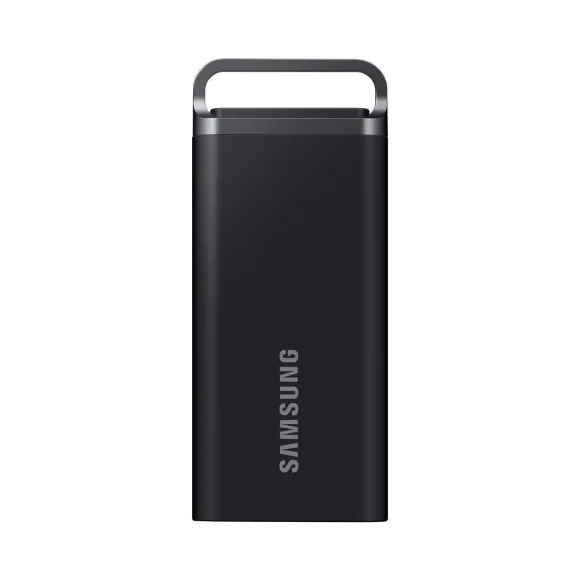
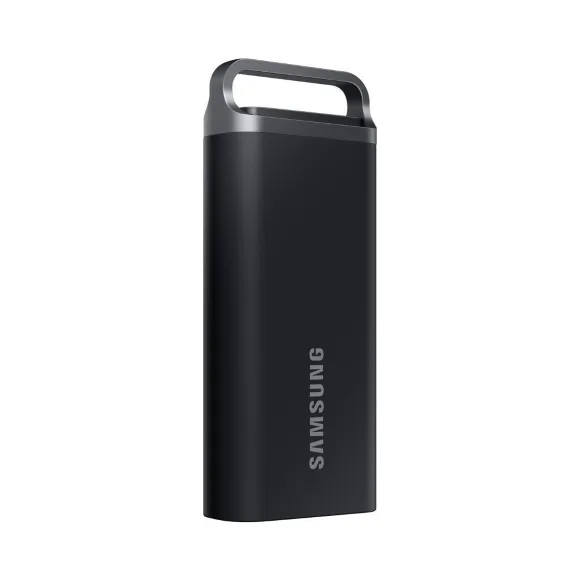
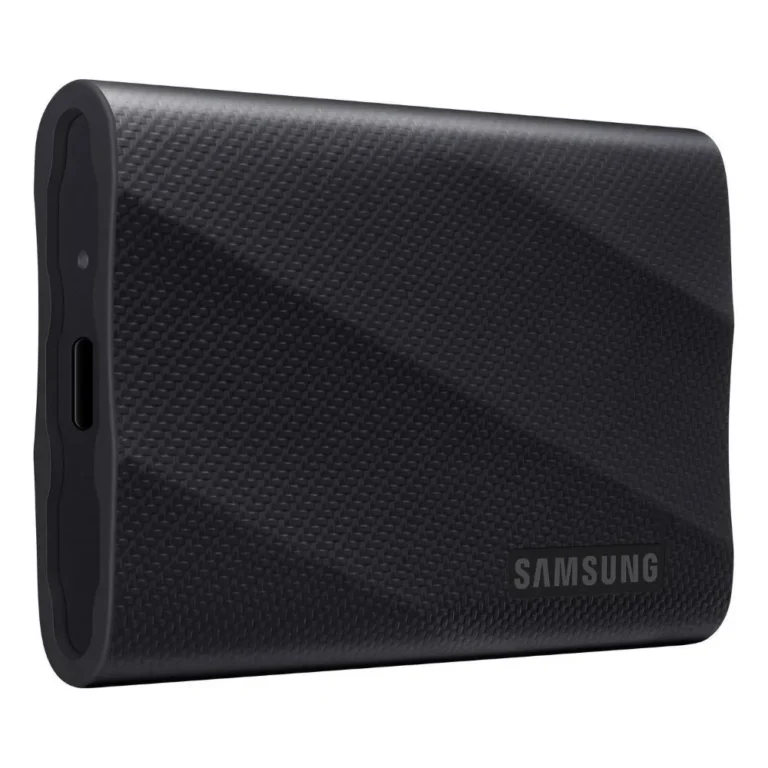
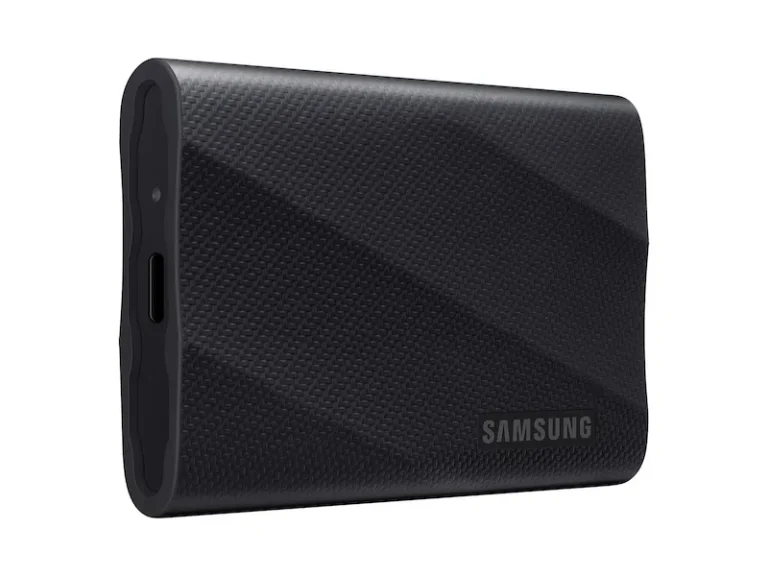
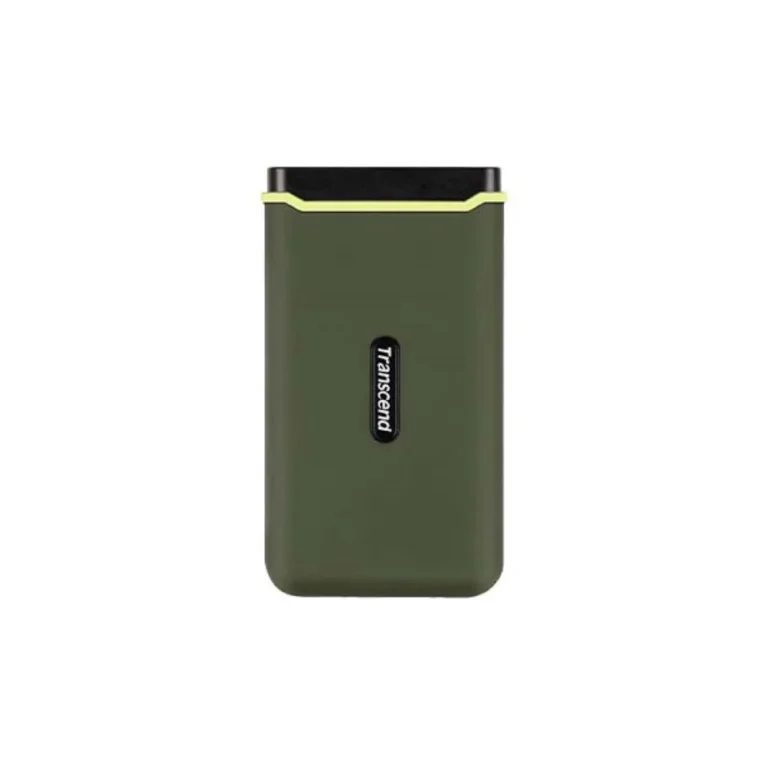
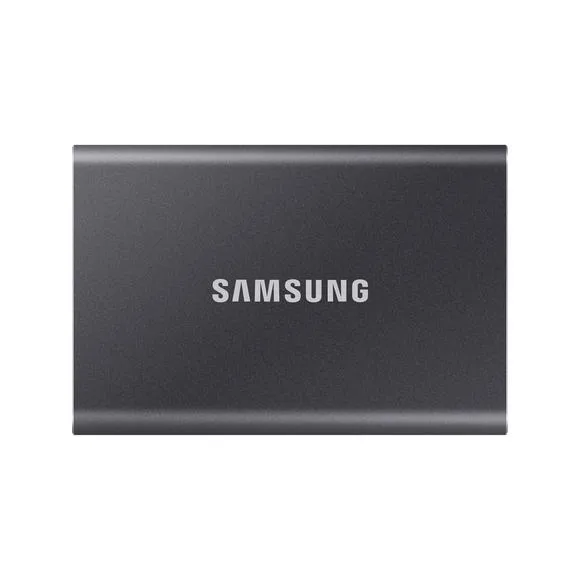
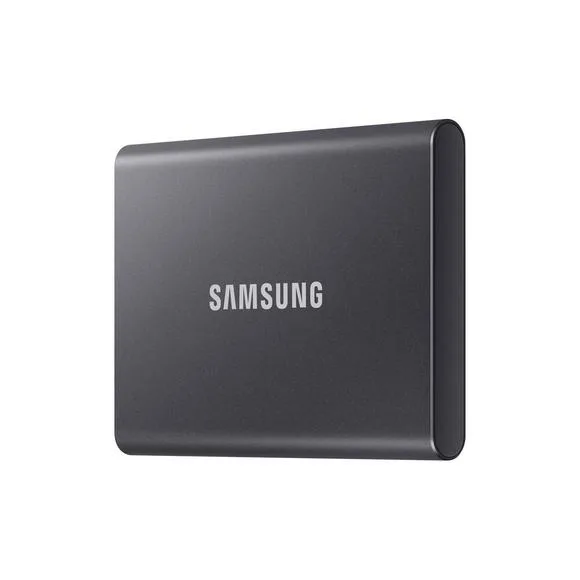
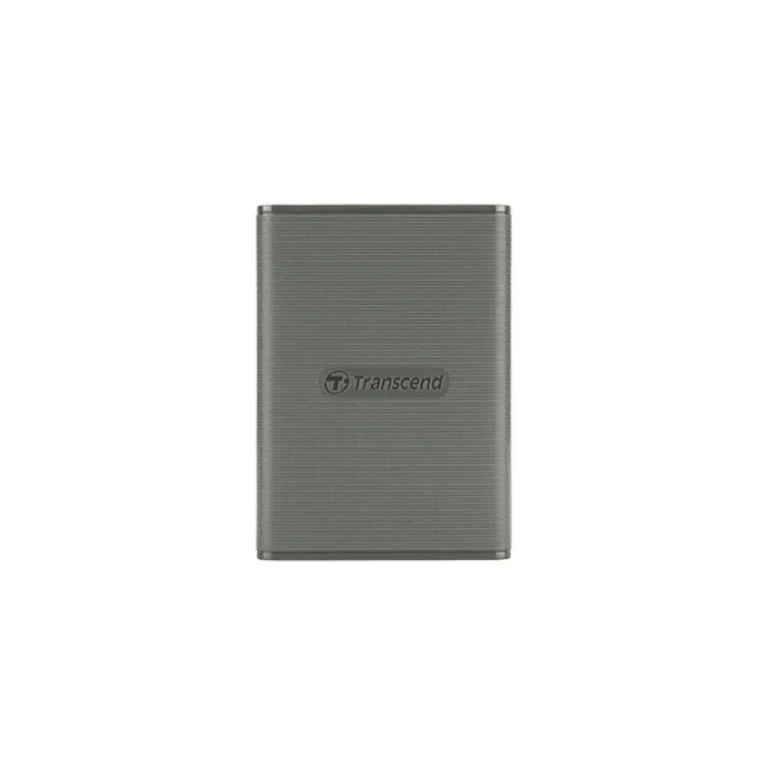
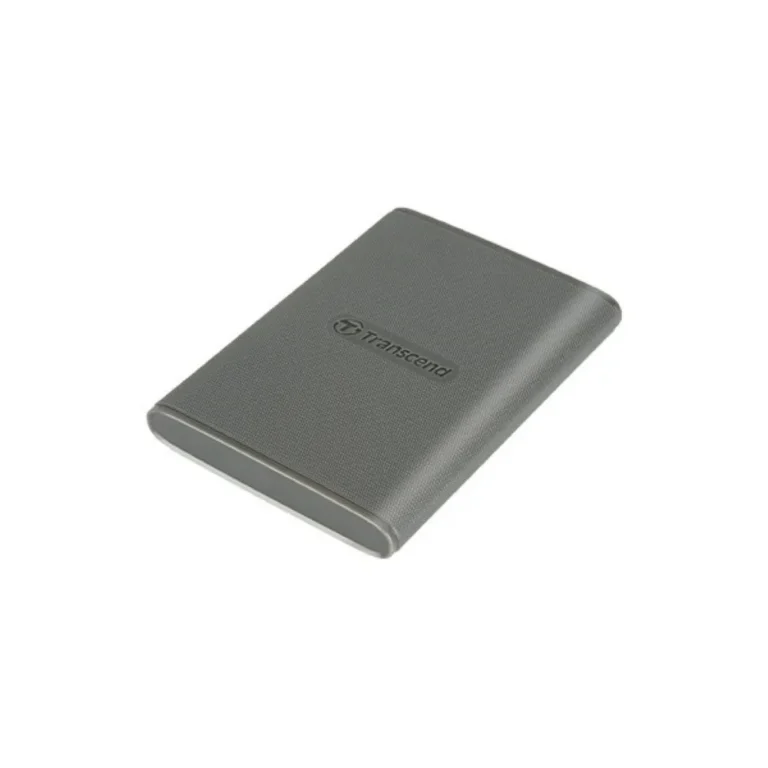
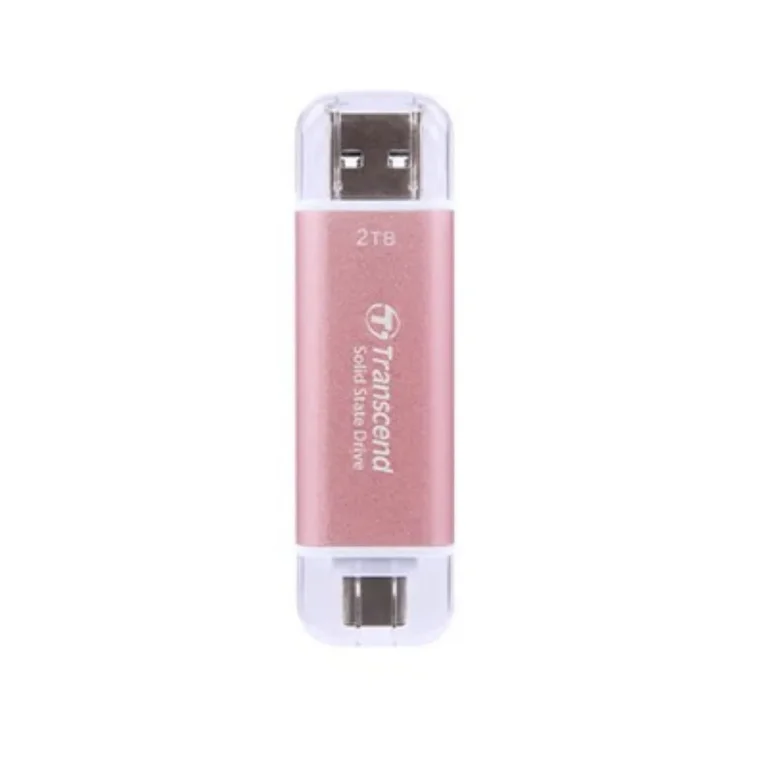
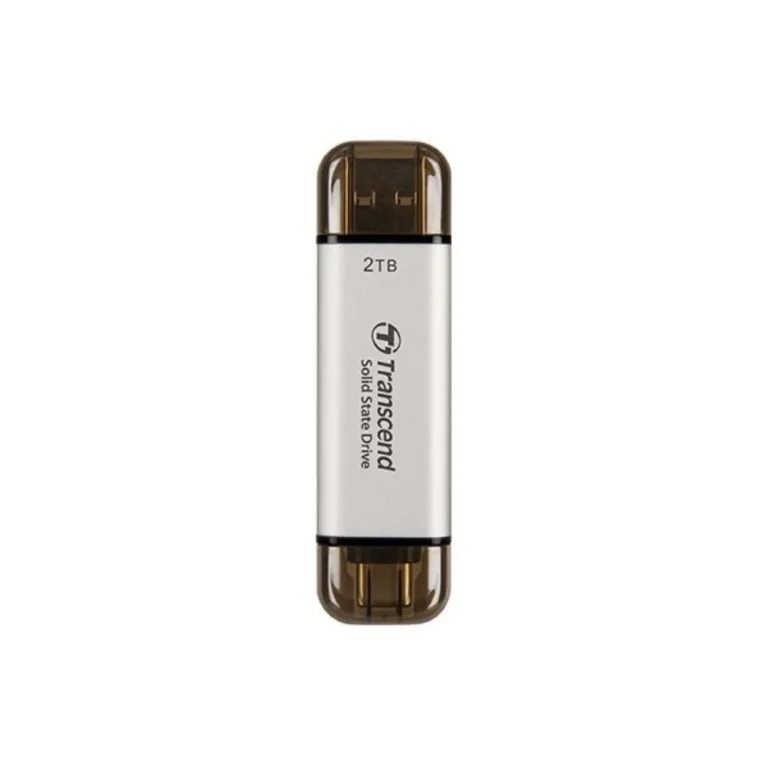
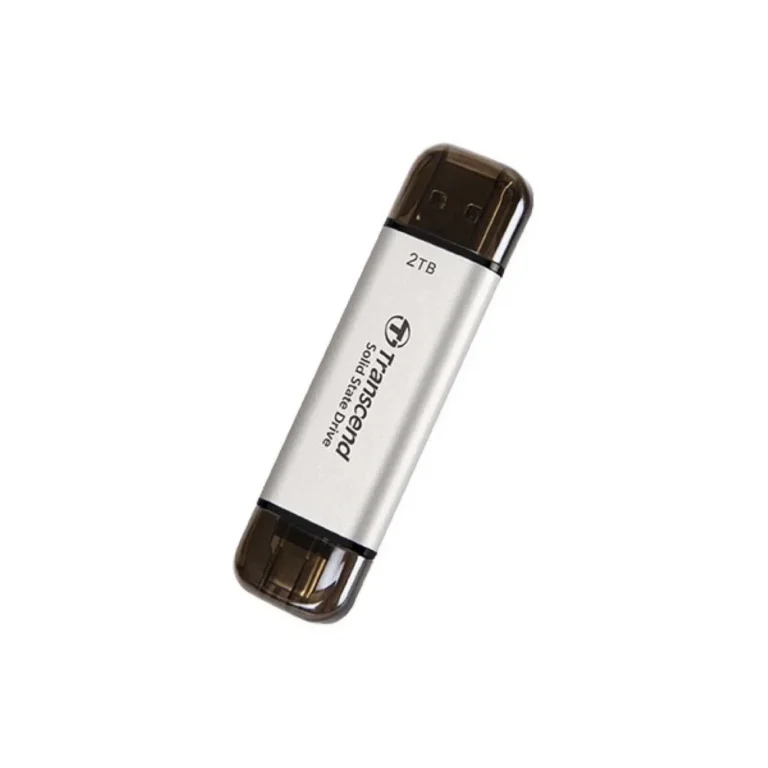
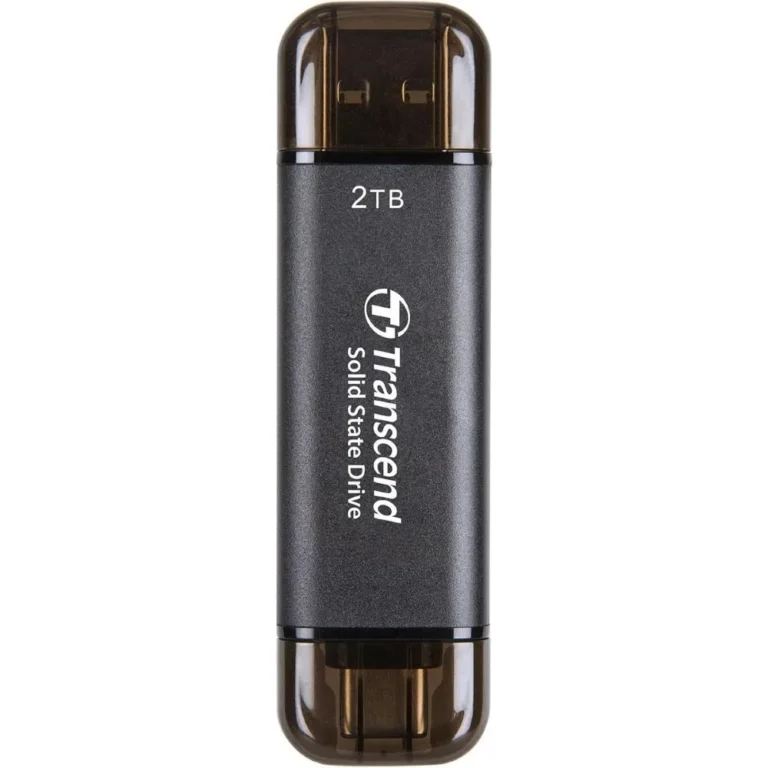
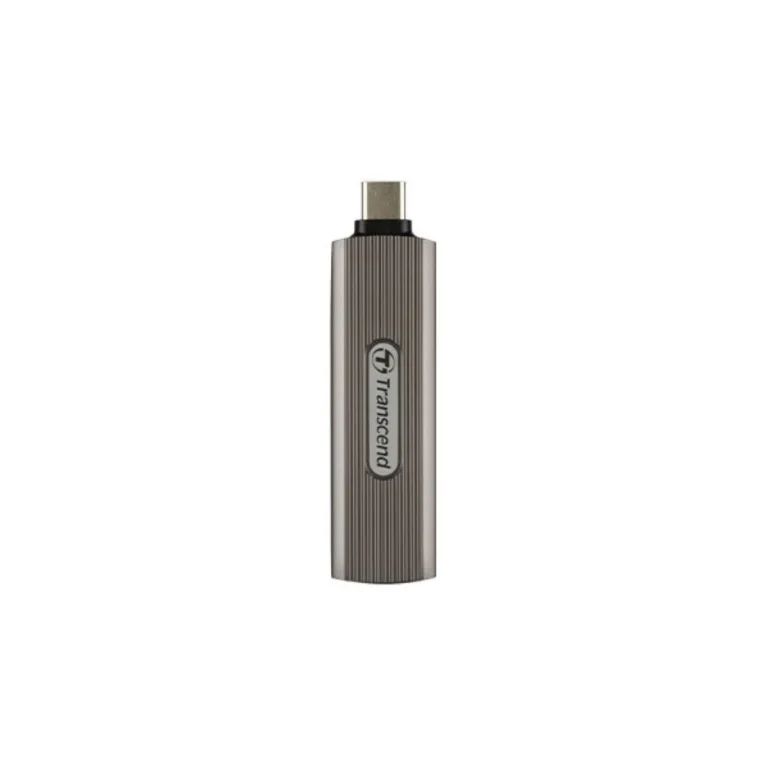
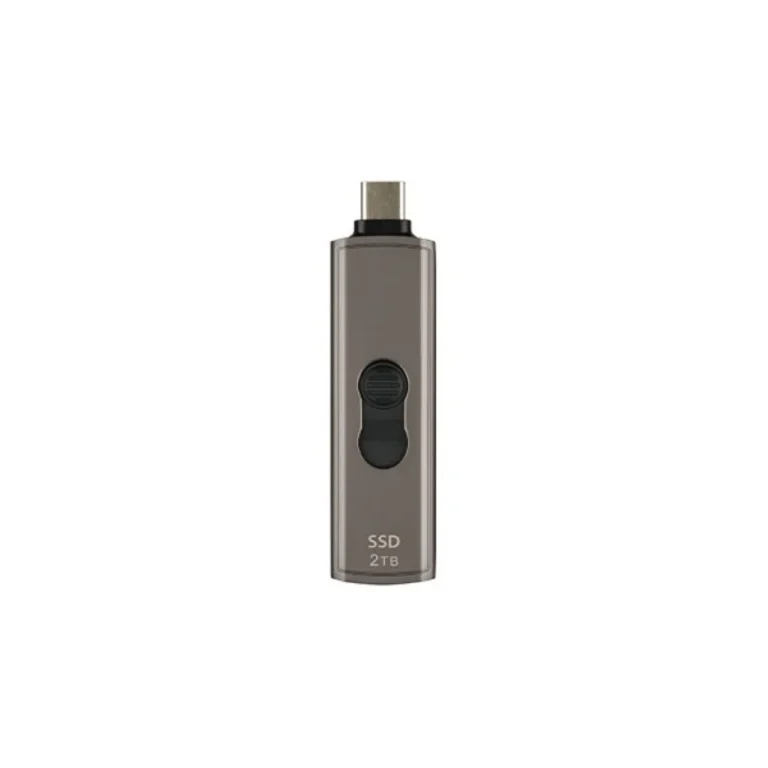
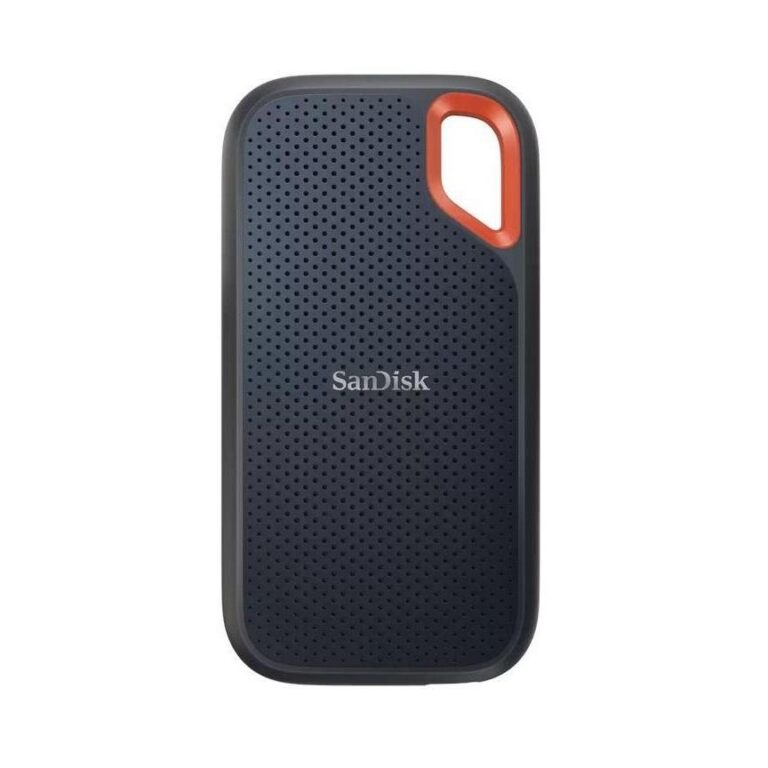
Pocket sized SSDs from Samsung and Transcend in 4TB and 8TB capacities, built to move large project files between machines over USB Type C.
Portable SSDs for Editing, Backup and Everyday Carry
A portable SSD fits in a jacket pocket and connects over a single USB Type C cable, which is why editors, photographers and field engineers pick one over a drive that needs a desk and a power brick. The drives in this section are finished units with no enclosure to assemble and no caddy to buy. Buyers here are moving finished project folders between a shoot, a workstation and a client, or keeping a working archive that travels.
Sixty four drives sit in this section, split between Samsung and Transcend. Capacity runs to 4TB across both brands, with an 8TB Samsung model on USB 3.2 Gen 1 for people who want one drive instead of three. Interface coverage spans USB 3.2 Gen 1 and USB 3.2 Gen 2, and Samsung rates one of its 4TB units at up to 1050 MB/s. Transcend covers the rugged end with a water resistant 4TB drive aimed at 4K ProRes capture. The price spread is wide, from entry level pocket drives through to premium high capacity units.
Three decisions settle most of these purchases.
- First, the interface generation: a Gen 2 drive moves a folder of camera footage in a fraction of the time a Gen 1 drive takes, but only if the port on your machine matches, so a Gen 1 8TB unit makes sense for archive duty where the transfer runs overnight.
- Second, capacity against cost per terabyte, since 8TB in one enclosure costs more up front than two 4TB drives but survives a single cable and a single port.
- Third, the shell: a water resistant body earns its price on location work and adds nothing on a desk.
Matching the drive to the job
Someone cutting 4K ProRes footage on location wants the Transcend water resistant 4TB unit, because the drive rides in a camera bag and records straight off the body. A studio editor pulling timelines back and forth benefits more from a Gen 2 drive rated near 1050 MB/s than from extra terabytes. Anyone consolidating years of client folders should look at the 8TB Samsung unit and accept the Gen 1 interface. A student backing up a laptop needs none of that and should buy at the entry level end of the range.
Every drive listed here is new stock with brand warranty handled through Mega Computer. Buyers in Karachi can walk into the showroom and check the drive and cable in hand before paying. For the rest of the country we run nationwide delivery across Pakistan, with cash on delivery and online payment both accepted. Keep the invoice, since warranty claims on portable SSDs run against it.
Check the port before you order. A Gen 2 drive plugged into an older Type A port on a laptop drops to that port’s speed, and the rated figure on the box assumes a matching host. Most of these units ship formatted for general use, so reformat once for your camera or editing system rather than moving between formats.