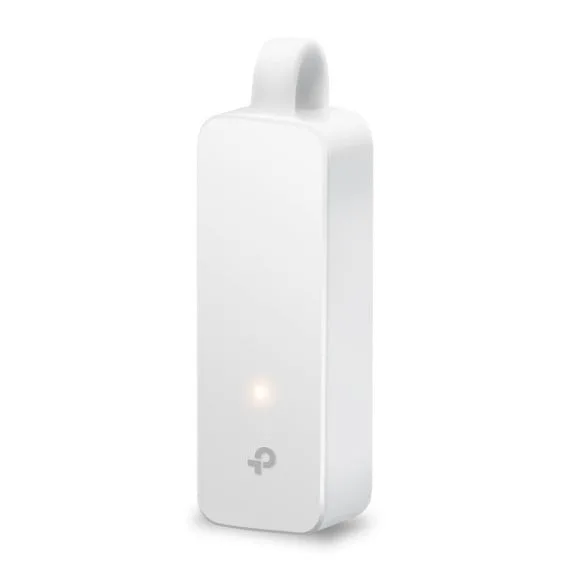
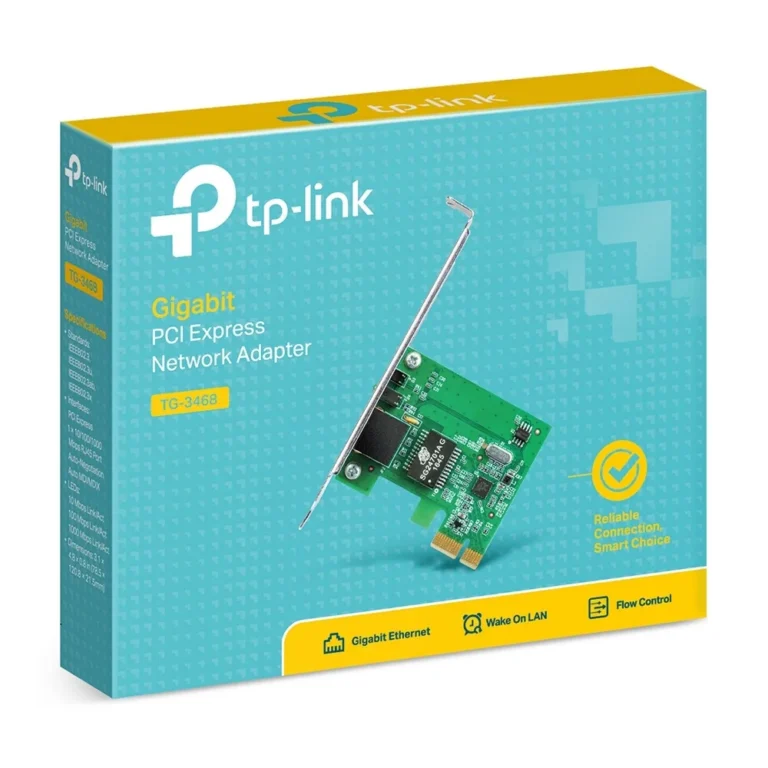
TP-Link and UGREEN adapters that add a wired Ethernet port to a laptop or desktop, in USB, Type-C and internal PCIe card formats, sold new with warranty.
USB to Ethernet Network Adapters and PCIe Network Cards
Machines that have lost a working wired port get it back here, and a USB to Ethernet network adapter is the shortest route for a thin laptop that shipped without one. The section also holds internal cards that sit in a desktop slot. Buyers reach for these when Wi-Fi drops during a call, when an office needs every desk on cable, or when a motherboard port stops responding and replacing the board is not worth it.
The stock splits across TP-Link and UGREEN. TP-Link covers the widest set of shapes: a USB adapter, a Type-C adapter that suits machines with only Type-C ports, and a PCIe card for desktops. UGREEN sits alongside it on the USB side. Prices sit in a narrow band, so the step from an entry-level unit to a premium one is small, and the choice comes down to the connector on your machine rather than what you can afford.
Two decisions settle most purchases.
- First, internal or external: a desktop with a free PCIe slot takes a card that stays inside the case and never gets unplugged, while a laptop needs an external unit.
- Second, the port shape. A Type-C adapter will not fit a rectangular USB-A socket, and an adapter for a USB-A port will not plug into a Type-C only machine without a second converter. Check the ports on the actual machine before ordering. Housing matters as well, since a metal shell handles the heat of long transfers better than plastic.
Matching the adapter to your setup
Someone with a slim laptop and a conference room network wants the Type-C unit, because it goes in the bag and comes out when the Wi-Fi will not hold. A desktop user whose onboard port died wants the PCIe card, which frees the USB ports for other things. An office buying for a room of identical machines should pick one model and stay on it, so a single driver covers every desk. Anyone chasing steadier latency for online play gets more from a cable run than from another Wi-Fi channel.
Our showroom in Karachi carries these on the shelf, and orders go out for nationwide delivery across Pakistan. Pay cash on delivery or online. Every unit is new stock with warranty support handled through us, so a fault gets sorted without you chasing the brand. Staff can confirm which connector suits your machine before you order.
Setup is short in most cases. Most desktop operating systems recognise these adapters on plug-in, though a PCIe card in a fresh install may want its driver loaded from the vendor before the port appears. You still need a patch cable, which is sold separately, and a free port on your router or switch.