Monitor mounts, arms, wall brackets, HDMI and DisplayPort cables, USB-C adapters and desk light bars for setting up or upgrading a display in Pakistan.
Monitor Accessories
Monitor accessories cover everything that connects, mounts, or lights up a display once the screen itself is out of the box. Buyers land here after choosing a monitor and needing to sort out how it sits on the desk, how it connects to a laptop or PC, and how the workspace around it is lit.
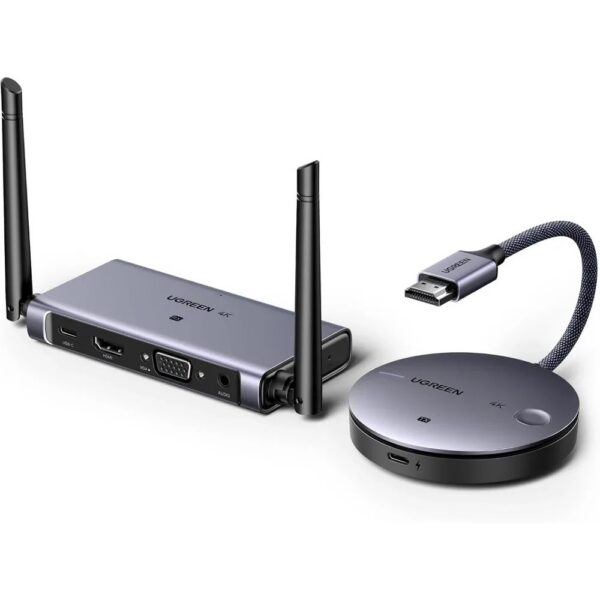
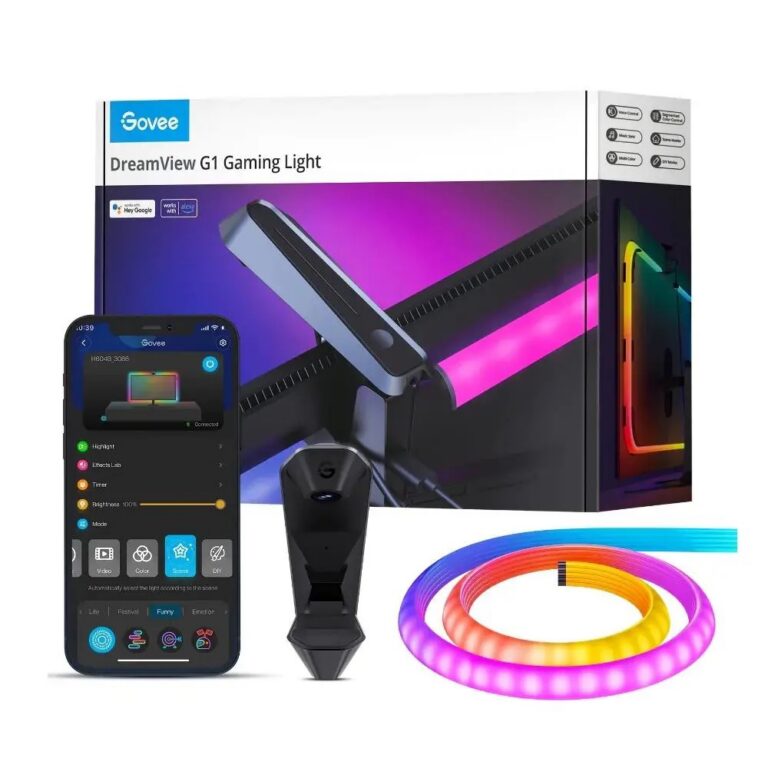
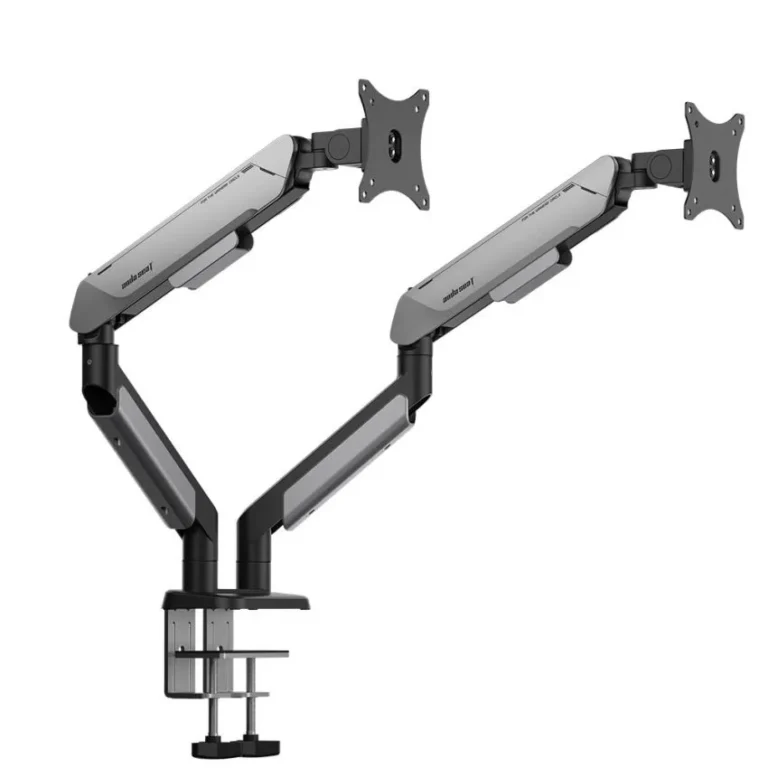
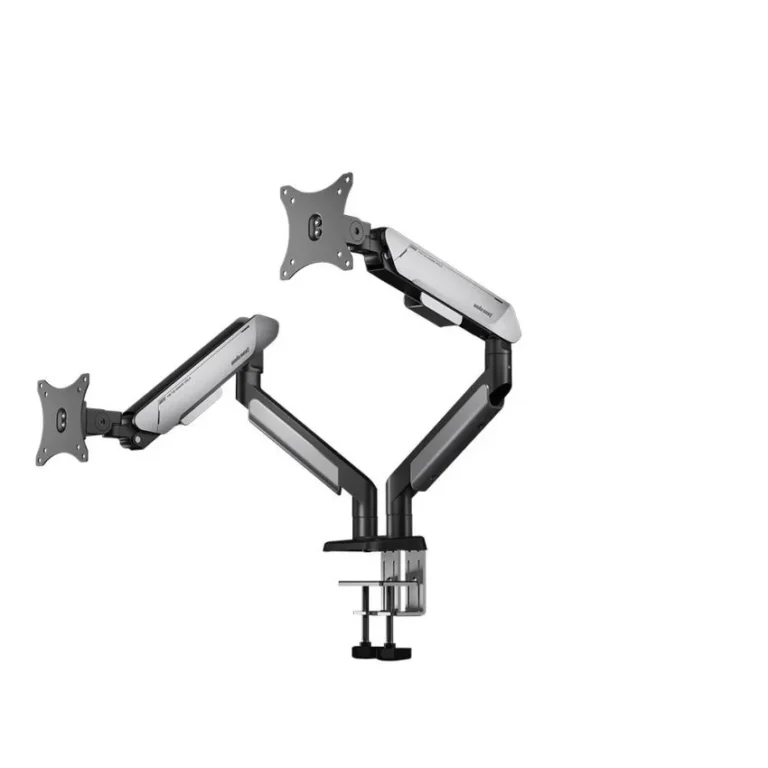
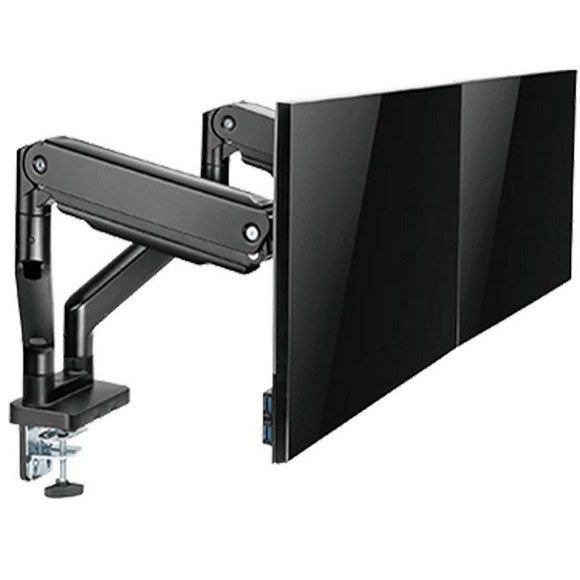
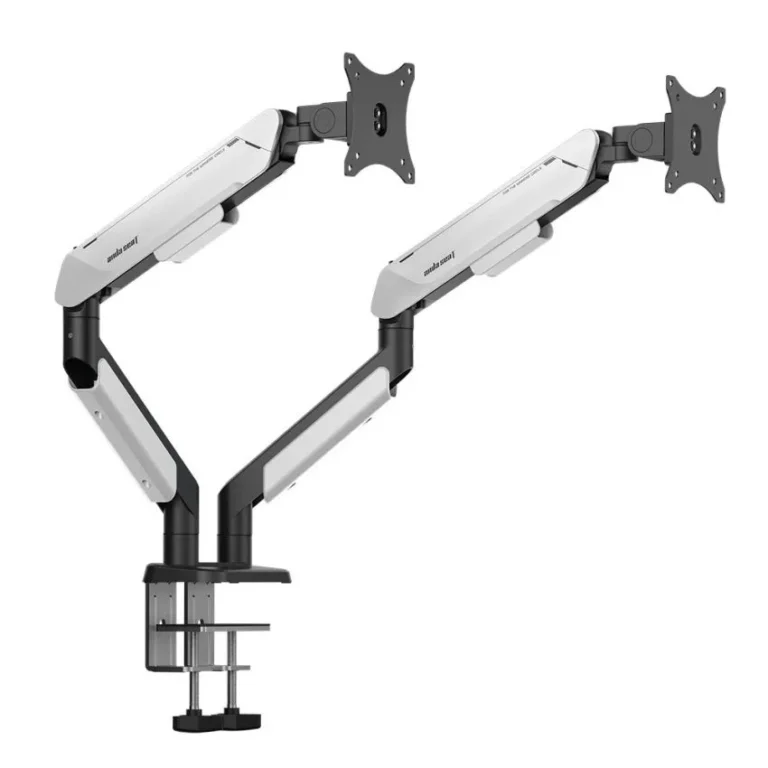
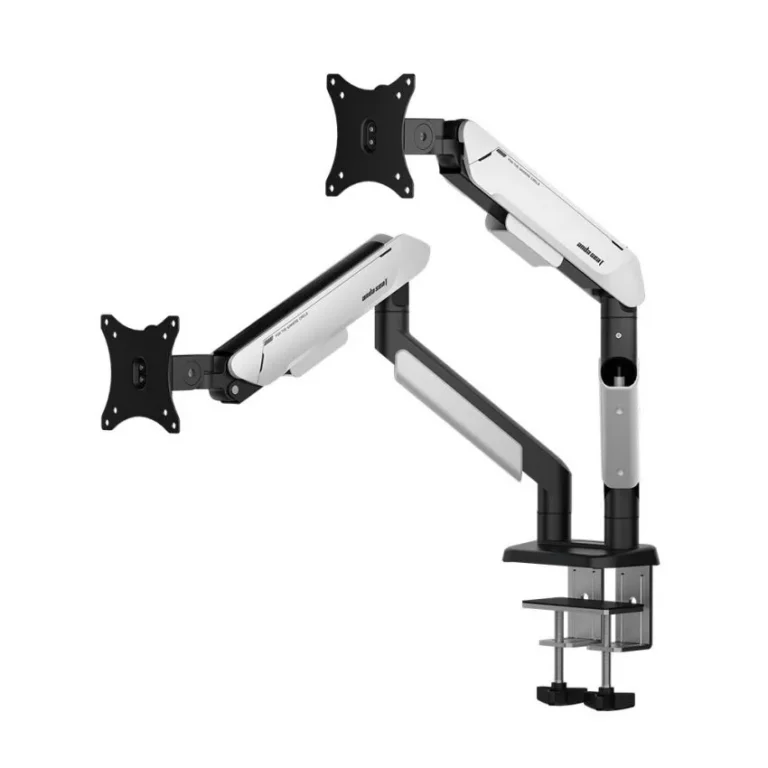
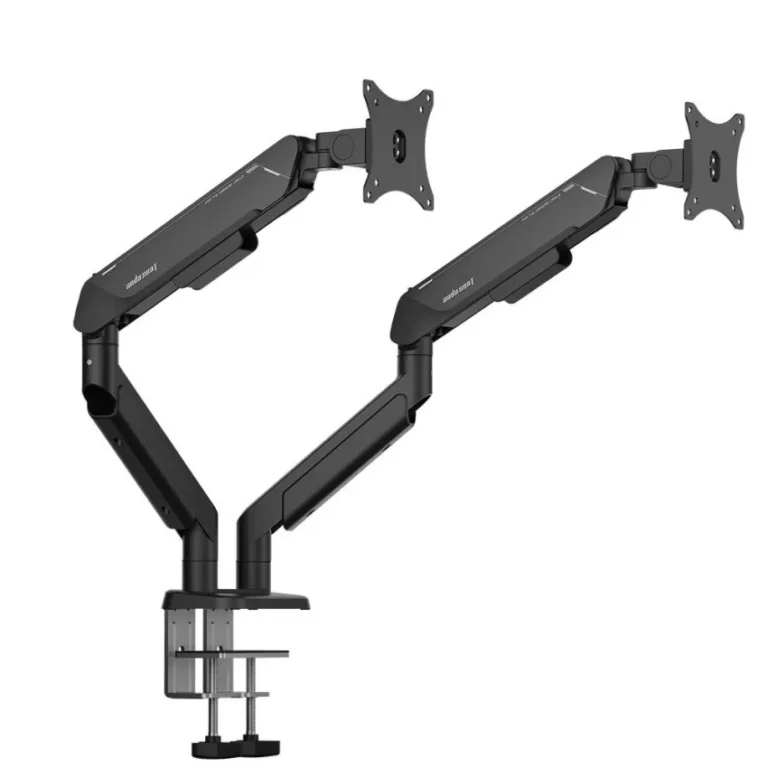
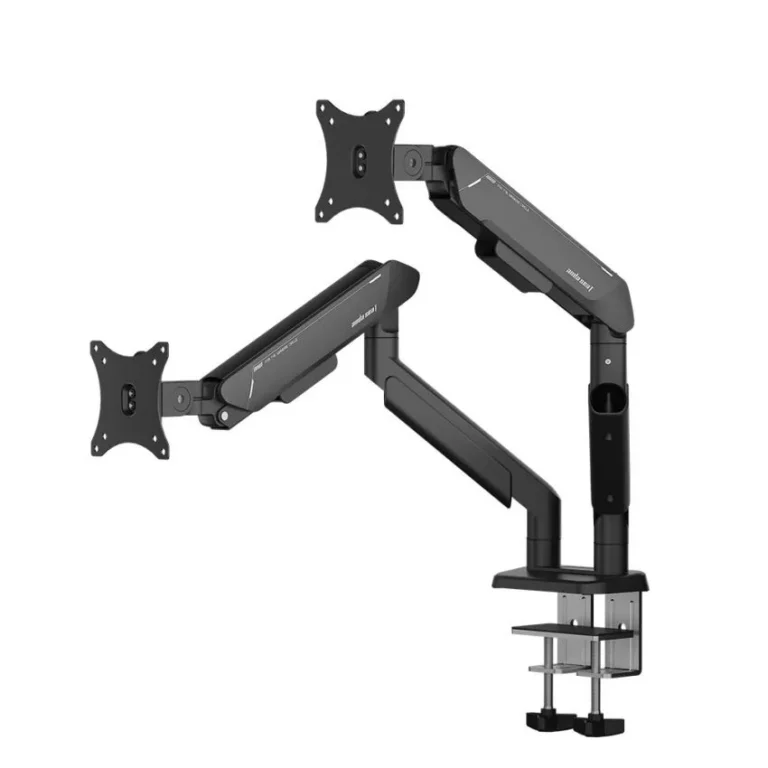
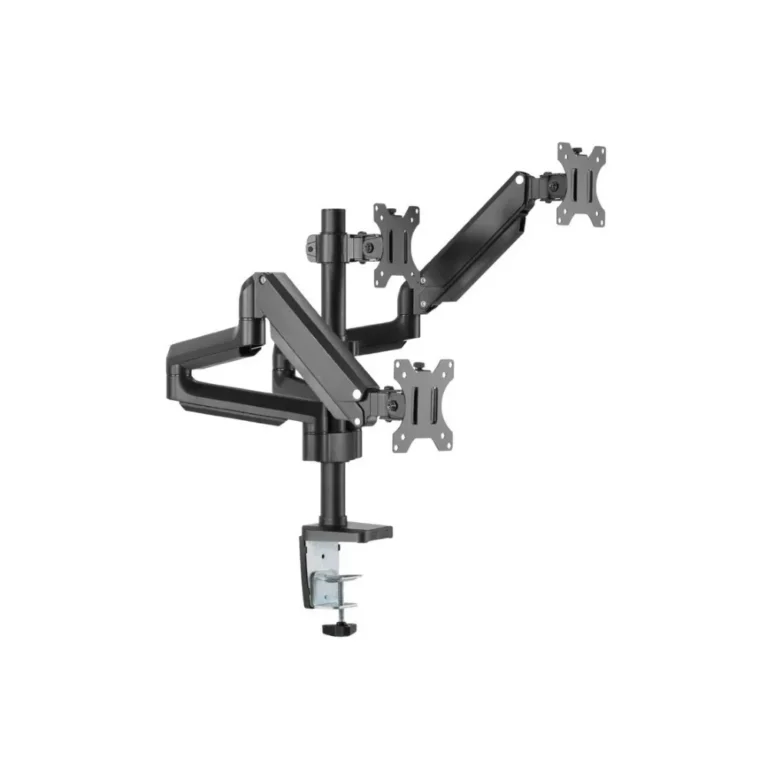
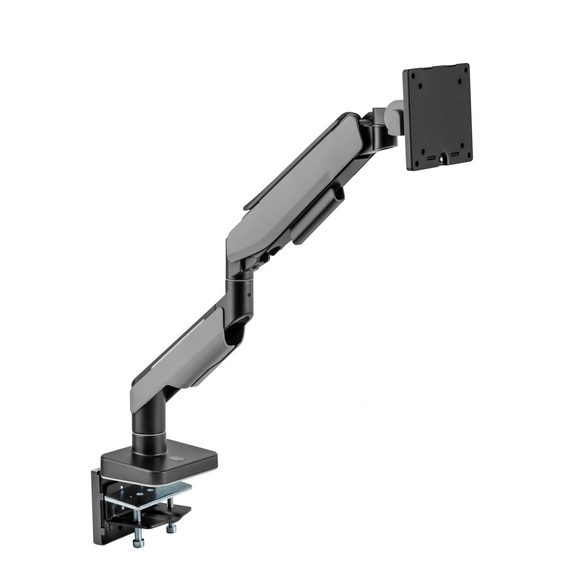
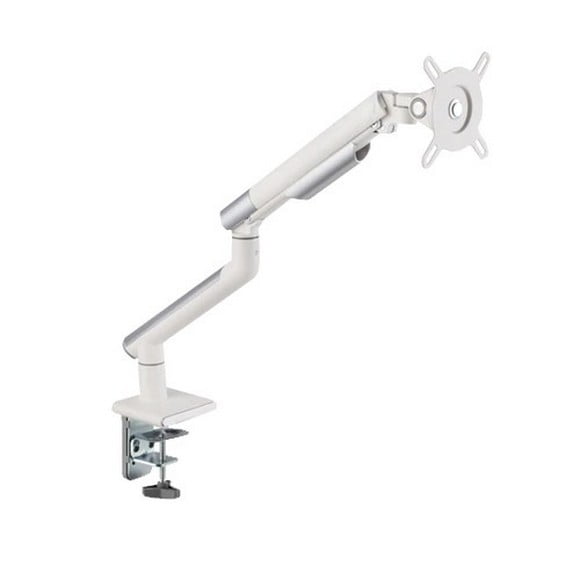
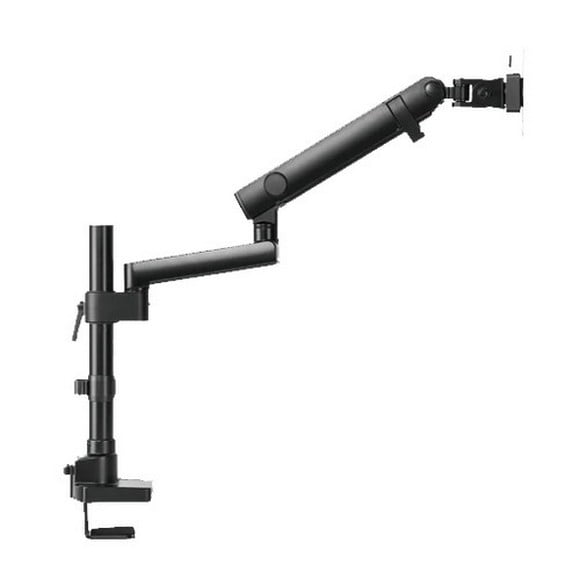
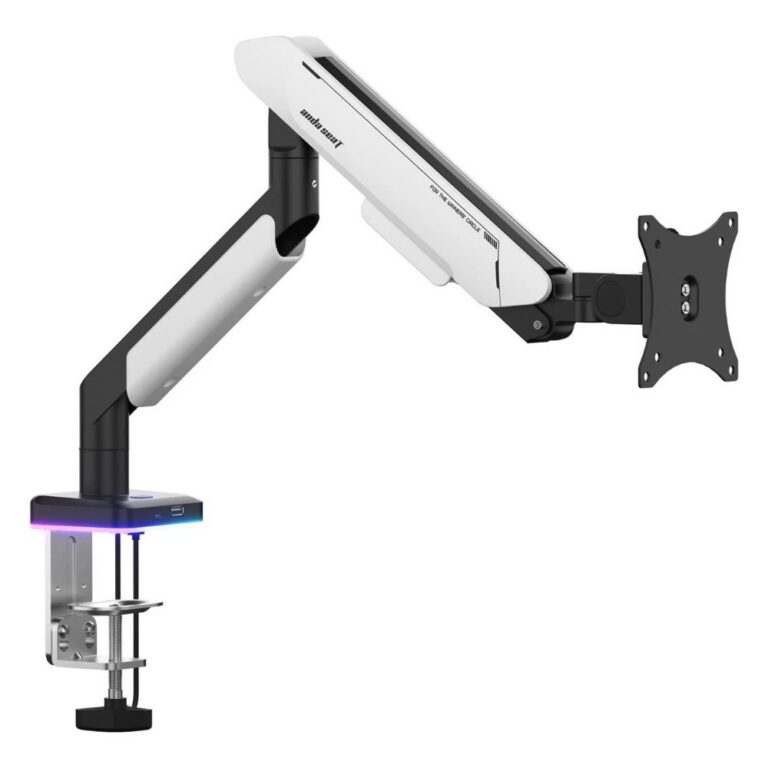
This section is organized into five subcategories: Monitor Arms & Stands for positioning and height adjustment, Monitor Cables (HDMI/DP) for connecting a display to a graphics card or laptop, Monitor Light Bars for desk lighting mounted above the screen, USB-C & Display Adapters for laptops and phones that need a different port than the monitor offers, and Wall Mount Brackets for fixing a screen to a wall instead of a desk. Each subcategory holds its own range of options rather than a single fixed spec.
The first decision is mounting: a desk arm suits a single monitor that needs to move or free up desk space, a stand works for a fixed position, and a wall bracket suits a room where the desk is not an option. The second is the cable or adapter, since HDMI and DisplayPort are not interchangeable, and a laptop with only USB-C ports needs an adapter or dock before a cable connects anything. A light bar is a separate decision that depends on desk depth and how the monitor sits, since it clips to the top edge of the screen.
Who It Suits
Someone building a home office with two monitors starts with Monitor Arms & Stands. A gamer or editor upgrading a graphics card needs a new cable from Monitor Cables (HDMI/DP) rather than new hardware. A remote worker whose laptop has only USB-C ports looks at USB-C & Display Adapters to connect an existing external monitor. A shop, reception desk, or shared wall display suits Wall Mount Brackets, and anyone working long hours at a desk in a dim room checks Monitor Light Bars.
Mega Computer has traded since 1986 and keeps a showroom in Karachi, with nationwide delivery across Pakistan for online orders. Payment is accepted by cash on delivery or online payment, and each subcategory lists its own products and price range in detail.