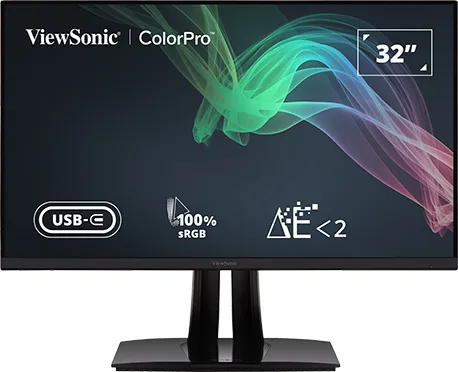
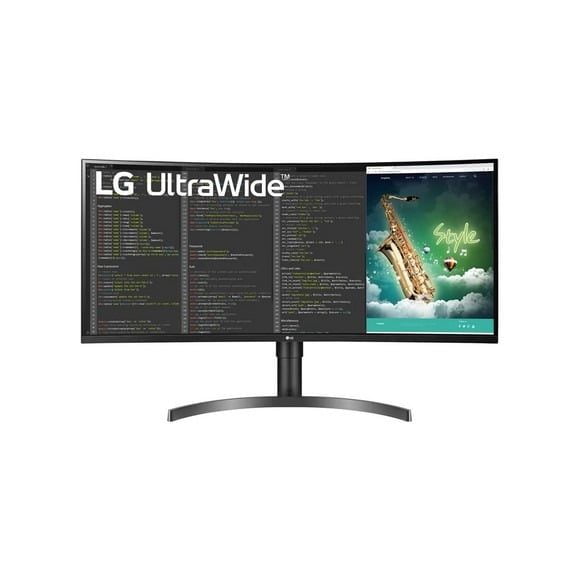
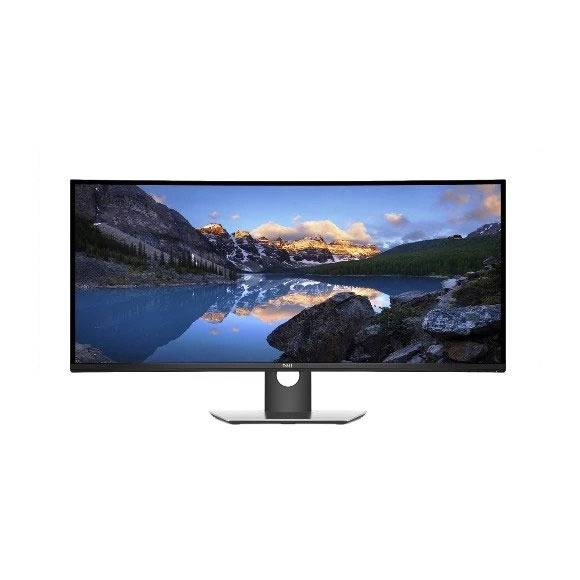
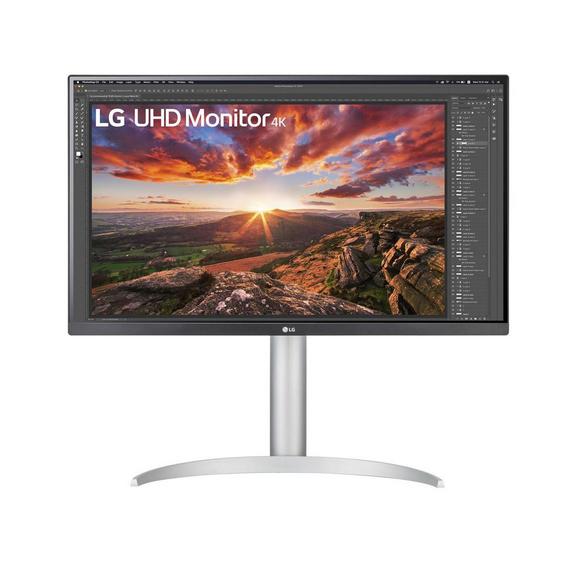
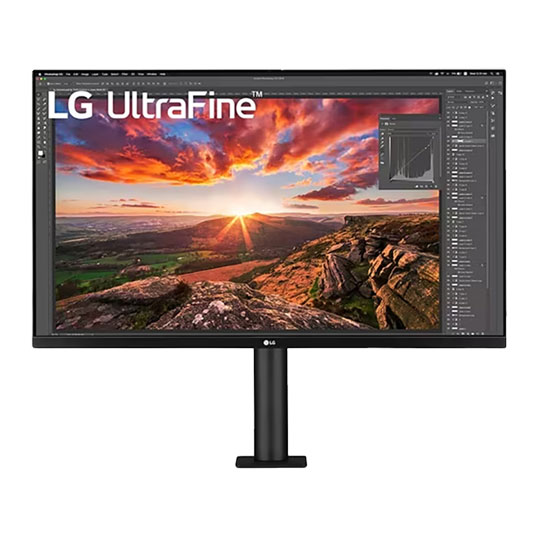
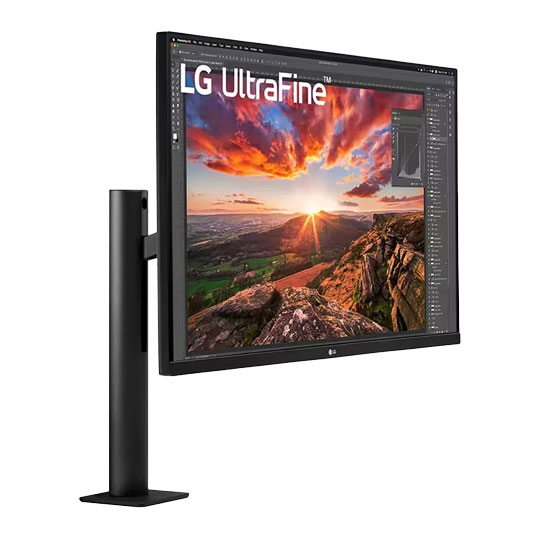
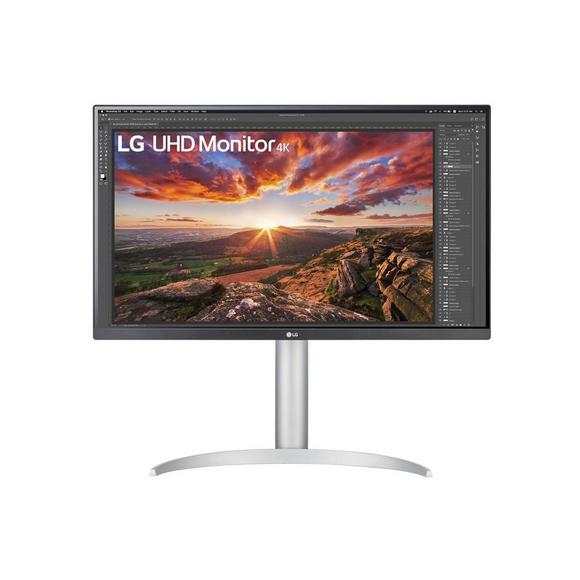
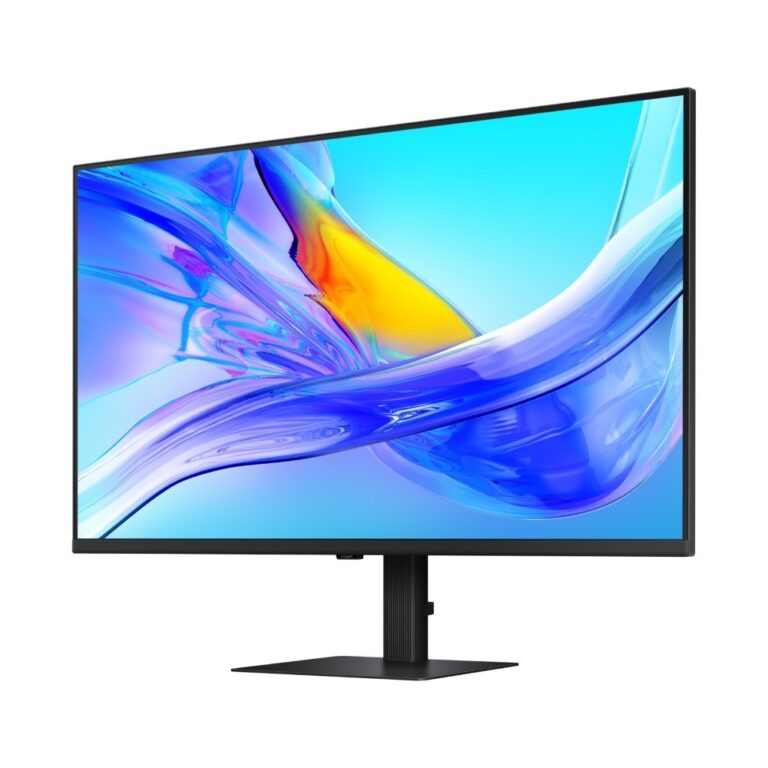
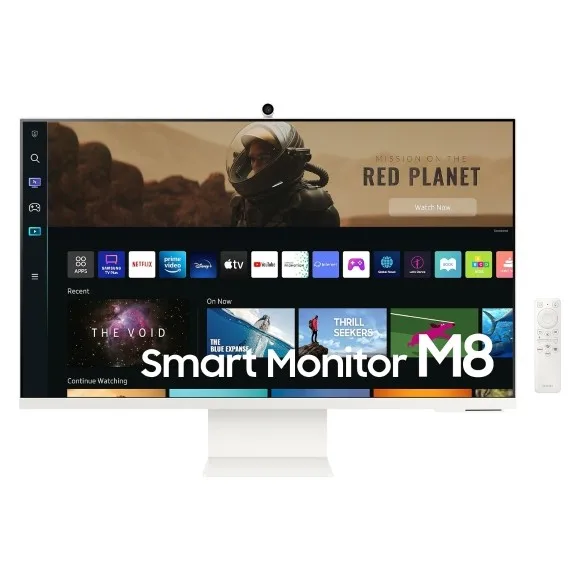
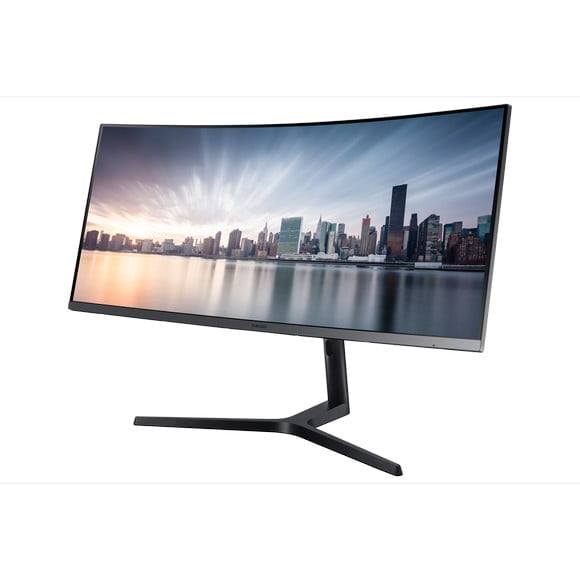
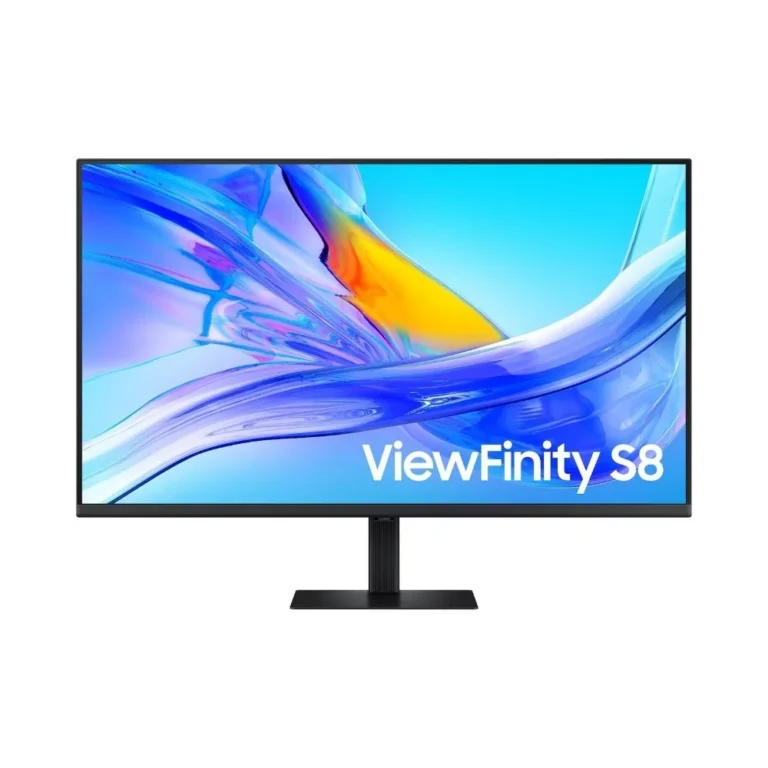
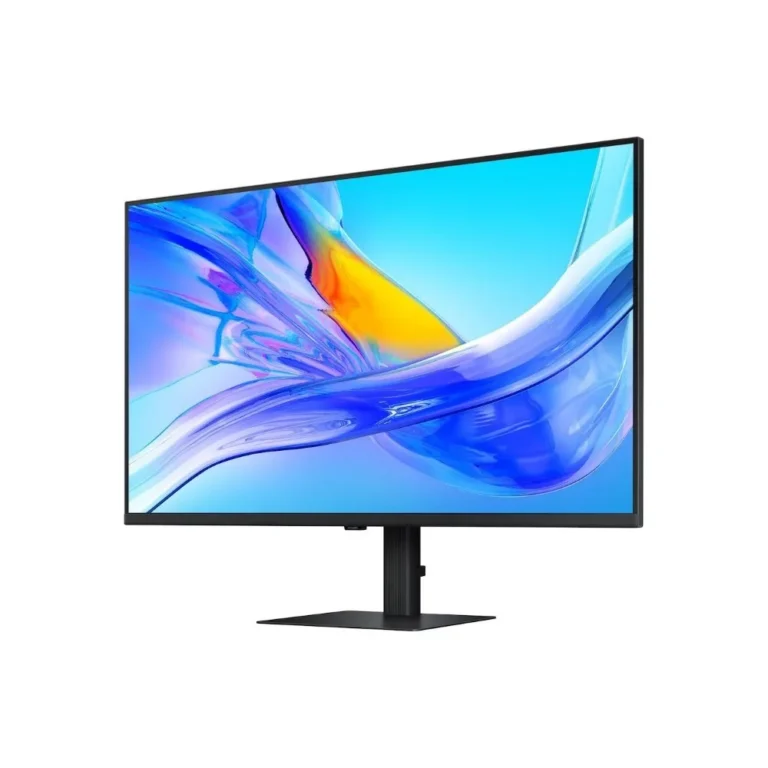
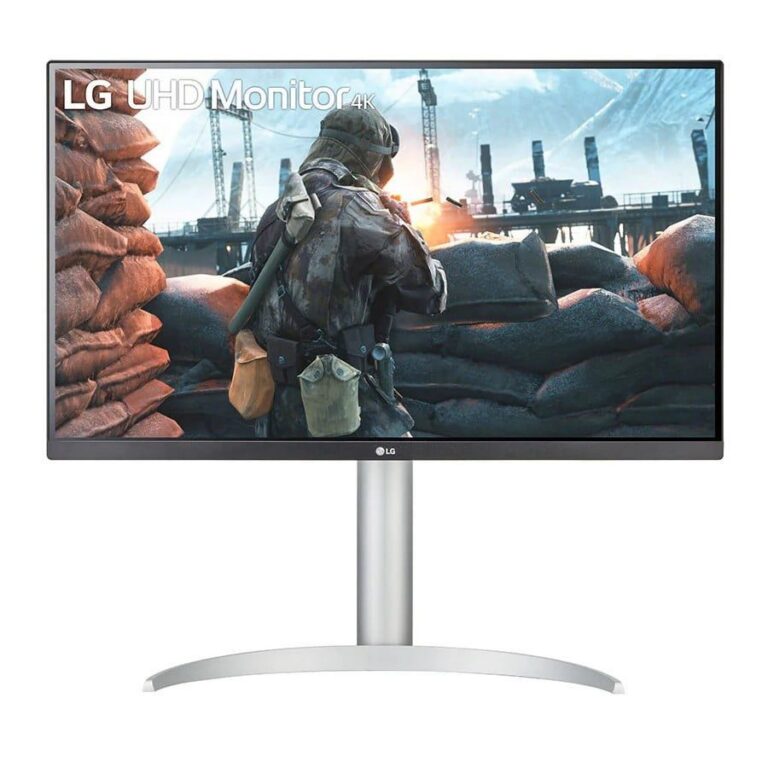
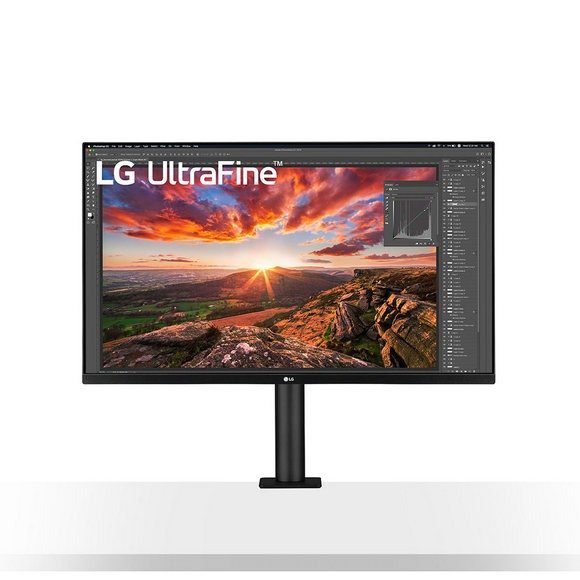
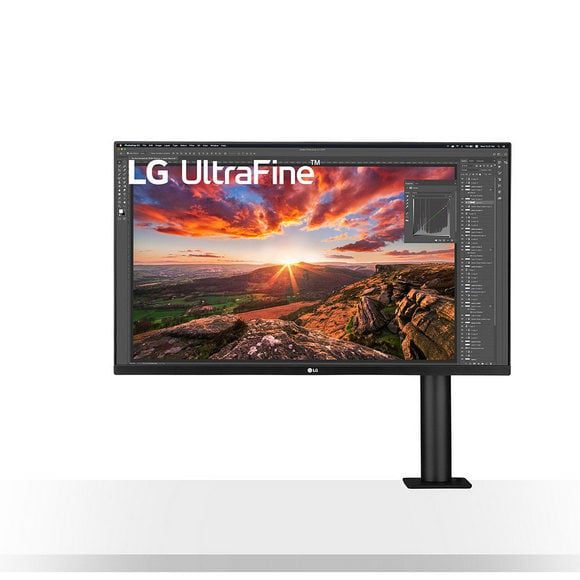
Monitors for long working days, from 32 inch 4K UHD panels to 34 inch ultrawide displays, including USB-C models that charge a laptop over one cable.
Office & Productivity Monitors
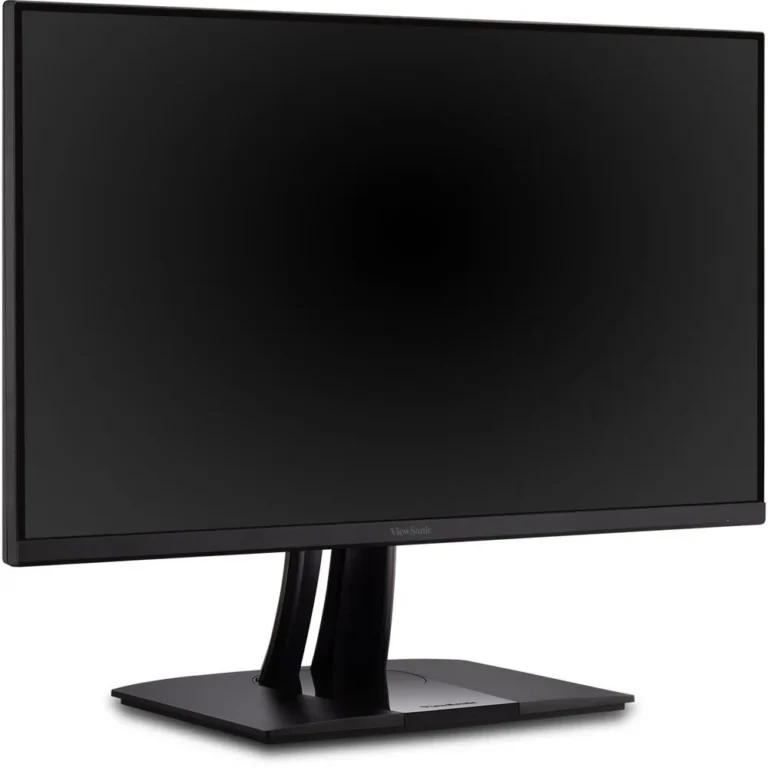
Office productivity monitors are the screens people sit in front of for a full working day, so the priorities here differ from a gaming panel: readable text, a wide desktop area for two or three windows side by side, and a panel that stays comfortable to read after several hours. Buyers include accounts and finance teams working across long spreadsheets, designers and editors who need screen area for timelines and layers, and people running a home desk who want one display to serve both a laptop and a desktop tower.
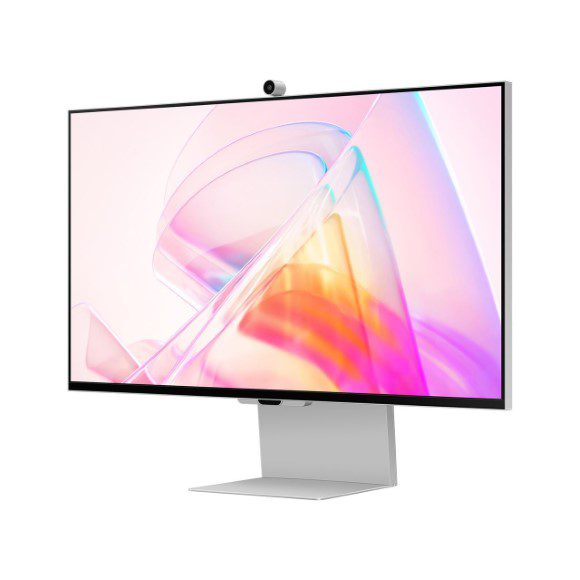
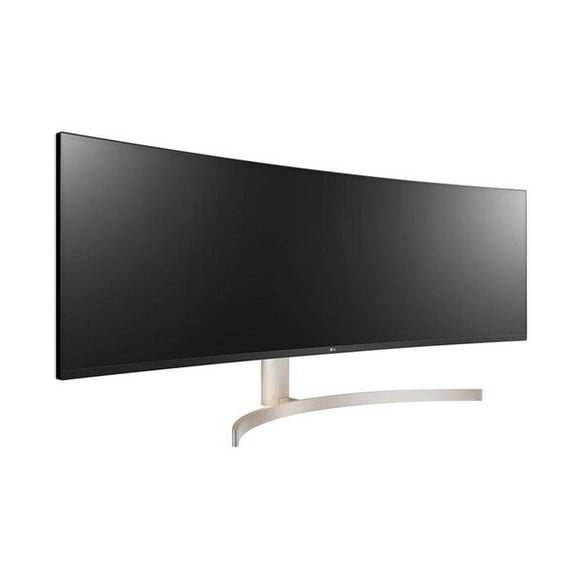
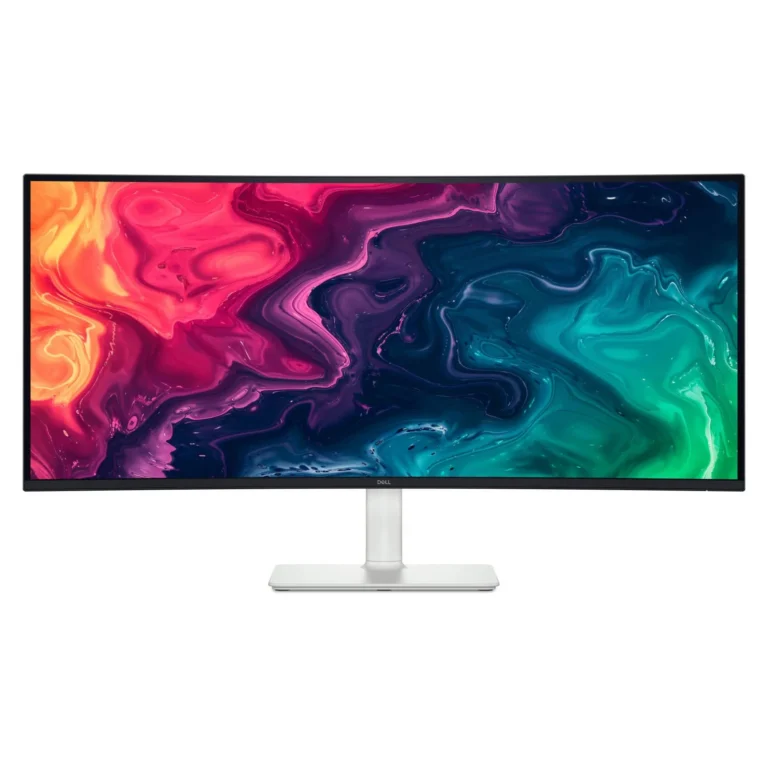
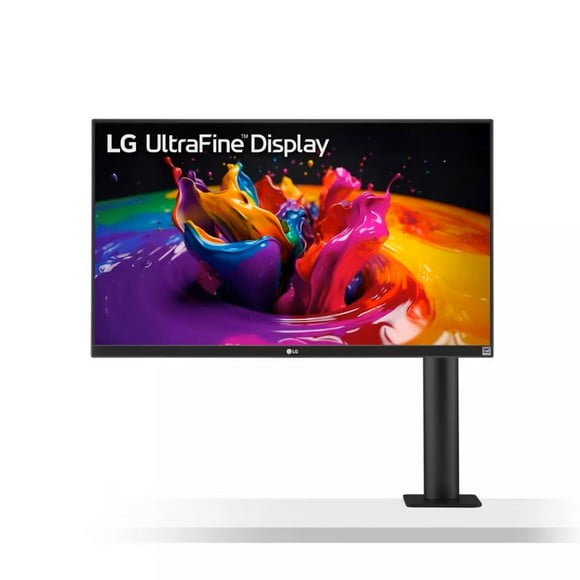
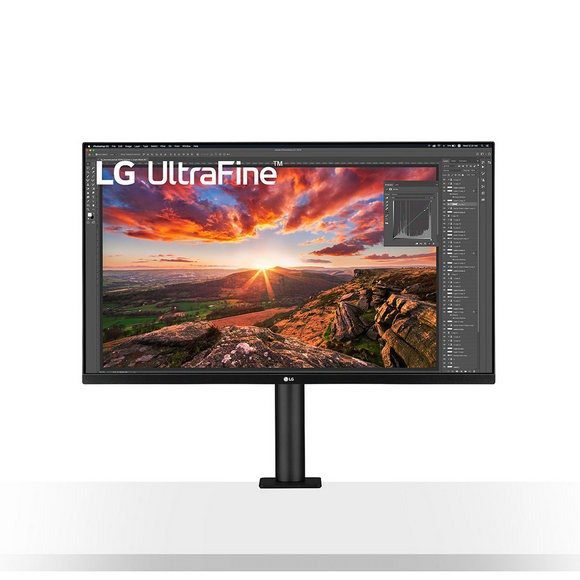
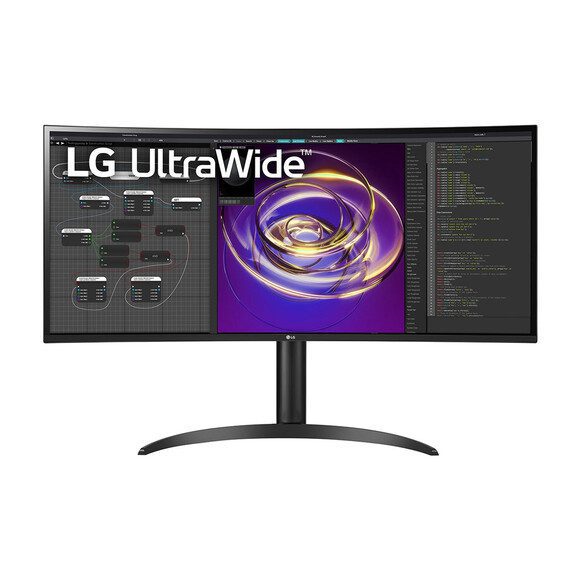
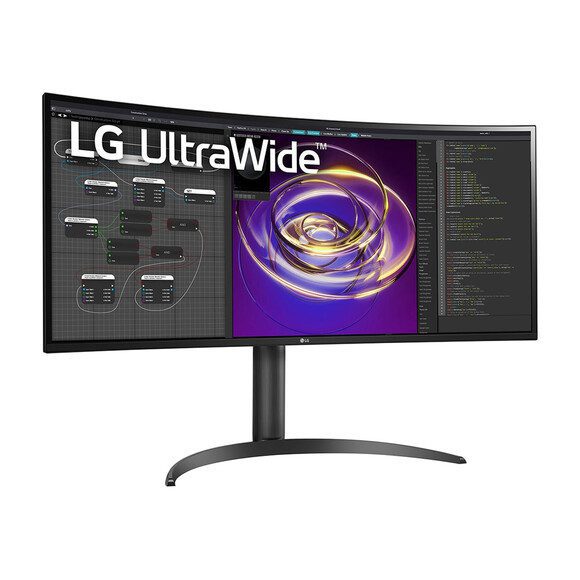
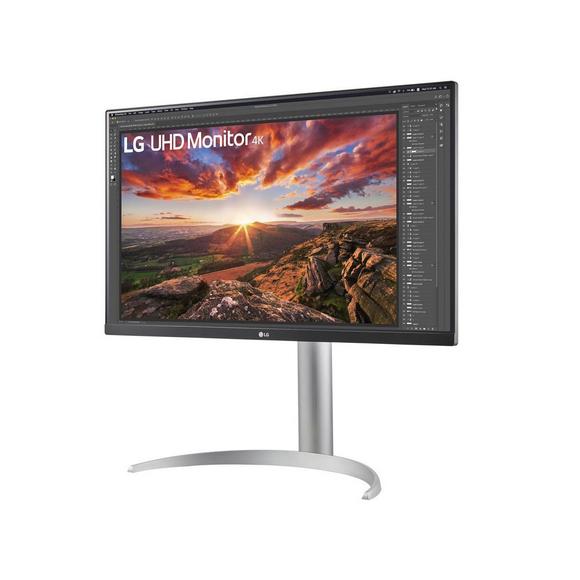
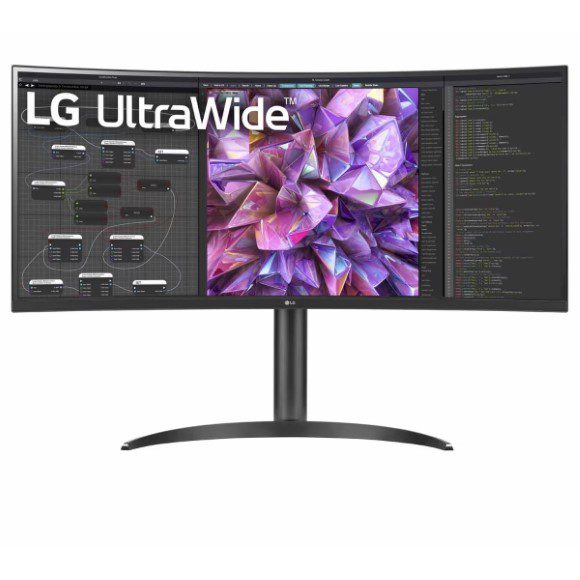
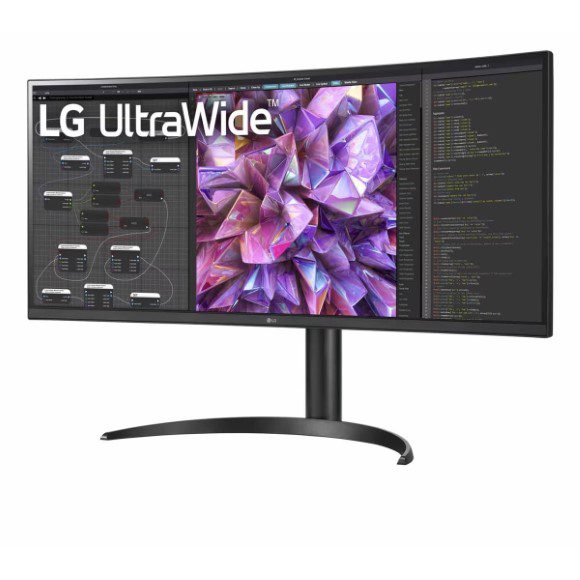
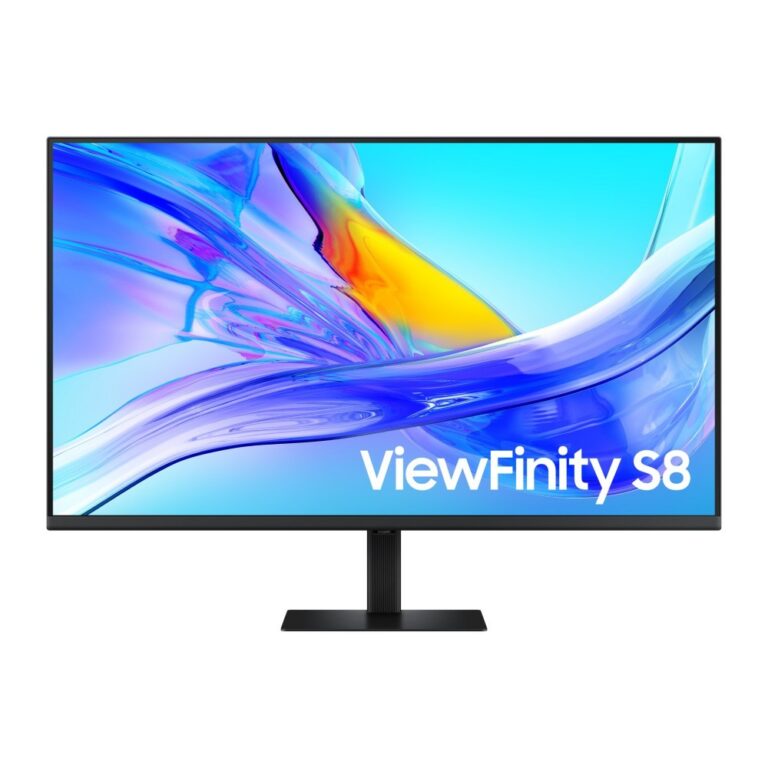
The range covers Dell, LG and Samsung. Dell holds the 34 inch ultrawide end with a VA display, a 120Hz refresh rate and 1ms response, along with 32 inch panels at the high resolution end. LG runs from 32 inch 4K UHD IPS panels at 60Hz, several with USB-C power delivery at 65W and 10W stereo speakers, up to ultrawide QHD curved IPS displays that span the width of a desk. Samsung contributes 5K IPS screens with matte finishes and stands aimed at video calling. Prices start at entry level and run through to premium, so a single office refresh can mix a basic panel for reception with a high resolution display for the design desk.
Three decisions settle most purchases.
- Panel type comes first: IPS holds colour and contrast when you look at the screen from an angle, which matters when two people share one display or when the monitor sits off to one side; VA gives deeper blacks and suits a curved ultrawide sitting straight in front of you.
- Resolution against size comes second, since a 32 inch panel at 4K UHD puts far more rows of a spreadsheet on screen than the same size at a lower resolution, while a 34 inch ultrawide trades vertical pixels for horizontal room.
- Third is the connection: a USB-C monitor with 65W power delivery carries video, data and laptop charging over one cable, which removes the dock from a hot desk setup.
Matching a monitor to the work
For accounts, reporting and admin work, a 32 inch IPS panel at 4K UHD and 60Hz gives the row count and text clarity that job needs, with no reason to pay for a faster refresh rate. Teams on video calls for much of the day get more from a screen with 10W stereo speakers and a stand that adjusts, since it removes a separate speaker and webcam riser from the desk. Anyone running two monitors today should look at a 34 inch or wider ultrawide QHD display, which puts the same working area on one panel and takes one cable instead of two. Editors and photographers who need pixel density above all else sit at the 5K end.
Mega Computer stocks these monitors at the Karachi showroom, where you can see panel sizes and finishes side by side before choosing. We ship nationwide across Pakistan and accept cash on delivery as well as online payment. Every monitor carries its manufacturer warranty, and our team can confirm the warranty terms and current availability for a specific model before you order.
Check what your laptop supports before you commit to a single cable setup. USB-C video output with power delivery is not on every machine, and a laptop that draws more than 65W will charge at a reduced rate from a 65W monitor port under heavy load. If your tower connects over HDMI, confirm the resolution and refresh rate that port can drive, since a 4K UHD panel at 60Hz asks more of an older output than a QHD screen does.