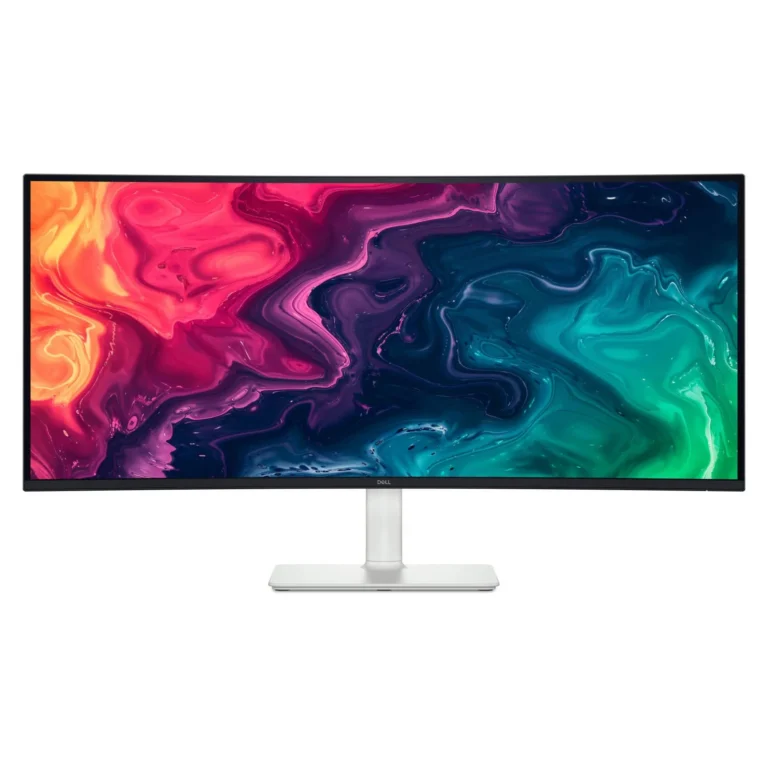
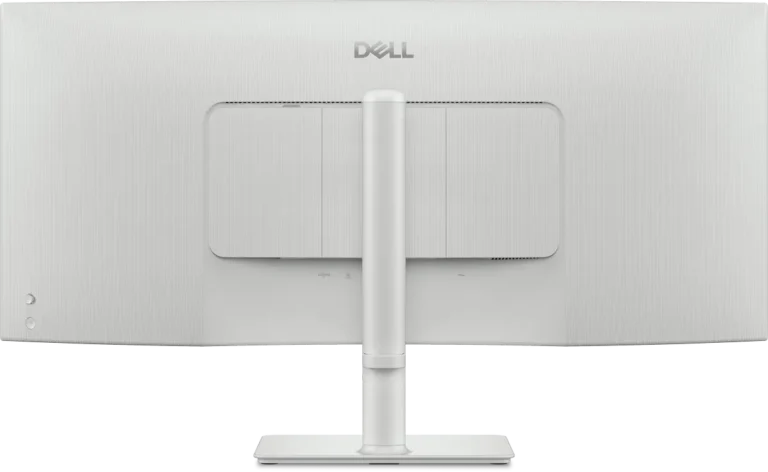
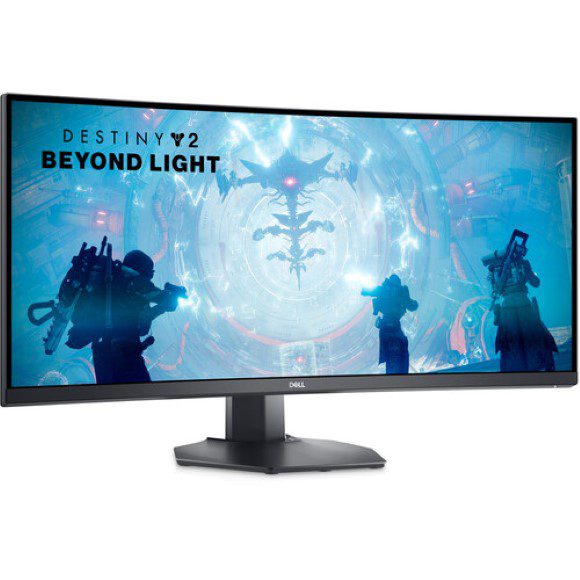
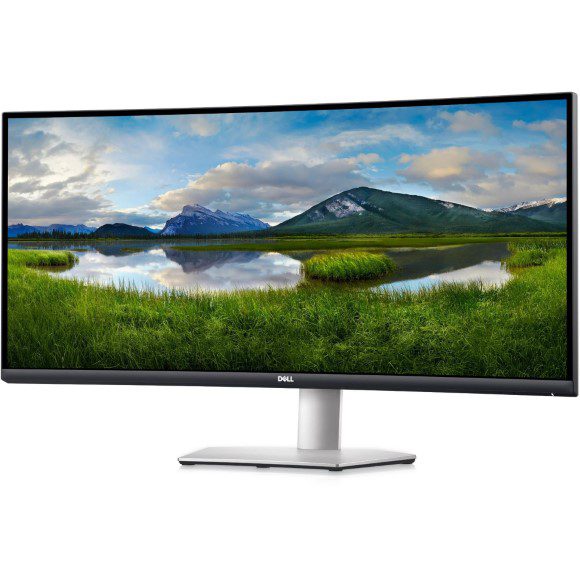
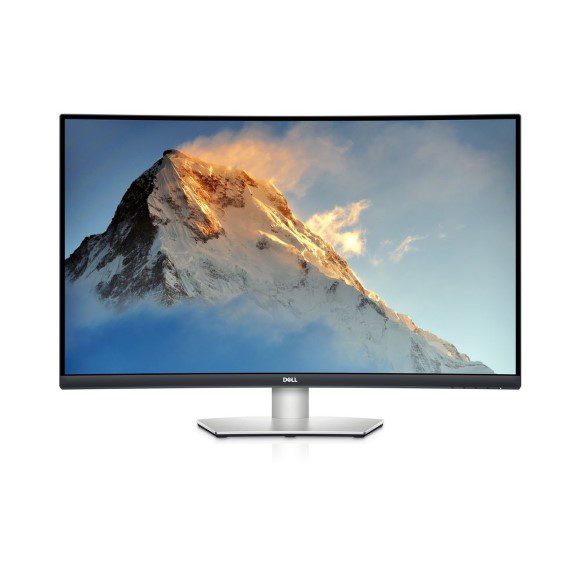
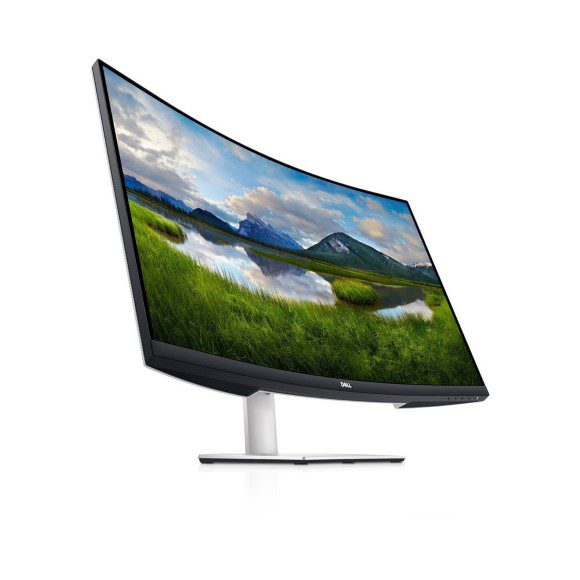
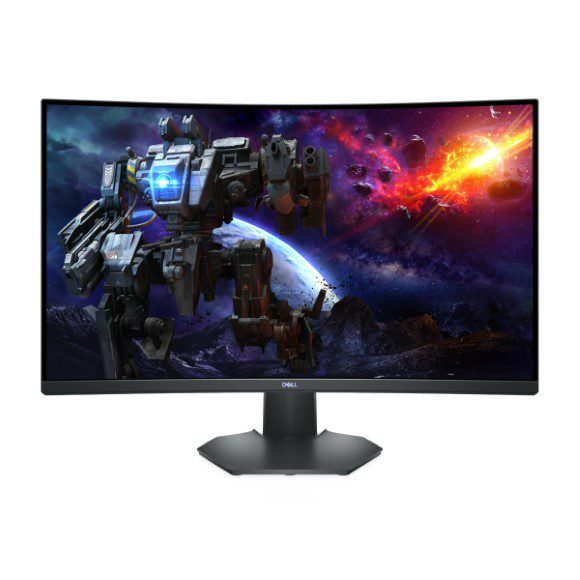
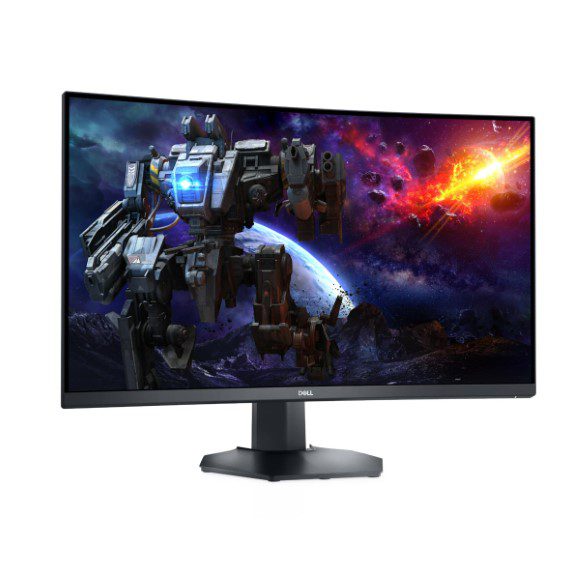
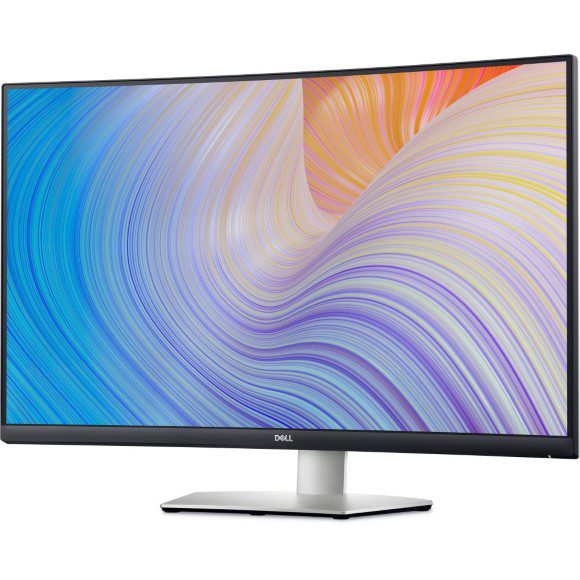
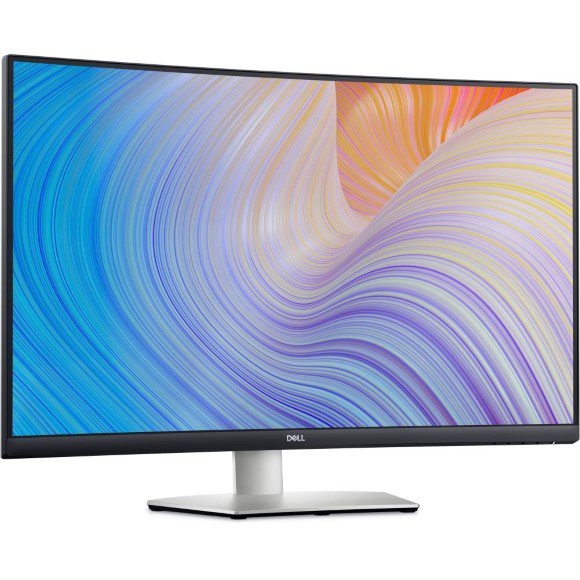
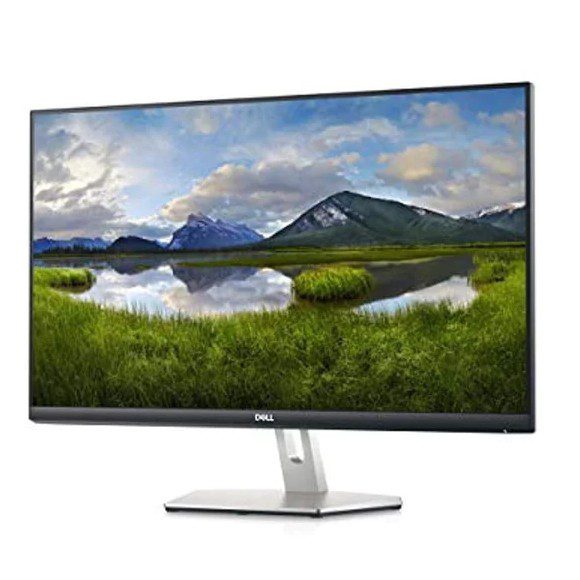
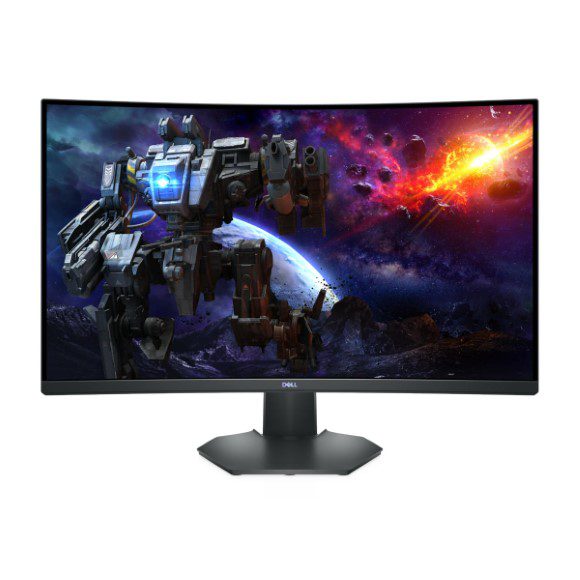
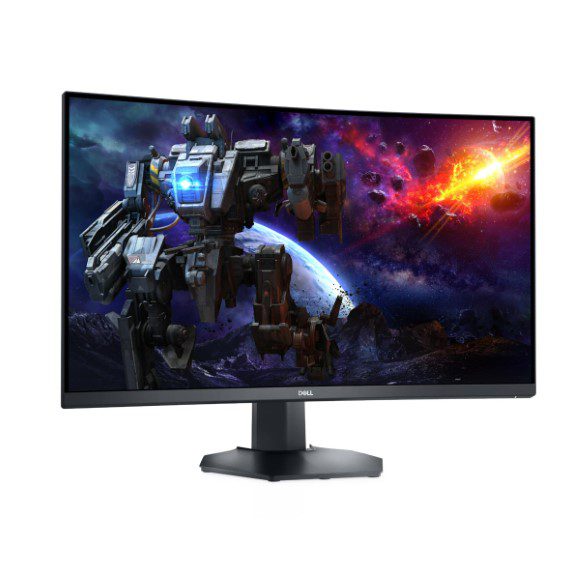
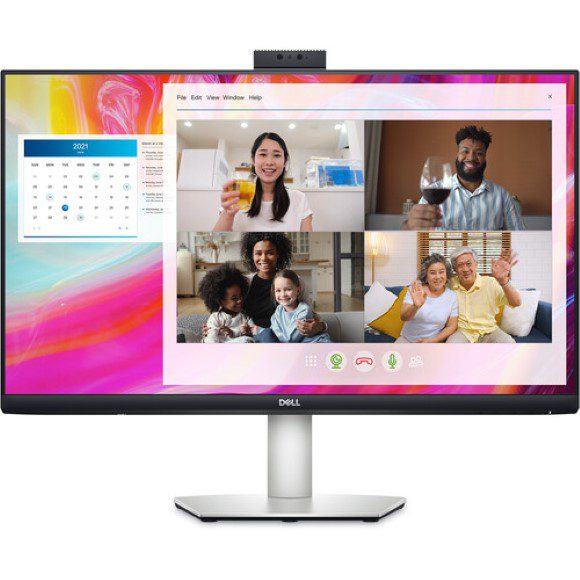
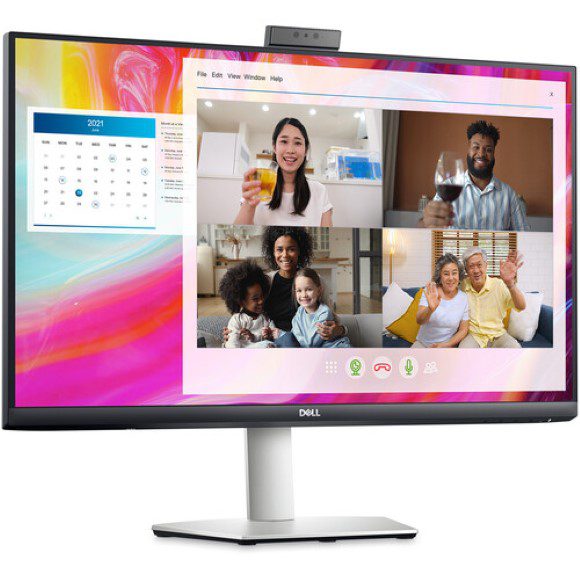
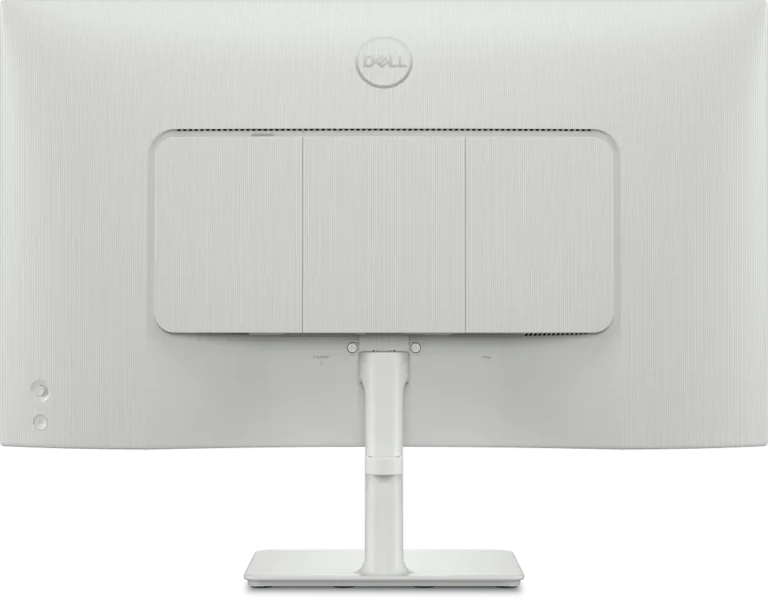
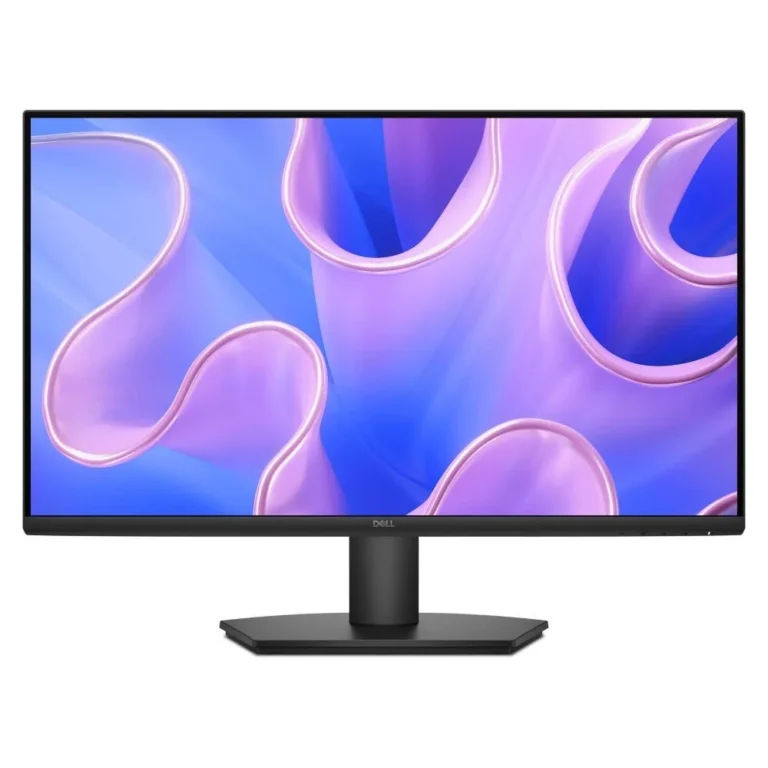
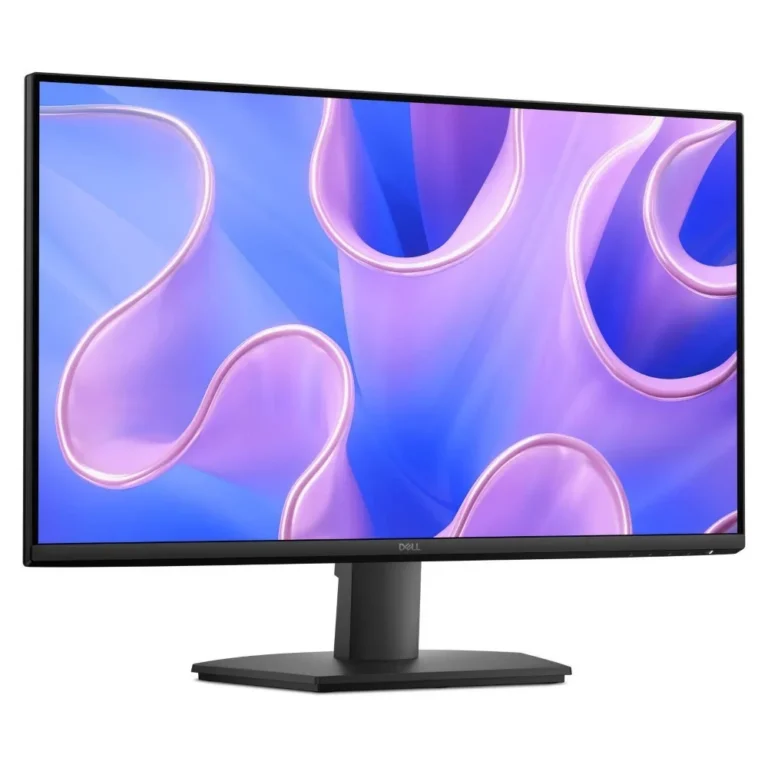
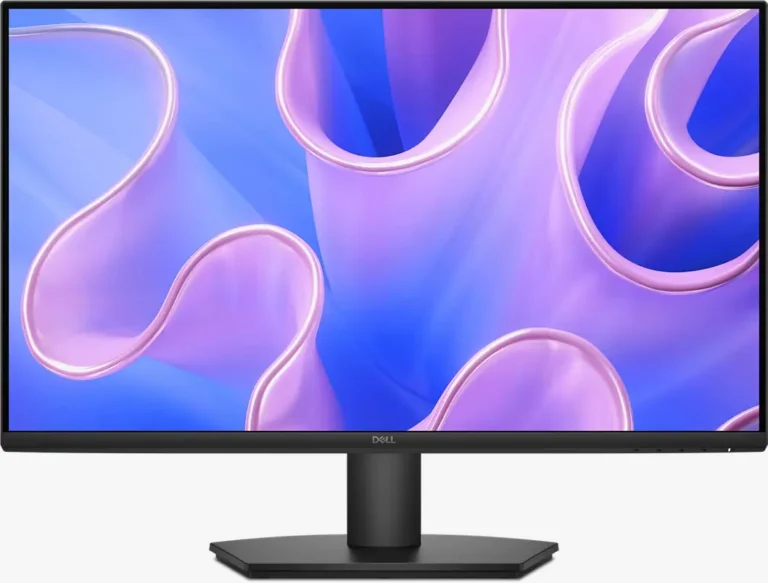
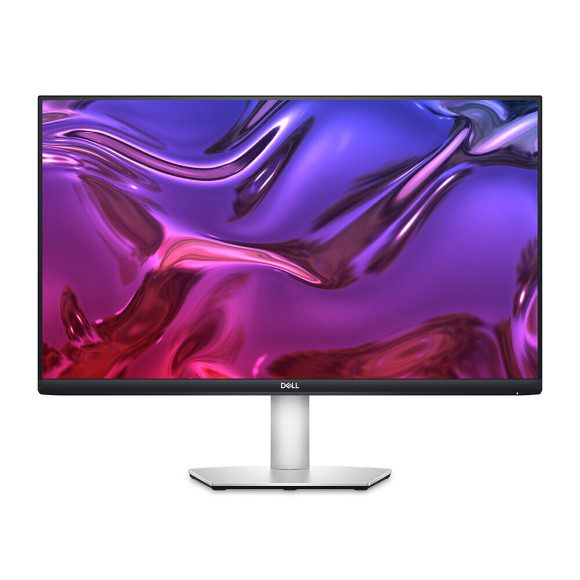
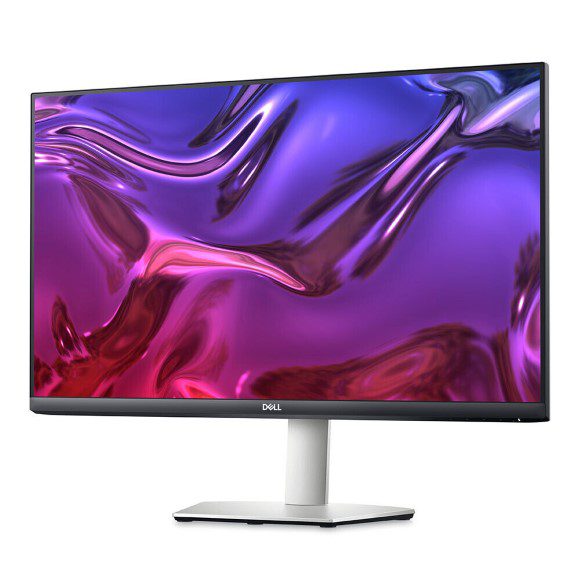
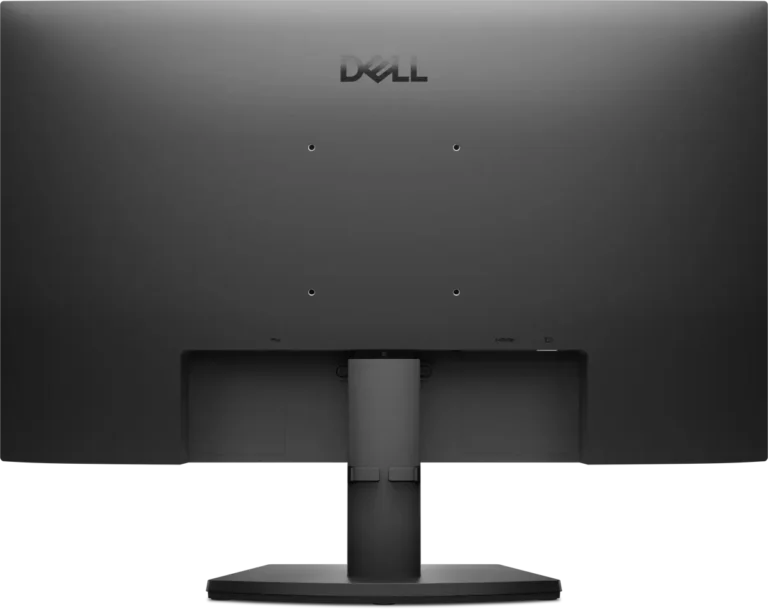
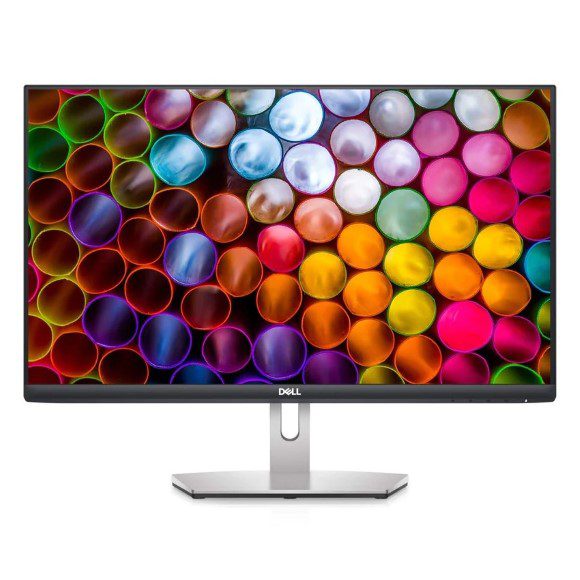
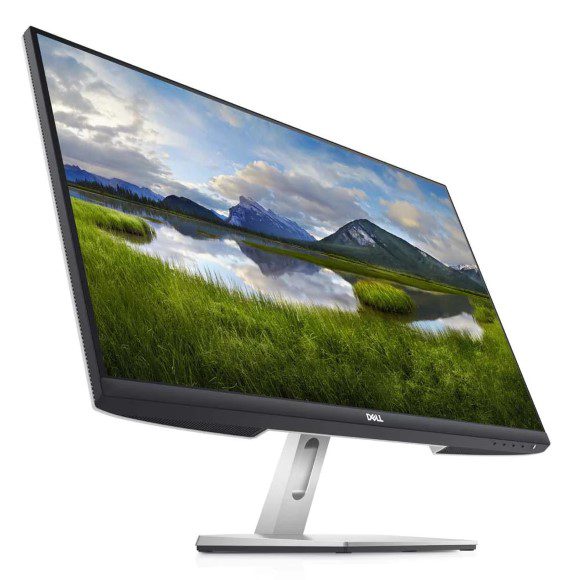
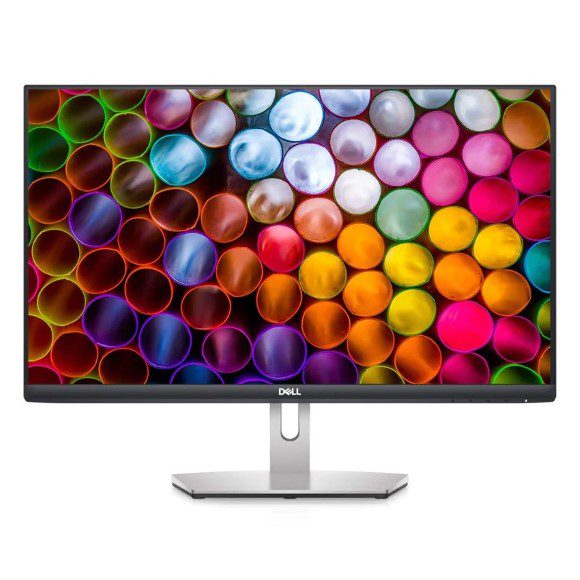
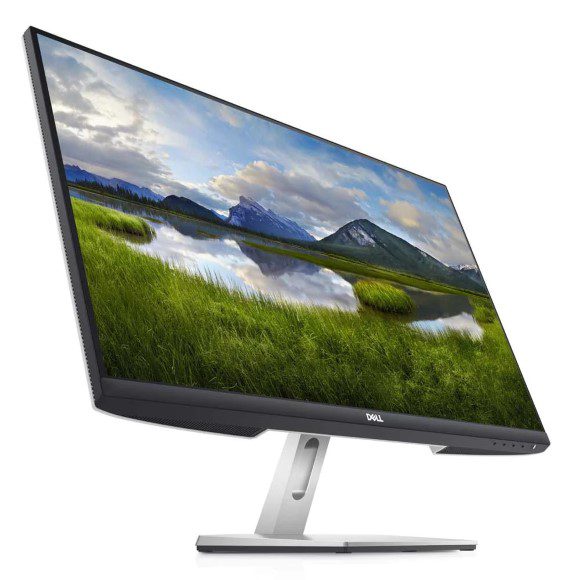
Dell's S Series spans VA panel screens from 60Hz desk models to 165Hz gaming displays, with QHD, WQHD and 4K UHD options across a wide range of budgets.
Dell S Series Monitors
Dell S Series monitors form the mid range of Dell’s screen lineup, and buyers choose them when they want a large VA display for gaming or long desk sessions without moving up to a professional panel. Most shoppers arrive here after deciding on Dell and then working out how much refresh rate and resolution they need.
Every model in this range carries the Dell name, so the choice comes down to panel spec rather than brand. Refresh rates run from 60Hz through 100Hz, 120Hz and 144Hz up to 165Hz. Resolutions cover QHD, WQHD and 4K UHD, and screen widths reach 34 inch. Dell quotes response times of 1ms and 2ms on the faster models. The price spread is wide, from entry level screens through to premium panels, which means a first monitor and a main gaming display can both come from the same family.
Three decisions settle the pick.
- Refresh rate against resolution comes first, because a 165Hz QHD panel favours fast shooters while a 4K UHD screen at 60Hz gives more pixels for editing timelines and wide spreadsheets.
- Response time is next, and the 1ms and 2ms figures Dell publishes on the gaming models matter more for competitive play than for video or office work.
- Screen width settles the rest, since a 34 inch WQHD panel holds two documents side by side where a smaller QHD screen asks you to alt-tab.
Which S Series monitor fits your setup
A gamer running a mid range GPU gets the most from a 144Hz or 165Hz QHD panel, because the card can push frames high enough to use them. Someone who keeps a browser, a terminal and a chat window open at once should look at the 34 inch WQHD models. Colour and detail work on stills or footage points to 4K UHD. A study desk or a reception counter rarely needs more than a 60Hz VA screen, and the saving there is real.
Mega Computer keeps the S Series on display at its Karachi showroom, so you can judge panel size and viewing angle before you pay. Orders ship with nationwide delivery across Pakistan. Payment can be settled by cash on delivery or through online payment, and the sales team can walk you through the difference between two models over the phone if you cannot reach the showroom.

 DellDell 17