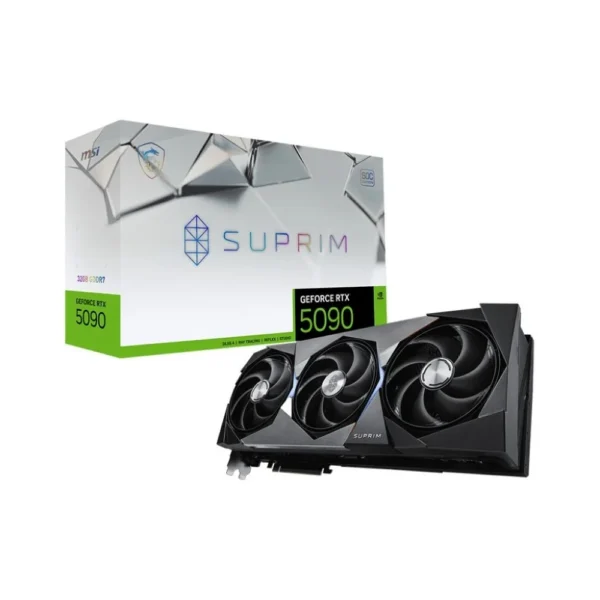
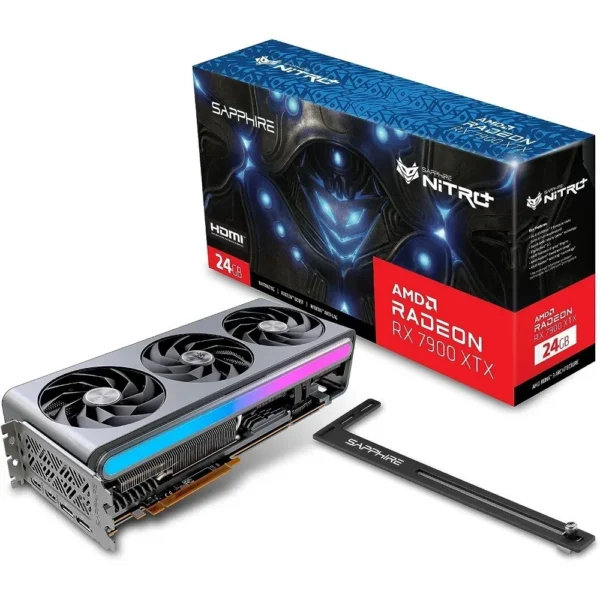
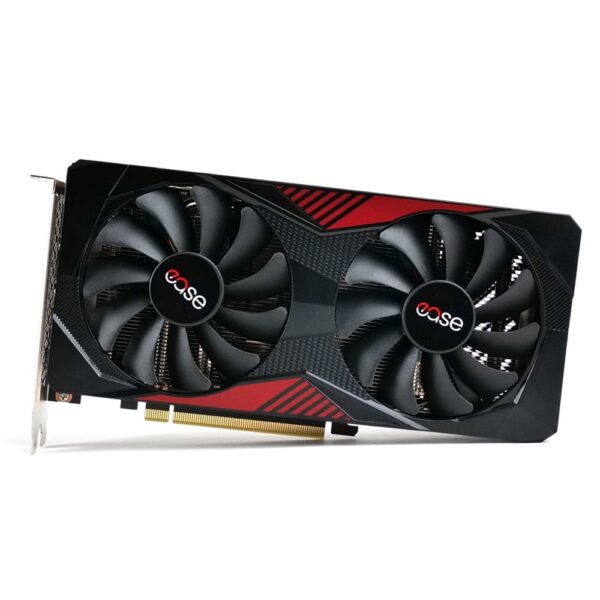
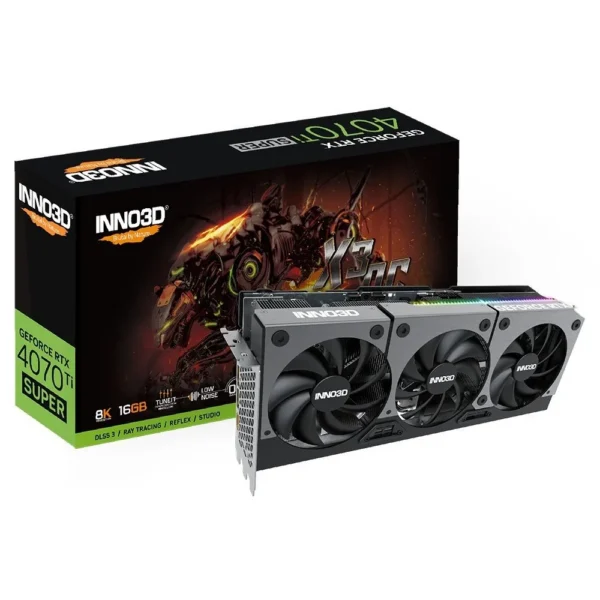
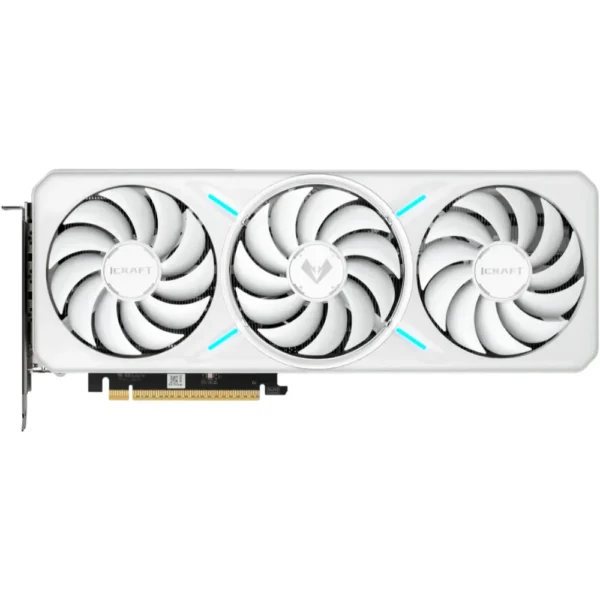
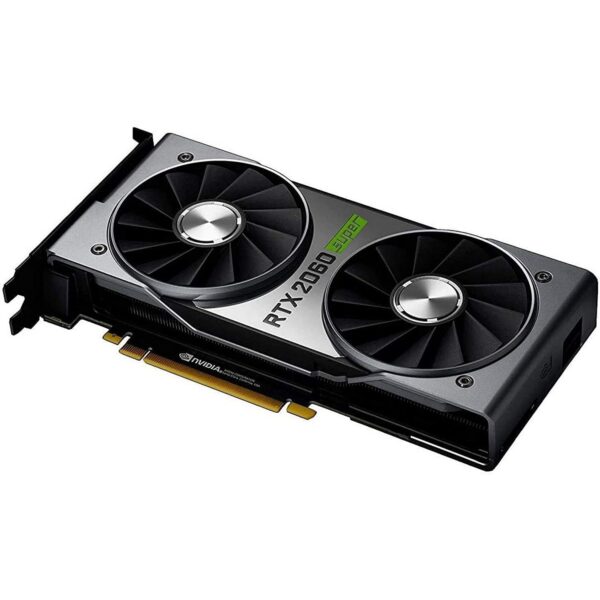
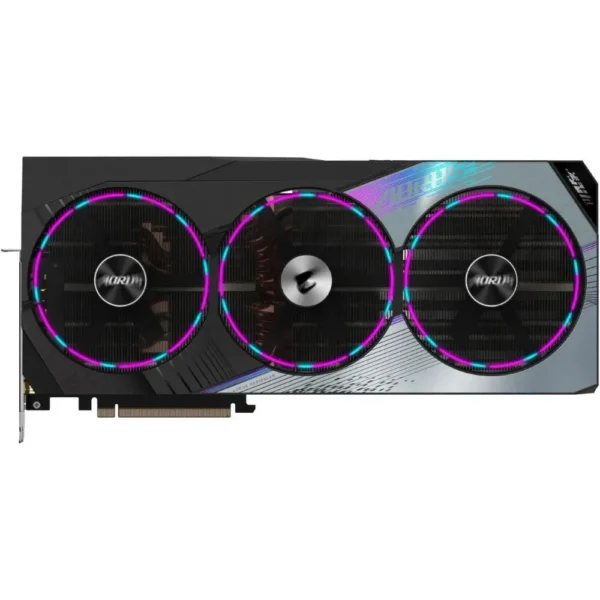
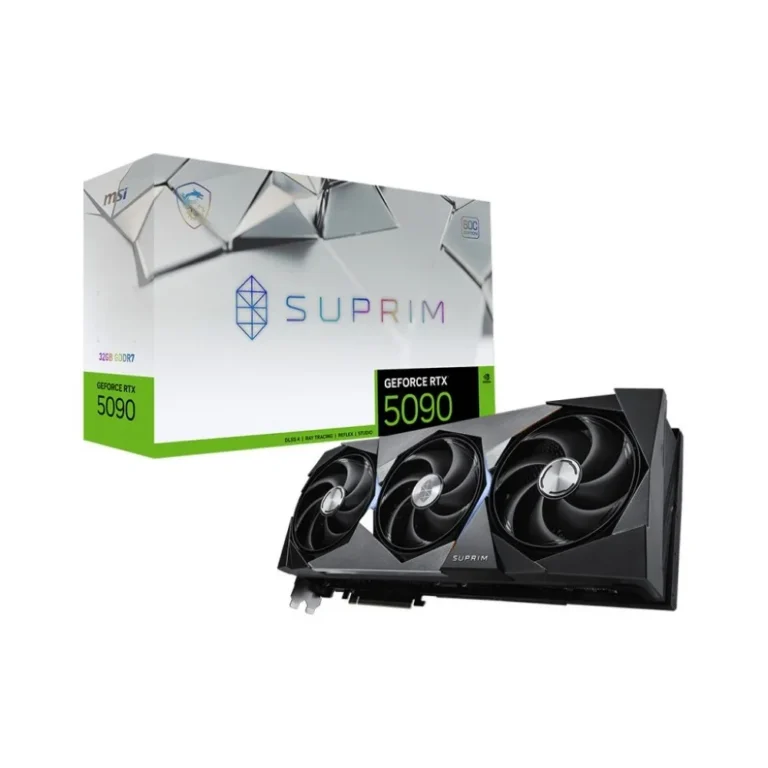
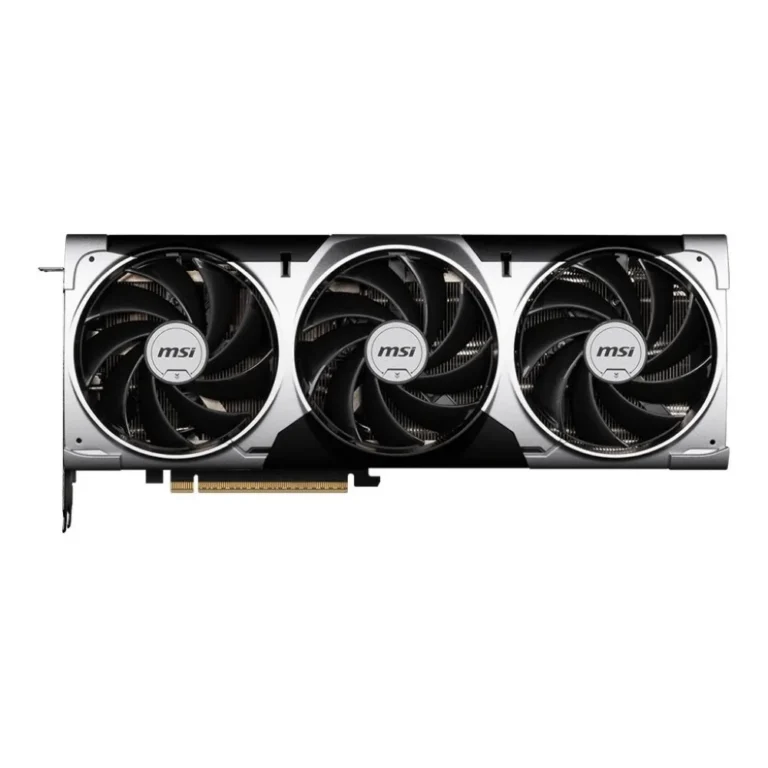
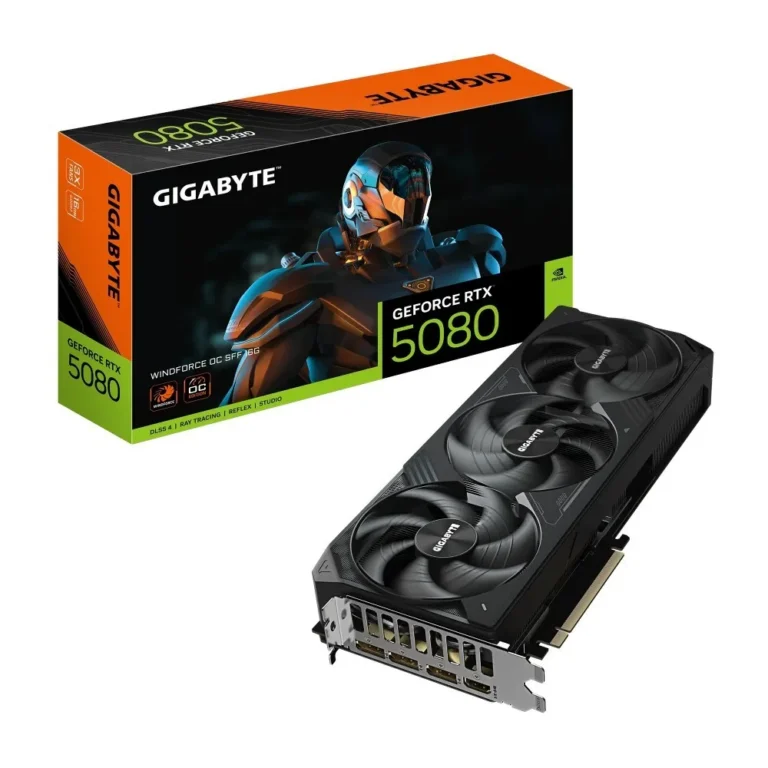
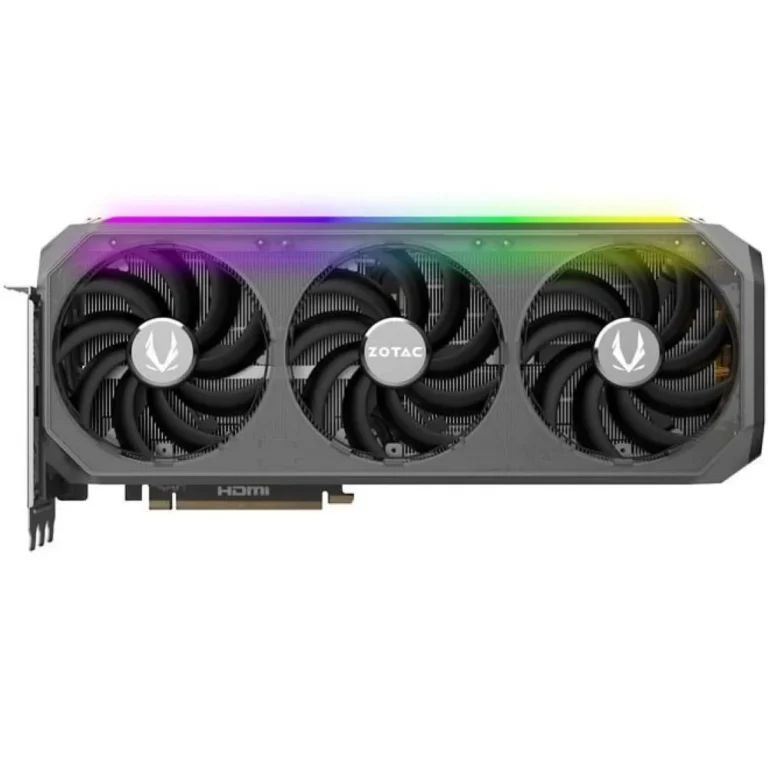
GPUs from Biostar, EVGA, GALAX and Leadtek in 8GB, 12GB and 24GB memory sizes, sold with nationwide delivery, cash on delivery and online payment.
Graphics Cards
Graphics cards in Pakistan get bought for two reasons: frame rates in games, and render times in creative and compute work. This section holds the GPUs that slot into a desktop PCIe slot and drive one or more monitors on their own outputs. Buyers here range from students assembling a first gaming rig to studios rebuilding an editing workstation. The card decides more about how a build performs in games than any other part in the case.
The range spans four brands. Leadtek covers the middle of the shelf with 8GB and 12GB cards. GALAX sits alongside it at 12GB with factory overclock settings applied out of the box. Biostar brings a 12GB option with an overclocked factory tune. EVGA anchors the top with a 24GB card built for heavy memory loads. Prices run from entry-level through to premium, so the same page serves a modest upgrade and a full workstation build.
Three decisions matter.
- Memory capacity comes first: 8GB handles competitive shooters and older titles at sensible texture settings, 12GB gives room for high texture packs and large timelines, and 24GB exists for 3D scenes and video projects that spill past what smaller cards hold.
- Second, check that the power supply has the connectors and headroom the card asks for, because a GPU upgrade often forces a PSU upgrade with it.
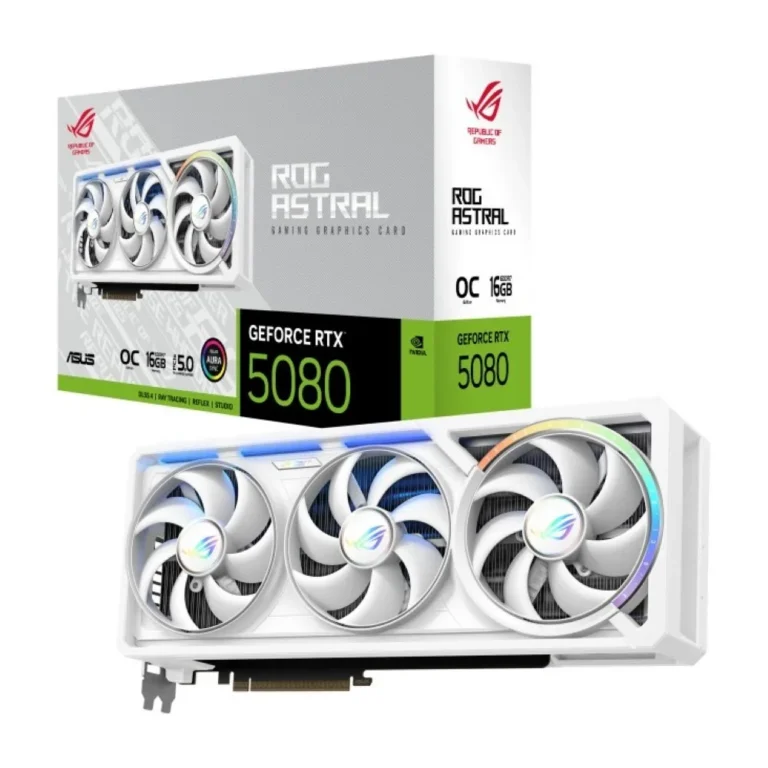
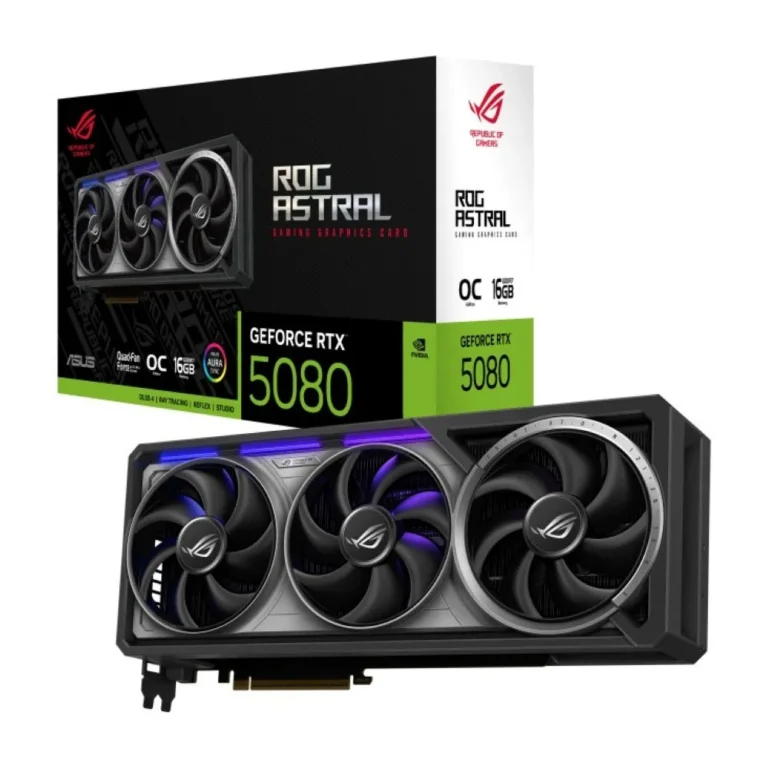
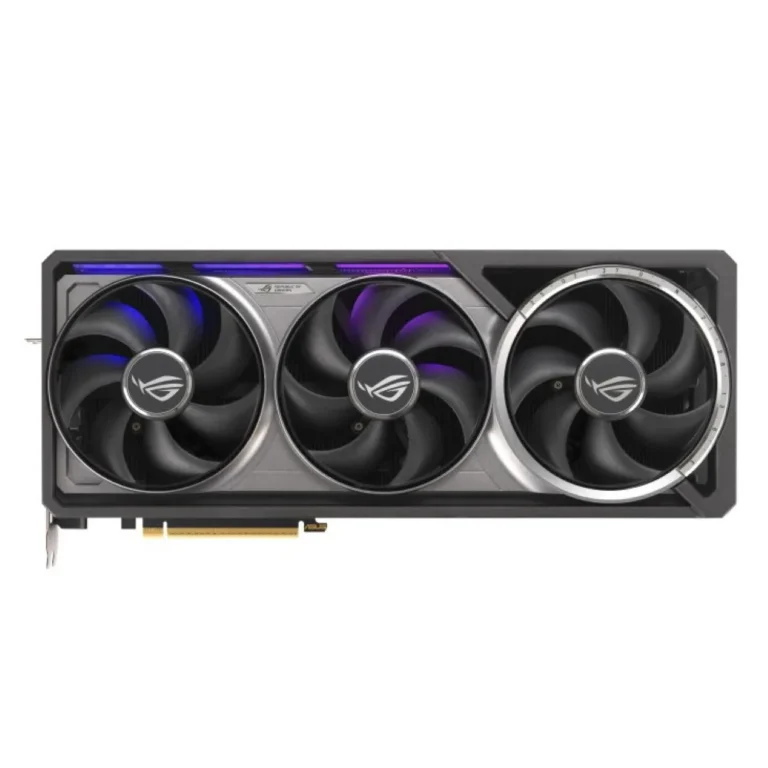
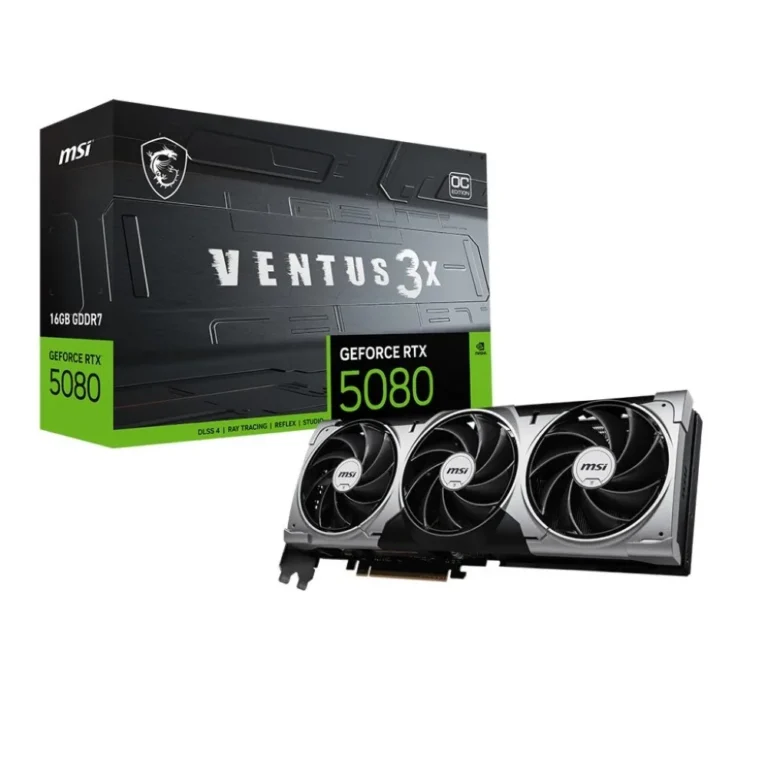
- Third, measure the case. Triple fan coolers are long, and a card that clears the drive cage on paper can still block a front radiator.
Matching the card to the work
Someone playing esports titles on a single monitor gets more from an 8GB card plus a faster CPU than from stretching the budget on memory they will not fill. A photo and video editor working with large project files leans toward 12GB, where preview caches and effects stop thrashing. Anyone running 3D renders, large texture sets or local compute workloads should look at the 24GB tier, since running out of GPU memory stops a render rather than slowing it. Buyers replacing a dead card in an older tower should confirm the PSU and case first, then pick the tier.
Mega Computer keeps a showroom in Karachi where you can see a card in person before you commit. Orders ship nationwide across Pakistan, with cash on delivery and online payment both accepted. Warranty terms differ between brands and between individual cards, so confirm the cover on the specific model with the team before checkout. Retail GPU supply moves with global stock, so treat the shelf as it stands rather than assuming a given card is always on hand.
On the practical side, a modern GPU needs a free PCIe slot, the right power connectors from the PSU, and a clean driver install once the old card is removed. Monitors connect to the card’s own HDMI or DisplayPort outputs, not the motherboard’s, which catches out first-time builders. If you plan to add a second monitor or a capture setup later, count the outputs on the card before you buy rather than after.