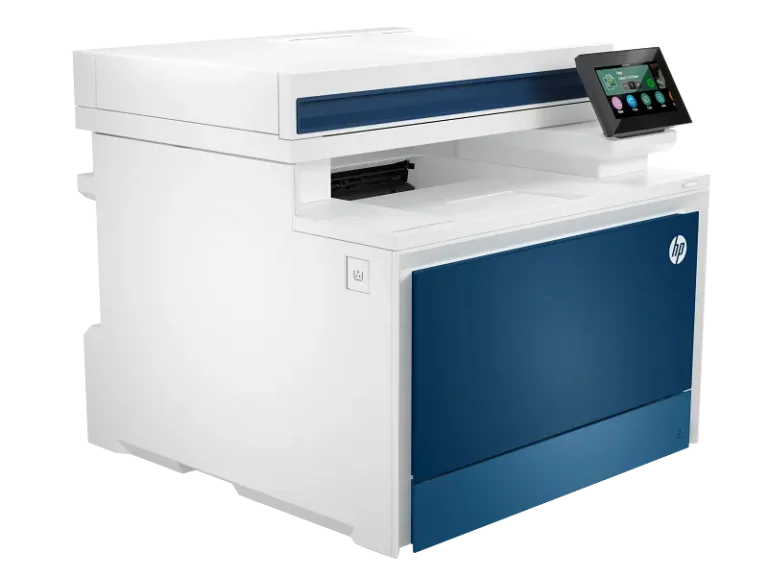
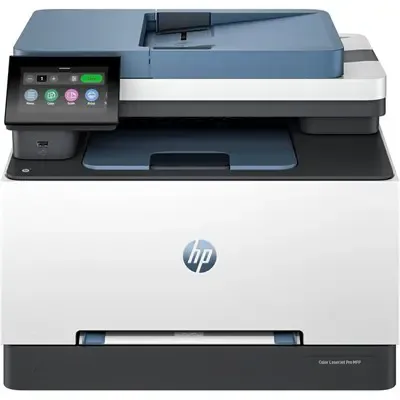
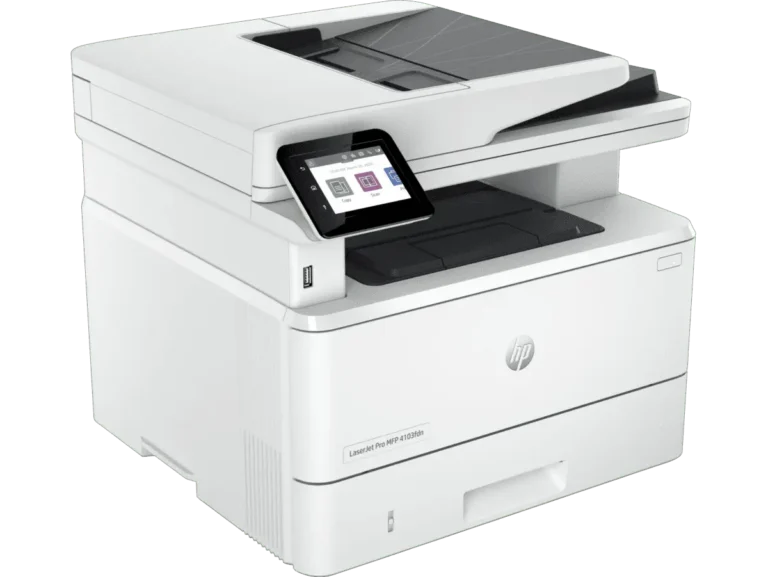
Nine printer subcategories in one place, from laser and ink tank models through to plotters, ID card printers and label printers, with delivery across Pakistan.
Printers for Home, Office and Specialist Work
Printers split into more technologies than most buyers expect, and this page routes you to the one that matches your job. A student printing lecture notes, an accounts clerk running carbon copy invoices and a print shop producing plastic staff cards all need different machines. Read the nine groupings below, then move into the subcategory that holds the right class of printer.
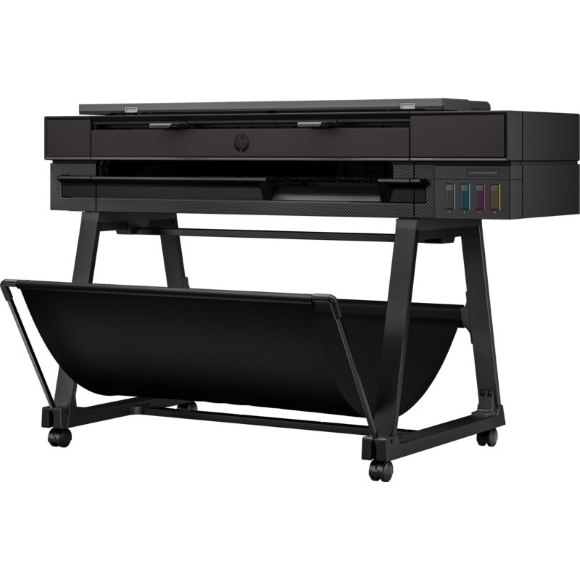
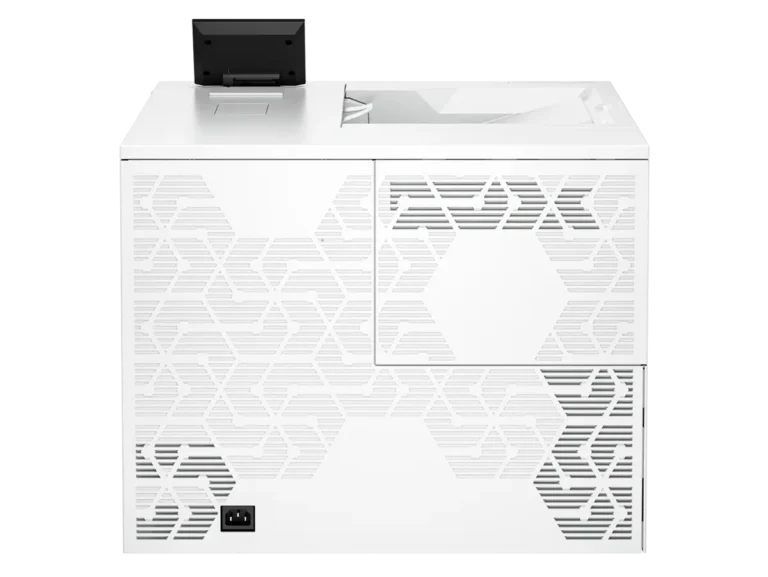
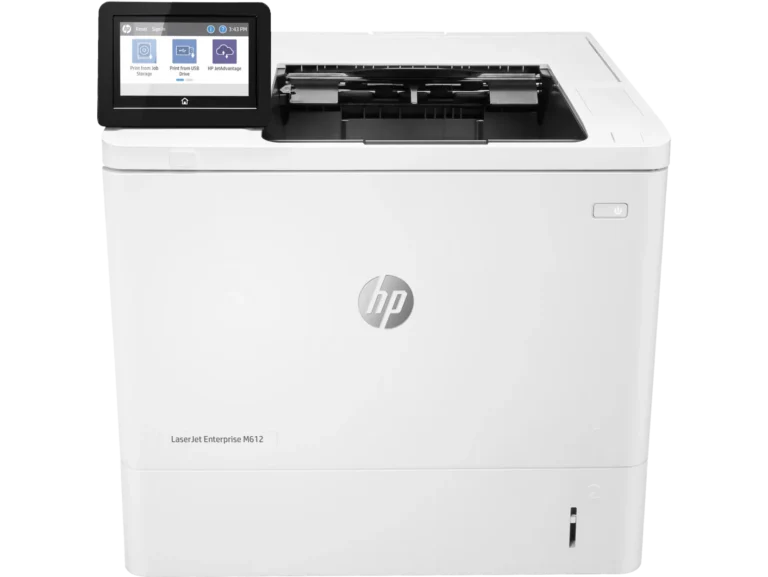
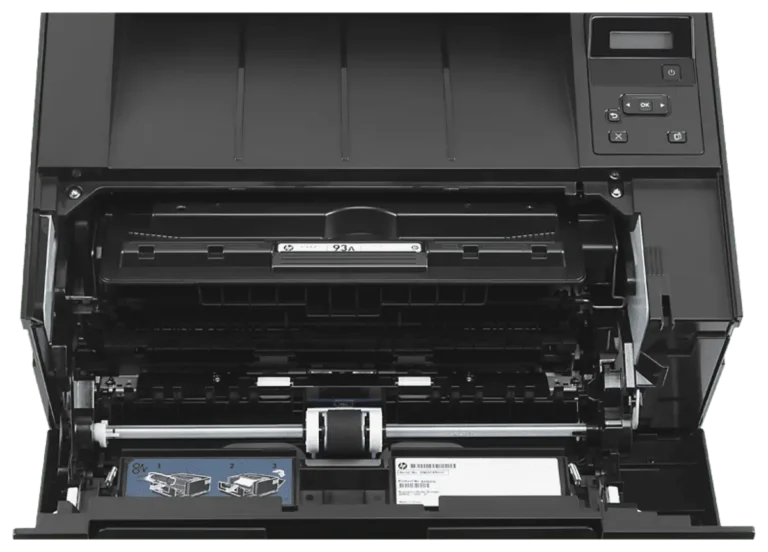
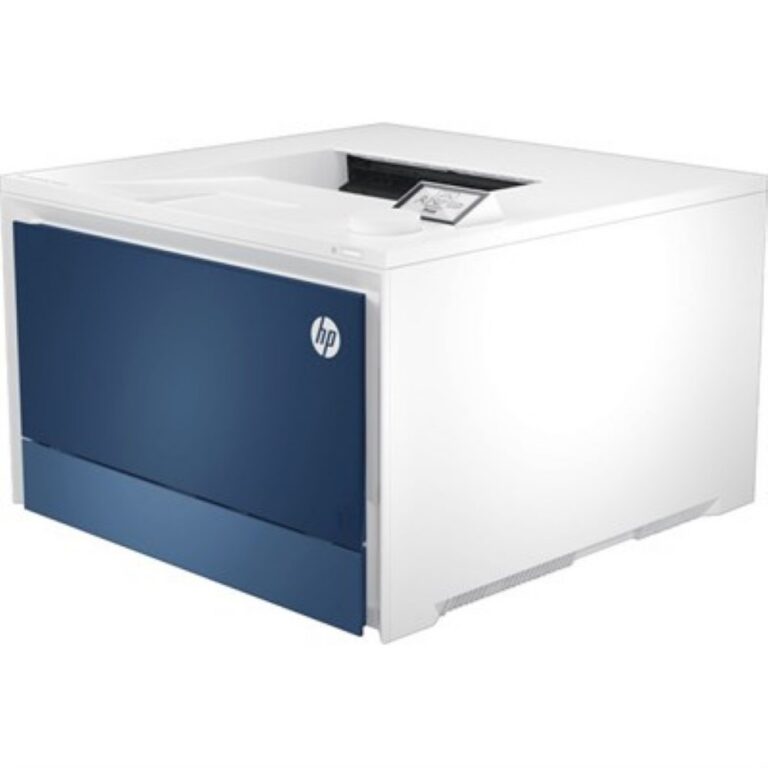
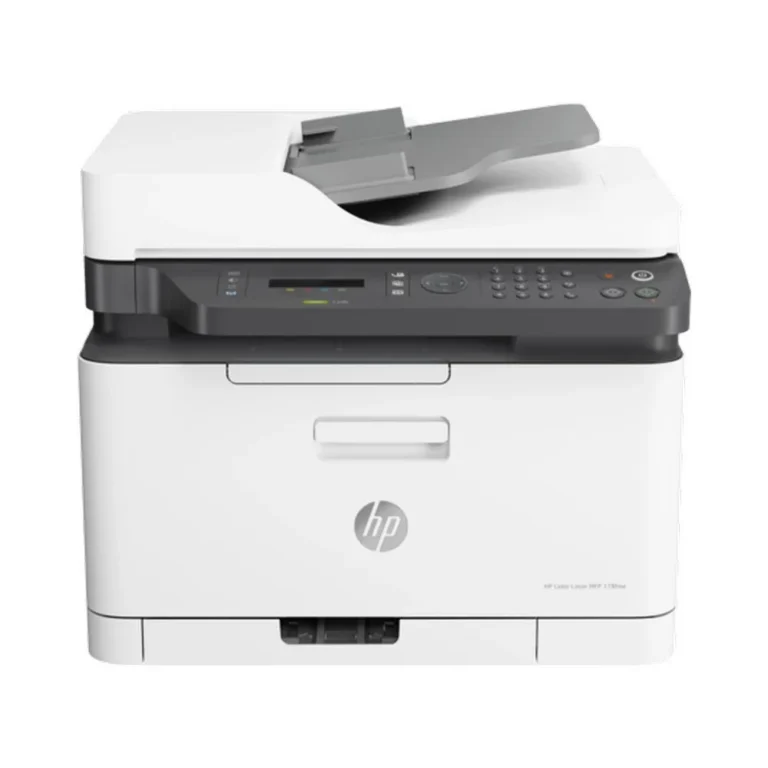
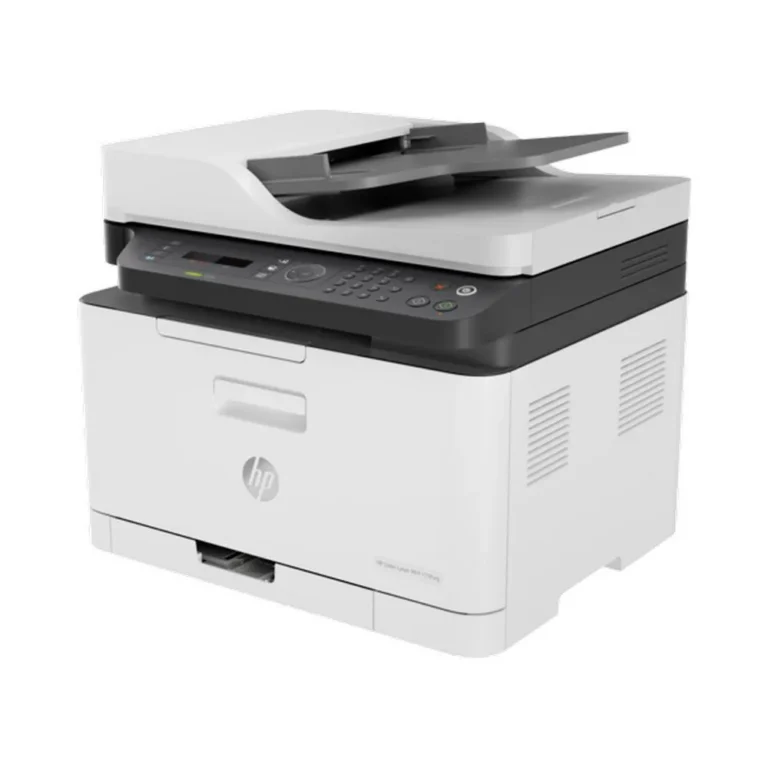
Nine subcategories sit under this heading. Laser Printers and Inkjet Printers cover the two mainstream desktop technologies. All-in-One / MFP Printers put scanning and copying into the same chassis. Ink Tank / EcoTank Printers replace cartridges with refillable reservoirs. Beyond the desktop, Plotters handle roll fed drawings, Photo Printers aim at image output, Dot Matrix Printers keep impact printing available for multipart stationery, ID Card Printers write to plastic card stock, and Label and Barcode Printers run thermal label media.
Three decisions settle most printer purchases.
- The first is consumable economics: toner lasts for thousands of pages and suits text volume, cartridges suit light and irregular use, and a refillable tank cuts the cost per page when you print every day.
- The second is media. Check the widest sheet a machine takes, and check whether it needs roll stock, card blanks or continuous label rolls rather than cut sheets.
- The third is the interface, since a USB only unit serves one desk while a network or Wi-Fi model can serve a whole floor.
Matching a Printer to the Work
A household printing school assignments and utility forms is served by an inkjet or an ink tank unit. An office running long document batches gets faster pages and lower running costs from a laser printer, and an all-in-one adds the scanner most paperwork flows need. A design studio printing large drawings needs a plotter. A warehouse or retail counter needs label and barcode printers for shelf and dispatch labels. Banks, schools and factories issuing staff credentials need ID card printers, and any business still filing multipart delivery notes needs a dot matrix machine.
Mega Computer has served hardware buyers in Pakistan for decades. The showroom in Karachi lets you see a printer and its output before you commit, and orders ship on nationwide delivery across Pakistan. Payment works by cash on delivery or online payment. Warranty terms follow the manufacturer cover that comes with each machine.
Before you buy, confirm two compatibility points. Check that the manufacturer publishes drivers for the operating system on your computers, since older office machines and current desktops do not always share a driver set. Then confirm the consumable format the printer takes, because toner, cartridges, bulk ink, ribbons, card blanks and thermal rolls do not cross between printer classes.

 CanonCanon 1
 EpsonEpson 4
 HPHP 58
 PantumPantum 9