PCIe Gen3 x4 M.2 drives in capacities that suit a single boot disk or a full media library, ranging from entry level picks through to premium NVMe models.
NVMe Gen 3 SSDs
NVMe Gen 3 SSDs run on a PCIe Gen3 x4 link in an M.2 2280 slot, and they remain the workhorse tier of solid state storage for desktop builders and laptop owners in Pakistan. Most buyers land here for one of two reasons. They are retiring a mechanical drive that has become the slowest part of the machine, or they are filling a spare M.2 slot on a board whose lanes top out at Gen3, where a faster generation of drive would step down to the same speed anyway.
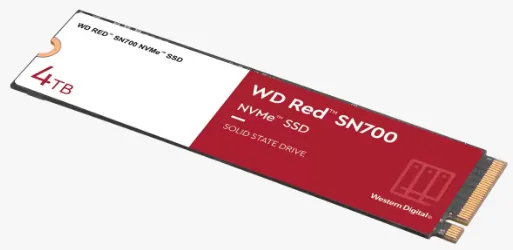
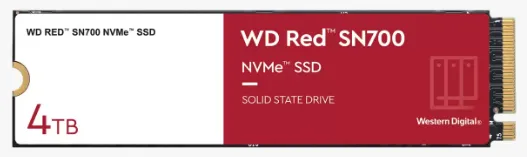
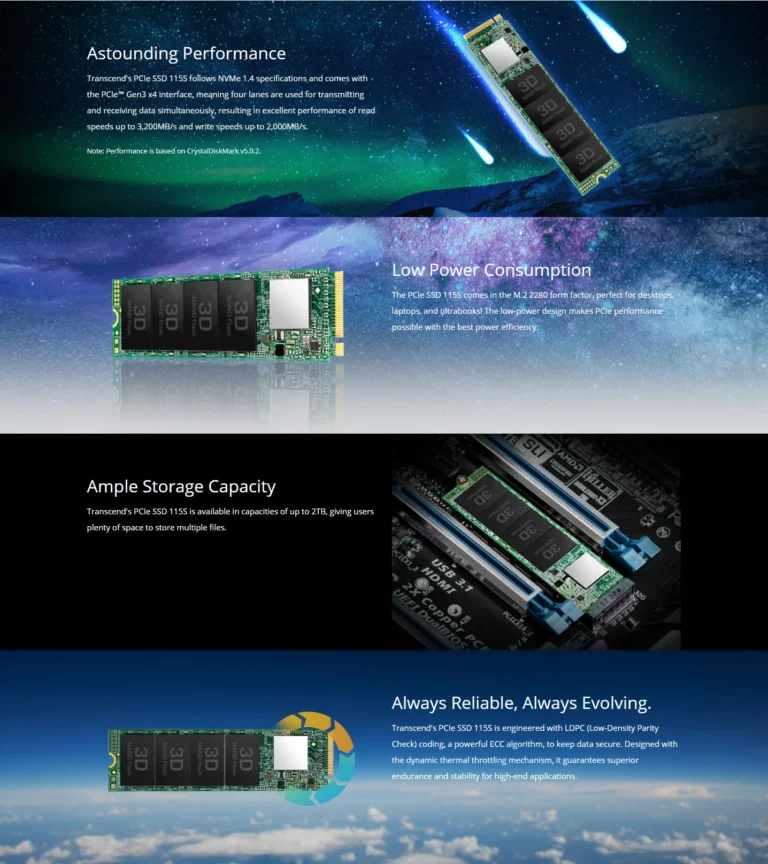
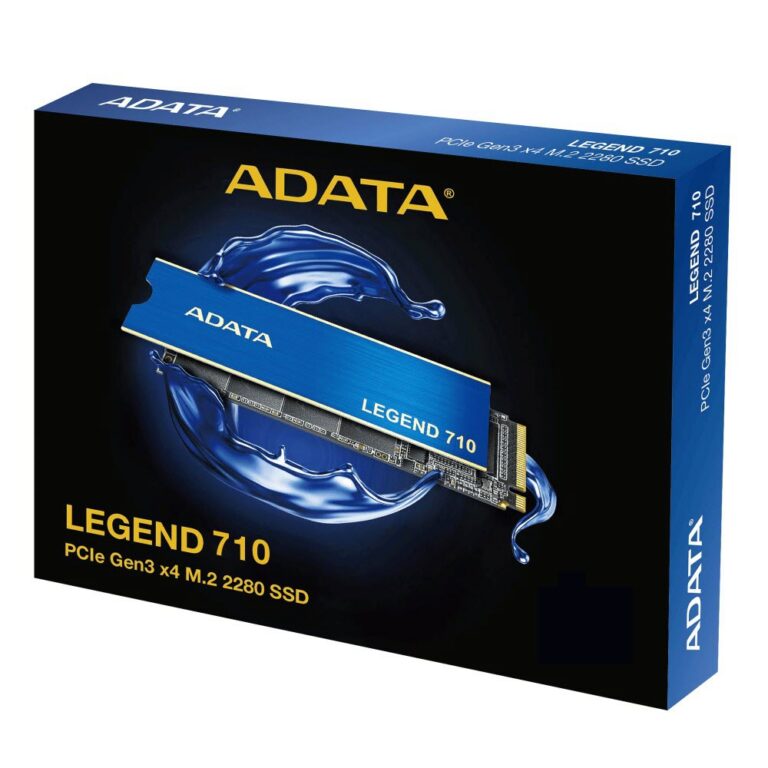
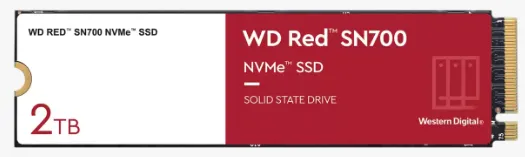
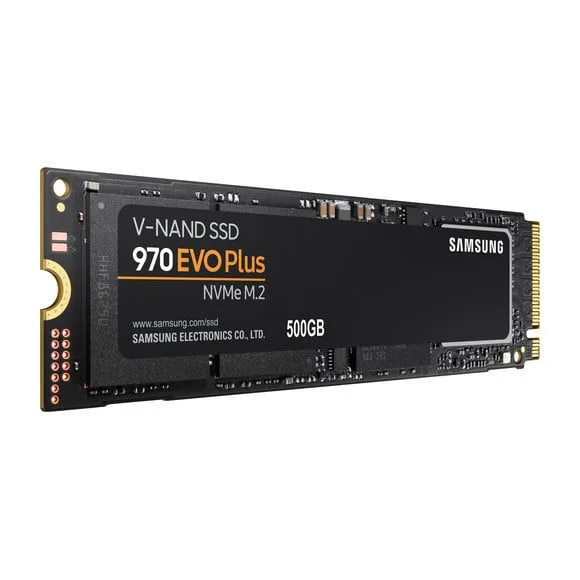
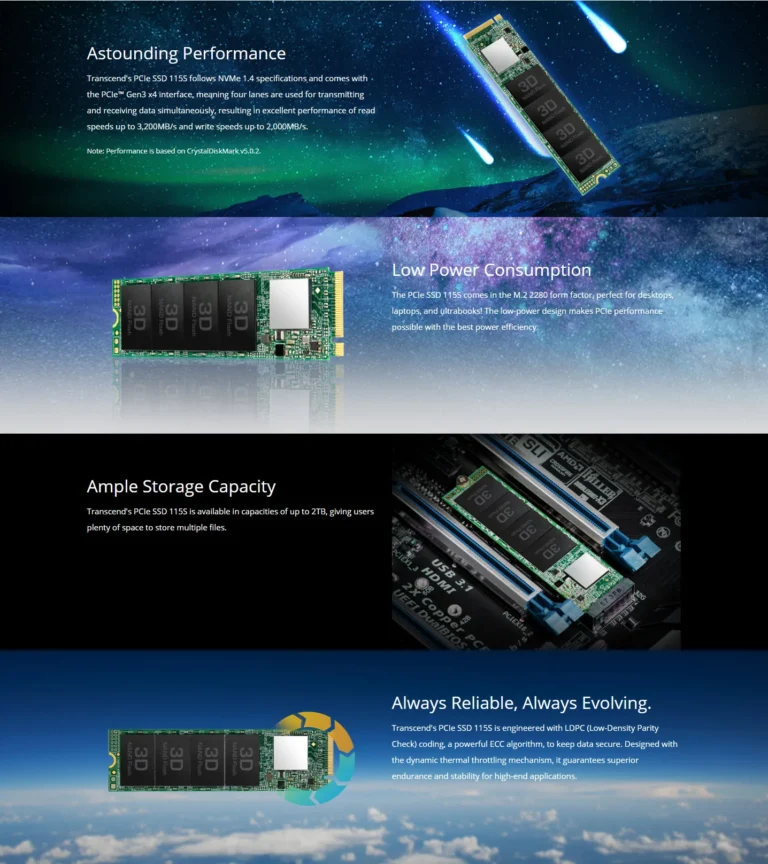
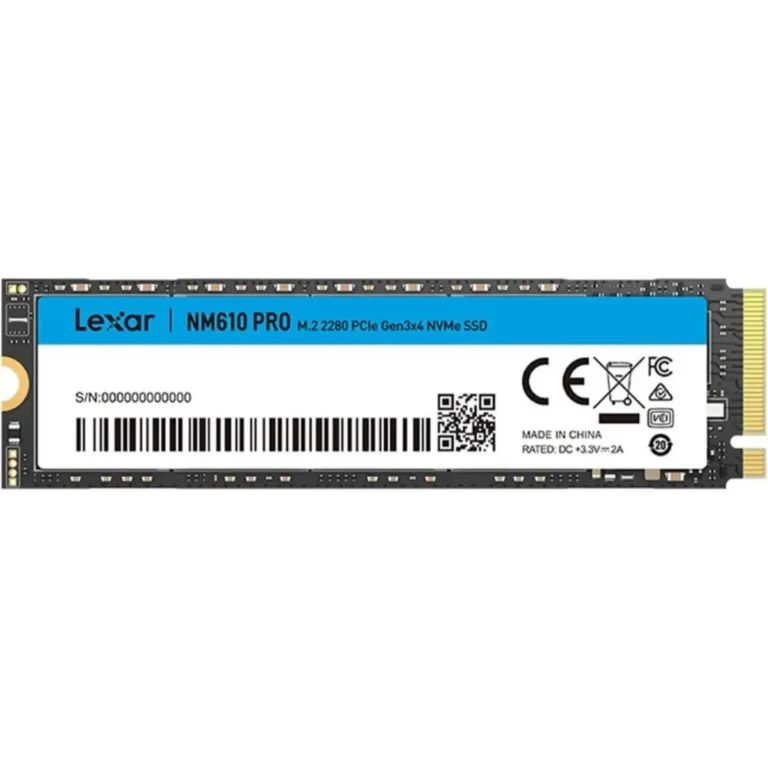
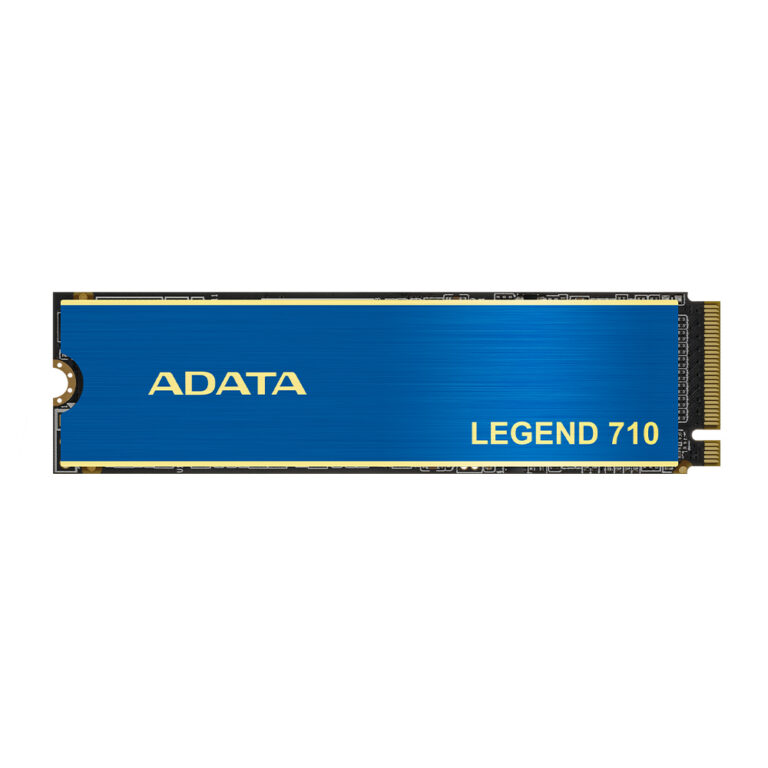
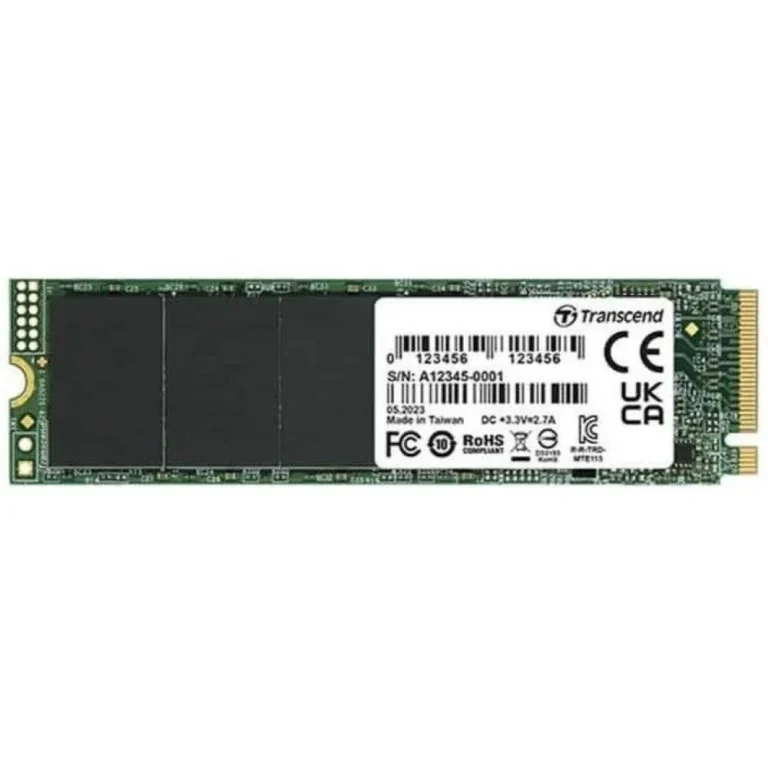
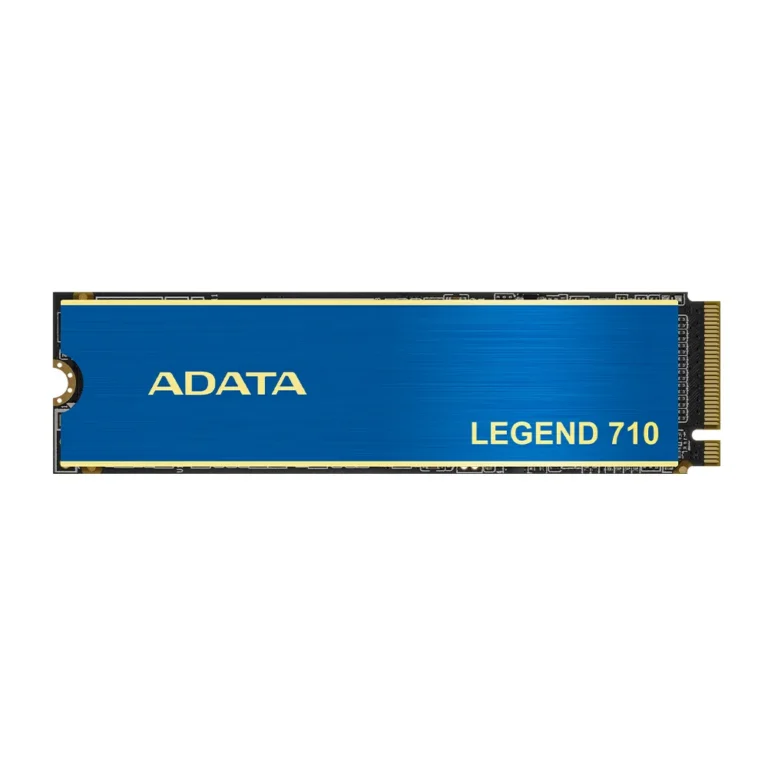
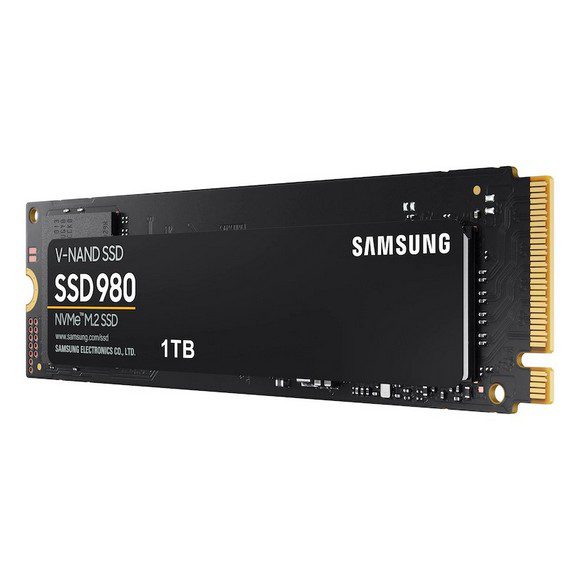
The shelf spans ADATA, Samsung, Transcend and XPG. Capacities start around the 500GB mark, where Samsung offers a 970 EVO Plus NVMe drive sized for a Windows install and a working set of programs. The 2TB tier is the busiest part of the range, with the Transcend MTE115S in Gen3 x4 form, the ADATA Legend 710 in PCIe Gen3 x4 M.2 2280, and the ADATA XPG Spectrix S40G, which adds RGB lighting to the same Gen3 x4 interface. Larger 4TB NVMe drives sit at the top of the range. Prices run wide across that span, from affordable single drive upgrades through to premium high capacity units.
Three decisions settle most purchases.
- Capacity comes first, because a 500GB drive covers an operating system and everyday software while a 2TB or 4TB drive is what you need to hold game installs, project files or a video library without juggling folders.
- Second, check what your M.2 slot supports. A board limited to Gen3 gains nothing from a newer generation drive, which makes a Gen3 x4 unit the sensible spend.
- Third, decide whether lighting matters. An RGB drive such as the XPG Spectrix S40G shows its lighting when the slot sits clear of a motherboard heatsink and the case has a side panel worth looking through.
Matching the drive to the machine
A student or office user replacing a tired HDD in a single drive laptop does well with a 500GB NVMe unit, since the machine has one slot and the operating system has to live on it. Gamers building a desktop tend to pair a smaller boot drive with a 2TB Gen3 drive so installs are not deleted every time a new title arrives. Editors, photographers and anyone archiving large footage folders push into 2TB and 4TB NVMe capacities. Buyers who want the build to read as a matched set choose the RGB option so the drive lighting sits alongside the fans and cooler.
Mega Computer has traded in computer hardware since 1986 and runs its showroom in Karachi, where you can see the drives before you buy. Orders ship with nationwide delivery across Pakistan. Payment works by cash on delivery or online payment. Warranty cover differs by brand and by capacity, so confirm the terms on the drive you choose at the point of purchase rather than assuming a single policy across the category.
One point catches buyers out on older laptops. An M.2 slot is not proof of NVMe support, because some machines carry an M.2 slot wired for SATA, and an NVMe drive fitted there will not be detected. Check the notebook or motherboard manual for the slot type before ordering. If you plan to clone an existing drive rather than reinstall Windows, size the new NVMe unit above the space taken on the old disk, and keep a USB enclosure or a second slot free so both drives can be connected during the copy.