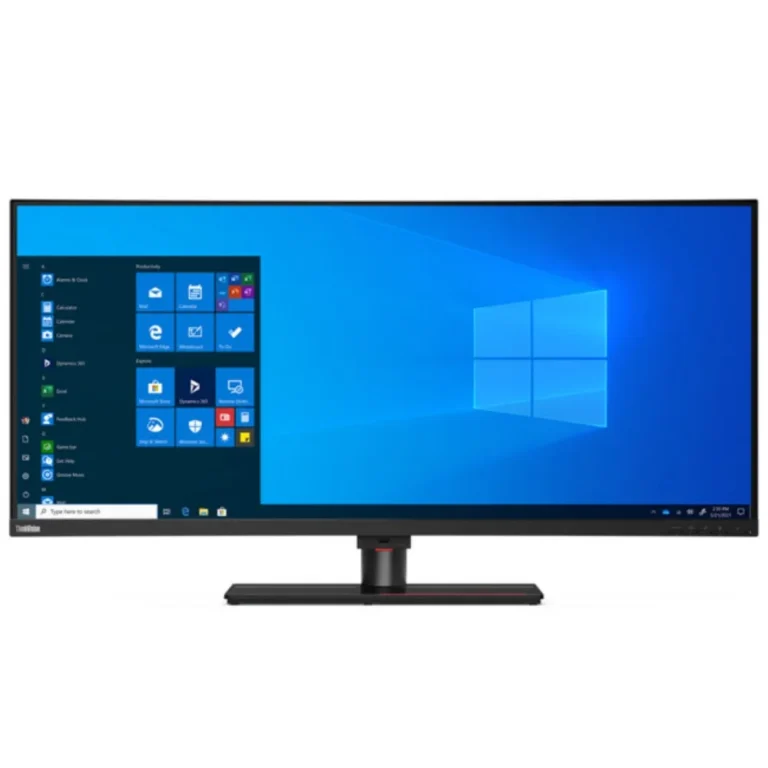
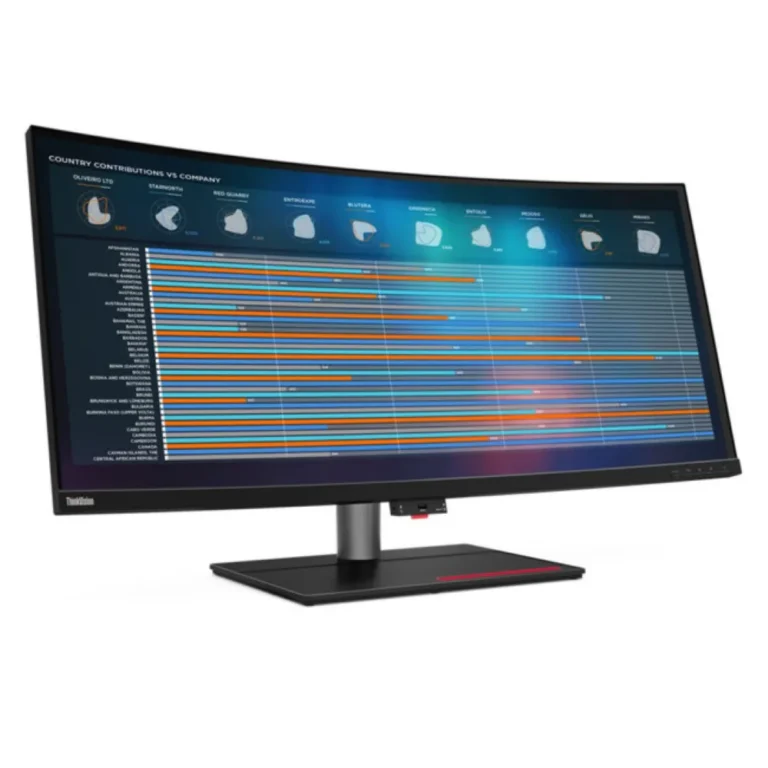
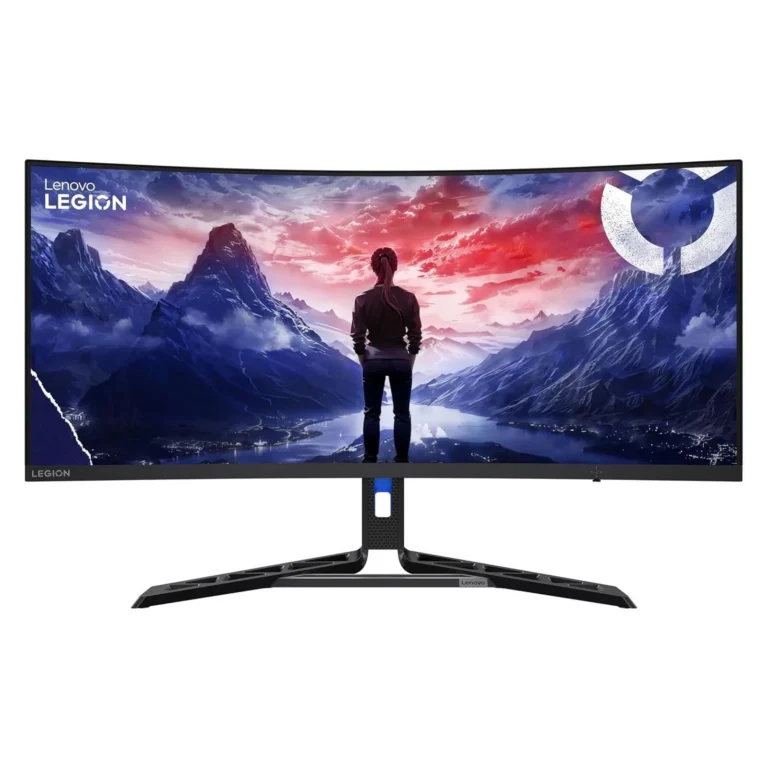
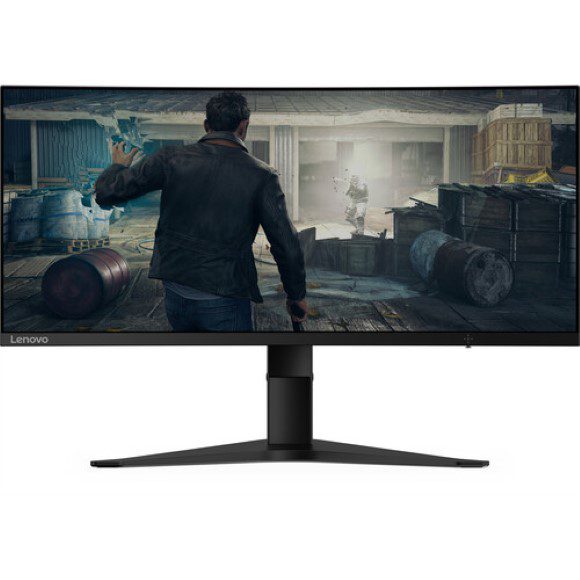
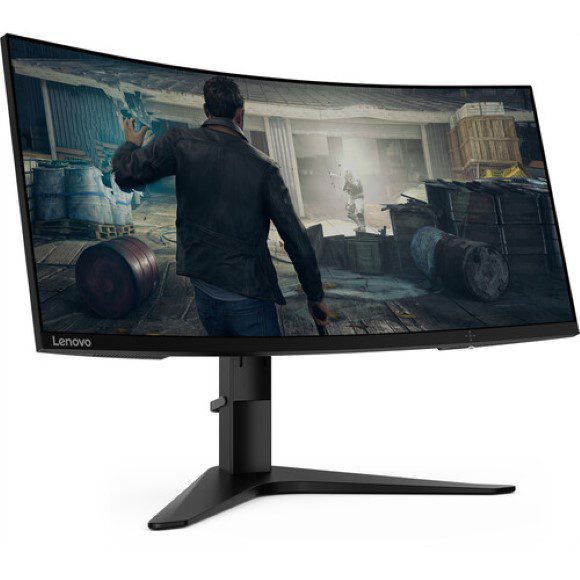
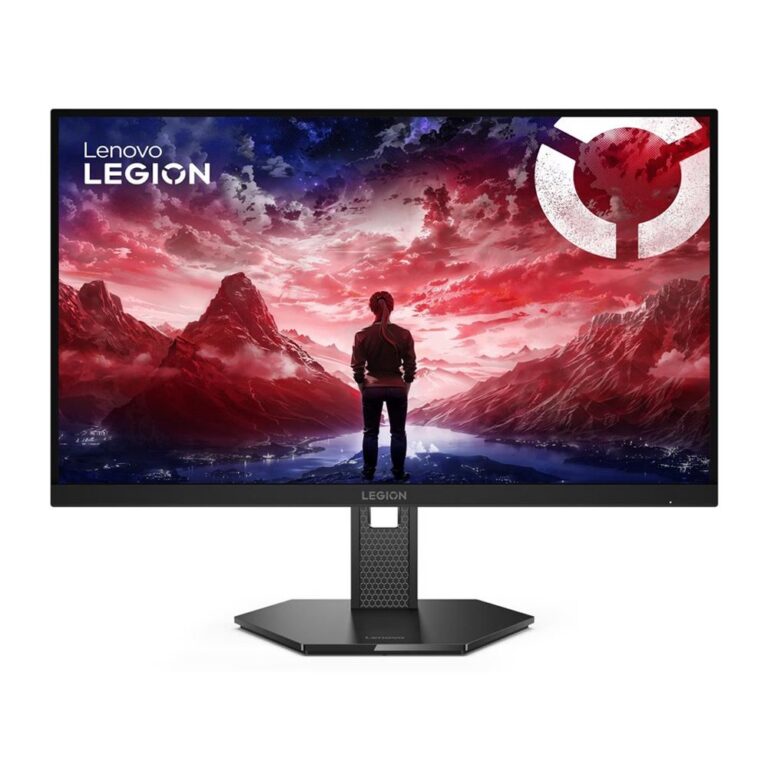
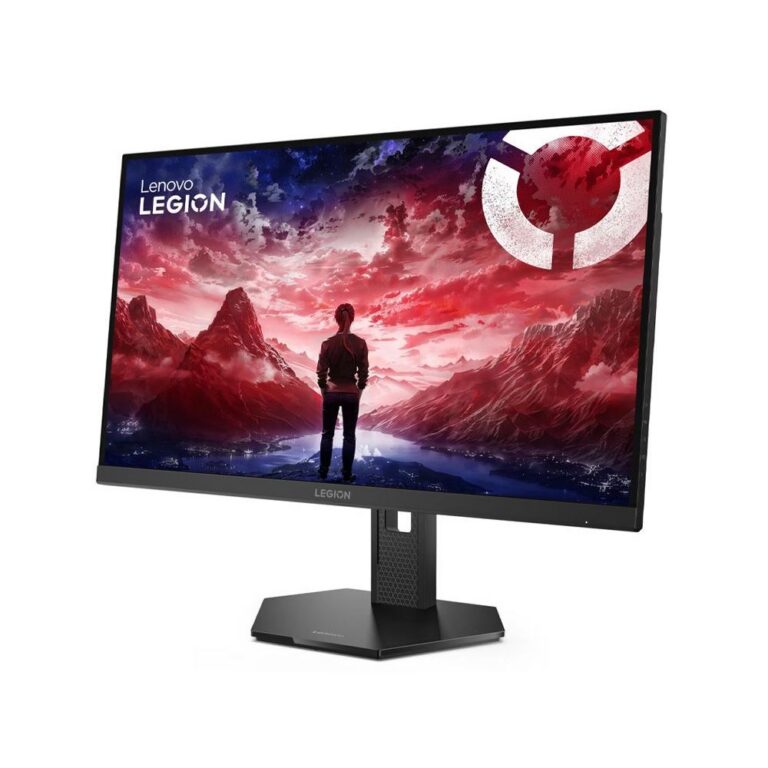
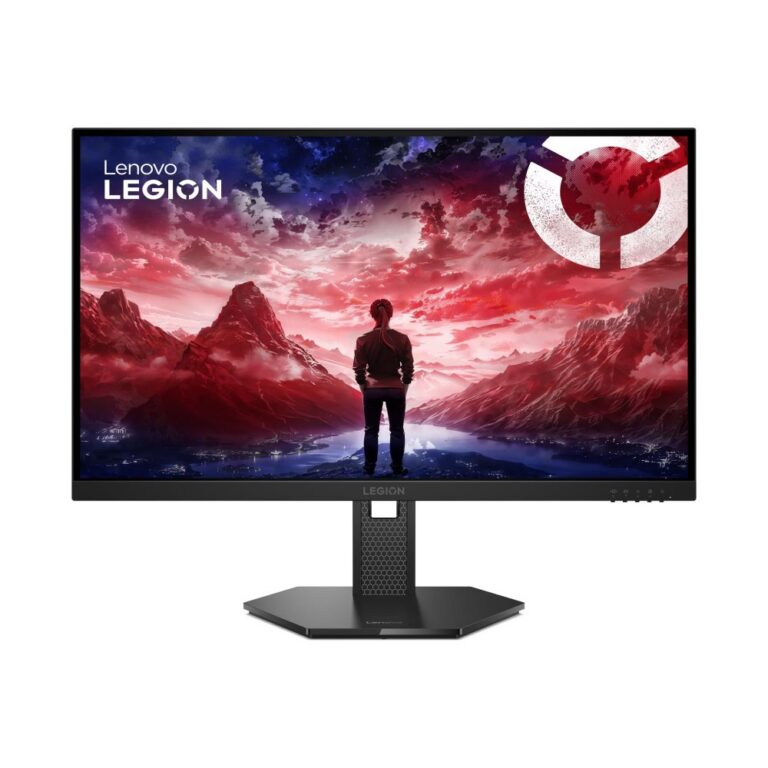
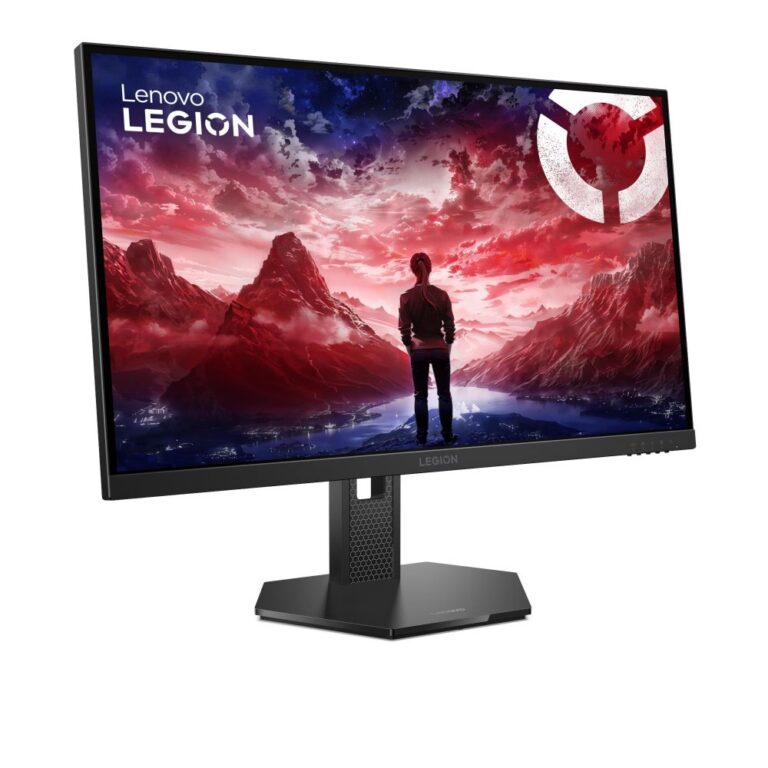
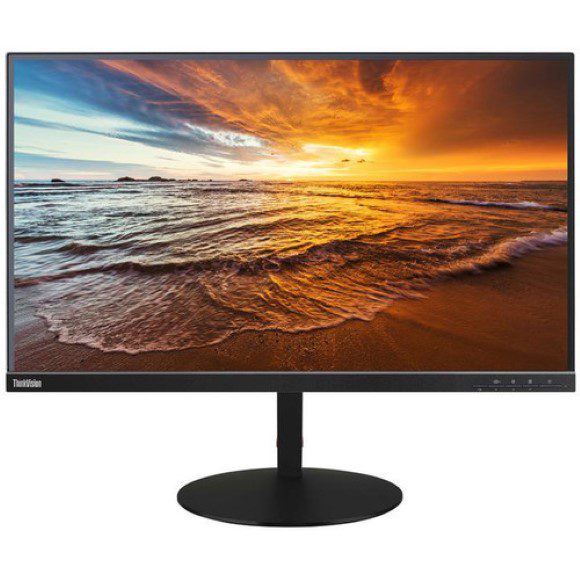
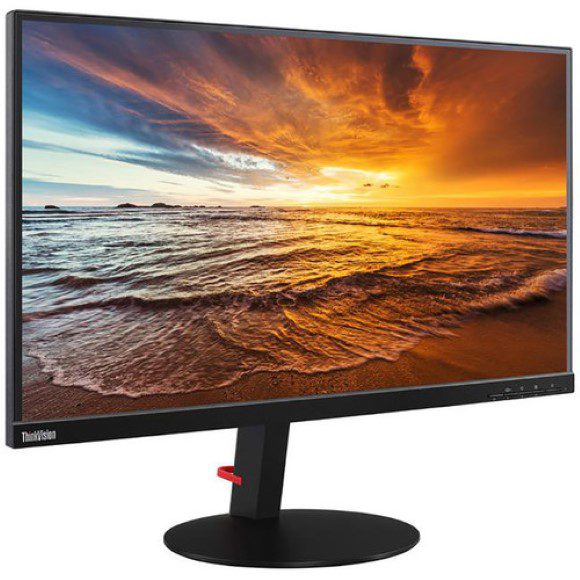
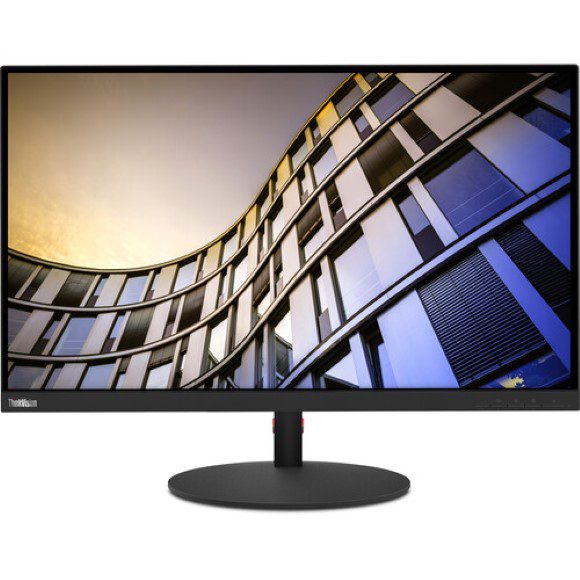
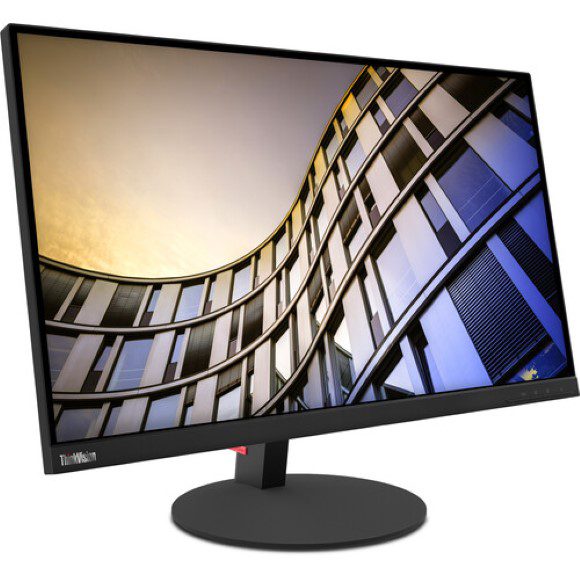
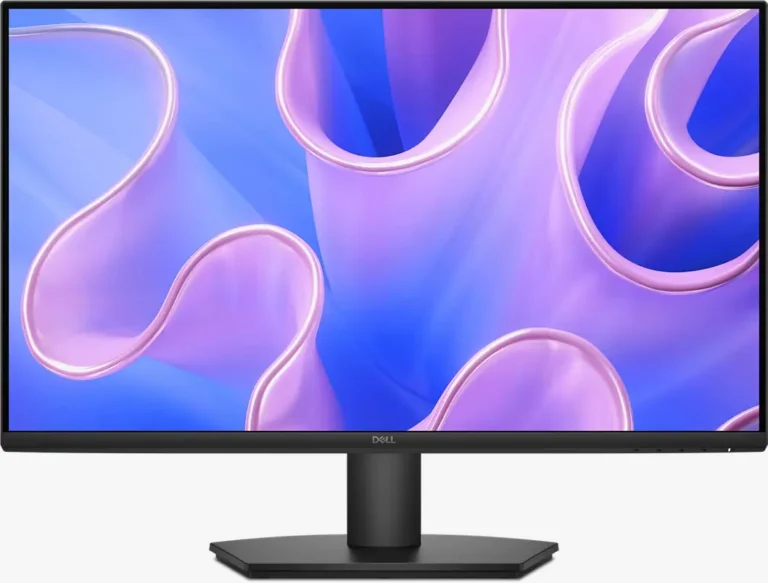
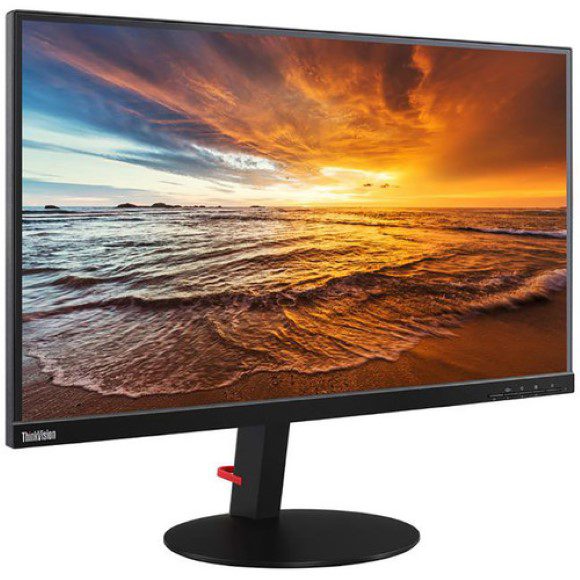
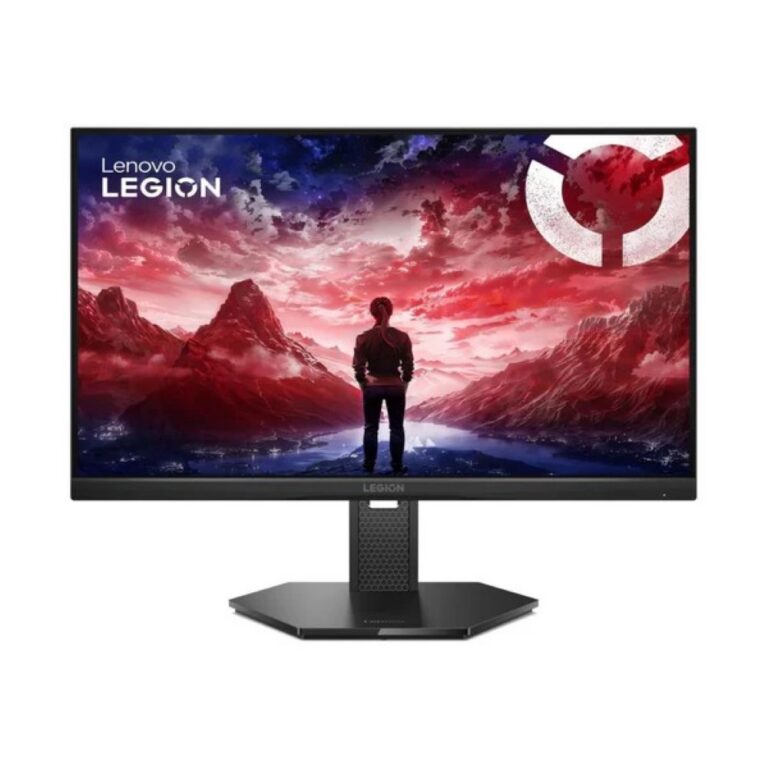
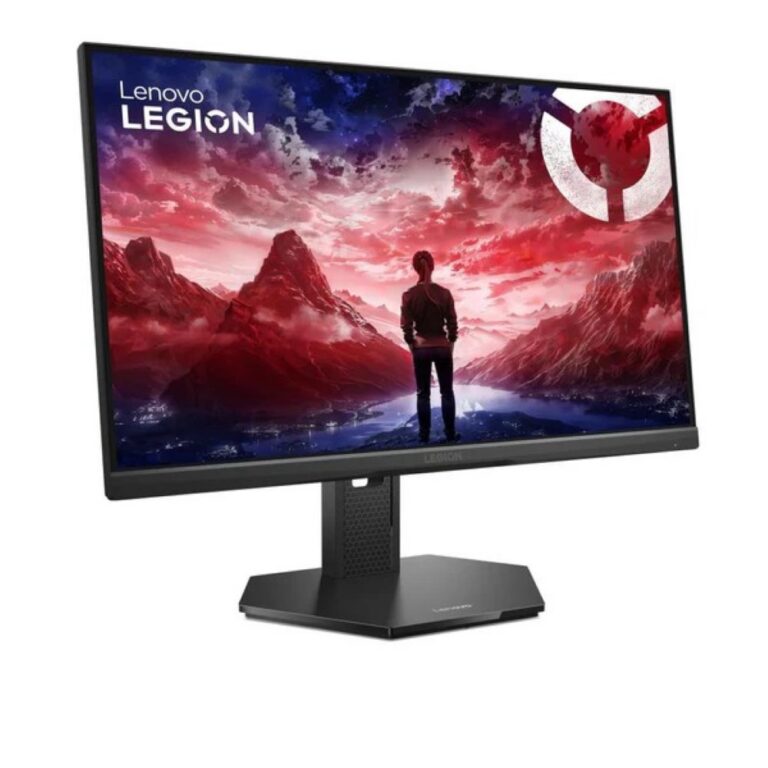
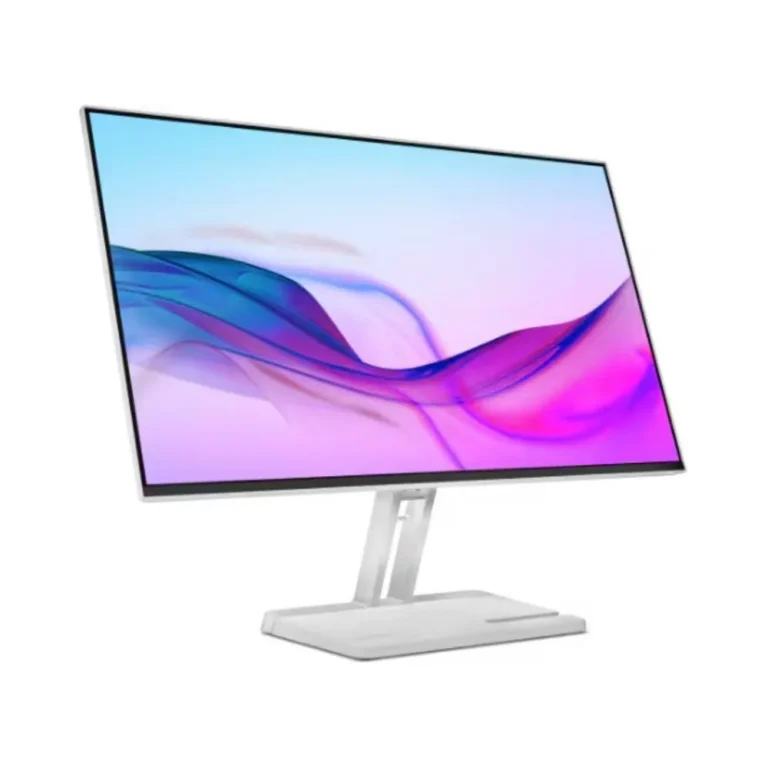
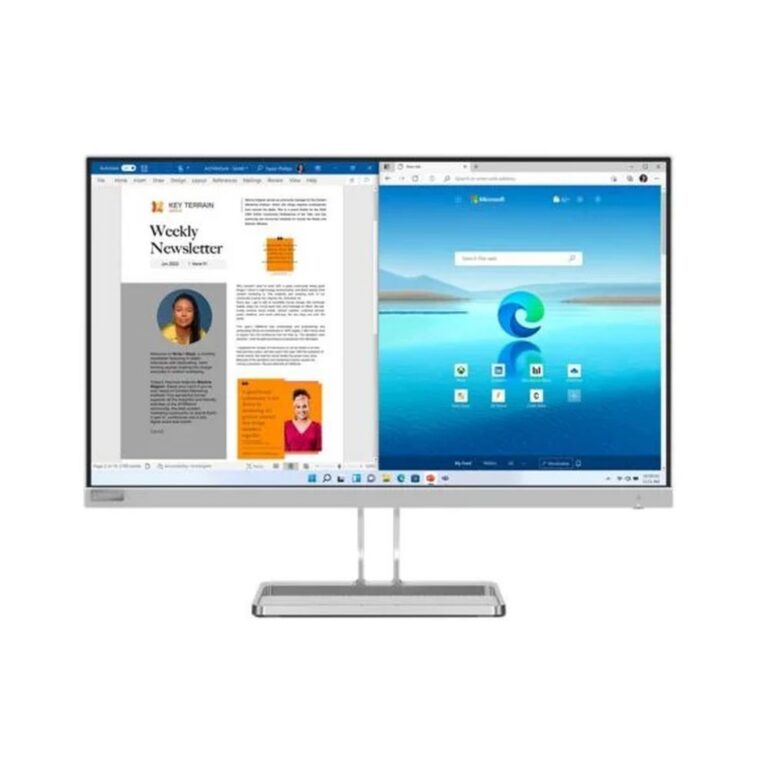
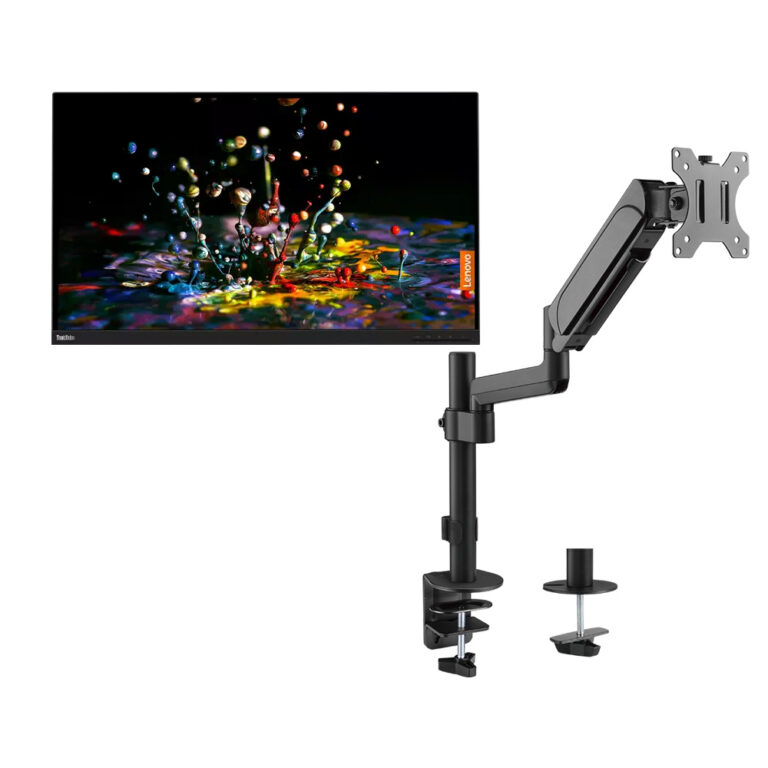
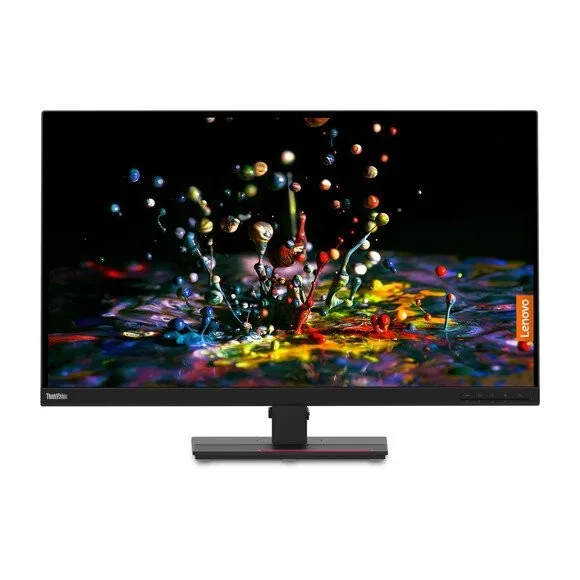
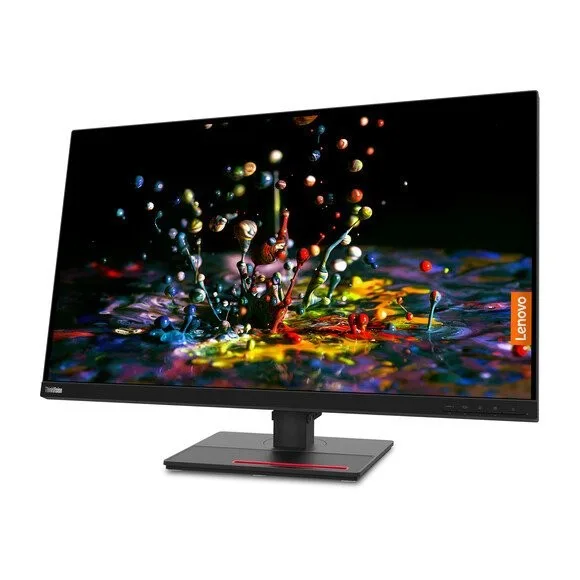
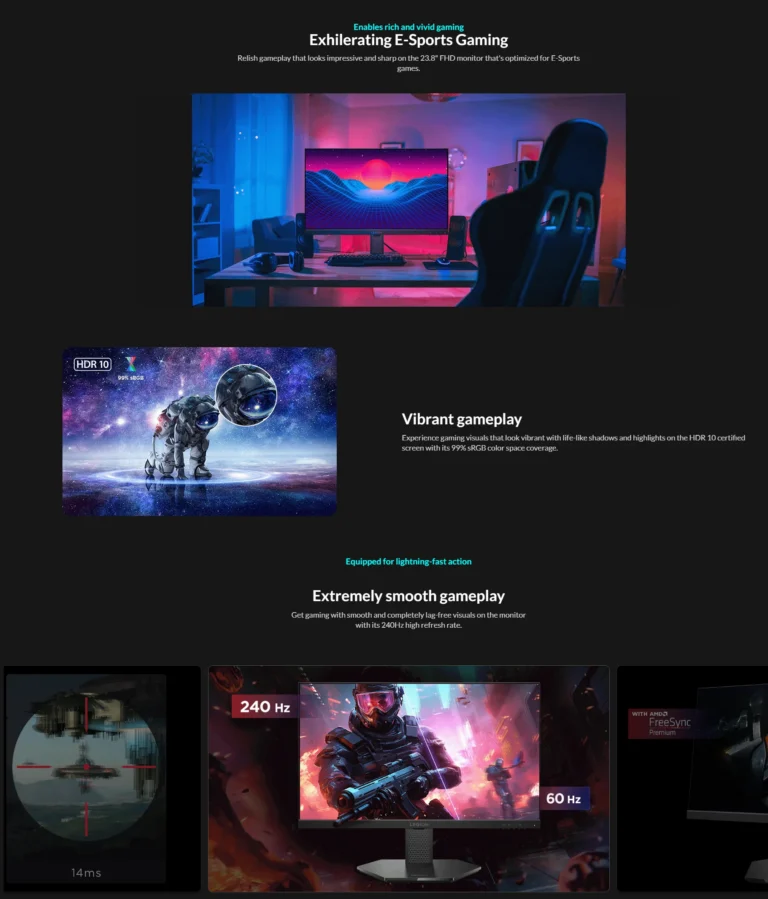
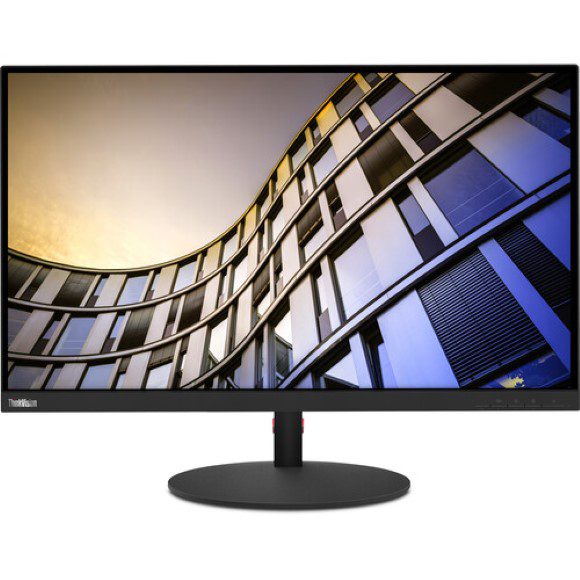
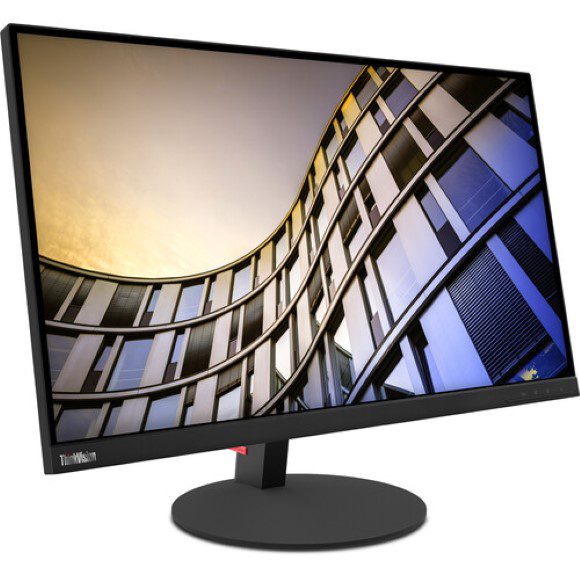
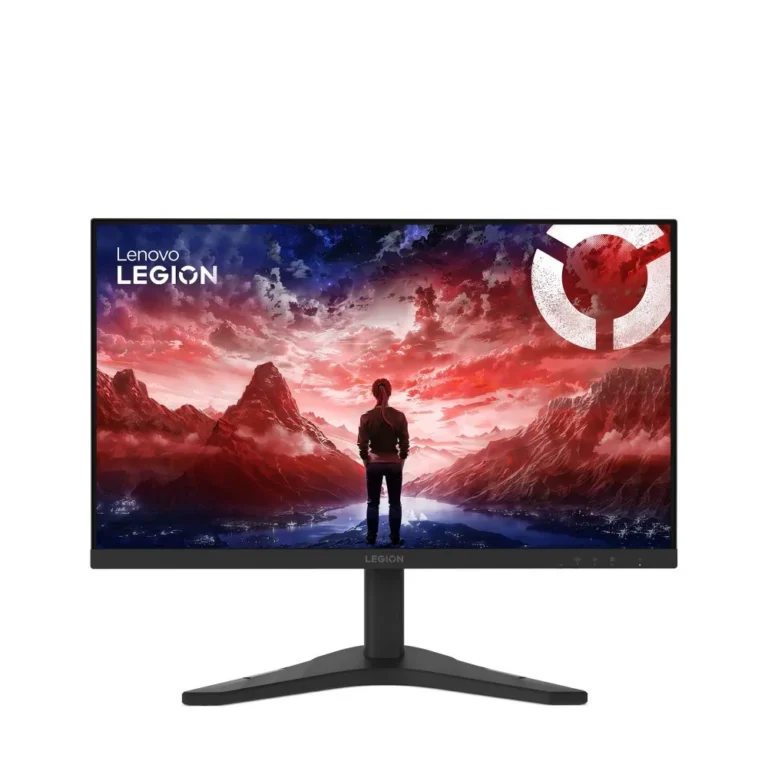
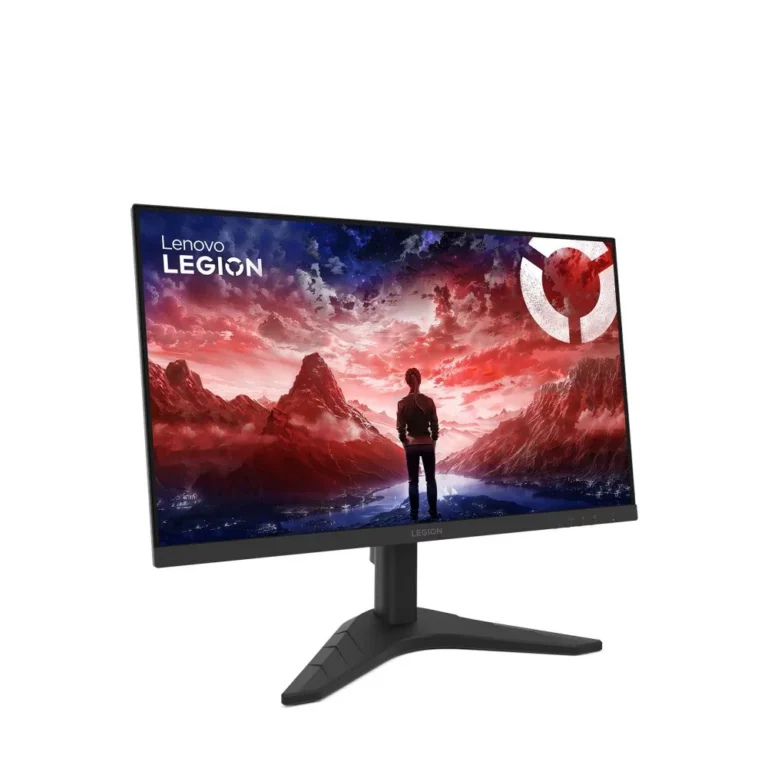
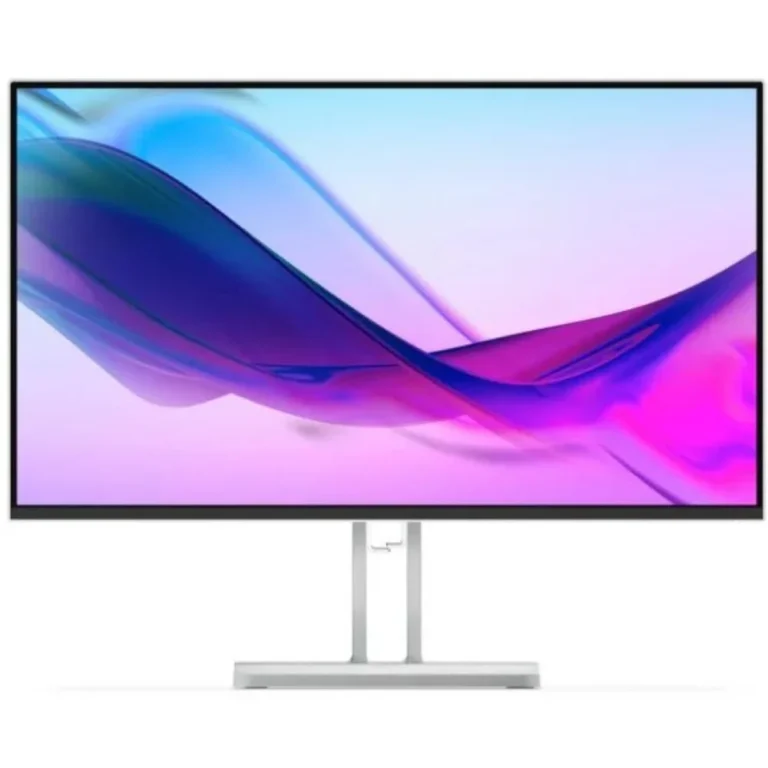
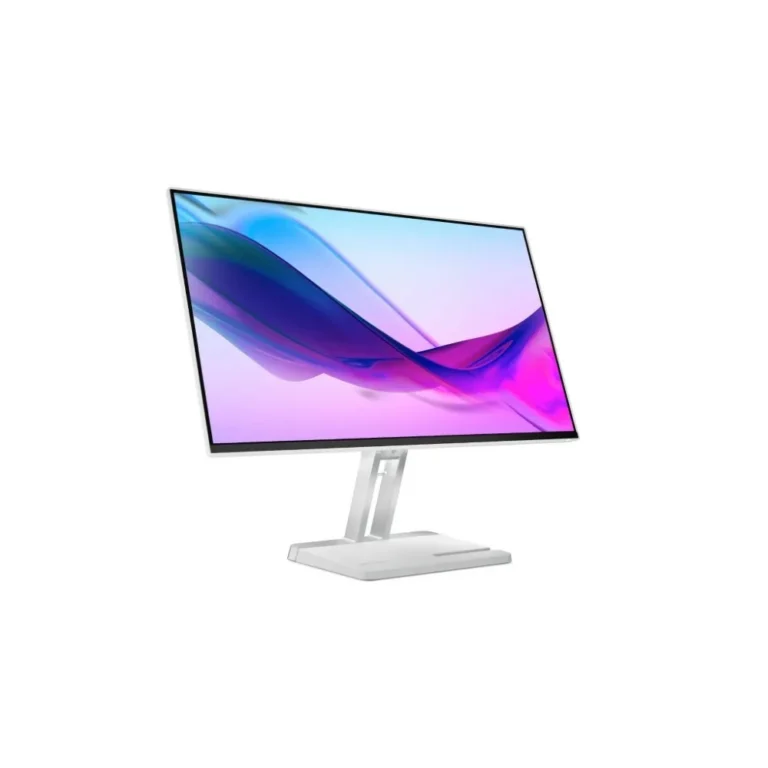
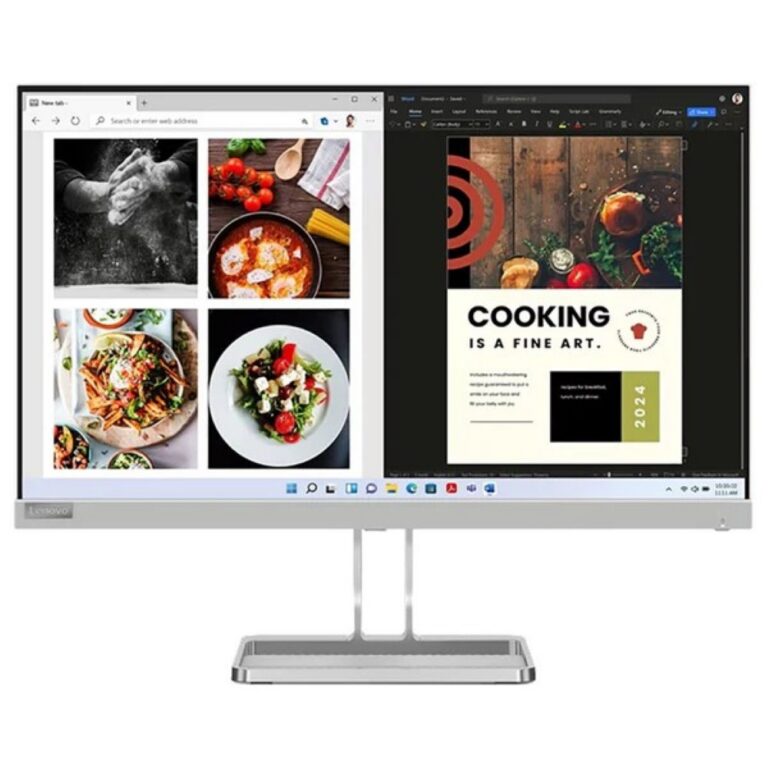
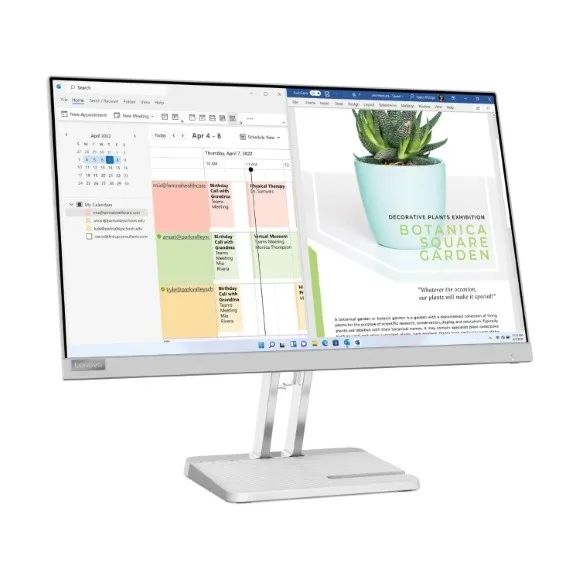
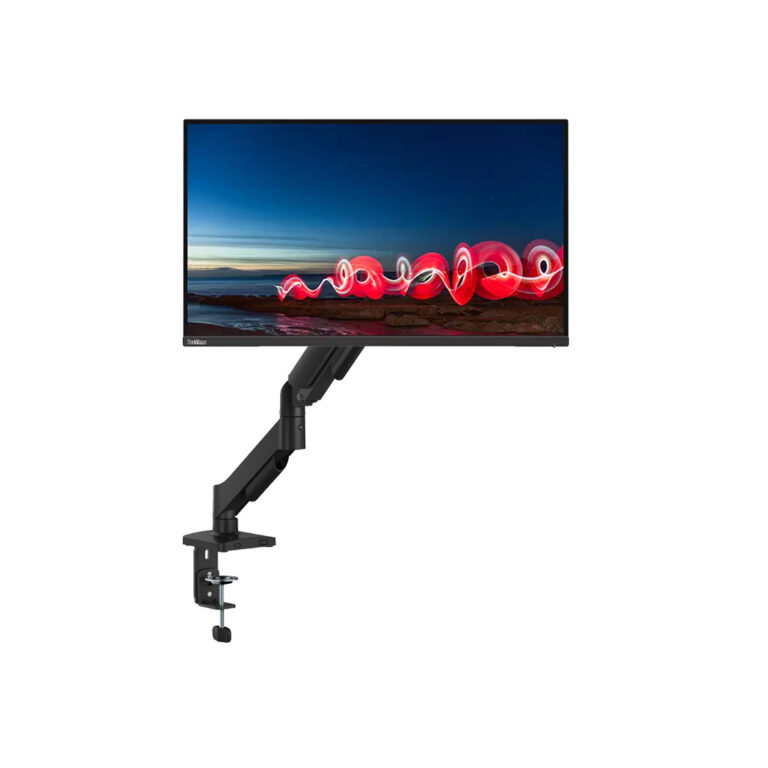
Lenovo and ThinkVision panels in IPS and VA, covering QHD and WQHD resolutions with refresh rates from 144Hz up to 300Hz for work and gaming desks.
Lenovo Monitors
Lenovo monitors on this page split into two groups: ThinkVision panels aimed at office and studio desks, and gaming panels built around high refresh rates at 1440p. Buyers include people setting up a first proper work screen, gamers replacing a 60Hz panel, and studios adding a second display to an editing station.
The stock covers both IPS and VA panels. Resolution sits at QHD and WQHD, with 1440p as the common point across the gaming models. Refresh rates run from 144Hz through 180Hz and 240Hz, up to 300Hz on IPS panels. ThinkVision units use IPS. The price spread is wide, from entry level screens through to premium professional panels, so one shelf holds a student’s first monitor and a colour critical one for design work.
Panel type is the first decision. IPS keeps colour and viewing angles steady when you sit off centre or share the screen, which is why the ThinkVision line uses it. VA gives deeper blacks and suits a darker room and a single seat in front of the screen. The second decision is refresh rate against the graphics card you already own. A 144Hz or 180Hz panel matches a mid range card at 1440p, while 240Hz and 300Hz only pay off if your card pushes those frame rates in the games you play. Third, choose between QHD and WQHD. WQHD widens the horizontal working space for timelines and long spreadsheets, and QHD keeps the pixel count lower so the card has an easier job at high refresh.
Who each option suits
Someone in spreadsheets and documents for eight hours gains more from an IPS ThinkVision panel than from a 300Hz refresh rate. A competitive shooter player wants the opposite, and that is where the 240Hz and 300Hz QHD models earn their price. Video editors and anyone running three windows side by side should start with the WQHD panels. A student or home user building a first desk can stay at the entry end with a 144Hz 1440p screen and still gain a clear step up from a laptop display.
Our Karachi showroom carries the range, so you can compare an IPS panel against a VA one in person before you commit. We ship nationwide across Pakistan and accept cash on delivery and online payment. Check the warranty note on each product page before you order, and keep the invoice, since a warranty claim on a monitor starts with proof of purchase.