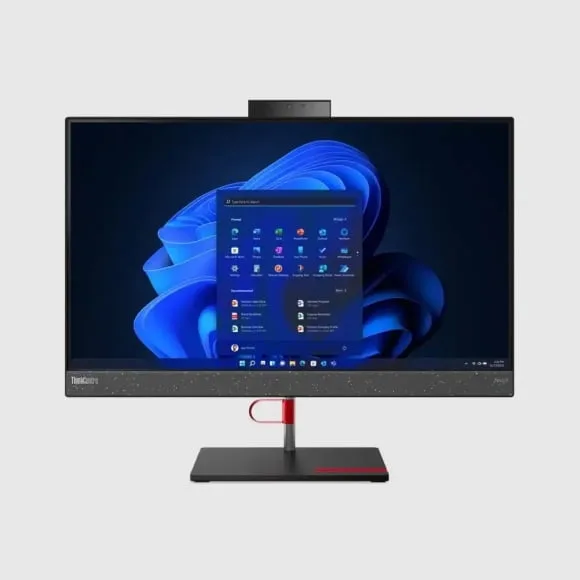
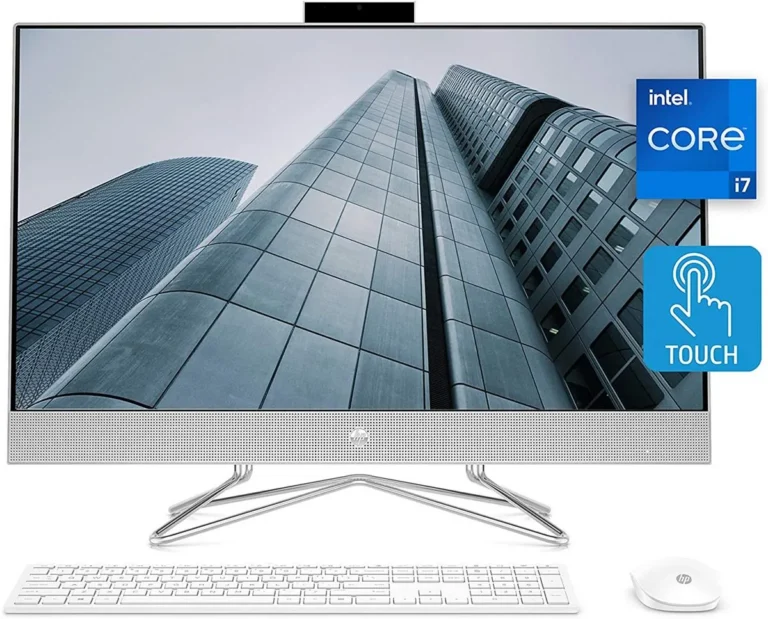
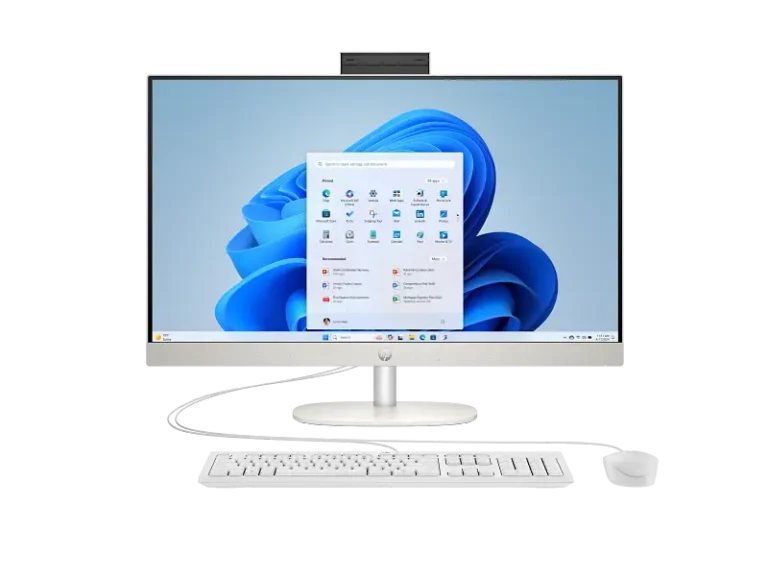
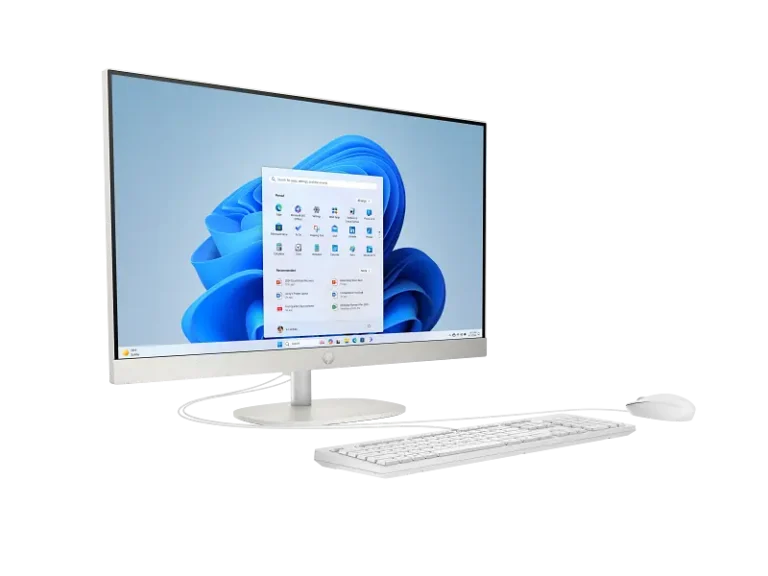
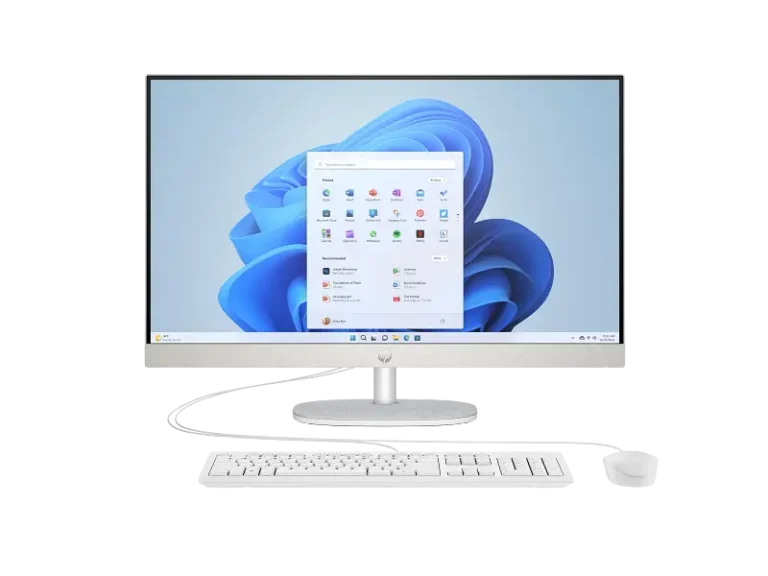
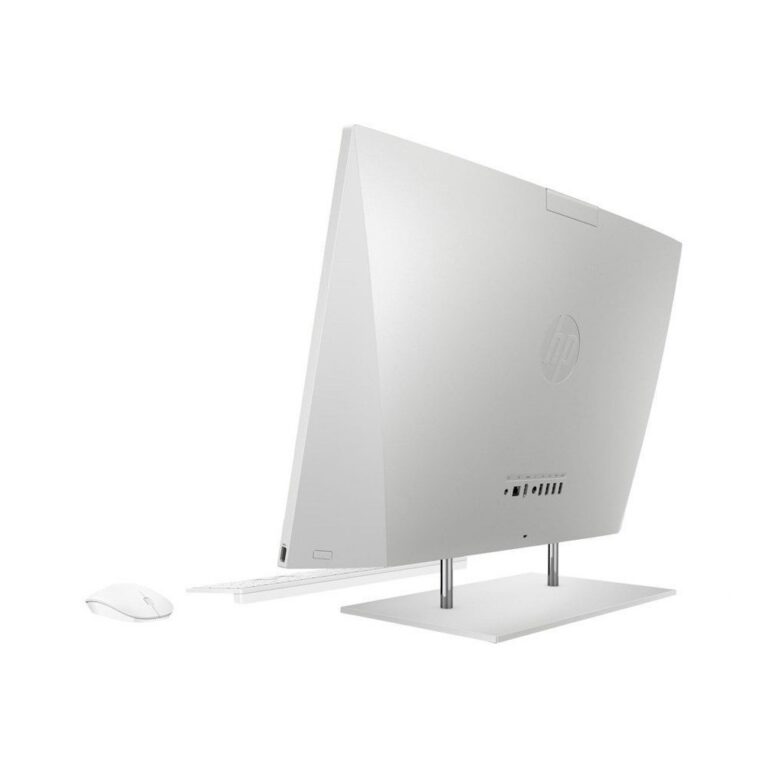
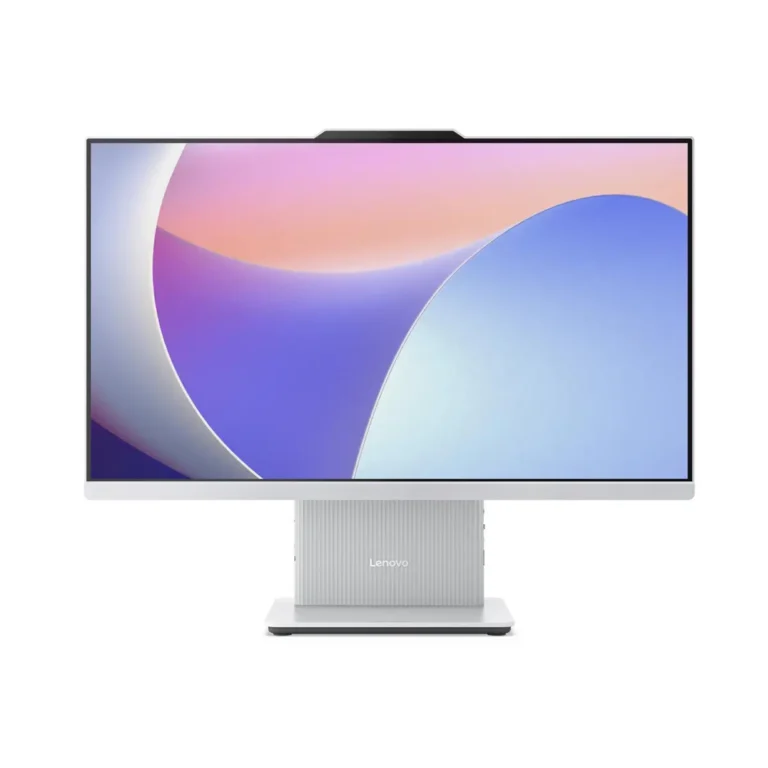
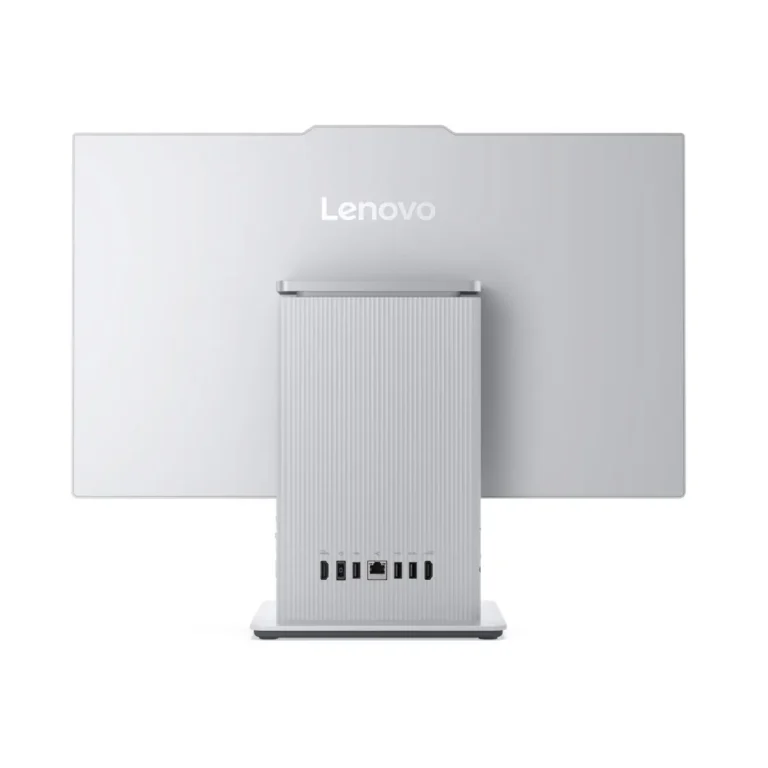
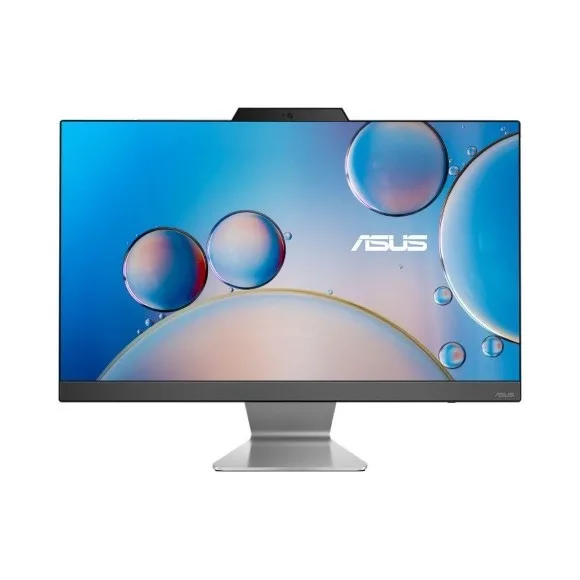
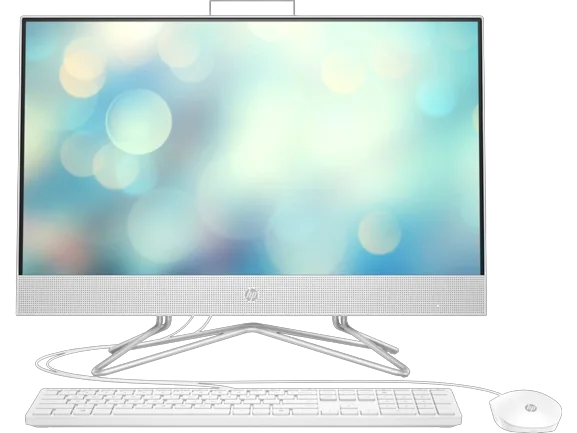
HP and Lenovo all-in-one desktops with FHD IPS screens, 16GB memory and a choice of SSD or HDD storage, built for reception counters, offices and home desks.
All-in-One PCs
All-in-one PCs fold the computer into the back of the display, so one power cable replaces the tower, the monitor lead and most of the cabling under the desk. Offices fitting out reception counters buy them because the counter stays clear. Clinics, front desks, shared admin stations and home study corners buy them for the same reason.
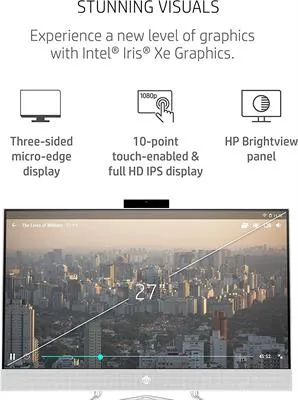
HP and Lenovo make up the range here. Memory lands at 16GB on both sides, running on DDR4 in the HP builds and DDR5 in the Lenovo builds. Storage splits in two: 512GB SSD machines that boot and open files fast, or 1TB and 2TB HDD machines that hold years of scans, records and photo archives on one drive. Displays are FHD IPS across the range. One Lenovo configuration steps up to a discrete graphics chip with 4GB of its own memory for design and CAD work. Pricing runs from entry-level office units through to premium configurations.
Three decisions matter more on an all-in-one than on a tower. The screen is bolted to the machine, so the panel you buy is the panel you keep for the life of the PC; IPS holds colour and contrast when staff view it from an angle across a counter, which matters when two people share one station. Storage is the second call, since adding a second drive to a sealed chassis is harder than dropping one into a tower: choose 512GB SSD for speed on a machine whose files live on a server, or 1TB and 2TB HDD when the records sit on the PC itself. Third, decide memory at purchase. A DDR4 unit and a DDR5 unit are different platforms, and the 16GB you buy is the 16GB you work with.
Who each option suits
A reception counter or a billing desk with a shallow worktop is the clearest fit, and a 512GB SSD build keeps the queue moving. Offices buying six or ten identical stations for admin and data entry get a tidier rollout than they would with separate towers and monitors. A household wanting one machine for schoolwork, banking and printing can take an entry-level unit with an HDD. Anyone who plans to swap a graphics card, add drives or rebuild the machine in a few years should look at the mini tower PCs or workstations under Desktops instead.
Mega Computer has sold computer hardware in Pakistan since 1986. All-in-one PCs listed here carry a manufacturer warranty, and the warranty period is stated on each product page rather than assumed across the category. You can see the machines and check the panels in person at the Karachi showroom, or order for nationwide delivery across Pakistan. Payment options include cash on delivery and online payment.