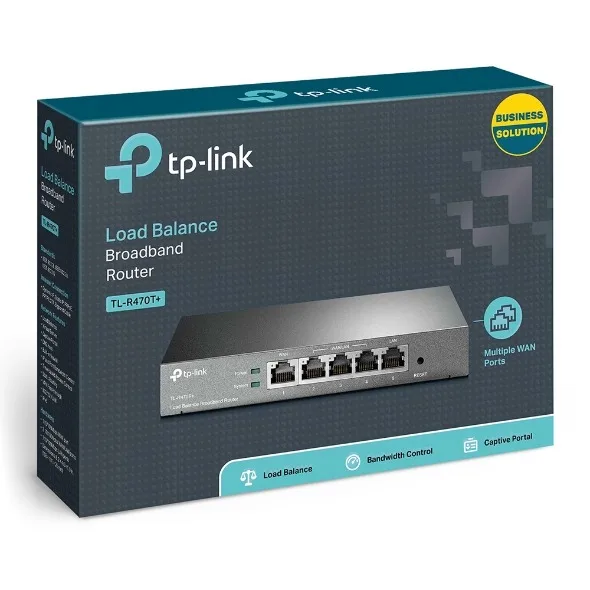
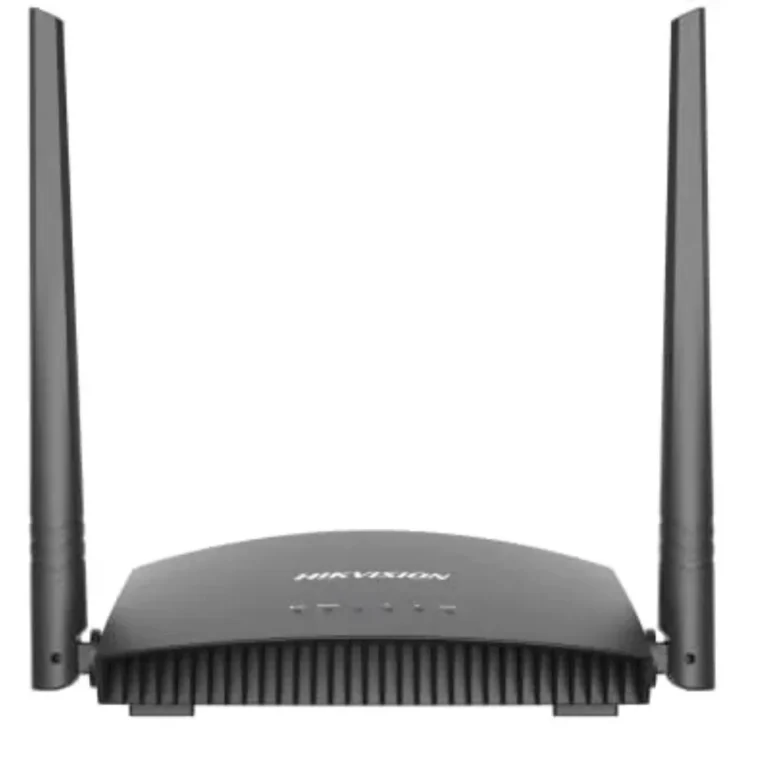
TP-Link wireless N routers alongside wired load balance and VPN units built for offices running more than one broadband line. Karachi showroom, nationwide delivery.
WiFi 4 (N) Routers
WiFi 4 (N) routers handle the everyday job of putting a broadband line onto a network, and this section carries more than the wireless models the name suggests. Alongside high power wireless units sit wired load balance and VPN routers meant for shops, offices and small server rooms where the connection matters more than the antenna count. Buyers here are usually replacing an ISP supplied box or building a network that has outgrown one.
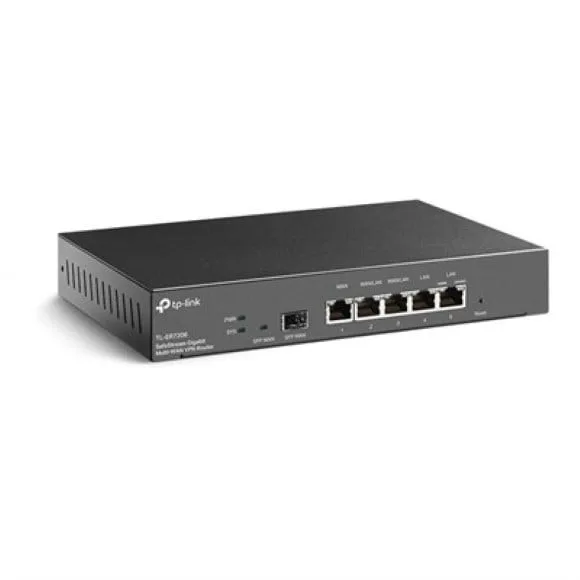
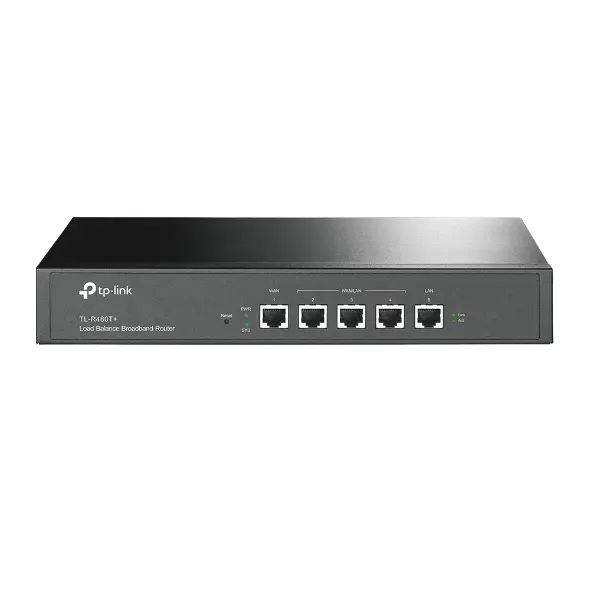
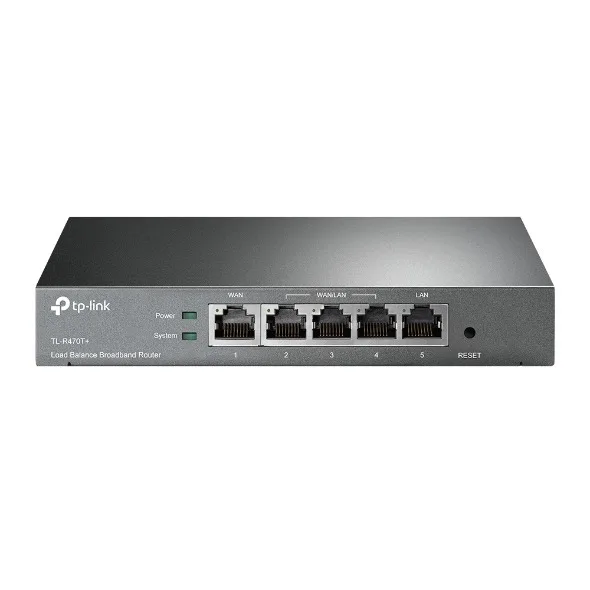
TP-Link supplies every unit in this category, so the comparison runs between router types rather than between makers. On one side are wireless routers that broadcast their own network. On the other are desktop and rackmount load balance routers that take two or more broadband lines and share traffic across them, plus VPN capable models that let a remote site or a laptop reach the office network. The price spread runs from entry level up to premium, which puts a first home router and a multi WAN office unit on the same page.
Start with how many internet connections you plan to feed into the box. A single line needs a single WAN port and nothing more. Two lines, whether for backup or for spreading load across a busy office, need a load balance router, and that decision rules out most home units straight away. Next comes wireless: some models broadcast a network themselves, while the load balance and VPN routers are wired boxes that expect access points to handle coverage. Third is the mounting. Desktop units sit on a shelf, rackmount units bolt into a cabinet, and a few models do both. VPN support is the last filter, and it only matters if staff connect from outside the office.
Matching the router to the site
A household on one broadband line with a couple of floors to cover wants a high power wireless model and can skip the multi WAN features. A shop or small office running two connections, one as a failover, needs a load balance router in front of the switch. Companies with staff working from home or a second site get more from a VPN capable unit, since it removes the need for third party tunnelling software on every machine. Anyone already running ceiling access points should buy a wired router and leave coverage to the access points rather than paying for antennas that will sit unused.
Mega Computer keeps this range at the Karachi showroom and ships nationwide across Pakistan. Cash on delivery and online payment both work, whichever suits the order. Warranty terms vary by model, so read what each listing states before you order and keep the invoice, because warranty claims on networking hardware run through the seller record.
One point on installation: a load balance router only earns its keep once both broadband lines are live and terminated near the rack, so plan the cabling before the hardware arrives. Rackmount models need a free 1U slot and airflow around it. If you are moving from an ISP router, note the login details for your connection first, since the new unit will ask for them during setup.