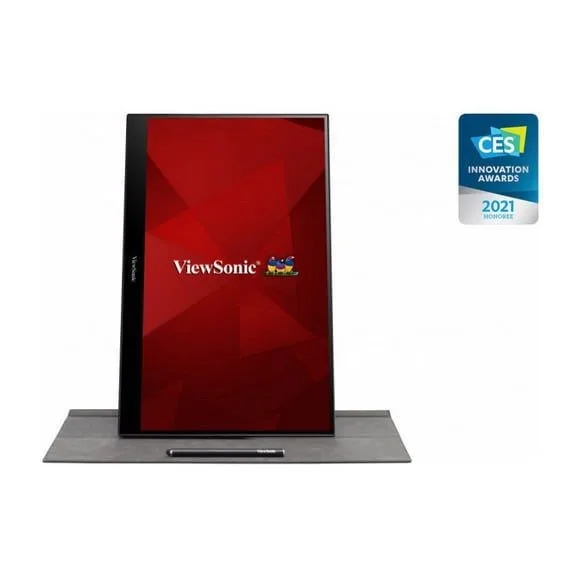
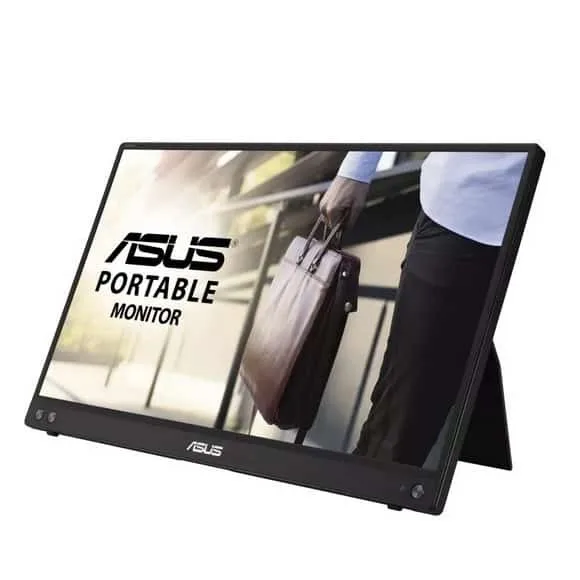
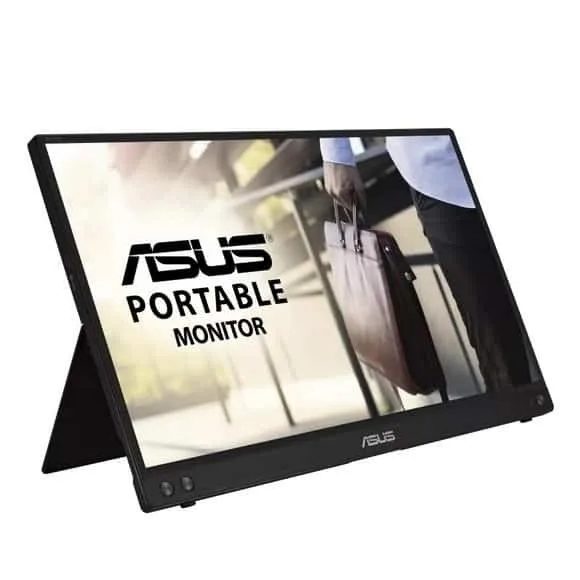
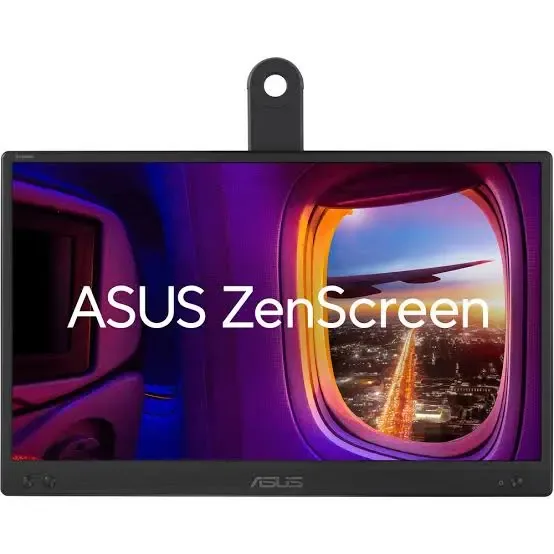
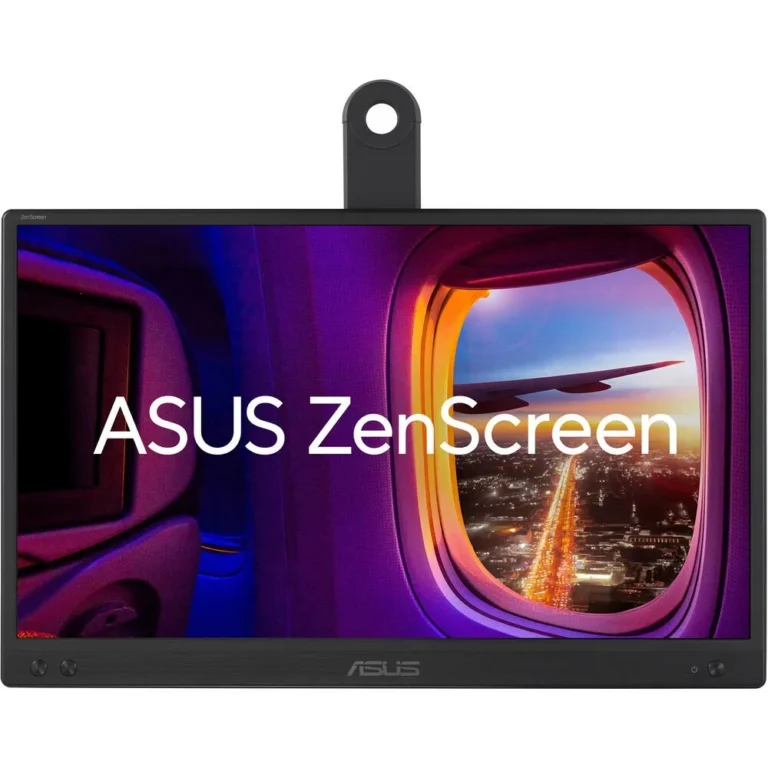
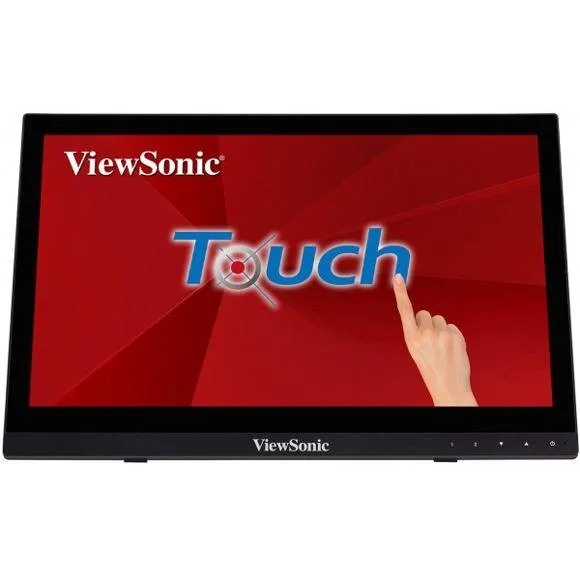
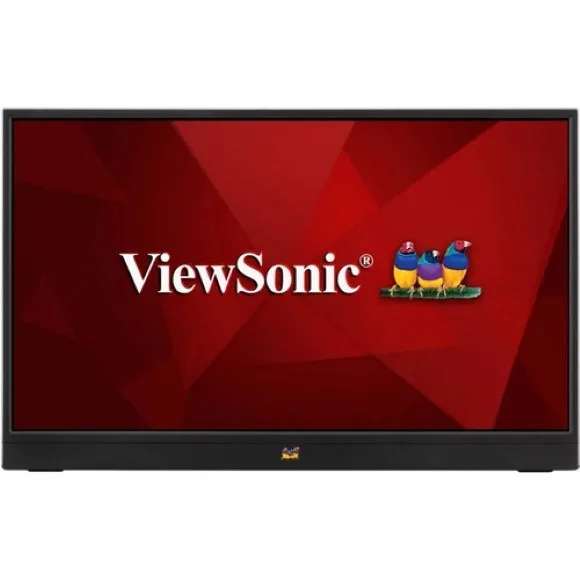
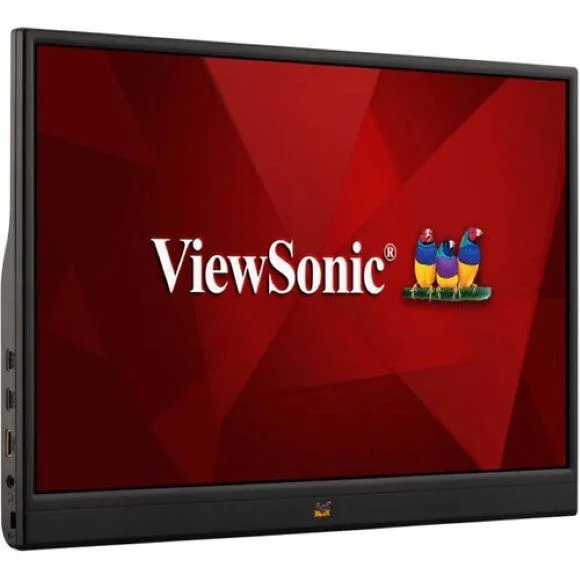
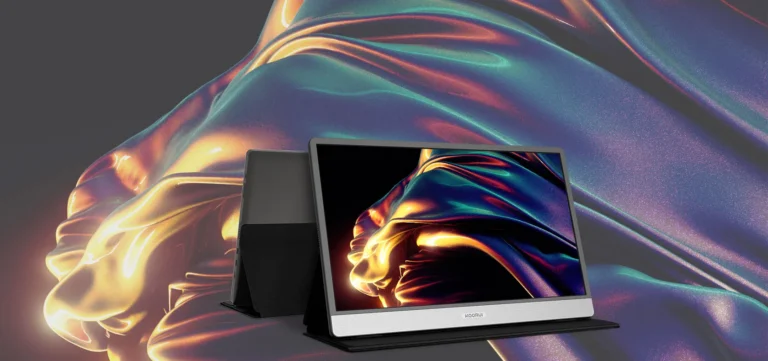
Slim 15.6 inch and 16 inch second screens from Asus, Philips and ViewSonic, including 10 point touch panels, for laptop users who work away from a fixed desk.
Portable Monitors
Portable monitors add a second screen to a laptop without the desk space, arm mount or fixed cabling a standard display asks for. The panels in this category sit at 15.6 inch and 16 inch, close to the footprint of a laptop lid, so the screen travels in the same bag as the machine it serves. People buying here tend to work in more than one place: a client office in the morning, a site visit after lunch, a hostel room at night.
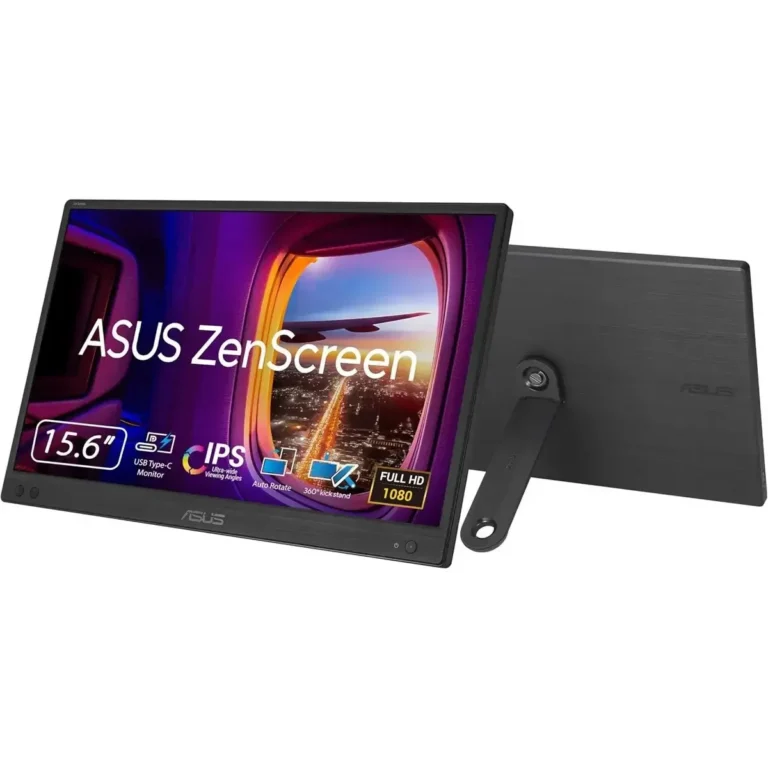
Three brands make up the range. Asus supplies the ZenScreen line, with IPS panels at 15.6 inch and 16 inch running 1080p and FHD resolution at 60Hz, connected over USB. Philips covers the 15.6 inch touchscreen end at 60Hz. ViewSonic brings 16 inch touch panels that register 10 point input. Prices run from entry level through to premium, which puts a plain USB second screen and a full touch panel on the same shelf.
Three decisions settle most purchases.
- Touch or no touch comes first: the ViewSonic panels take 10 point finger input and the Philips 15.6 inch unit is a touchscreen too, which counts if you sign, annotate or hand a screen to someone across a table.
- Next is the cable. The Asus ZenScreen models connect over USB, including USB Type-C, so a single lead can carry picture and power from the laptop instead of a separate adapter.
- Last is size against bag space. A 15.6 inch panel packs flatter, while 16 inch gives room to keep a document open beside a spreadsheet.
Refresh across this category is 60Hz, so treat these as work screens rather than gaming panels.
Who each option suits
An auditor comparing two ledgers gains more from the extra width of a 16 inch IPS panel than from touch. A trainer running a session in a meeting room gets more from the 10 point touch models, because pointing at the panel replaces passing a mouse around. Developers and analysts who keep logs, terminals or chat on the side screen are served by the USB connected Asus ZenScreen units, since one cable means less to unpack and repack each day. Anyone sharing a screen with a client at an angle should stay on IPS, where the picture holds up when two people look at it from different seats.
Portable monitors here are new units backed by manufacturer warranty, with claims handled through our team. You can see the panels in person at our Karachi showroom, set a touch model beside a plain one and check how the kickstand sits before you decide. Orders go out with nationwide delivery across Pakistan, and you can pay cash on delivery or online. Ask us before ordering if you are unsure whether your laptop port will drive the panel you want.