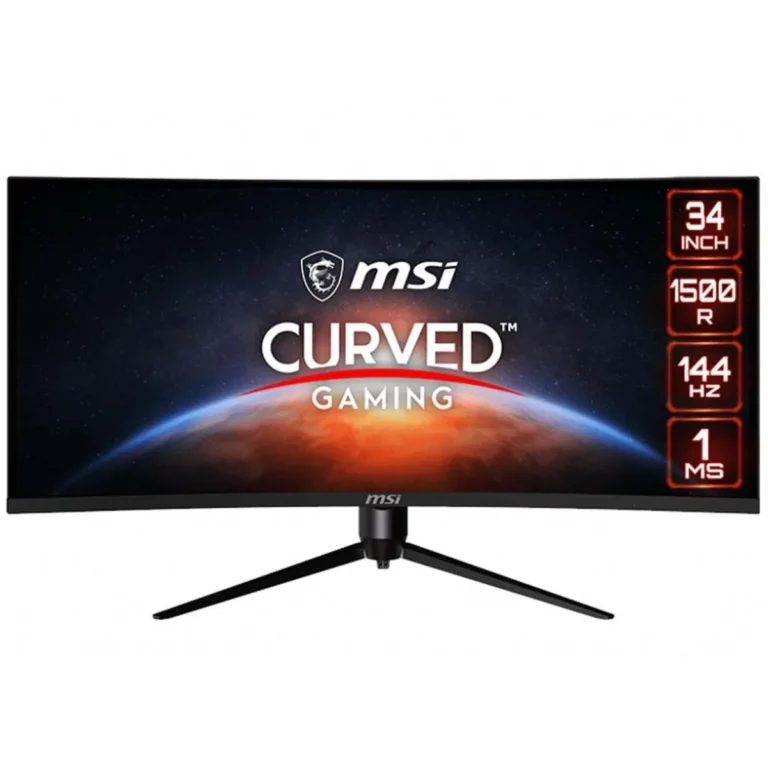
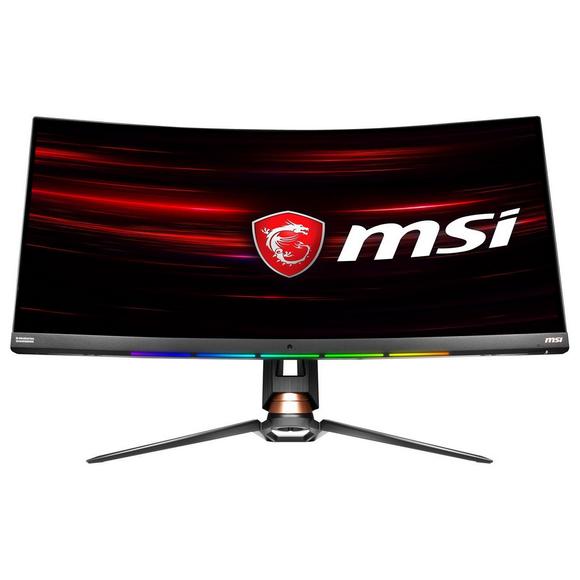
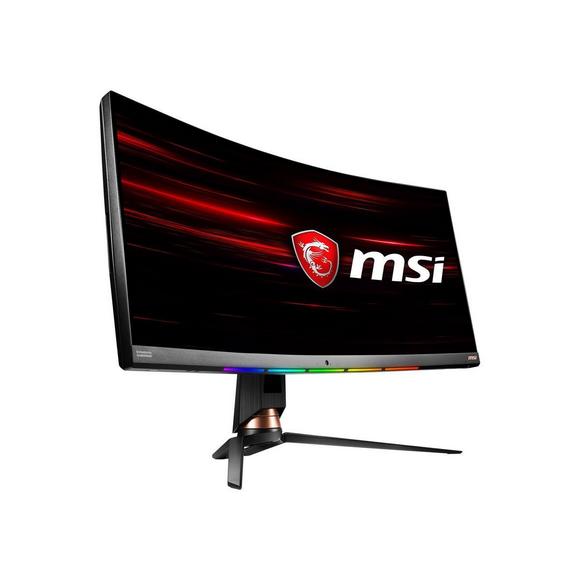
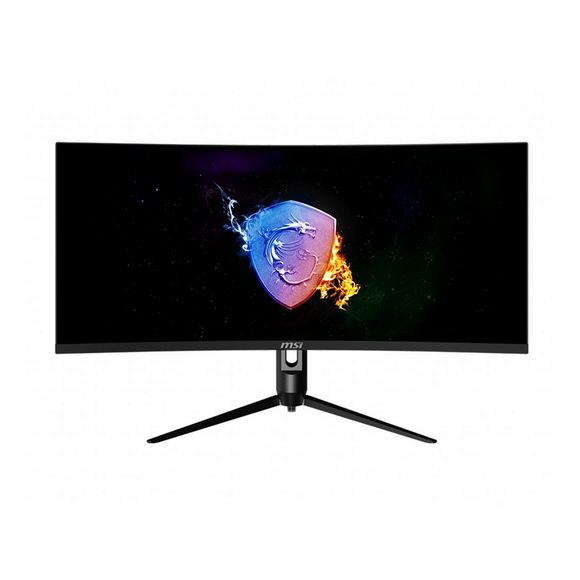
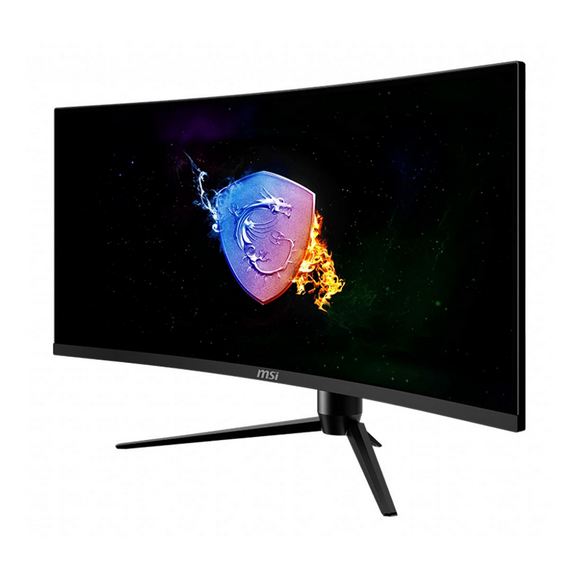
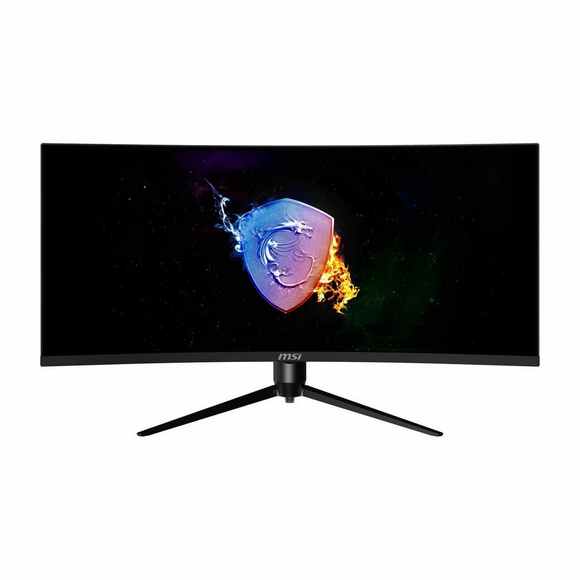
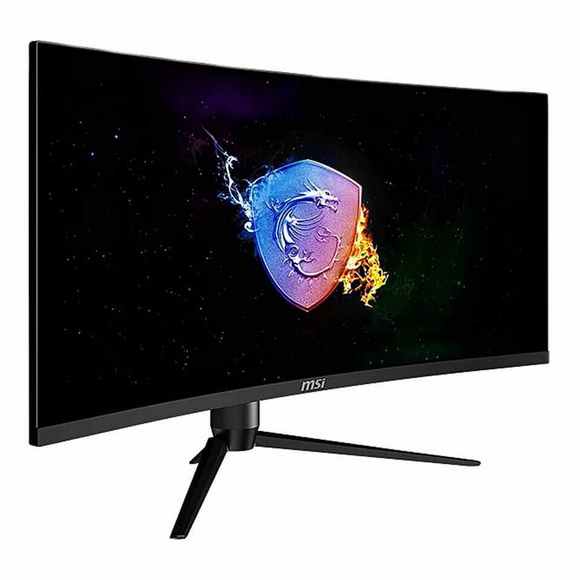
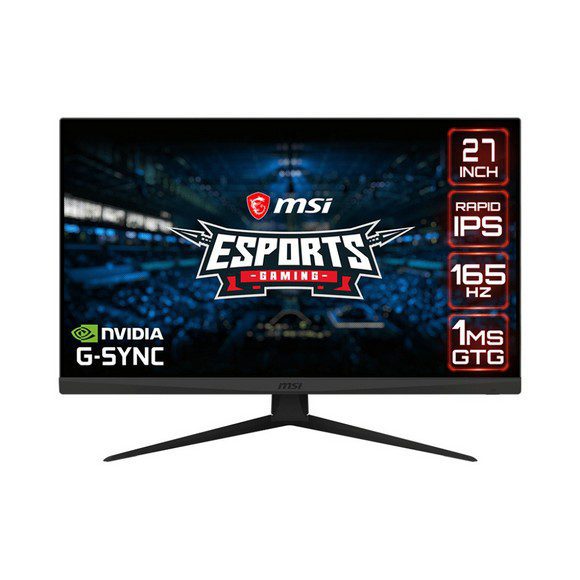
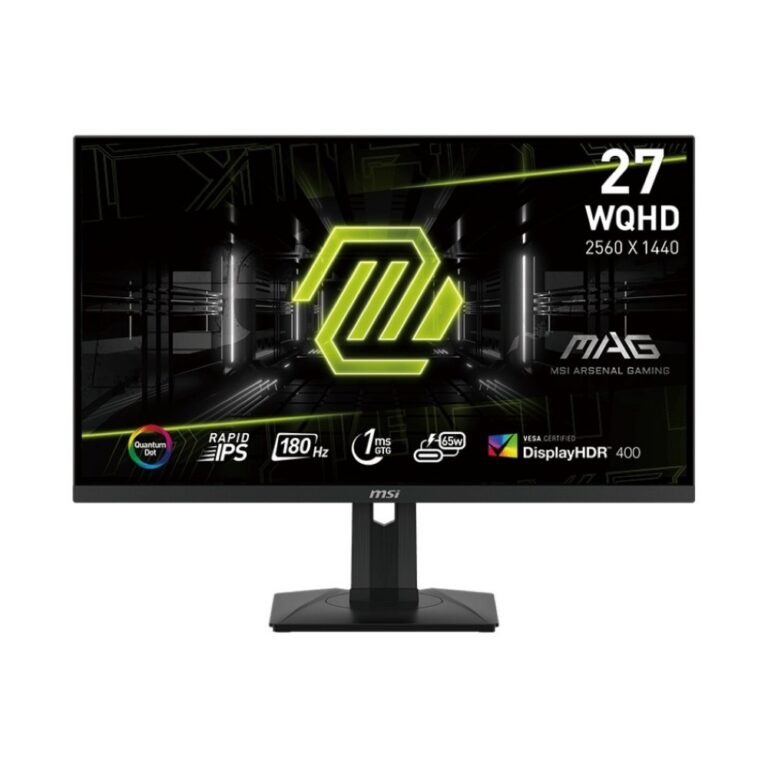
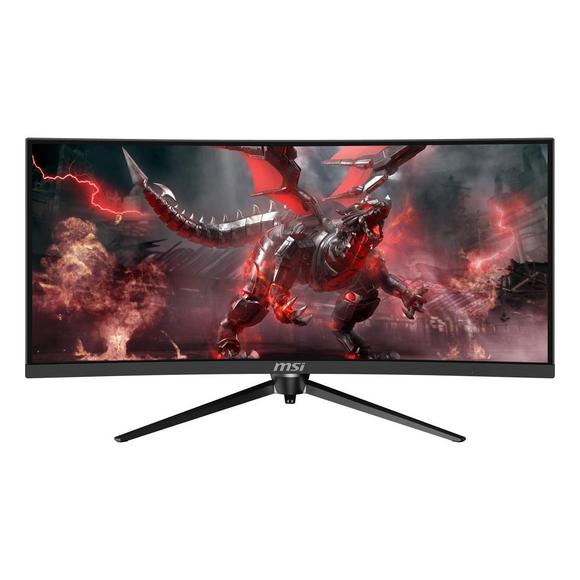
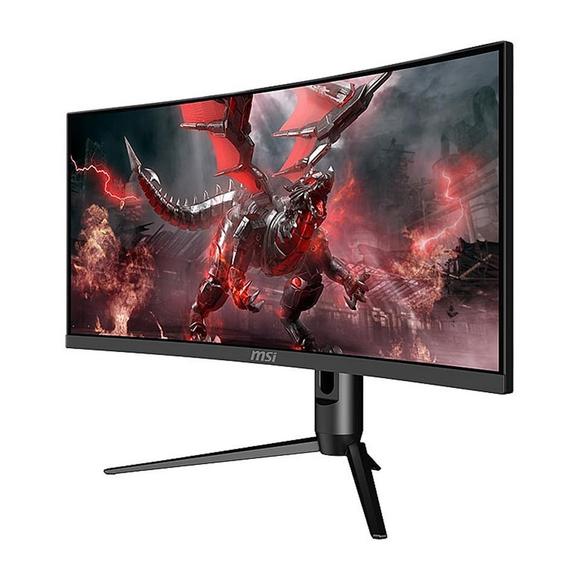
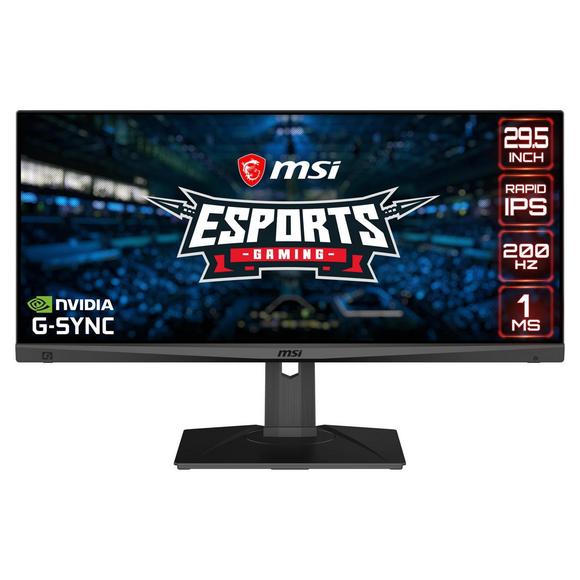
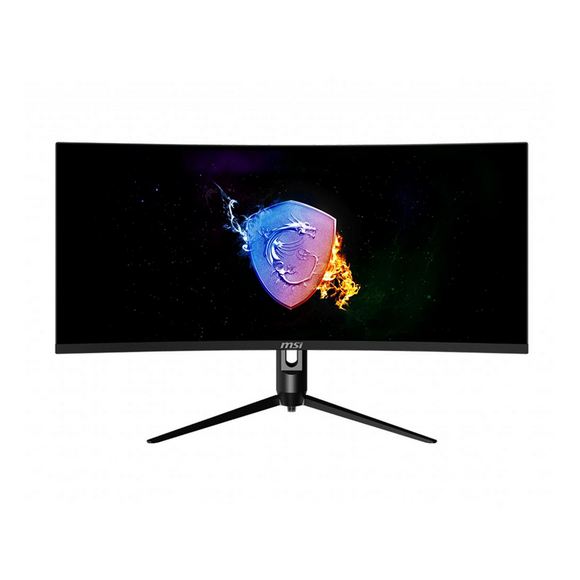
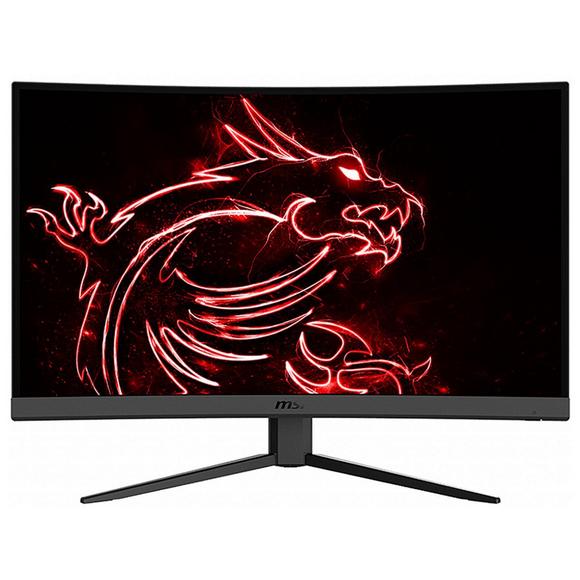
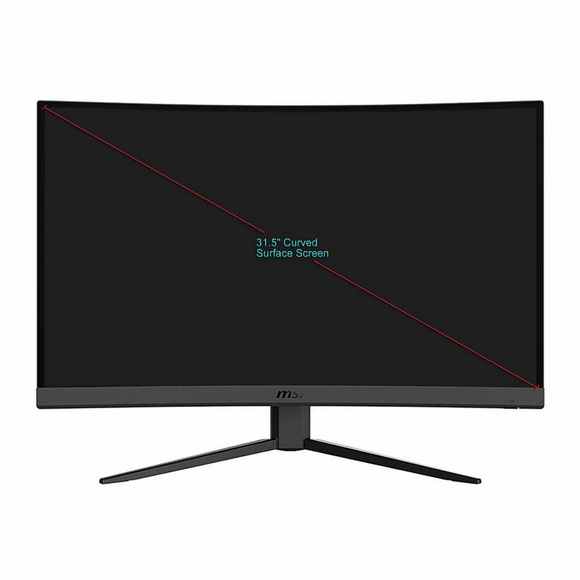
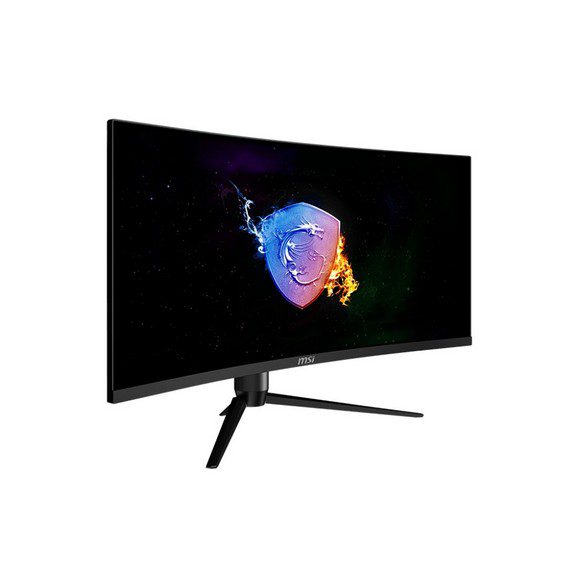
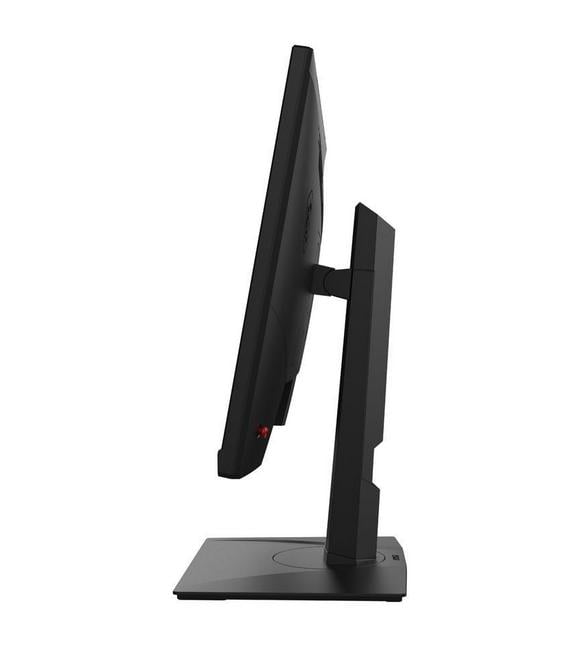
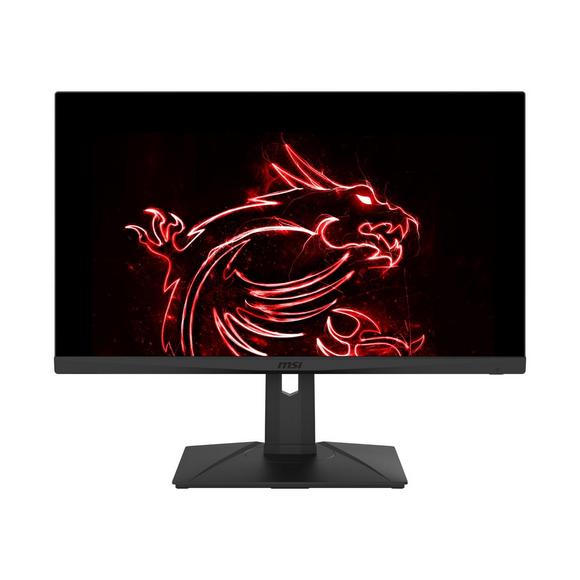
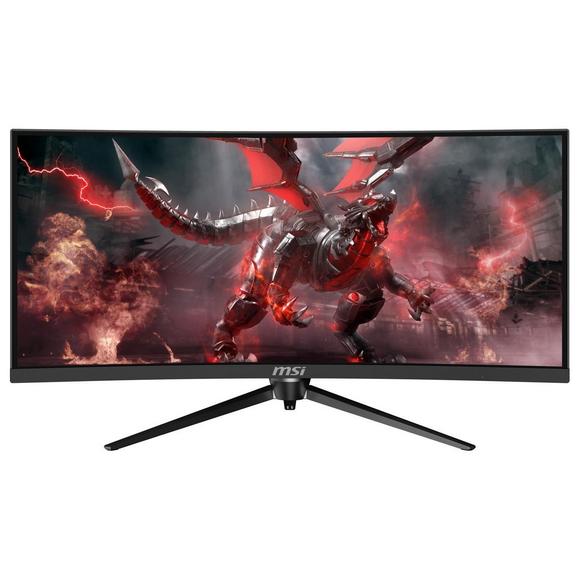
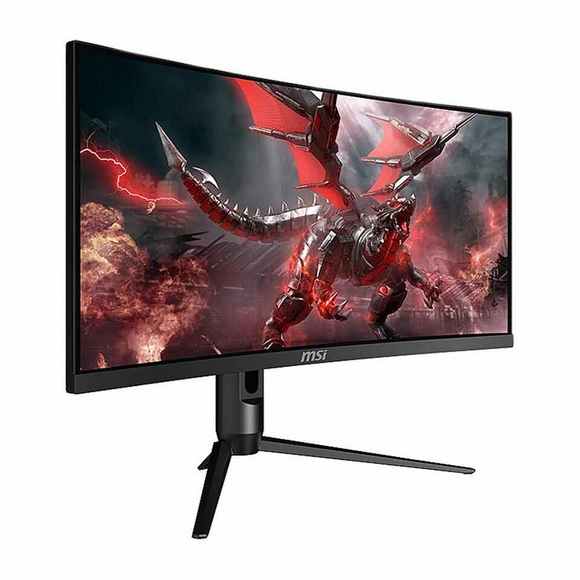
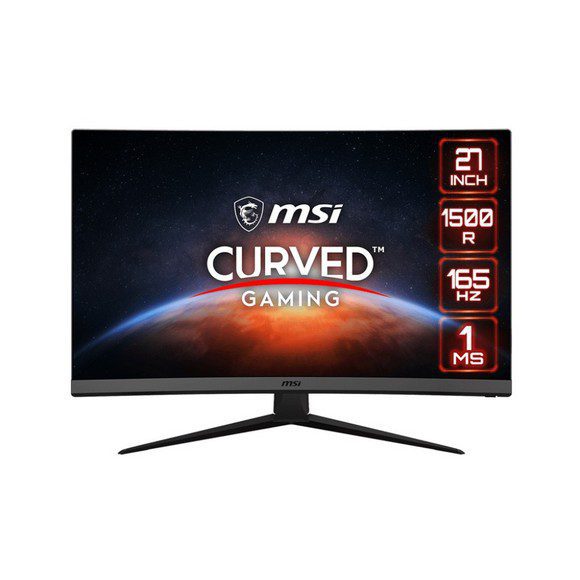
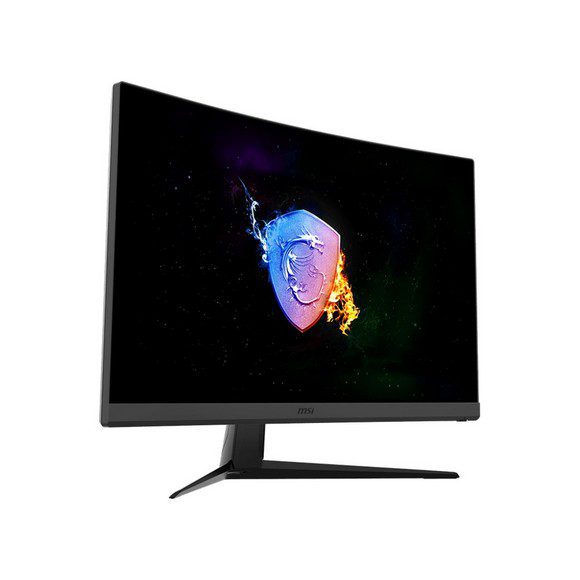
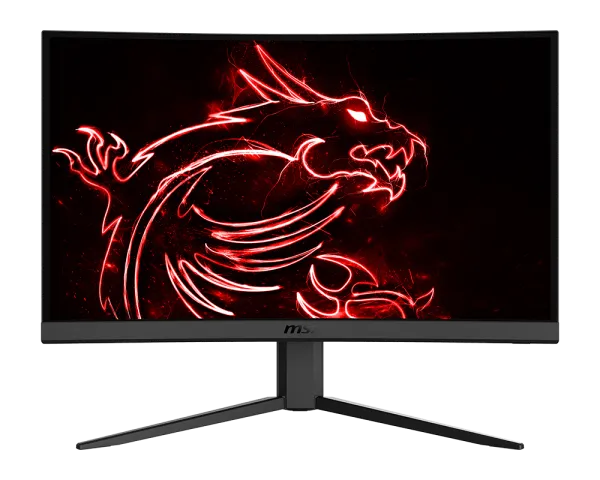
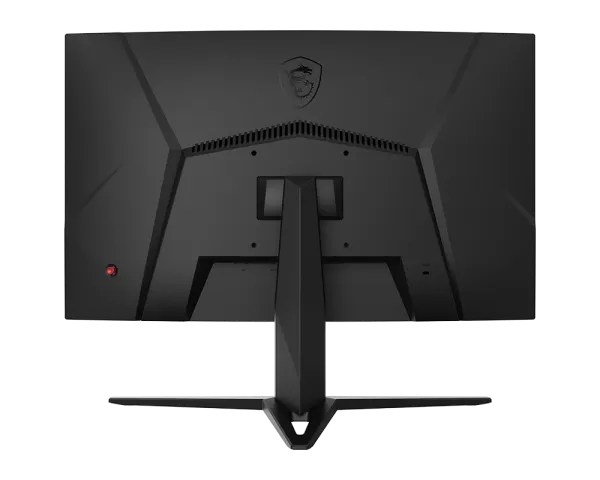
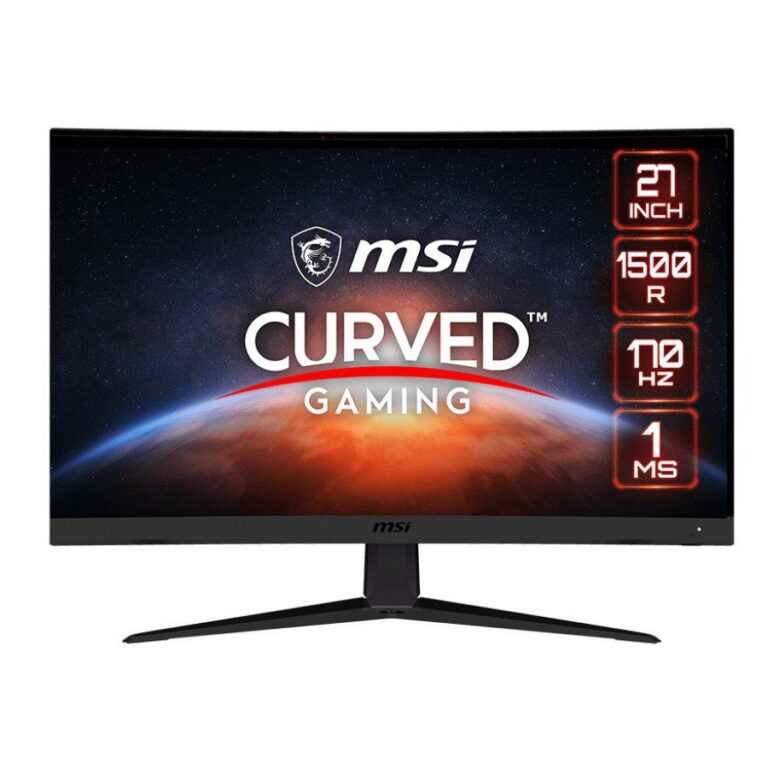
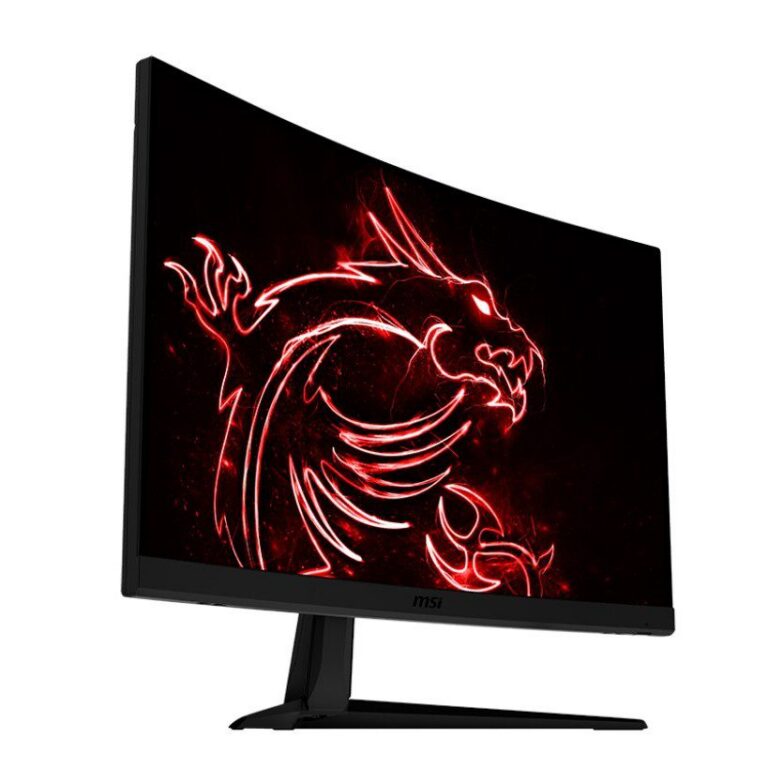
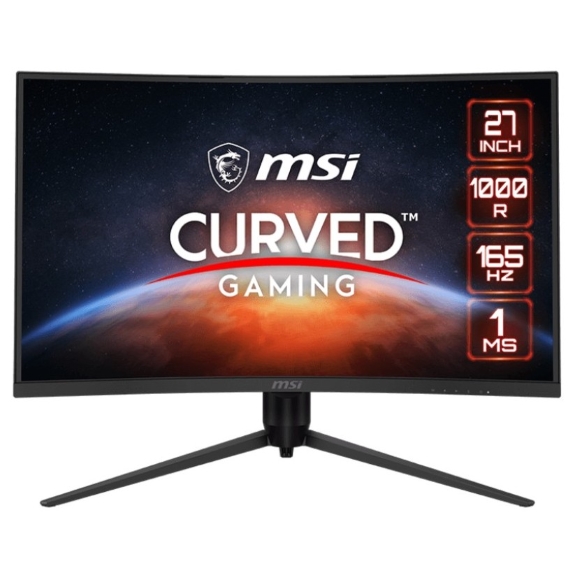
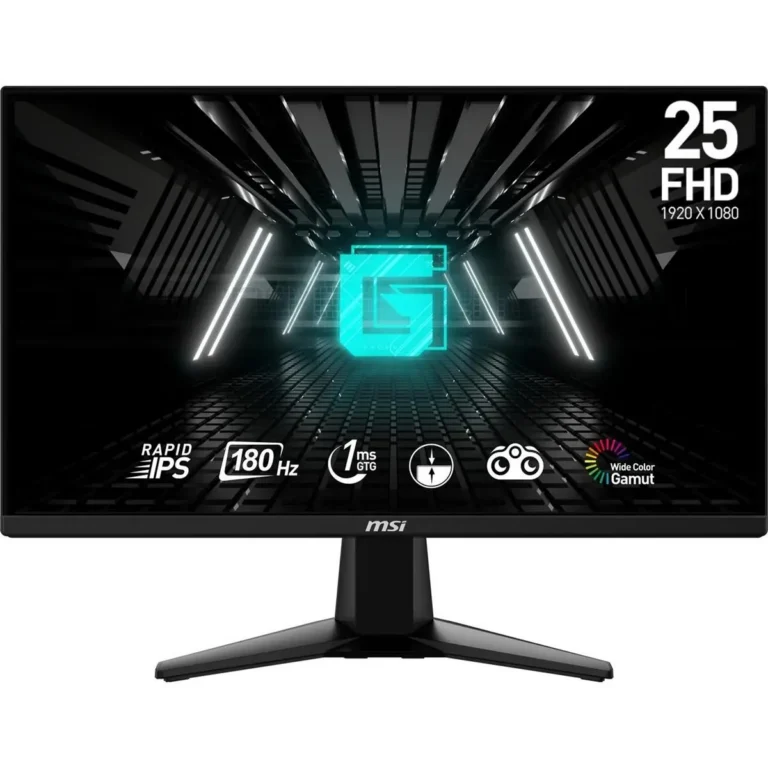
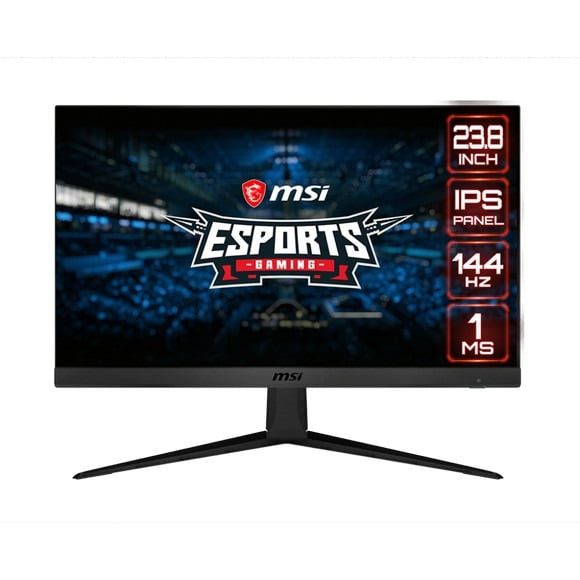
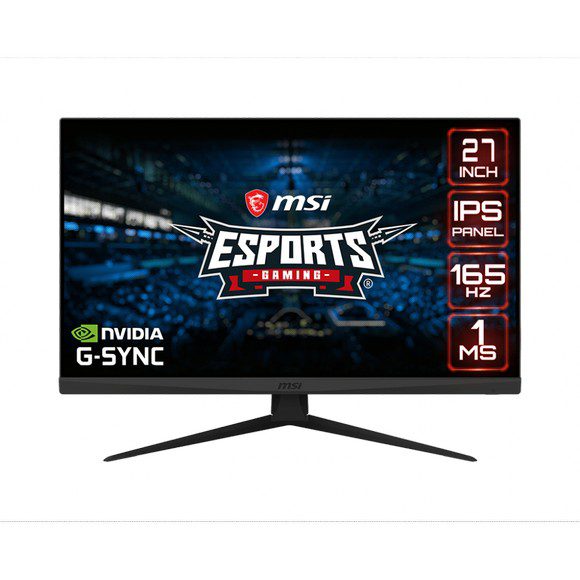
MSI Optix covers MSI's gaming monitor line, with 100Hz, 144Hz and 165Hz panels at 1440p WQHD in IPS and VA, from entry level through to premium pricing.
MSI Optix Gaming Monitors
MSI Optix is the gaming half of the MSI monitor range, and every model in this section is built around a high refresh rate rather than office use. Gamers buy from here when a graphics card is producing far more than 60 frames per second and the screen has become the limit. The line also draws in people who edit and game on the same desk and want one panel that handles both.
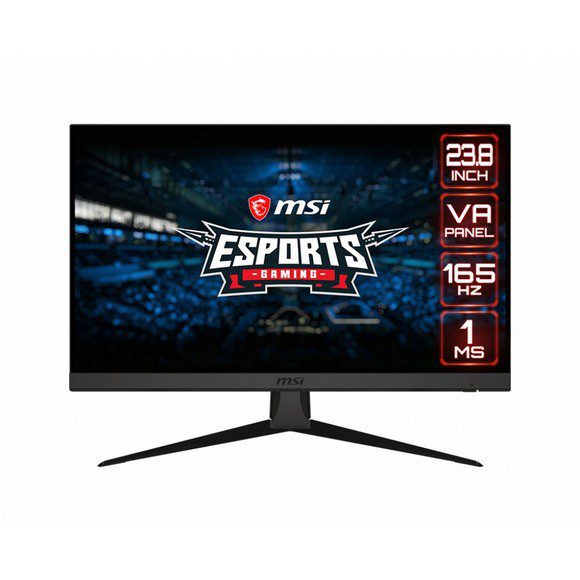
The 26 models listed here run at 100Hz, 144Hz and 165Hz, with the faster panels quoting a 1ms response time. Resolution across the group sits at 1440p, described on the boxes as WQHD, QHD or 2K depending on the model. Panel technology splits between IPS and VA, so the choice inside a single resolution is a real one. Prices run from entry level through to premium, which means a first high refresh screen and a top of the range MSI Optix both live in this category.
Two decisions settle most of these purchases. The first is panel type: VA gives deeper blacks and suits a darker room, while IPS holds colour more evenly when you sit off to one side or share the screen. The second is refresh rate against what your GPU can push at 1440p, since a 165Hz panel gives you nothing over a 144Hz one if the card cannot reach those frame rates in the games you play. A 1ms response figure matters more to competitive shooter players than to anyone playing single player titles.
Which MSI Optix suits you
Players who spend their evenings in ranked shooters should start at 165Hz with the 1ms rating and treat resolution as secondary. Anyone moving up from a 1080p screen for the first time will find a 100Hz or 144Hz 1440p model the bigger jump, because the extra pixels change how much of a map or a timeline you can see at once. If you grade photos or cut video between sessions, the IPS models hold their colour better across the width of the panel than the VA ones do.
Mega Computer has stocked computer hardware in Pakistan since 1986 and displays MSI Optix models at the Karachi showroom, so you can judge panel behaviour before you commit. Orders ship with nationwide delivery across Pakistan, and you can settle by cash on delivery or online payment. Warranty cover is stated on each product listing, so read the individual model page rather than assuming the same terms across the range.
Before you order, check what your graphics card can output. Running a 1440p panel at 144Hz or 165Hz needs a display connection capable of carrying that signal, and an older cable left over from a 1080p screen is the usual reason a new monitor arrives and reports a lower refresh rate. Set the refresh rate manually in Windows display settings after the first boot, because the driver does not always pick the highest one on its own.

 MSIMSI 26