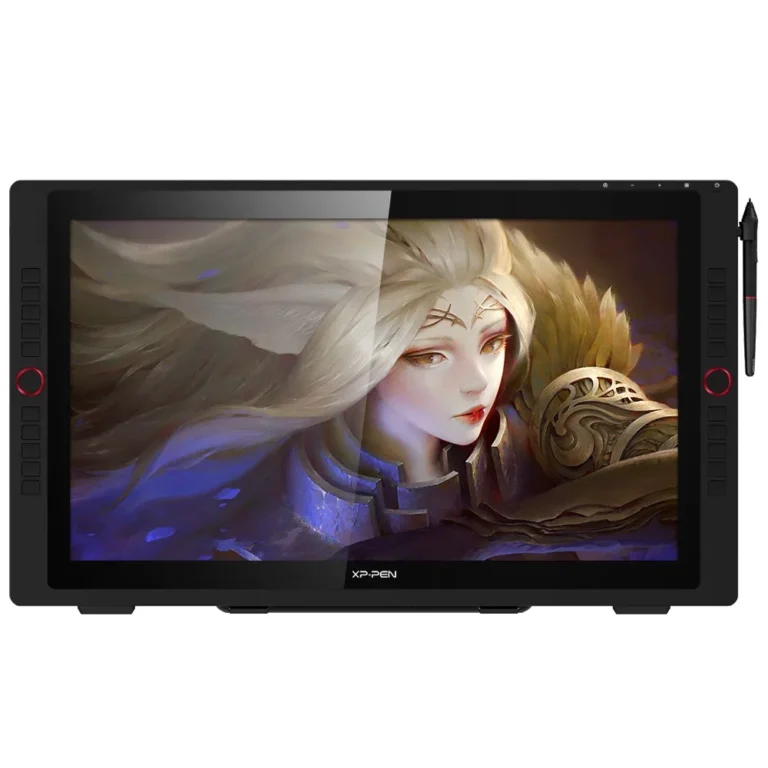
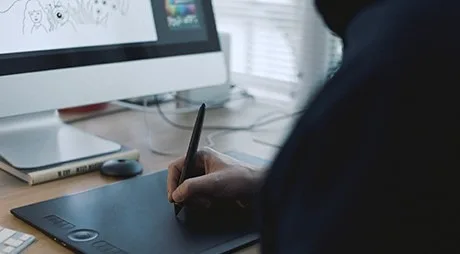
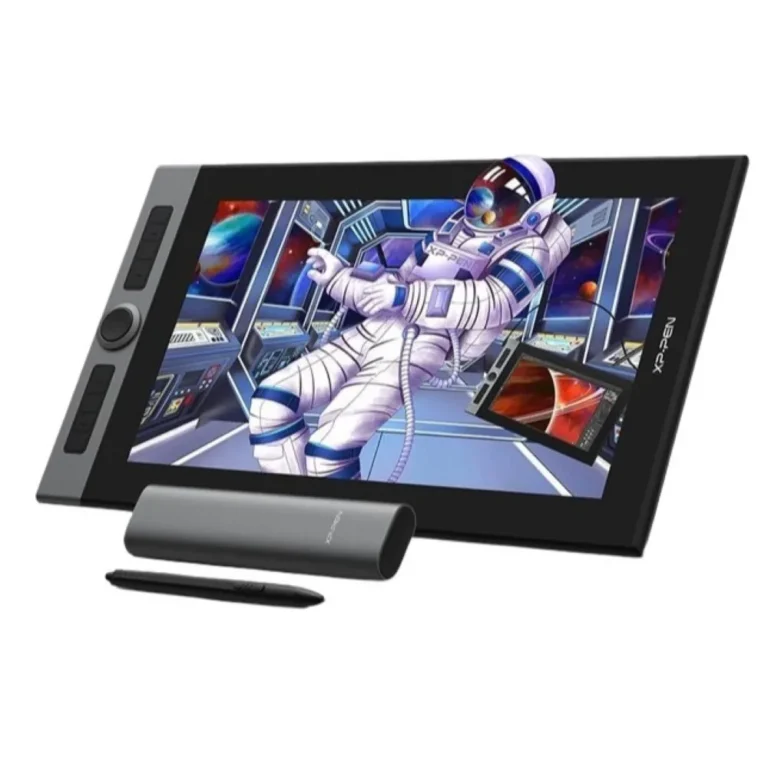
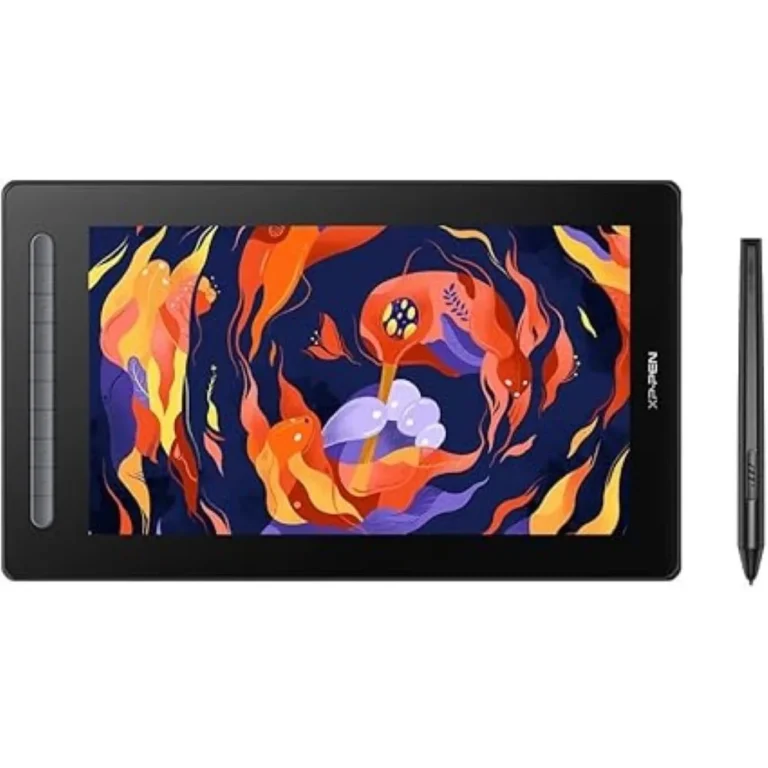
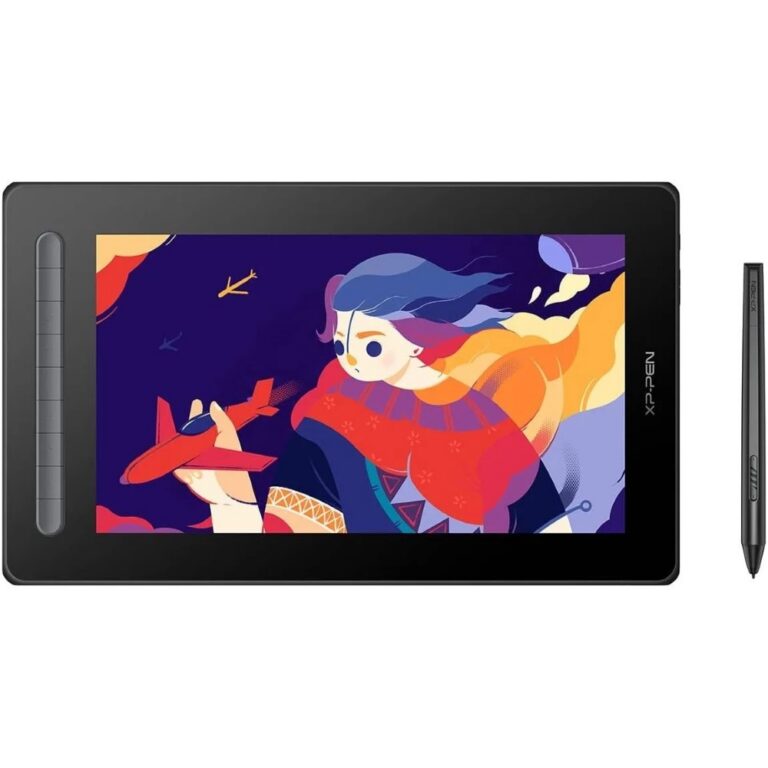
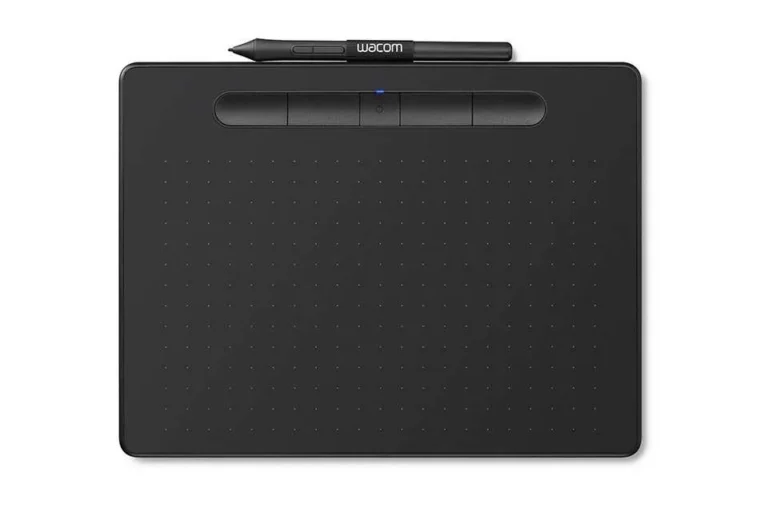
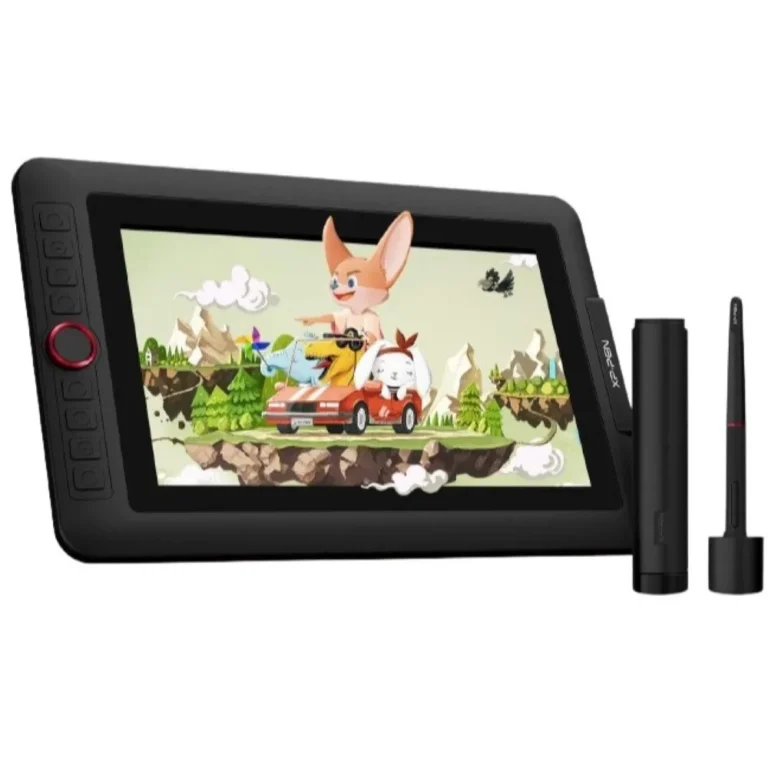
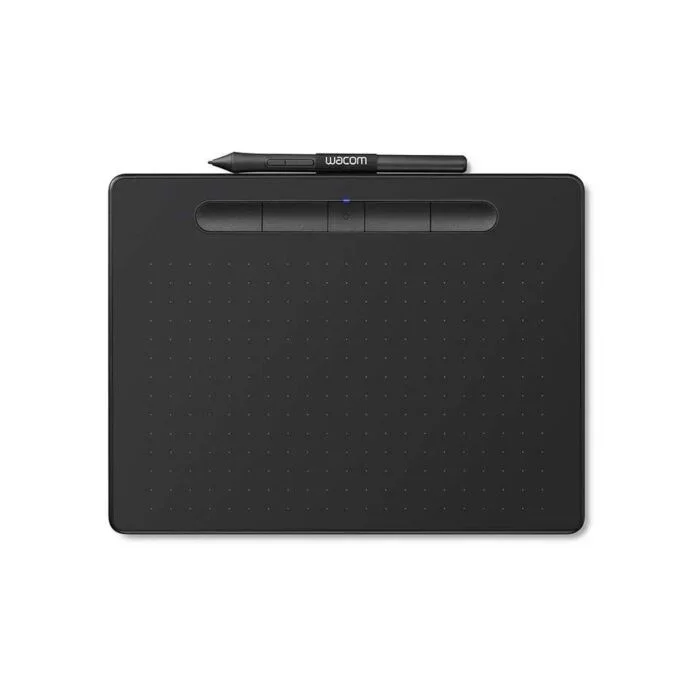
Pen tablets and pen displays for illustration, photo retouching and on screen teaching, split into two sections so you can compare each format side by side.
Graphic Tablets for Drawing, Retouching and Teaching
Graphic tablets put a pen in your hand in place of a mouse, so a line follows the movement of your wrist and the pressure you put behind it. Illustrators, animators, photo retouchers, architects marking up plans and teachers writing over a lesson all work this way. This section is the entry point to both families of pen input hardware.
The range divides into two groups, each with its own section. Pen tablets are flat drawing surfaces with no screen of their own: you draw on the pad and watch the stroke appear on your monitor. Pen displays carry a screen beneath the drawing surface, so the pen tip meets the line at the point where it appears. Sizes run from compact boards that fit beside a laptop to large panels that take up a working desk. Browse Pen Tablets for the screenless format and Pen Displays for the screen based one.
Three decisions settle most of it.
- First, screen or no screen: a pen display removes the hand and eye separation that beginners find awkward, while a pen tablet keeps your desk clear and your posture upright.
- Second, active area: match the drawing surface to the monitor you map it to, because a small area against a wide screen turns short pen movements into long cursor jumps.
- Third, the pen itself, since nib feel, side buttons and the way pressure translates into line weight decide how the tool sits in your hand over a long session.
Who Each Format Suits
A student annotating notes or a teacher writing over slides during a class gets what they need from a pen tablet, and the smaller boards travel well. Retouchers masking hair and skin, and painters who work in layers for hours, tend towards a pen display because judging colour and edge quality on the surface you draw on saves constant glances at a second screen. Animators and architects who work at scale look at the larger sizes in both sections. If your desk already carries two monitors, a pen tablet slides under the keyboard when you are not drawing.
Mega Computer stocks pen input hardware at its Karachi showroom, where you can hold a pen and test the drawing surface before you commit to a size. Orders ship with nationwide delivery across Pakistan, and you can pay cash on delivery or online. Warranty claims are handled through the store rather than left to you to chase.
Plan for the setup. Every pen tablet and pen display needs its driver installed before pressure sensitivity reaches your drawing software, and on a multiple monitor desk you map the tablet to one screen so the pen does not stretch across both. Nibs wear down with use, so keep spares to hand, and give yourself a week of practice if you are moving off a mouse for the first time.

 HuionHuion 10
 WiWUWiWU 1
 VeikkVeikk 4
 WacomWacom 14
 XP-PenXP-Pen 41