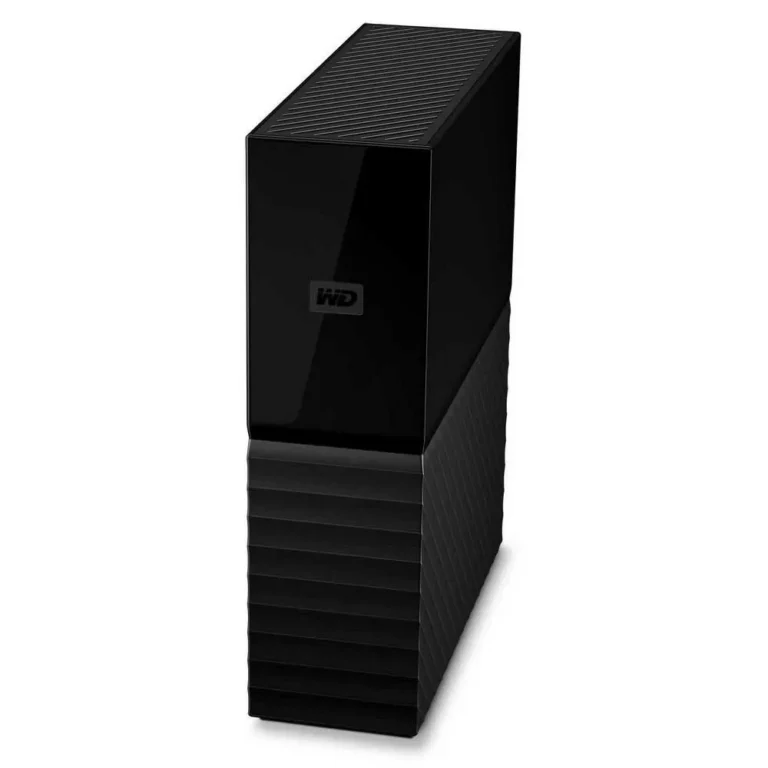
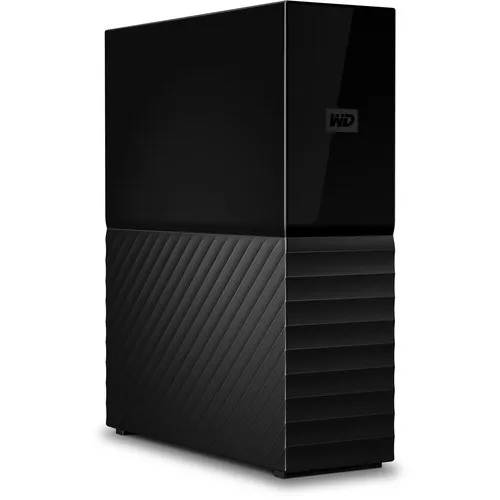
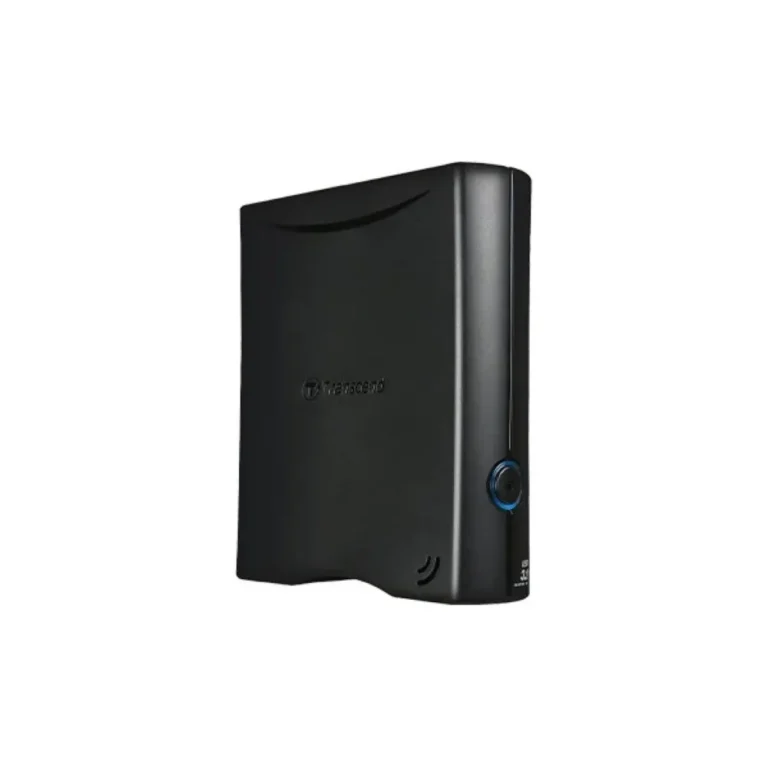
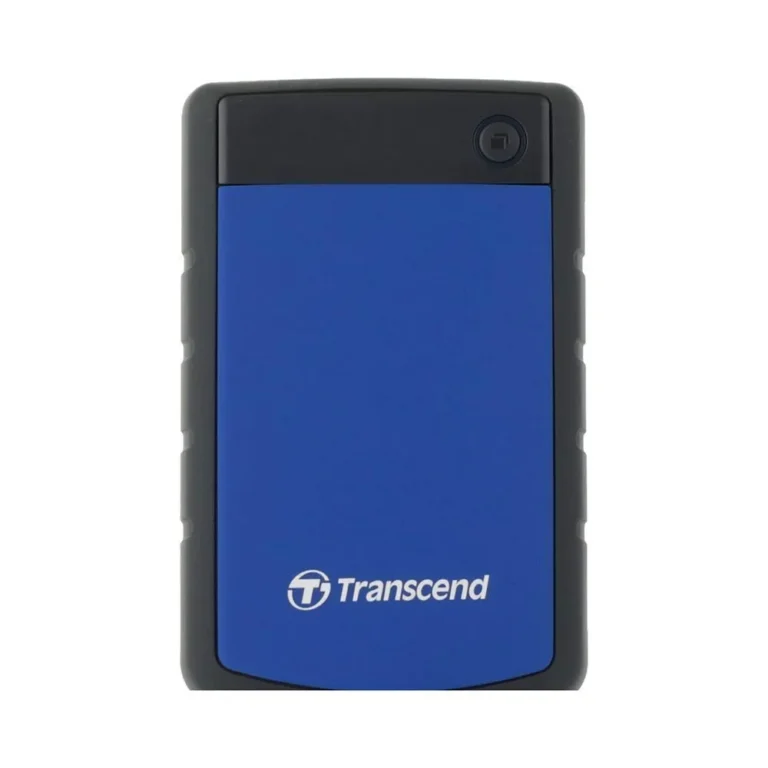
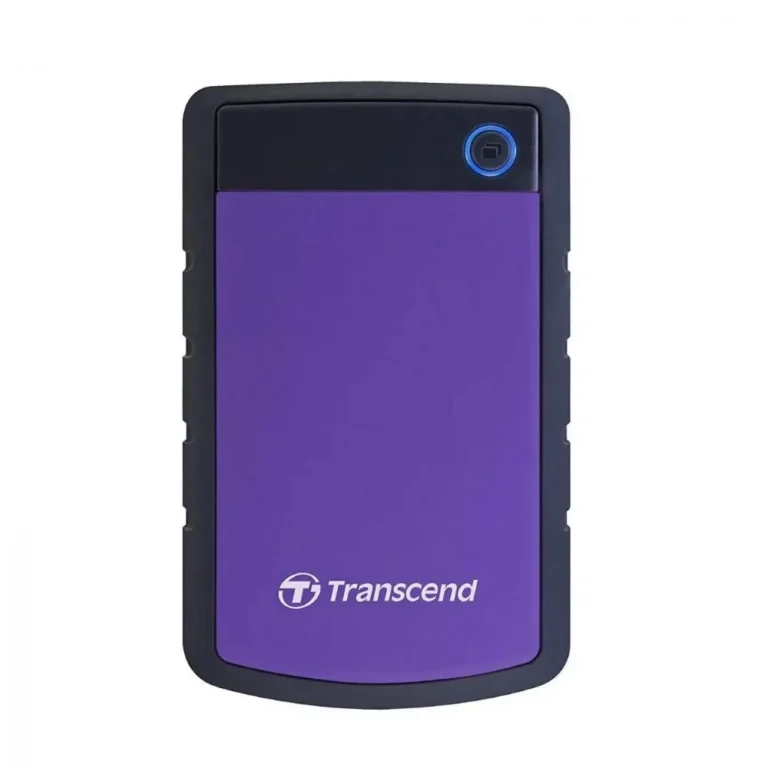
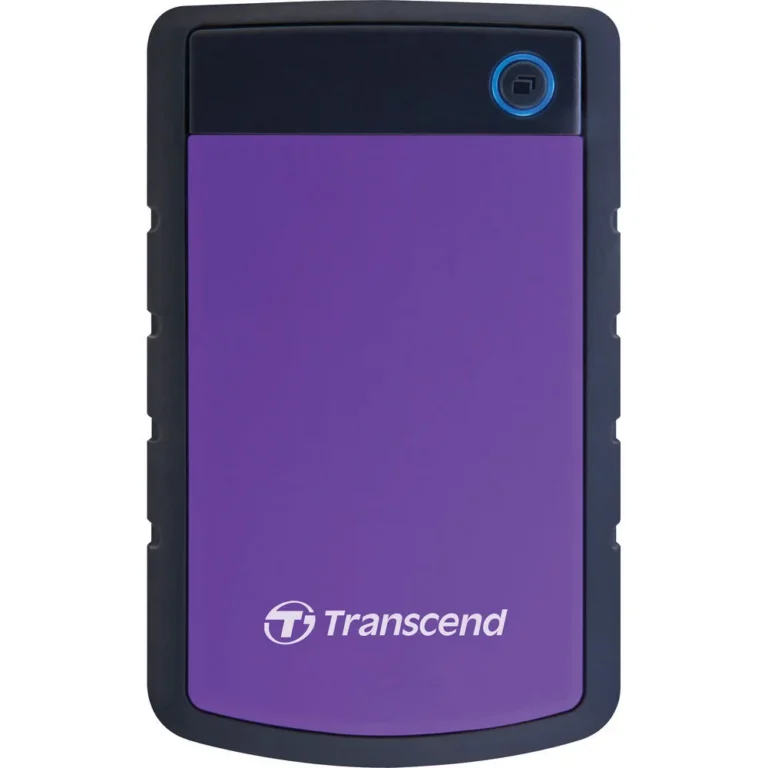
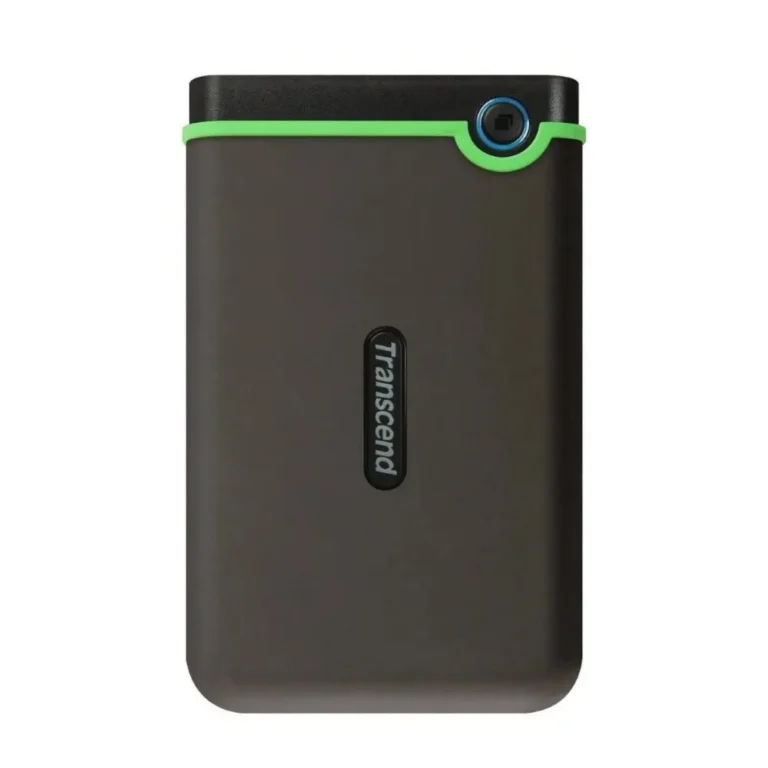
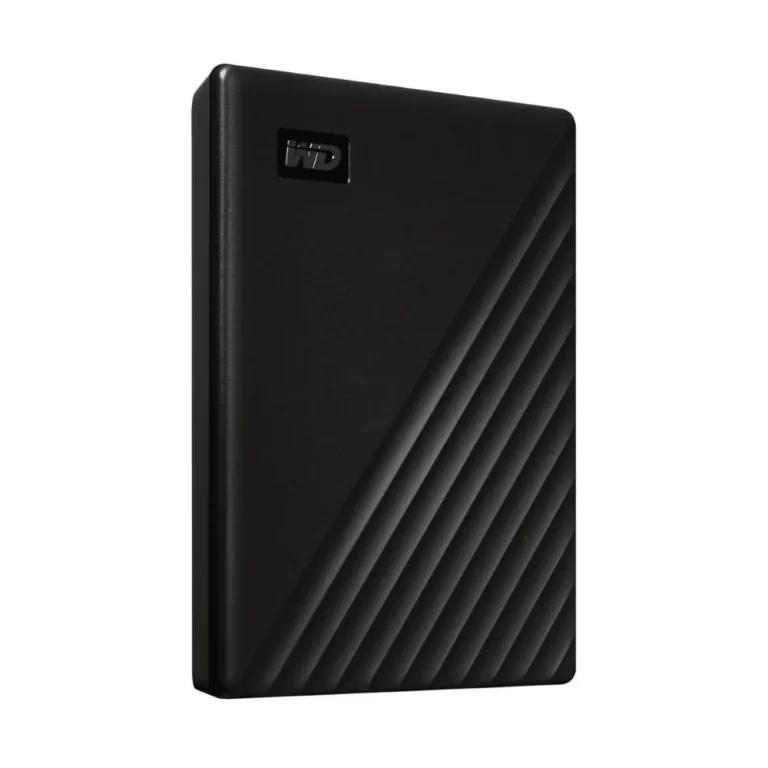
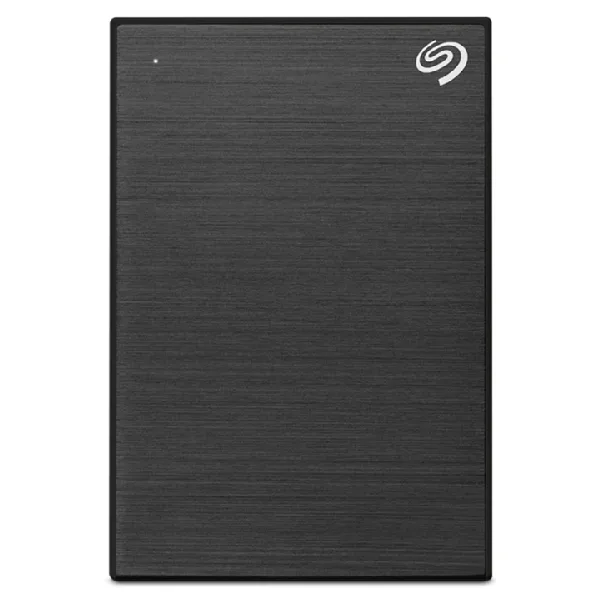
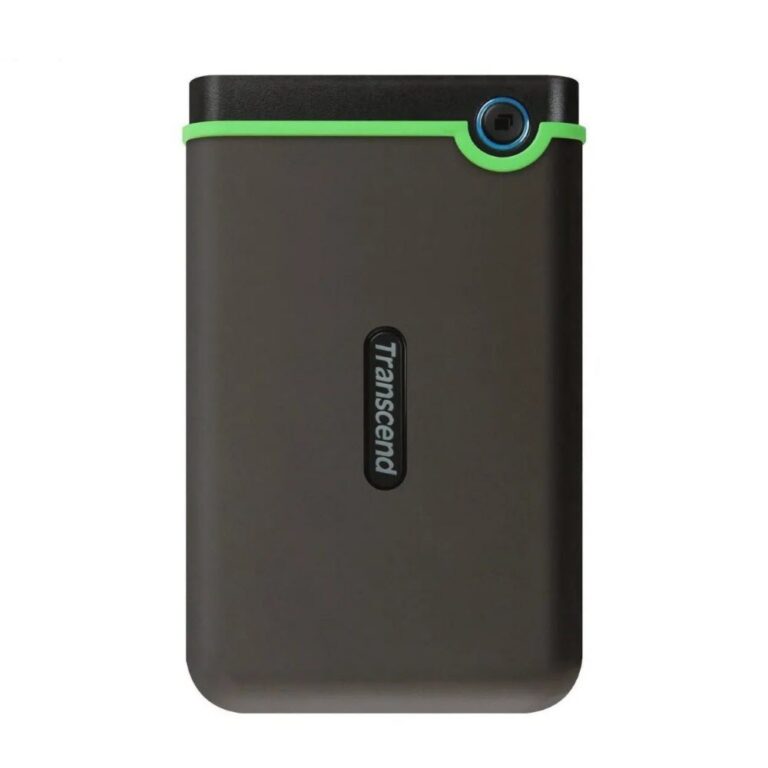
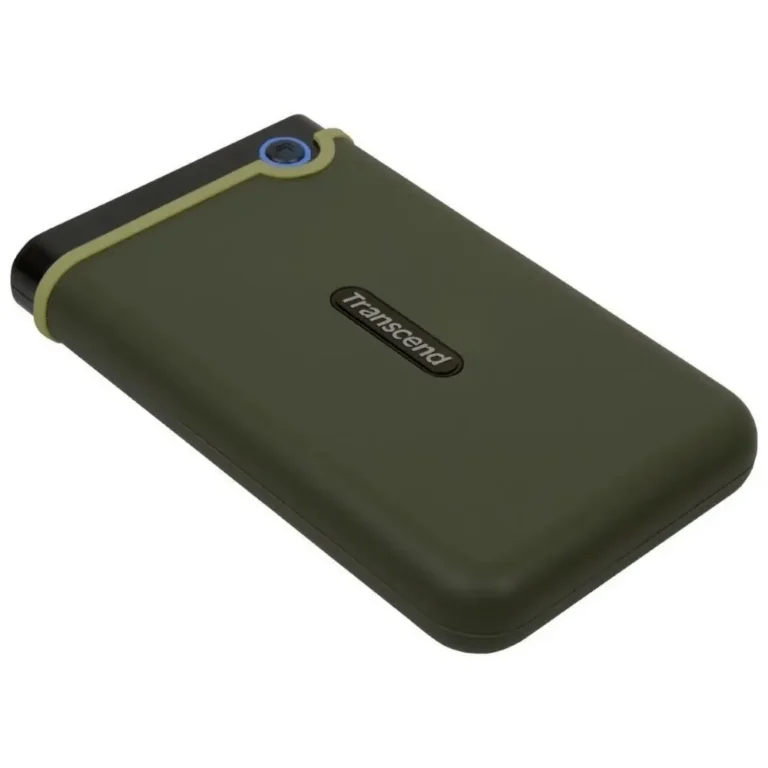
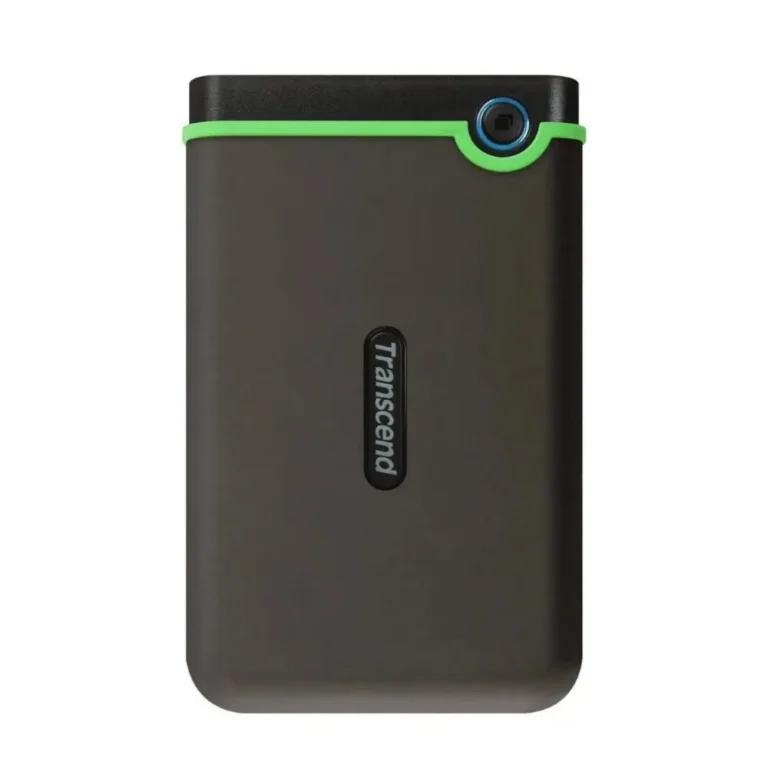
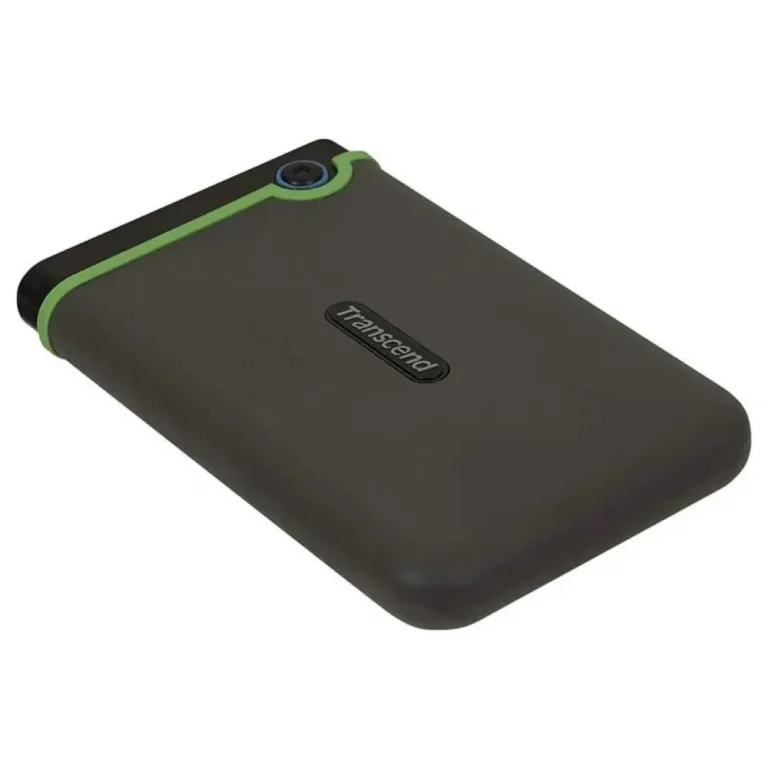
Desktop external hard drives from 4TB up to 18TB, connecting over USB for archives, backups and media libraries that outgrow an internal disk.
External Hard Drives
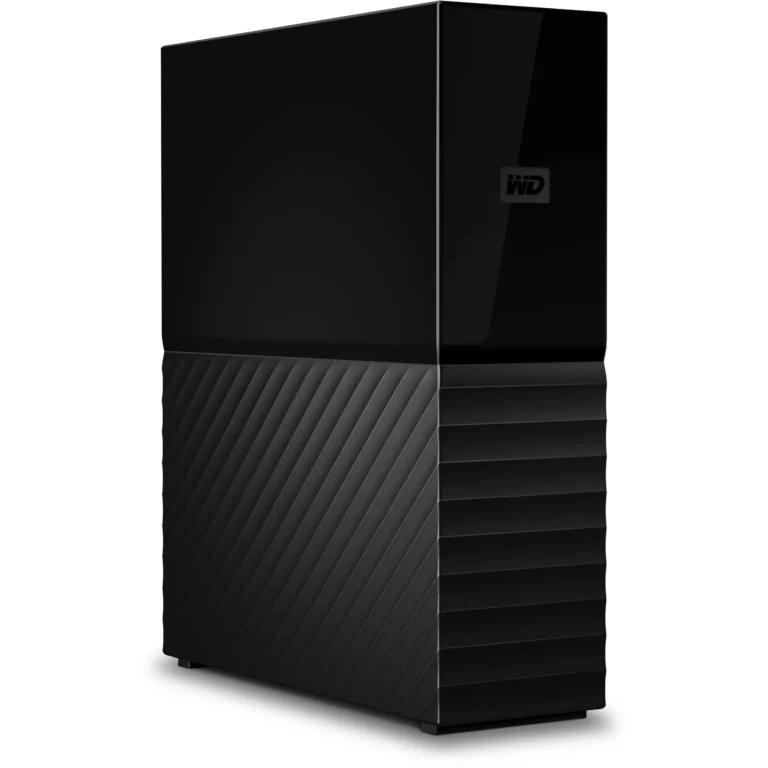
External hard drives in this section are desktop units, the kind that sit next to a workstation and hold far more than a laptop disk ever will. Buyers come here when an internal drive fills up and the overflow needs a permanent home: video projects, camera archives, CCTV footage, game libraries, years of office records. These are not pocket drives. They are built to stay in one place and keep growing.
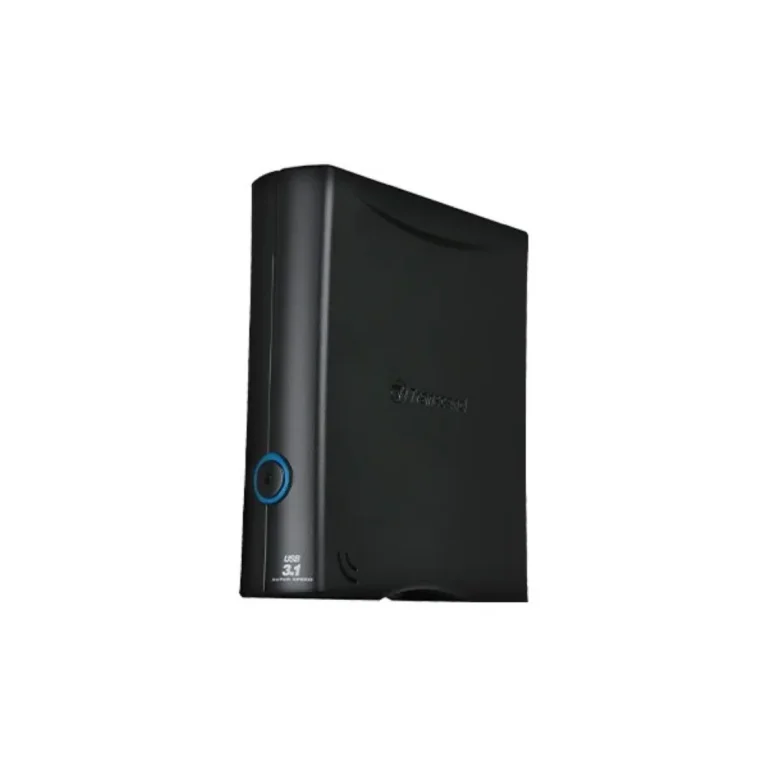
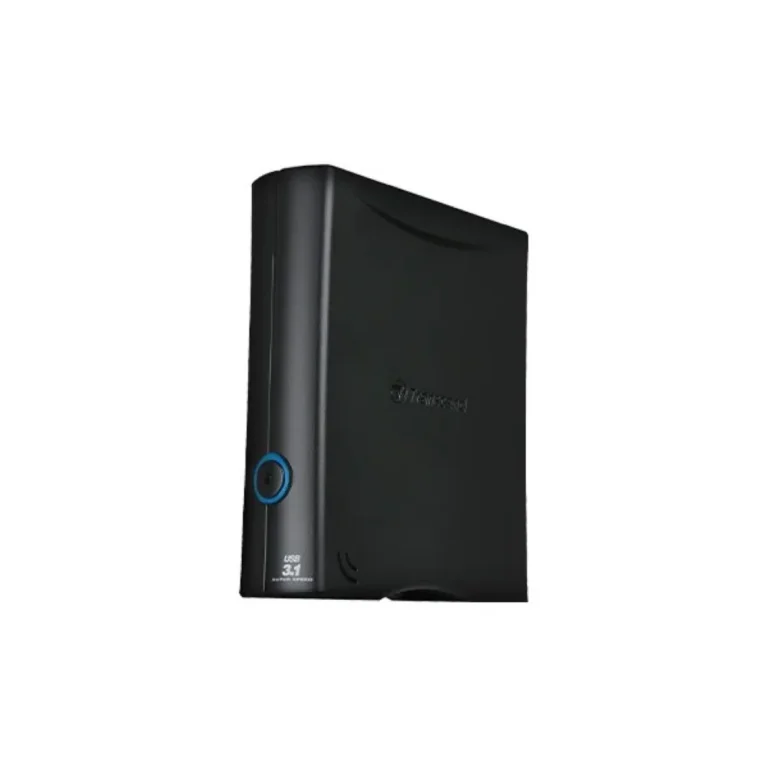
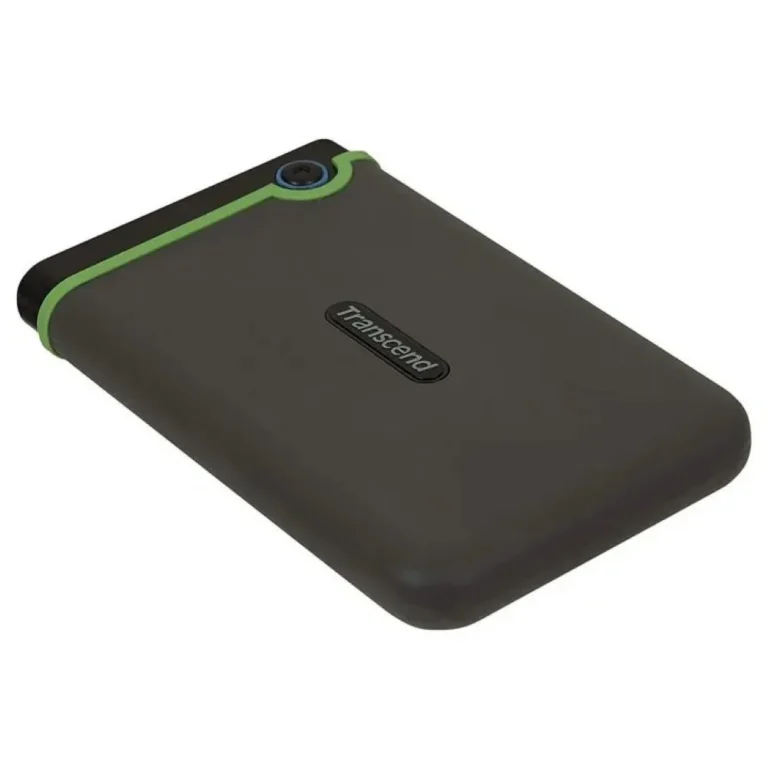
Capacities run from 4TB at the entry point through 8TB and 12TB, up to 16TB and 18TB at the top of the range. Transcend supplies desktop units here, including 4TB and 8TB models that connect over USB 3.1 Gen 1. The price spread is wide, so a modest 4TB archive drive and a premium 18TB unit both sit on the same page. Step up a capacity tier and the cost per terabyte improves, which is why buyers who know they will fill 8TB skip the smaller sizes.
Two decisions matter most.
- The first is capacity headroom: pick the size you expect to need after several months of shooting or recording rather than the size that fits what you hold today, because a second drive costs more than one larger drive.
- The second is the interface. USB 3.1 Gen 1 covers the bandwidth a mechanical desktop drive can sustain, so the port on your machine matters more than the number on the box.
- The third consideration is form factor. A desktop unit needs a fixed spot on the desk and a power outlet, which rules it out if you carry the drive between sites.
Who Buys These
A videographer cutting multi-camera footage needs the 8TB and larger sizes, since a single wedding or event shoot can eat a chunk of a small drive. A small office running nightly backups of accounts and correspondence needs no more than 4TB in most cases. Anyone archiving CCTV recordings past the recorder’s own retention window should size upward, because continuous footage accumulates without pause. Households consolidating photos, films and music across several machines tend to land in the 8TB to 12TB band.
You can inspect these drives at our Karachi showroom before buying, or order for nationwide delivery across Pakistan. Payment is by cash on delivery or online payment. Staff can talk through capacity and interface questions on the phone or in person before you commit to a size.
On compatibility, a USB 3.1 Gen 1 drive plugs into an older USB port and runs at that port’s speed, so an older desktop or laptop still works with one. Most desktop external hard drives arrive formatted for immediate use on Windows; if you plan to share the drive between Windows and macOS, or attach it to a NAS or router, check the filesystem before you copy anything onto it.