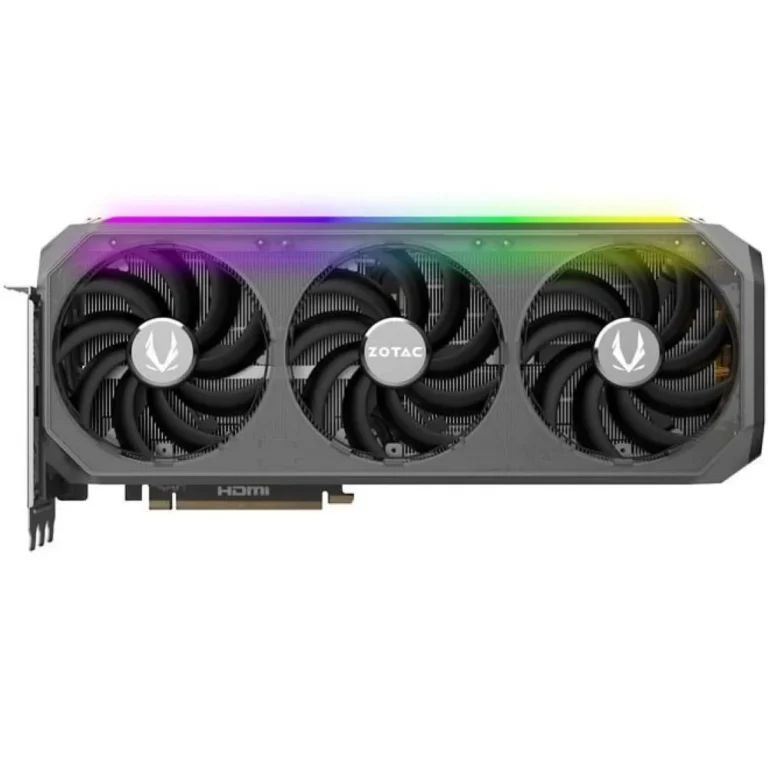
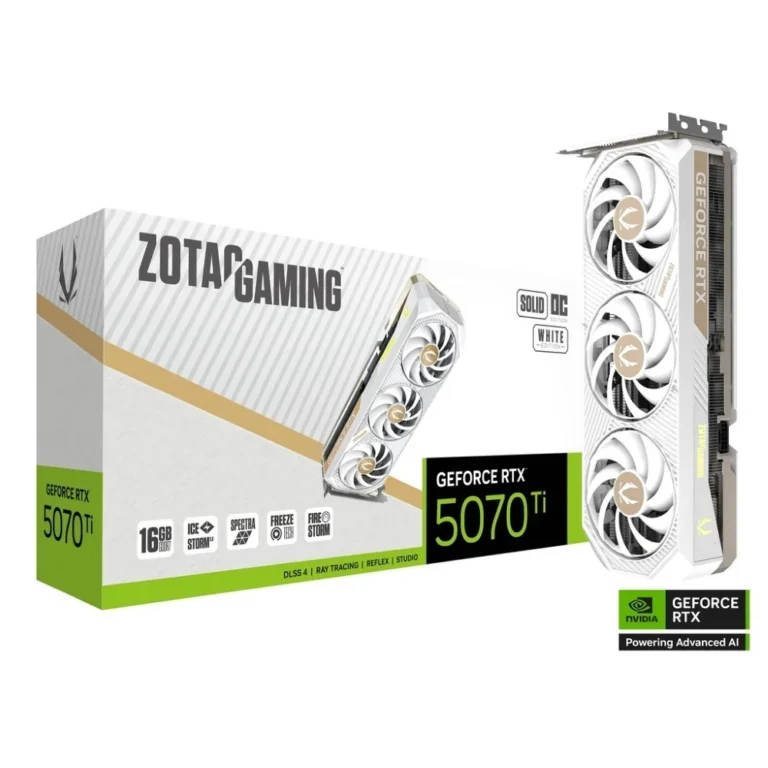
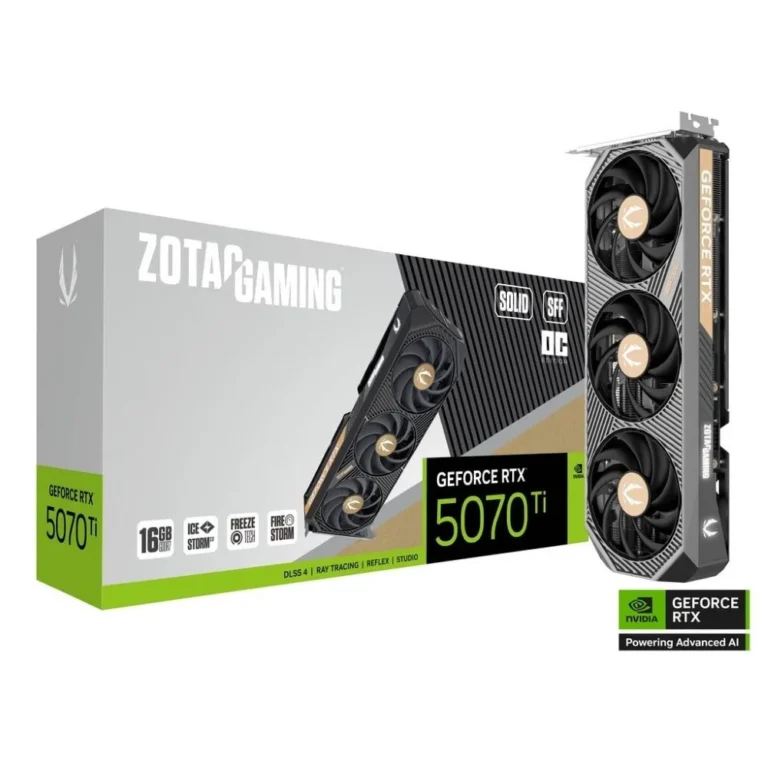
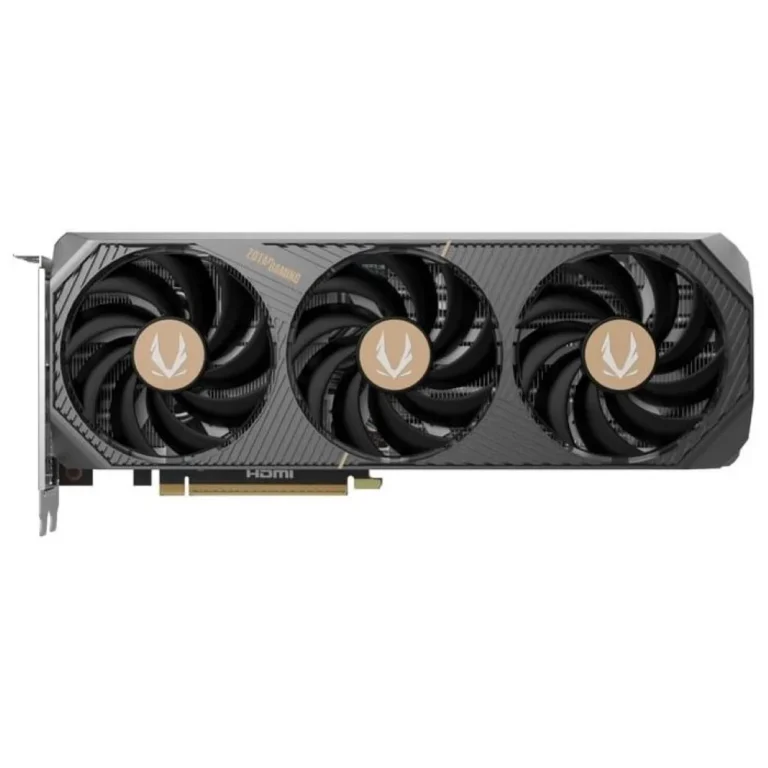
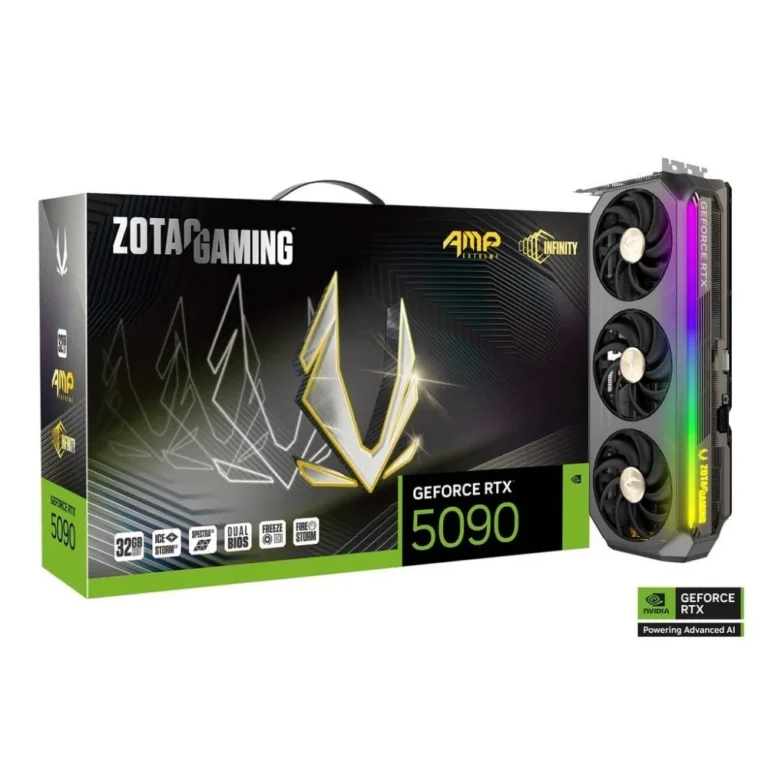
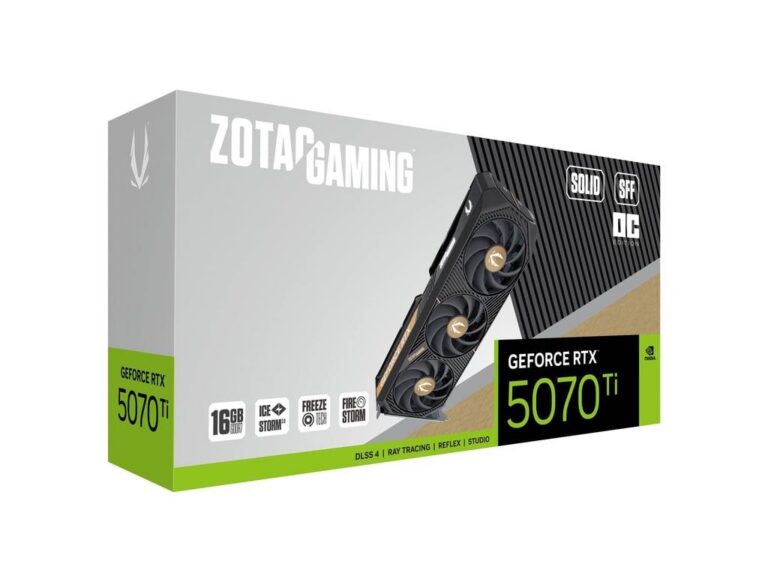
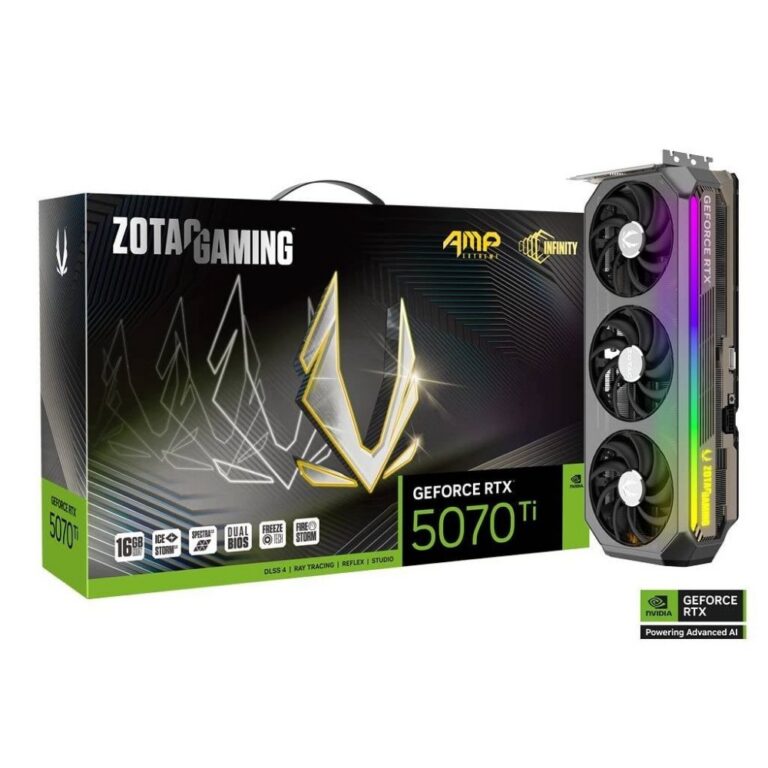
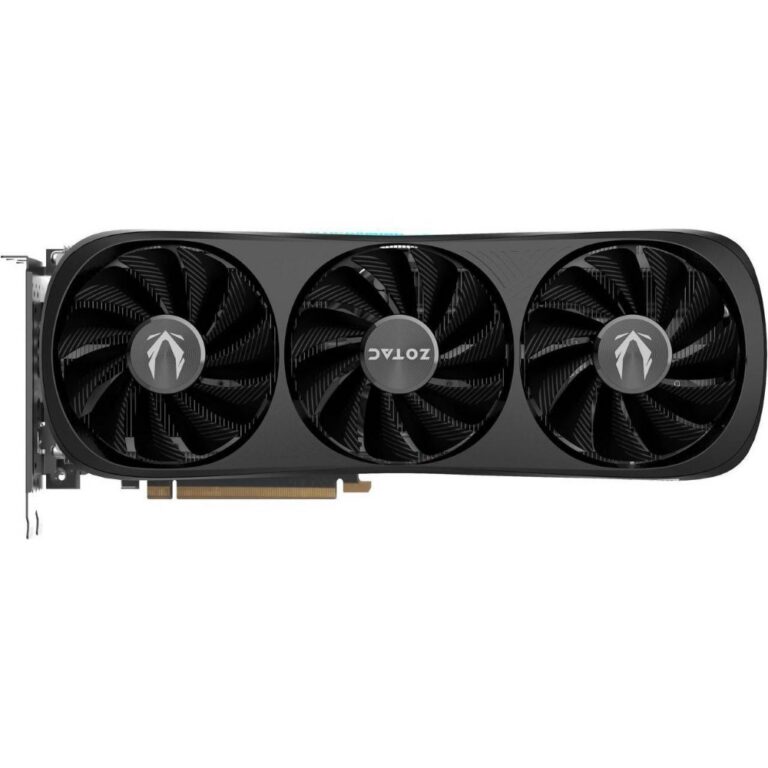
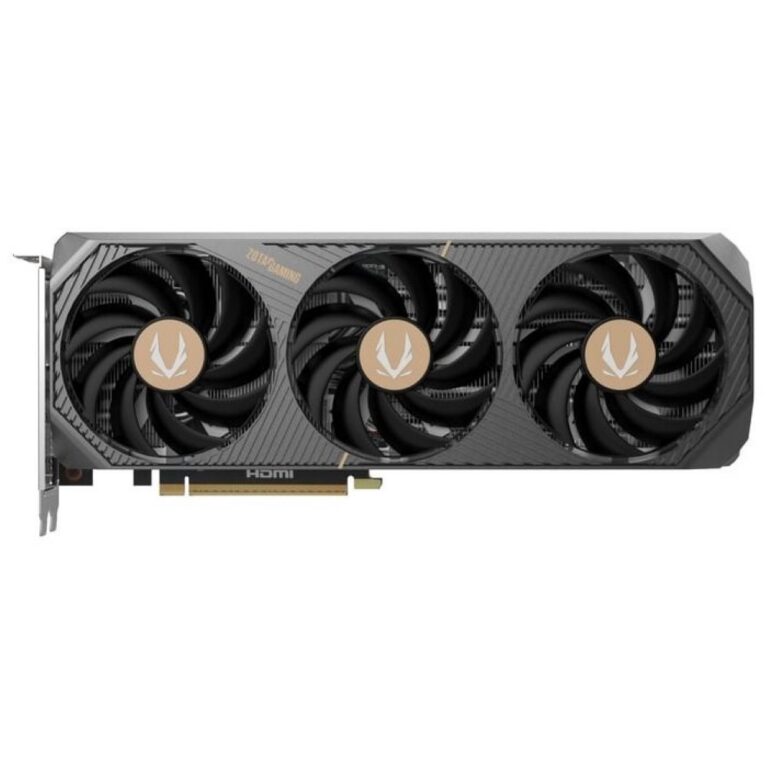
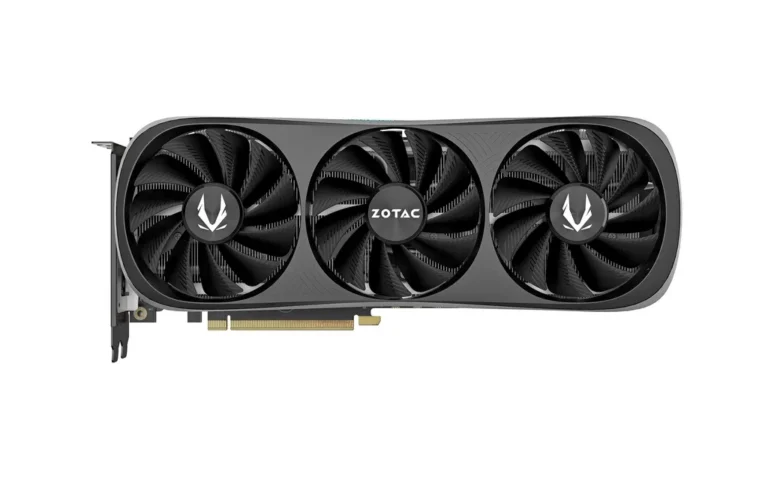
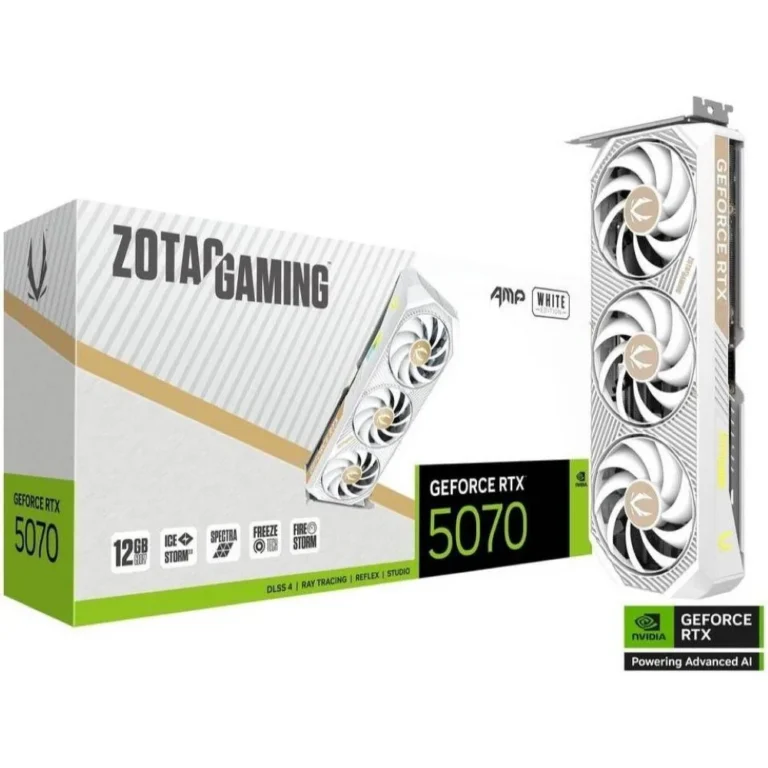
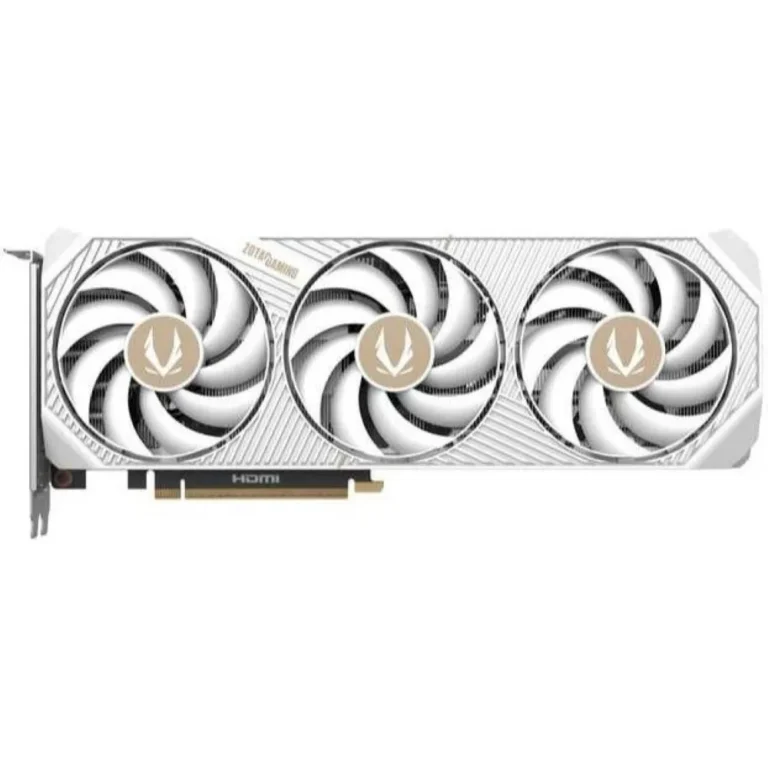
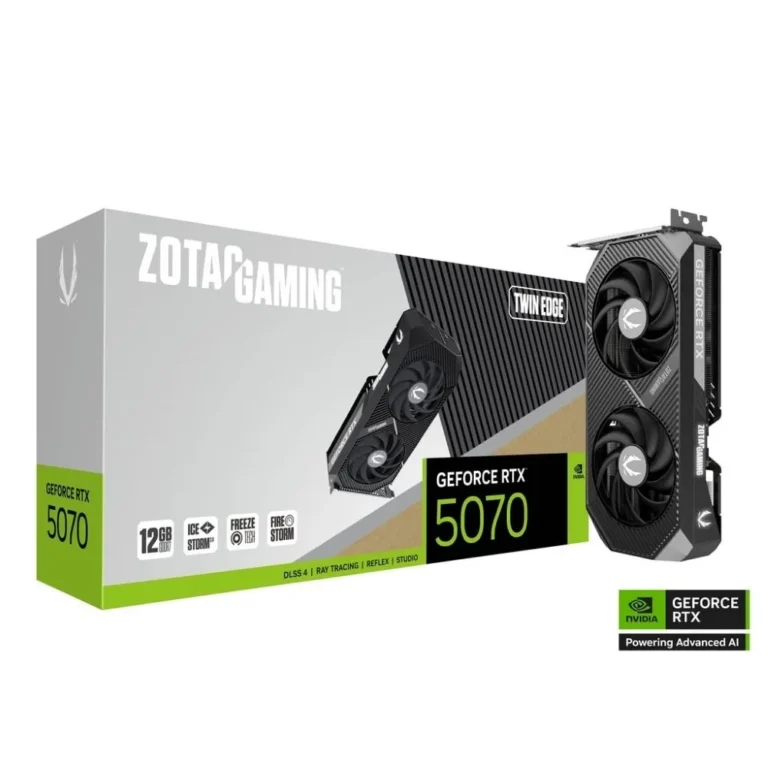
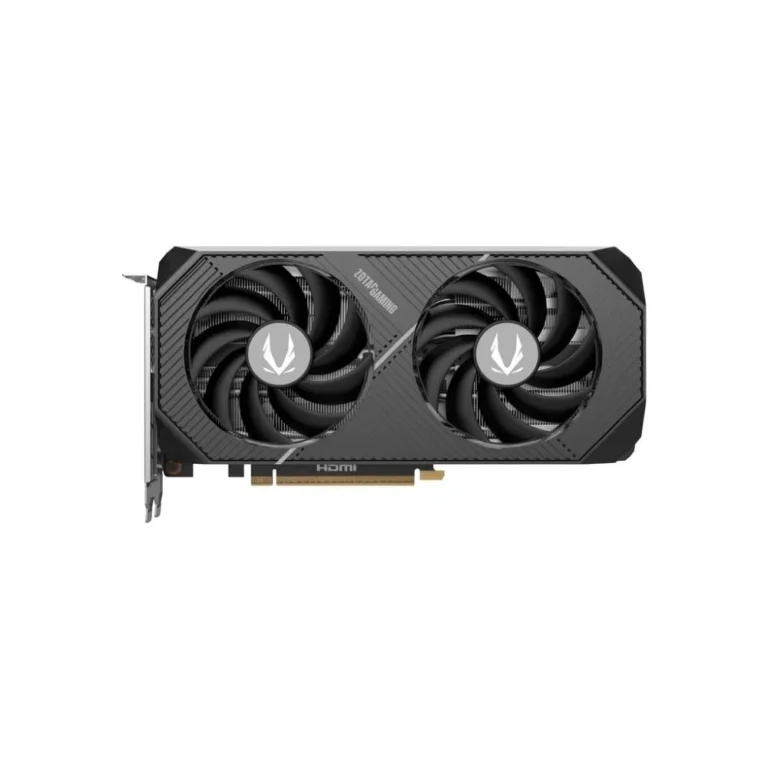
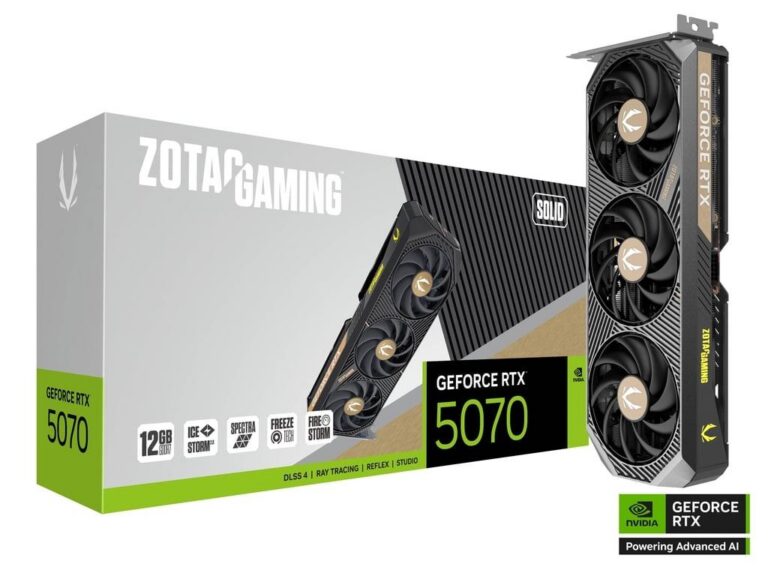
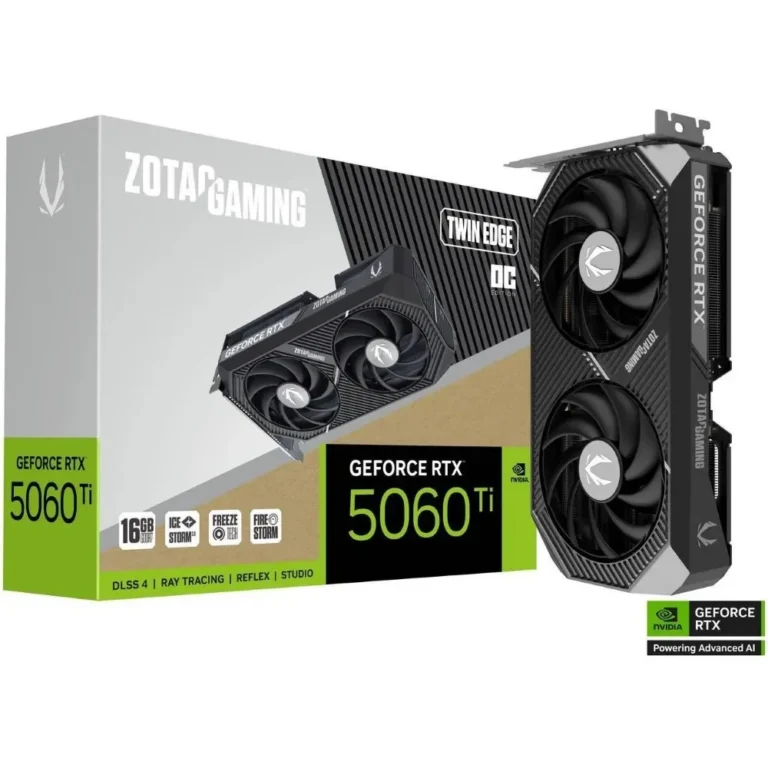
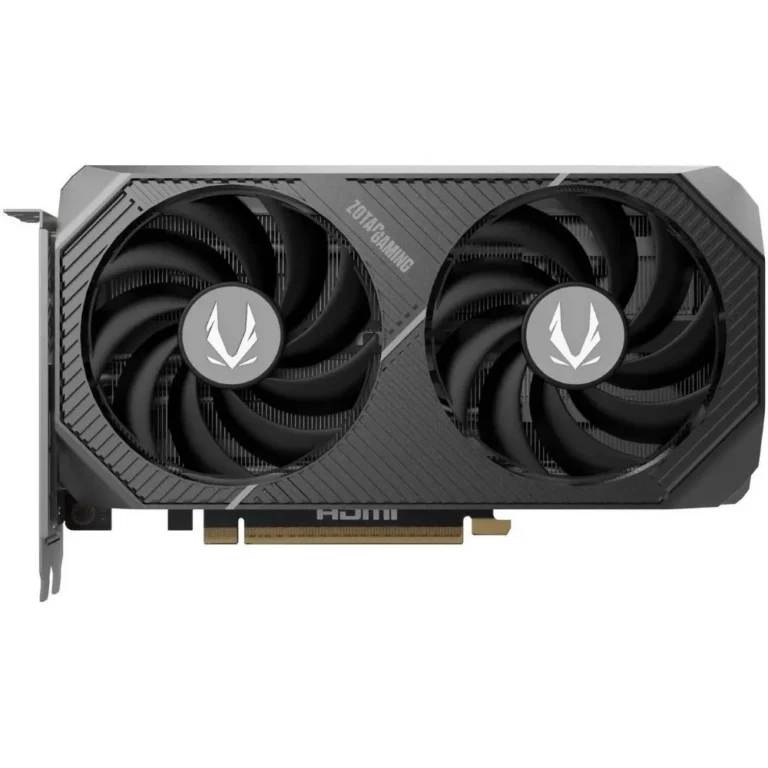
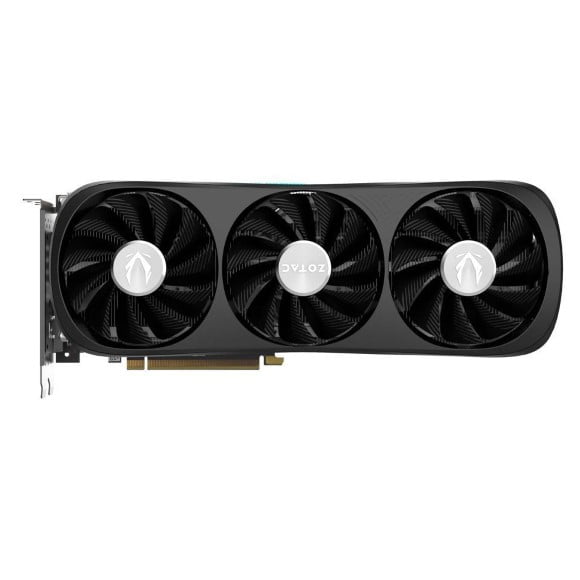
Zotac's NVIDIA GeForce cards, grouped by cooler line, with Twin Edge, AMP, Trinity and Solid models sold in Karachi and delivered across Pakistan.
Zotac Graphics Cards
Zotac graphics cards carry NVIDIA GeForce GPUs and reach buyers who care about how much card will fit inside the case they already own. The maker splits the same GPU across several cooler lines, so one chip can arrive as a short board or a long triple slot board. PC builders, gamers and workstation buyers use this page as the starting point before picking a line.
Four Zotac lines sit under this page: Twin Edge, AMP, Trinity and Solid. Each one holds the stock, so open the line rather than this page when you want to compare individual boards. Across them the range runs from entry level NVIDIA GeForce cards with 4GB of memory up to premium tier models, which puts a first build and a serious gaming rig on the same brand. Every card here is a Zotac board running an NVIDIA GPU, so the driver stack and the software are the same whichever line you choose.
Three decisions settle most Zotac purchases.
- Measure the clearance from the back of your PCIe slot to the front of the case, then match it against the cooler line, because AMP and Trinity boards run longer than the compact end of the range.
- Check the memory next, since a 4GB card handles esports titles and everyday work at moderate settings while heavier games want more.
- Then count the PCIe power connectors your PSU has free, because a supply that runs an old card will not always feed a newer one.
Which Zotac line suits your build
Someone building in a mini tower or a slim office chassis should start with the shorter Zotac boards, where the cooler is sized to fit rather than to run the highest clocks. A player putting together a first gaming PC on a tight budget gets the most out of the entry level 4GB cards. Buyers running two or three monitors for accounts, design or trading work need output count and steady drivers more than raw speed. Anyone chasing high frame rates in a full size tower should compare the AMP and Trinity boards, where the larger coolers hold higher clocks under load.
Mega Computer stocks Zotac at its Karachi showroom and sends orders out with nationwide delivery across Pakistan. Payment works through cash on delivery or online payment, so you can settle before dispatch or at the door. Warranty on these cards follows the manufacturer’s policy, and our team handles the claim process for units bought from us. Call or message before you order if you want a specific line checked.
One compatibility note before you buy. A Zotac card needs a free PCIe x16 slot, the matching power connectors from your PSU and enough depth behind the drive cage, so pull those three numbers off your current build first. Remove the old display driver before fitting the new card, then install the NVIDIA driver package. If you are moving from integrated graphics, plug the monitor into the card itself rather than the motherboard output.

 ZotacZotac 51