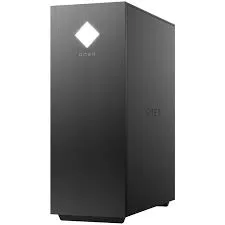
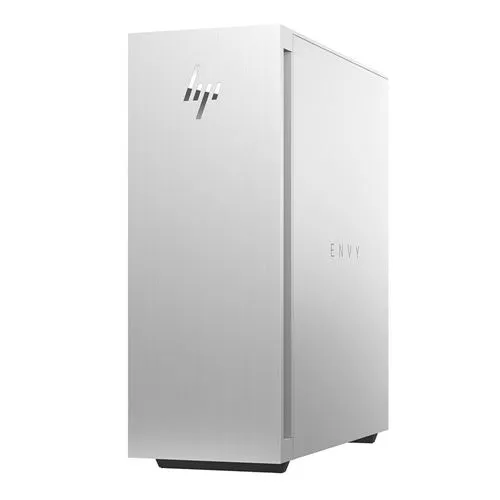
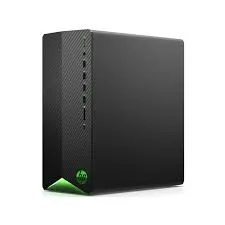
HP tower and all-in-one desktops covering Omen and Envy builds, 16GB and 32GB RAM options, 512GB SSD storage paired with larger drives, and dedicated GPU choices.
HP Desktops for Home, Study and Serious Work
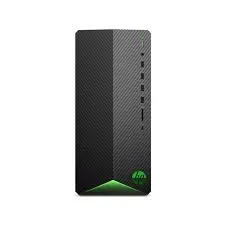
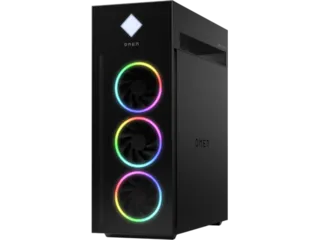
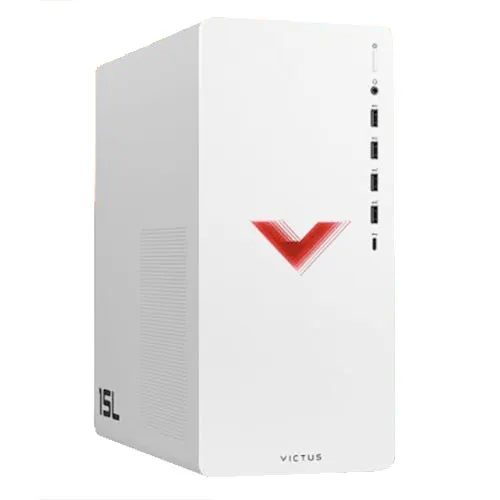
HP desktops on this page split into two body types: tower cases you can open and add to, and all-in-one units that fold the whole machine behind the screen. The people buying them run from a household setting up one shared study PC to someone assembling a gaming or editing station around a dedicated graphics card. Both groups end up comparing the same short list of configurations.
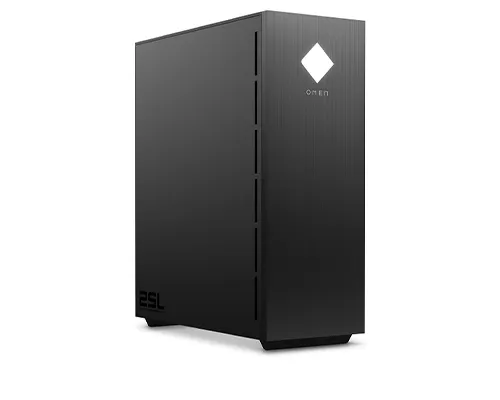
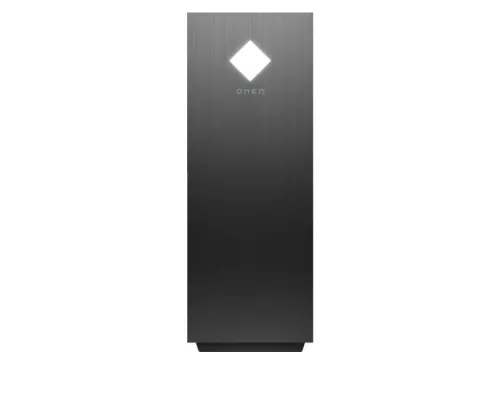
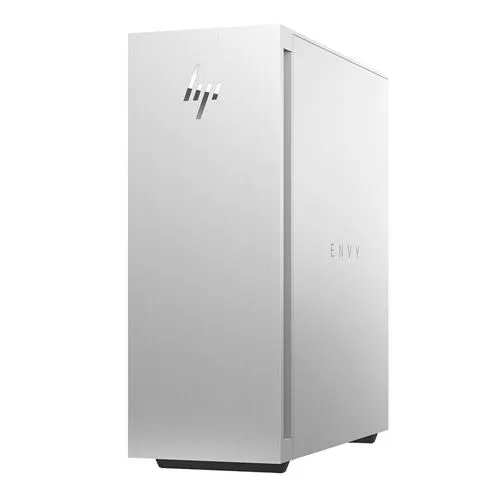
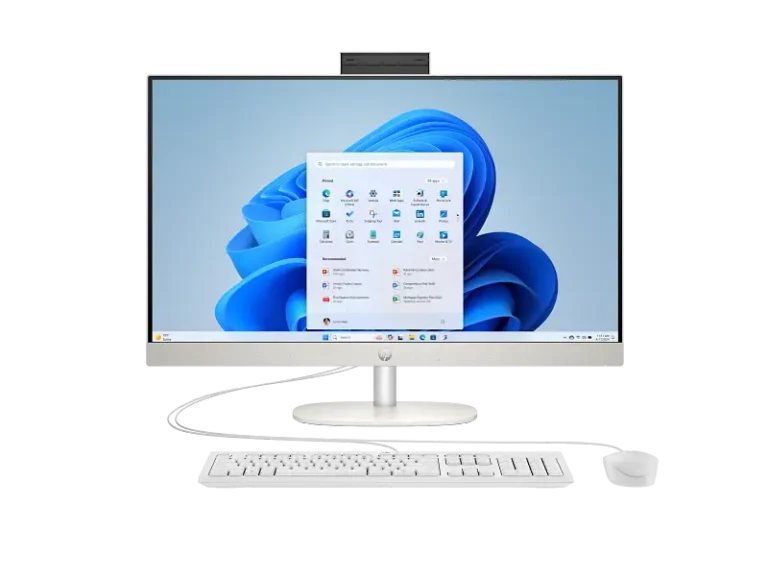
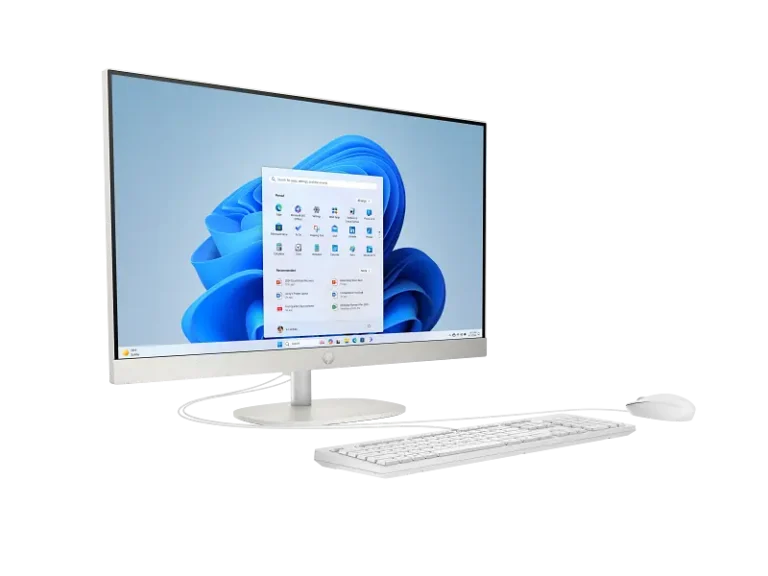
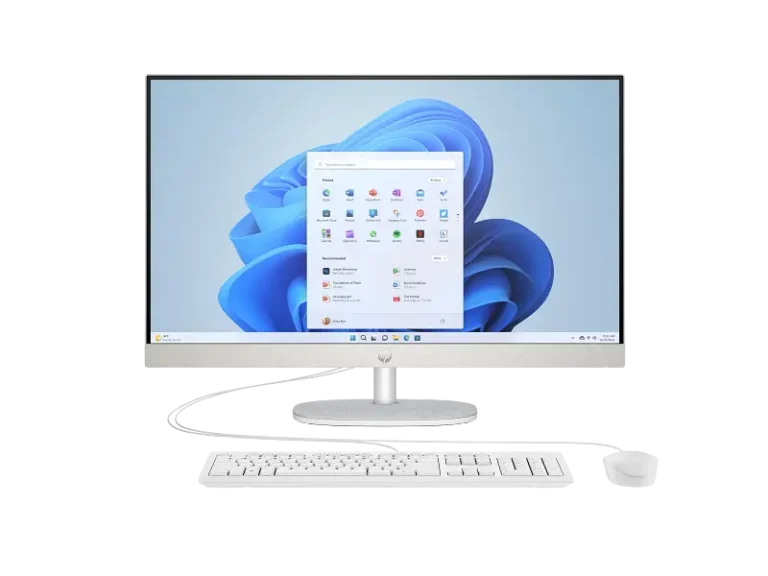
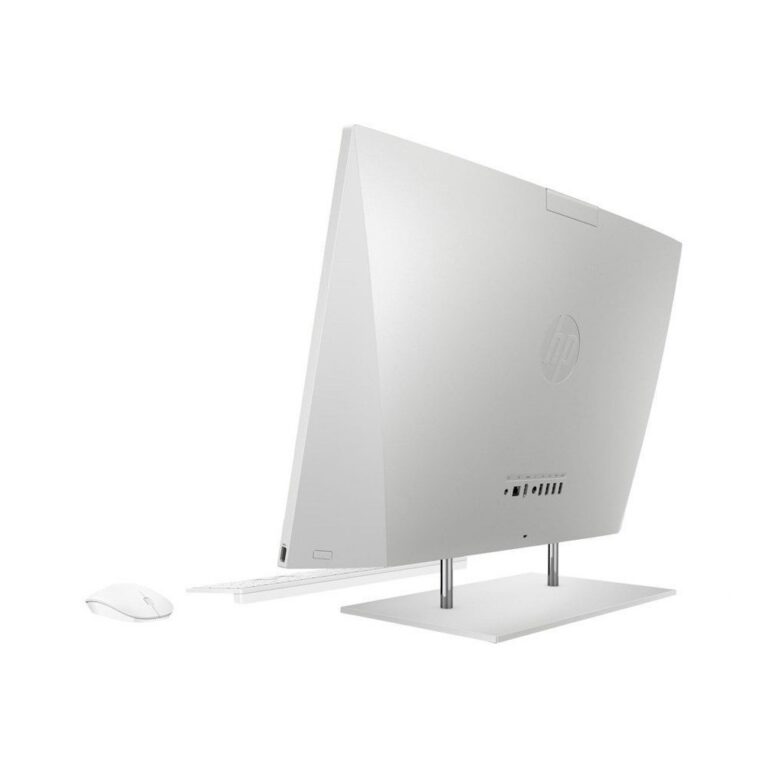
The range covers HP Omen and HP Envy towers alongside HP all-in-one models. Memory sits at 16GB on mid builds and 32GB on the larger Envy configurations. Storage on the towers pairs a 512GB SSD with a 1TB or 2TB drive, so the operating system and your programs load from the SSD while photos, project files and game installs live on the second disk. Graphics options include 6GB and 8GB cards. On the all-in-one side, HP fits a 27 inch FHD IPS touchscreen into the chassis. Prices stretch from entry level through to premium, which is why two HP desktops on the same shelf can be aimed at different buyers.
Three decisions settle most of these purchases.
- First, tower or all-in-one: a tower leaves room to add another drive or swap the graphics card down the line, while an all-in-one clears the desk and arrives with the 27 inch IPS panel matched to the machine.
- Second, the storage split: a single 512GB SSD keeps things quick but fills up fast if you hold video or large game libraries, and the 1TB or 2TB secondary drive is what stops that.
- Third, GPU memory: 6GB covers FHD gaming and light GPU work, and 8GB gives more room for higher texture settings and heavier timelines.
Jumping from 16GB to 32GB of RAM matters when you keep many browser tabs, virtual machines or large edits open at once.
Which HP Desktop Fits Your Situation
A student or a family sharing one machine for schoolwork, browsing and video calls gets more from an all-in-one, because the FHD IPS touchscreen removes the cost and clutter of a separate monitor. Someone playing current titles at FHD should start with an Omen tower and a 6GB or 8GB card. Anyone editing video, running CAD or working across several heavy applications should look at the Envy builds with 32GB RAM and a 2TB secondary drive. Small offices buying several units at once standardise on one 16GB configuration so support and spares stay simple.
Mega Computer stocks these HP desktops at its Karachi showroom, where you can see the all-in-one panel and the tower chassis before you commit. Orders ship nationwide across Pakistan, with cash on delivery and online payment both accepted. Warranty terms differ between units and are printed on each product listing, from short conditional cover on some tower builds to a full year on others, so read that line before you order. Our team has sold and serviced computer hardware for decades, and can talk you through which HP configuration matches the work you do.

 HPHP 64