Sheet feeding office scanners and overhead book scanners from HP, Plustek and CZUR, for offices and libraries turning paper files into searchable digital copies.
Document ADF Scanners
Document ADF scanners feed a stack of pages through the machine so nobody stands at a flatbed lifting the lid for every sheet, and this section holds two kinds of machine that solve that problem in different ways. One kind pulls loose paper through a feeder. The other sits above the desk and photographs an open book from overhead. Offices clearing filing cabinets, clinics archiving patient records and students copying reference material buy from both sides of the range.
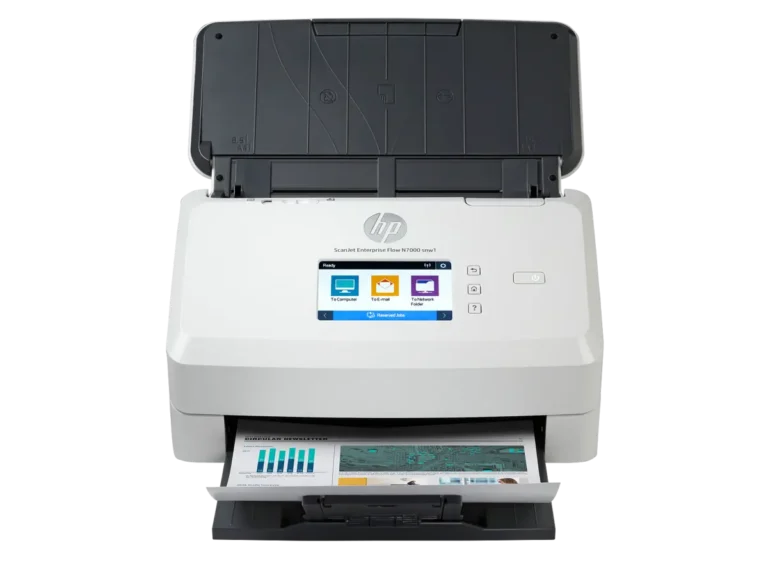
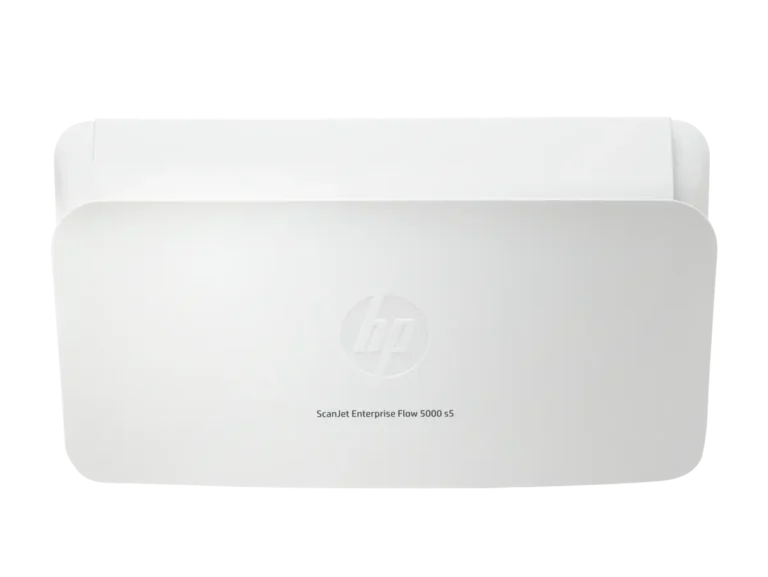
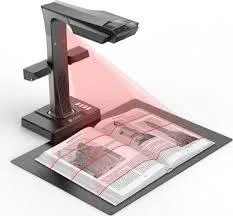
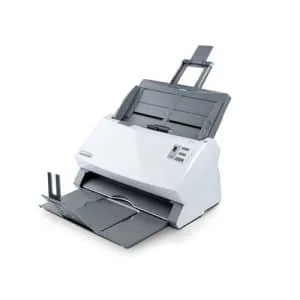
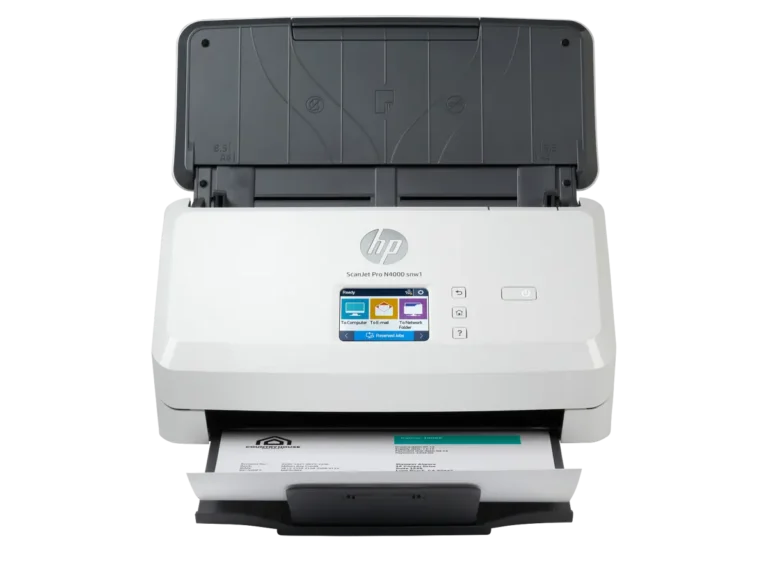
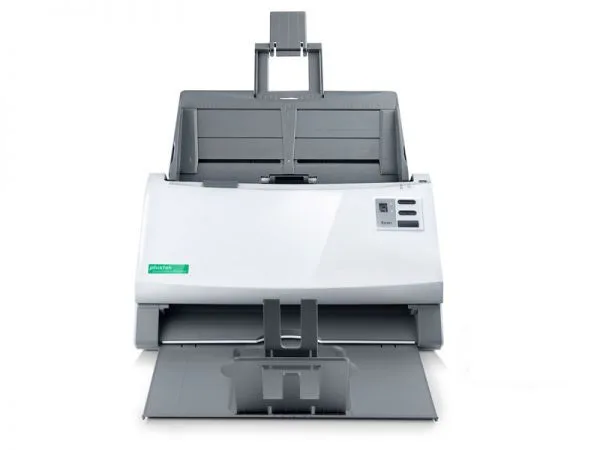
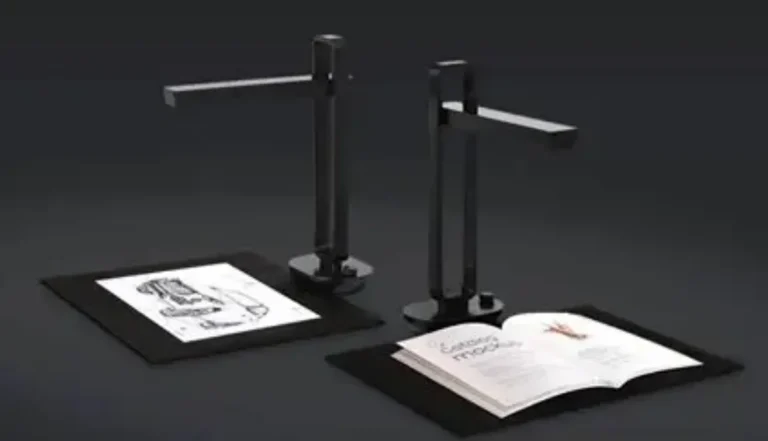
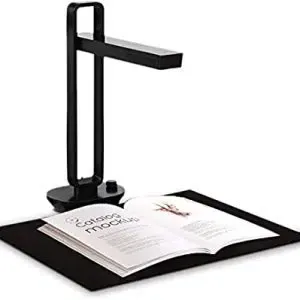
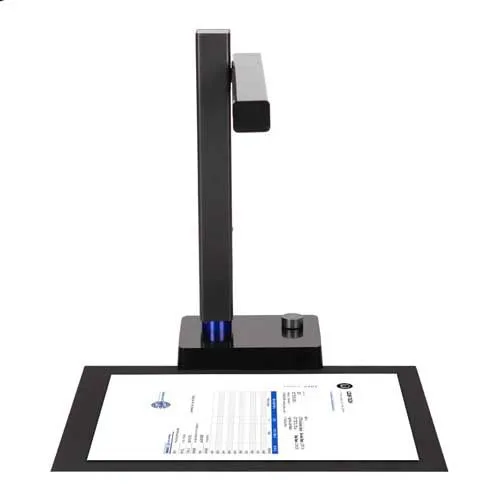
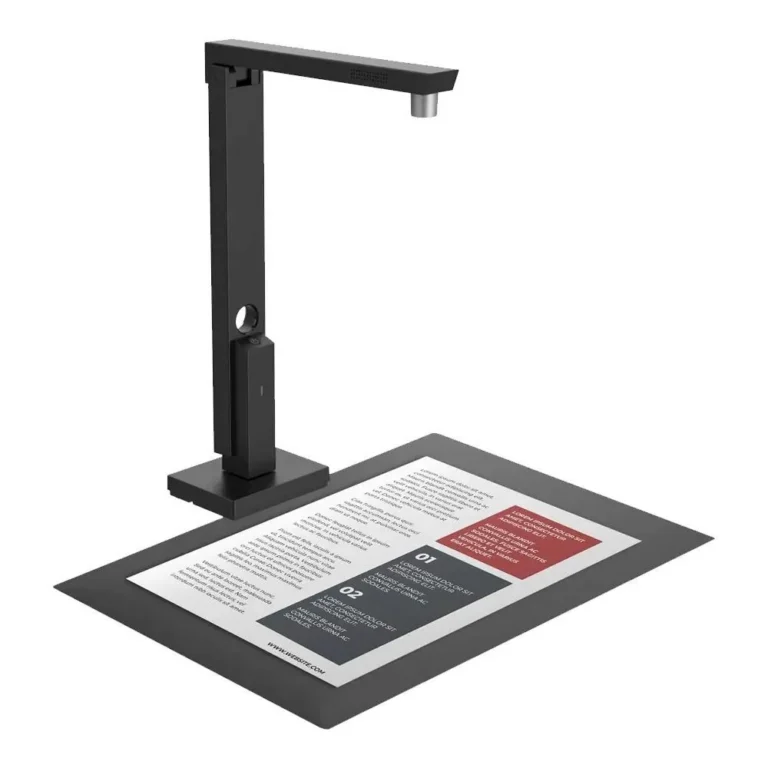
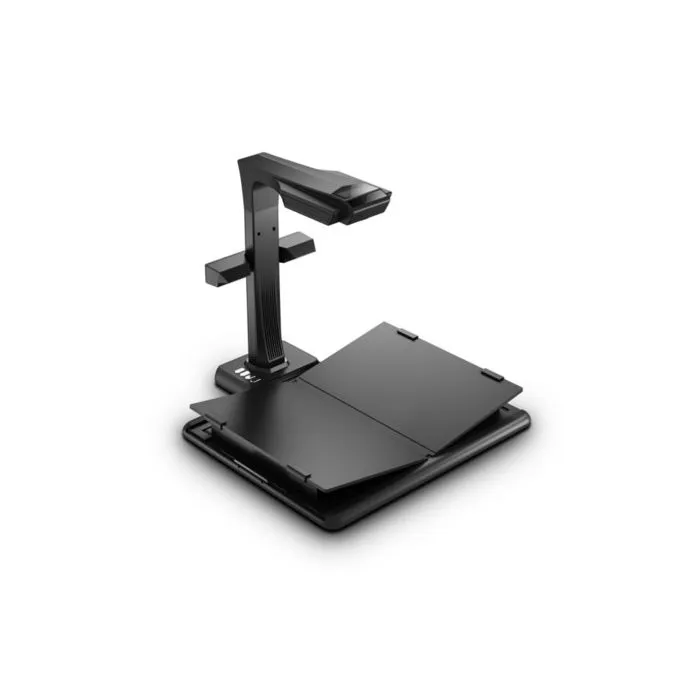
Three brands make up the range. HP supplies its ScanJet Enterprise Flow scanners, built around a paper feeder for shared office scanning. Plustek brings its SmartOffice line for desks that process paper every day without needing a machine sized for a whole floor. CZUR takes the overhead route with book and document scanners that capture bound pages the feeder cannot touch. Prices run from entry-level desktop units through to premium workgroup machines, so the same category serves a two person office and a records department.
The first decision is what your paper looks like. Loose sheets and forms belong in a feeder scanner. Bound books, stitched ledgers, passports and anything you cannot cut apart need a CZUR style overhead scanner, because a feeder would either refuse the item or damage it. The second decision is volume. A machine that handles a few dozen pages a week costs less than one built to run boxes of documents through a feeder without a person watching it. Third, check where the scanner sits. A unit on one person’s desk only needs a cable to that computer, while a scanner shared by a department needs to reach several machines, so confirm the connection options on the model you shortlist before you buy.
Matching the scanner to the job
An accounts or admin office turning invoices and delivery notes into digital files wants a feeder based HP or Plustek unit and should size it to the daily page count rather than the peak week. A library, bookshop or research student copying textbooks and old records wants a CZUR overhead scanner, since the pages stay flat and the spine stays intact. Small businesses starting their first scanning project can begin at the entry-level end and move up once they know their real volume. Departments that scan every day should look at the premium workgroup end, where the paper handling is built for continuous use.
Mega Computer stocks these scanners at its Karachi showroom, where you can see the feeder and the build before deciding, and ships nationwide across Pakistan for buyers outside the city. Payment works by cash on delivery or online payment. Warranty cover differs between brands and between models in the same brand, so ask about the terms on the exact unit you want, along with the consumable parts a feeder scanner needs over its life.

 CZURCZUR 10
 HPHP 6
 PlustekPlustek 6