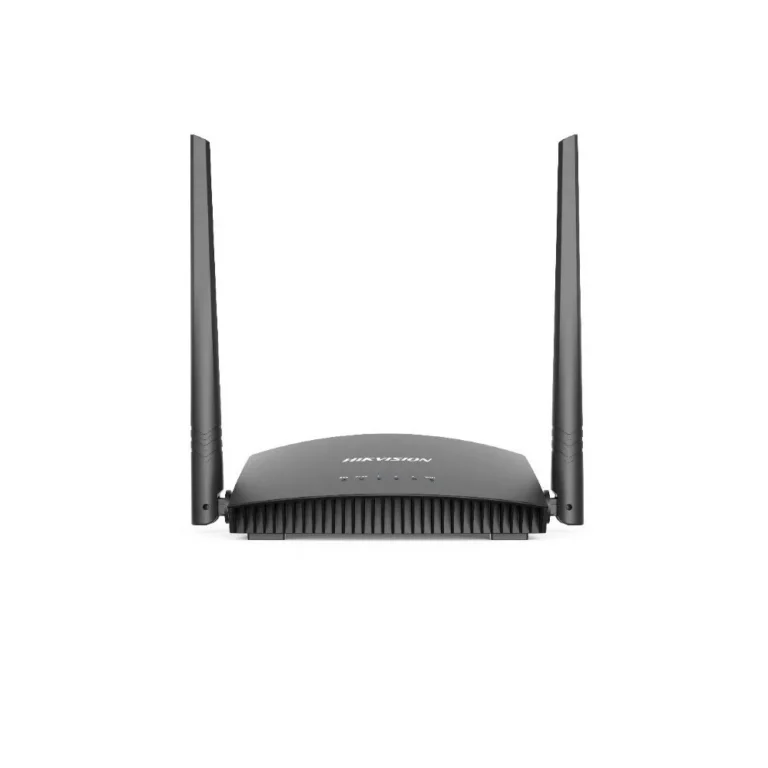
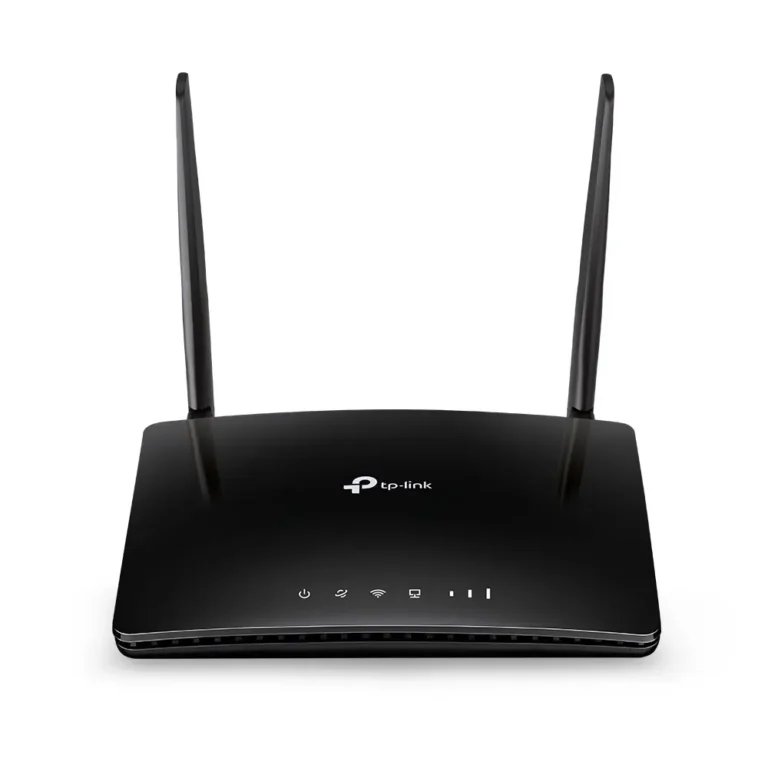
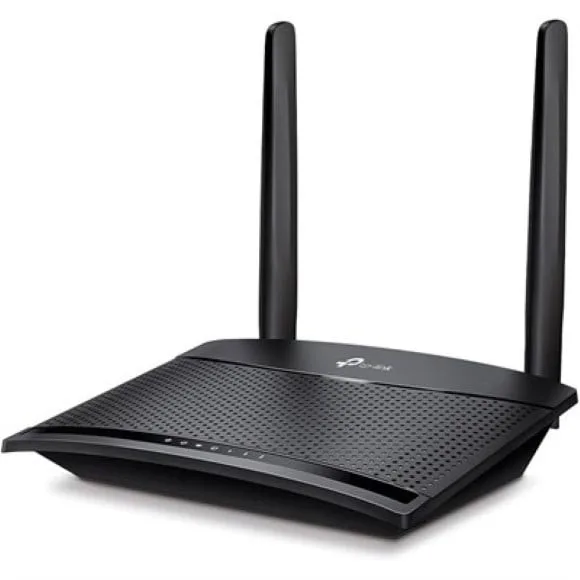
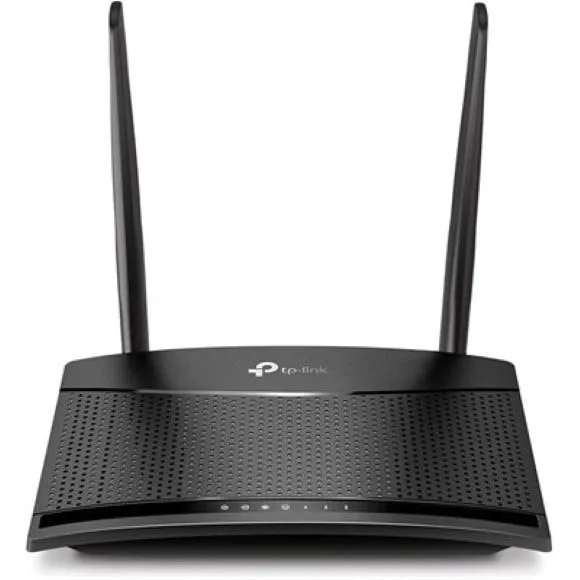
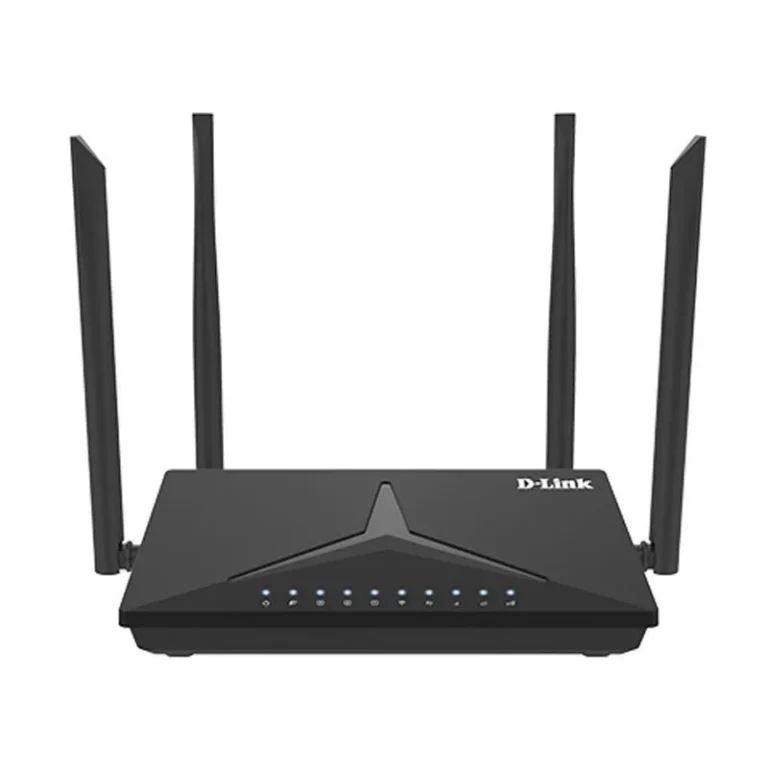
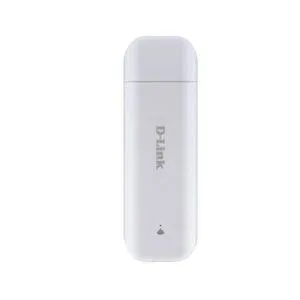
4G SIM routers that turn a mobile data SIM into a Wi-Fi network, from TP-Link, D-Link and Hikvision. Nationwide delivery with cash on delivery.
4G SIM Routers
4G SIM routers take a mobile data SIM and run a wireless network off it, which covers homes, shops and offices where a cable line is slow to arrive or keeps dropping. People buy them for two reasons: it is the only connection available at that address, or it is the second connection that keeps the till and the phones working when the first one fails.
Three brands sit on this shelf. TP-Link, D-Link and Hikvision each build wireless routers with the SIM slot on the unit itself, and one D-Link model doubles as a Wi-Fi modem router rather than a router alone. The spread runs from entry level units meant to cover a single room or a shop counter, through to premium models built for a full house or a floor of desks. That gives you a real choice between the cheapest way to get a SIM online and something you can hang several devices off.
Three decisions settle most of these purchases.
- First, the SIM itself: check the card size the router accepts and the network you plan to run it on, because the SIM you already own decides half the answer.
- Second, the area you need to cover and the number of phones, laptops and cameras that will sit on the wireless network at once, since a single-room unit will not carry a whole house.
- Third, the wired ports on the back, which matter the moment you have a desktop PC, a printer or a DVR that needs a cable rather than Wi-Fi.
Who buys which
A shop owner running a card machine and a couple of phones needs coverage over one counter, so an entry level 4G router does the job. A family in a neighbourhood with no cable line is asking a single unit to reach bedrooms on two floors, which pushes them up the range. An office keeping a SIM router as a standby link wants wired ports so the main workstations can switch over without anyone touching a Wi-Fi setting. Anyone who moves between sites should look at the compact models that need nothing more than a power point and a SIM.
Mega Computer stocks these routers at its Karachi showroom and ships nationwide across Pakistan. You can pay cash on delivery or online. Warranty terms differ by brand and by model, so read the cover stated on the product listing before you order, and keep the box and the invoice, since both are asked for on any claim.
Setup is short. Insert the SIM, power the unit, then set the network profile in the router admin page if it does not pick it up on its own. Placement does more for signal than any setting: near a window, off the floor, away from thick walls and metal shelving. If several devices need a wired connection, count the ports before you buy rather than adding a switch later.