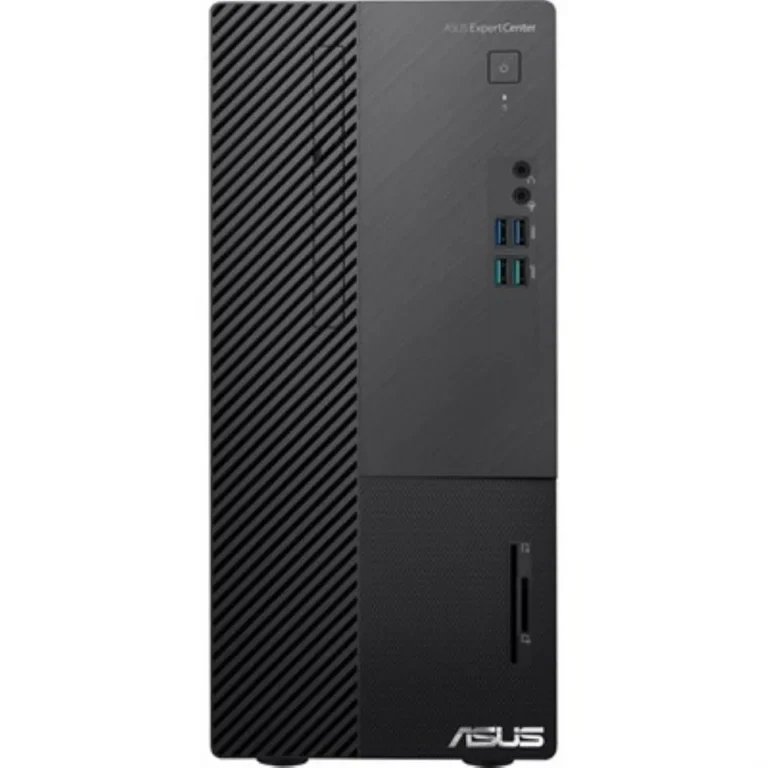
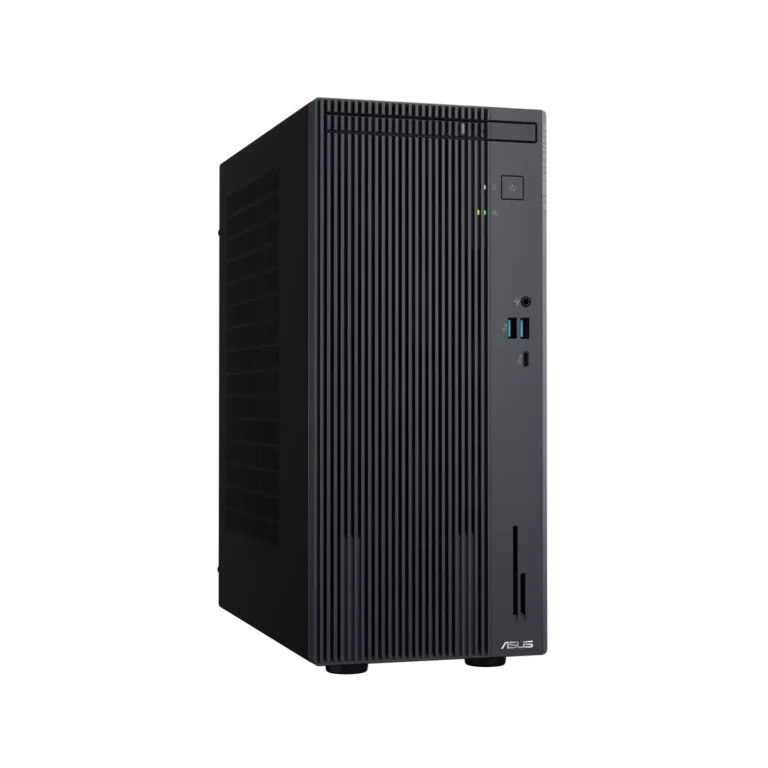
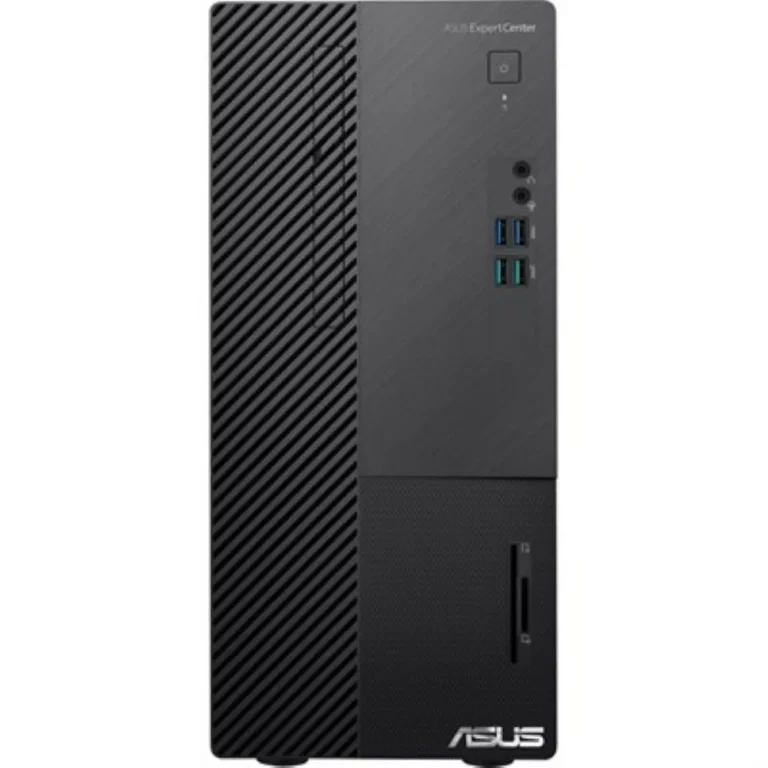
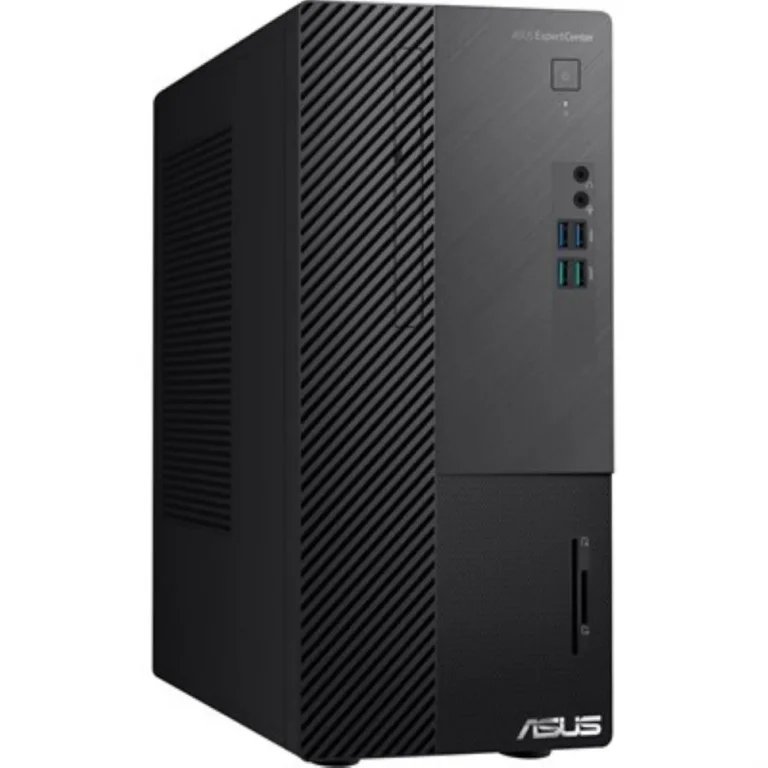
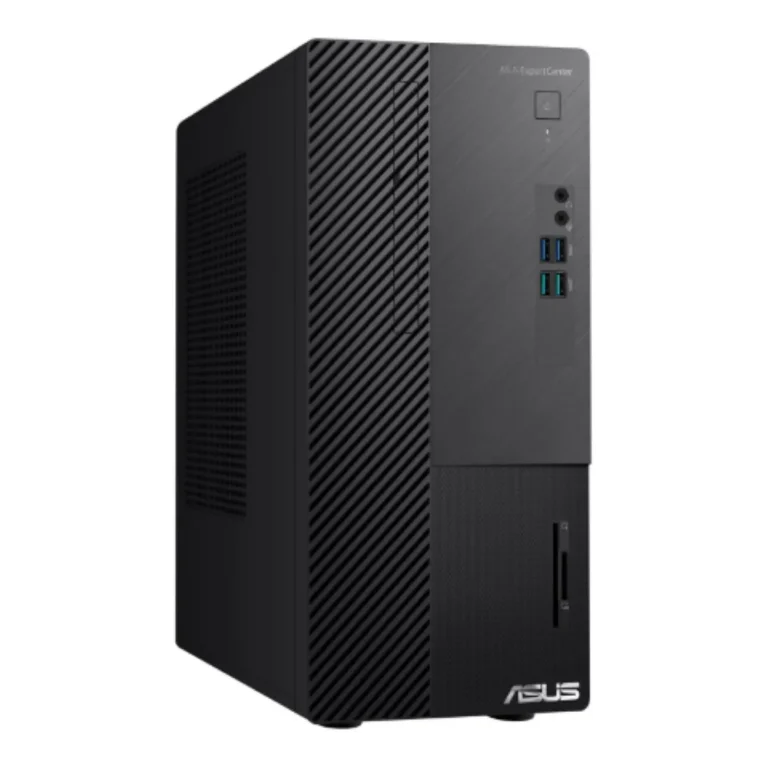
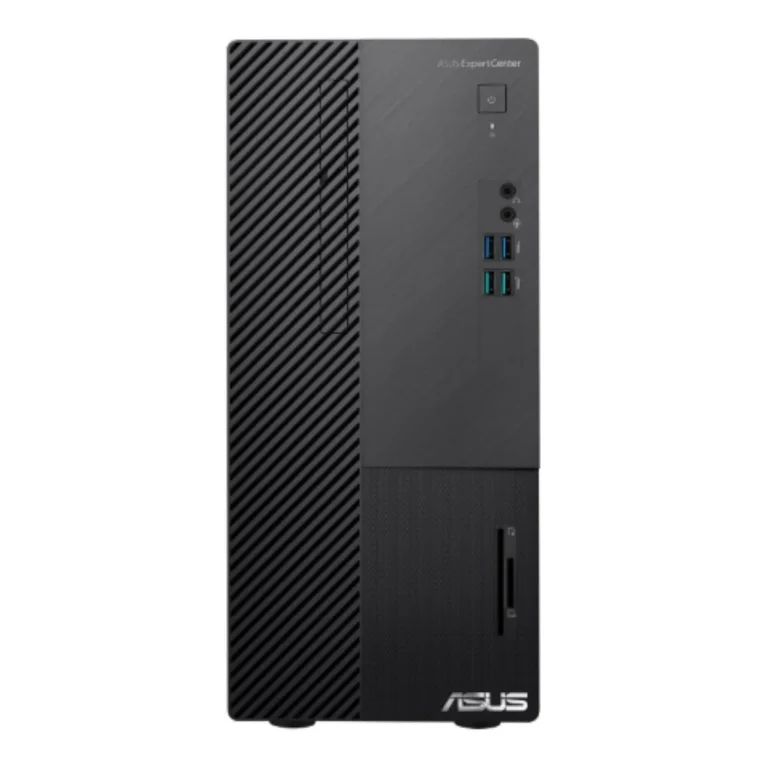
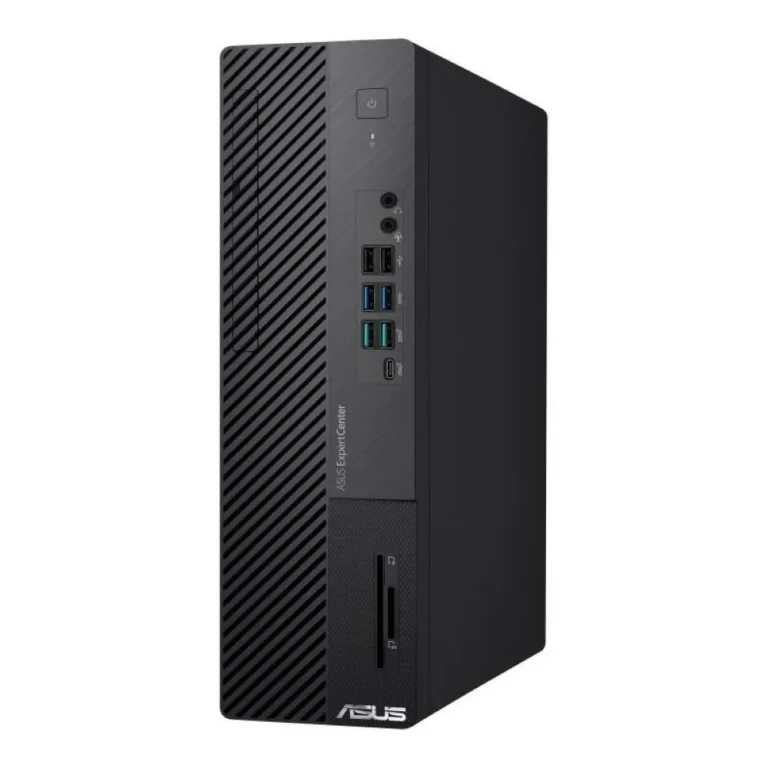
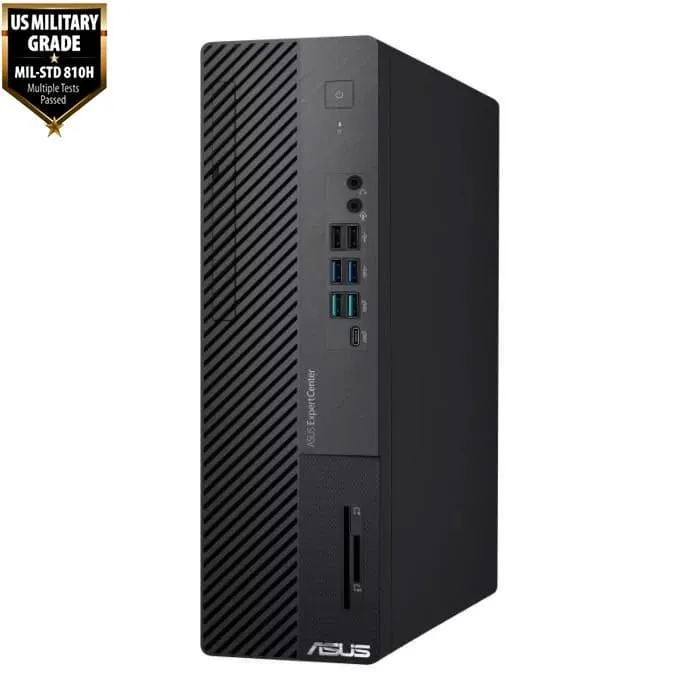
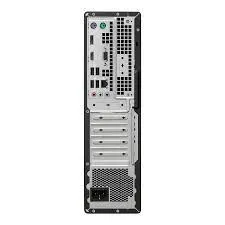
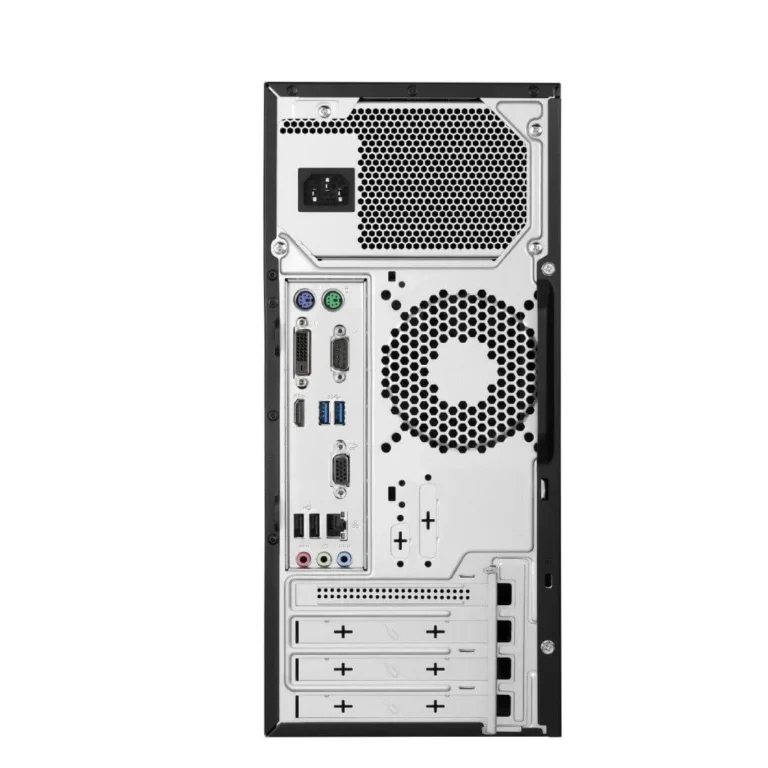
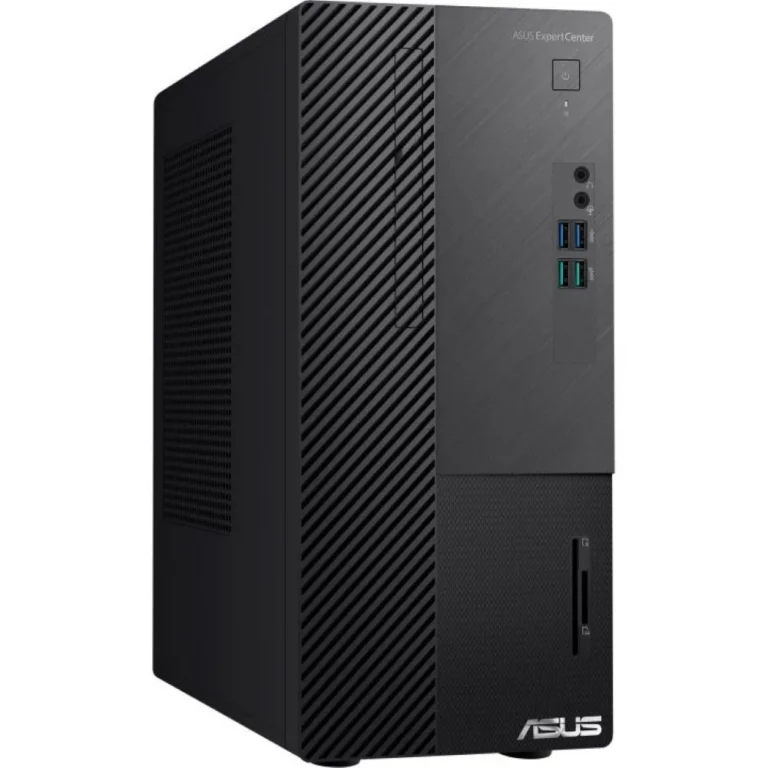
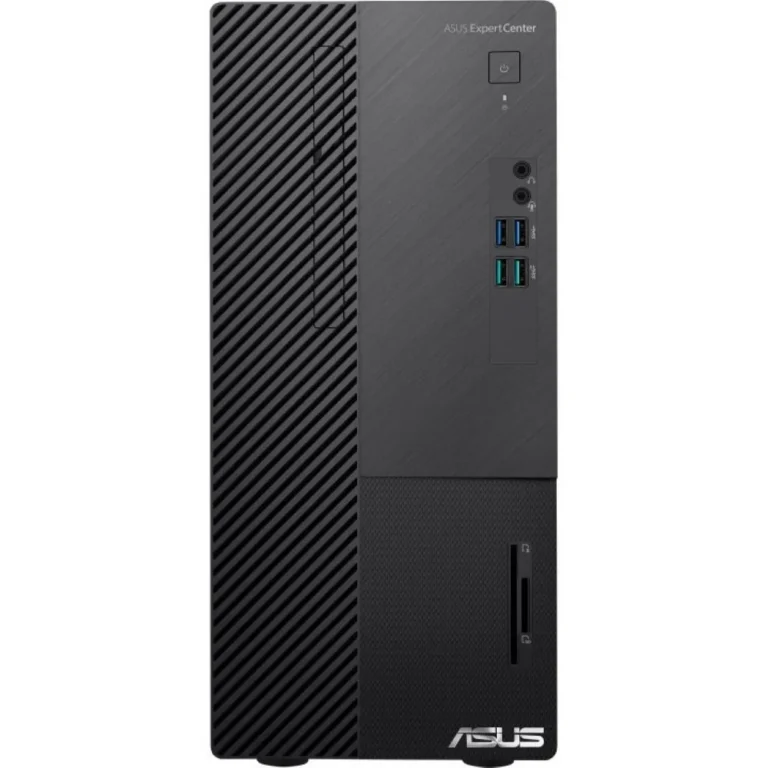
Asus ExpertCenter tower desktops built for office and study work, with 8GB or 16GB RAM, 512GB SSD storage and official warranty cover.
Asus Desktops
Asus desktops in this section come from the ExpertCenter family, the tower line Asus builds for offices, reception counters, study rooms and small business back offices. Buyers who pick these machines want a sealed, warranted system rather than a parts list they have to assemble. The chassis sit under a desk or beside a monitor and take a keyboard, mouse and display of your own choosing.
The range covers ExpertCenter models such as the D500ME, the D500MD mini tower and the P500MV. Memory runs at 8GB on most configurations and rises to 16GB on the higher P500MV build, and every system in this range ships with a 512GB SSD as its boot and working drive. Prices span entry level through to premium inside the one product family, so the gap between the cheapest and the dearest tower here comes down to memory and processor tier rather than a change of brand. Some units arrive with DOS instead of a preinstalled Windows licence.
Three decisions shape the choice.
- Memory comes first: 8GB handles accounts software, browser tabs and document work, while 16GB gives room for larger spreadsheets, design tools and many open applications at once.
- Storage is the second: 512GB of SSD capacity keeps boot and file access quick, and a tower chassis leaves bays and ports free if you want to add a second drive later.
- The third is the operating system. A DOS unit costs less at the counter but you supply and install the software yourself, so factor that in before you compare two models on the shelf price.
Who it suits
A shop or clinic running billing and inventory software all day is served by an 8GB ExpertCenter tower, since the workload stays light and the SSD does the heavy lifting on load times. Design and accounts teams who keep a dozen files open should move to the 16GB configuration. Households buying one machine for school and college work get a system that stays serviceable for years and can take more RAM later. If you need the screen and the computer in one unit, or a machine small enough to sit behind a monitor, look at the all-in-one and mini PC sections instead of a tower.
These Asus towers carry official warranty cover, so a fault goes through the brand service network rather than a shop guarantee. Mega Computer has sold computer hardware in Pakistan since 1986. Come and see the units at our Karachi showroom, or order for delivery anywhere in Pakistan. We accept cash on delivery and online payment. Bring your monitor cable or ask our staff which display connector suits the model you pick.

 AsusAsus 14