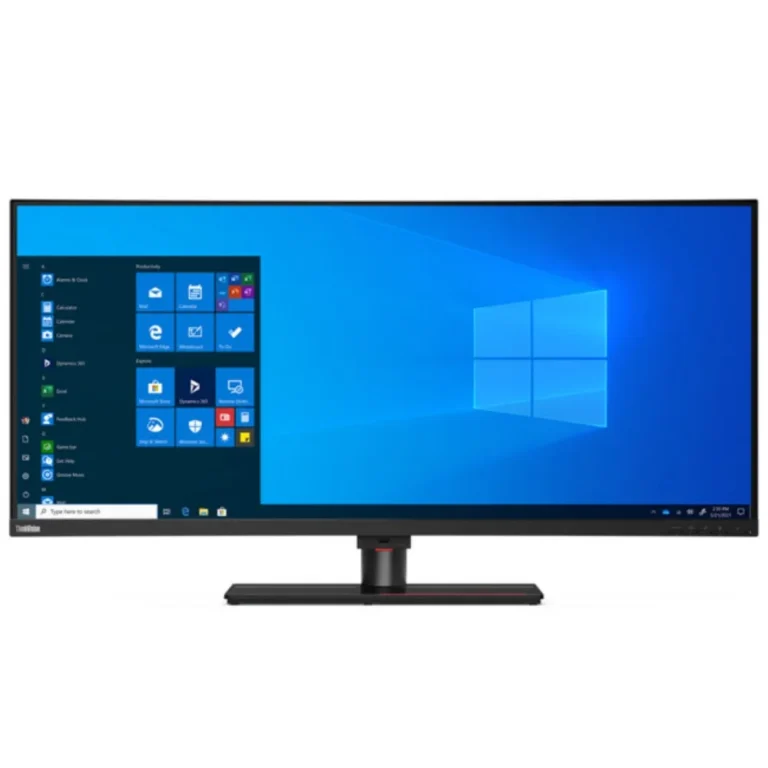
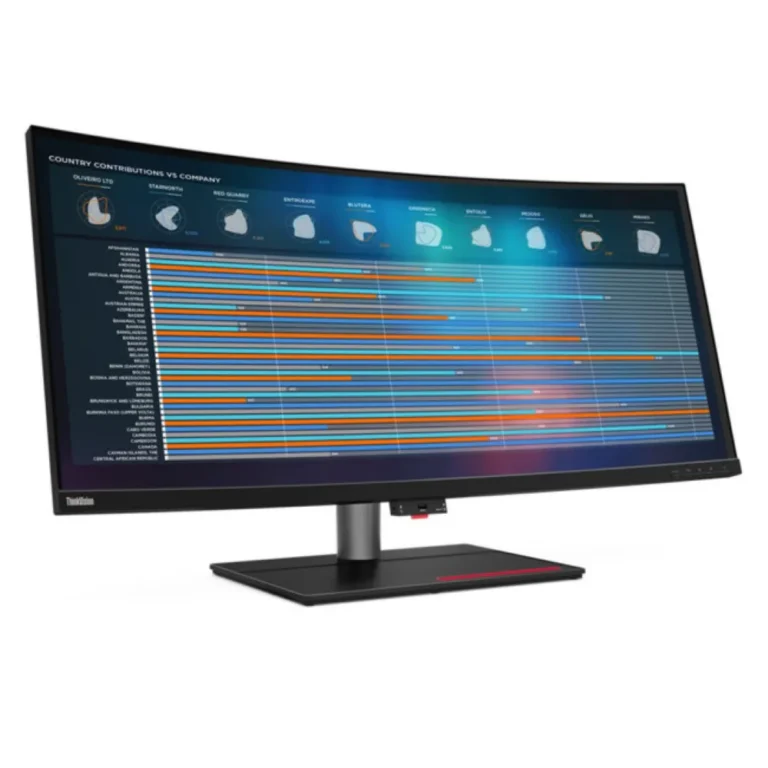
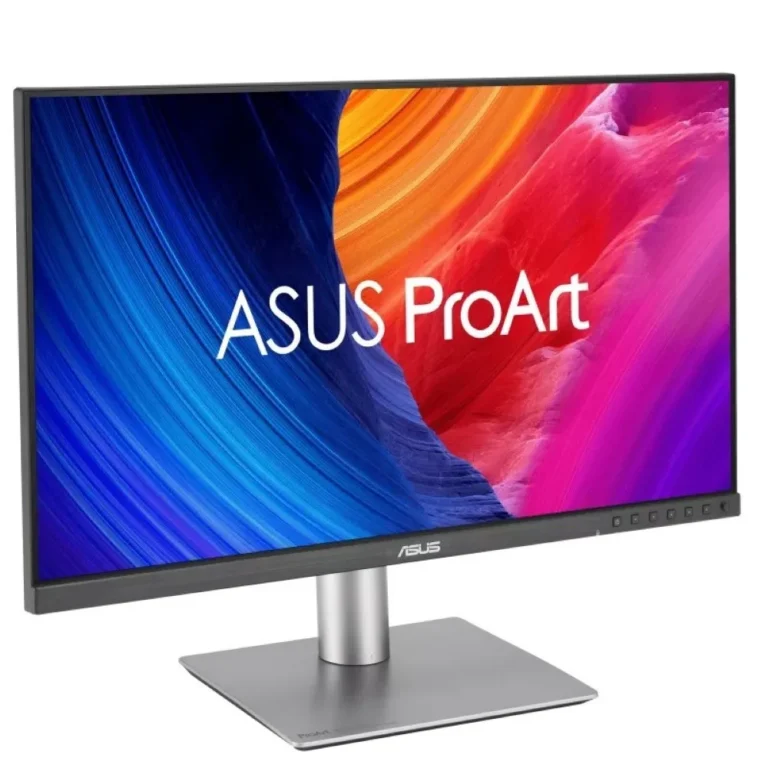
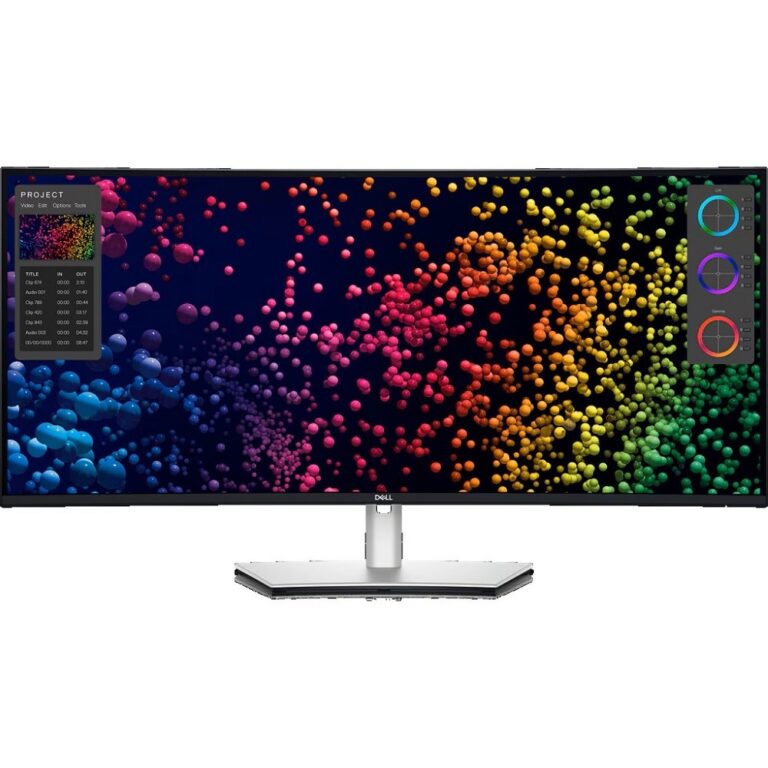
Color critical panels for design, photo and video work, spanning 4K and 5K IPS monitors from Dell, LG, Lenovo, Samsung and BenQ, with nationwide delivery.
Professional and Color Accurate Monitors
Design studios, photo retouchers and video teams buy professional color accurate monitors because a panel that shifts shade between two sessions costs them reprints, re-exports and client revisions. The work happens on screen, so the screen becomes the reference. This section of the catalogue holds 118 panels chosen for that job rather than for frame rate bragging rights.
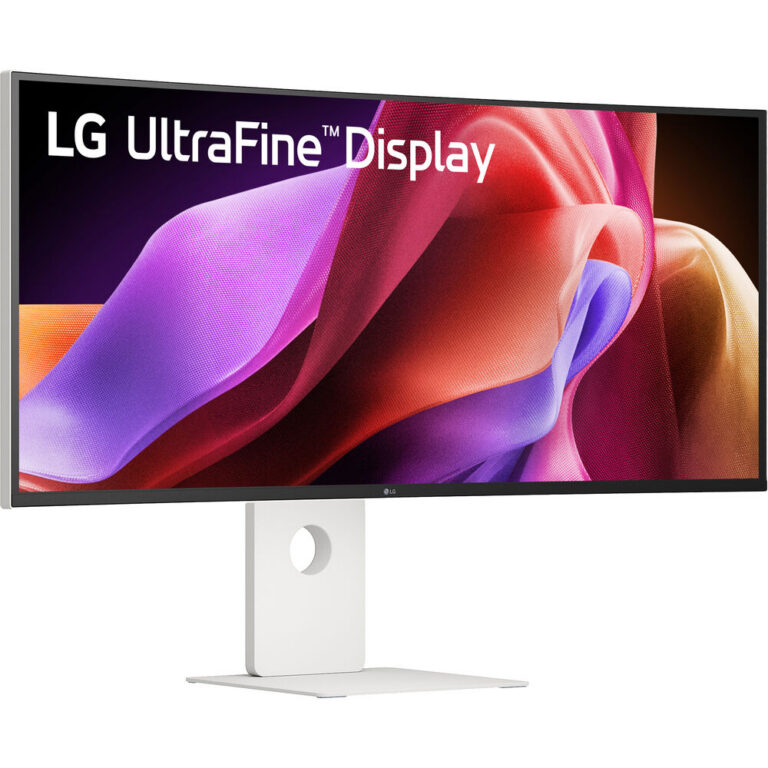
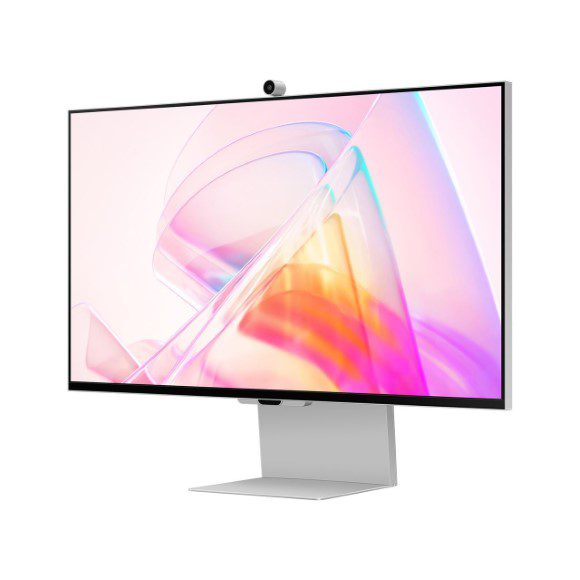
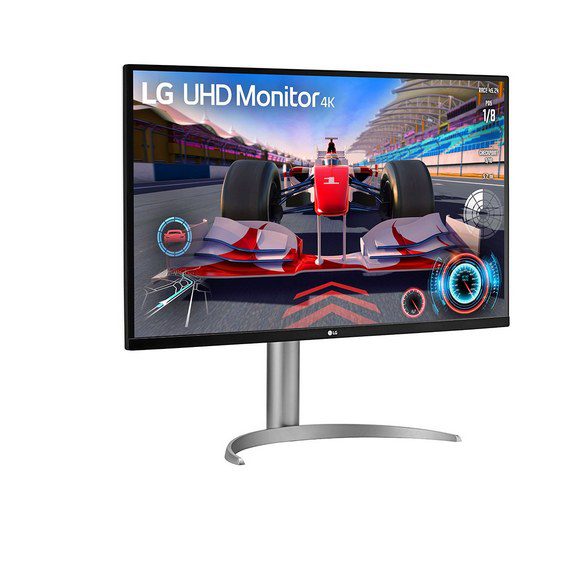
The brand spread runs across Dell, LG, Lenovo, Samsung and BenQ. BenQ contributes 4K IPS designer panels aimed at layout and retouching desks. Samsung and Lenovo bring 5K IPS screens, and Dell and LG sit at the upper end with 5K panels that also run at 120Hz, LG using a Nano IPS variant. Price runs from affordable entry models a freelancer can justify on a first serious commission, up to premium flagships that a post house buys once and keeps.
Three decisions shape the purchase.
- Resolution comes first, because 4K and 5K change how much timeline, canvas or palette sits on screen beside the image, and 5K buys you room to keep tool panels open without shrinking the artwork.
- Panel type comes second, and IPS dominates this category for one reason, its shade stays consistent when you lean back or when a second person looks over your shoulder.
- Refresh rate comes third and matters less here than in gaming, though a 120Hz panel makes motion smoother when you scrub through footage frame by frame. Buyers who only edit stills can trade that away and put the money into resolution.
Matching the panel to the work
A photographer culling and retouching stills gains more from a 5K IPS panel than from any refresh rate figure, because the extra pixels show grain and edge detail at full size. Video editors cutting long sequences benefit from the 120Hz options, where playback and scrubbing stay readable. Architects, CAD users and print layout desks tend to land on 4K IPS, where the drawing or spread fits on screen at a size the eye can hold. Anyone building a two screen desk should match panel type across both, since mixing families leaves you correcting for two different renderings of the same file.
Mega Computer stocks these monitors for buyers across Pakistan. You can see panels in person at the Karachi showroom, which matters more for this category than most, since shade rendering is something you judge with your eyes rather than from a spec sheet. Orders ship with nationwide delivery across Pakistan, and you can pay by cash on delivery or through online payment. Warranty terms differ by brand and model, so confirm the cover on the exact panel before you place the order.
A 5K panel asks a lot of the machine driving it, so check that your laptop or workstation graphics output supports that resolution at the refresh rate you want before choosing one. Buyers stepping up from a standard office screen should also plan for calibration, because a color accurate panel is only as honest as its last profile.

 KOORUIKOORUI 7
 MXGMXG 2
 AOCAOC 1
 AsusAsus 26
 BenqBenq 6
 DellDell 19
 LenovoLenovo 6
 LGLG 23
 MSIMSI 6
 PhilipsPhilips 1
 SamsungSamsung 7
 ViewSonicViewSonic 10