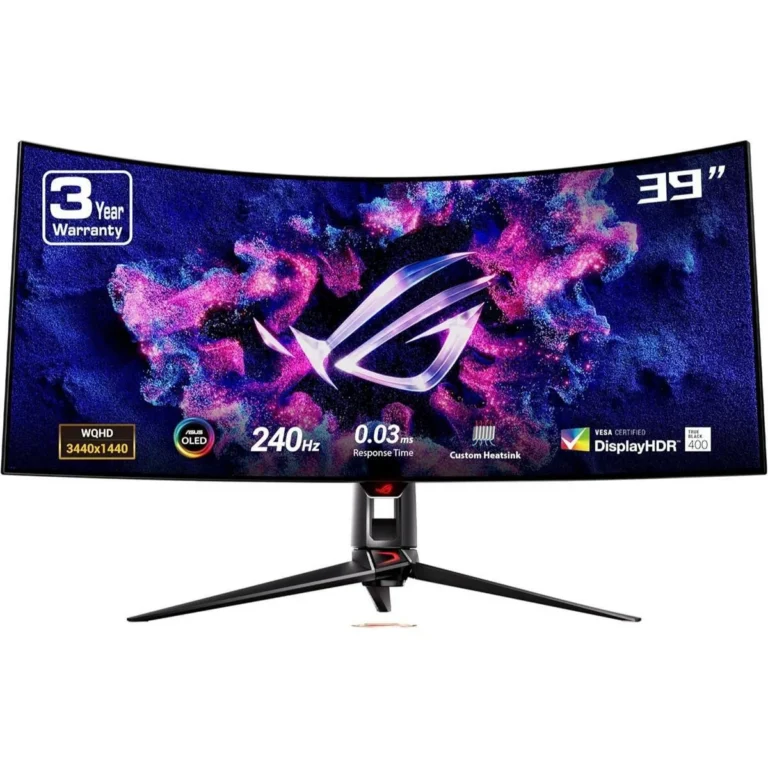
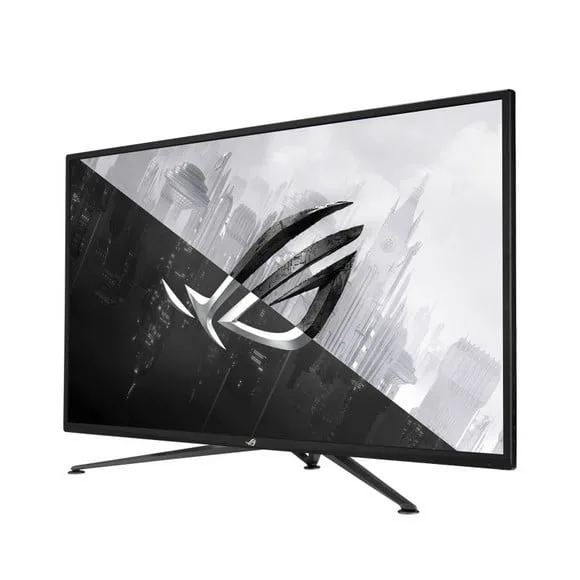
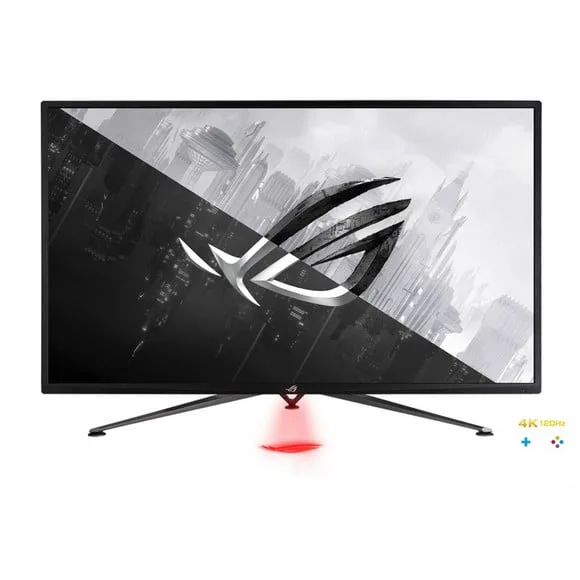
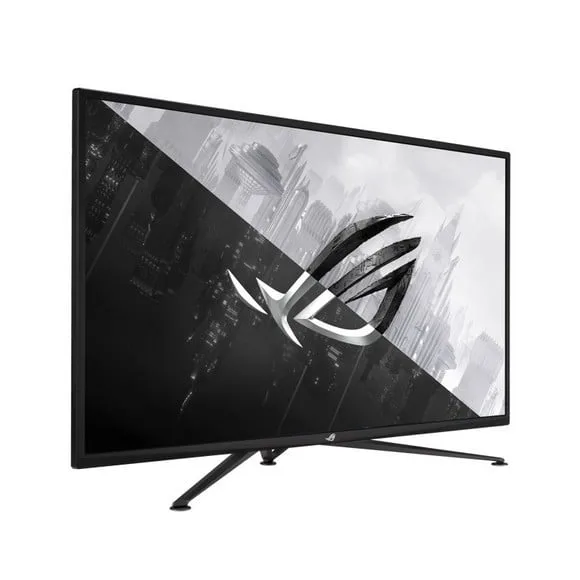
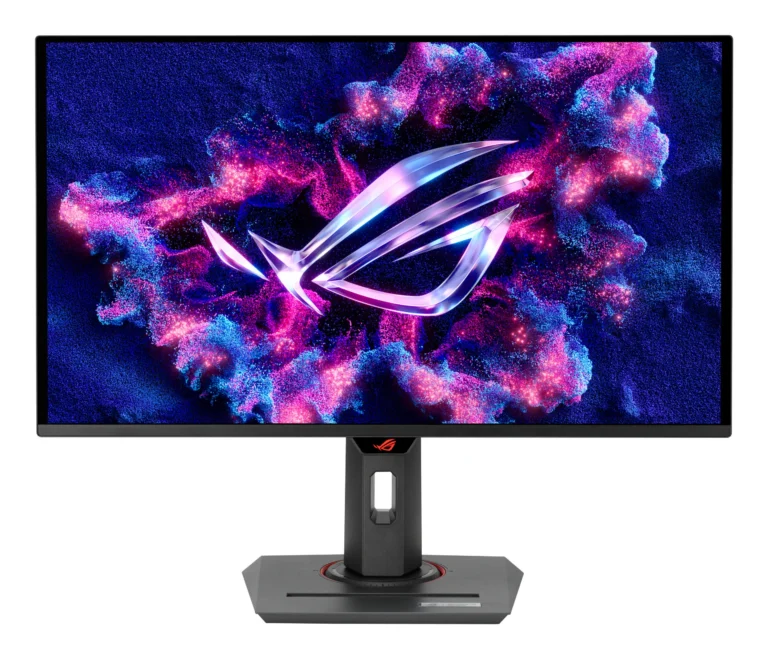
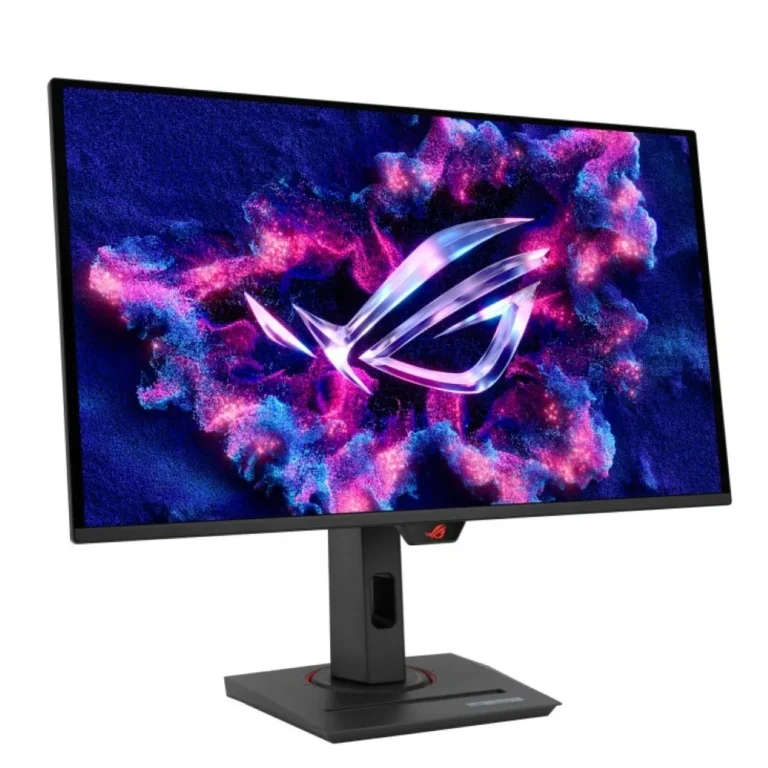
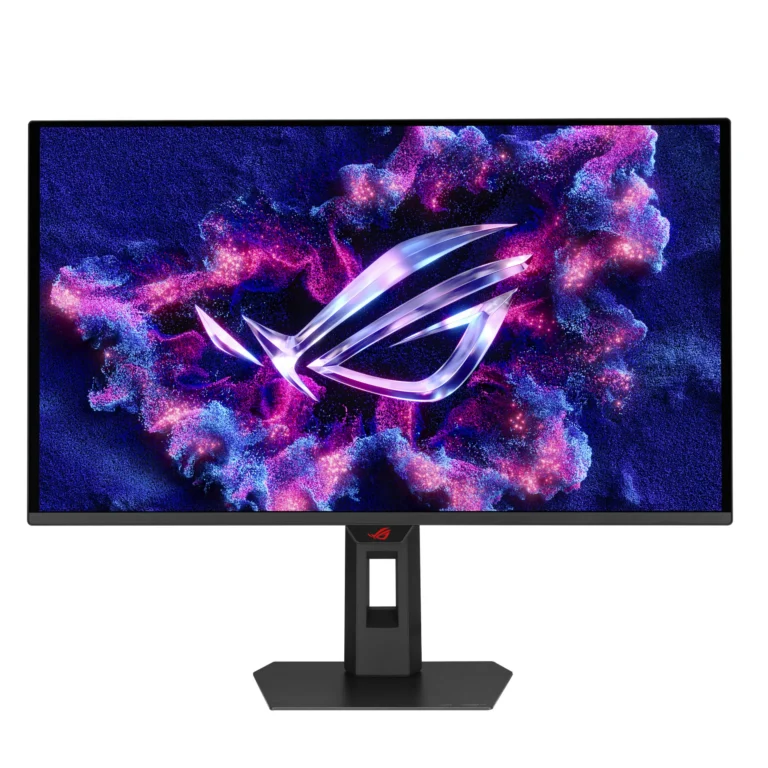
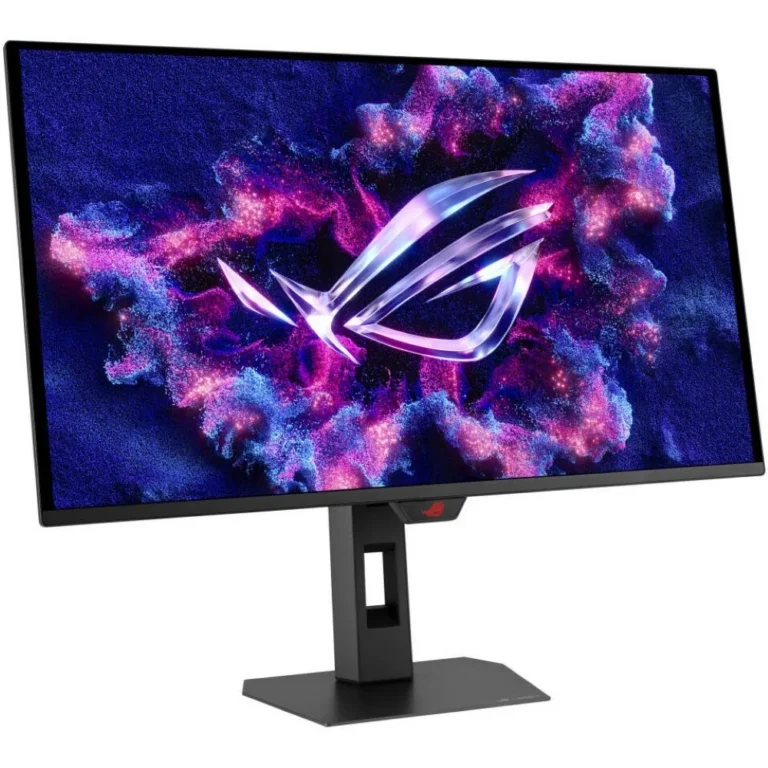
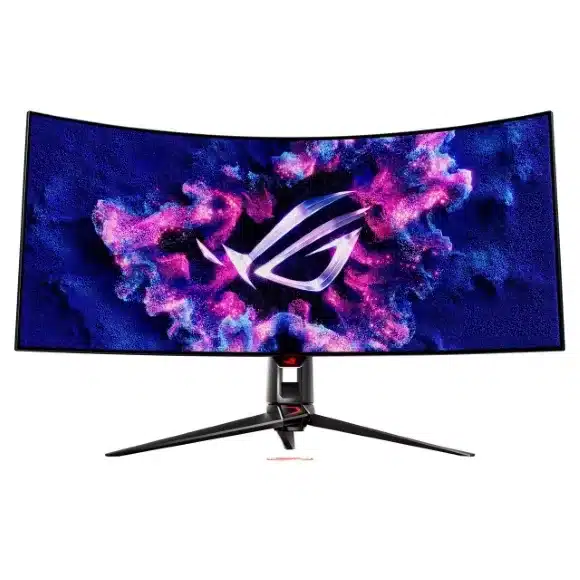
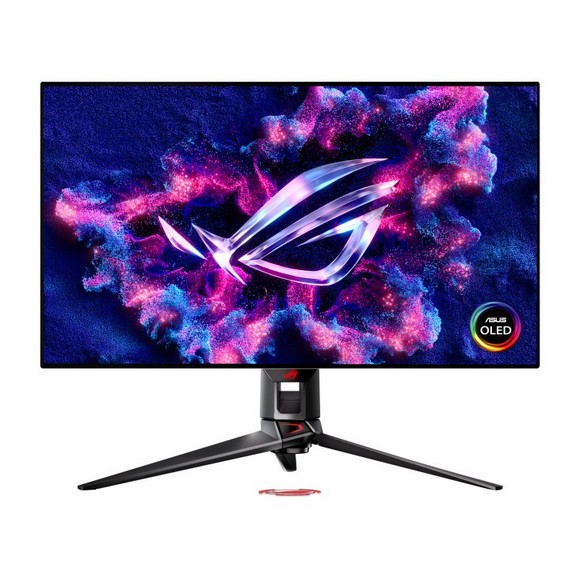
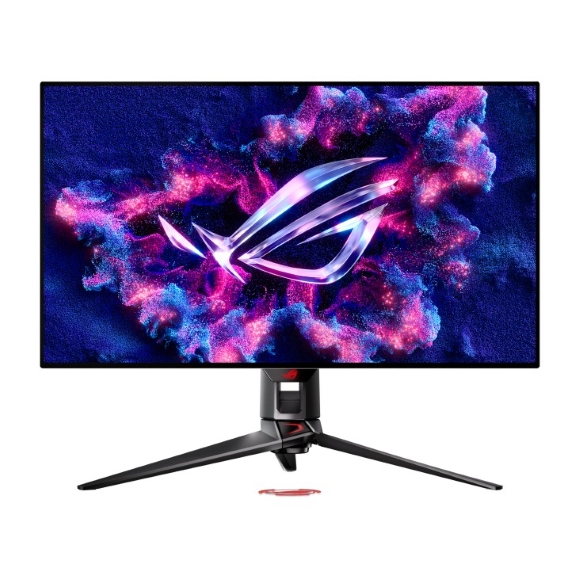
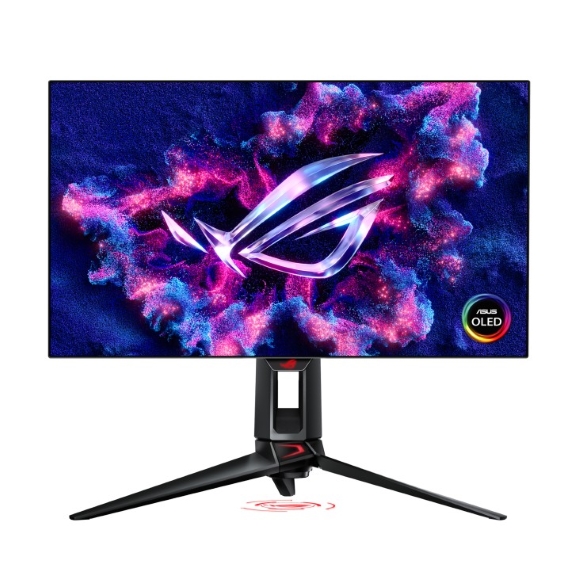
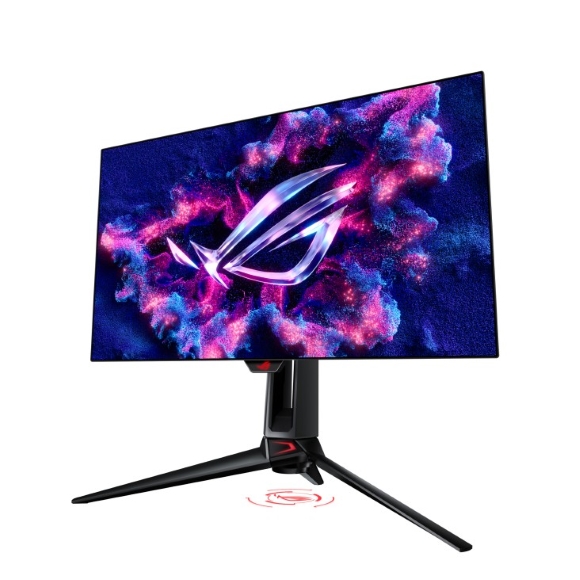
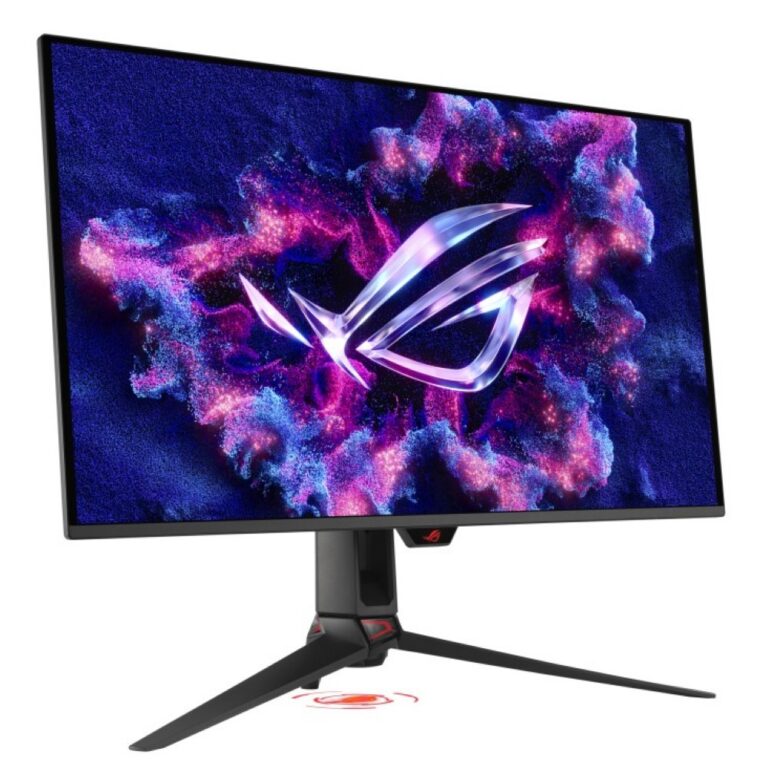
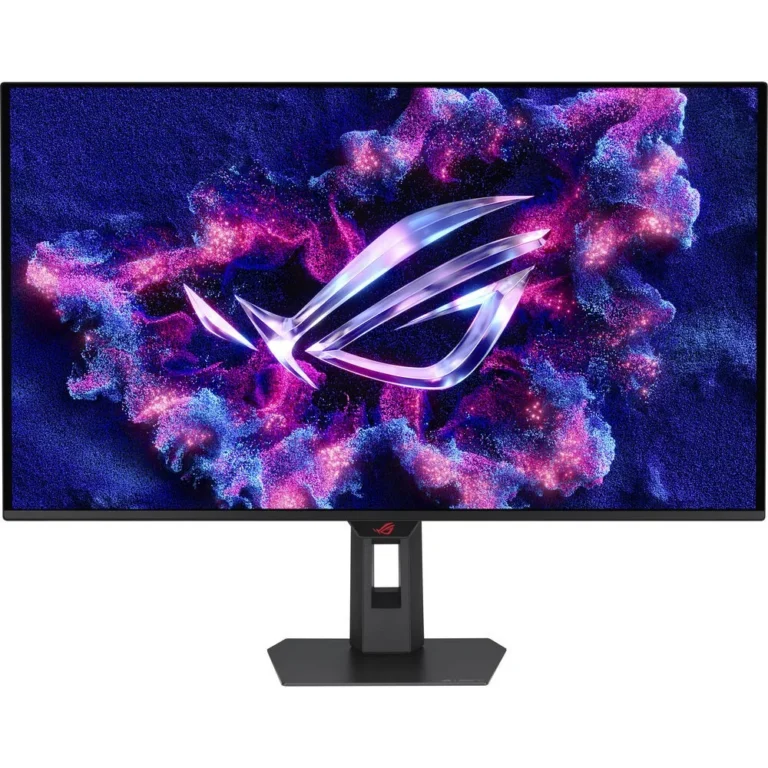
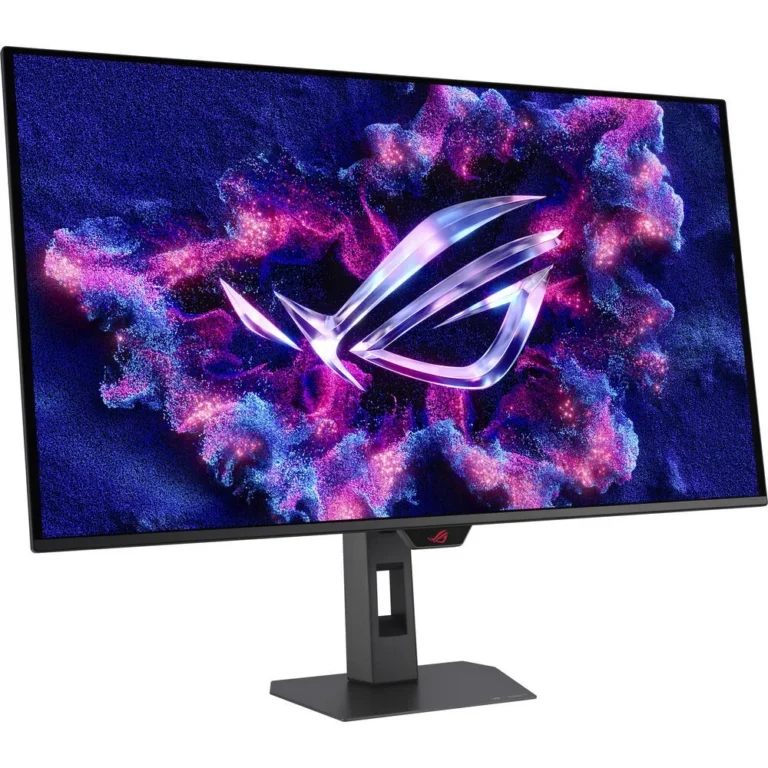
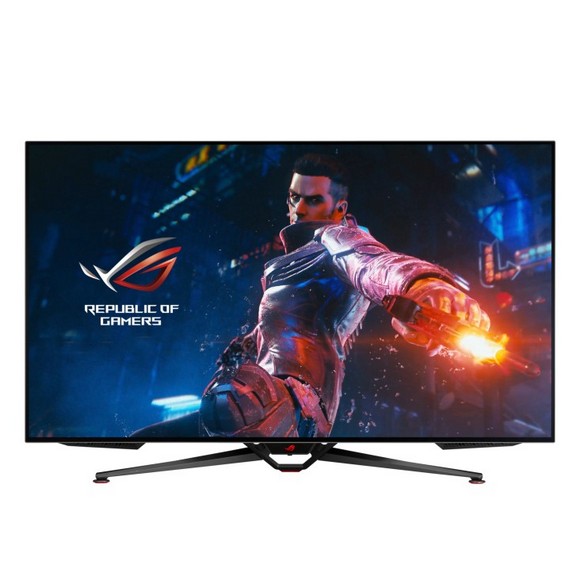
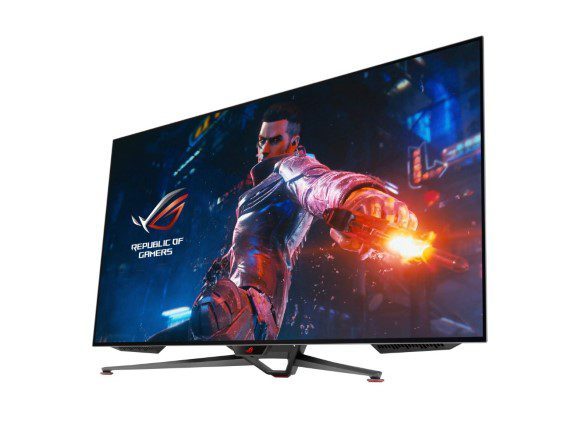
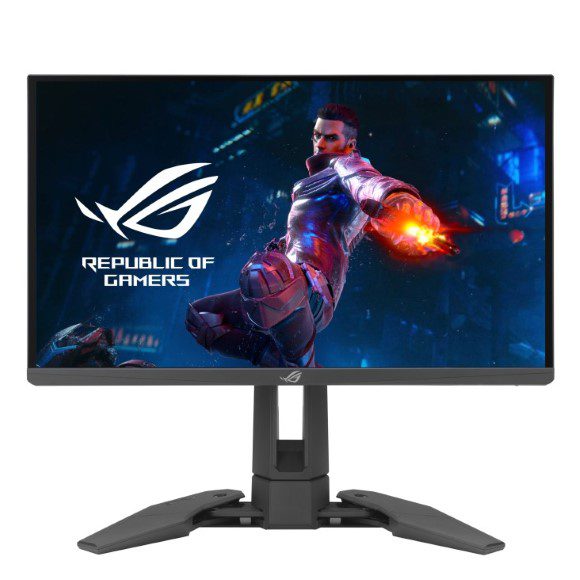
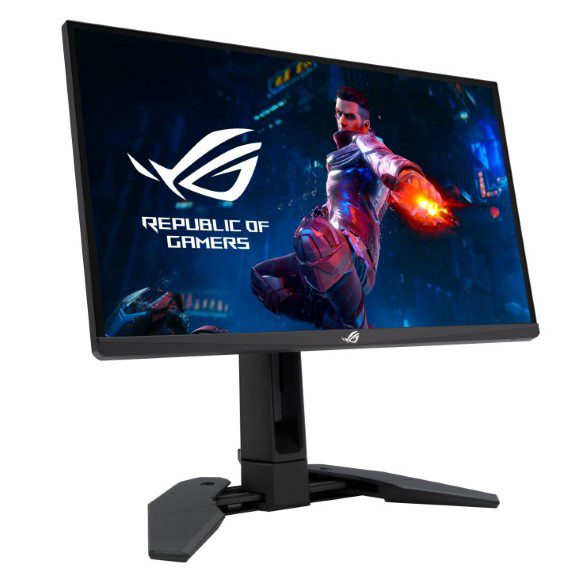
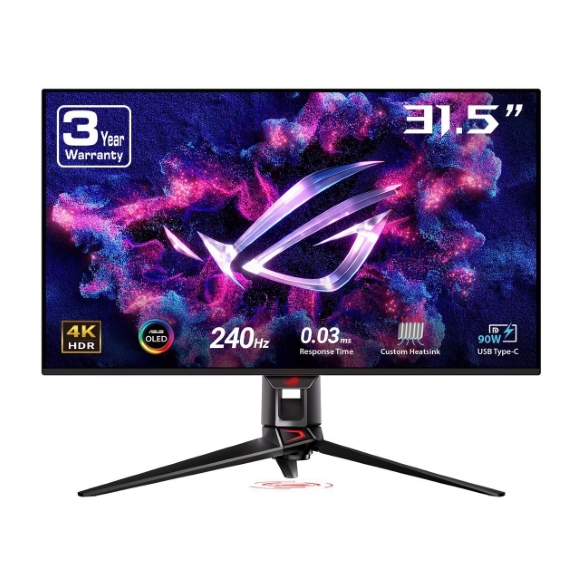
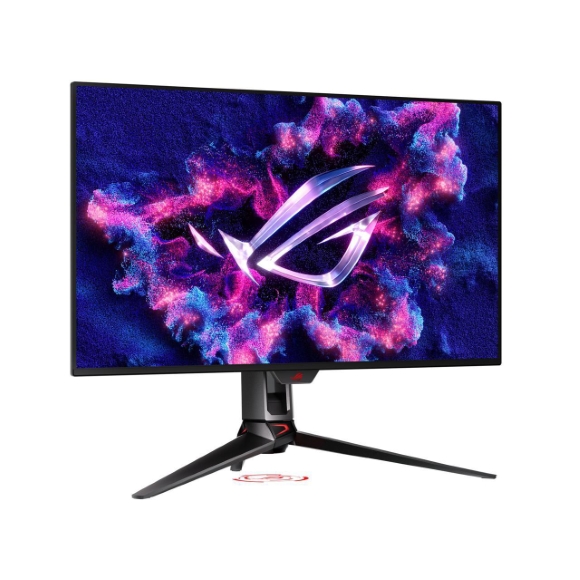
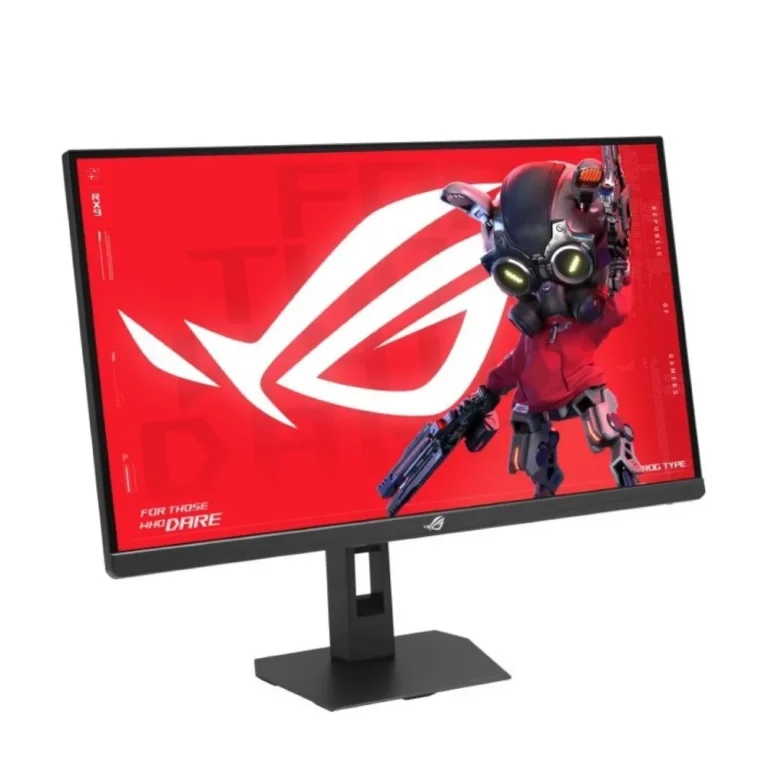
Asus ROG Swift gaming displays with OLED panels, 4K UHD resolution and refresh rates reaching 480Hz in dual mode, sold from Karachi with nationwide delivery.
ROG Monitors
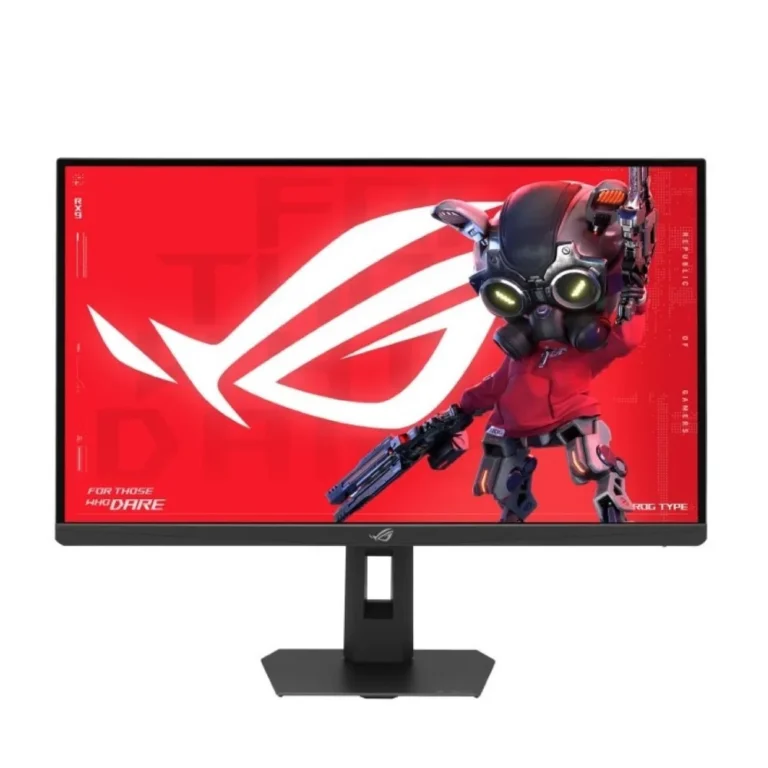
ROG monitors are the gaming display line Asus builds for players who put refresh rate and pixel response ahead of every other spec. The buyers who shop this range split into two groups: competitive players chasing frames, and people who want one screen that handles both a work day and an evening of games.
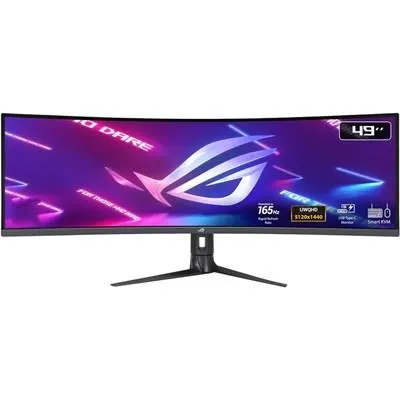
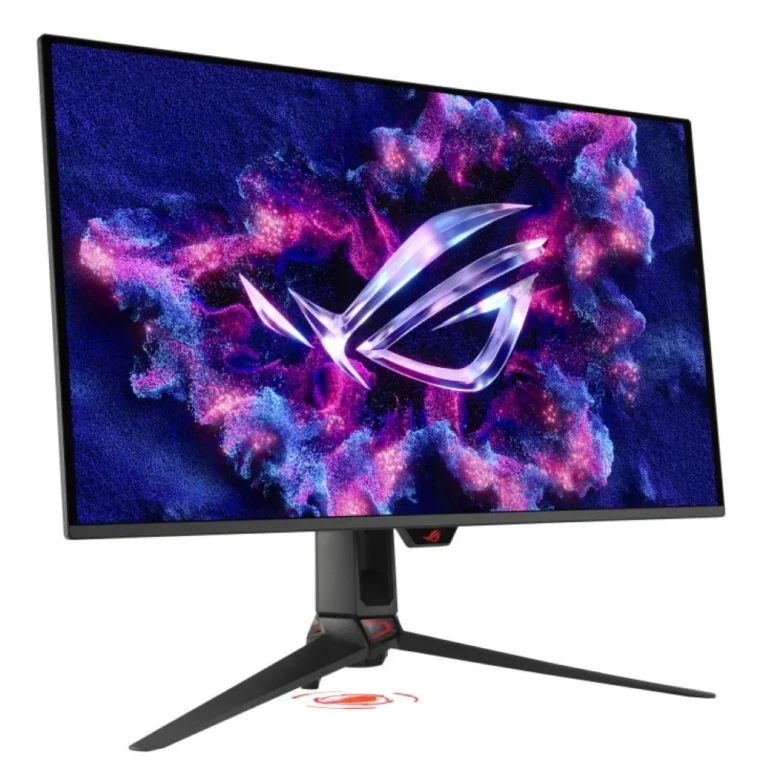
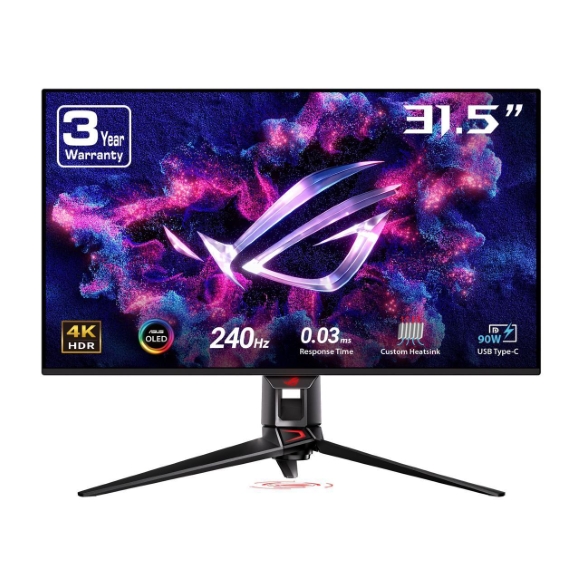
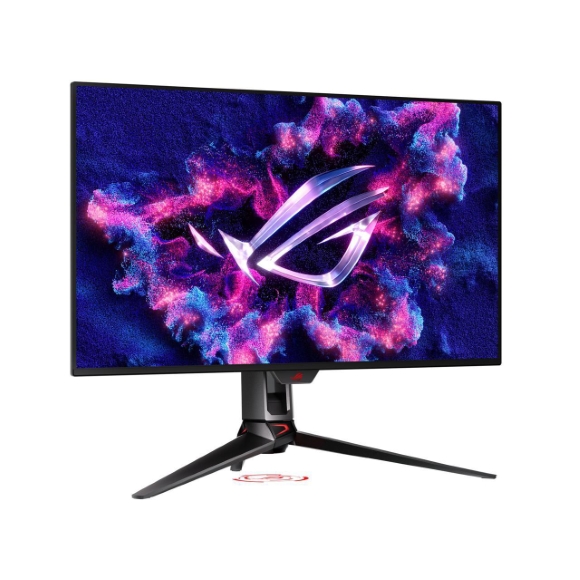
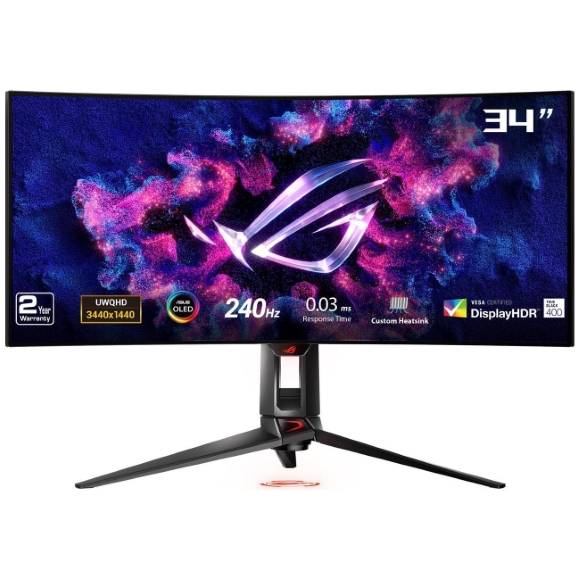
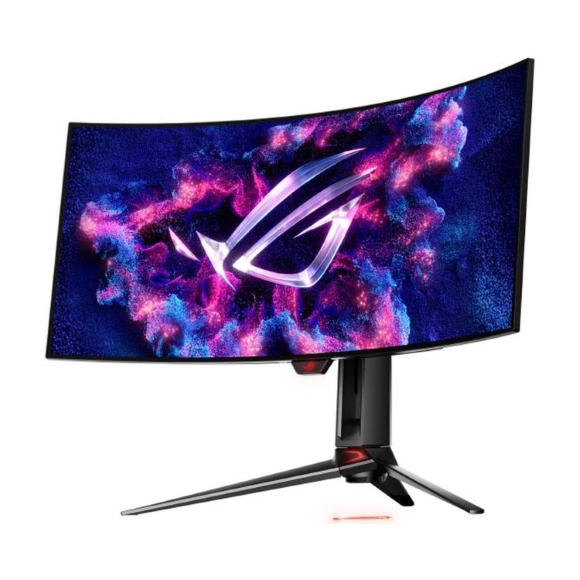
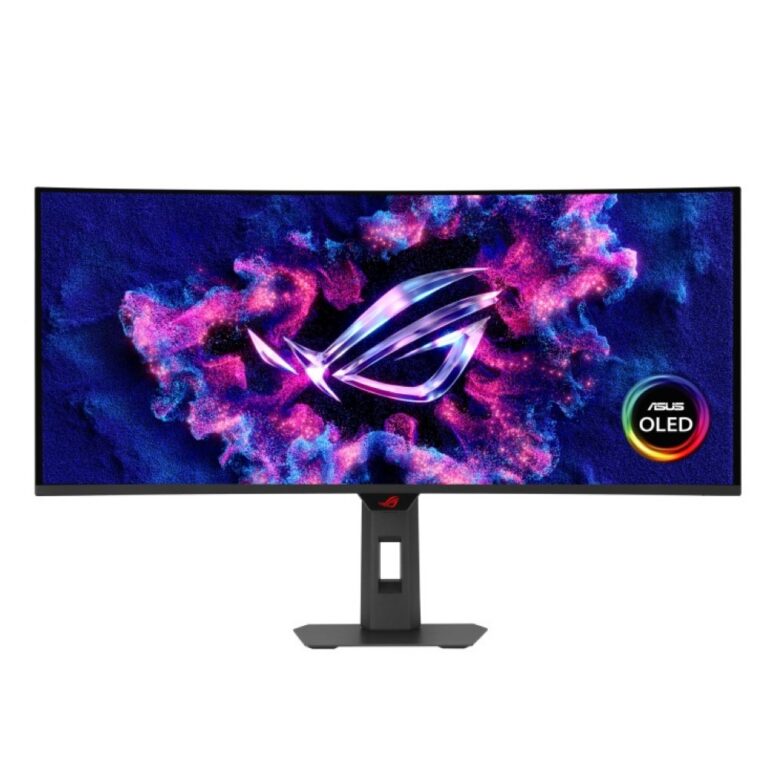
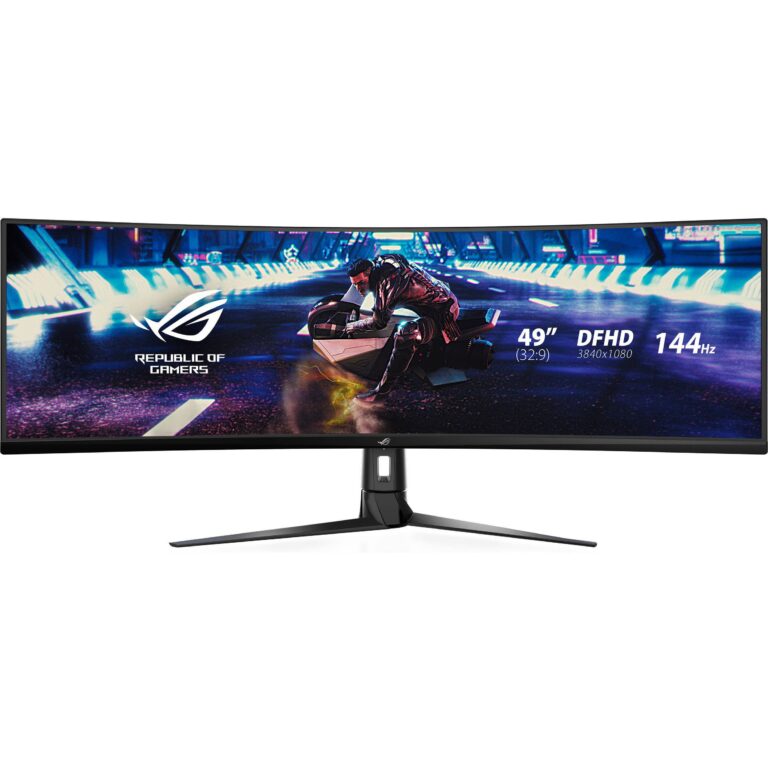
Every screen here is an Asus panel, and the stock leans hard toward ROG Swift OLED models. Sizes include 31.5 inch viewable panels carrying 4K UHD resolution at 240Hz, plus curved OLED screens running at 144Hz. Dual mode panels give you two personalities in one screen, 4K at 240Hz for detail and FHD at 480Hz when you want raw speed. Response time on the OLED models reaches 0.03ms, and Gen3 versions add a USB-C connection rated at 90 W. The price spread across the range is wide, from entry level ROG screens through to premium OLED flagships.
Three decisions shape which one you take home.
- Resolution against refresh comes first, because 4K UHD at 240Hz asks a great deal of a GPU, and a dual mode panel answers that by dropping to FHD at 480Hz when you want frames over detail.
- Panel technology comes second. OLED gives you the 0.03ms figure and black levels an LED backlight cannot match, but it asks you to keep static content off the screen for hours at a stretch.
- Connection comes third. A model with 90 W USB-C carries video and laptop charging down one cable, which clears a power brick off the desk.
Matching a ROG monitor to how you use it
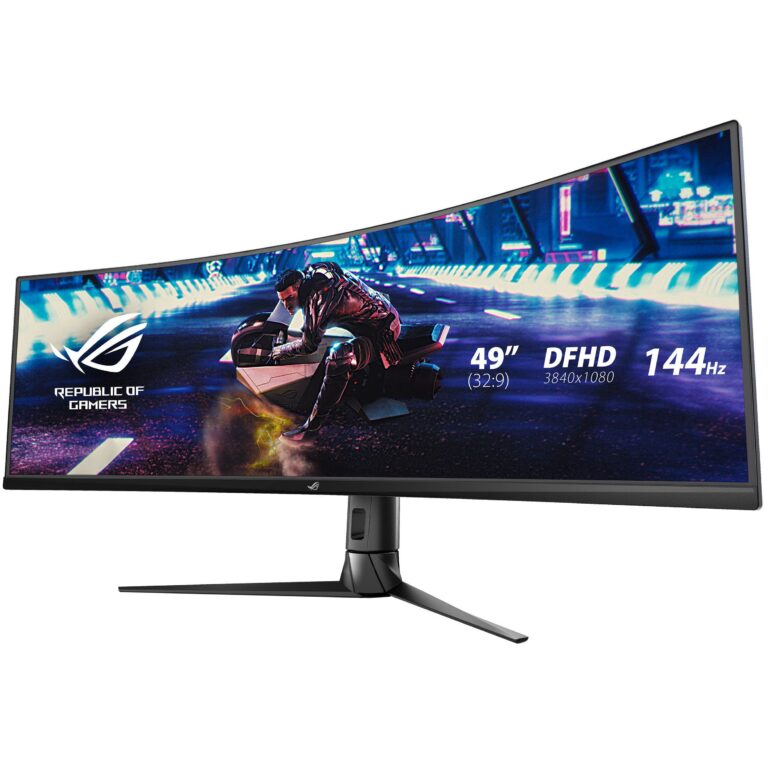
Shooter players who count milliseconds gain most from the FHD 480Hz mode and the 0.03ms response. Video editors and photographers should take the 4K UHD OLED panels instead, where the extra pixels and colour depth do the work. Curved OLED models suit anyone who keeps several windows open side by side and would otherwise buy a second screen and a stand for it. If you dock a laptop at the same desk each morning, choose a Gen3 model with 90 W USB-C and run one cable.
Mega Computer keeps ROG monitors on display at the Karachi showroom, so you can judge an OLED panel with your own eyes before you commit. Nationwide delivery across Pakistan covers orders placed from anywhere in the country. You can pay cash on delivery or settle online, and warranty questions on any Asus monitor are handled through the Karachi showroom.
OLED screens repay a bit of setup. Switch on the Asus screen care options, change the wallpaper now and then, and hide static bars during long sessions. Check what your graphics card can push before you order as well, since 4K UHD at 240Hz is a heavy load and the FHD 480Hz fallback on a dual mode panel gives you somewhere to go when the card runs short.

 AsusAsus 66