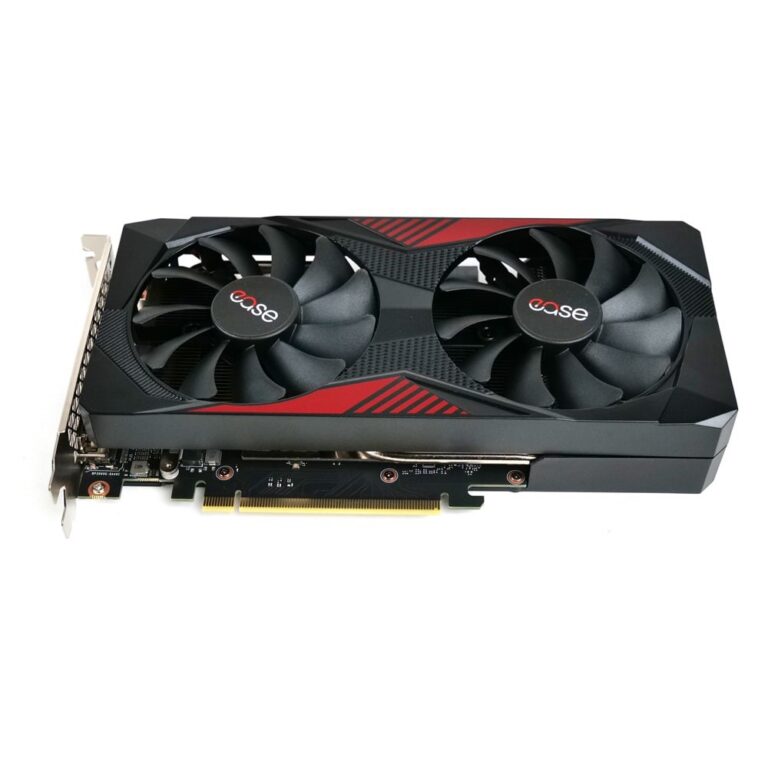
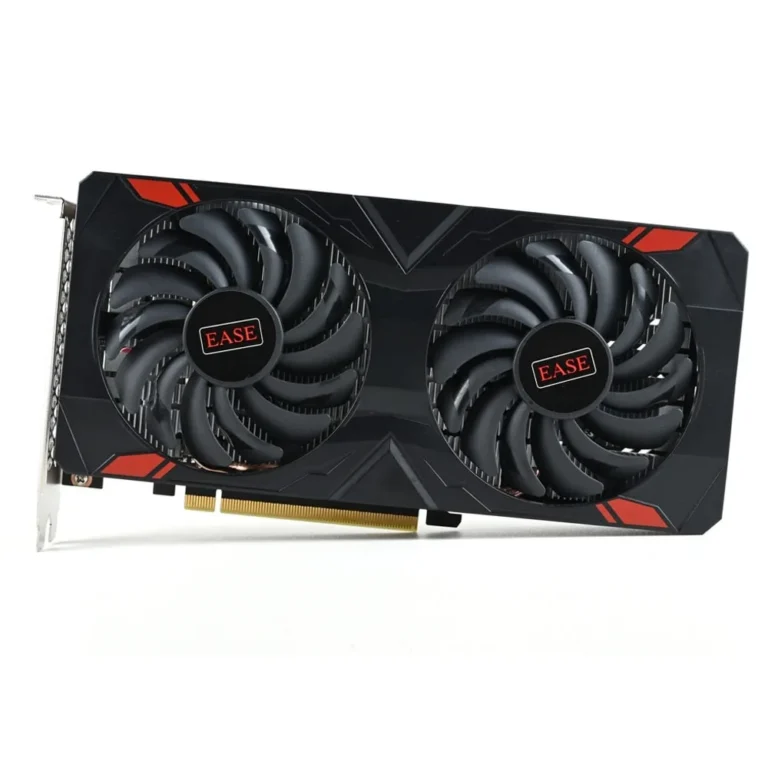
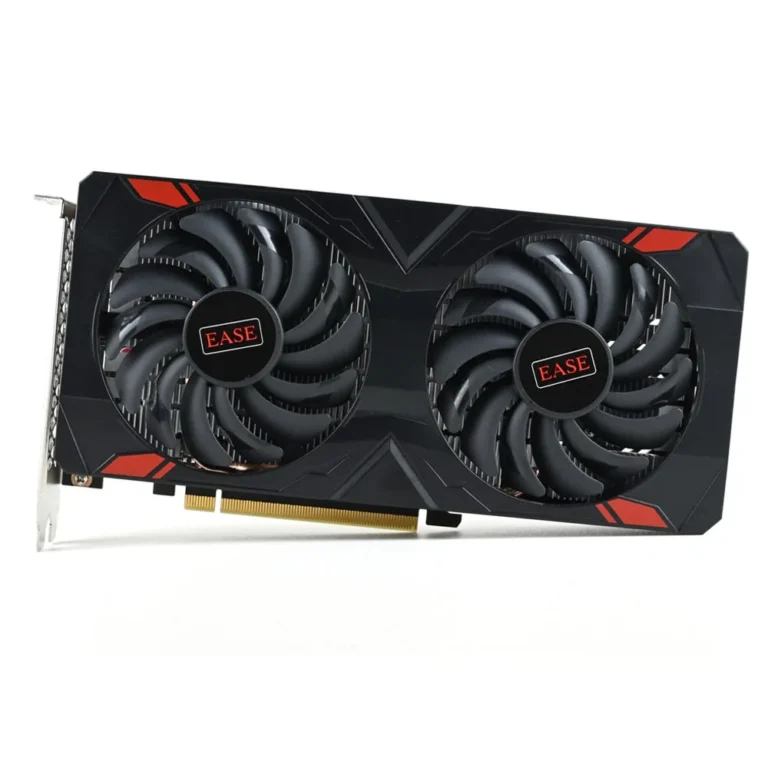
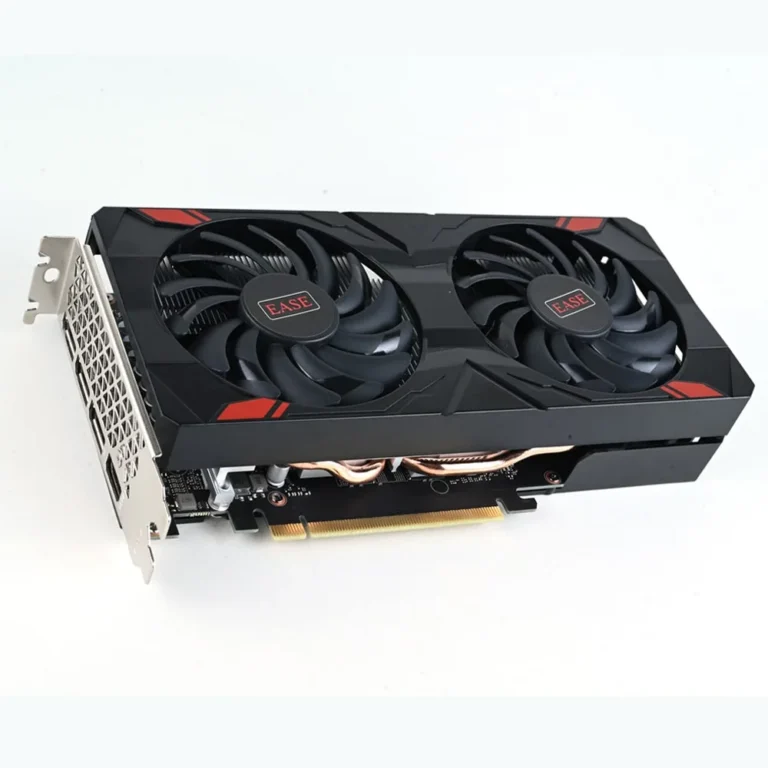
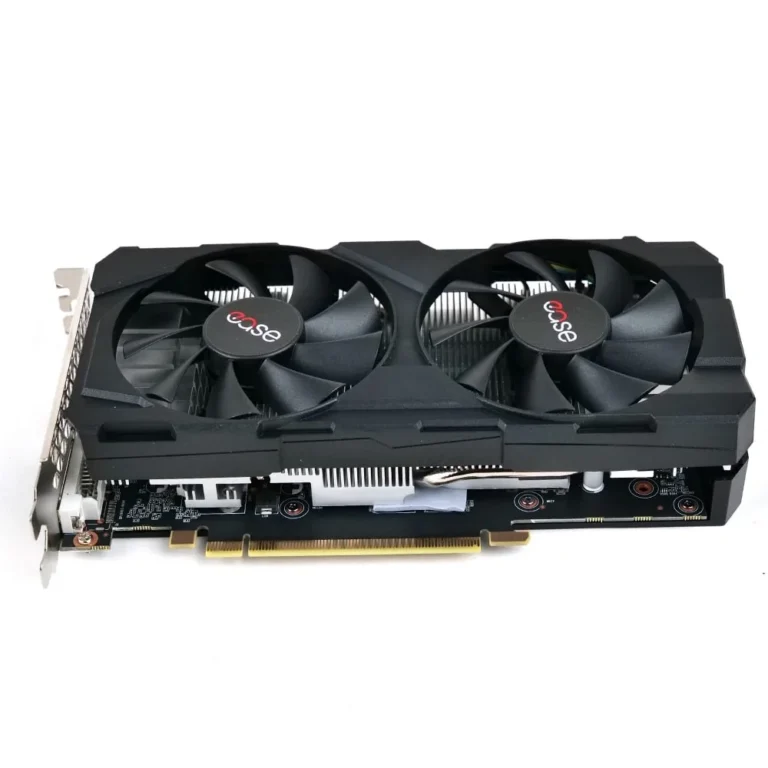
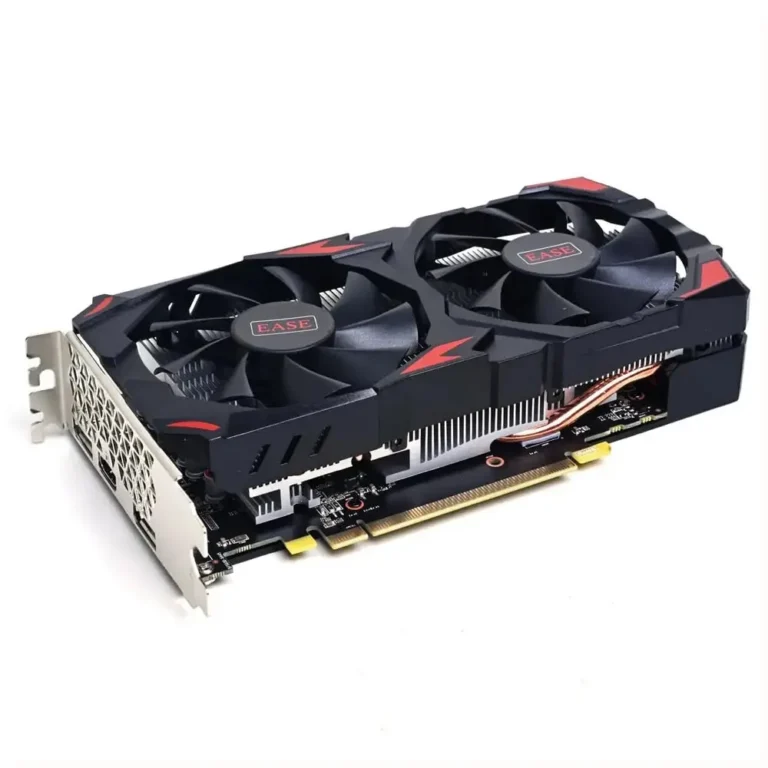
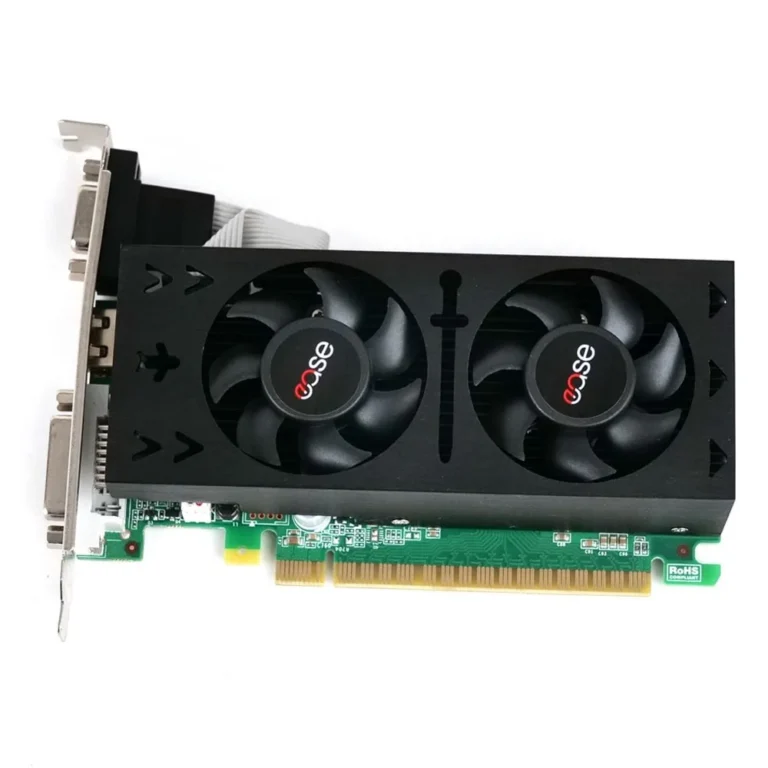
Entry to mid tier NVIDIA based GPUs from Ease in 6GB, 8GB and 12GB memory sizes, stocked in Karachi with nationwide delivery across Pakistan.
Ease Graphics Cards
Ease graphics cards cover the entry and mid tier of desktop GPU buying, and the people who pick them up are usually assembling a first gaming build or replacing an older card in a tower that still works. The cards run NVIDIA GeForce silicon, so driver support and game compatibility follow the same path as the rest of the GeForce line. Anyone who wants a card that slots into a standard desktop without rebuilding the whole machine starts here.
Three memory sizes make up the range. 6GB cards sit at the bottom, 8GB fills the middle of the line, and 12GB marks the top of what Ease ships in this category. Because a single brand covers all three, the comparison stays clean: you are choosing a memory size and a power draw rather than juggling six different manufacturers. The price spread runs wide, from budget cards for a modest build through to the premium end of the Ease range.
Two decisions carry the weight.
- Memory is the first. A 6GB card handles lighter titles and older engines without complaint, 8GB gives room for high texture settings and more open game worlds, and 12GB leaves headroom for GPU rendering and heavier project files.
- The second decision is the rest of the machine. Check that your PSU has spare wattage and the correct power connector, that the case has physical clearance for the card’s length, and that your monitor accepts the outputs on the card’s bracket.
Matching the card to the build
A student putting together a first desktop on a tight budget lands on the 6GB cards and gets a working gaming machine out of it. Someone playing multiplayer shooters at high texture settings should start at 8GB, since texture memory runs out before raw speed does. Editors cutting video, designers running CAD, and anyone who wants the card to stay useful across several upgrade cycles have a reason to stretch to 12GB.
You can see these cards at our Karachi showroom before paying for one, and we ship to addresses across Pakistan. Payment works by cash on delivery or online payment, whichever suits you. If a card arrives and the build refuses to post, there is a counter to bring it back to rather than a courier ticket that goes nowhere.
Installation stays straightforward on any modern motherboard. The card takes the top PCIe x16 slot, and you should remove the previous display driver before swapping hardware to avoid conflicts. If you are moving up from integrated graphics, plug the monitor cable into the card itself rather than the motherboard, since that catches out more first time builders than any other step.

 EaseEase 11