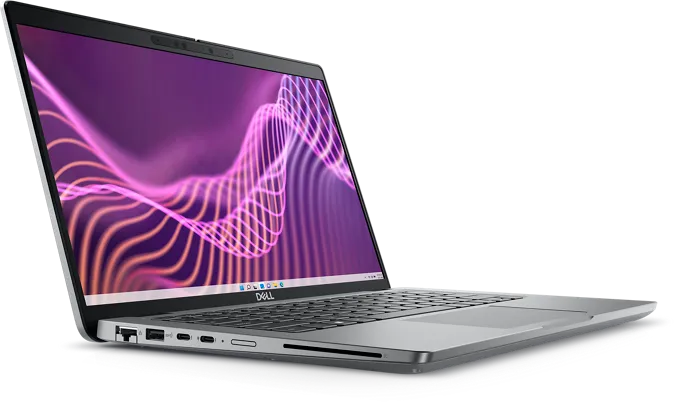
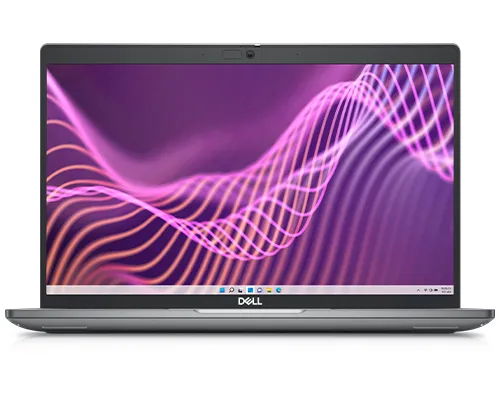
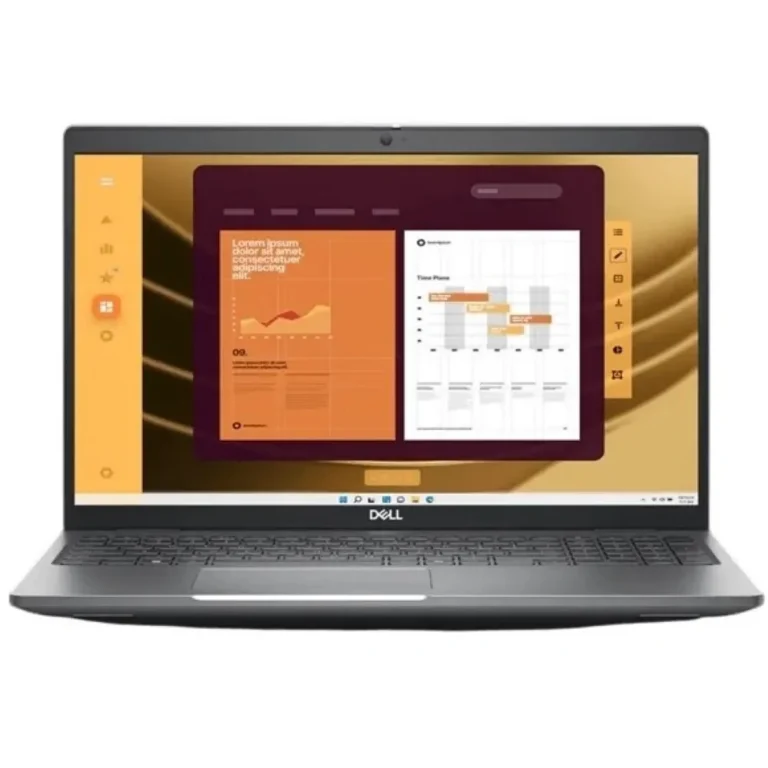
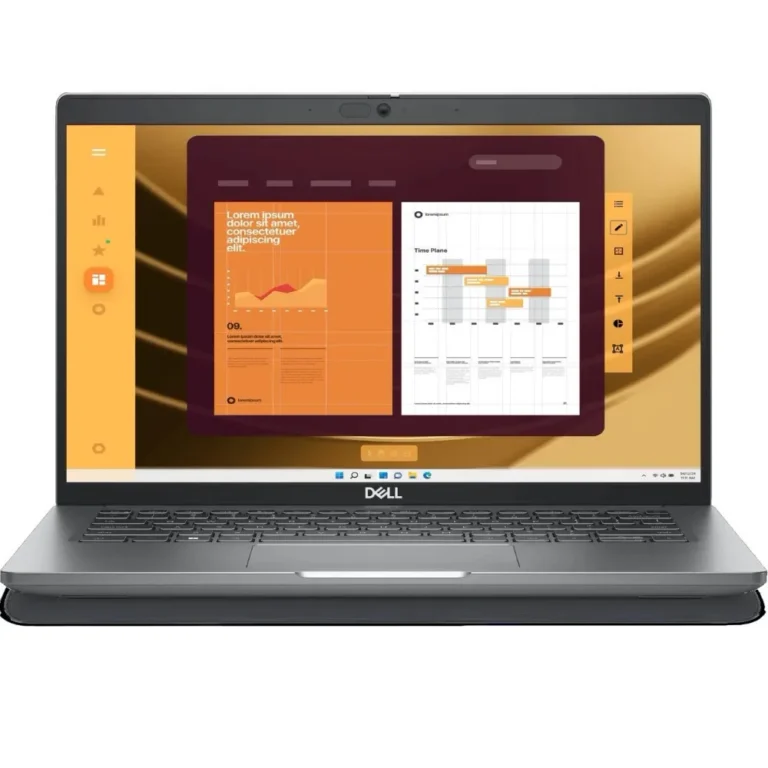
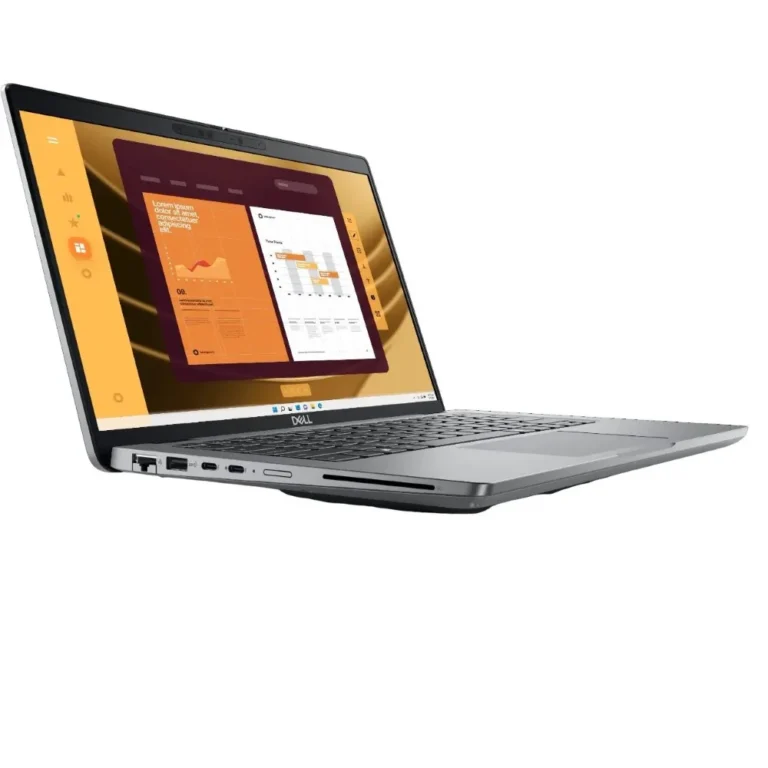
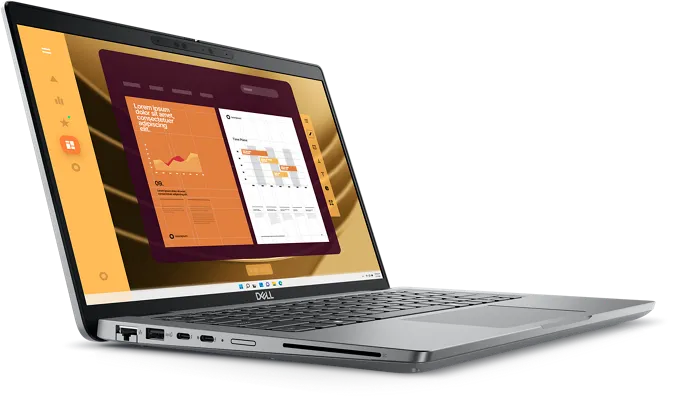
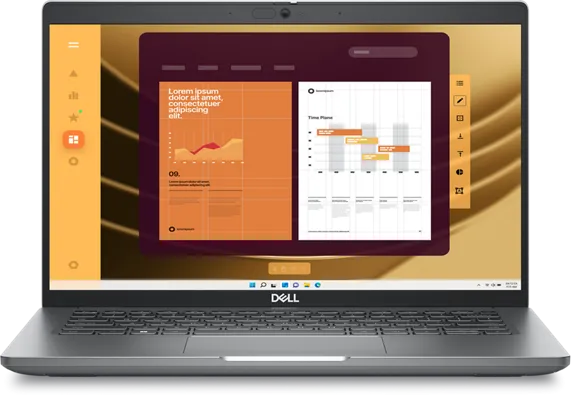
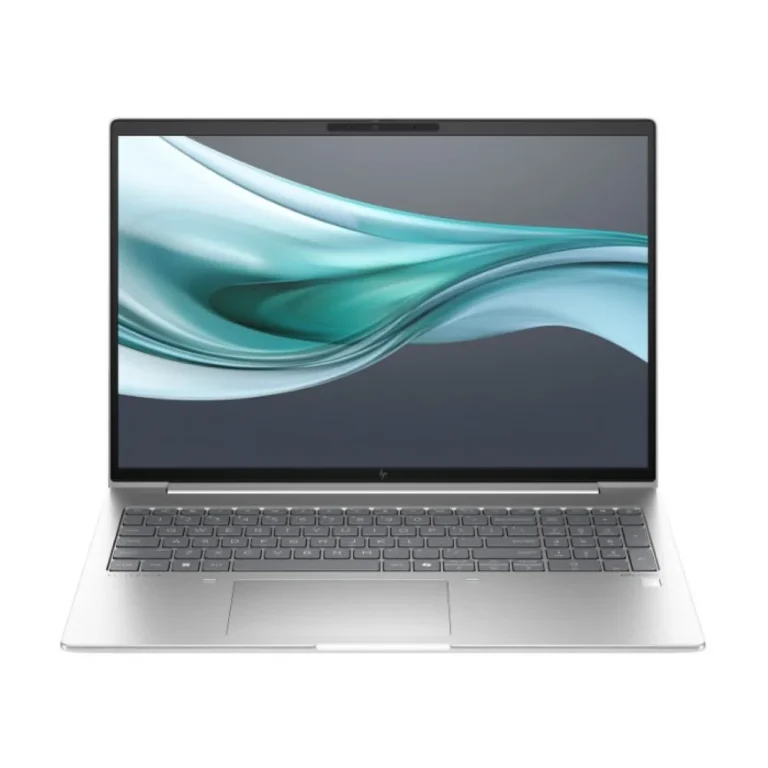
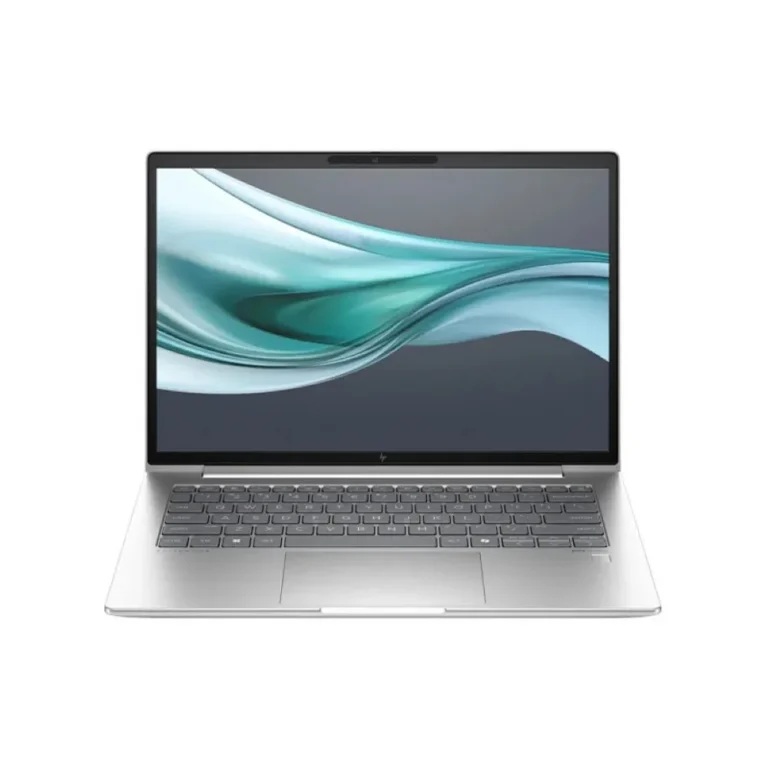
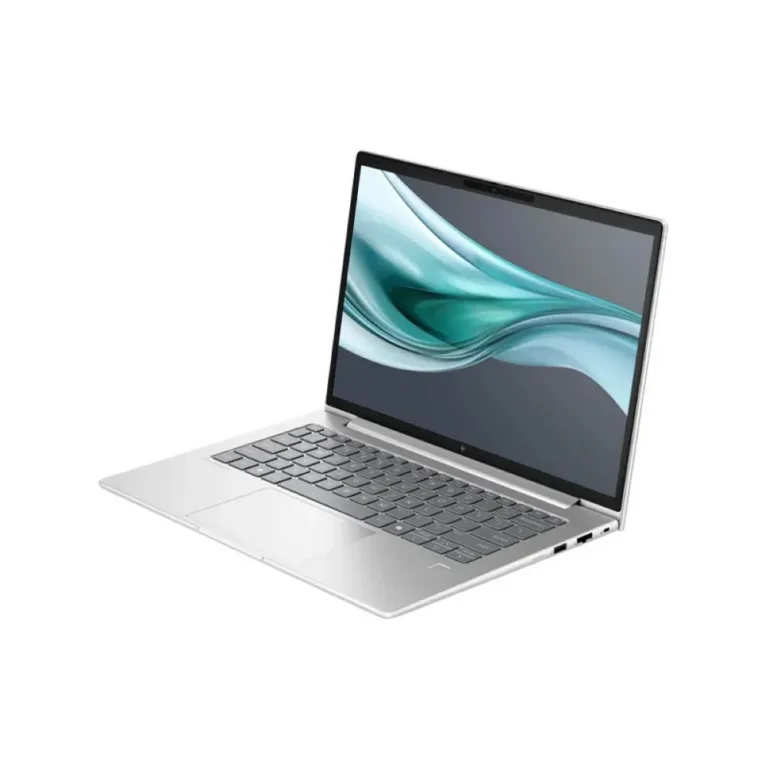
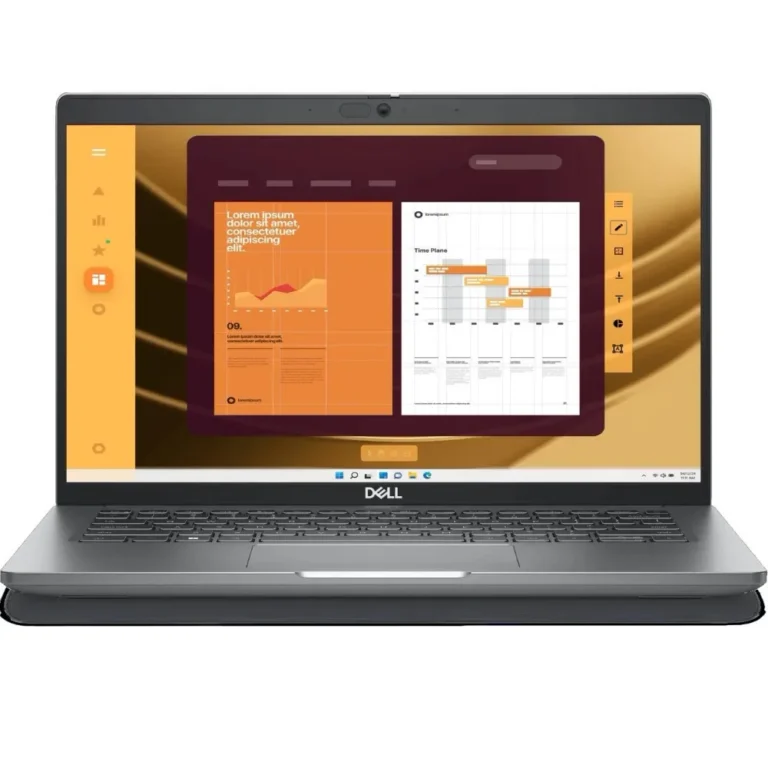
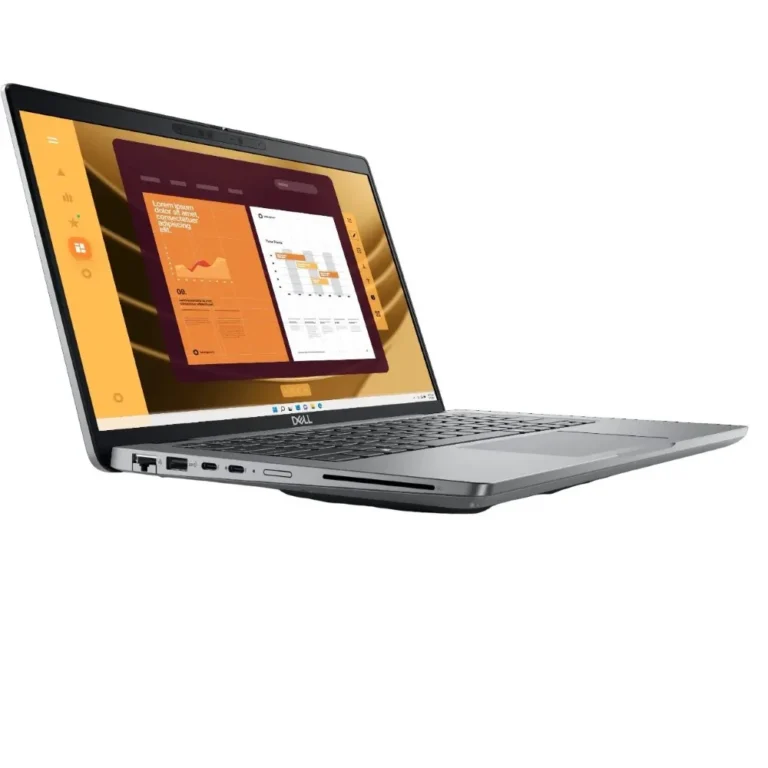
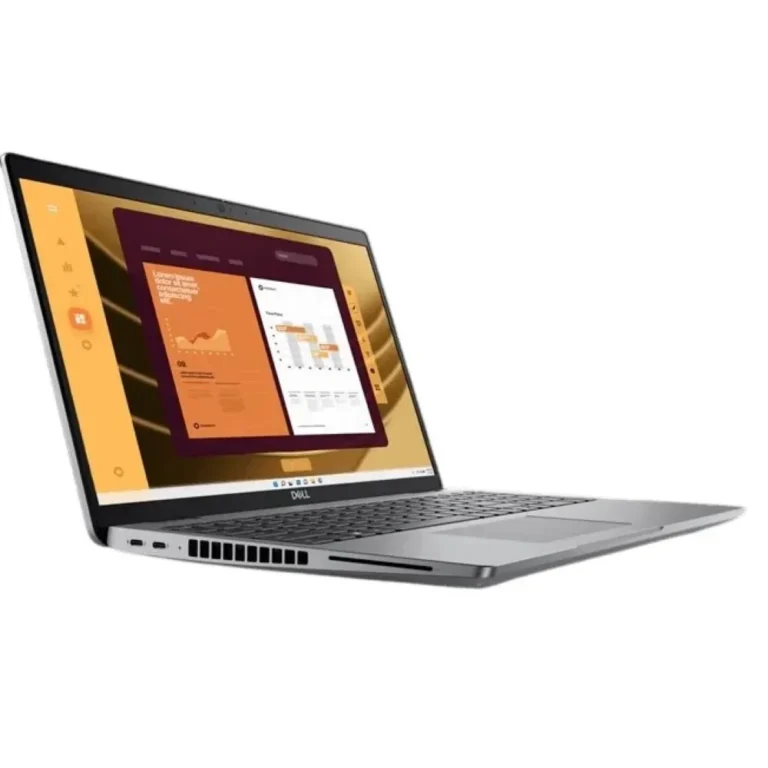
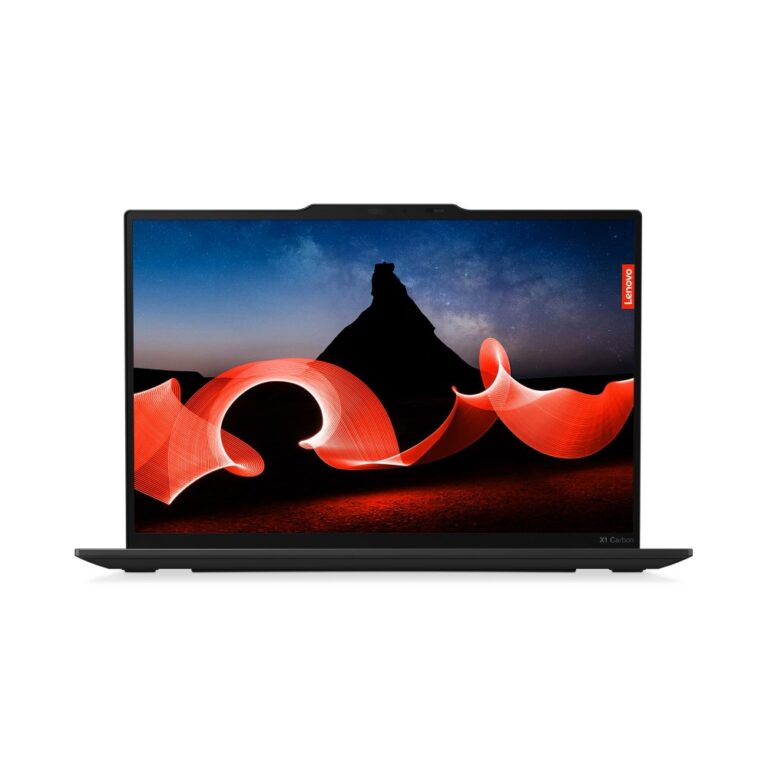
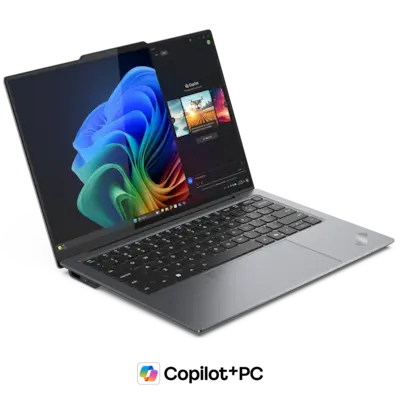
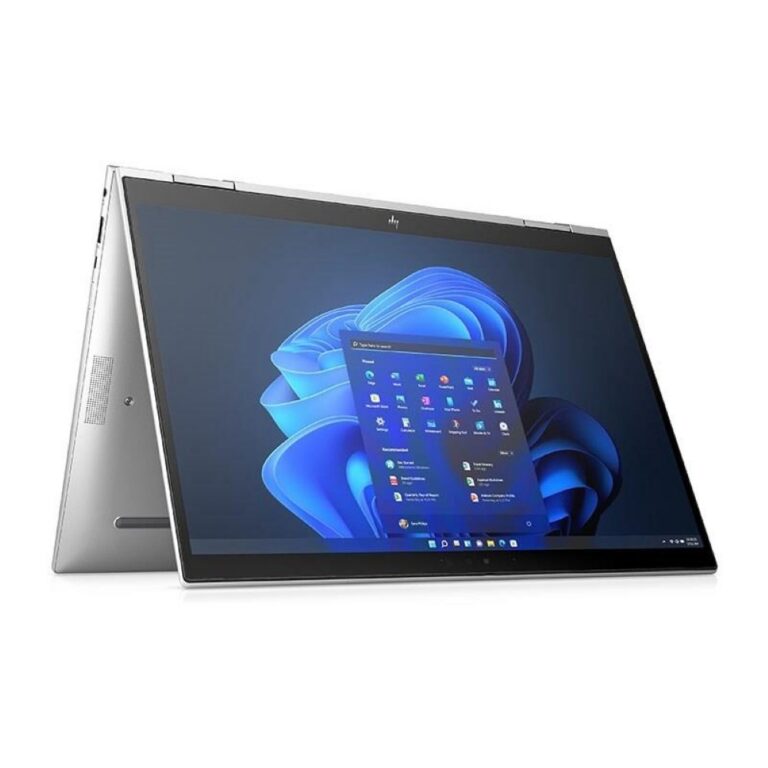
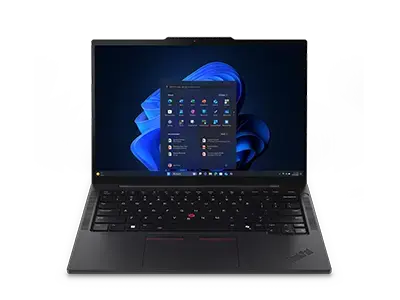
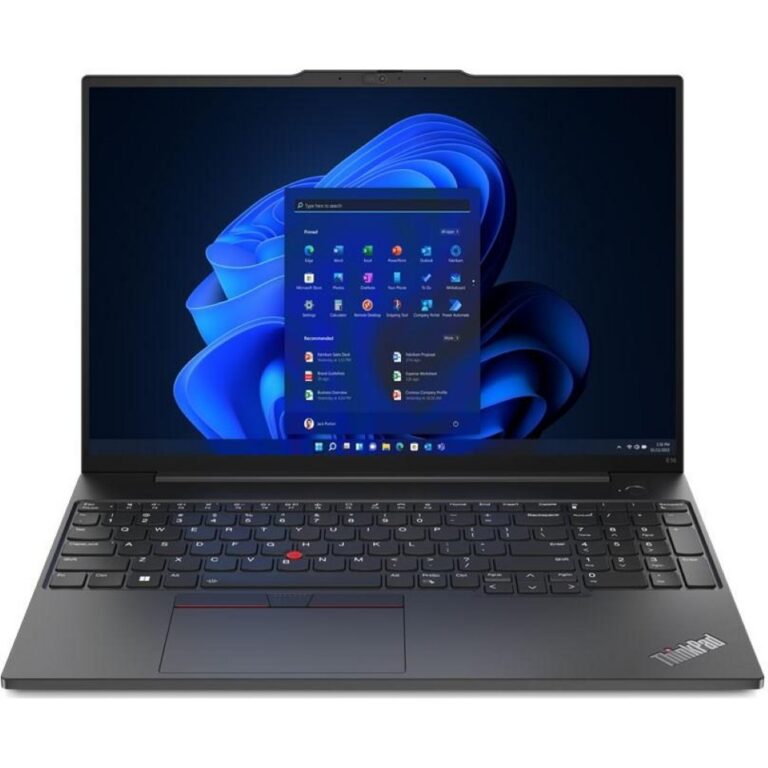
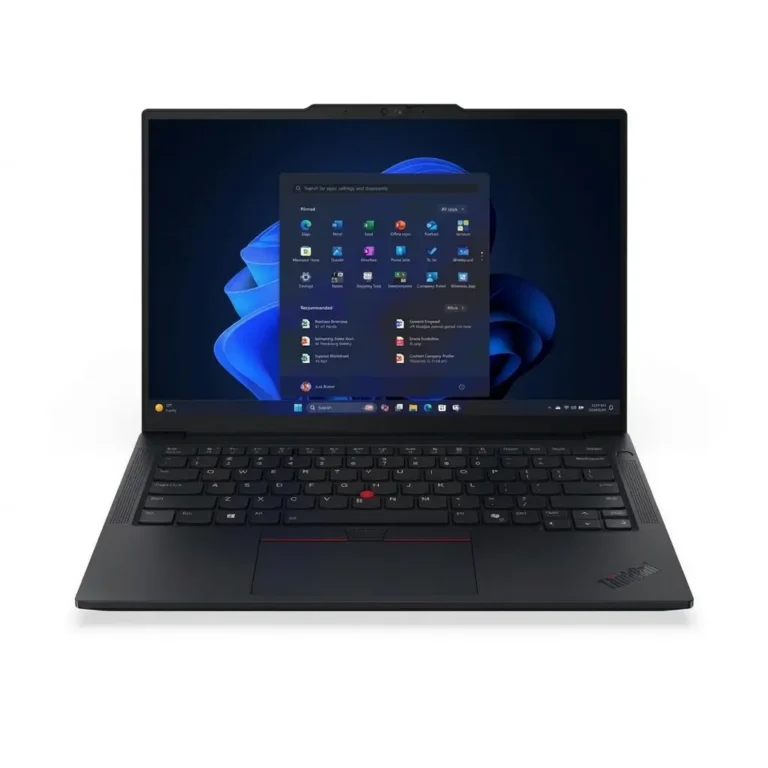
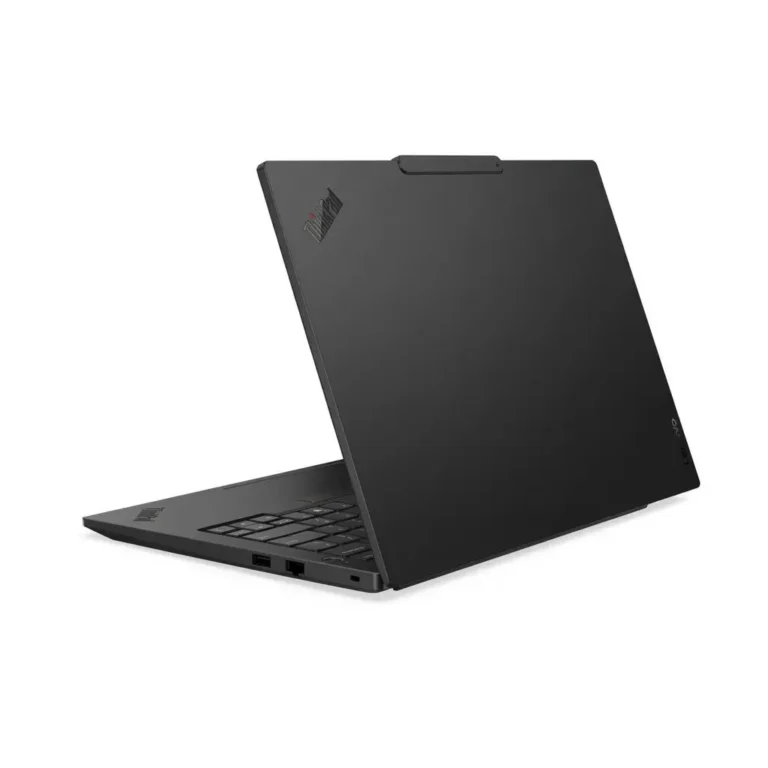
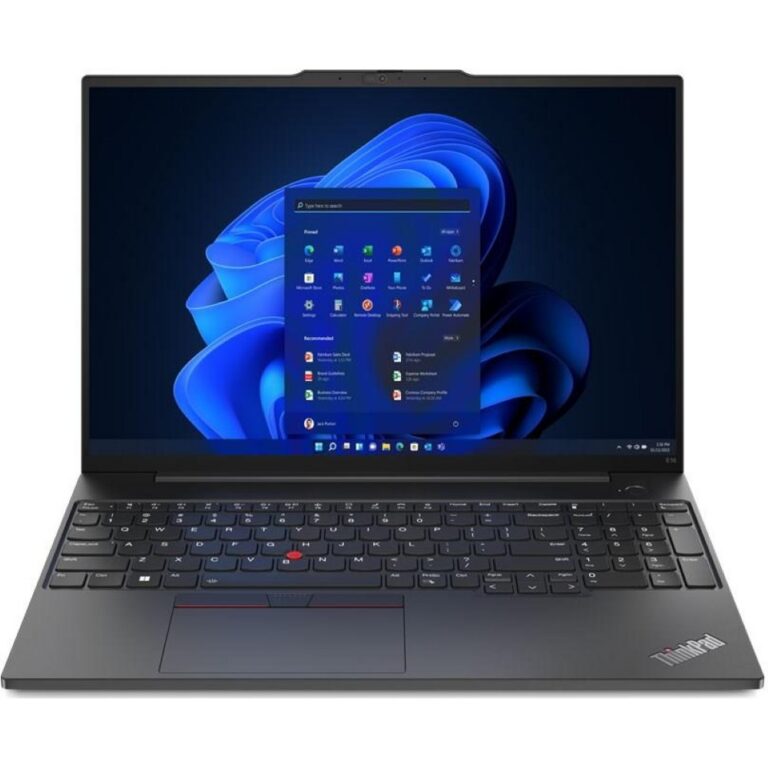
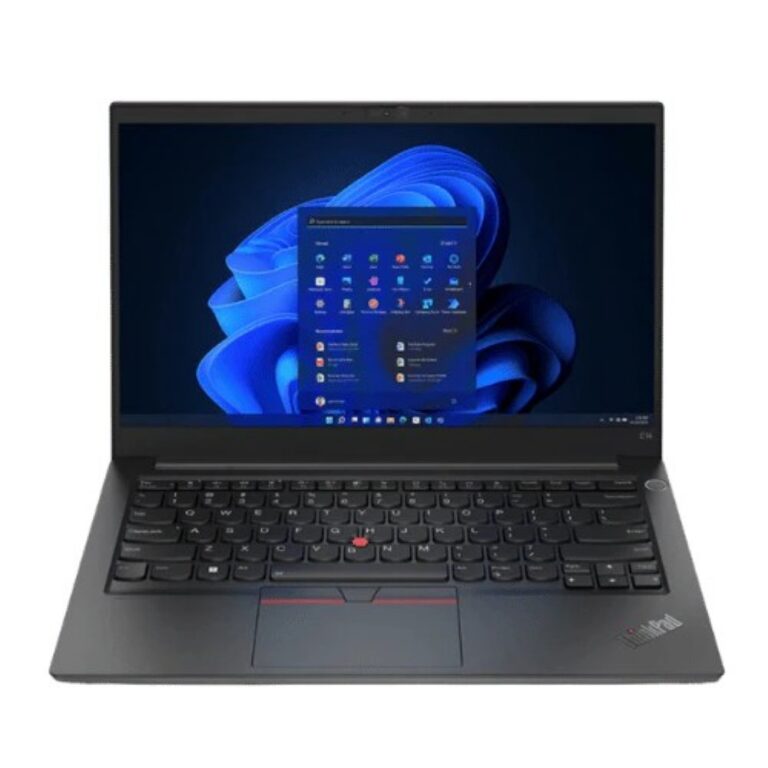
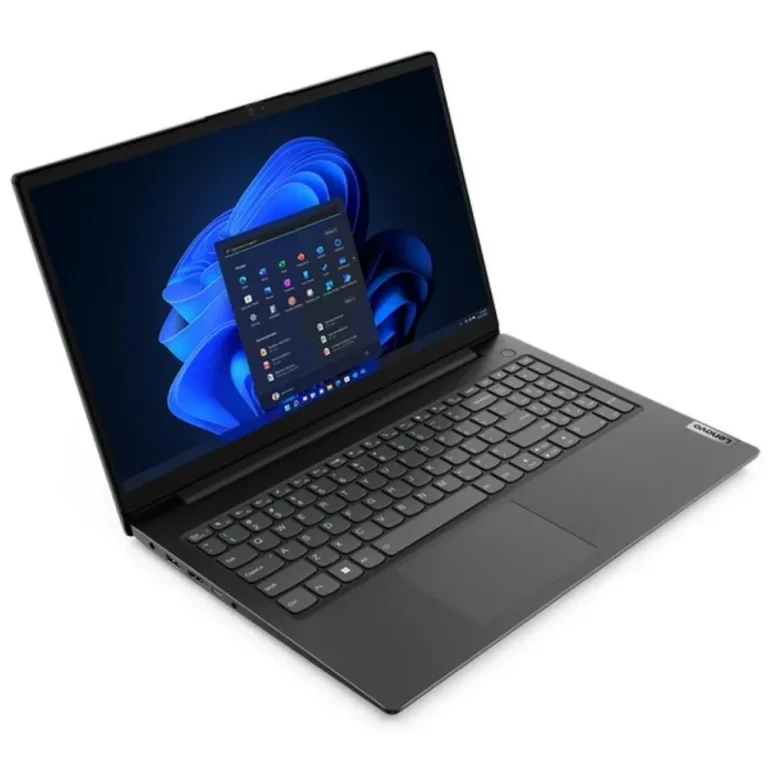
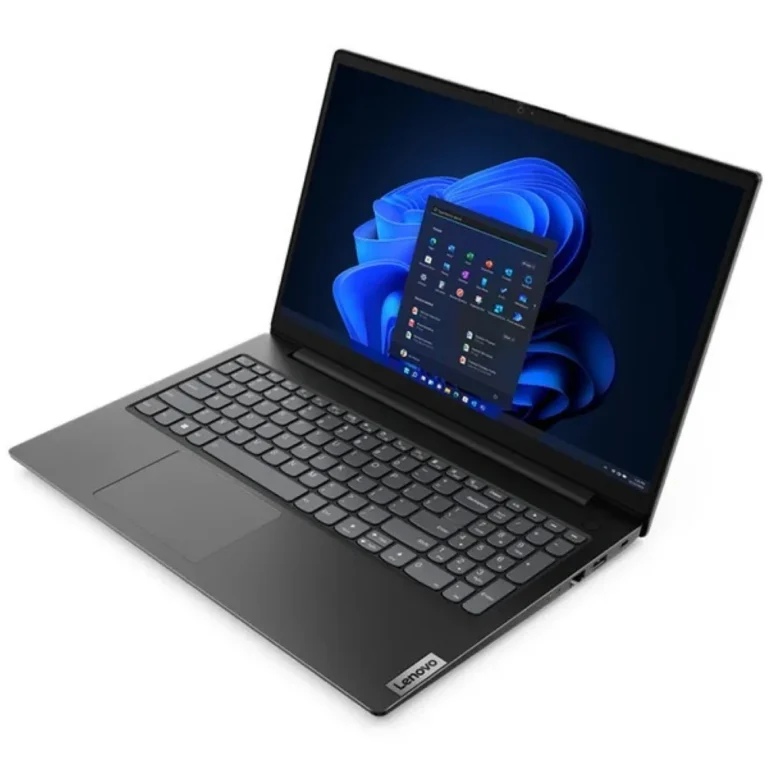
HP and Lenovo machines built for full working days, with 16GB or 32GB memory, 512GB or 1TB NVMe storage and IPS screens sized for daily travel.
Business Laptops in Pakistan
Business laptops are the machines a company hands to staff who spend the whole day typing, joining calls and carrying the thing between desks and meeting rooms. The buyers here are offices fitting out a new team, finance and consulting firms replacing an ageing fleet, and individuals who want one machine that handles work and survives a commute. Everything in this category comes from HP and Lenovo.
Both brands cover the spread, from entry level configurations through to premium ultraportables, so the price range in this category is wide. Memory starts at 16GB and reaches 32GB, with DDR5 on the Lenovo side. Storage is NVMe across the range, either 512GB or 1TB on PCIe 4 drives. Screens are IPS panels at 13.3 inch and 14 inch, the sizes that fit in a bag without turning into a desktop replacement.
Three decisions settle most of these purchases.
- Memory comes first: 16GB carries a browser, a mail client and spreadsheets, while 32GB leaves room for virtual machines, large datasets and dozens of open tabs.
- Storage comes second: 512GB fits staff who keep files on a server or in cloud storage, and 1TB fits anyone who holds project archives on the machine itself.
- Then the form factor. A 2-in-1 folds back for note taking and signing documents in front of a client, while a standard clamshell keeps the machine simpler and lighter for people who only ever type on it.
Matching the machine to the job
Sales and audit staff who travel between client sites suit a 13.3 inch touch model that opens on a small table. Analysts, developers and anyone running heavy spreadsheets or virtual machines should start at 32GB with 1TB of NVMe storage. An office buying several units at once for general admin work gets the most out of a 16GB configuration with a 512GB SSD, since those machines spend their lives in mail, documents and browser based systems. Staff who dock at a desk all day gain more from the IPS panel and the keyboard than from raw storage size.
Our showroom in Karachi carries stock you can inspect and compare side by side before you commit, and we ship nationwide across Pakistan. Payment works by cash on delivery or online payment, so a company can route the purchase through whichever process its accounts team prefers. Confirm the warranty terms for the specific configuration you pick at the time of order, because coverage varies between models and between the two brands.
One thing to check before you order: many thin business machines fix the memory at the factory instead of leaving a slot free, so a 16GB unit stays a 16GB unit for its whole service life. If you expect the workload to grow, buy 32GB at the start. Storage is the easier half of the decision, since a PCIe 4 NVMe drive in an M.2 slot is the part a technician can address later.