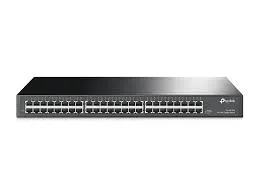
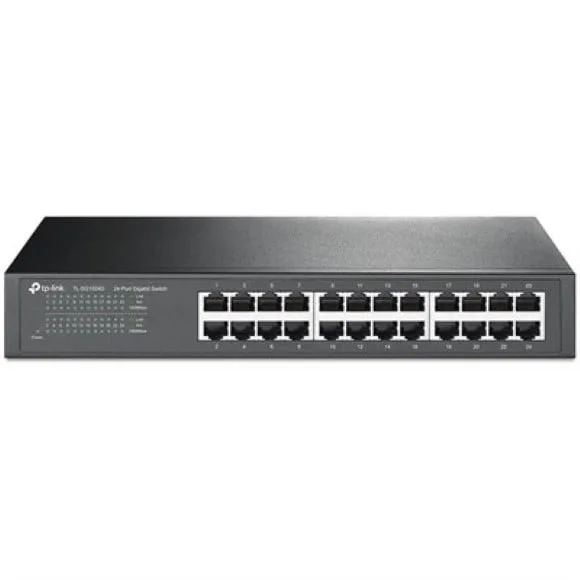
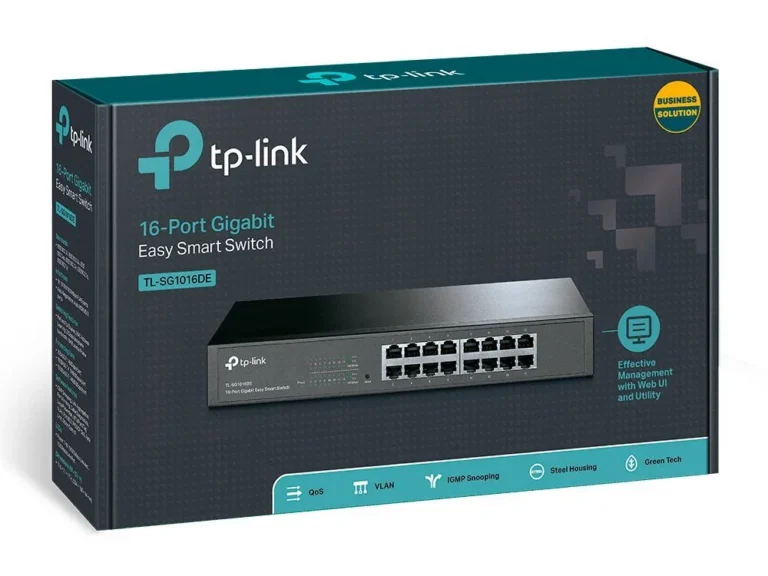
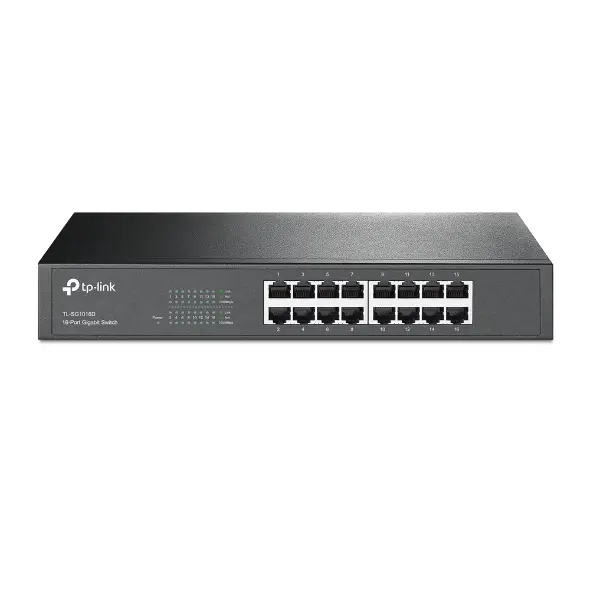
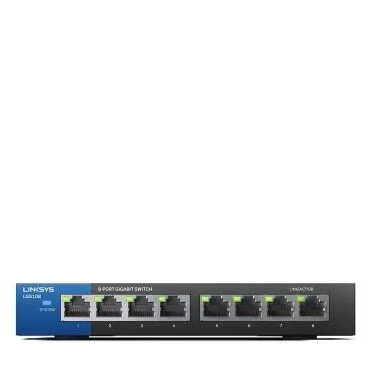
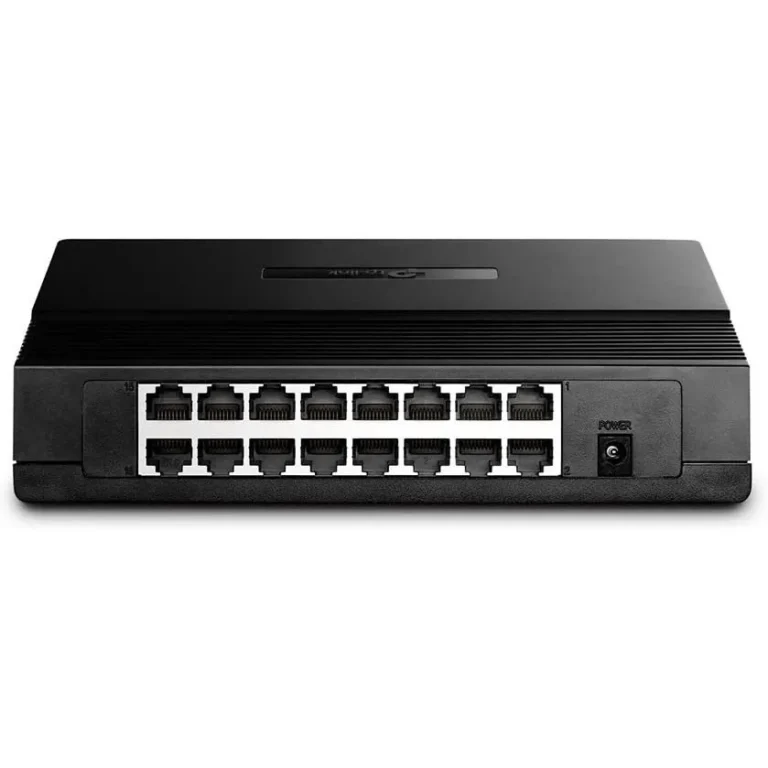
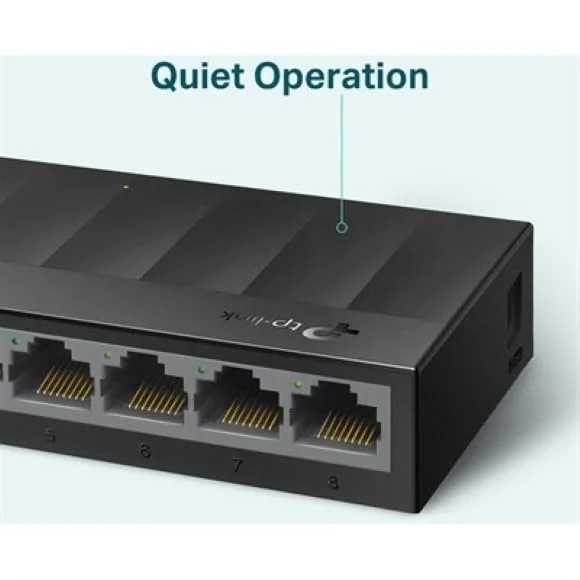
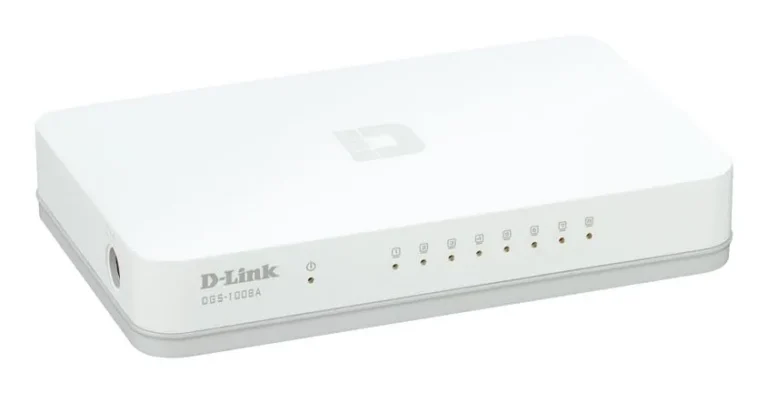
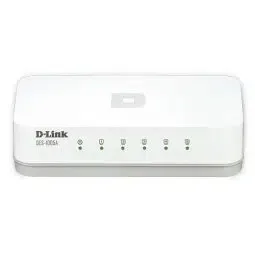
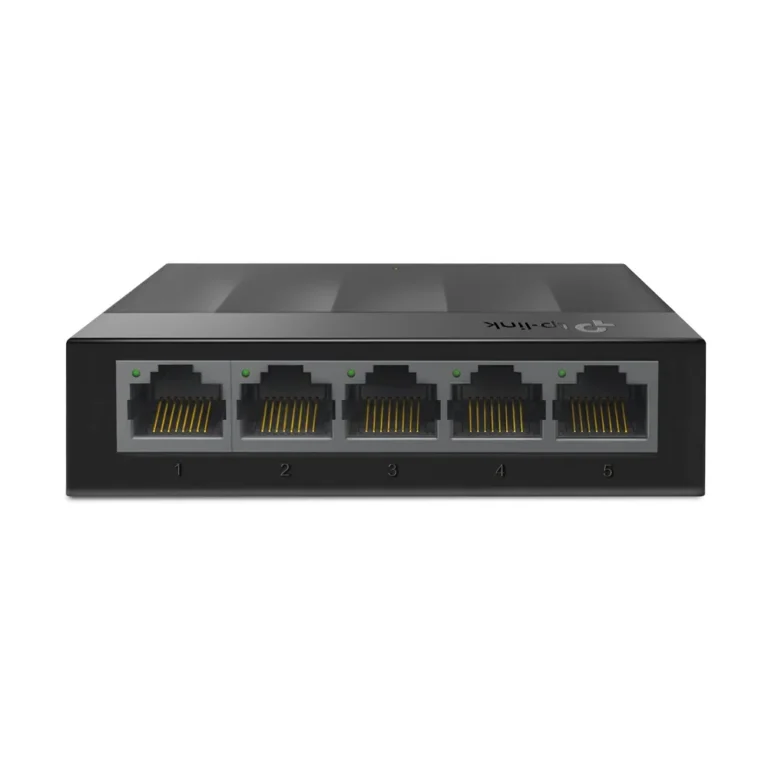
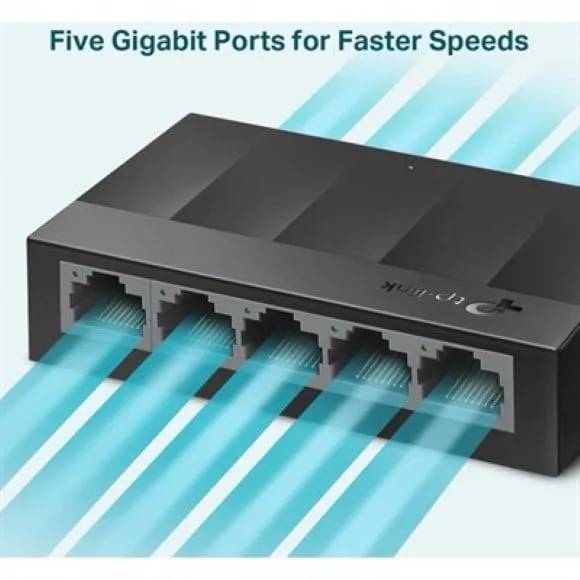
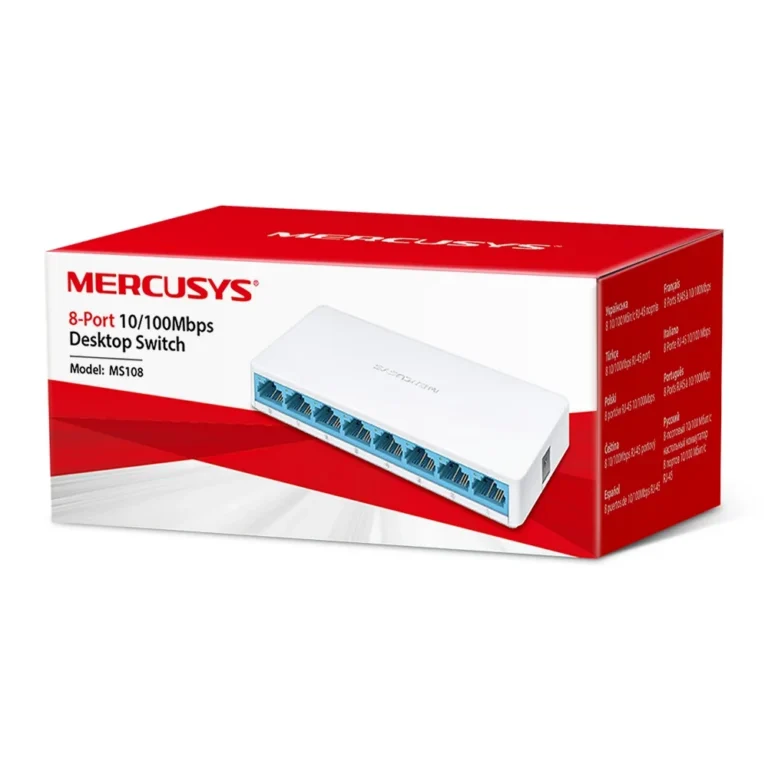
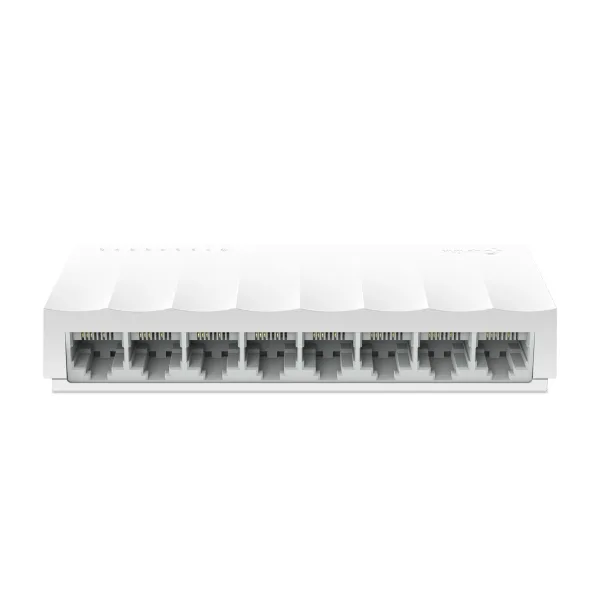
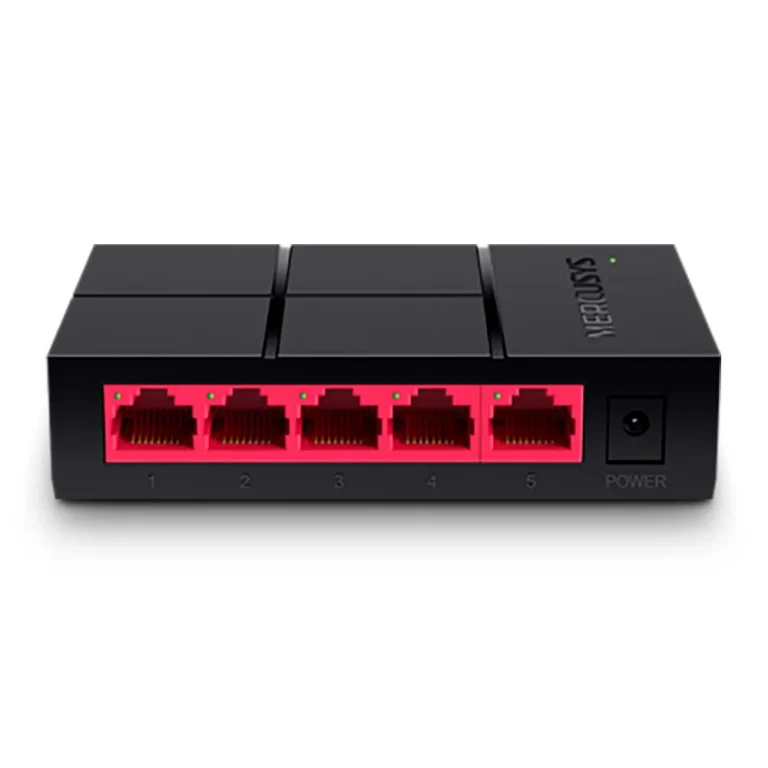
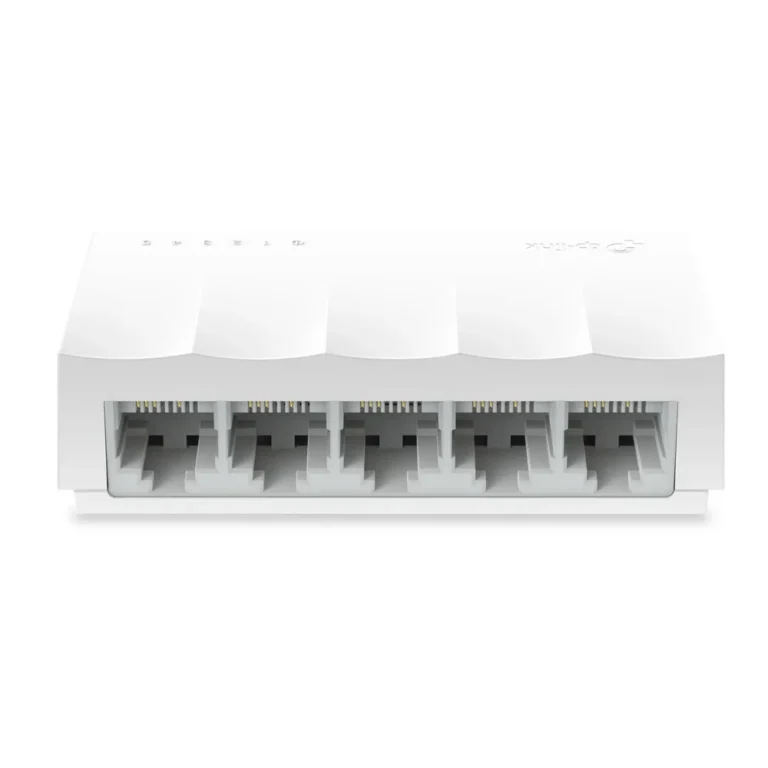
Plug and play unmanaged switches from TP-Link in desktop and rackmount builds, for adding wired ports to a home, office or shop network without setup.
Unmanaged Switches
Unmanaged switches take one cable from your router and turn it into many wired ports, with no login screen, no console cable and no configuration step. You plug them in and they forward traffic. Buyers reach for them when a router has run out of ports and the network does not need VLANs, port mirroring or traffic policing. Home users, small offices, retail counters and workshop floors all sit in that group.
The range here is built around TP-Link, in both desktop and rackmount form factors. Desktop units sit on a shelf or mount under a table near the router. Rackmount units bolt into a wall cabinet or a floor rack alongside the patch panel, which is where most office and shop installations end up. Port counts run from small units that cover one room to larger chassis that feed a whole floor, and the price spread runs from entry level boxes up to premium rack hardware.
Three decisions settle the choice.
- First, port count: work out how many devices terminate at this point, then add headroom, because a switch that is full on day one means a second switch and another power socket later.
- Second, mounting: a desktop unit is fine beside a router, but once cabling runs to a patch panel you want a rackmount chassis with the right ears.
- Third, whether unmanaged is the right class at all. If you need to segment traffic, tag VLANs or watch per port statistics, you belong in managed switches. If you want ports and nothing else, unmanaged costs less and has nothing to misconfigure.
Who it suits
A household with a single router, a smart TV, a desktop PC and a printer needs a small desktop switch and nothing more. A shop with a billing counter, a back office machine and an access point behind the ceiling is served by the same class of unit. Offices running structured cabling to a wall cabinet should skip the desktop units and go straight to a rackmount chassis, since the cabinet already has the space and the patch panel is sitting there. Anyone building a network that will later need traffic control should compare against the managed range before ordering.
Mega Computer stocks this category at the Karachi showroom, where you can see the desktop and rackmount units side by side before you commit. Orders ship with nationwide delivery across Pakistan, and you can pay by cash on delivery or online payment. Ask our team about warranty coverage on a specific model before you place the order, and about which mounting hardware ships in the box.