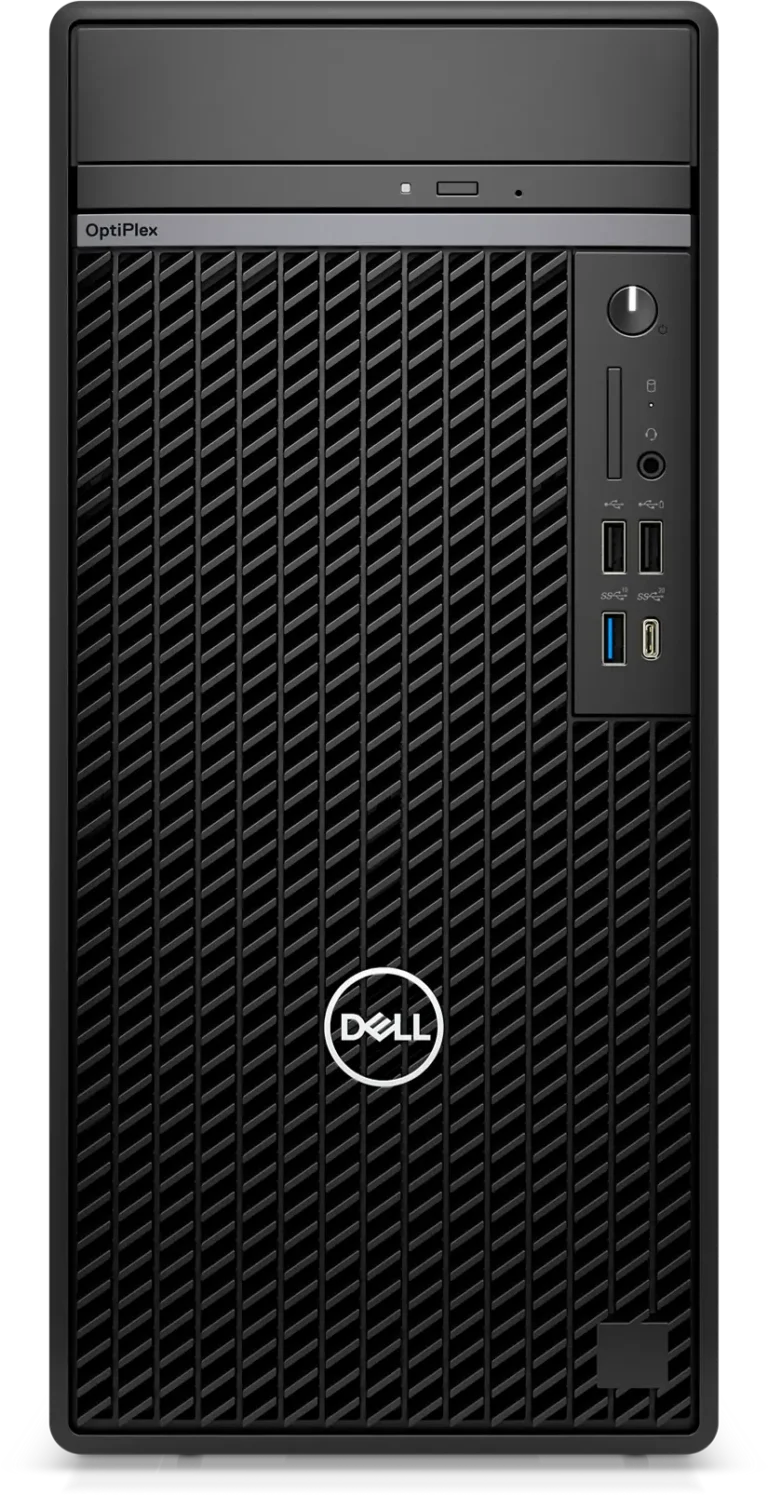
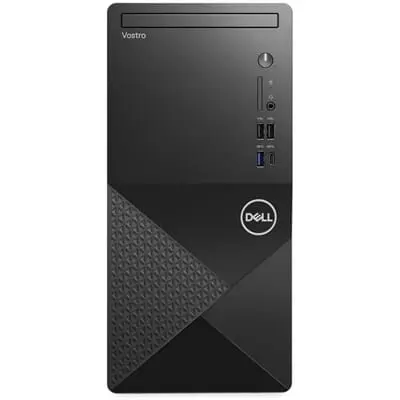
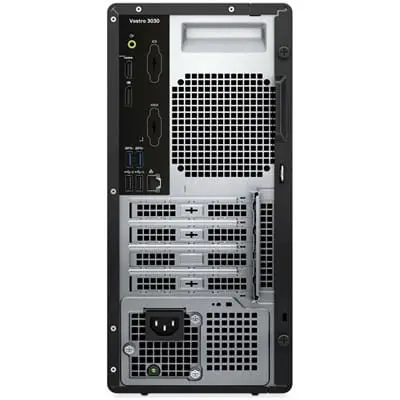
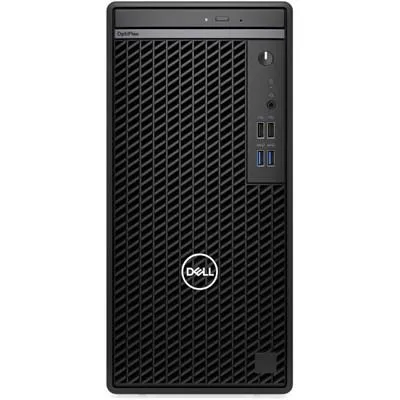
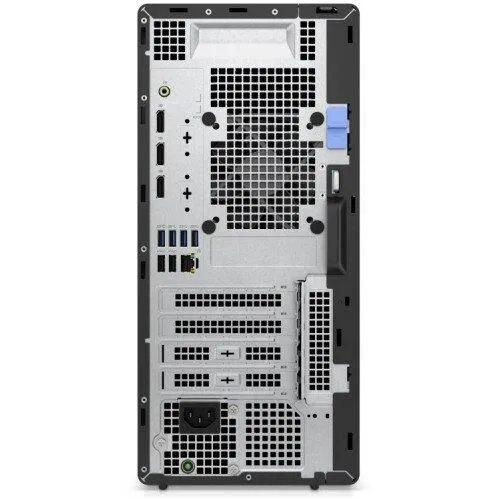
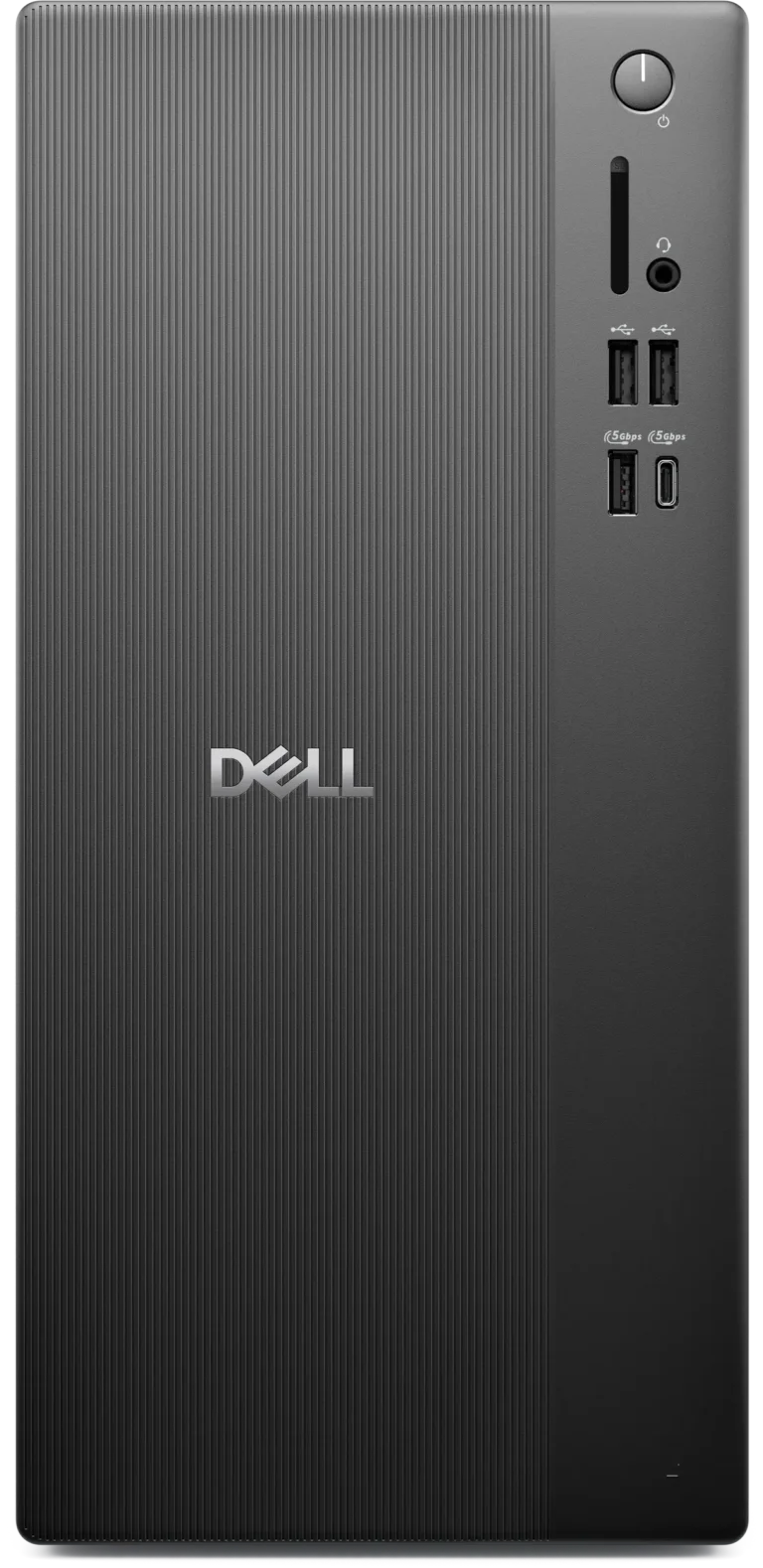
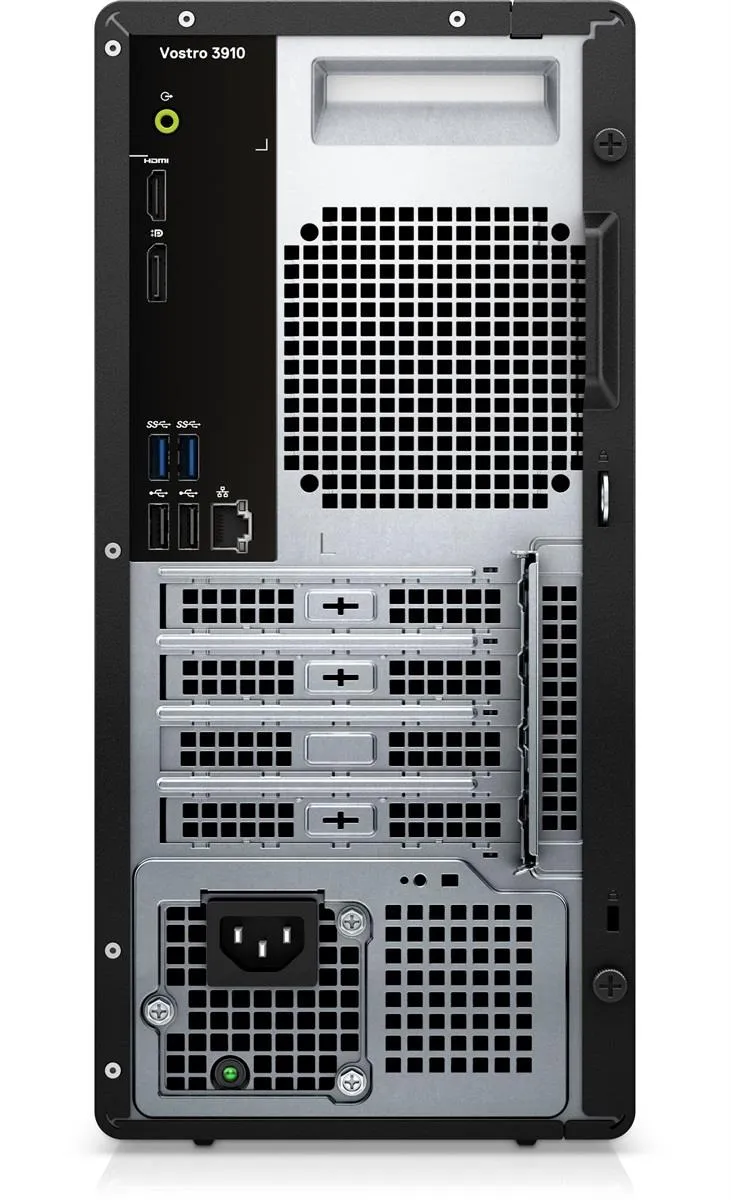
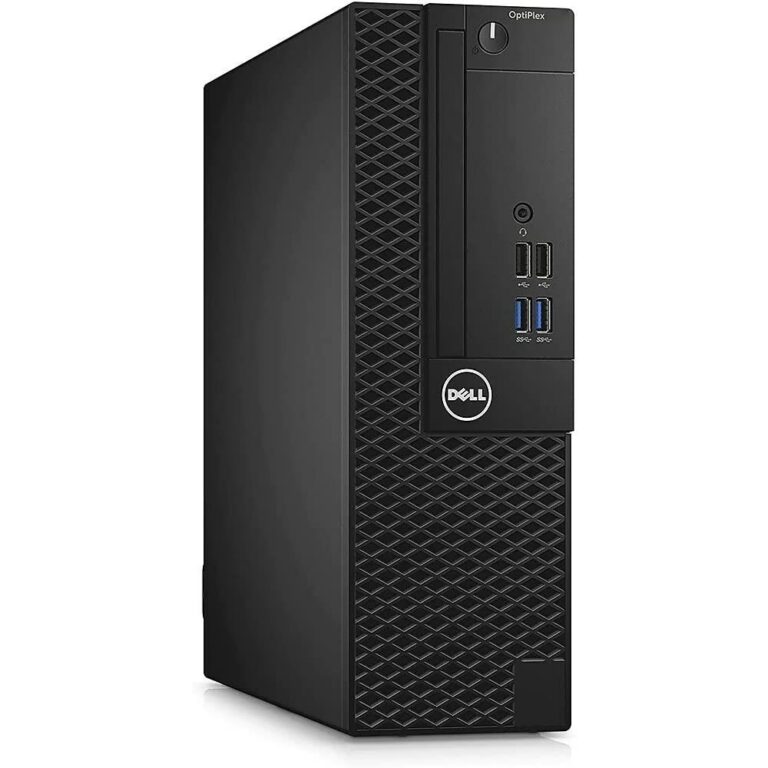
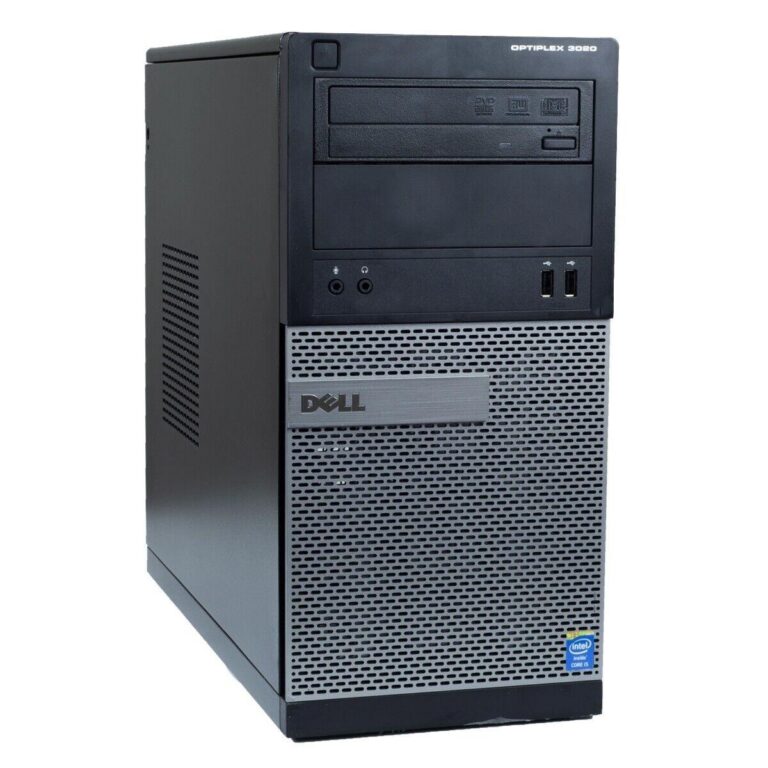
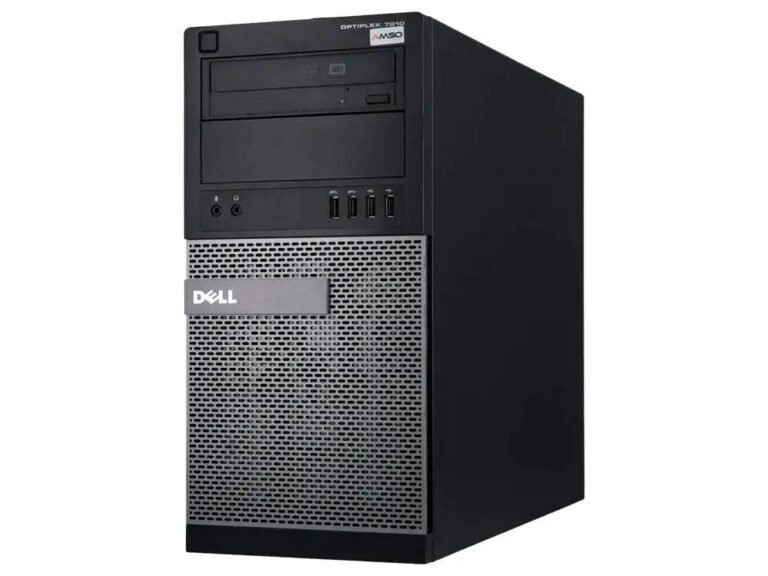
Dell tower desktops for offices, home study desks and small businesses, running 8GB memory with 256GB or 512GB NVMe SSD storage and built in WiFi and Bluetooth.
Dell Desktops
Dell desktops in Pakistan are the tower systems that sit beside a desk and stay switched on through a full working day. Buyers here are accounting offices replacing an ageing row of machines, families setting up a study computer that several people share, and small firms that want one supplier and one warranty channel rather than a self assembled build. The tower form factor is the point. It gives you a full size chassis, standard ports and a machine that a technician can open without special parts.
The range runs on Dell alone, across the OptiPlex and Vostro tower lines. Memory sits at 8GB across the towers here, while storage splits into two bands: 256GB NVMe SSD on the shorter configurations and 512GB NVMe SSD on the larger ones. Several models carry built in WiFi and Bluetooth, so a machine can join an office network and pair a wireless keyboard without an add in card. Prices spread from entry level towers meant for browsers, spreadsheets and email up to premium configurations for heavier desk work.
Three decisions matter.
- Storage capacity is the first: 256GB NVMe SSD holds an operating system, an office suite and a working set of documents, while 512GB NVMe SSD gives room for design files, large mailboxes or a few years of accumulated records before you need external storage.
- The second is connectivity. A tower with built in WiFi and Bluetooth suits a desk with no Ethernet point nearby, while a wired only machine costs less and makes sense where a network cable already reaches.
- The third is warranty term, which differs between models in this category, from one year cover up to three years of official warranty. Check that figure against how long you plan to keep the machine.
Matching a Dell tower to your setup
A reception or data entry desk that runs a browser, a billing package and a printer does fine on an 8GB tower with 256GB NVMe SSD storage. A shared home desk where school work, video calls and a media library pile up asks for the 512GB NVMe SSD configurations instead, because storage fills faster than memory does with mixed use. Offices buying five or ten units at once tend to standardise on one Vostro or OptiPlex configuration, which keeps imaging, spare parts and support calls simple. If you need a screen alongside the tower, pair it from the monitor range rather than assuming one ships in the box.
Mega Computer runs a showroom in Karachi where you can inspect a Dell tower before buying. Orders ship nationwide across Pakistan, with cash on delivery or online payment at checkout. Warranty on these machines runs through the official warranty channel, and the cover period is printed against each model, so read it on the product page before you order. Keep the invoice, since service centres ask for it when you raise a claim.
One practical note on setup. These towers arrive as a system unit, so budget for a monitor, keyboard and mouse if you are starting from nothing, and plan for a UPS if your area sees load shedding, because an NVMe SSD write interrupted by a power cut can cost you a file. Built in WiFi covers a desk that sits away from the switch, though a wired connection still gives steadier throughput for file transfers across an office server.

 DellDell 27