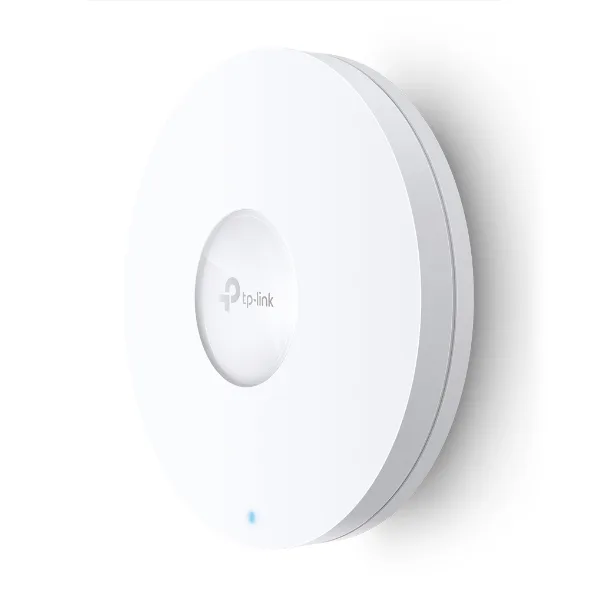
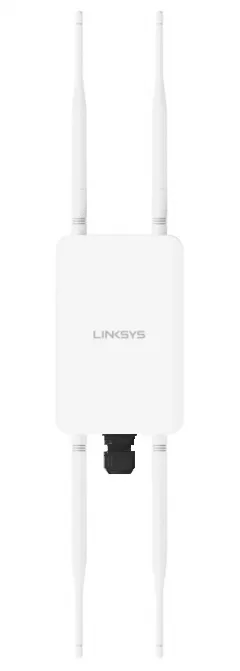
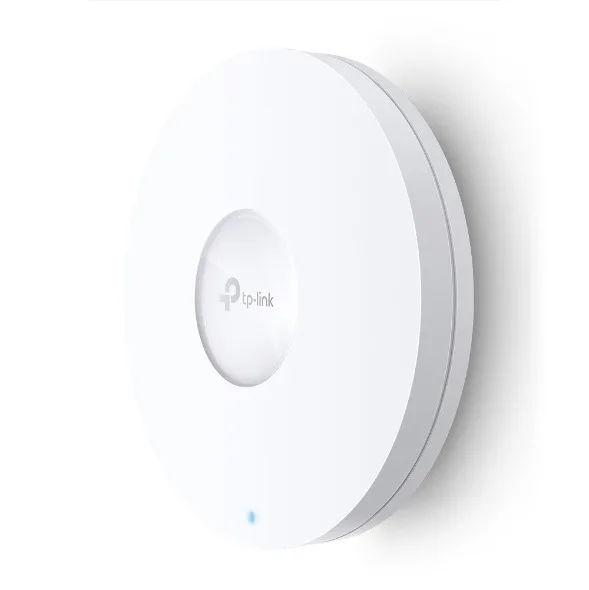
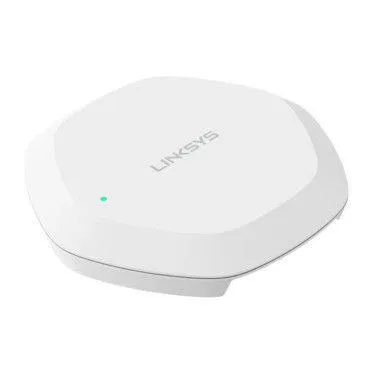
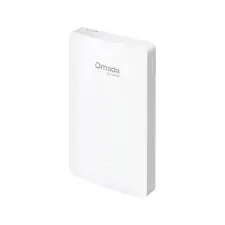
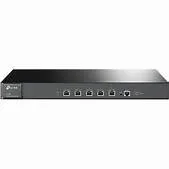
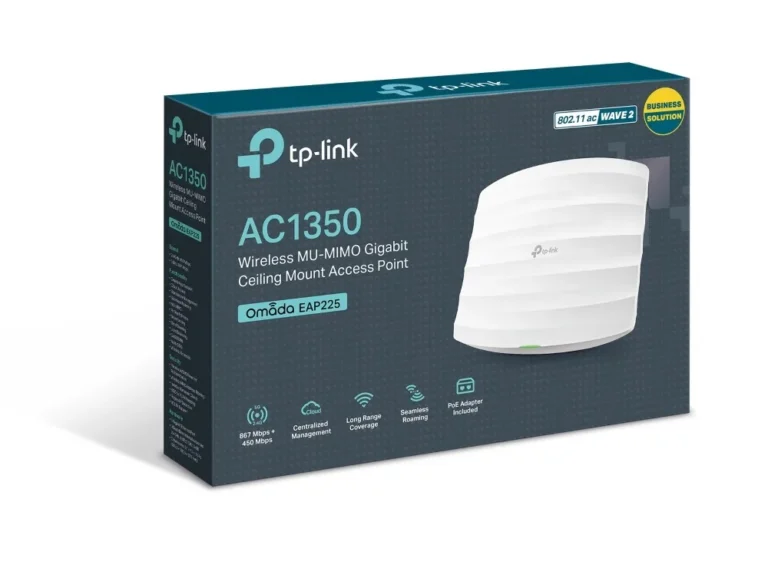
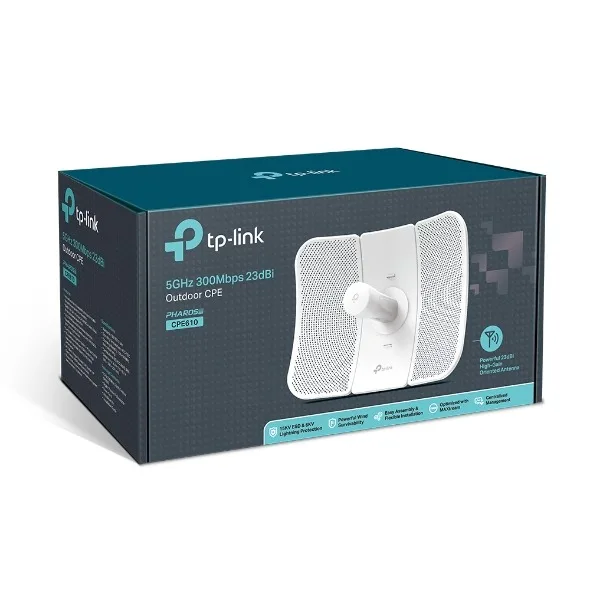
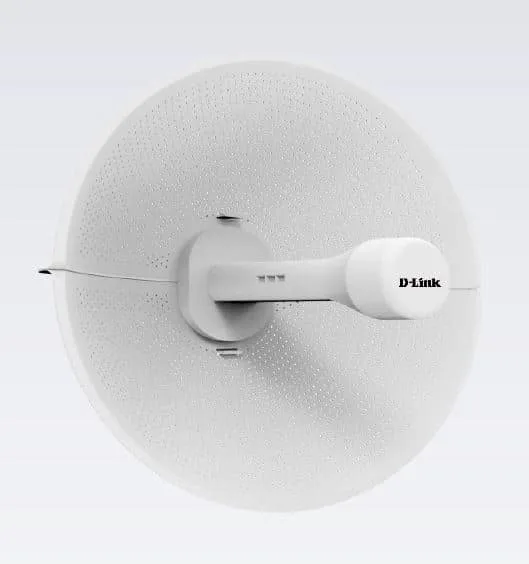
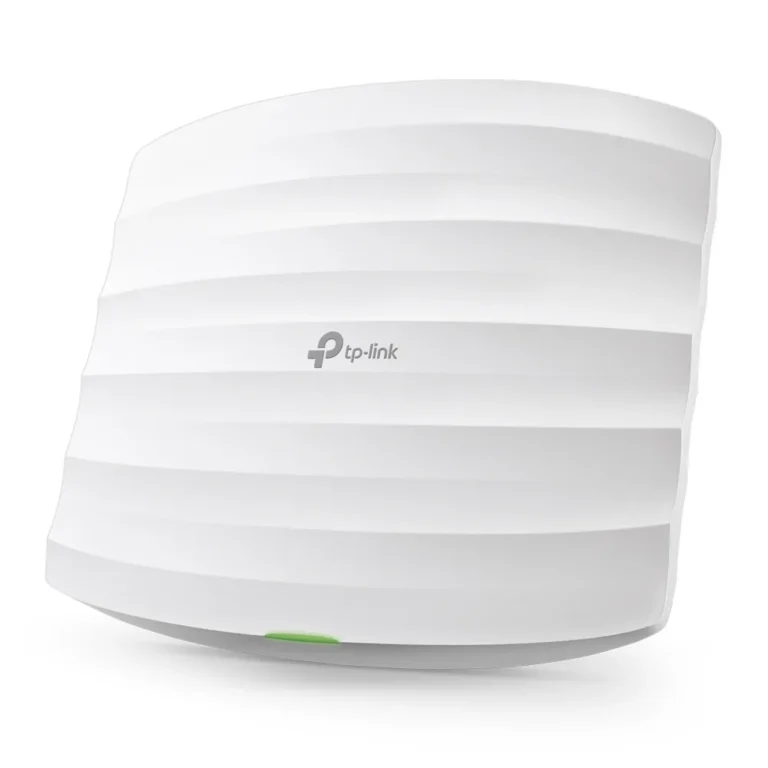
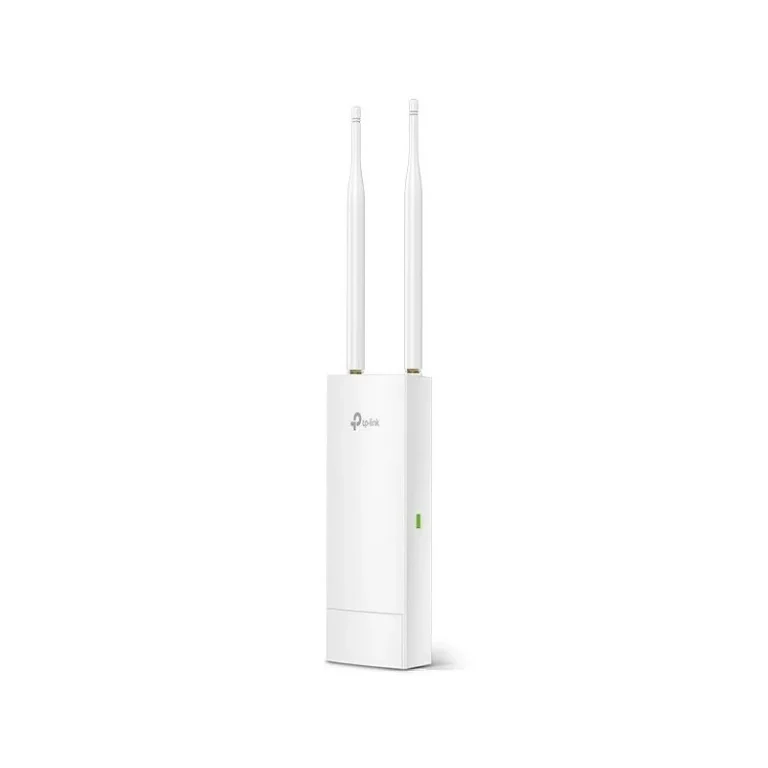
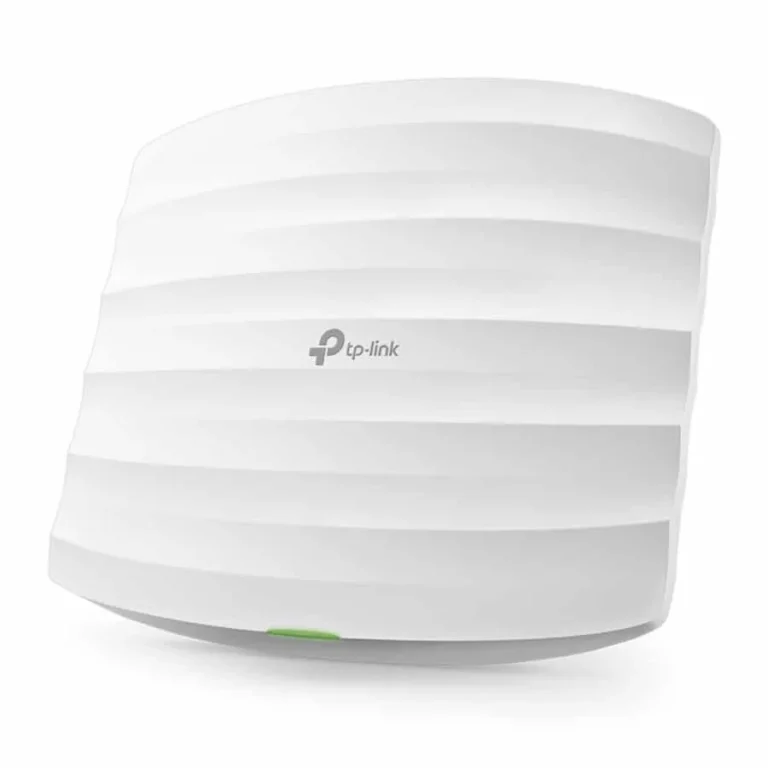
Ceiling and outdoor wireless access points from TP-Link and Linksys, WiFi 6 models included, for offices, campuses and homes one router cannot cover.
Wireless Access Points
Wireless access points in Pakistan go into offices, schools, warehouses and multi storey homes where one router runs out of reach before the building does. You run a cable back to the wired network, mount the unit where coverage drops, and devices then join a radio in the same room instead of fighting through two concrete walls. IT teams order them in batches of four or six for a floor plate. Homeowners start with one.
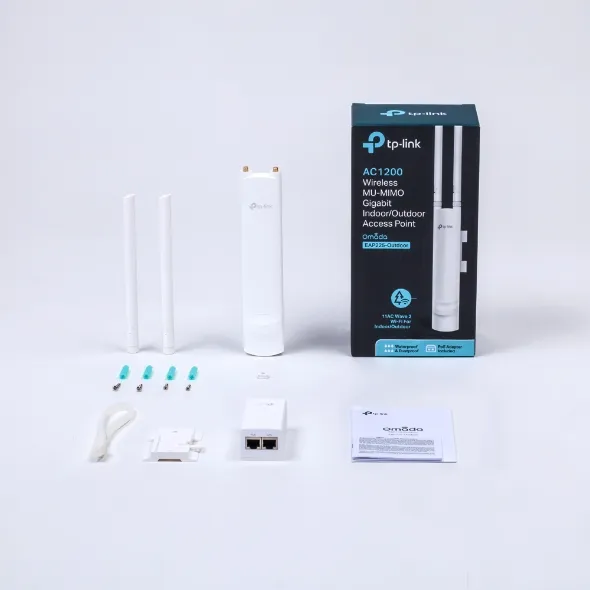
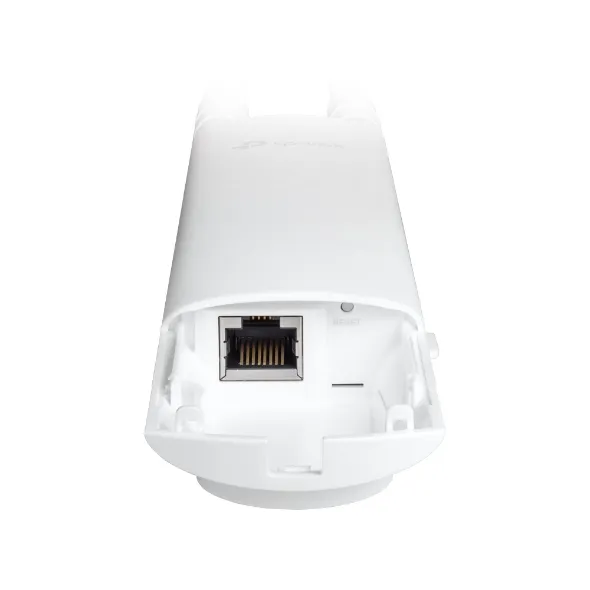
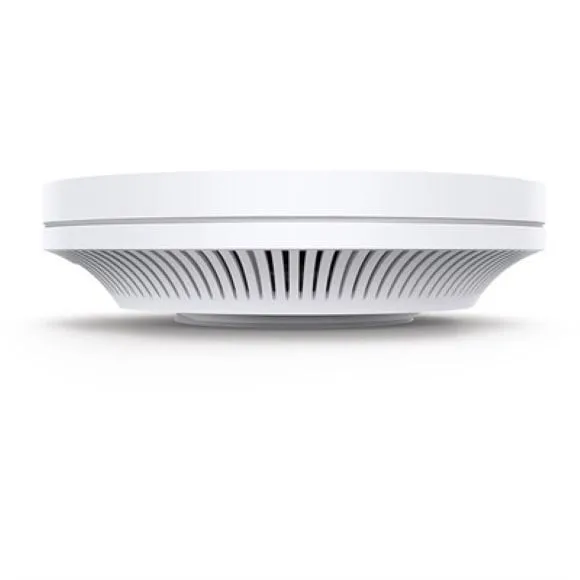
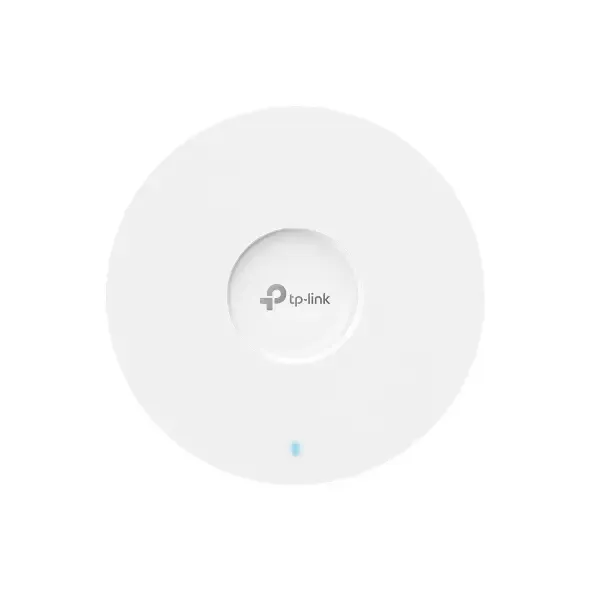
Stock here splits between TP-Link and Linksys. TP-Link accounts for most of the WiFi 6 units and the ceiling mount wireless models. Linksys covers the outdoor side, with wireless access points rated for mounting outside the building envelope. The price spread is wide, from entry level units meant to fix one weak room through to premium models built for dense client counts, so a small clinic and a campus network both have something to buy from the same shelf.
Three decisions settle most of these purchases.
- The first is WiFi 6 against earlier wireless generations: WiFi 6 earns its cost where a crowd of phones and laptops share one radio at the same time, and matters less in a house with a handful of devices.
- The second is placement. A ceiling mount unit assumes a false ceiling or a slab you can drill and a cable run to it, while an outdoor unit assumes weather exposure and a mast or wall bracket.
- The third is count. Two mid range access points spread across a floor beat one premium unit parked in a corner office, every time.
Matching the unit to the site
A single floor office with a meeting room at the far end needs one ceiling mount TP-Link unit near the centre and nothing more. A hostel, cafe or training room where phones outnumber seats is the case for WiFi 6, because the problem is the number of clients rather than the distance. Factory yards, rooftops, boundary walls and courtyards call for the outdoor Linksys units, since an indoor unit in a plastic box will not survive a Karachi summer. Homes with heavy concrete construction gain more from a second access point on the upper floor than from replacing the router.
Every access point on this page is new stock with the manufacturer warranty stated on the product listing, and several Linksys models carry a one year warranty. You can inspect and collect from the Karachi showroom, or order for nationwide delivery across Pakistan. Payment works through cash on delivery or online payment. Before you order, confirm the mount point and the cable route, because the cable run is what turns an access point into coverage.