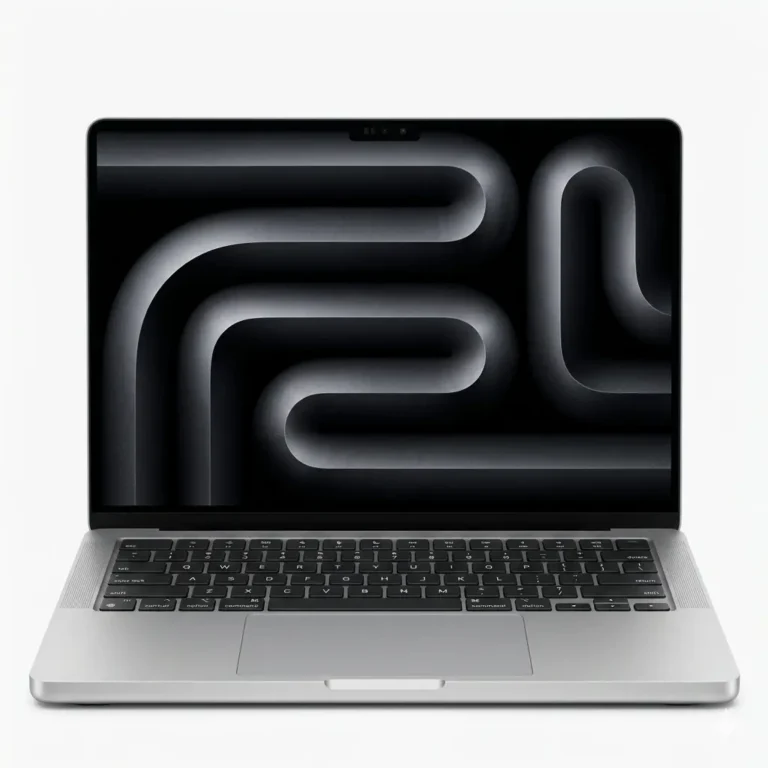
Apple 16 inch pro laptops in unified RAM builds from 36GB up to 96GB, paired with 1TB or 2TB SSD storage, with delivery across Pakistan.
MacBook Pro 16 Laptops in Pakistan
The MacBook Pro 16 sits at the top of Apple’s portable line, built around a large panel and a memory ceiling that smaller notebooks do not reach. Video editors, 3D artists, developers and design studios buy this size when they want the whole timeline or the whole layout on screen without docking to an external display first.
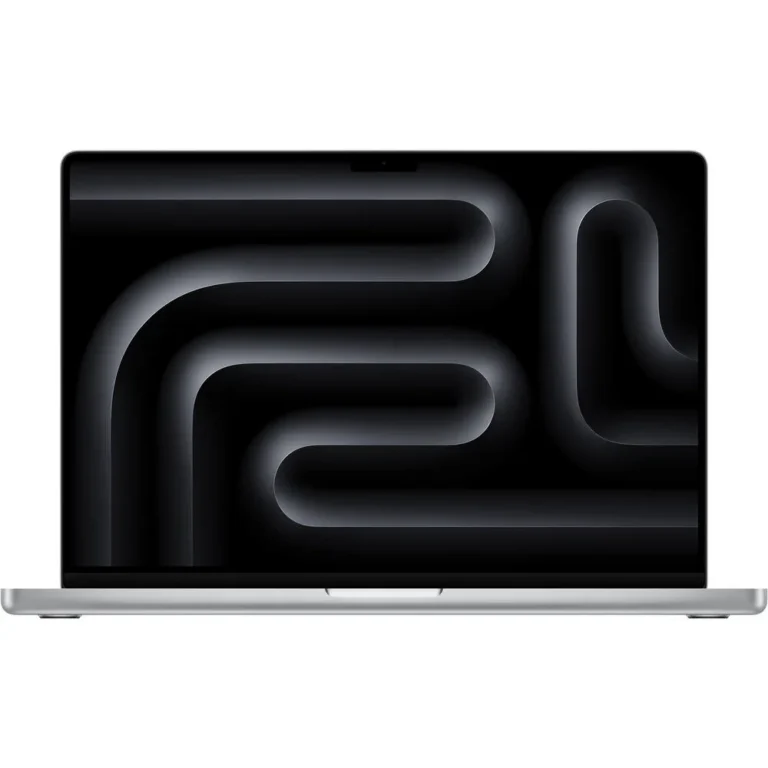
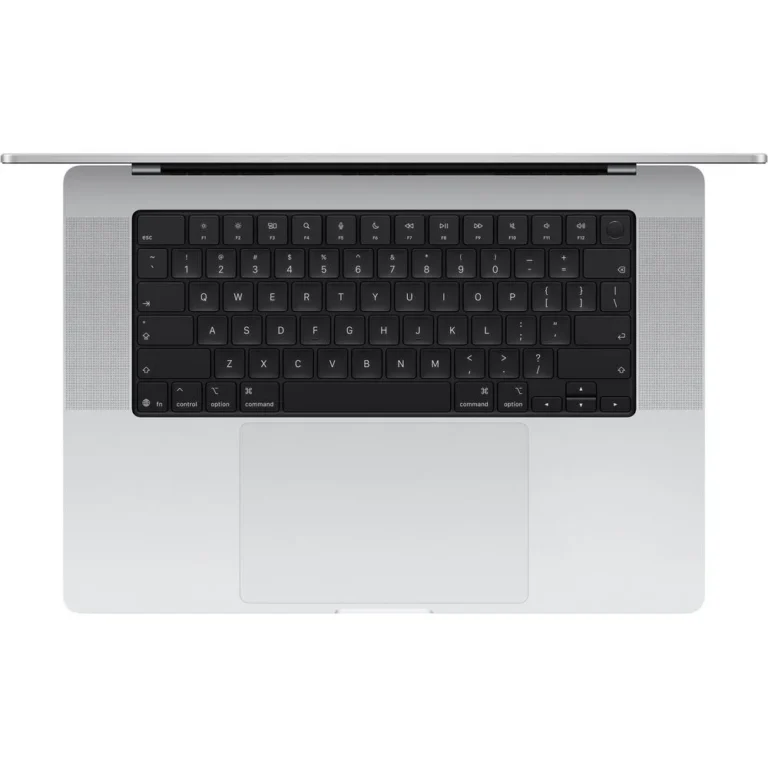
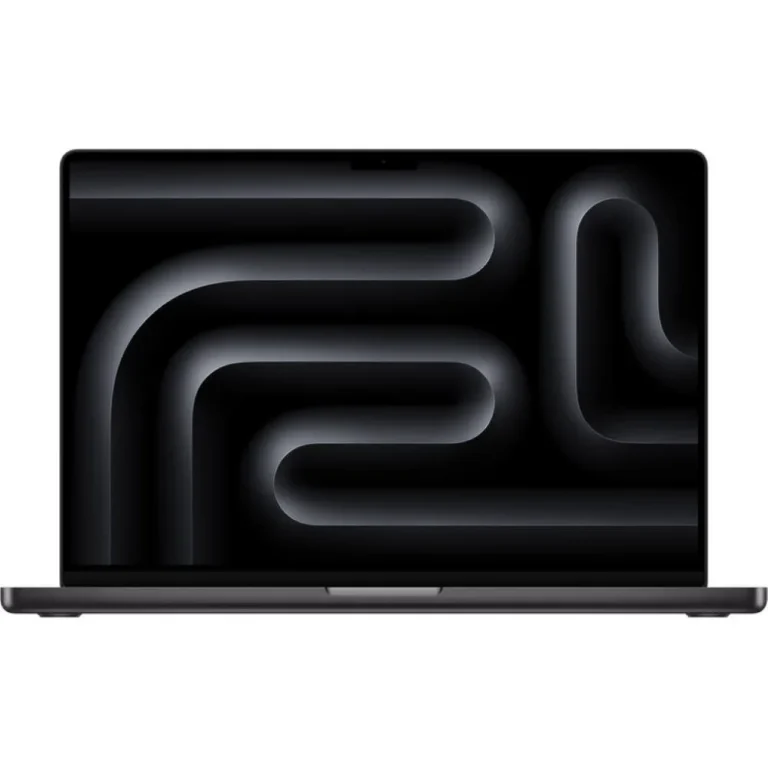
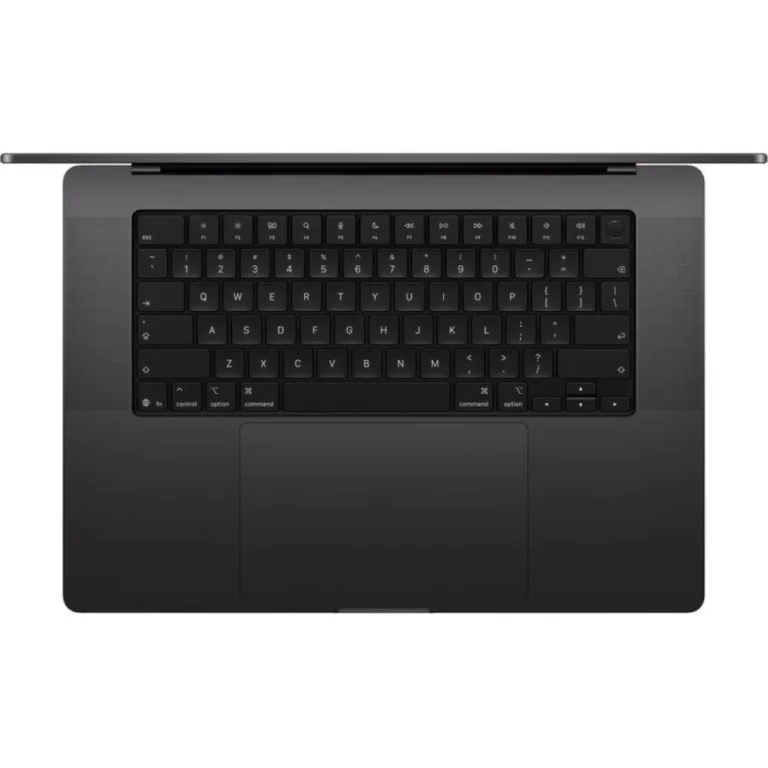
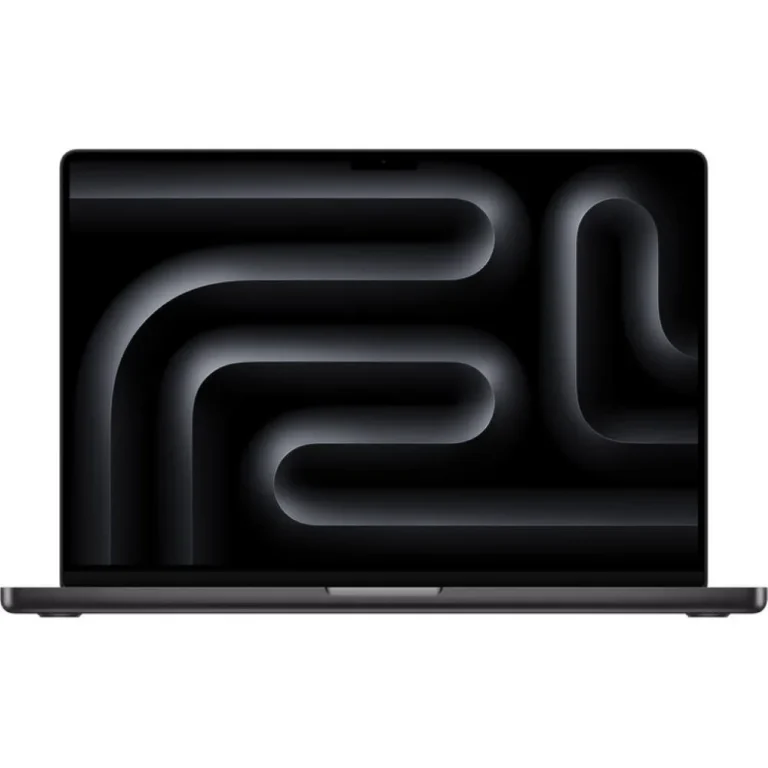
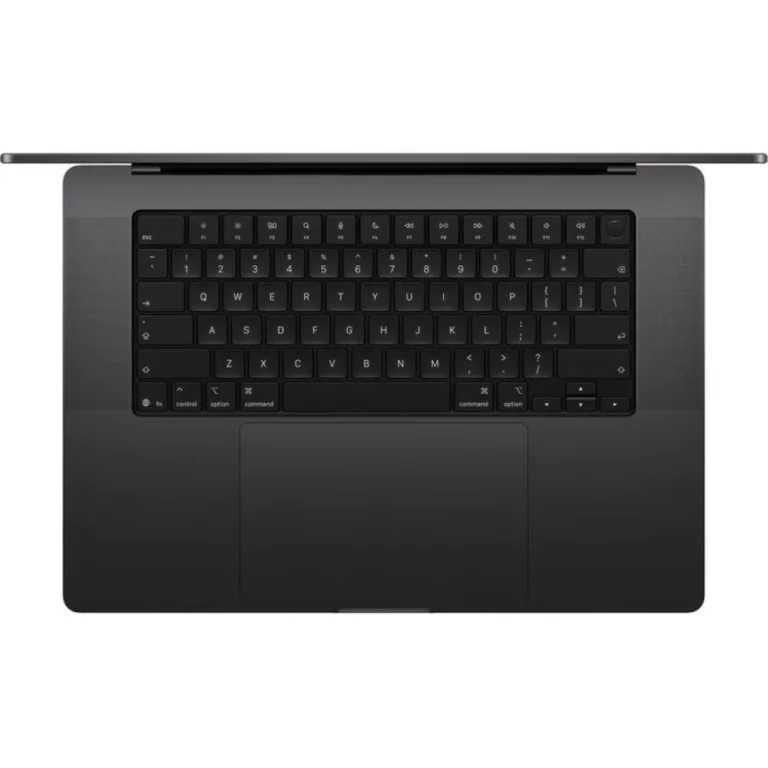
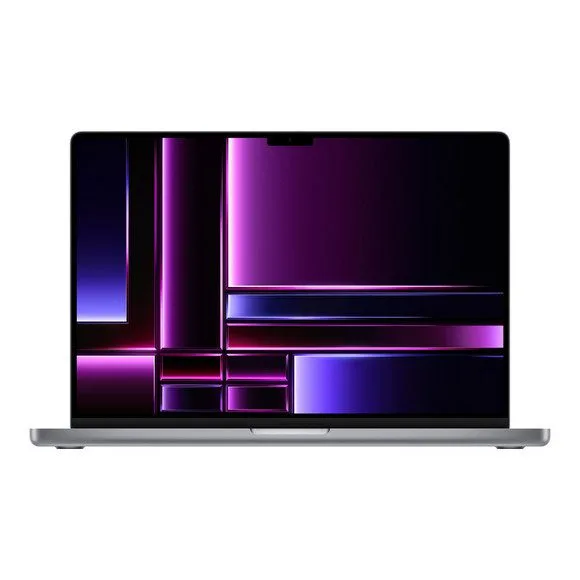
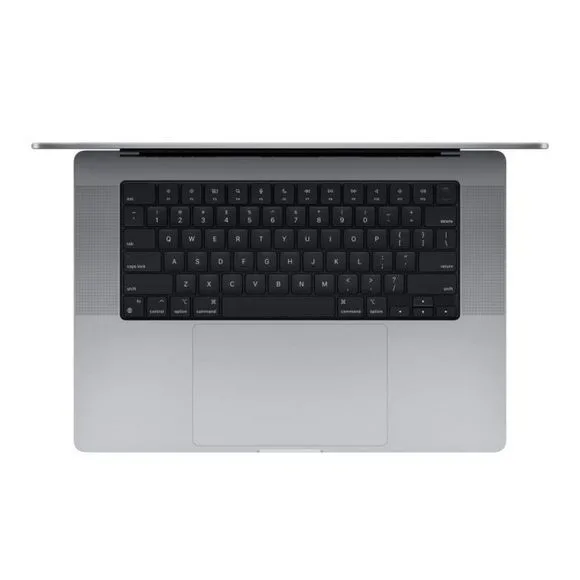
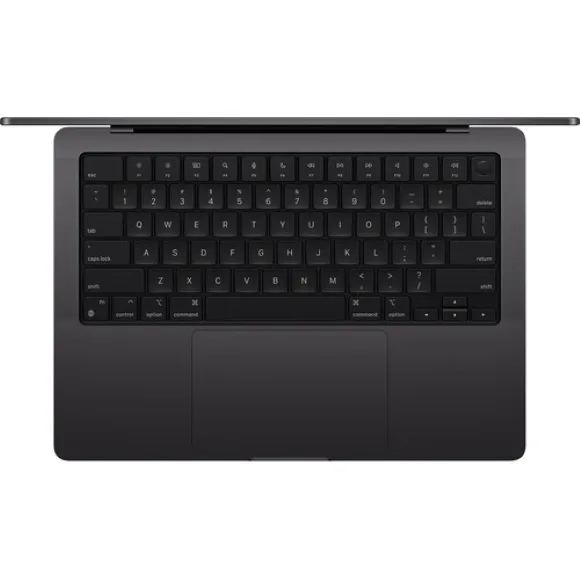
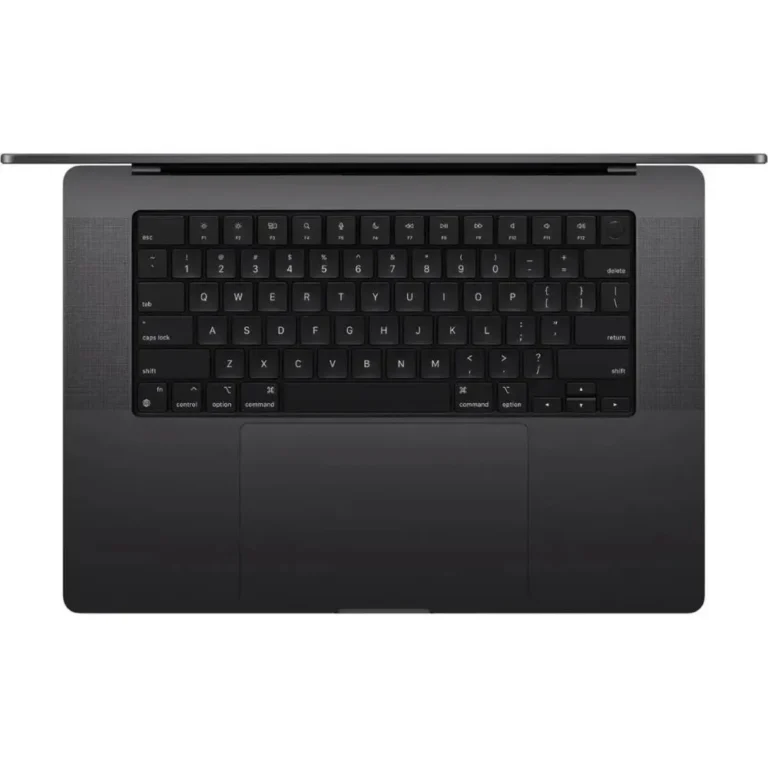
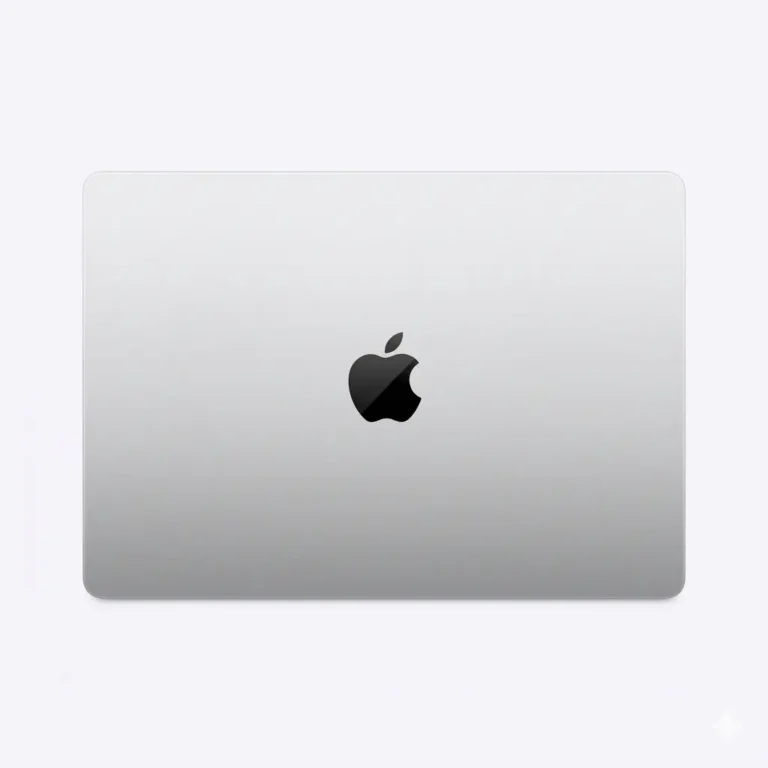
Every machine listed here is an Apple 16 inch model. Unified RAM runs from 36GB through 48GB, with 96GB configurations sitting at the top of the range. Storage is either 1TB or 2TB SSD, and the finishes cover Space Black, Silver and Space Grey. The price spread across the category is narrow, so the gap between an entry configuration and a premium one is smaller than most shoppers assume before they compare.
Two choices decide the cost. Unified RAM is set at build time and cannot be added afterwards, so a 36GB machine stays a 36GB machine for its whole service life. Step up to 48GB or 96GB if you keep large timelines, virtual machines or big datasets open at the same time. The second choice is SSD capacity. A 1TB SSD suits anyone who moves finished work onto external drives, while 2TB makes sense when you carry live projects with you and edit off the internal disk.
Matching the configuration to your work
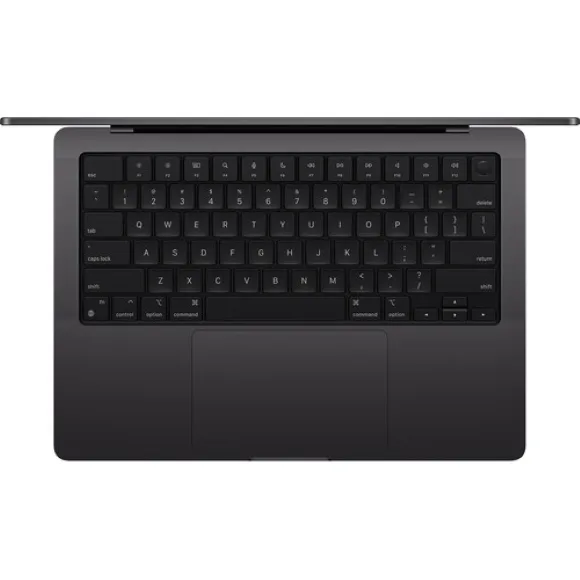
A colour grader cutting multicam footage gains more from 96GB of unified RAM than from extra storage. A developer running containers, simulators and a browser full of tabs will hit the memory ceiling long before the storage fills, so 48GB with a 1TB SSD holds up well for that pattern of use. Photographers and architects who keep entire project archives on the machine should start at 2TB SSD. If the 16 inch body is more than you want to carry each day, the MacBook Pro 14 covers similar work in a smaller chassis.
Our Karachi showroom lets you open a machine, check the finish and type on the keyboard before you commit to a configuration. Orders go out with nationwide delivery across Pakistan, and you can pay cash on delivery or use online payment. Ask our staff to confirm the warranty terms that apply to the exact configuration you pick, since coverage is tied to the unit rather than the category.
Plan for the accessories around the machine. Owners who run two external displays, a card reader and wired networking at a desk pair the laptop with a hub or dock. A sleeve cut for a 13 inch or 15 inch notebook will not take a 16 inch body, so size the bag to the machine.