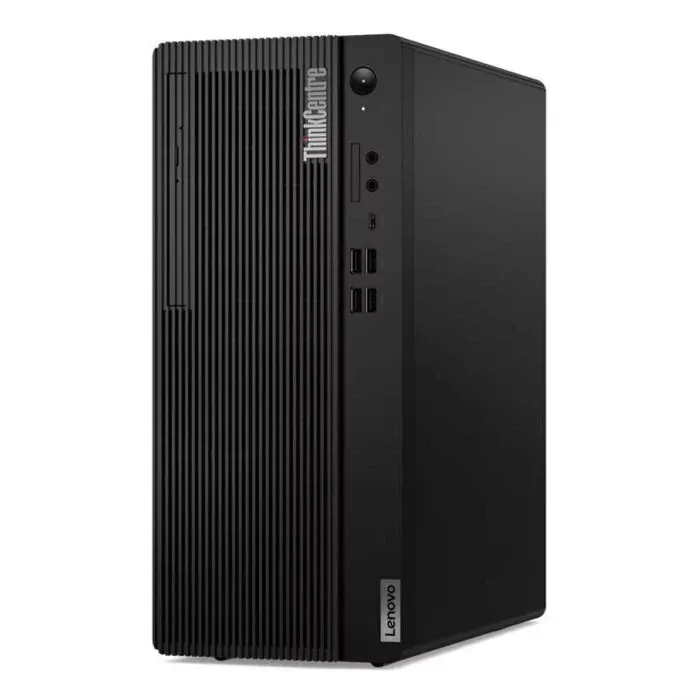
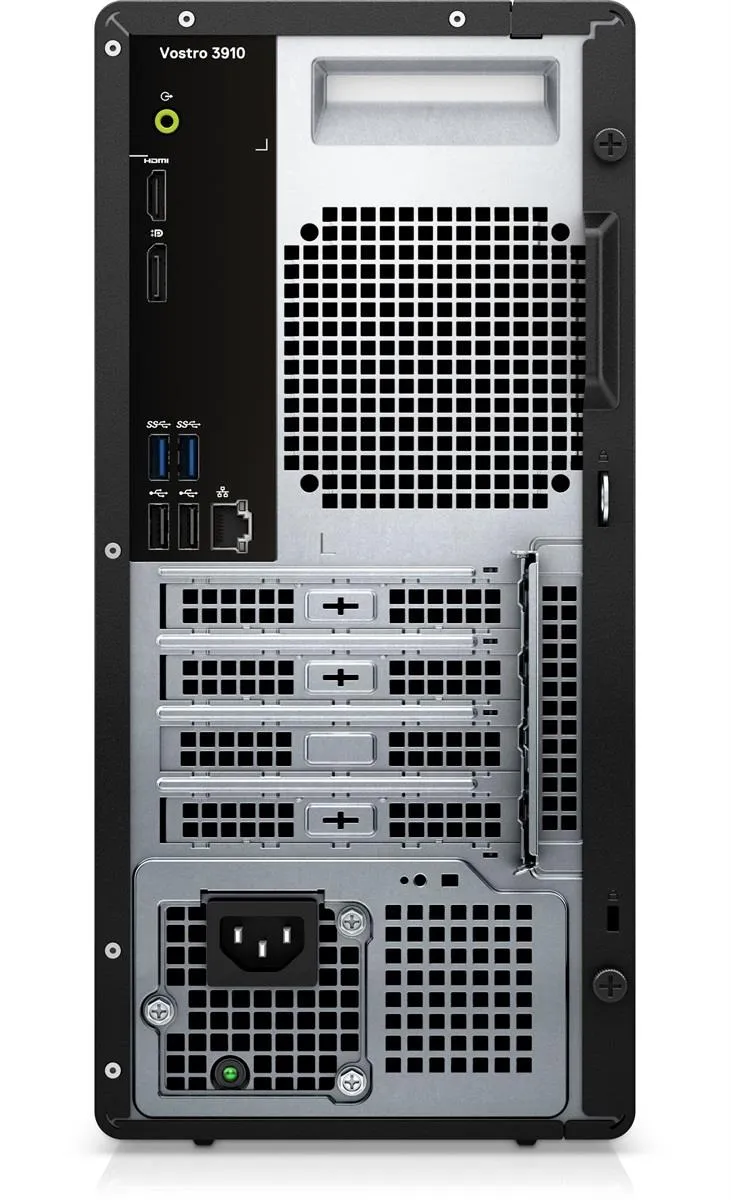
Tower PCs for desk work at home and in small offices: Dell, Lenovo and Asus builds with 8GB or 16GB memory and a choice of SSD speed or HDD capacity.
Home Office Desktops
Home office desktops are the tower systems that sit under a desk and run a full working day without a battery to worry about. Buyers here include people setting up a study corner at home, small firms fitting out two or three seats, and anyone replacing an ageing tower instead of moving to a laptop. The work these machines take on is documents, spreadsheets, browser tabs, accounts software and video calls.
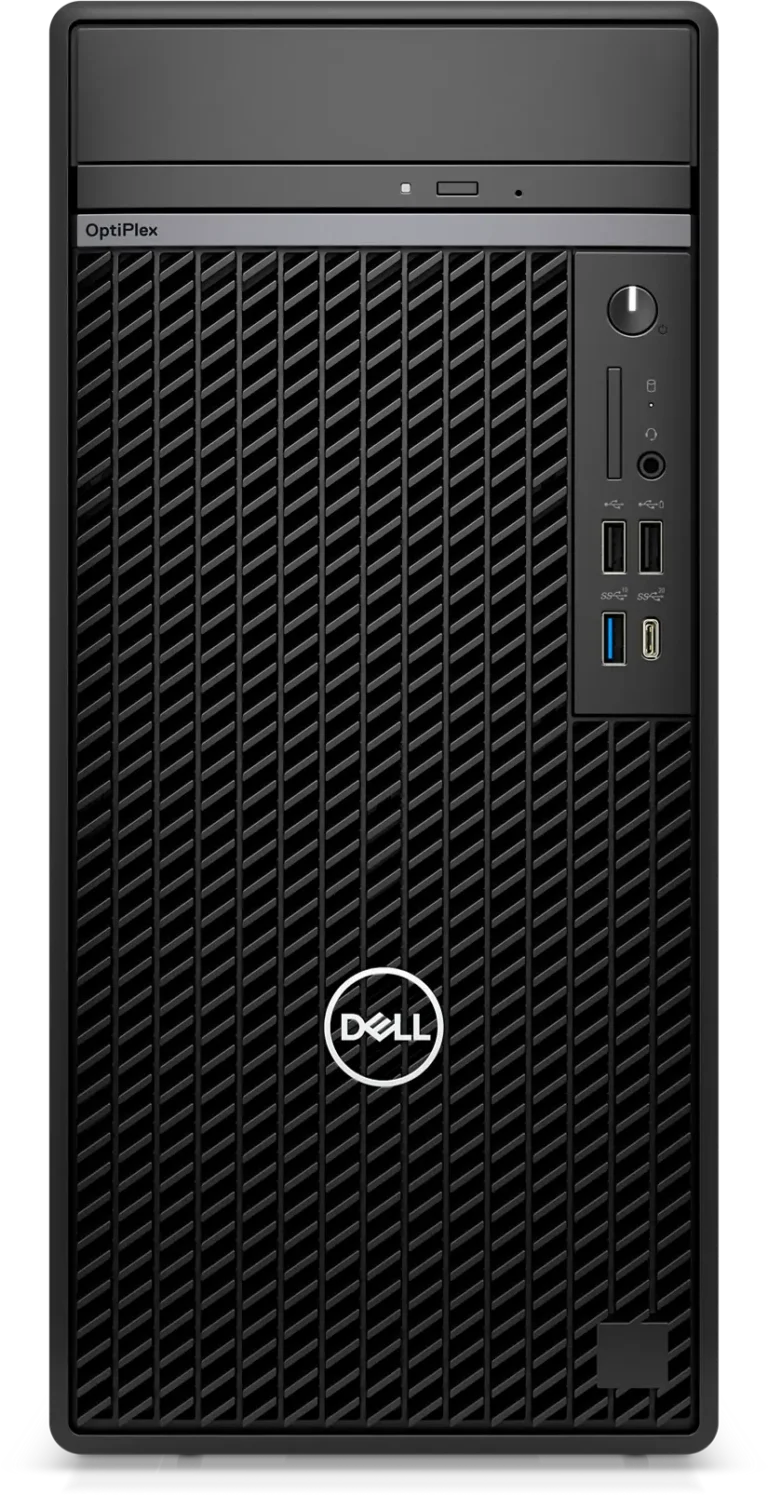
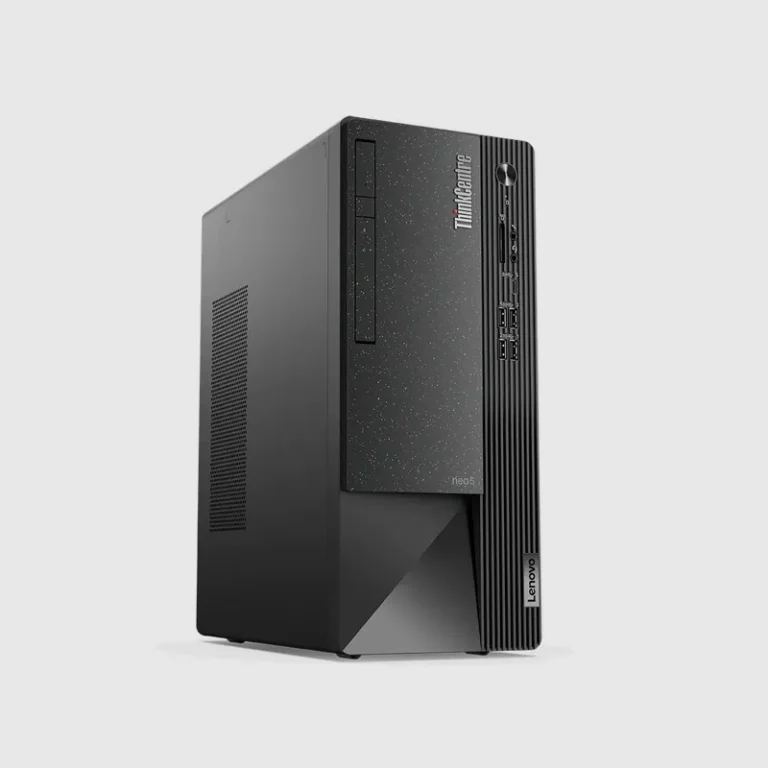
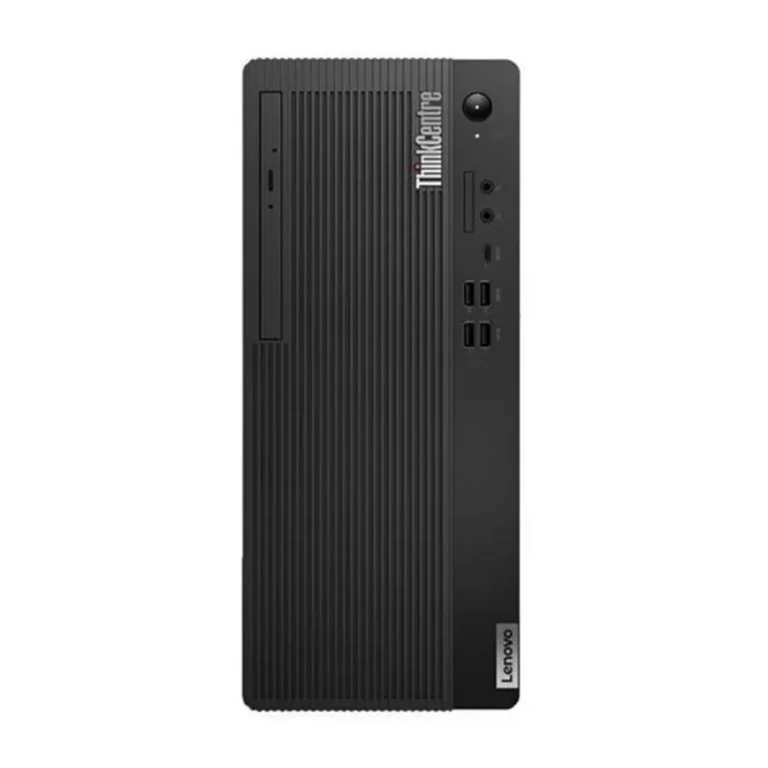
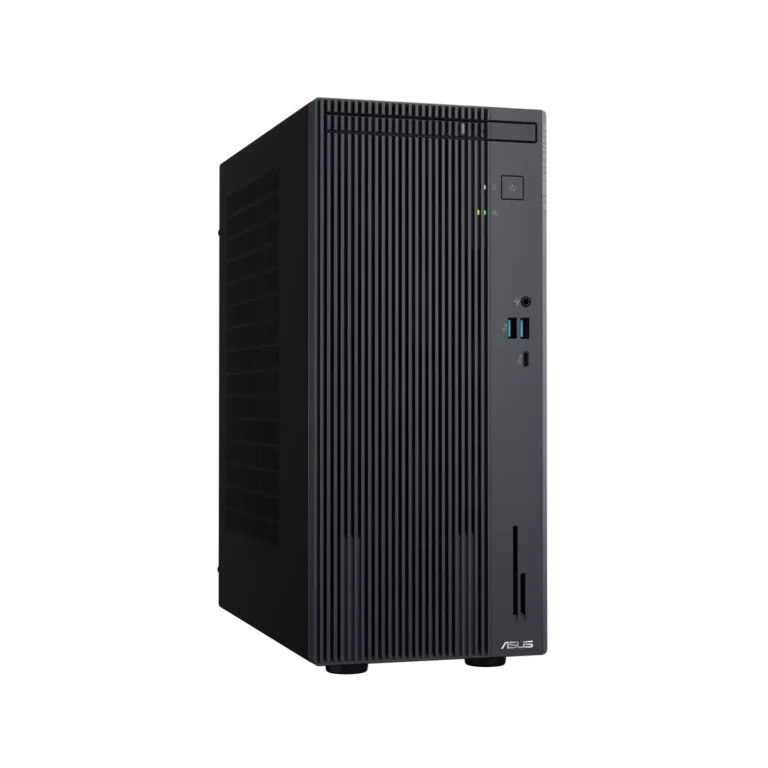
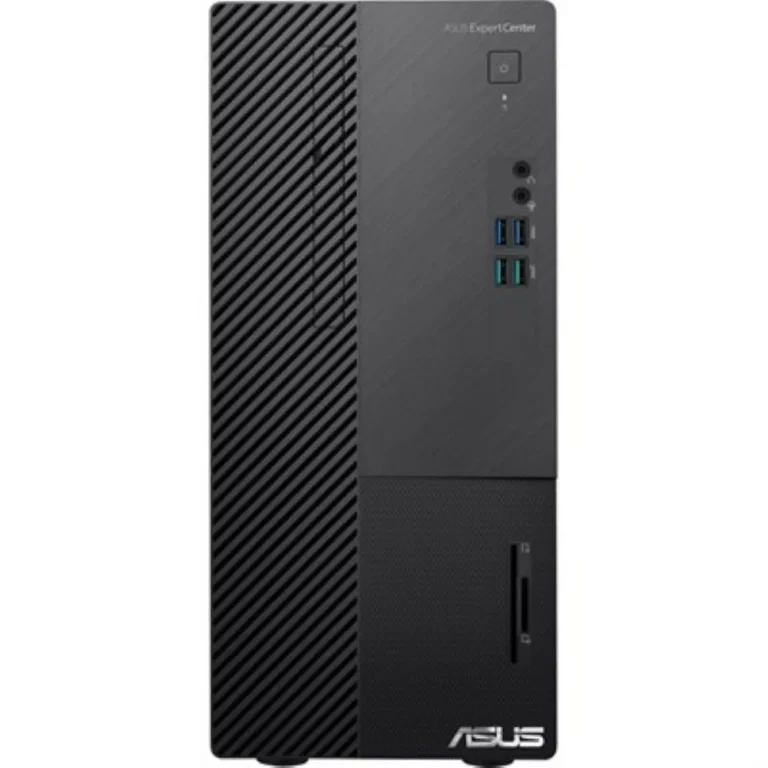
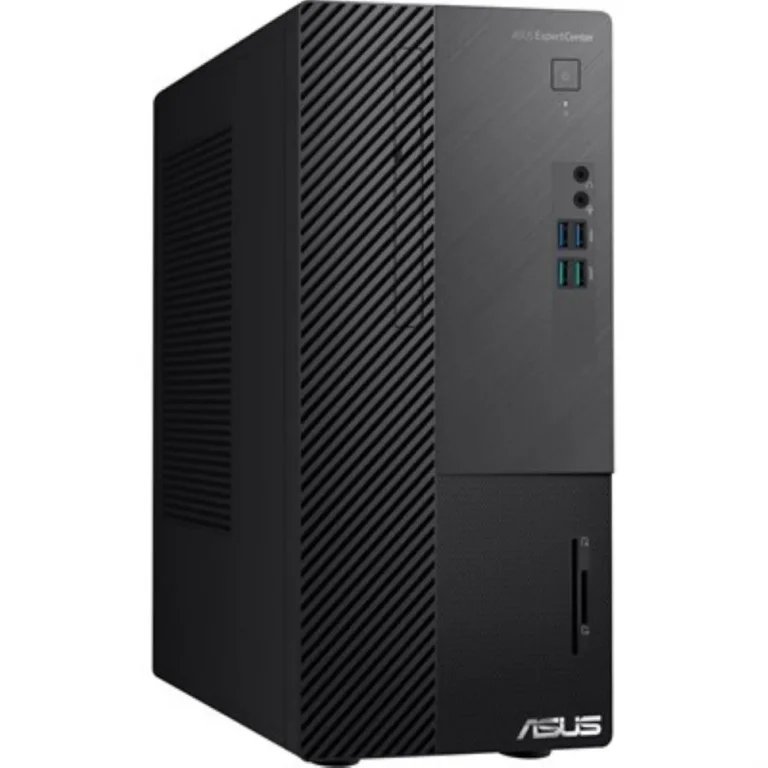
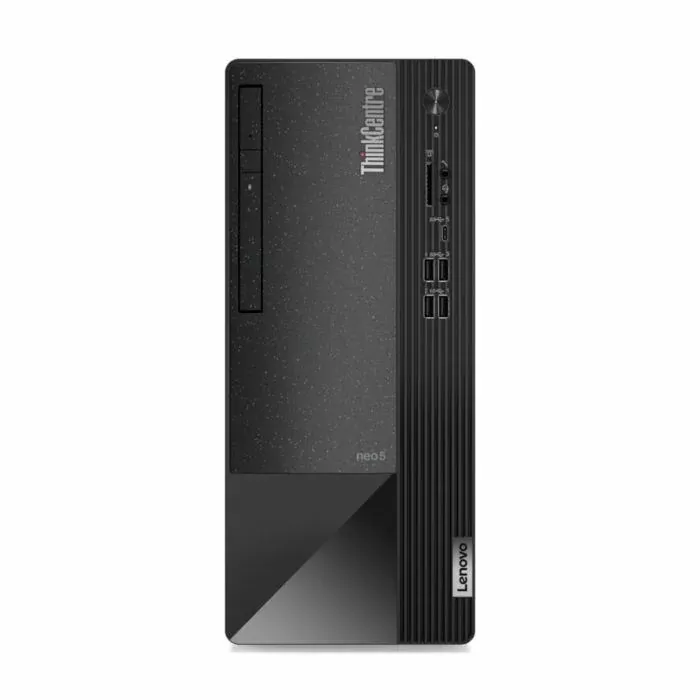
The range covers Dell, Lenovo and Asus towers. Memory starts at 8GB and reaches 16GB, with DDR4 across much of the Lenovo lineup. Storage splits two ways: 256GB and 512GB SSD builds, and 1TB HDD builds where capacity matters more than boot speed. Dell towers appear in 8GB with 256GB and 8GB with 512GB SSD configurations, Lenovo in 8GB DDR4 with 1TB HDD and 8GB with 512GB SSD, and Asus at 16GB with a 512GB SSD. Pricing runs from entry-level towers through to premium configurations, so one page serves both a single home desk and a multi-seat office order.
Two decisions carry most of the weight.
- Storage comes first: a 512GB SSD cuts boot and file open times, while a 1TB HDD gives you more room for scans, archives and media at a lower cost for the same capacity. A 256GB SSD suits a desk where files live in cloud storage rather than on the machine.
- Memory comes second. 8GB handles office documents and a moderate browser load, and 16GB earns its place once you keep a spreadsheet, a dozen tabs and a video call open at the same time. A tower opens with two screws, so adding memory to a DDR4 machine later is a real option rather than a theory.
Matching the tower to the desk
A home desk used for email, study and household accounts is served by an 8GB tower with a 256GB or 512GB SSD. An office running billing, inventory or a point of sale terminal should lean towards the 1TB HDD builds, since transaction records and scanned invoices stack up over the years. Anyone editing large images, running design software or juggling heavy spreadsheets should start at 16GB rather than plan an upgrade. Offices buying several units at once tend to standardise on one brand and one configuration, which makes spares and support simpler to manage.
Every tower here is new and carries a manufacturer warranty, with cover running from one year on most models up to three years of official warranty on some Dell configurations. You can see and test machines at the Karachi showroom, and we ship nationwide across Pakistan. Payment works by cash on delivery or online transfer, and the warranty paperwork travels with the unit either way.

 AsusAsus 2
 DellDell 5
 LenovoLenovo 10