PCIe 4.0 x4 M.2 drives from Kingston, Lenovo, Samsung, WD and XPG in 2TB and 4TB, with rated sequential reads reaching 7200MB/s for desktop and workstation builds.
NVMe Gen 4 SSDs in Pakistan
NVMe Gen 4 SSDs run over four PCIe 4.0 lanes in an M.2 slot, and this category holds the drives builders fit as a boot volume or as a working disk for large project files. Most buyers arrive here for one of two reasons: a desktop with a free M.2 slot that never got filled, or a drive that has run out of room and needs replacing with something larger rather than something faster.
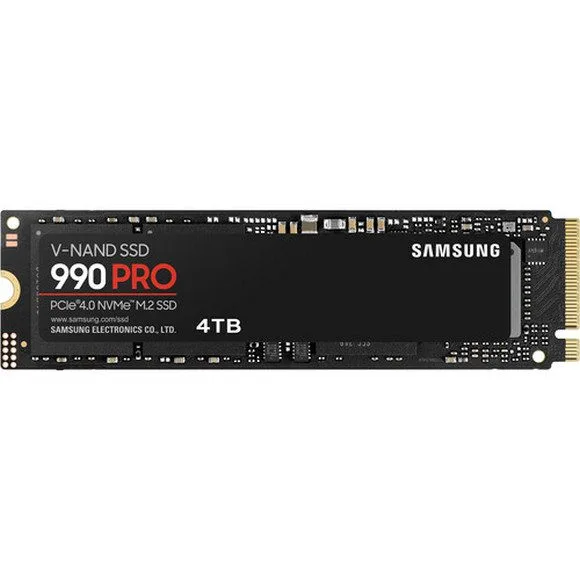
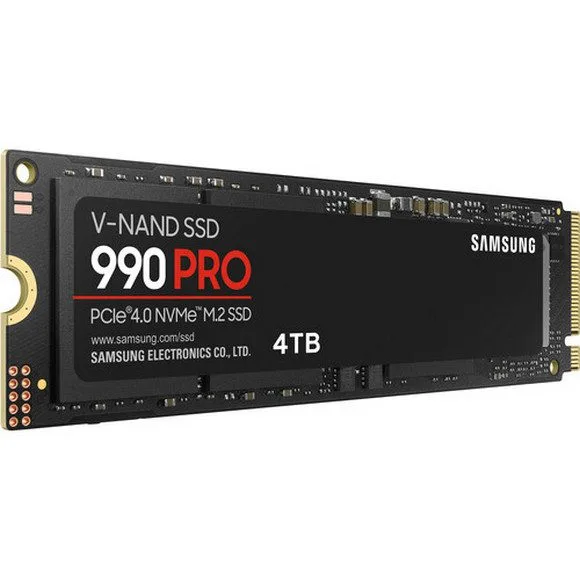
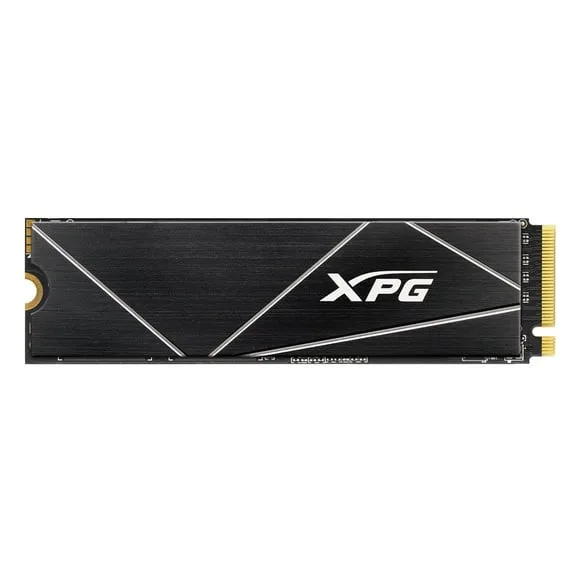
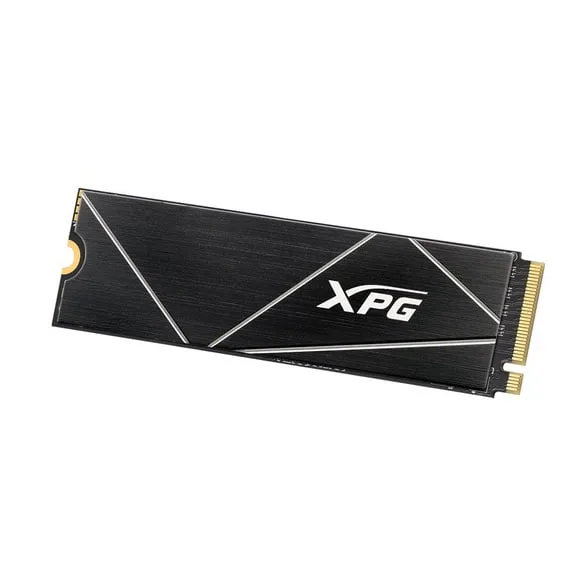
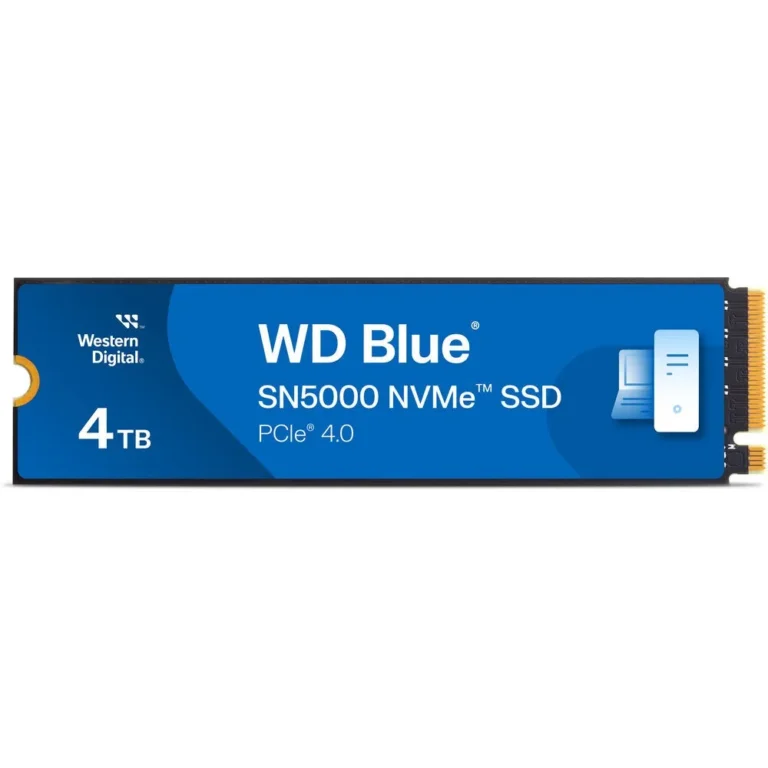
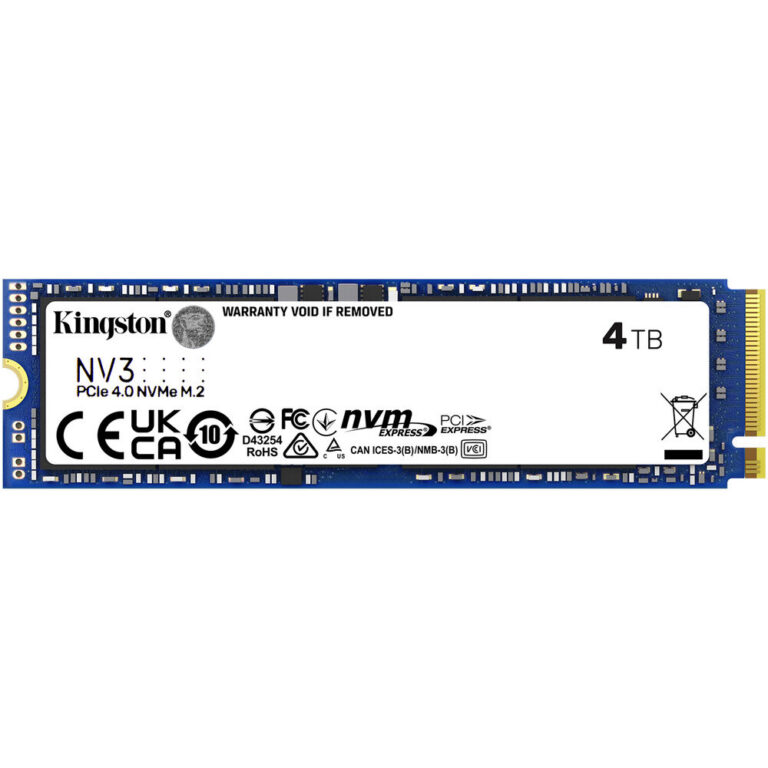
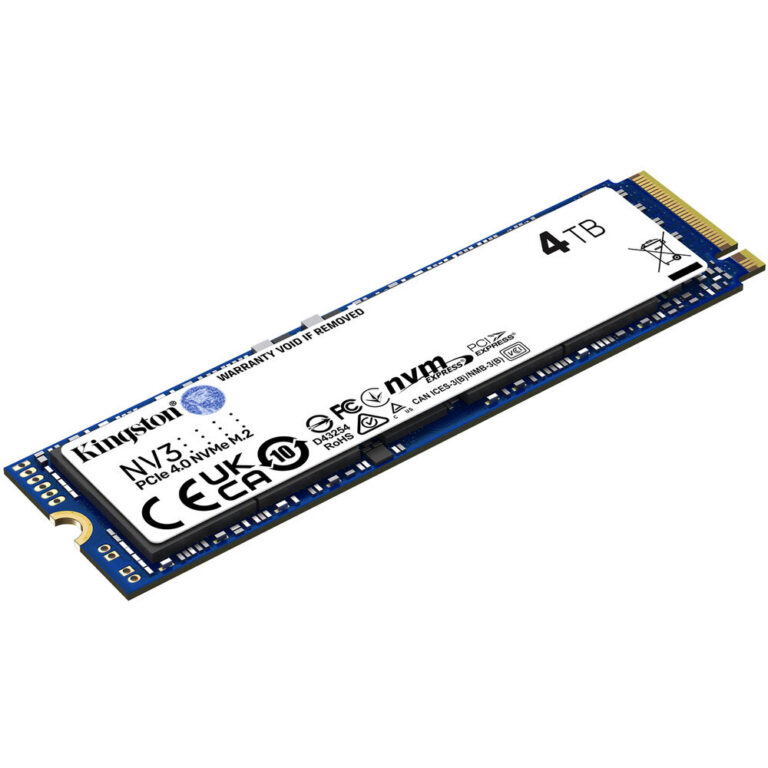
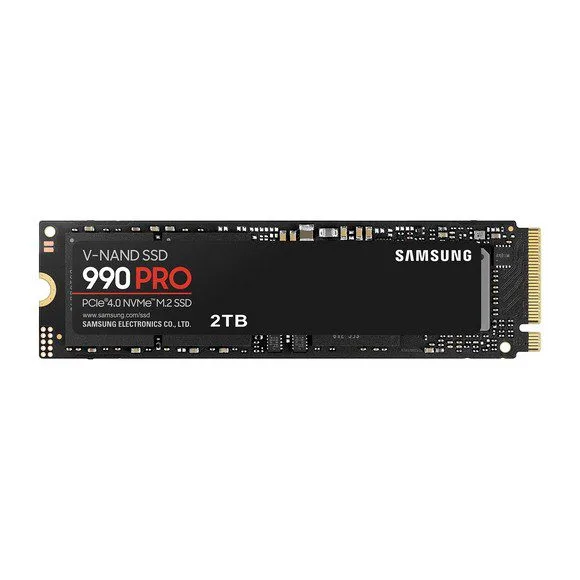
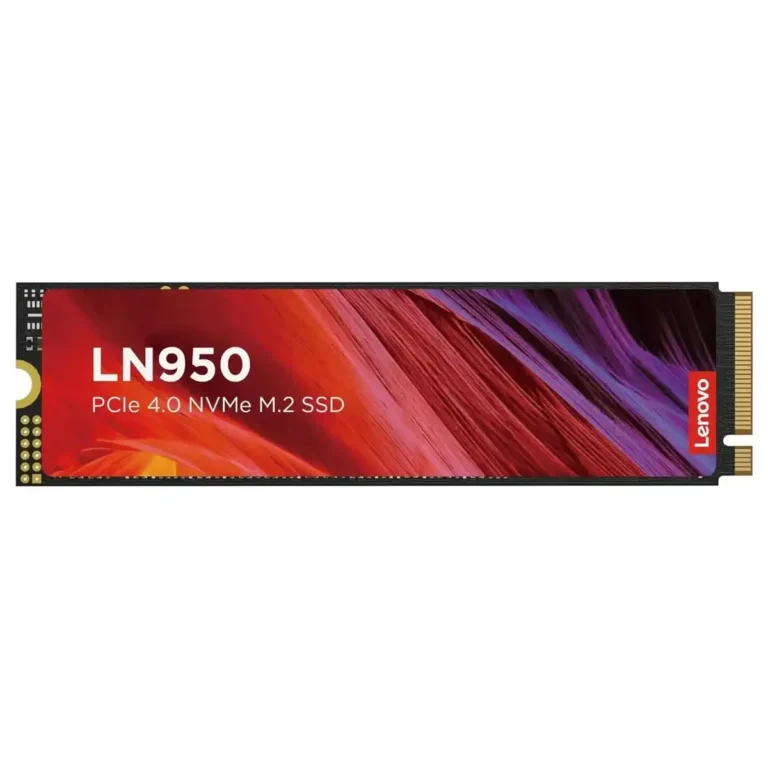
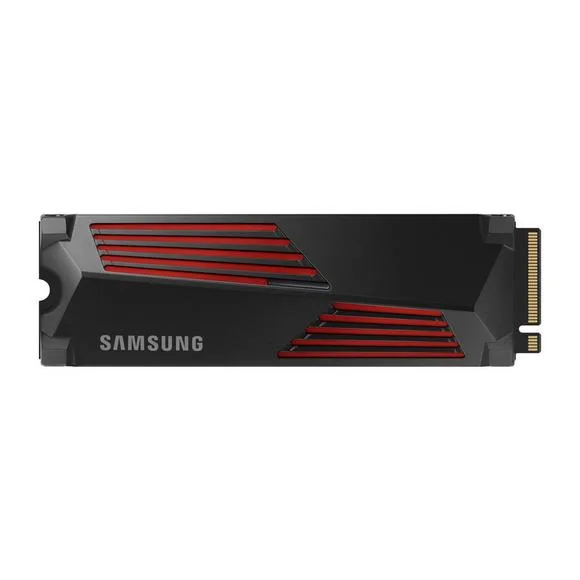
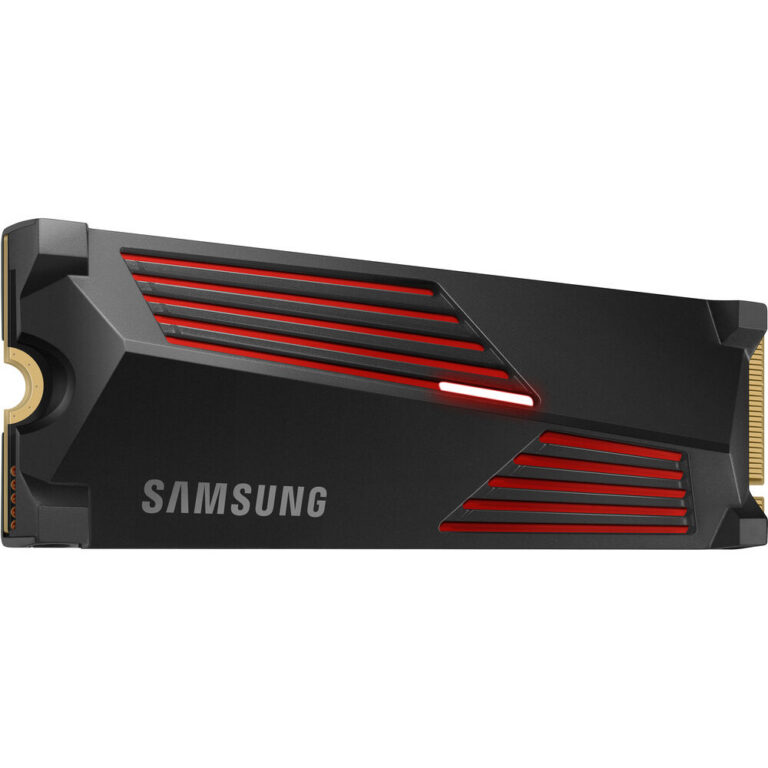
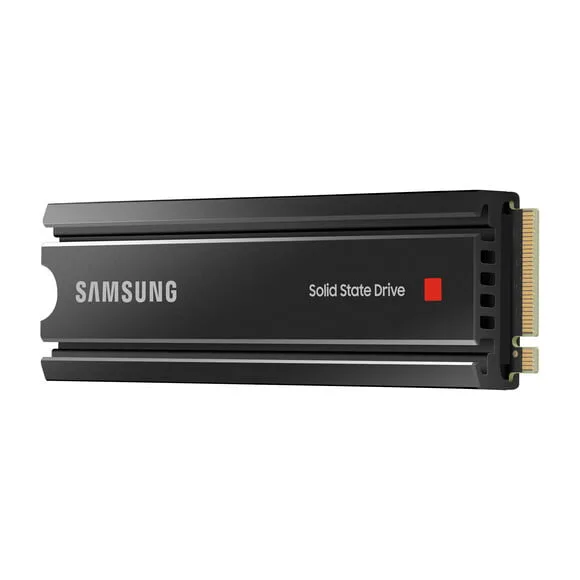
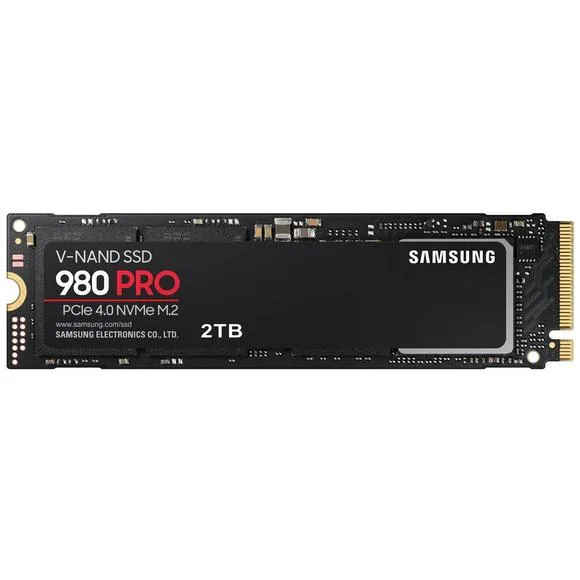
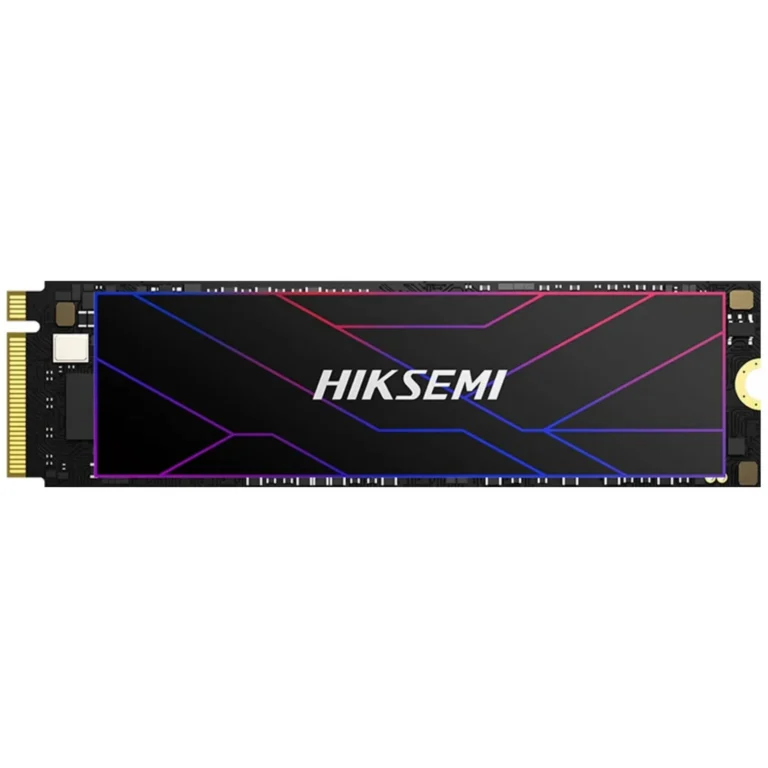
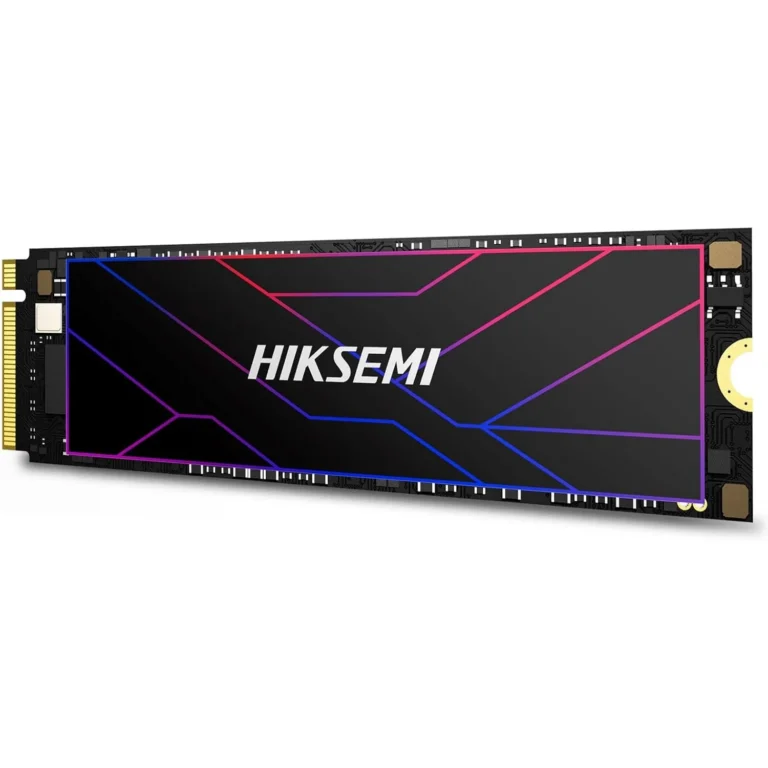
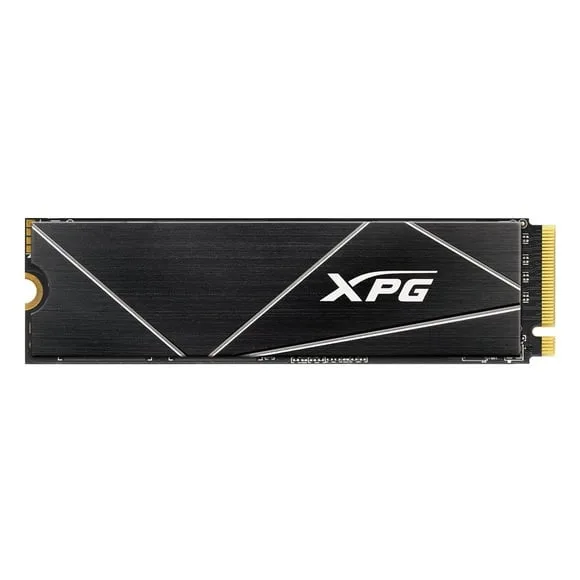
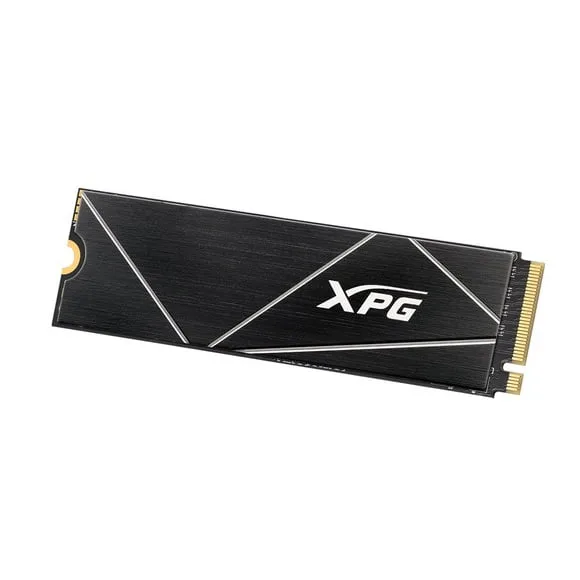
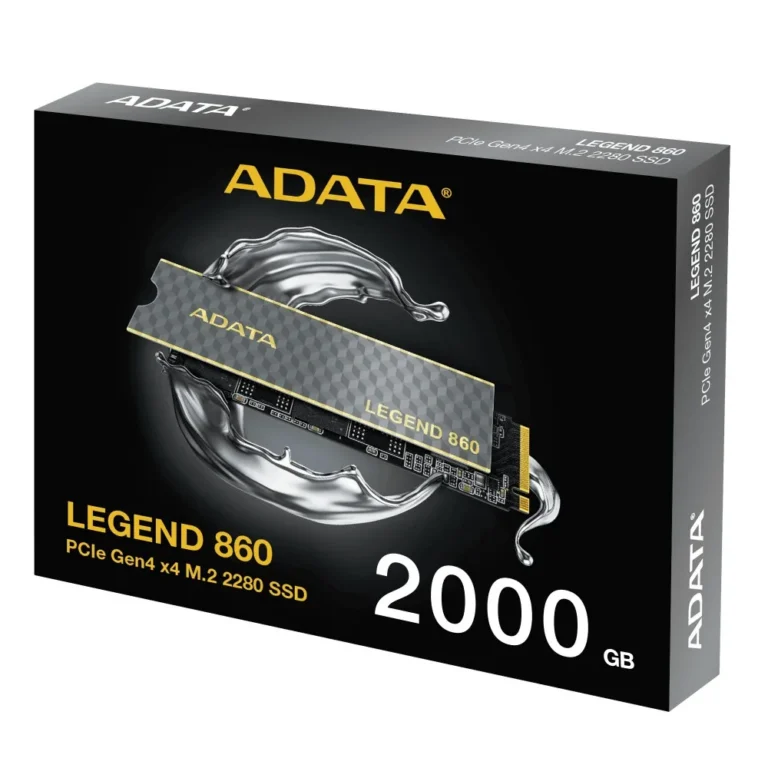
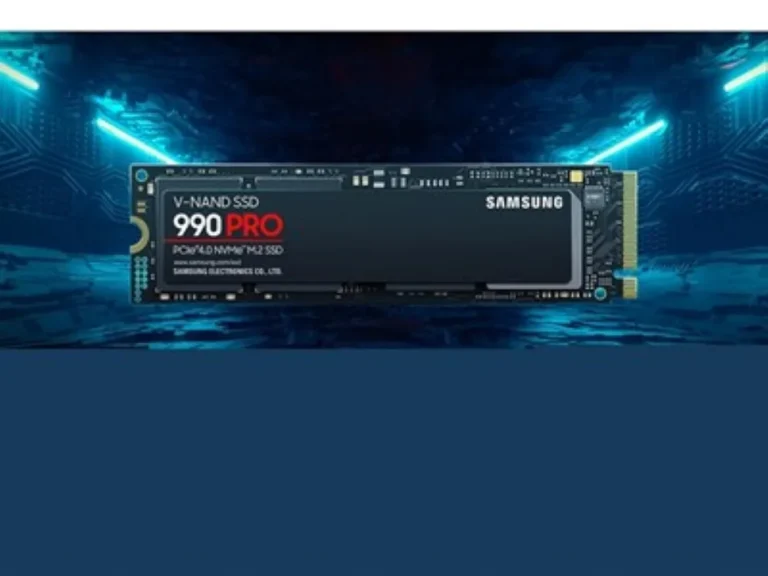
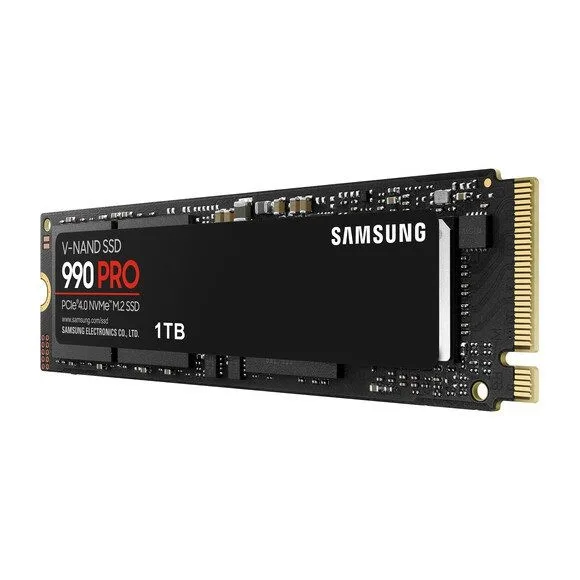
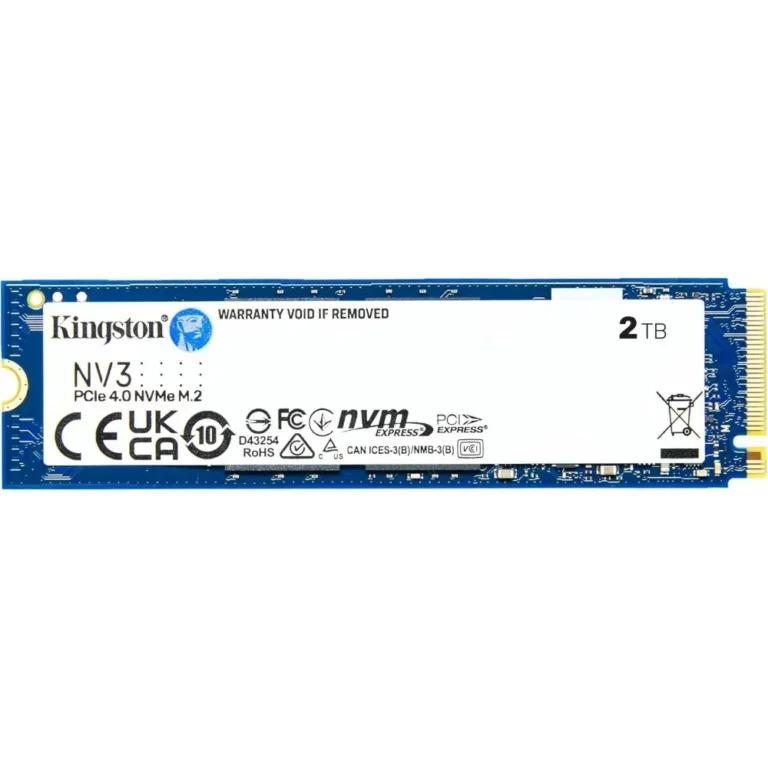
Five brands carry this shelf. Kingston lists the NV3 as a PCIe 4.0 NVMe drive rated at 6000MB/s in a 4TB M.2 2280 form. Lenovo quotes the LN950 at up to 7200MB/s read and 6850MB/s write on Gen4 x4, the highest figures in the range. Samsung supplies the 990 PRO on PCIe 4.0 x4 M.2 in both 2TB and 4TB, XPG covers 4TB with the GAMMIX S70 BLADE on Gen4x4, and WD lists the Blue SN5000 in 4TB Gen4 at a sequential read of 5,150MB/s. The spread runs from entry-level drives through to premium models, so capacity and rated speed both move the price.
Three decisions settle most of these purchases.
- Capacity comes first, because a 2TB drive and a 4TB drive in the same family use the same slot and the same interface, and the larger one is the harder thing to add later.
- Rated sequential speed comes second, and the gap between a 5,150MB/s drive and a 7200MB/s drive shows up in bulk file transfers far more than in game load times.
- Third, check that the M.2 slot you plan to use is wired for PCIe 4.0. Boards often run the first slot at Gen4 and drop later slots to fewer lanes, which caps a Gen4 drive at speeds it was never meant to sit at.
Matching the drive to the work
A gaming desktop with one M.2 slot does well on a single 2TB or 4TB Gen4 drive holding Windows and the library together. Editors moving raw footage benefit from the higher write ratings, so a drive quoting 6850MB/s write earns its cost when a timeline is scratching to disk all day. Anyone adding a second drive to a machine that already boots from NVMe can treat this page as pure storage shopping and buy on capacity for the money. If your board tops out at PCIe 3.0, a Gen4 drive still works, it steps down to the slower link, and the wider SSDs section covers the rest of the options.
Mega Computer has sold computer hardware in Pakistan for decades, with the showroom in Karachi open for anyone who prefers to collect in person or bring a machine in for fitting. Orders ship nationwide, with cash on delivery and online payment both accepted. Warranty cover differs by brand and by drive family, so confirm the terms on the model you choose before you place the order.
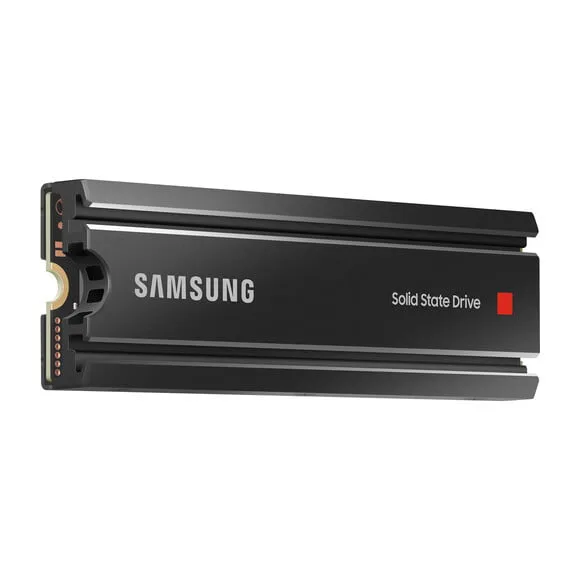
All the drives here use the M.2 2280 length, the standard 80mm stick that fits desktop boards and most current laptops. Two points to check before ordering: whether your case leaves clearance for a heatsink over the slot, and whether the slot sits under the graphics card, where airflow is poor and sustained writes will run warmer.