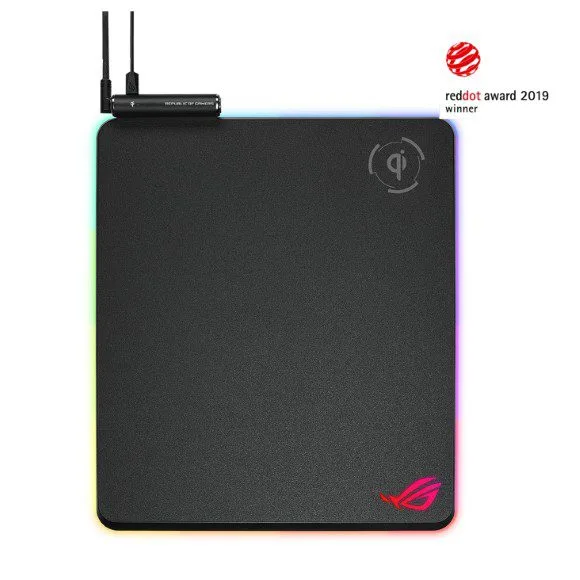
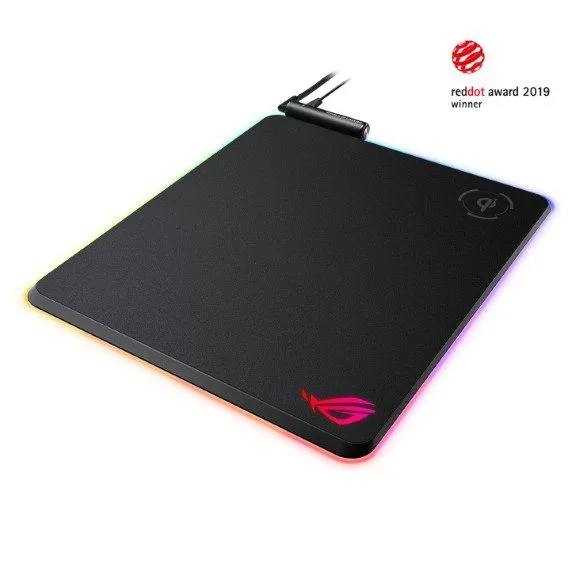
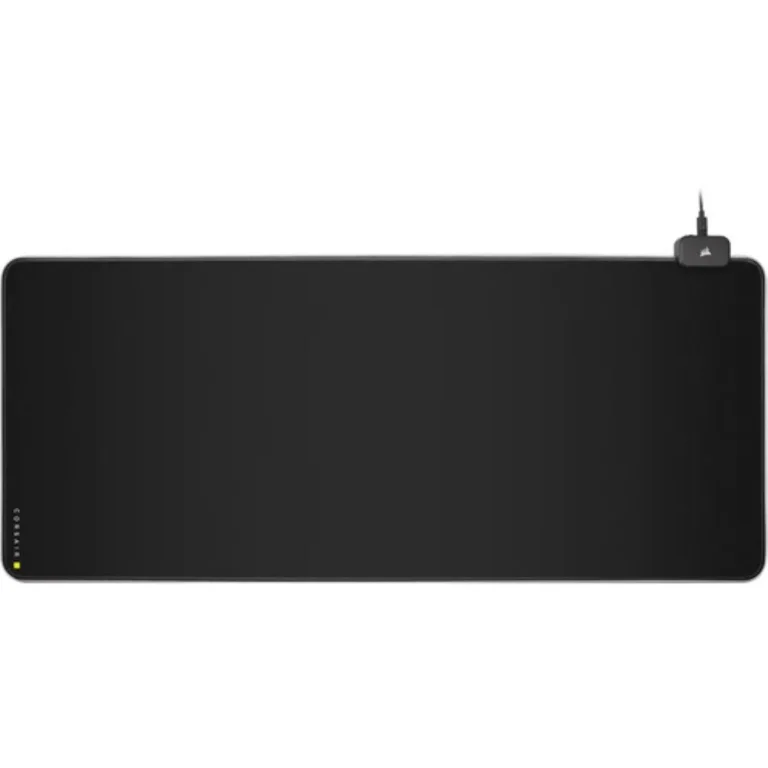
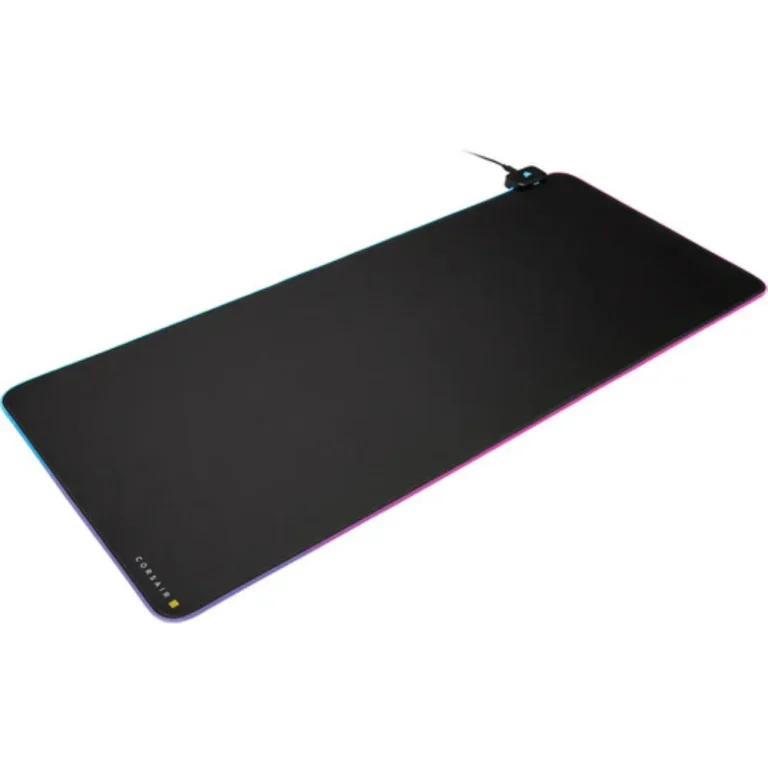
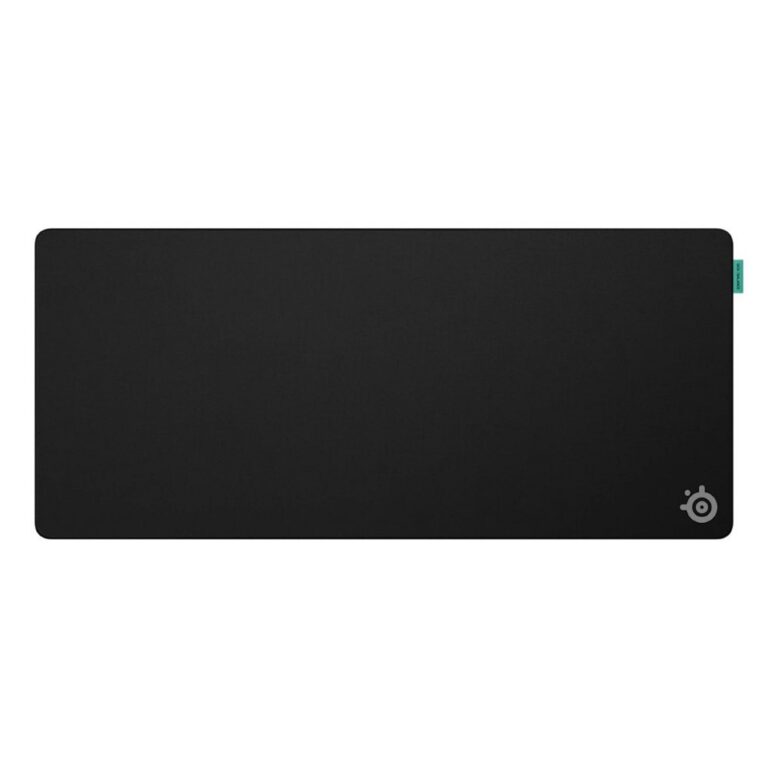
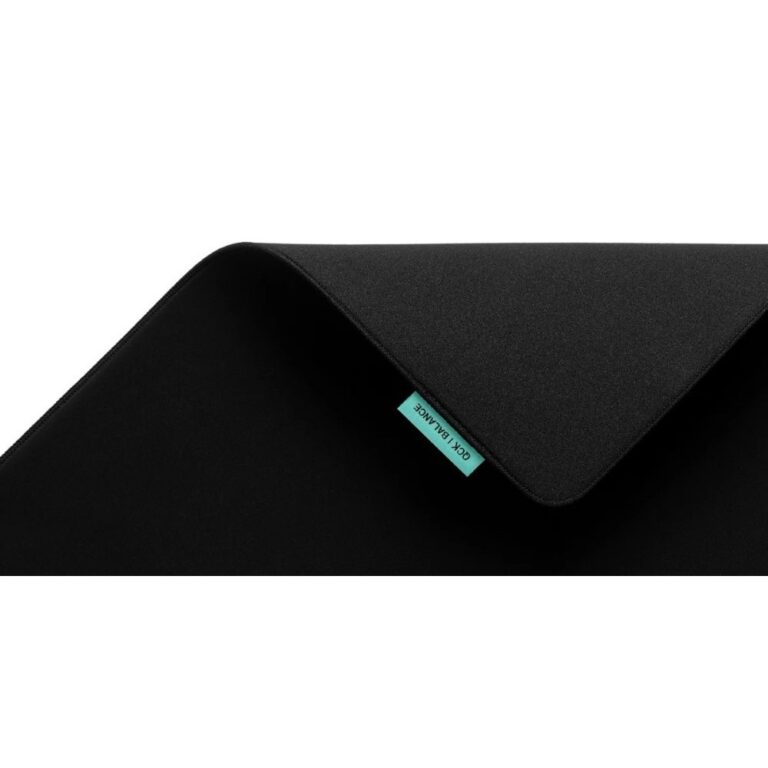
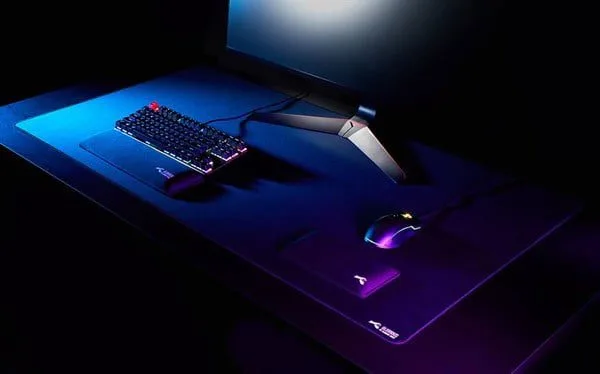
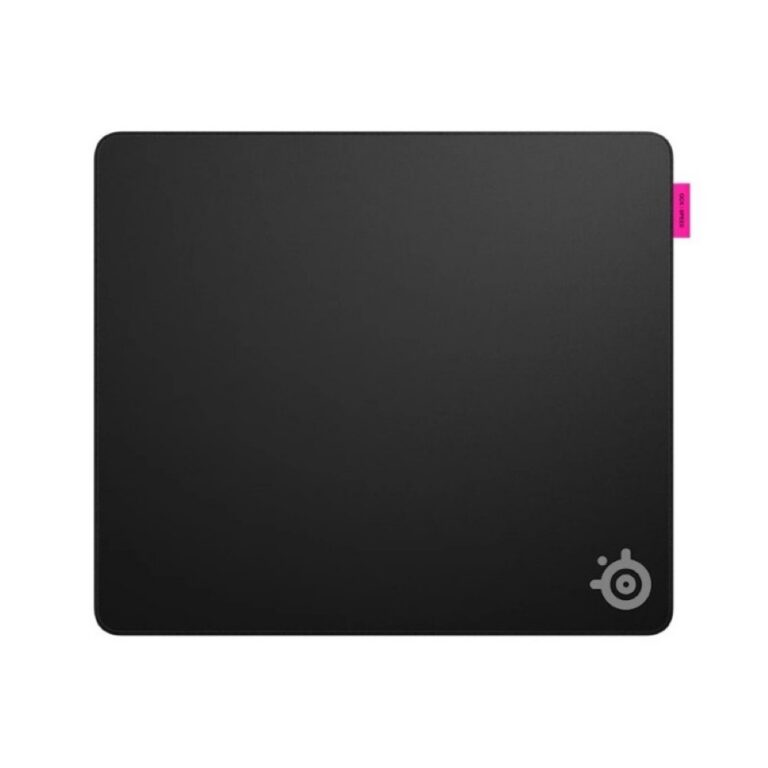
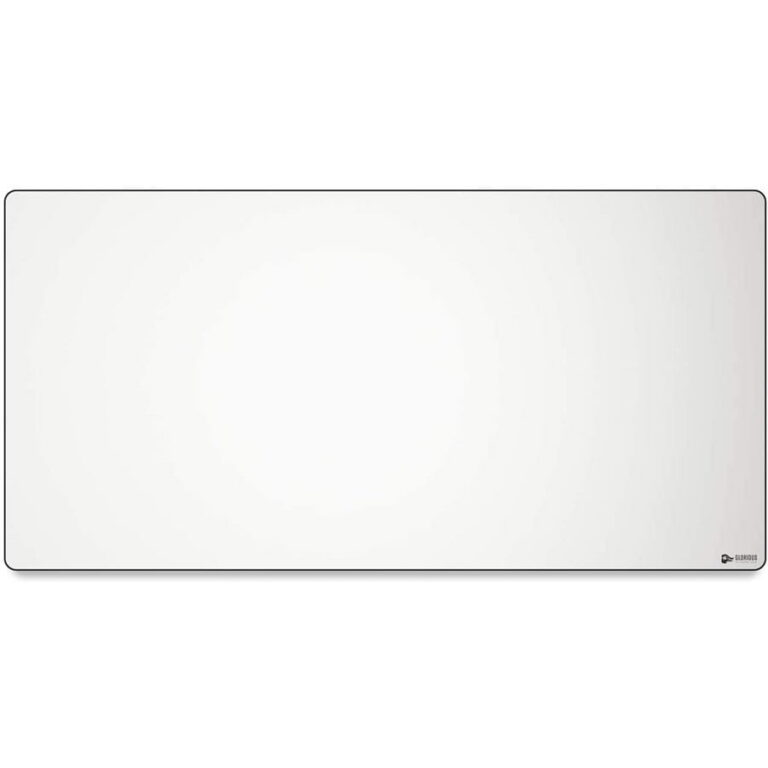
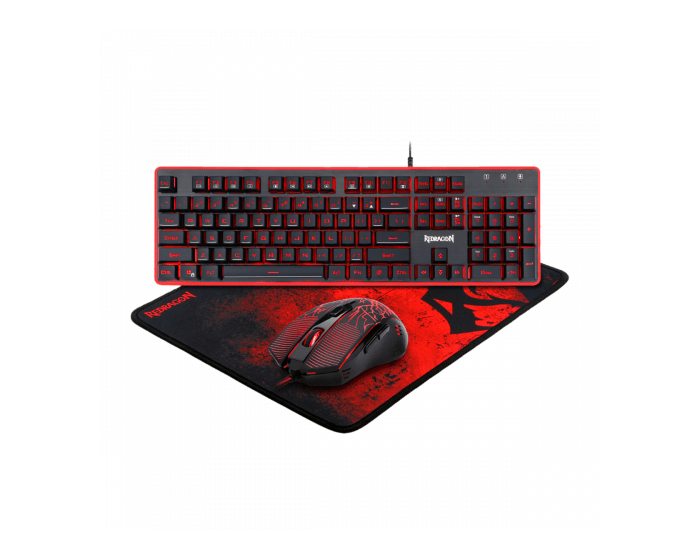
Standard pads, extended mats and gaming desk mats grouped by size and surface, so you can match the pad to your desk depth and the way you aim.
Mouse Pads
Mouse pads in Pakistan come in three shapes: a compact pad that covers the mouse and nothing else, a long mat that runs under the keyboard and the mouse together, and a gaming desk mat sized to the full working area. Buyers arrive here from two directions. One group is replacing a pad that has worn through where the mouse feet travel. The other is building a desk setup and wants one continuous surface under everything.
The range splits across three subcategories. Standard sizes fit beside a keyboard on a shallow desk and stay put when you push them against a monitor stand. The large and extended mats stretch wide enough to hold both hands, which changes how much free desk depth you need. Gaming desk mats sit at the top end of that spread and set the look of the whole desk as well as the tracking surface. Across the three groups the combined range runs to close to two hundred items, so the decision here is about size and surface rather than whether something is in stock.
Three things decide which pad suits you.
- Surface comes first. A cloth weave adds a small amount of drag, which helps players who aim with the whole arm and want the mouse to stop where they put it, while a hard surface lets the mouse glide with less resistance and rewards quick wrist movement.
- Size comes second, and you should measure the free depth of your desk before you order an extended mat, because a mat that hangs over the front edge will curl and lift.
- Base and edge come third. A rubber underside stops the pad creeping during fast swipes, and a stitched border keeps the cloth from fraying at the spot where your palm rests all day.
Matching the pad to your desk
A shared office desk carrying a monitor stand, a phone and paperwork leaves little free room, so a standard pad is the practical pick. A player running low sensitivity needs the full sweep of the arm without hitting an edge mid flick, which points to the large and extended mats. Anyone laying out a desk where the keyboard, mouse and speakers all sit on one unbroken surface should start with the gaming desk mats. A student working from a small study table can keep a standard pad in the laptop bag and move it between rooms.
The Karachi showroom lets you put a hand on the cloth and judge the thickness and the edge finish before you commit, which counts for more with a pad than with most accessories, because the feel is the product. Orders go out with nationwide delivery across Pakistan. You can pay cash on delivery when the parcel reaches you, or use online payment at checkout.
Cloth pads collect skin oil and dust along the narrow band the mouse crosses most, and that build up starts to drag on the sensor before the pad looks worn. Most cloth surfaces take a hand wash with mild soap and then need to lie flat until dry. Hard surfaces need a wipe and nothing more. Replace the pad once the weave opens up under the mouse feet, because a thin patch tracks differently from the rest of the surface.

 ATTACK SHARKATTACK SHARK 6
 AukeyAukey 1
 AULAAULA 4
 DarkflashDarkflash 2
 FantechFantech 2
 GloriousGlorious 34
 HavitHavit 1
 HYTEHYTE 2
 ID-COOLINGID-COOLING 2
 Kingston HyperXKingston HyperX 7
 MeetionMeetion 5
 SteelSeriesSteelSeries 30
 SwipeSwipe 4
 UGREENUGREEN 2
 A4TechA4Tech 5
 ArozziArozzi 1
 AsusAsus 11
 BloodyBloody 14
 Cooler MasterCooler Master 2
 CorsairCorsair 8
 CougarCougar 1
 LogitechLogitech 14
 RapooRapoo 6
 RazerRazer 5
 RedragonRedragon 12